Learn about a quick and simple way to filter your digital library by displaying only downloaded titles and PDFs in the Apple Books app for offline reading.
How to only see downloaded books in the Apple Books app
Stay up-to-date on the latest iPhone news and learn new tips and tricks with our comprehensive tutorials. From software updates to new features, we’ve got you covered.
Learn about a quick and simple way to filter your digital library by displaying only downloaded titles and PDFs in the Apple Books app for offline reading.
Learn how to enable unrestricted web browsing to retrieve the missing private tab button in Safari on your iPhone or iPad.
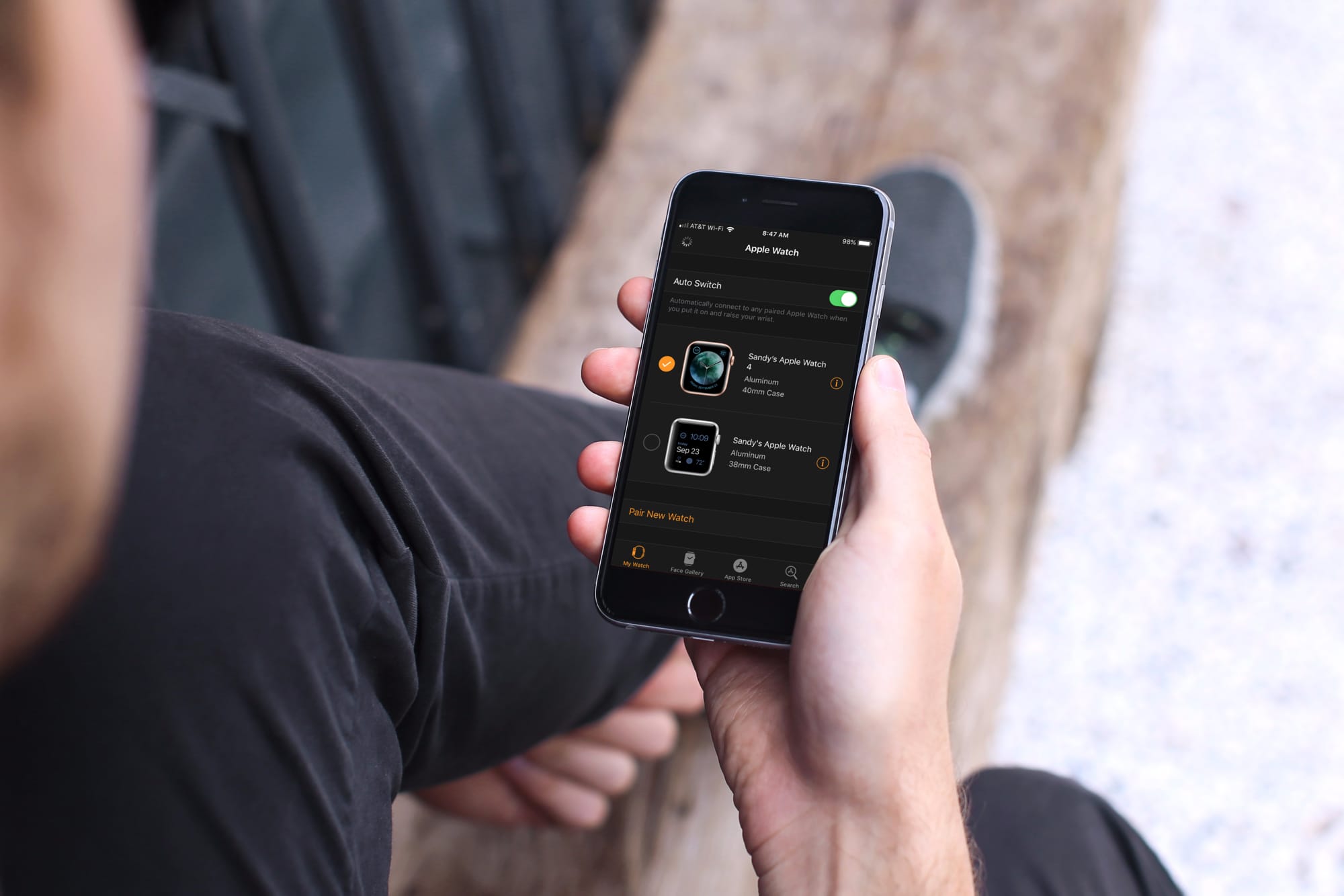
Learn how to automatically switch between your two or more Apple Watches if you wear them at different times for different occasions.
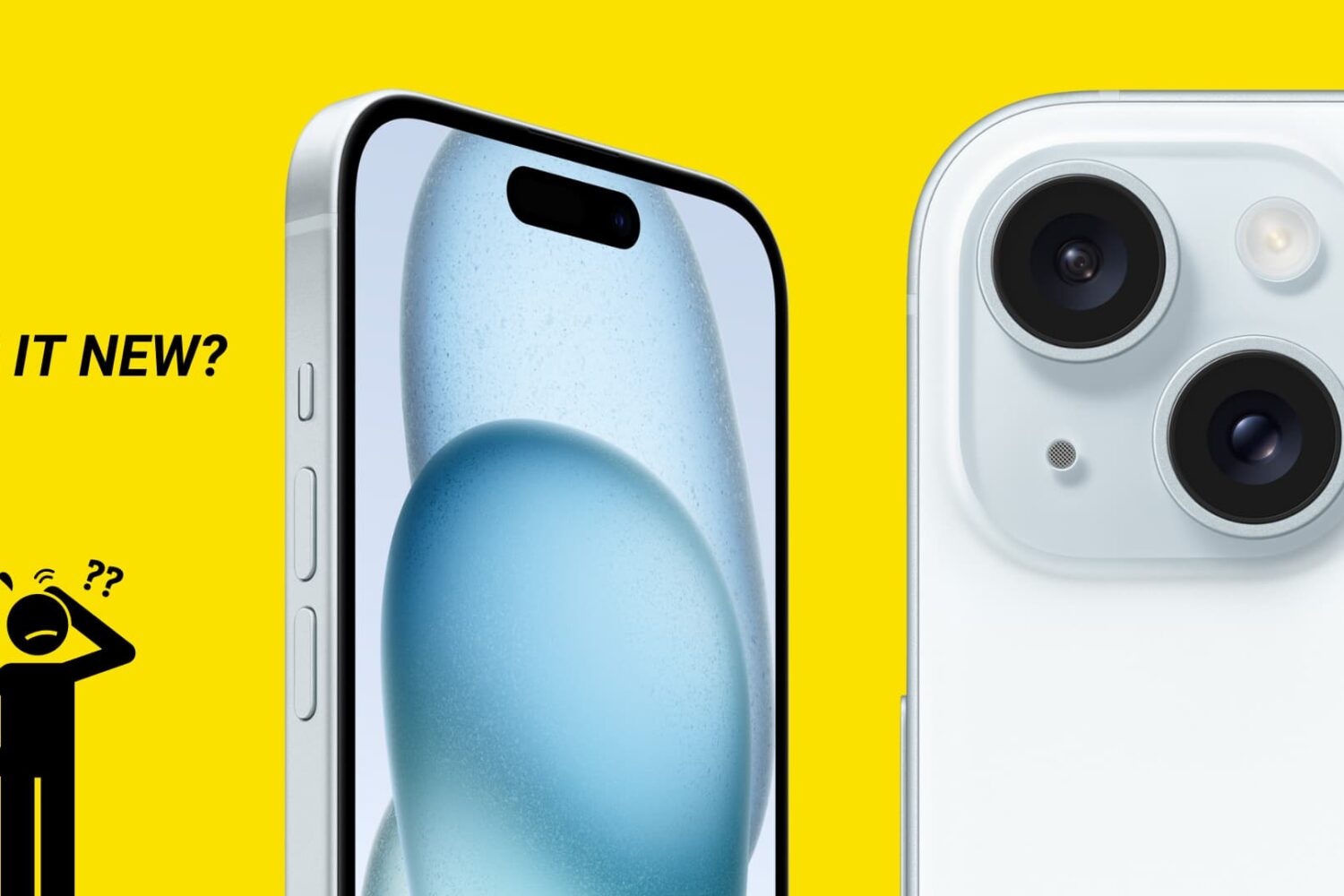
There are no external indicators on an iPhone or iPad that reveal whether it’s fresh out of the box, refurbished, or a replacement provided by Apple through a service request.
In this guide, we’ll show you how to distinguish between brand-new iPhones, refurbished models, replacement units, and even devices customized with Apple’s laser engraving.
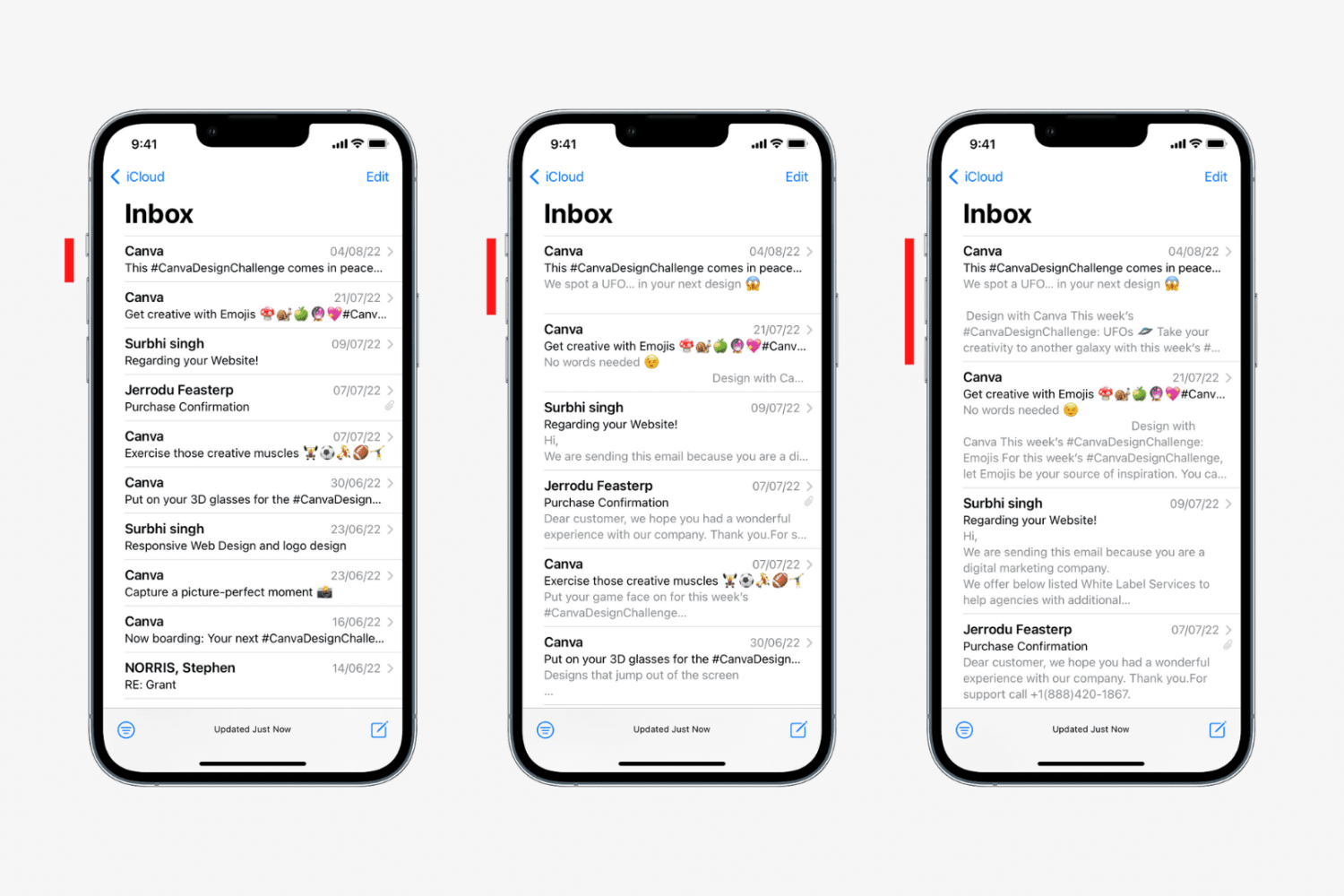
Learn how to change the number of lines for message previews in your Apple Mail inbox on the iPhone, iPad, and Mac to display more or less information.
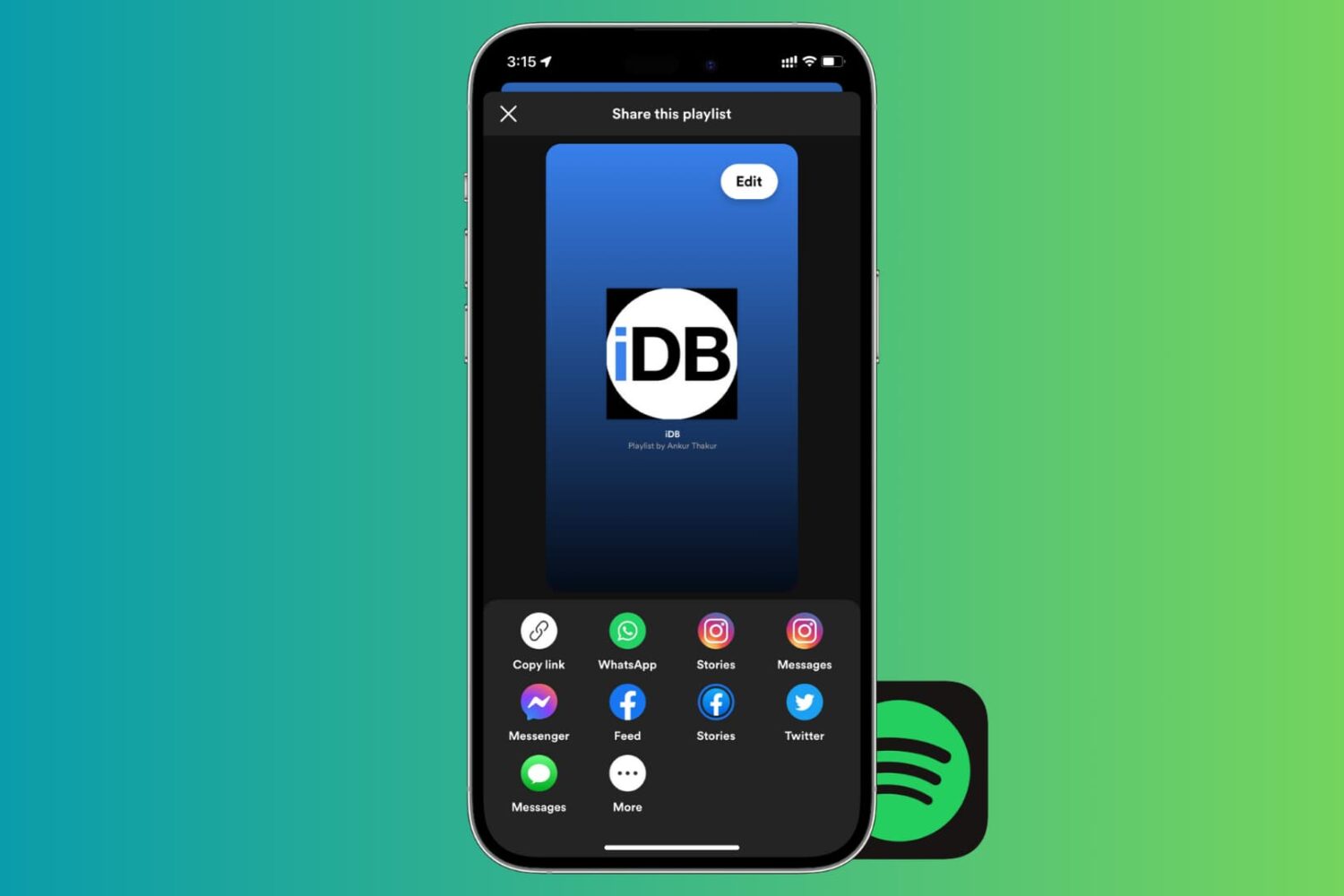
If there’s one thing that’s better than enjoying the music you love, it’s sharing it with others. And if you use Spotify, sharing your playlists is easy. You can quickly share them in a variety of ways from your devices. So, if you’re ready to brighten someone’s day with some cool new tunes, here’s how to share Spotify playlists on iPhone, iPad, and Mac.
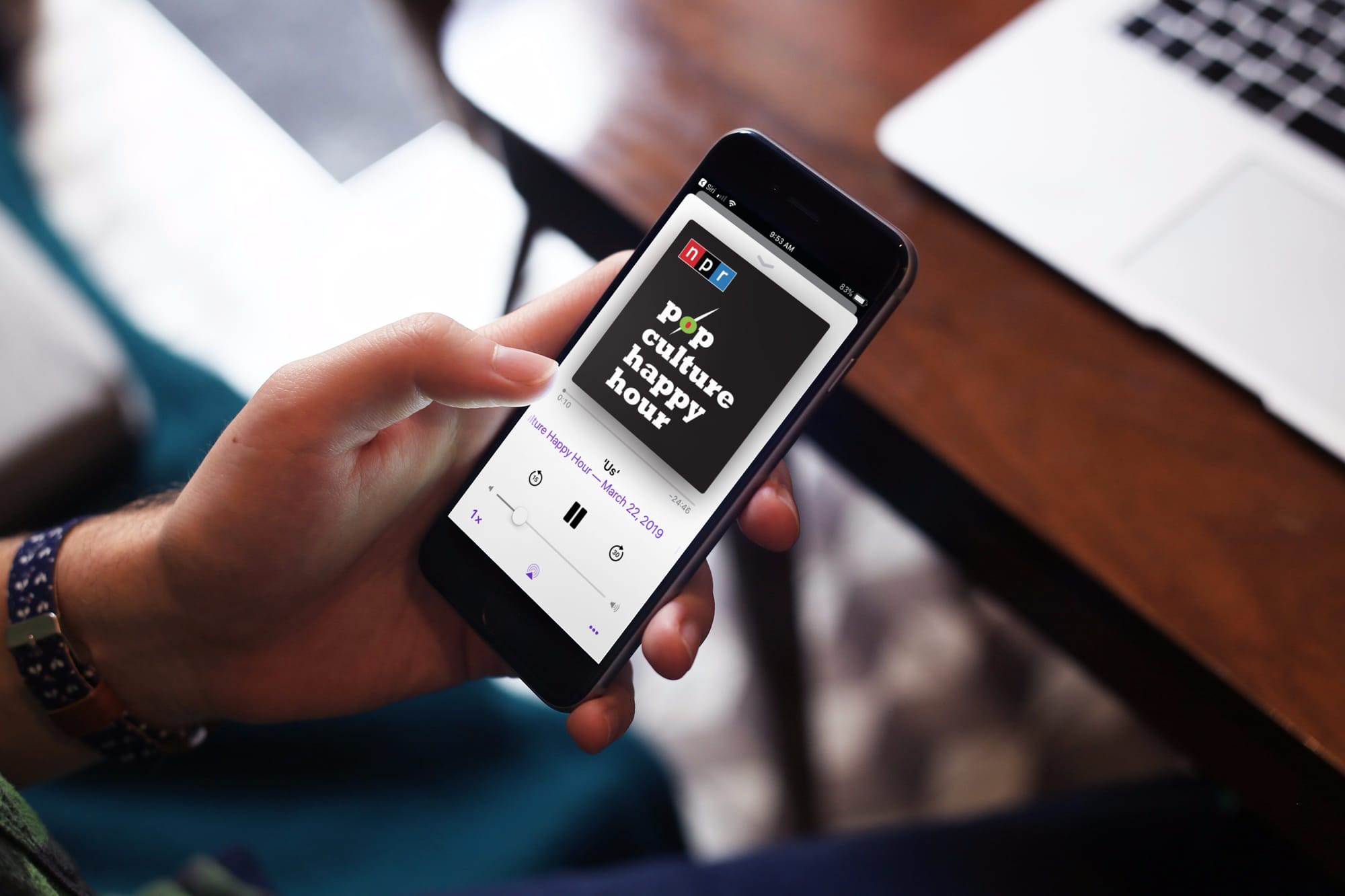
If you use your iPhone or iPad to listen to podcasts in the Podcasts app or audiobooks in the Books app, then you probably know about the skip feature. You can skip back a few seconds to catch something you missed or skip forward to move past something you have already heard.
The thing about this skip feature is you may not want it as low as 10 seconds because it might not be enough, and you have to keep tapping. At the same time, you may not want it to be as high as 60 seconds because you might skip way too much.
Here’s how to change the skip seconds for Podcasts and Books on iOS.

At Apple’s March media event, a new subscription service was announced called Apple News+. This service is part of the News app and gives subscribers access to over 300 magazines, newspapers, and publications.
If you’re ready to jump on board and check out magazines like People and National Geographic Magazine along with newspapers like The Wall Street Journal and the Los Angeles Times, here’s how to subscribe to Apple News+ on iPhone or iPad.

Learn how to hide the Today View and Spotlight Search from your iPhone or iPad Lock Screen to secure your app widgets or prevent accidental interactions.
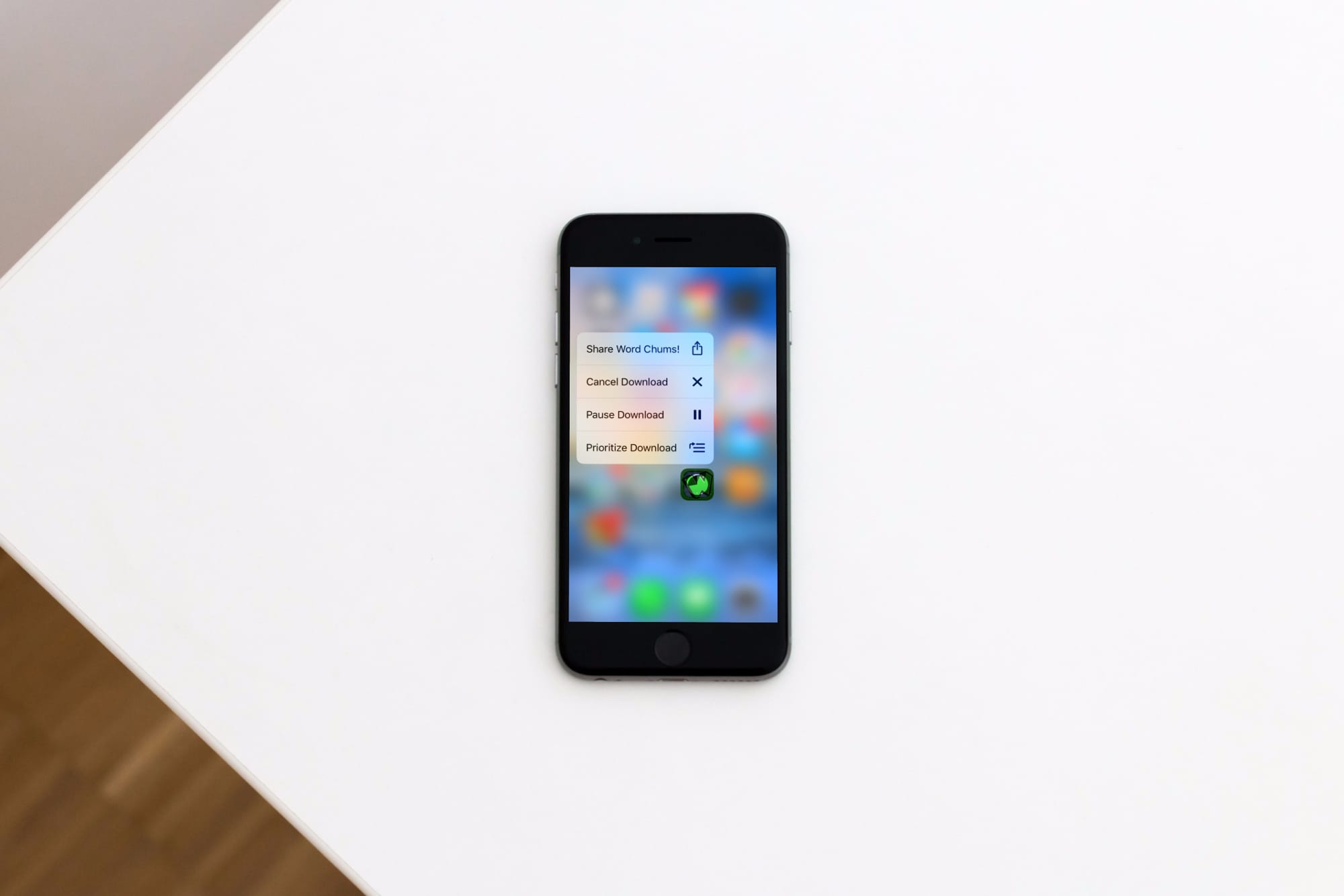
Learn how to prioritize app installations on your iPhone or iPad to speed up specific app downloads or updates from the App Store so the ones you need most finish first.
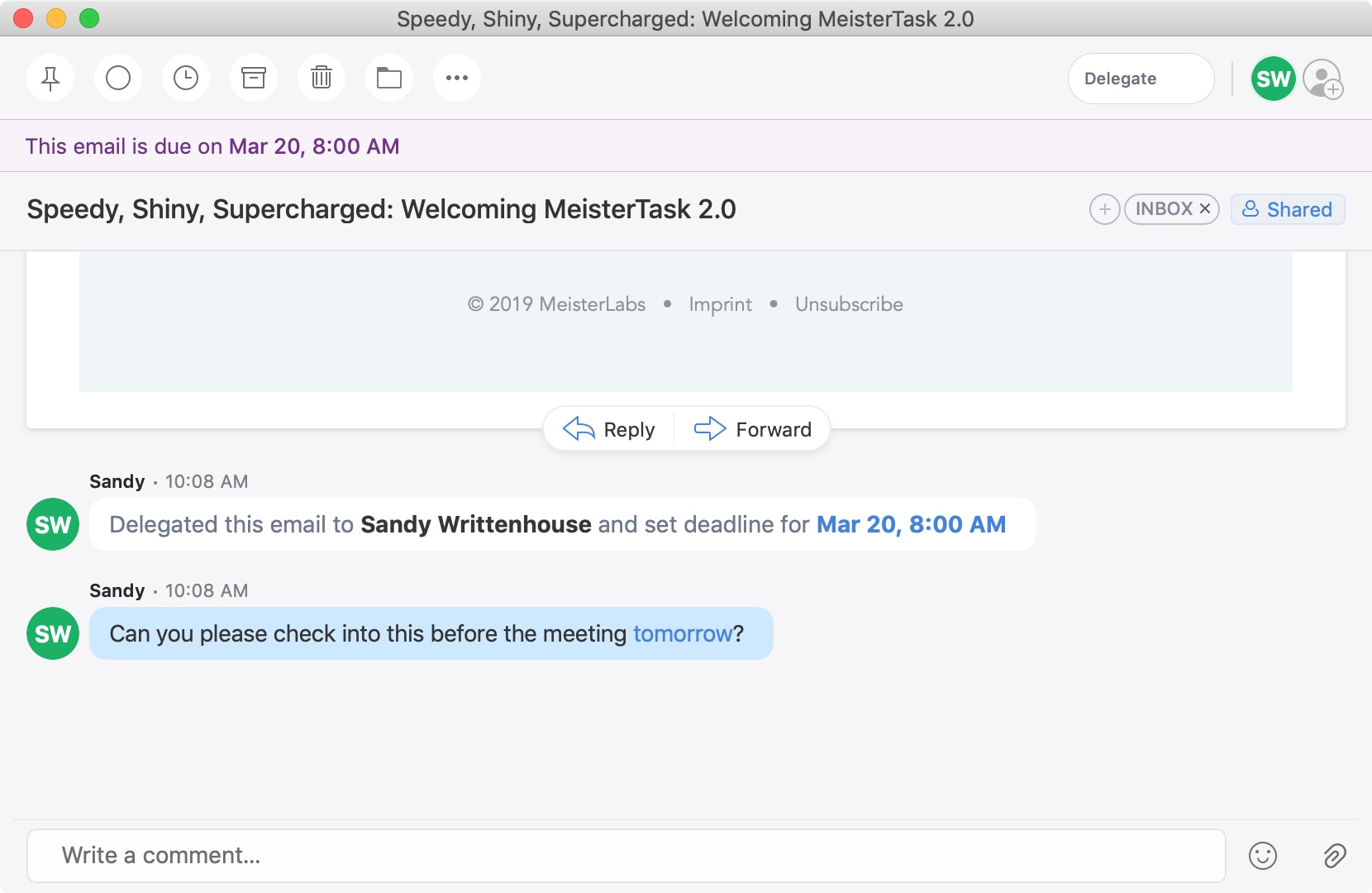
A recent update to the Spark email application brought a cool new feature. You can now delegate emails to your team or employees on iPhone, iPad, and Mac. Along with assigning emails to others, you can set due dates and times and keep track of what’s pending and completed.
This is a great new feature if you use Spark for business but is also handy for personal situations. You might want to delegate an email to a family member or friend like reminders for bills due, appointments made, or travel plans.
If you’re interested in this convenient feature, we’ll show you how to delegate emails in Spark to assign tasks to others.