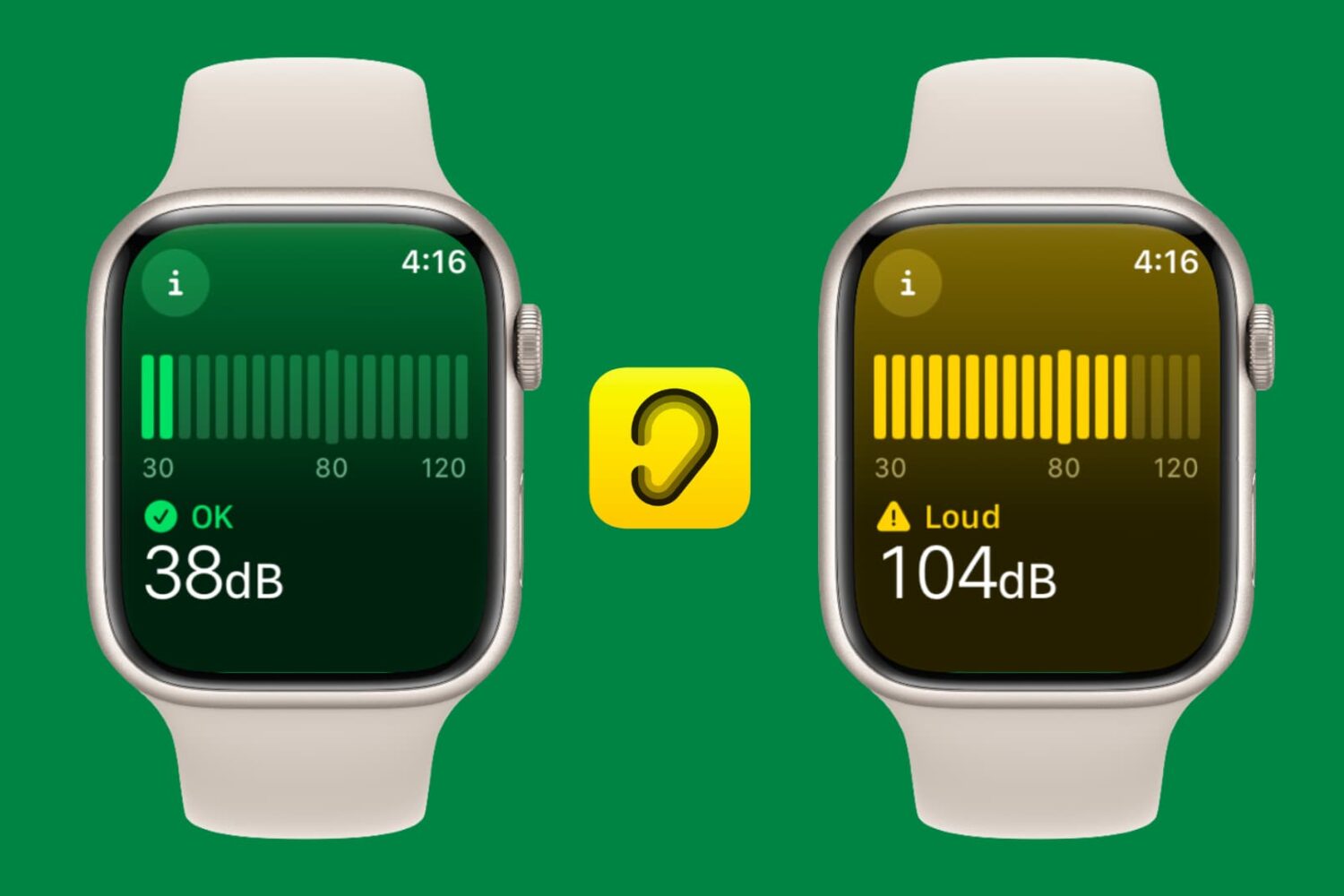
Learn how to use the decibel meter feature on your Apple Watch for monitoring noise levels around you and protecting your hearing health.
How to use Apple Watch decibel meter to monitor noise
Stay up-to-date on the latest Apple Watch news, and learn how to get the most out of your device with our comprehensive tutorials. From updates to features to troubleshooting tips, we’ve got you covered.
Learn how to use the decibel meter feature on your Apple Watch for monitoring noise levels around you and protecting your hearing health.
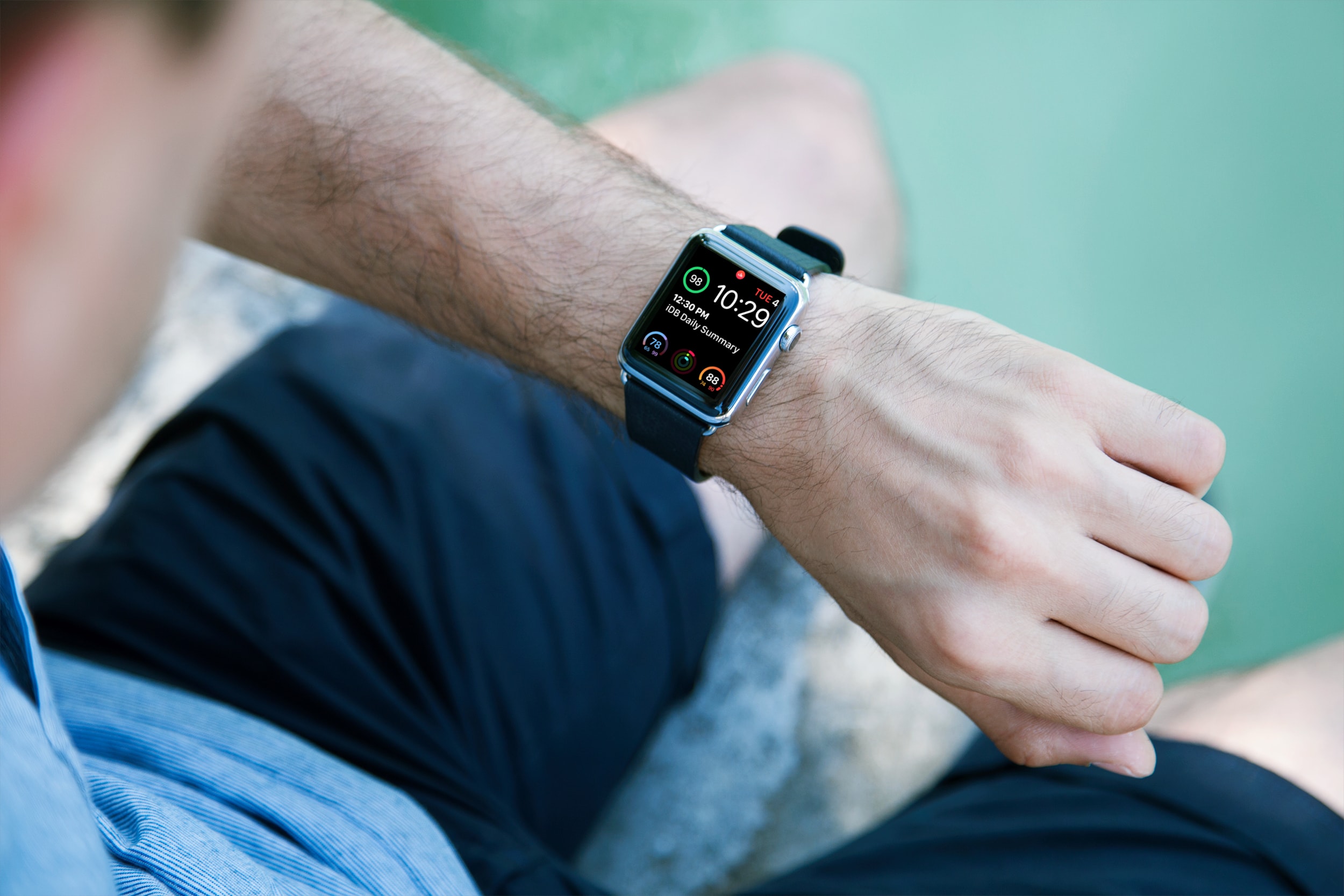
Learn how to easily identify your Apple Watch model and series numbers with this comprehensive guide, including images and step-by-step instructions.
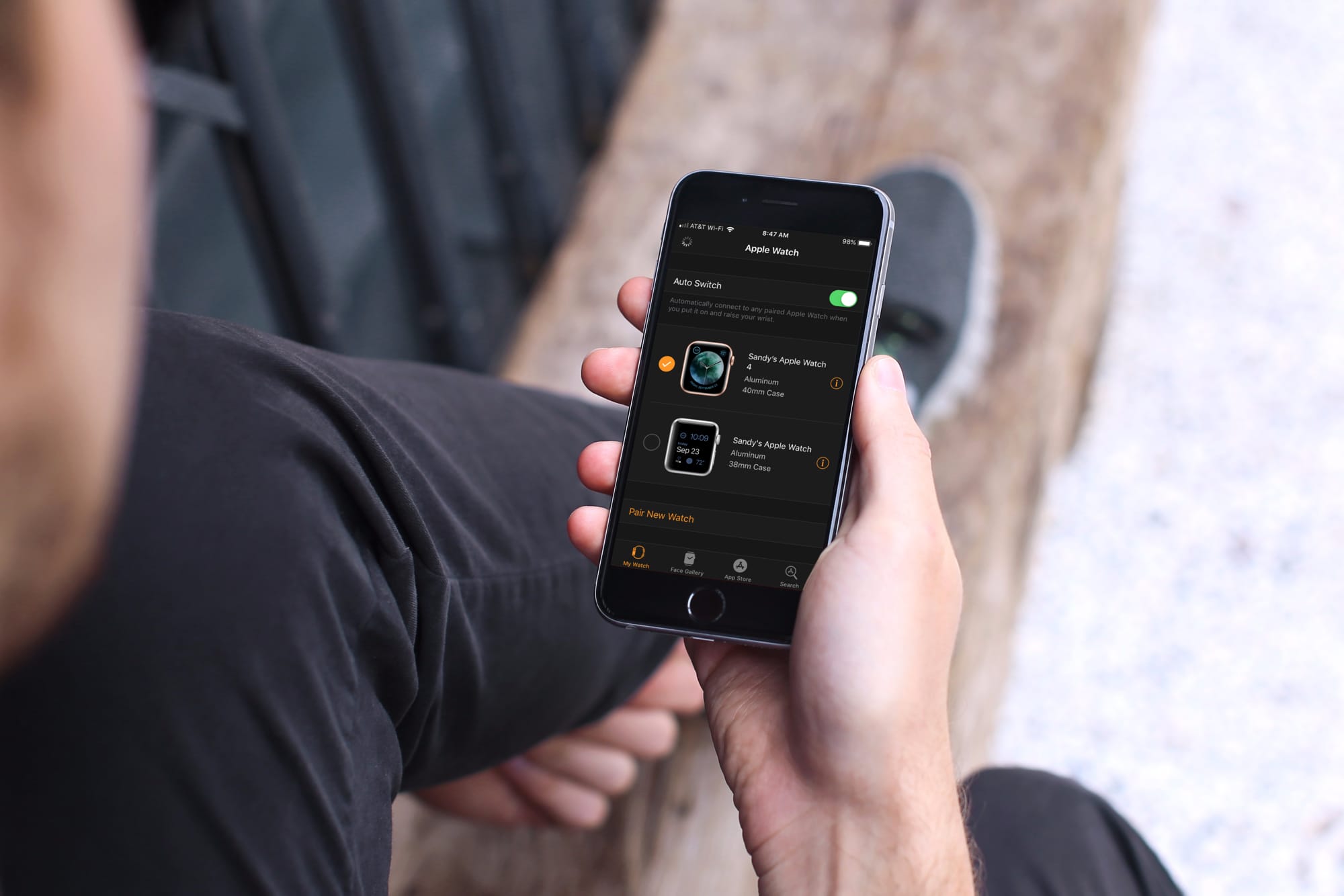
Learn how to automatically switch between your two or more Apple Watches if you wear them at different times for different occasions.
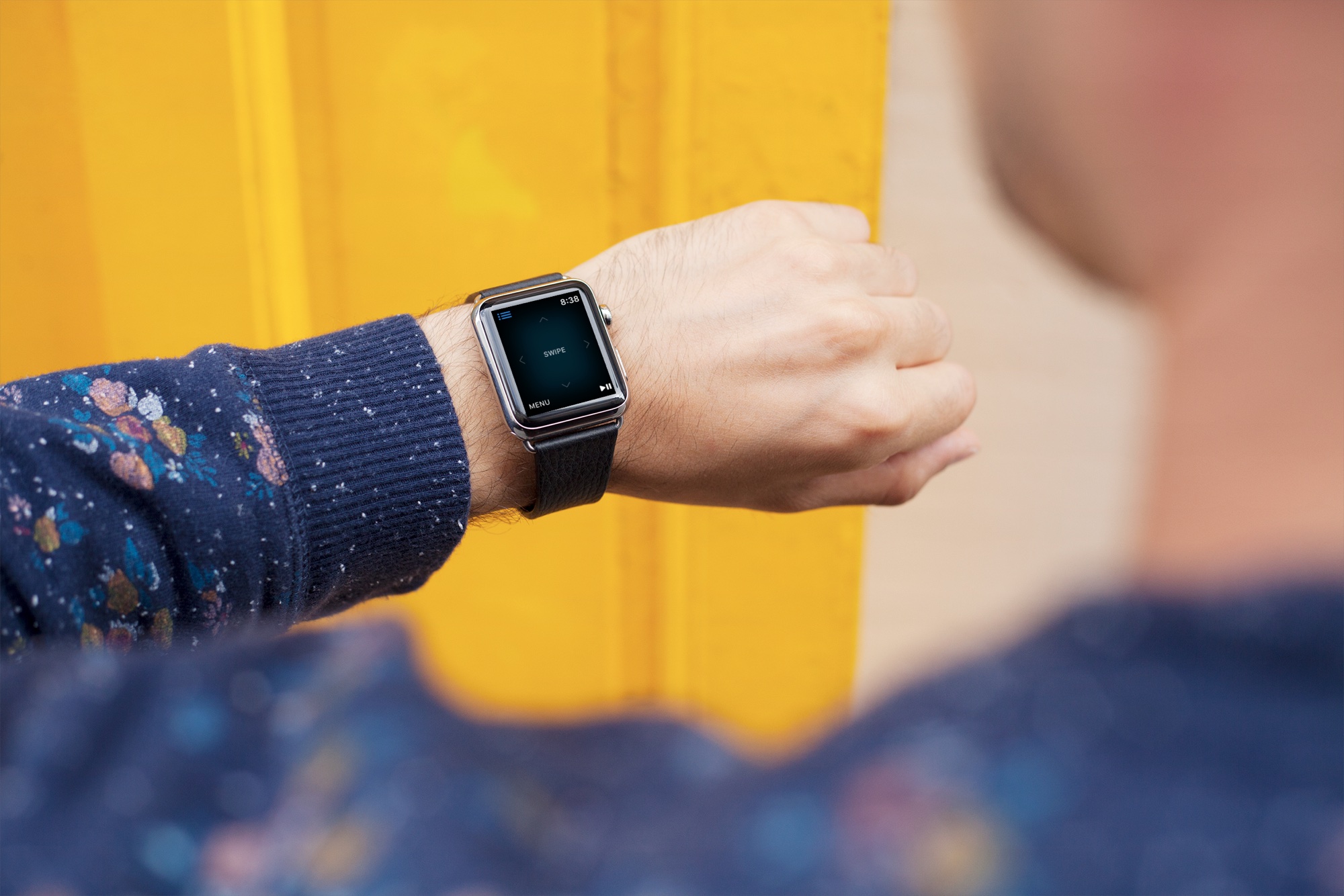
Want to control your TV from your wrist? Here’s how to use your Apple Watch as your Apple TV remote for those times when you just don't want to use the Siri Remote.
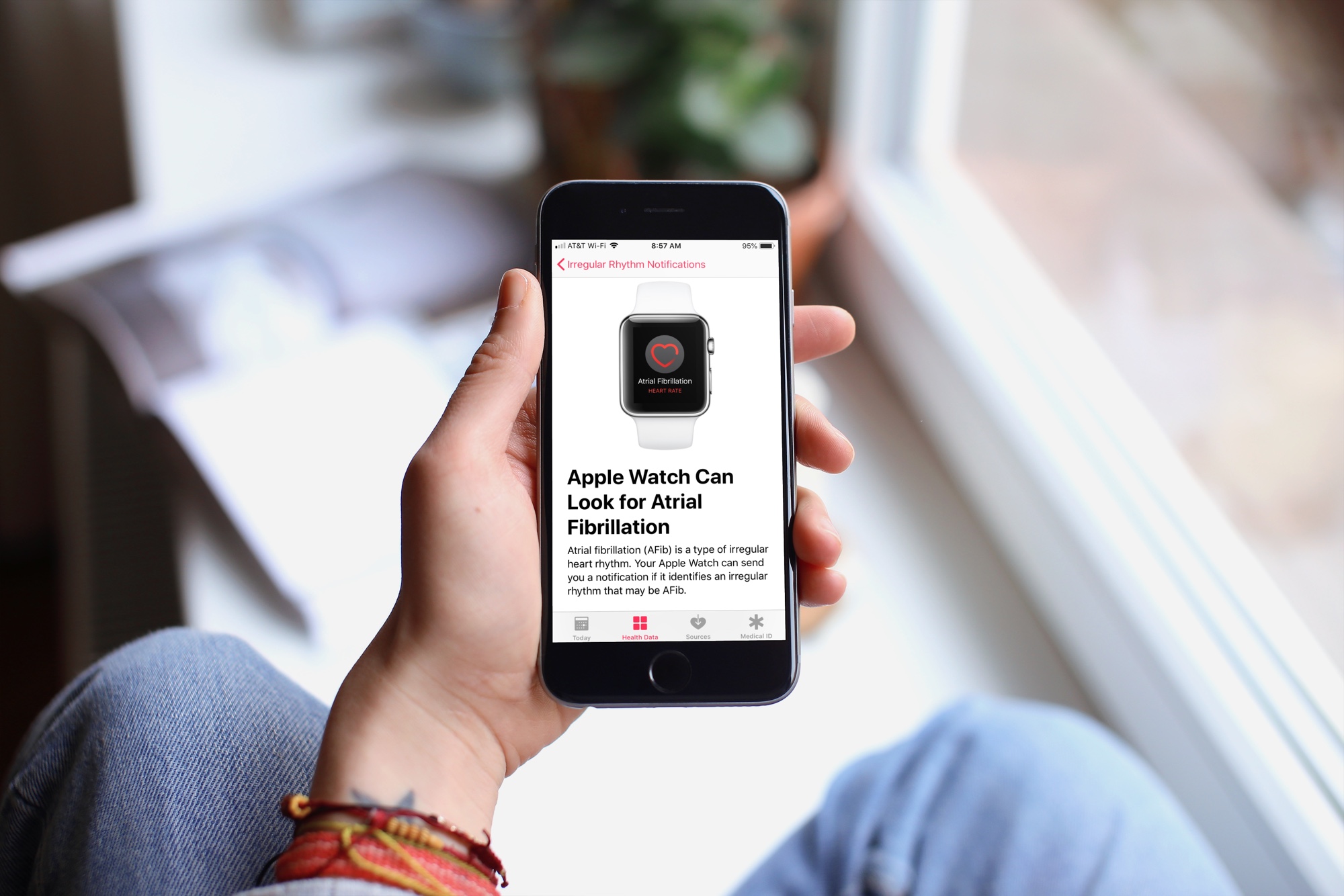
Learn how to configure irregular heart rhythm notifications on your Apple Watch, which is the first step in identifying a heart condition called atrial fibrillation (AFib).
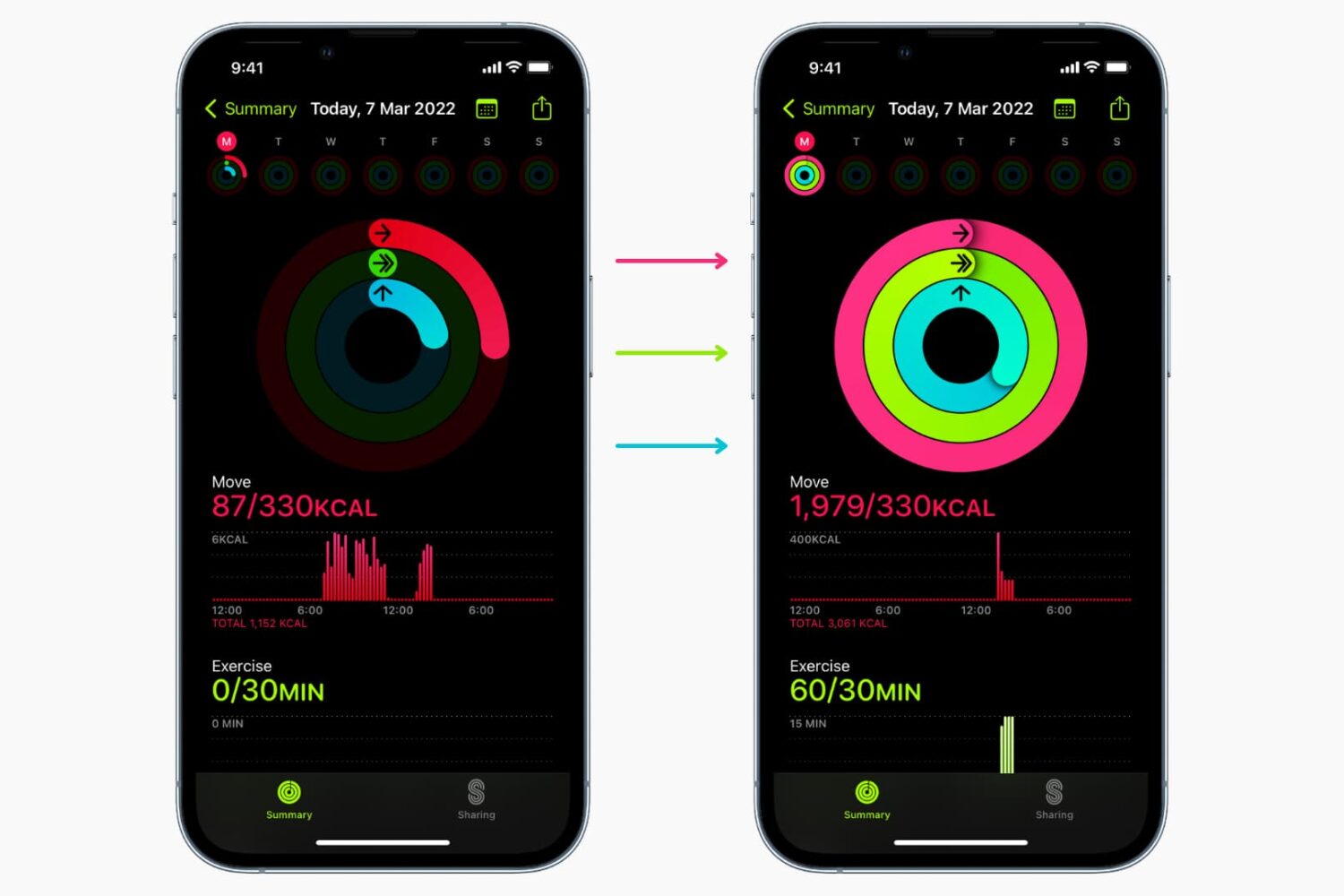
Learn why and how to close all three rings in the Activity and Fitness apps on your Apple Watch and iPhone by manually adding data to it.
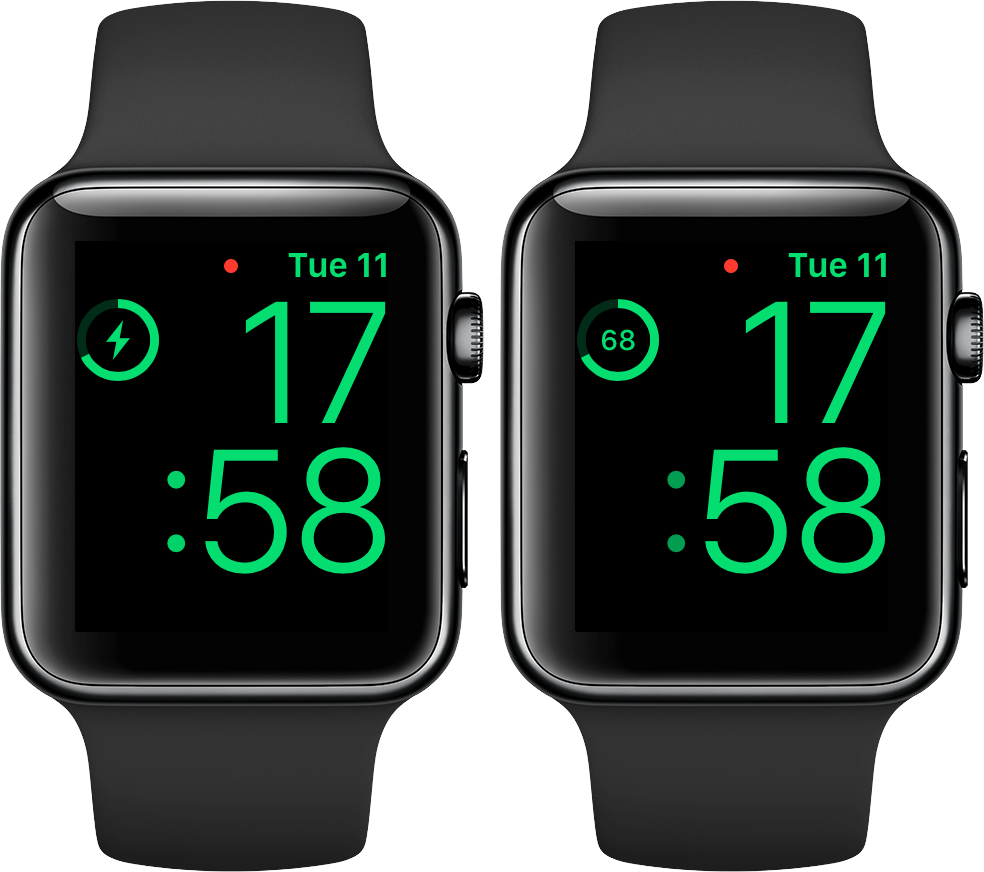
No matter how you charge your Apple Watch—either via its magnetic charging cable or charging dock—doing it in Nightstand mode displays a circular indicator on the screen along with a green lightning bolt inside. The outline gets gradually tinted green to visually denote charge progress, but it's a rough estimate of how full the battery is and as such not very accurate. Here's how you can switch to a more precise percentage display.
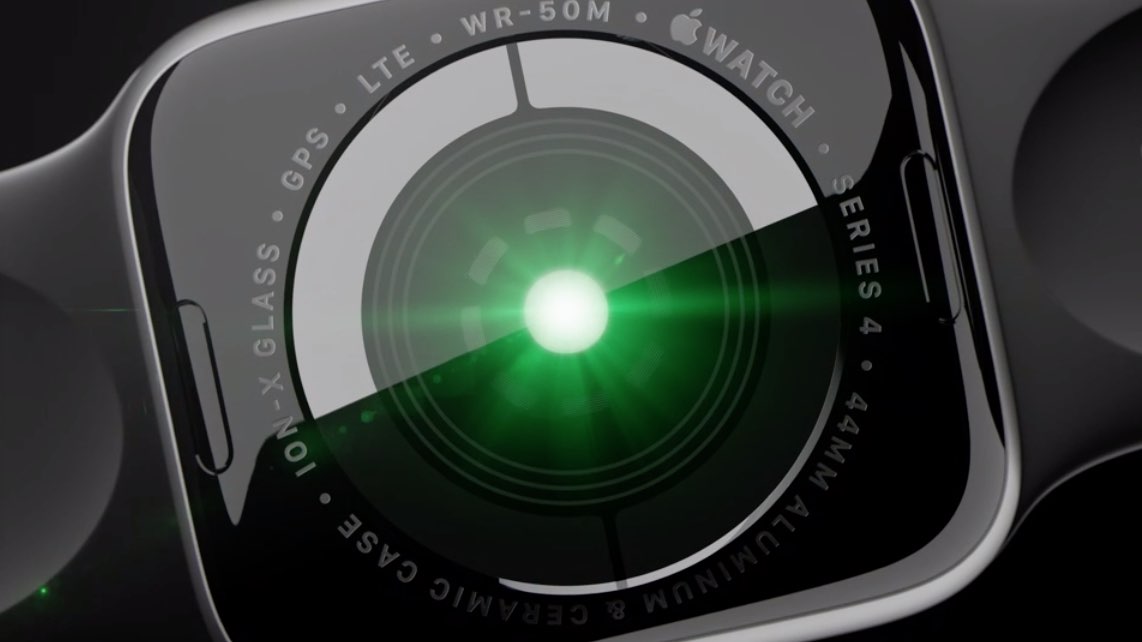
All Apple Watch models feature an optical heart sensor but Series 4 adds an additional electrical sensor for taking electrocardiograms on the go with Apple's ECG app. Did you know you can use this sensor to improve your regular heart rate readings, no matter where you live?
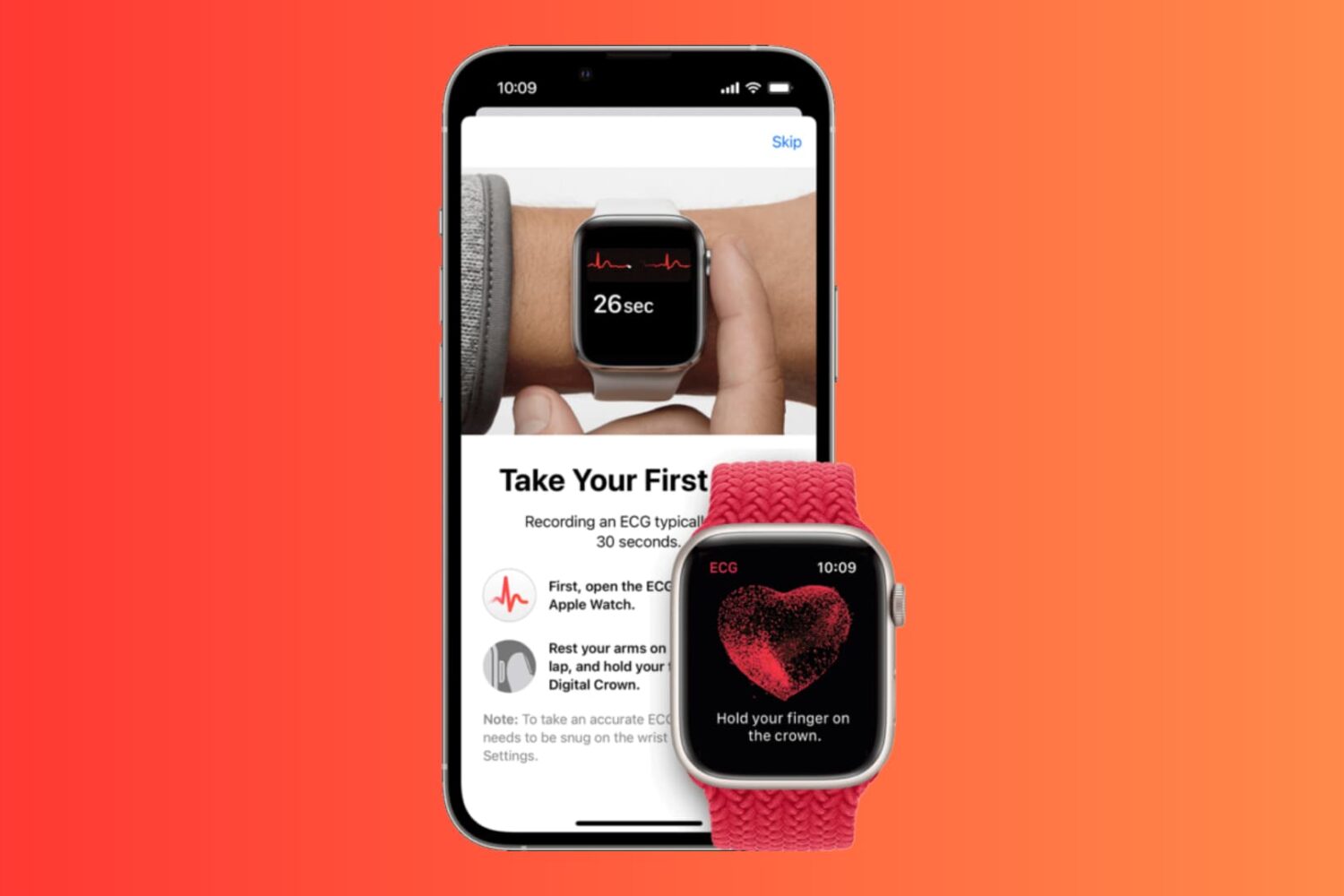
In this step-by-step tutorial, we’ll show you how to set up and use the ECG app on your Apple Watch, enabling you to take an electrocardiogram whenever you need, and review past results in your iPhone Health app.

Learn how to prioritize which iPhone or Apple Watch registers your step count in the Health app to ensure the correct device records the accurate data.
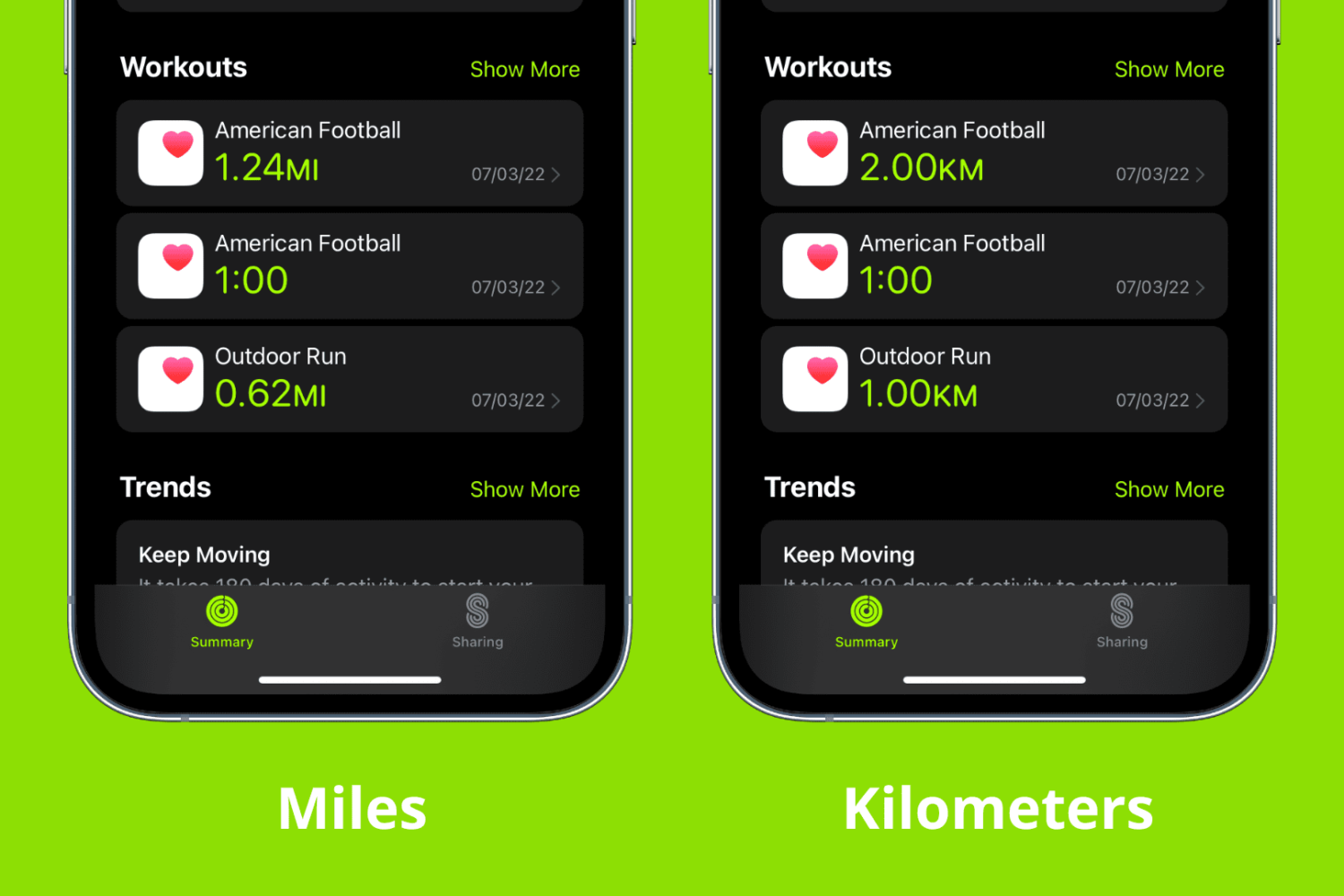
Some simple settings in the Health app can help you better keep track of your activity. For instance, if you prefer to use kilometers instead of miles for tracking your running and walking, you can make this change in just a few taps on your iPhone. The same reflects on your Apple Watch.
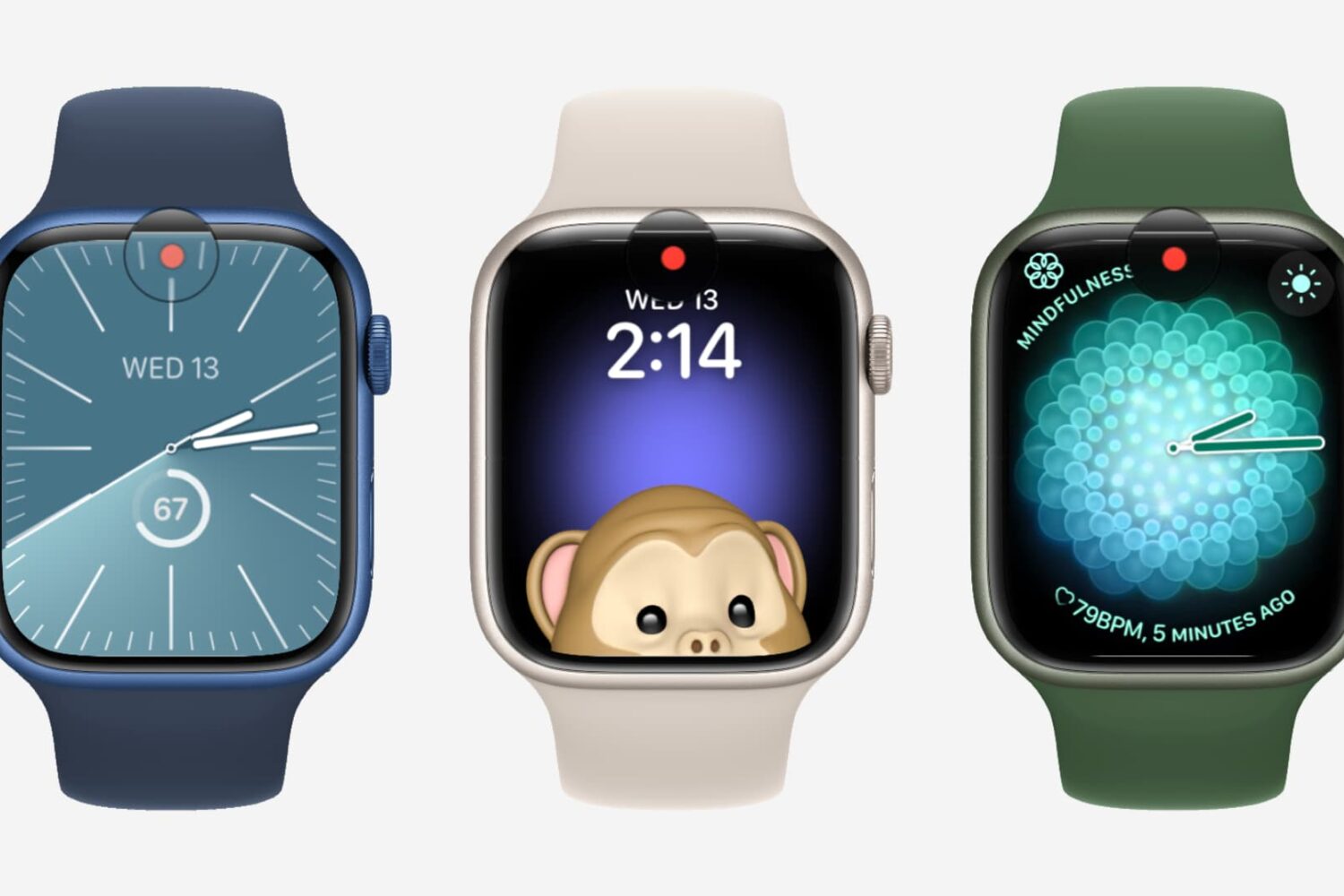
watchOS puts a little red dot on your watch face to indicate you have unread Apple Watch notifications, but you can easily disable it in settings.