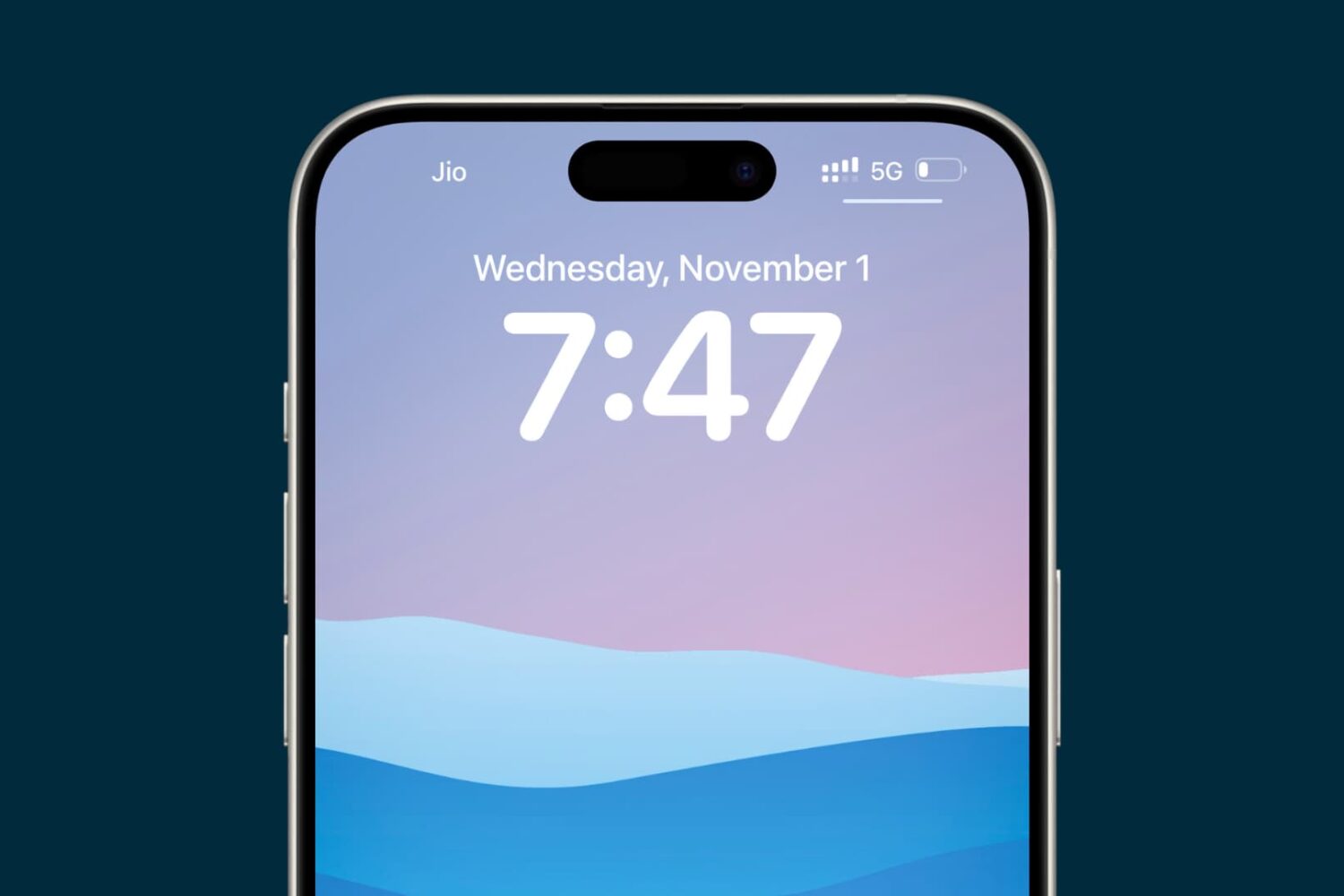
Figure out why your iPhone or iPad is displaying an incorrect date or time, and check out the solutions to resolve this issue.
iPhone or iPad showing the wrong time? Try these 8 fixes
Figure out why your iPhone or iPad is displaying an incorrect date or time, and check out the solutions to resolve this issue.
Shortly after releasing the new iOS 9.3 firmware, Apple was forced to stop signing the update following numerous complaints from owners of older iPhones and iPads, such as the original iPad Air and the iPhone 5s and older, that it was bricking their devices.
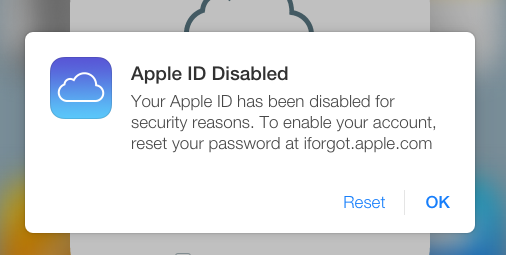
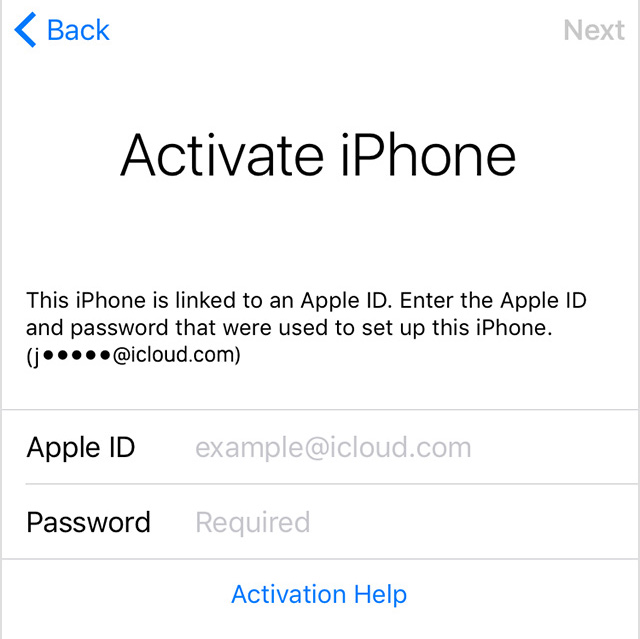
Monday, Apple re-released iOS 9.3 to fix an issue that prevented users from activating their device via Activation Lock if they couldn't recall their Apple ID password used to originally set up their device with.
The re-released versions of iOS 9.2 carries a build number of 13E237 and is now available as an over-the-air download although those with a bricked device might want to apply the update through iTunes in DFU mode.
As we reported, numerous users took to Apple's support forums to complain that some owners of older iPhone and iPad devices saw their hardware bricked after updating to the recently released iOS 9.3 firmware. Apple has since detailed the problem in a support document on its website and pulled the software update for select devices.
Today, the company has re-released iOS 9.3 for those devices. The new build of iOS 9.3 for the iPad 2 has version number “13E236” versus the now defunct iOS 9.3 build “13E234” for the iPhone and “13E233” for the iPad, as per 9to5Mac's Chance Miller.
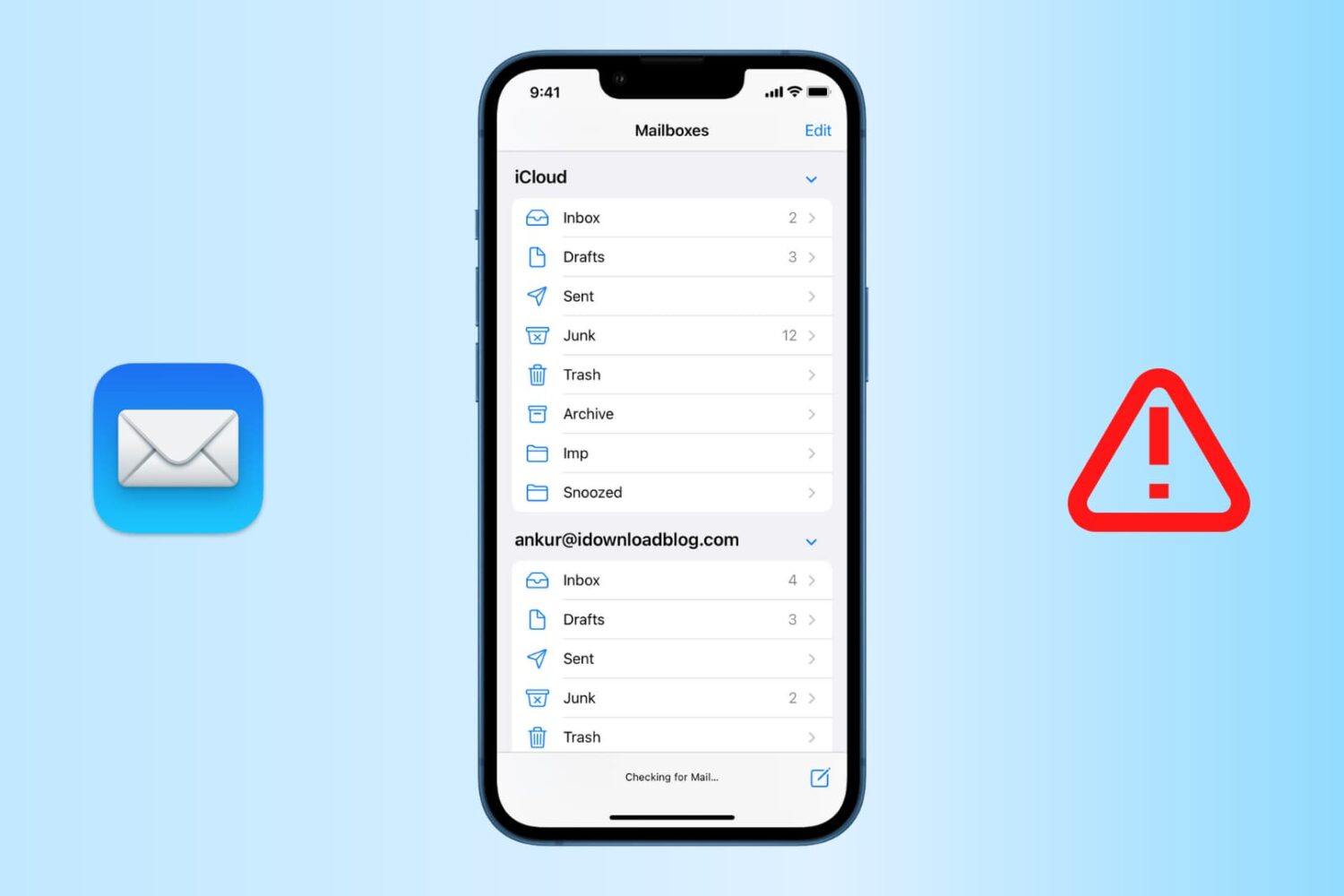
Find out how to fix the "Cannot Get Mail" errors in the Apple Mail app on your iPhone or iPad so you can get your emails loading properly again.
Apple has released a support document Wednesday night to address an issue where some iOS users are unable to activate their devices after updating to iOS 9.3, a software version released earlier this week.
Most reports of the issue seem to come from iPad 2 owners, although a quick search online shows that some iPhone users were also affected. In this support document, Apple offers a few options to try and remedy the problem.
Learn how to fix issues such as no signal, poor color, blurry images, and more on an external display connected to your Mac.
Have you downloaded a free or paid app from the iPhone or iPad App Store only to find that it wouldn’t launch or it crashed immediately? If that’s the case, here are some quick fixes you can try.
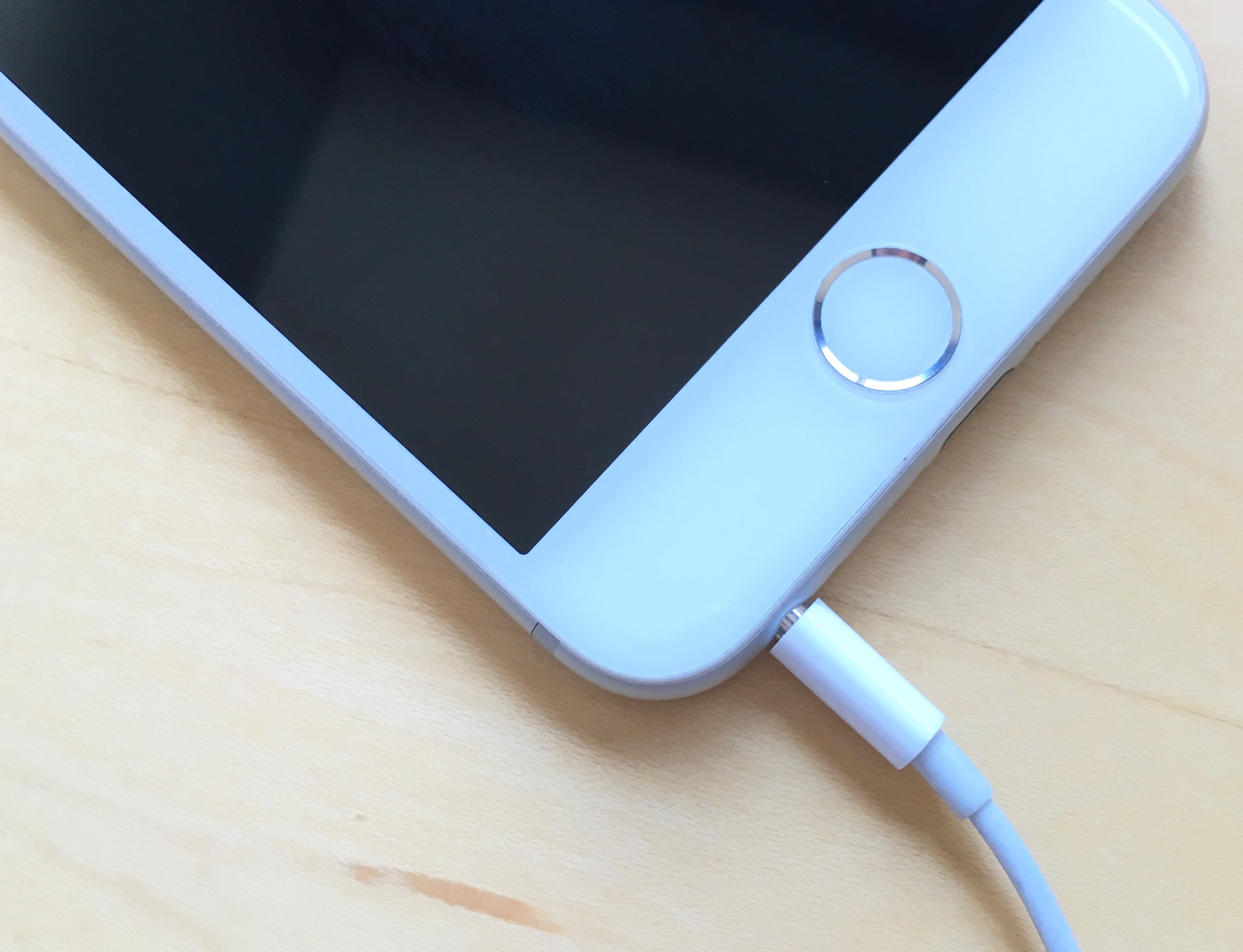
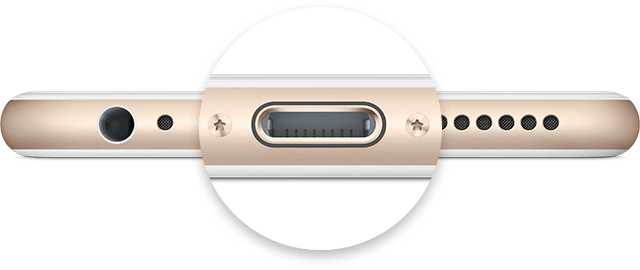
Is your iPhone stuck in headphone mode? In this piece, we’ll discuss why it happens and the troubleshooting steps for fixing it.
Is your iPhone not turning on? In this post, we discuss various reasons why this could happen and potential solutions to get you back into your iPhone or iPad.
Continuity and Handoff are features built into your iOS devices and Macs that allow the devices to work more seamlessly together. With Continuity, you have instant access to a personal hotspot on demand, the ability to send and receive SMS messages and to make and take phone calls from your Mac, and the ability to pick up where you left off on one device from another.
Although they can work well at times, there is always the lingering chance that the functionality may not work right for you or connectivity may be flaky. In this piece, we'll go over several troubleshooting steps you can take if your Continuity and Handoff experience isn't going as expected.
Is your iPhone 17 or older getting too hot? This article discusses what happens when your iOS device overheats and how to solve this problem.
Apple's portable Mac notebooks like the MacBook, MacBook Air, and MacBook Pro are all powered by Lithium-Ion batteries, and these batteries don't last forever. They go through cycles as they're charged up and used over and over. After a number of cycles, batteries tend to lose their effectiveness at storing power, and will eventually need to be replaced.
If you have ever wondered just how close you are to needing a battery replacement in your Mac, then you'll be happy to know that macOS is actively monitoring your Mac's battery and can tell you with a quick keyboard shortcut, which we'll be discussing in this short information piece.