Troubleshooting

Fixing size mismatch errors in Cydia when trying to install a tweak

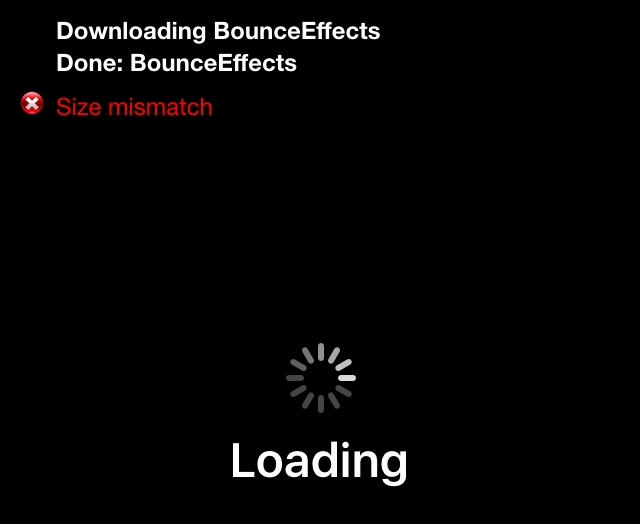
Size mismatch errors are something that seem to plague me every once in a blue moon when I try to install a jailbreak tweak right after an update is released, or after Cydia refreshes its sources.

The issue can occur when Cydia tries to fully refresh its sources at the time of a repository sync, and I'm sure some of you have probably stumbled upon this same error one time or another.

If you ever do get a size mismatch error in Cydia, we'll be explaining in this short tutorial how you can fix the problem and install the jailbreak tweak you want to download once and for all.

How to submit feedback and bug reports to Apple

Send your feedback to Apple

If you're annoyed by buggy Apple software, why not take the time to submit a bug report to them so that they're aware of it?

You see, it's in Apple's interest to improve its products and give customers the best possible experiences.

Letting the company know about a software problem you've been plagued with is always helpful, and if enough people report the same bug, the issue will hopefully be escalated to someone who's in charge.

In this tutorial, we'll show you how to file a bug report or submit feedback using Apple's many bug-reporting tools and services.

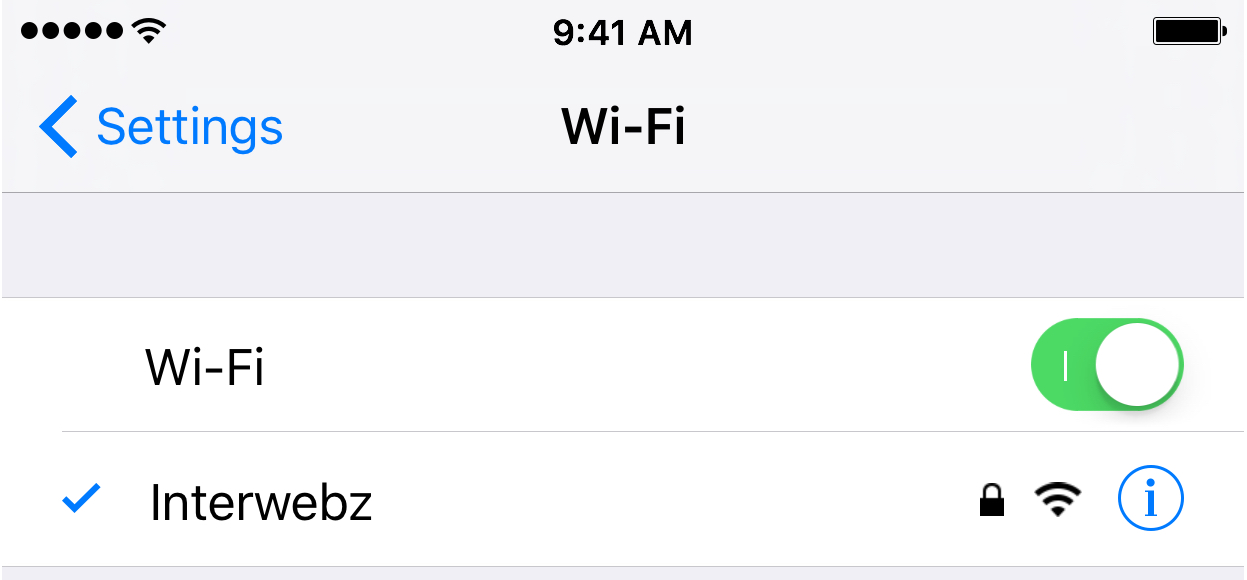
How to fix IP address conflicts on your Wi-Fi network

Every so often, you might end up with two devices on your Wi-Fi network that have the same IP address. This conflict can cause a plethora of problems with trying to use the internet on any of the devices affected.

Fortunately, there's a really easy to way reset your IP addresses on your iOS devices or Macs, and in this tutorial, we're going to show you how!

What to do if iTunes doesn’t recognize your iPhone or iPad

If you ever sync your iPhone, iPod touch, or iPad with iTunes, then more than likely you've experienced hiccups at some point in time where iTunes has been unable to find or recognize your device.

You have it plugged in, but for whatever reason, it just doesn't show up in iTunes. What gives?!

In this piece, we'll go over what to do if iTunes doesn't seem to recognize your iOS device when you plug it in to your computer so that if and when it happens to you, you'll be prepared to tackle the situation.

10+ things to do if your Mac won’t switch on

MacBook powering on and showing the Apple logo with a progress bar below it

Most of the time, when you want to use your Mac, you can just press the power button or lift the MacBook screen, hear a startup sound, and your computer will begin booting, so you can use it.

Sometimes, however, you don’t get so lucky. There may be a time when you go to use your Mac, and it doesn’t turn on at all.

As reliable as Macs can be, they can hiccup occasionally. In this piece, we talk about what you can do to troubleshoot if your Mac won’t power on after you press the power button.

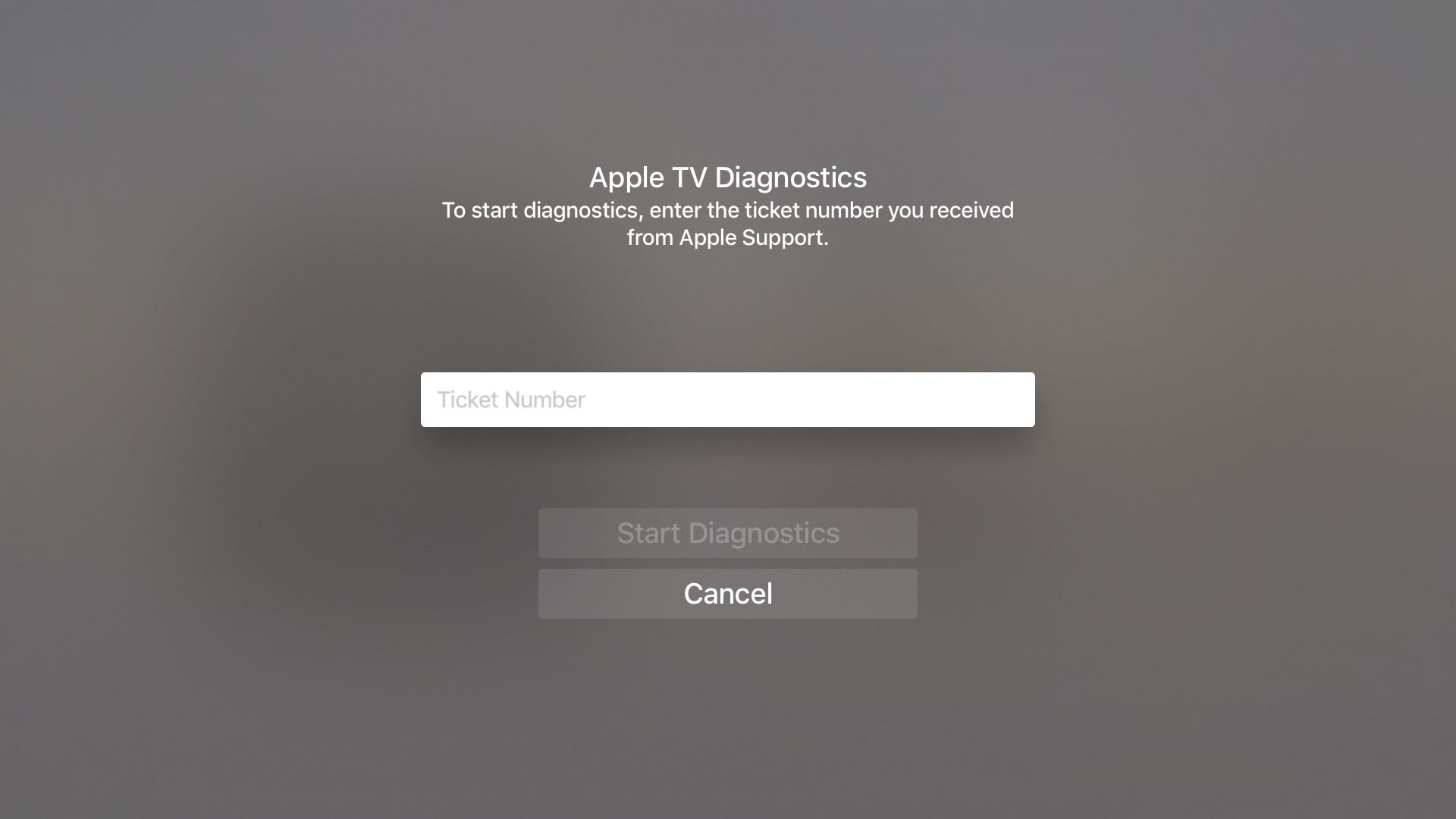
How to reveal and use tvOS’s hidden remote diagnostics mode on your Apple TV

Nearly five years ago, Apple started taking advantage of a new feature that lets customers send diagnostic data to an Apple advisor to help troubleshoot any problems they might be having, without having to take their device to an Apple Store Genius.

This remote diagnostic mode, which has since been implemented across all iPhone, iPod touch and iPad devices, is also available on the fourth-generation Apple TV. In this quick tutorial, you're going to learn how to access and take advantage of tvOS's hidden Diagnostics screen on your Apple TV.

Fixing common problems with charging your iPhone or iPad

Not only did Apple spend a ton of money and time in the research leading up to its proprietary reversible Lightning cable for charging, but they've also made the software that handles charging your iOS device intelligent too.

Nevertheless, charging your device can sometimes be followed by some frustrating problems, and they're all too common. In this piece, we'll go over some of those problems charging iPhone and iPad, and what you can do to troubleshoot them.

Common restore errors in iTunes and how to resolve them

Restoring your iPhone, iPod touch, or iPad can resolve a variety of issues, but sometimes you'll experience issues even when you try to restore your device(s) with iTunes.

You may have received a "This device cannot be restored Error XXX" message from iTunes before, and unfortunately, you may have been forced to do some research to even begin to understand why you're getting the error, which can cause tons of frustration.

In this piece, we'll talk about some of the most common iTunes restore errors and how to fix them so you don't have to spend hours researching for solutions by yourself.