Find out how to make your Mac speak anything you want using the Terminal app that comes preinstalled on every macOS computer.
How to make Mac speak with a simple Terminal command
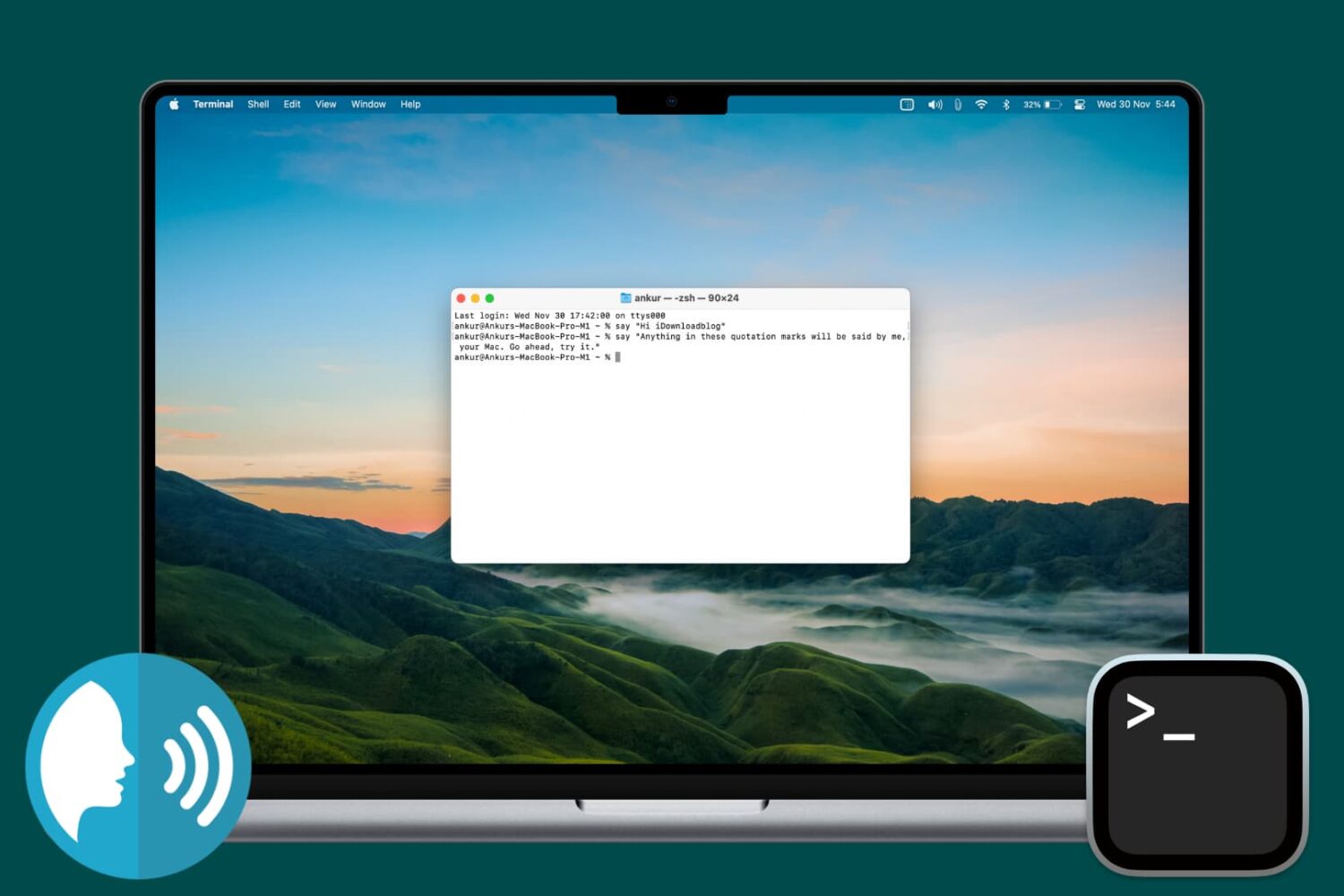
Find out how to make your Mac speak anything you want using the Terminal app that comes preinstalled on every macOS computer.

In this tutorial, we'll show you how to change the frequency your Mac looks for software updates and notifies you of them so you can stay up to date with the latest bug fixes, security improvements, and new features.
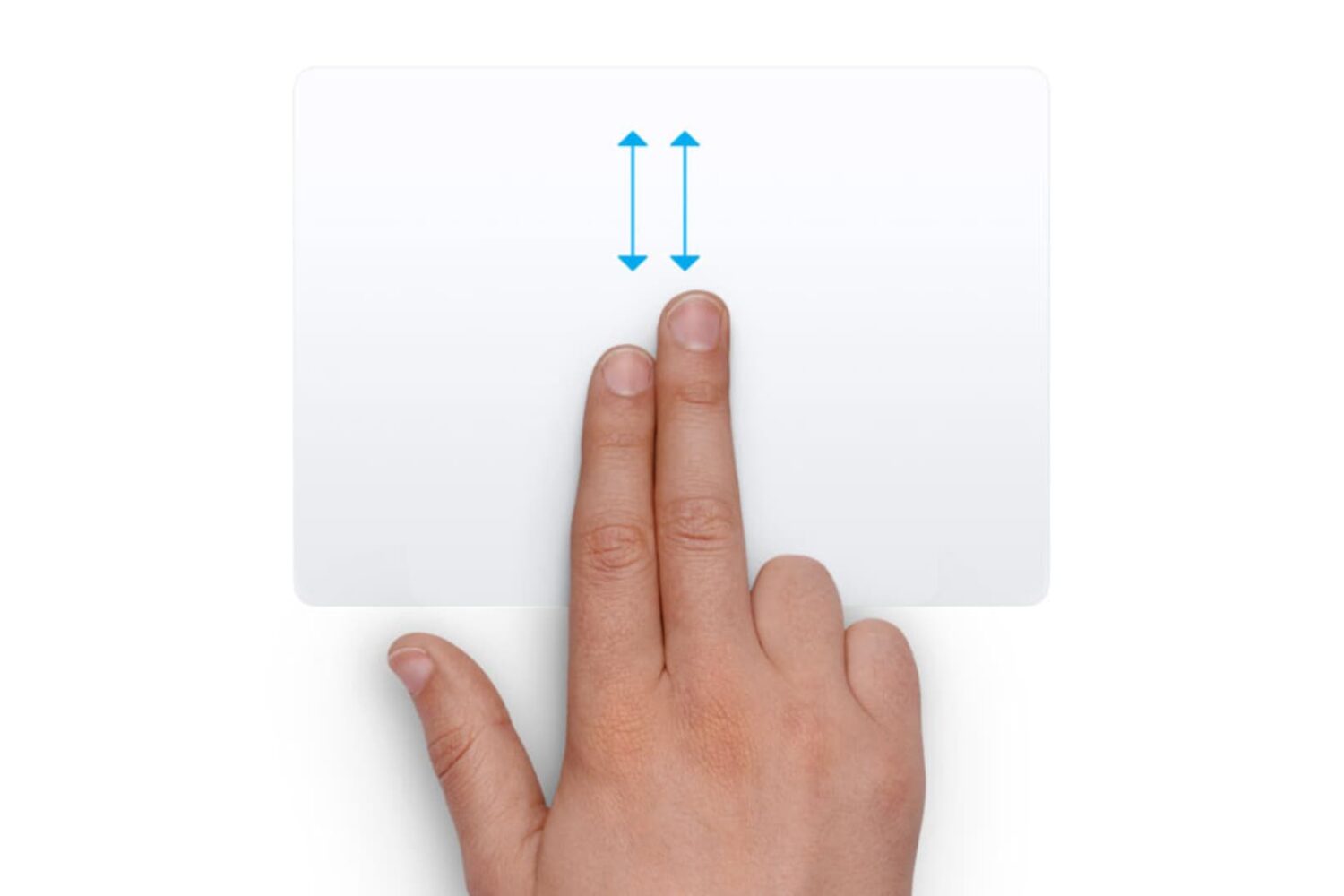
Did you recently switch from a Windows PC to a Mac and are annoyed with the scrolling direction? Learn how to turn off natural scrolling in macOS so your content scrolls in the same direction as your fingers when you use the trackpad or mouse.

As rare as it may be, your processor or CPU cooling fans can fail, and there is a really easy way to test your Mac's hardware with the Terminal app that comes with macOS to ensure everything is working right.
In this tutorial, we'll show you how to stress test your Mac using Terminal so you can ensure all your processor's cores are working up to snuff and your cooling fans aren't grinding or failing to cool your Mac as they should.

Emulators are a way to play your favorite childhood games on your iPhone, iPod touch, or iPad without carrying the game disks or cartridges and game consoles around with you. Instead, they sideload the games on your device as a piece of software, and they're given controls that are adapted for the touch screen.
In this tutorial, we'll be showing you a method that still works to this day for getting emulators on your iOS device, and the best part is, you don't even have to be jailbroken to do any of it.

Learn how to access unique emoticons and ASCII faces on your iPhone or iPad by enabling the hidden Japanese keyboard for some fun ways to express yourself.

It's super easy to save photos that have been shared on Facebook to your computer, but for whatever reason, Facebook seems to be lacking the ability to save videos that are shared by your friends and appear in your News Feed.
Despite the common misconception that you need a fancy web browser plugin or third-party software to download videos from your Facebook News Feed, this simply isn't the case. In this step-by-step tutorial, we'll show you how you can save videos from Facebook that appear in your News Feed to your computer.

For those of you that still use hard copies for all your important documents, or have physical business cards, photographs, whiteboards, and other important information that are looking for a way to digitize it and even modify it after the fact, Microsoft's Office Lens app will be your best friend.
Office Lens, which is a free download from the App Store, allows you to scan these kinds of information and media and can create software versions of them to make sharing and editing easier so you can get rid of the filing cabinet taking up space in your home or office.
In this tutorial, we'll give you some background on the app and show you how you can use it to scan and then edit documents in Word.

Instagram officially announced support for logging into more than one Instagram account at a time in its free iOS and Android apps on Monday, and many of you that use Instagram on a daily basis are probably wondering how you can get your hands dirty with the feature.
Although signing in with multiple Instagram accounts is a feature that is still currently rolling out to all users, it's possible to force your app to allow you to sign in with multiple accounts right now.
Once you get your Instagram app updated to the latest version and are ready to get started with using multiple user accounts in the app, you can follow this tutorial on how to manage all your Instagram accounts from the app.

Every so often, you may come across the need to rotate a video after you've recorded it with your camera or iOS device because it didn't quite come out how you expected it to.
Fortunately, Apple's QuickTime app, which is built into the macOS operating system on your Mac, is powerful enough to do just that; and it's very easy to do.
In this tutorial, we'll be showing you how to rotate a video in any direction on your Mac using the QuickTime app.

Heavy Mac App Store users will download, install, and delete apps from their Mac all the time. It may be because you're interested in experimenting with new utility releases, downloading games to get a thrill, or checking out the productivity apps that developers claim to be the "best" out there.
Through all this downloading, installing, and deleting, you may want to check out one of the apps you remember using from a long time ago to see if it got any cool new updates, and sometimes you don't particularly remember what the name of said app might be.
Fortunately, the Mac App Store comes with a way to see your purchase history, allowing you to see all of the apps you've ever downloaded from the Mac App Store whether they were free or paid ones. In this tutorial, we'll show you how to see your Mac App Store's download history.

One of my pet peeves with YouTube is how after completing a video, the service shoves a new video down your throat with a feature called "Up Next," which gives you a 15-second time frame to click the "X" button at the top right of the video before the next video starts to play.
Sounds familiar? If you feel the same way, then you've stumbled upon the right tutorial, because we're going to be showing you how you can disable this feature right from the YouTube website without installing any plug-ins, hacks, or other crazy stuff.