Learn how to expand the image scrubber into a handy video timeline when viewing a Live Photo in the Photos app on your iPhone or iPad.
How to scrub through the video of a Live Photo on iPhone

Learn how to expand the image scrubber into a handy video timeline when viewing a Live Photo in the Photos app on your iPhone or iPad.
In this step-by-step tutorial, we'll show you how to download an archive of your Instagram account, including the photos and videos you've uploaded to the service, any archived Stories, comments on your posts, instant messages, and other data.

Downloading watchOS software to your Apple Watch is a tremendously slow process. But did you know you can make your Apple Watch update faster?
In this tutorial, we show you how to dramatically speed up the utterly slow process of sending the watchOS installer files to your Apple Watch.
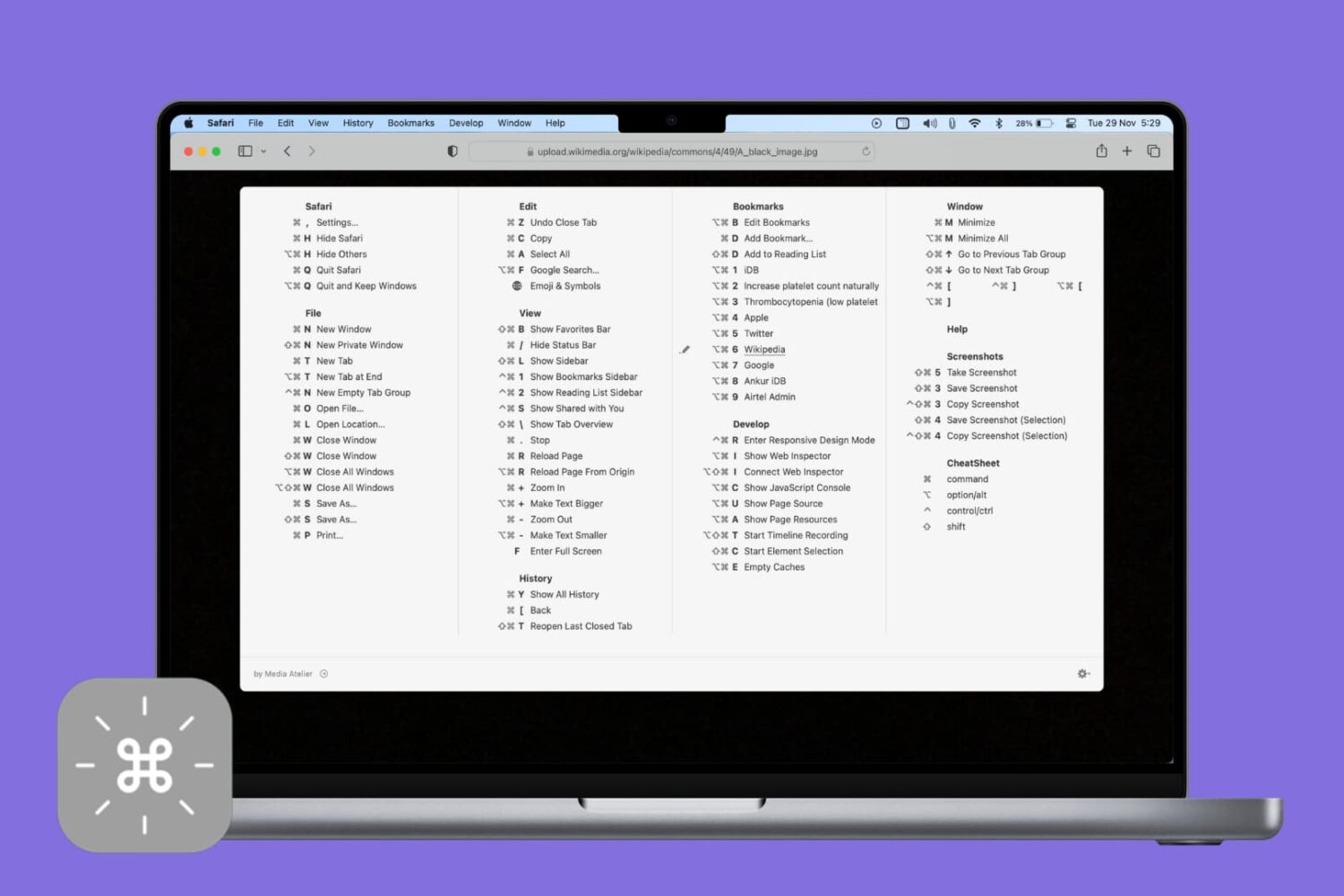
Veteran users are privy to the power of the Mac modifier keys. Those special keys on your Mac's keyboard, like Command (⌘), Option (⌥), Control (⌃), and others, are most commonly used in conjunction with regular keys as feature shortcuts.
Frequently-used macOS commands have their dedicated keyboard shortcuts, many of which are the same across apps like copy/paste and undo/redo. Others are app-specific.
Memorizing regularly used keystrokes boosts your productivity and multitasking prowess, but Apple doesn't provide an easy way to view all the keyboard shortcuts in any given app.
You can, of course, view and customize some of the system and app shortcuts in System Preferences > Keyboard > Shortcuts, but wouldn't it be nice if there were a better way?
Thankfully, there actually is.

Learn how to enable lines and grids in the background of your notes for a more organized and efficient note-taking experience on iPhone and iPad.

Facebook takes advantage of facial recognition in several ways.

Learn how to open a note in its own window to make it float over the Notes app or to keep it on top of all other app windows on Mac.

Following the scandalous revelation that Cambridge Analytica exploited the Facebook platform to collect data on undecided US voters through an inconspicuous quiz app, the social network has now released a web-based tool to check if your account may have been exploited.
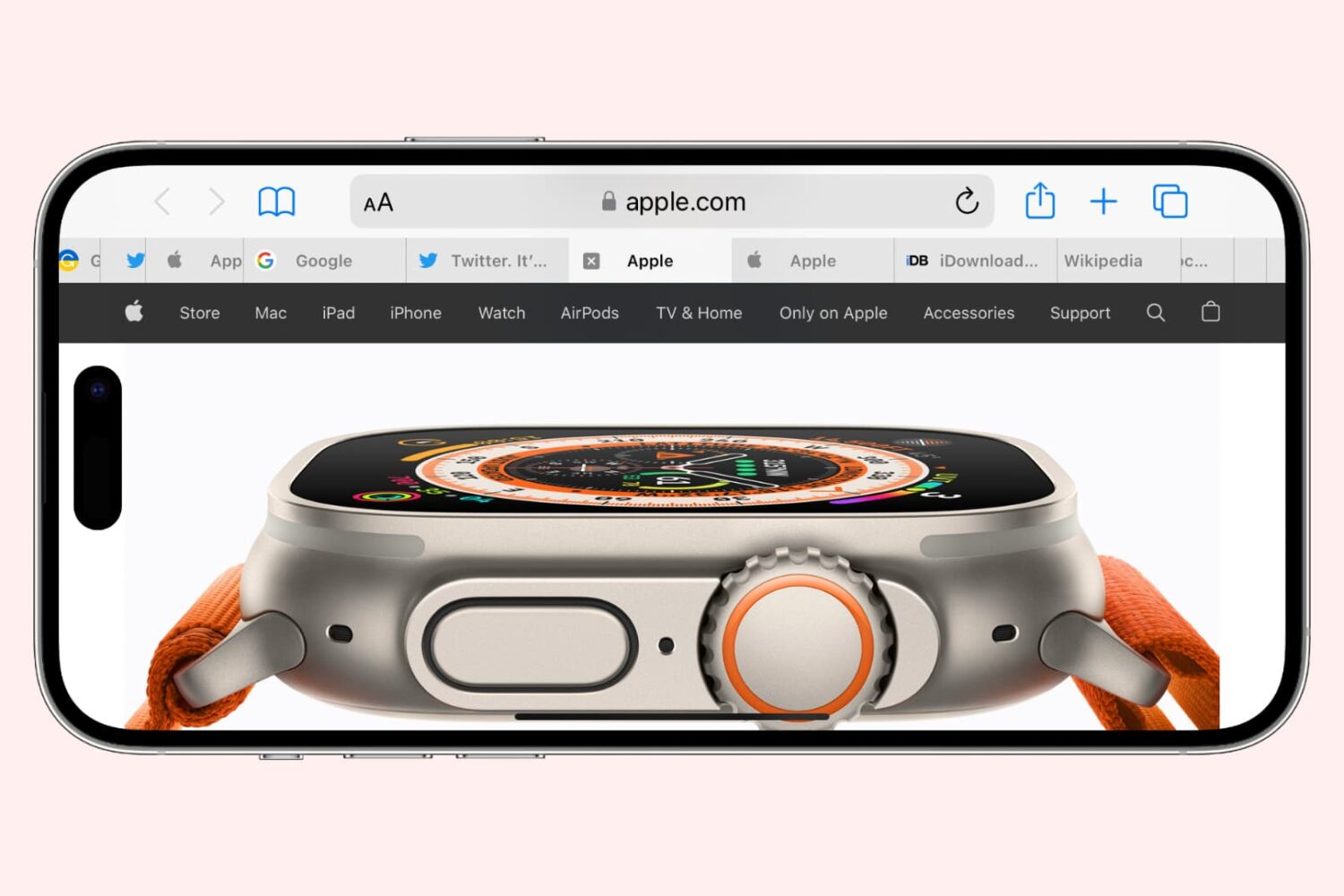
Learn how to cycle through open tabs in Apple’s Safari browser on the iPhone, iPad, and Mac using a familiar gesture, an on-screen button, or a keyboard shortcut.
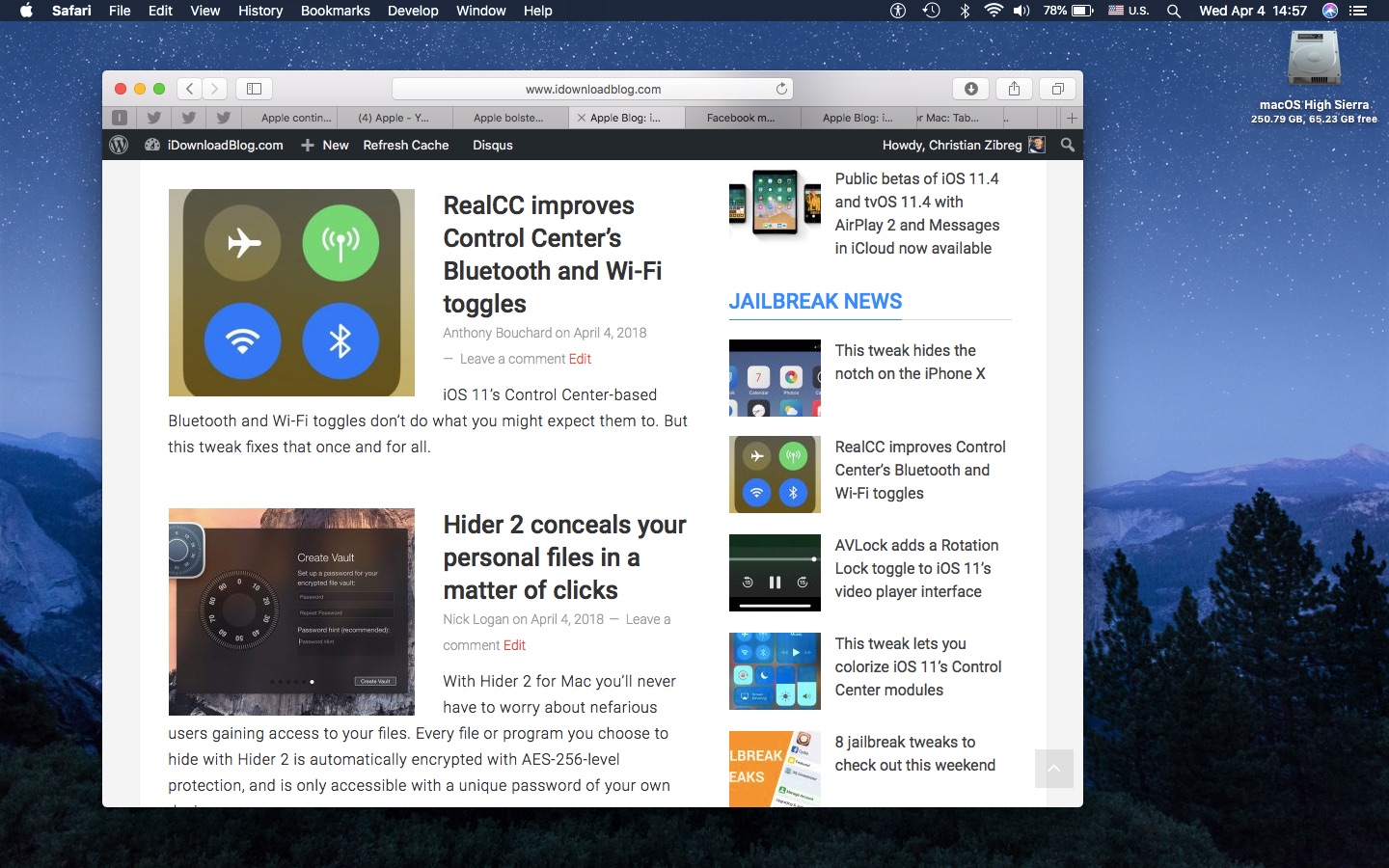
If you’re going to make the most of Safari as your desktop browser, it might make sense to memorize some of the best keyboard shortcuts to supercharge your browsing workflow.
This is especially true for folks who have dozens of open tabs at any given time. Safari for Mac provides you with many productivity-infused keyboard shortcuts that save time, including a trio of essential keyboard combinations for quickly switching between your open tabs.
TUTORIAL: 11 must-know Safari keyboard shortcuts for Mac
The macOS High Sierra 10.13.4 software update brought out yet another powerful shortcut for quickly getting to the rightmost tab. This is a handy productivity feature for those times when you have more tabs than fit Safari's tab bar.
It's only available on Macs that run macOS High Sierra 10.13.4 or higher so be sure to update your copy of macOS to the latest version available by choosing App Store from the Apple menu, then click the Updates tab.
How to jump to rightmost Safari tabTo get to the rightmost open tab in Safari for Mac, press Command (⌘)-9 on the keyboard.
Again, this particular shortcut requires that macOS High Sierra 10.13.4 or later be installed on your Mac. If you have an older macOS edition, pressing the same shortcut will select your ninth tab from the left. In case you didn't know, you can jump quickly to any of your first eight tabs by pressing Command (⌘)-1 to Command (⌘)-8.
macOS High Sierra 10.13.4 and up allows jumping to the rightmost open tab using Command-9
You can cycle through your open tabs even faster with a trackpad gesture: when there are more tabs than fit in Safari's tab area, use your trackpad to swipe left or right over the tab bar to scroll through your open tabs like a pro.
TUTORIAL: 3 ways to reopen recently closed tabs in Safari for Mac
And if your Mac has the Touch Bar feature, you can touch an icon displayed on the Touch Bar to jump directly to the corresponding tab or scroll through all of your open tabs by swiping left or right over the Touch Bar area.
Need help? Ask iDB!If you like this how-to, pass it along to your support folks and leave a comment below.
Got stuck? Not sure how to do certain things on your Apple device? Let us know via help@iDownloadBlog.com and a future tutorial might provide a solution.
Submit your how-to suggestions via tips@iDownloadBlog.com.
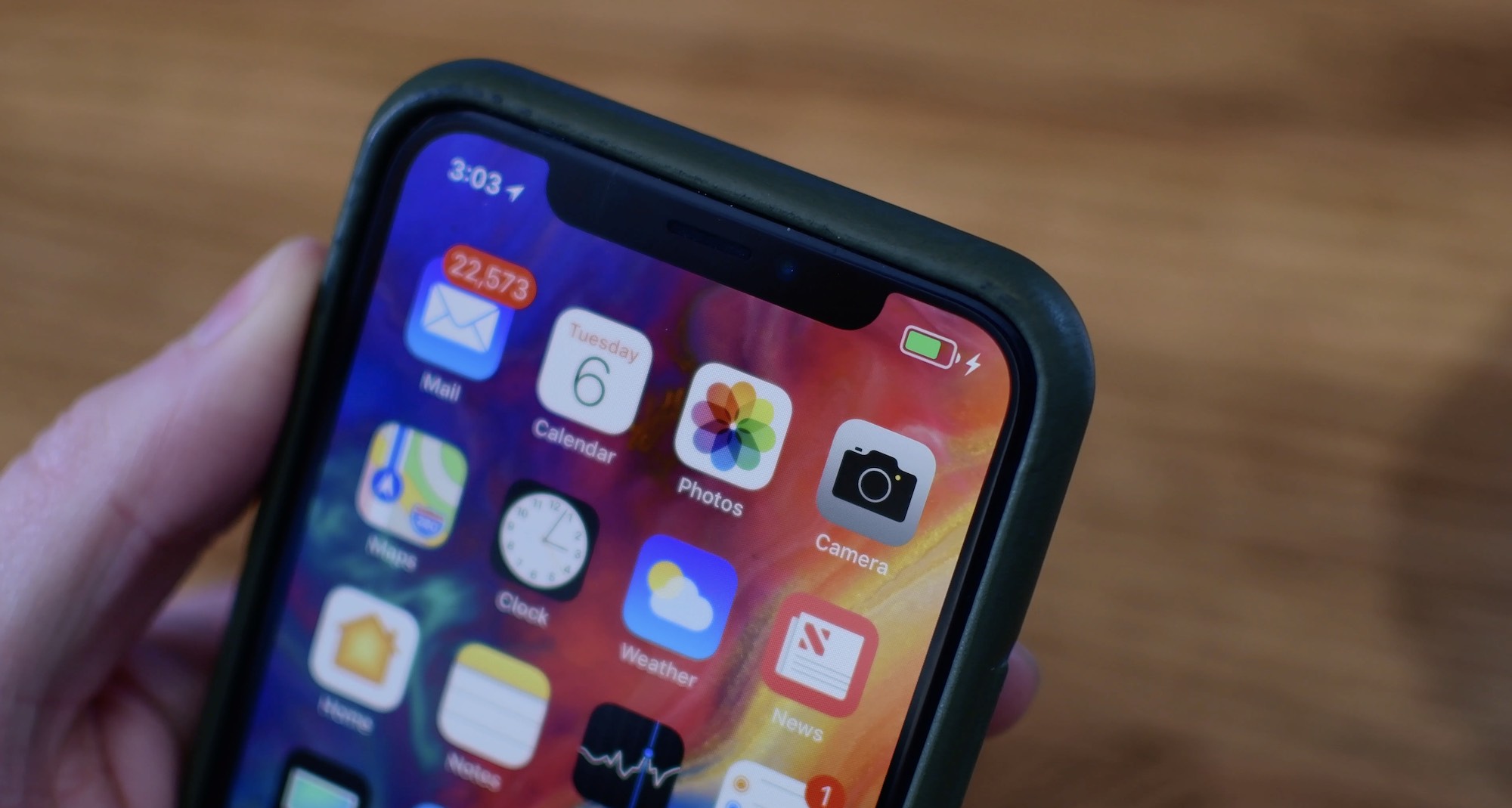
Learn more about your iPhone’s battery health, how it works, and what messages you may see in your battery settings if your performance is affected and you face unexpected shutdowns.
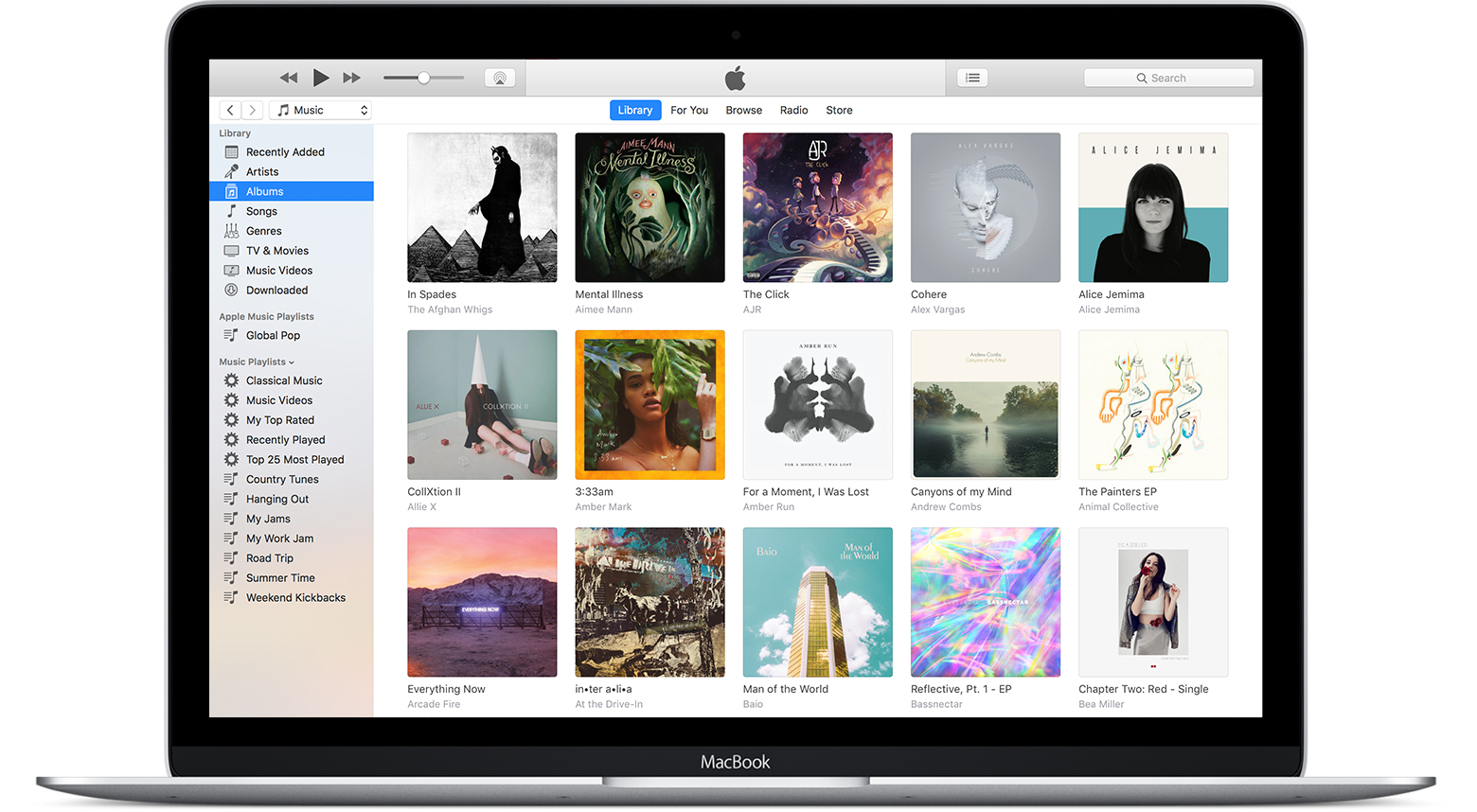
In this tutorial, we will show you how to find and delete all duplicate songs in your Apple Music or iTunes library on your Mac or Windows PC. Doing so will clean your media library and help reclaim local disk space.