The September 2018 release of the iOS 12 software update brought an easier way for iPhone owners to retry Face ID following an unsuccessful unlock attempt on the Lock screen.
How to retry Face ID following a failed facial scan on the Lock screen
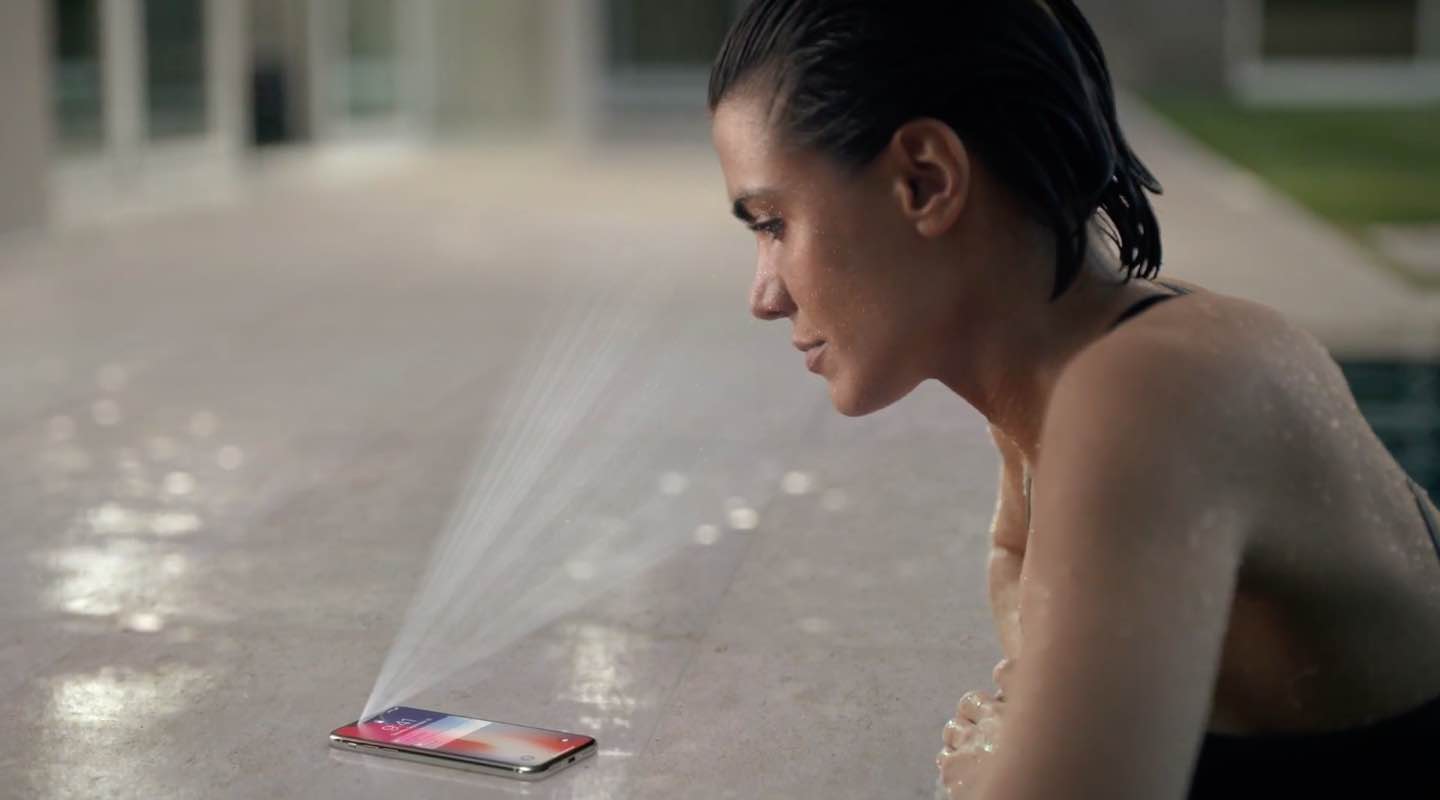
The September 2018 release of the iOS 12 software update brought an easier way for iPhone owners to retry Face ID following an unsuccessful unlock attempt on the Lock screen.
Similar to WWDCs of the last several years, today's keynote presentation will be live-streamed. The many Apple fans and enthusiasts from around the world who unfortunately are not in a position to attend Apple's developers conference can still tune in from the comfort of their own couch and see what’s new in the world of iOS, macOS, tvOS, watchOS and more.
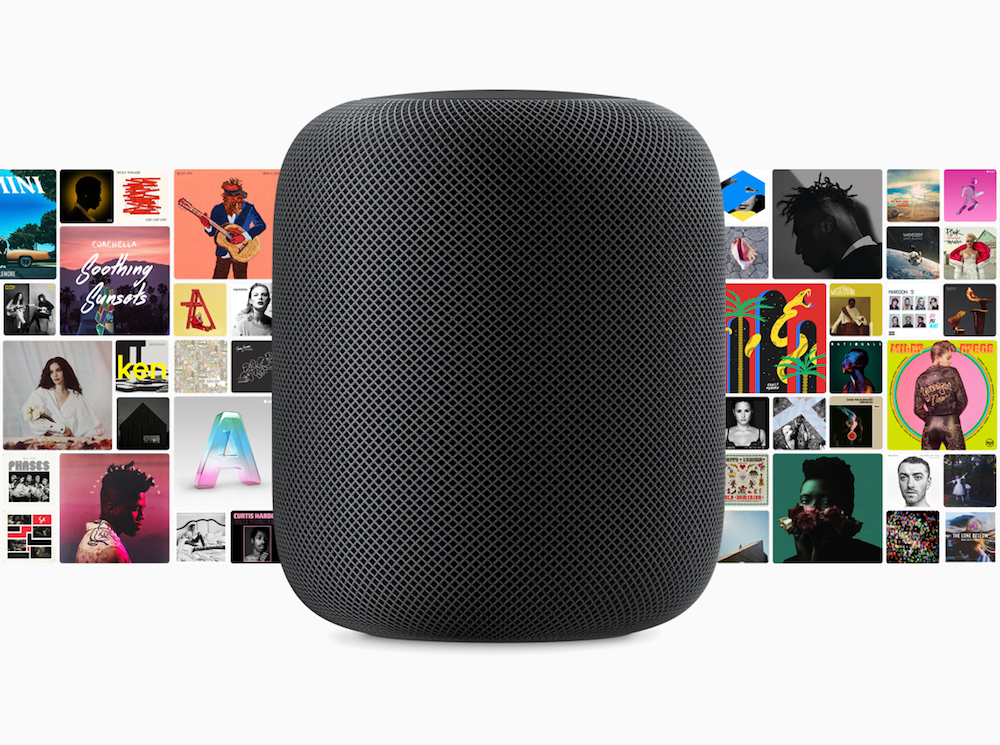
AirPlay 2 brings the ability to control audio across multiple speakers from your HomePod, iPhone, iPad or Apple TV. You can use voice commands to do things like play music in a particular room, play different songs on different speakers, enjoy a playlist on all or just specific speakers, continue playing a track on another speaker and more. Here's our list of the best AirPlay 2 Siri voice commands that are specific to multi-room audio support.
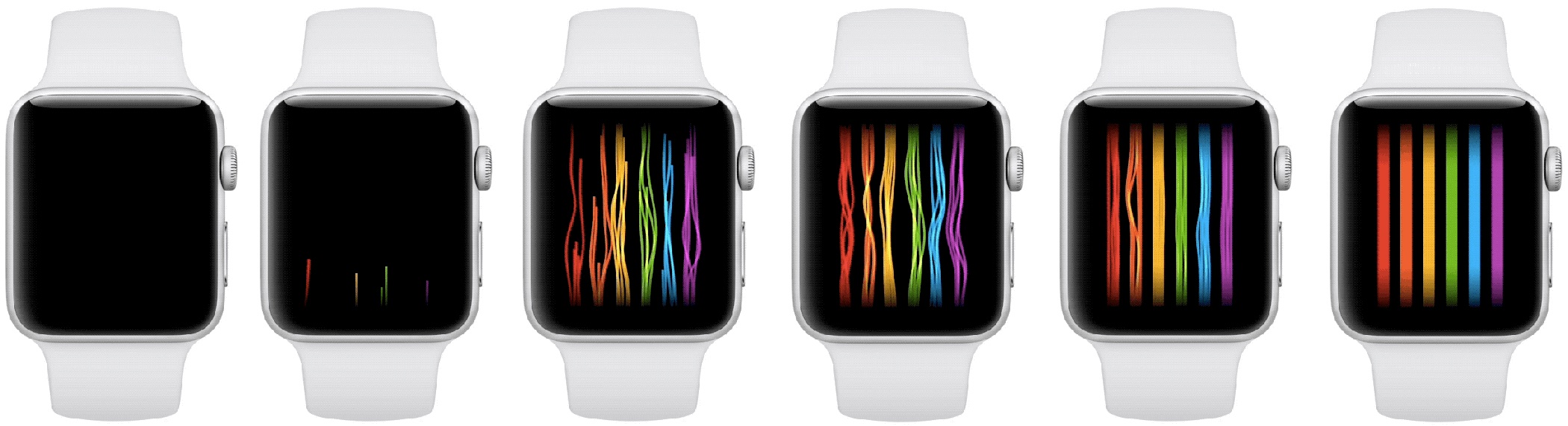
A brand new Apple Watch Pride face has been discovered in watchOS 4.3.1 software, inspired by the rainbow flag. Featuring threads of color, the Pride face animates very nicely and smoothly in a different way every time the user touches the screen.

Learn how to show upcoming birthdays for family and friends in Apple Calendar on an iPhone, iPad, Mac, and the web so you never forget to congratulate them again.

Learn how to locate your downloaded books from Apple's Books on Mac to get the original EPUB files of these titles.
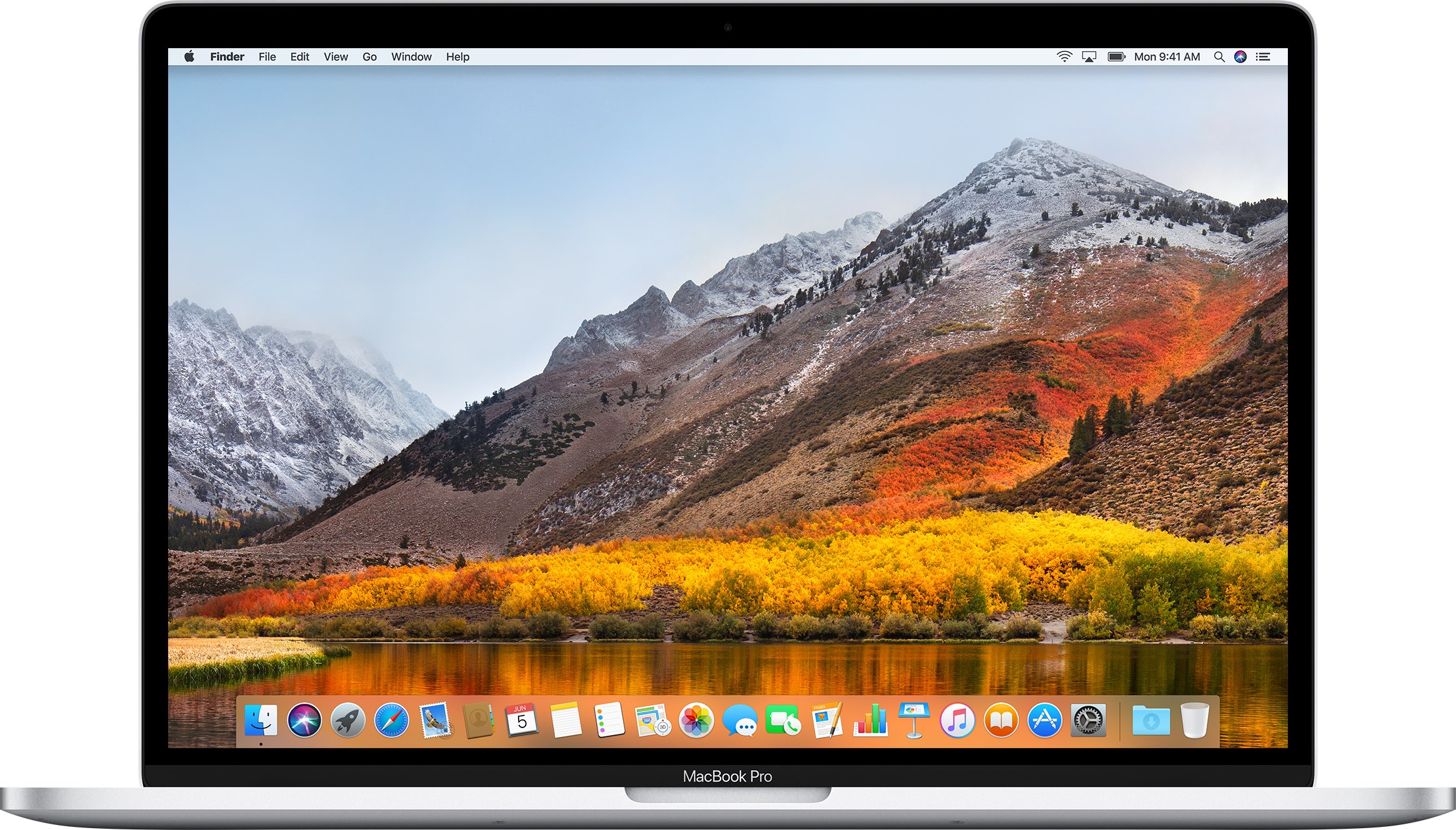
New Mac cryptominer malware, dubbed “mshelper,“ is in the news, with many affected customers flocking to Reddit and Apple Support Communities to gain more information and learn how to remove malicious code from an infected system.
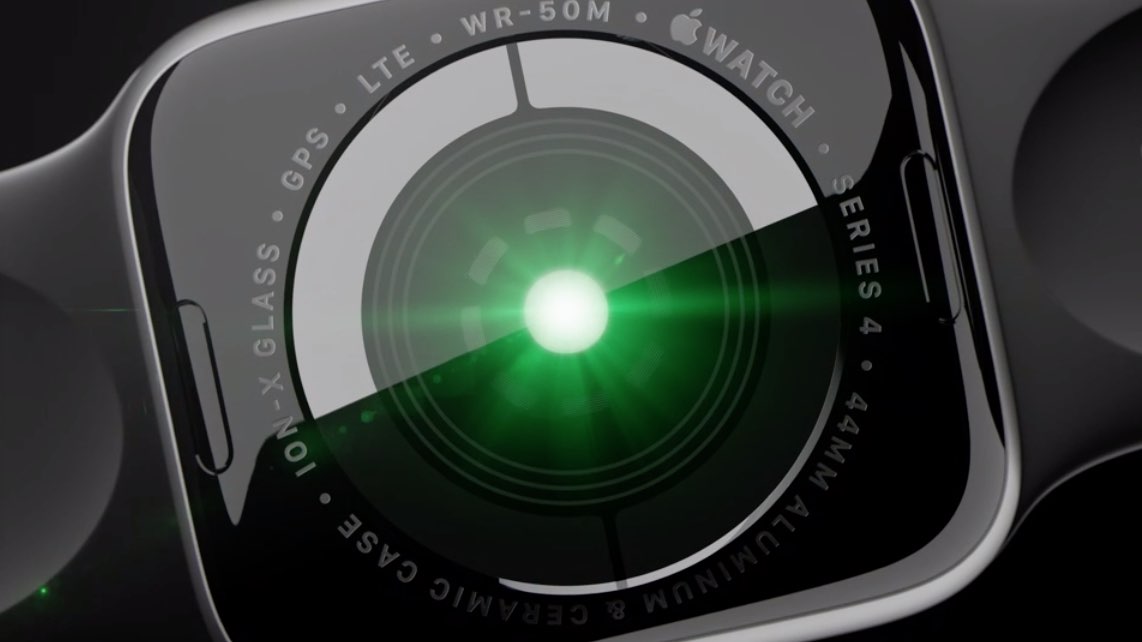
In this step-by-step tutorial, we’ll show you how to enable high- and low-heart-rate notifications on your Apple Watch for life-saving alerts in critical moments.

Learn how to split the onscreen keyboard on your iPad, as well as undock it to move it up or make it smaller so it floats and can be placed anywhere on the screen.

Learn how to mute someone's Instagram Posts or Stories from your feed without unfollowing their account or them knowing.
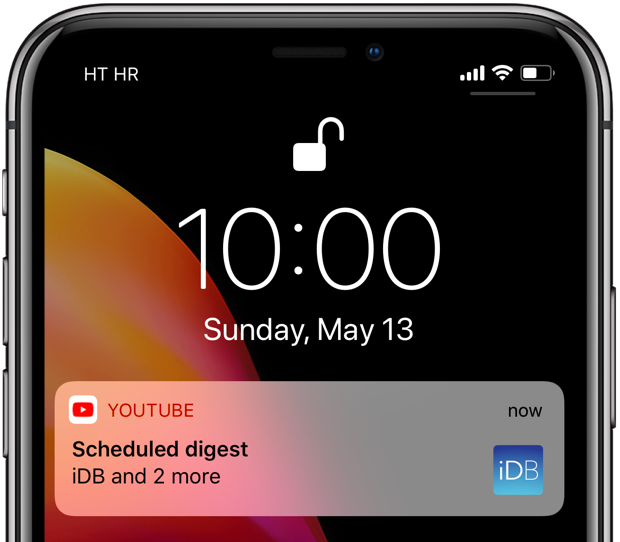
YouTube scheduled digest is a cool feature that will reduce your notification overload.
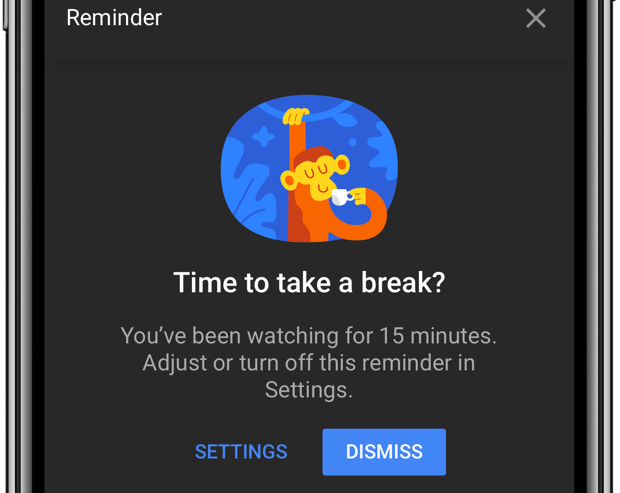
Do you lack self-control? Then you're not surprised that YouTube is a major time-suck.
It's perfectly fine to go down YouTube's rabbit hole every now and then. The world's most-trafficked video site, once a clearinghouse for kitten videos, has become both a cultural phenomenon and a go-to platform for the next-generation of truly innovative video creators.
And with its ever-improving recommendation engine, it’s all too easy to waste precious time on related videos that you didn’t really mean to watch but deemed too interesting to pass on. YouTube's app features custom reminders for when you'd like to take a break from watching.