Think twice before concluding there's nothing new to learn about editing iPhone alarms. If you have iOS 15.0 or later on your iPhone, use this handy tip to quickly edit an alarm.
Tip: Edit an alarm on your iPhone without hitting an Edit button first
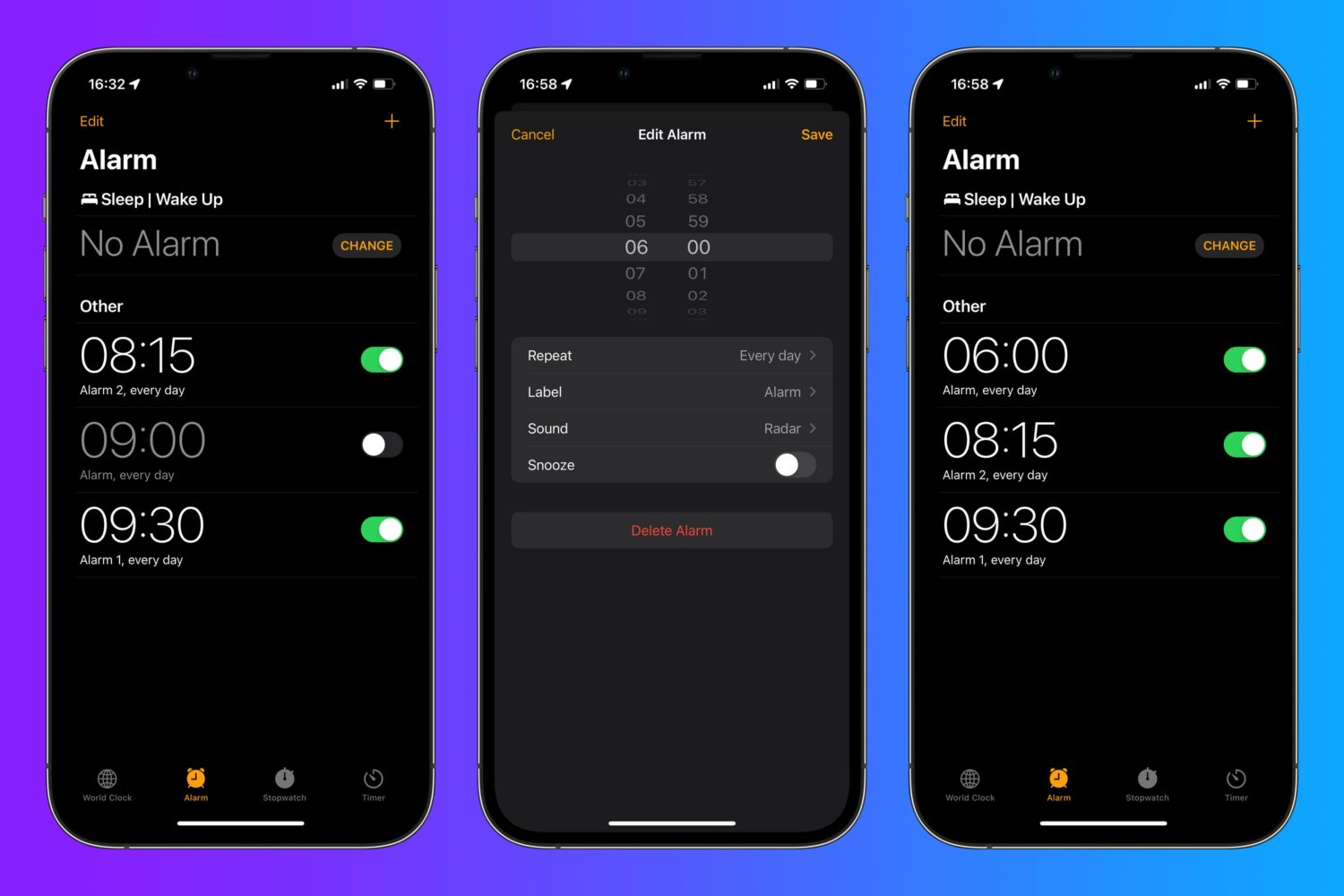
Think twice before concluding there's nothing new to learn about editing iPhone alarms. If you have iOS 15.0 or later on your iPhone, use this handy tip to quickly edit an alarm.
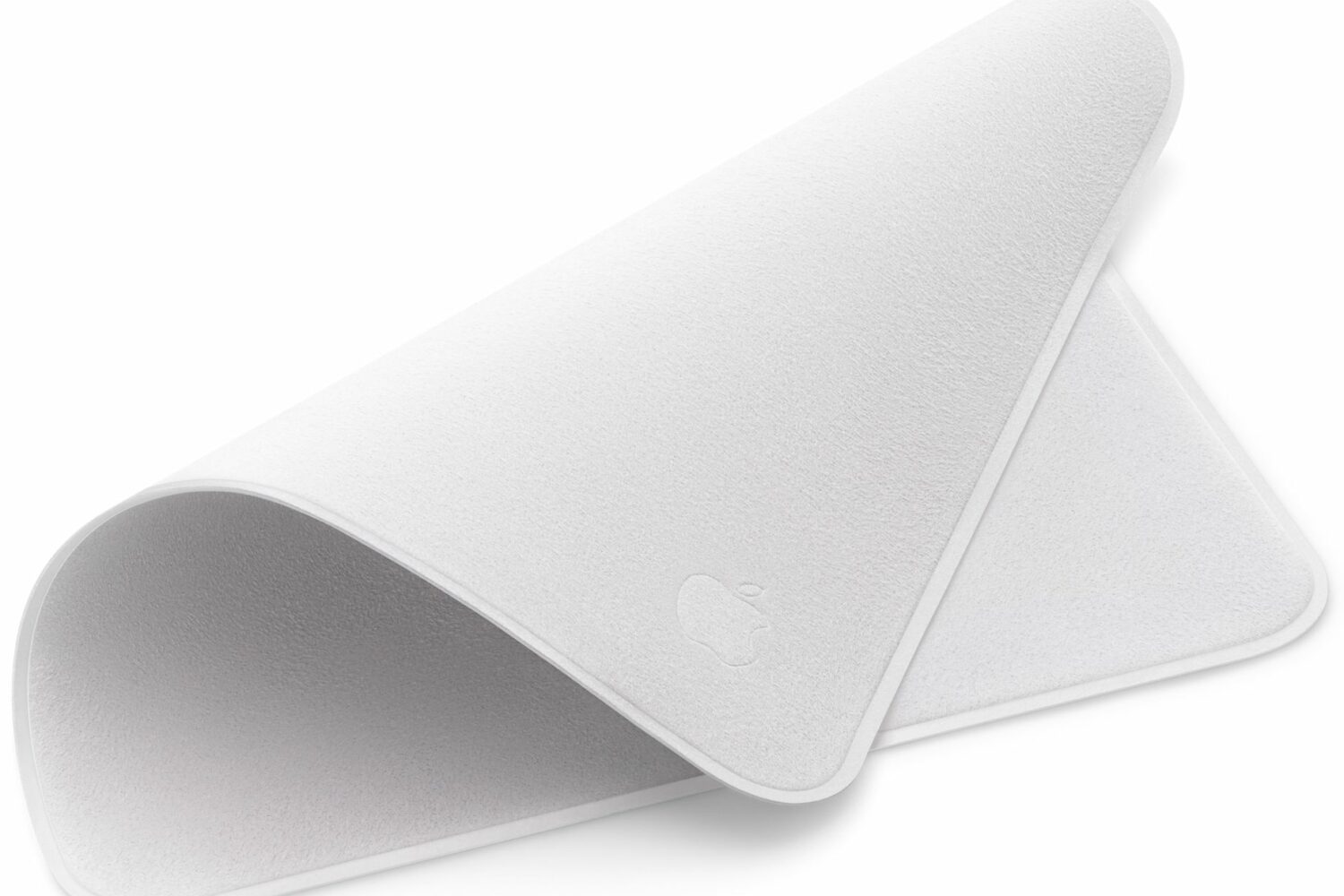
Check out these specific instructions on how to clean Apple’s polishing cloth to prevent damage when removing dust or smudges from your nano-texture glass screen.

Power Reserve mode allows you to use certain features when the battery is low or the device is completely turned off. It runs your device on low energy until the battery is fully depleted, letting you access features like Apple Pay that don't require the operating system to be up and running. In this guide, we're going to explore how Power Reserve works, see which devices support this handy feature and learn what you can do with it.
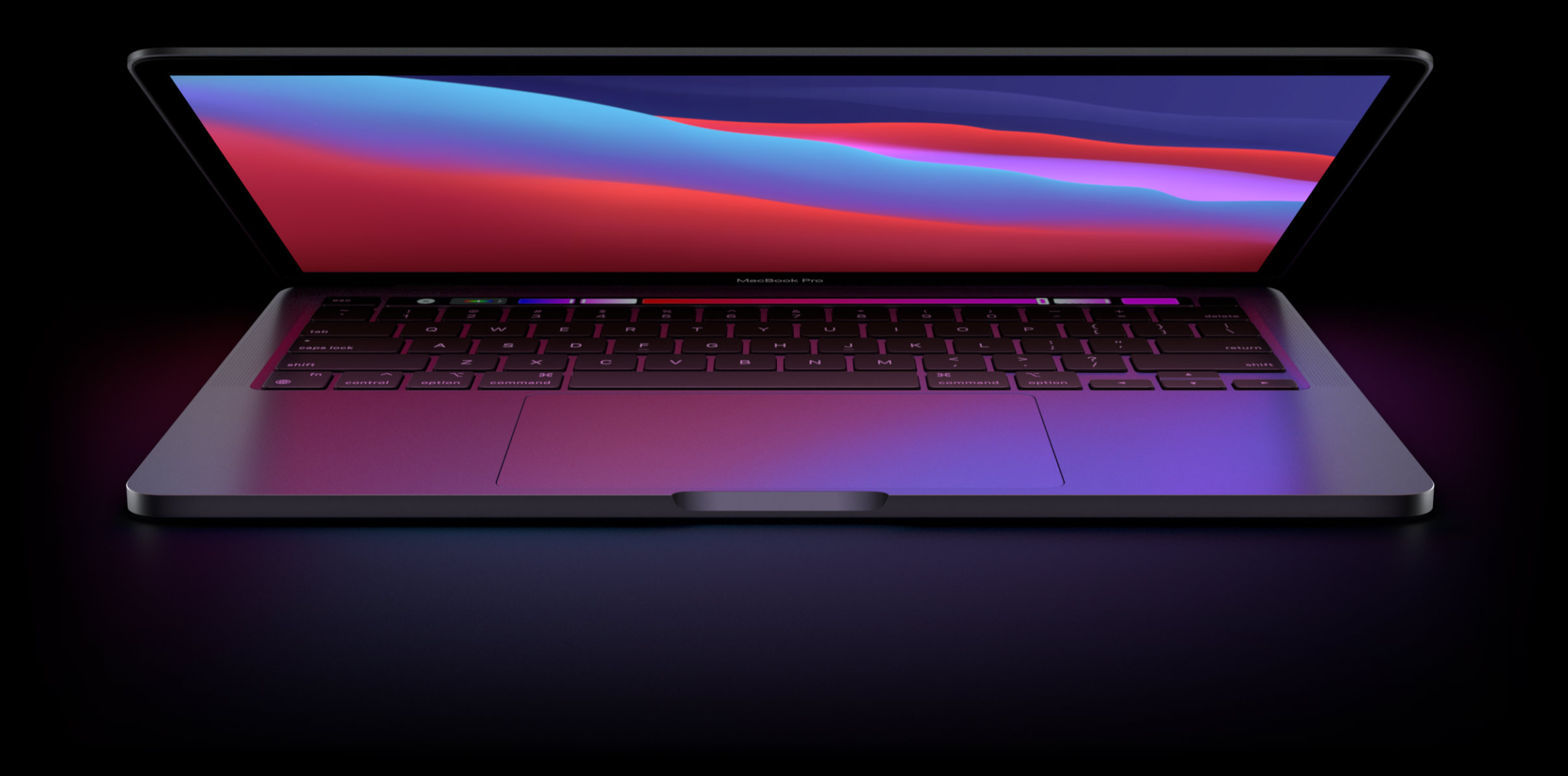
Learn how to use High Power Mode on your MacBook Pro to boost its performance during demanding, sustained workloads like video editing, file exporting, 3D designing, and more.
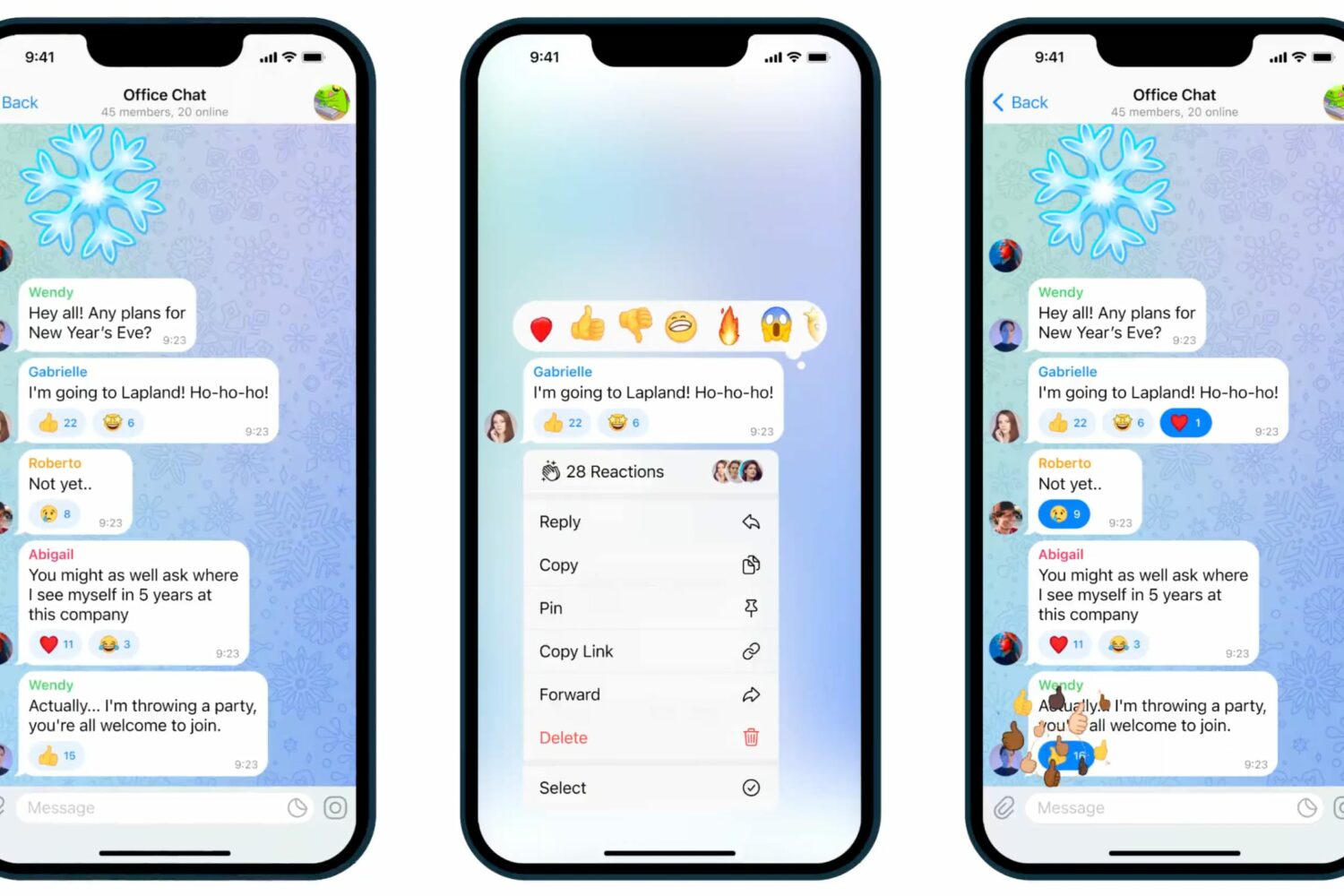
Learn how to use Telegram emoji reactions to spice up your conversations with a red heart, fire, party popper, or other expressive emoticons.

A dedicated telephoto lens (aka zoom lens) found on some iPhones boosts iPhone photography with optical zoom capabilities. Future iPhones are rumored to allow for even deeper zoom by adopting a periscope lens (or foldable lens as it's sometimes referred to). At its core, this technology diverts light through a prism and into a telephoto lens set at a ninety-degree angle to a rear-facing lens and buried deep inside the chassis.

Learn how to preview a WhatsApp voice message so you can check whether your ramblings make sense before the message is sent.
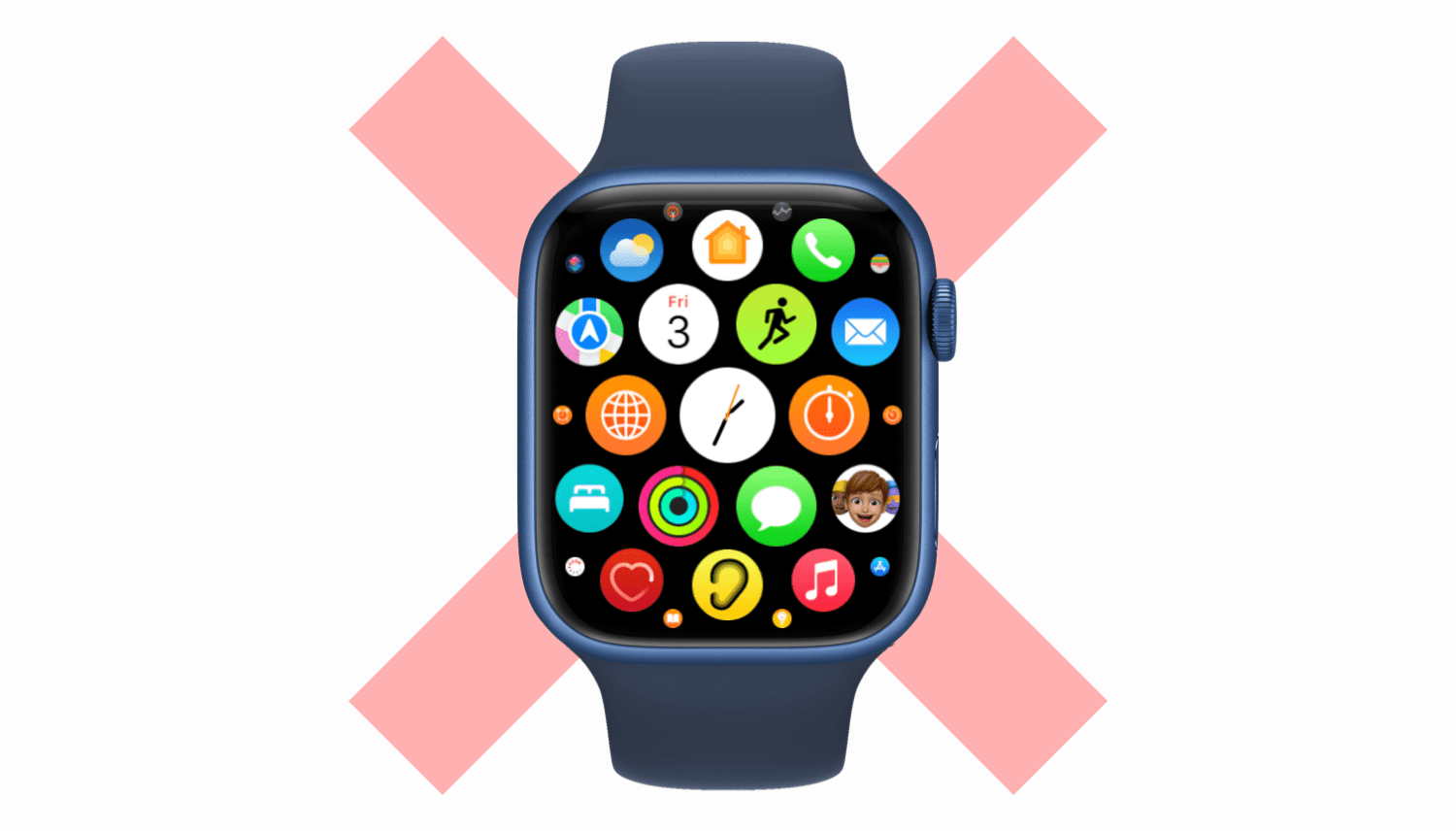
Learn how to force close apps on your Apple Watch to fix unresponsive apps and improve performance.
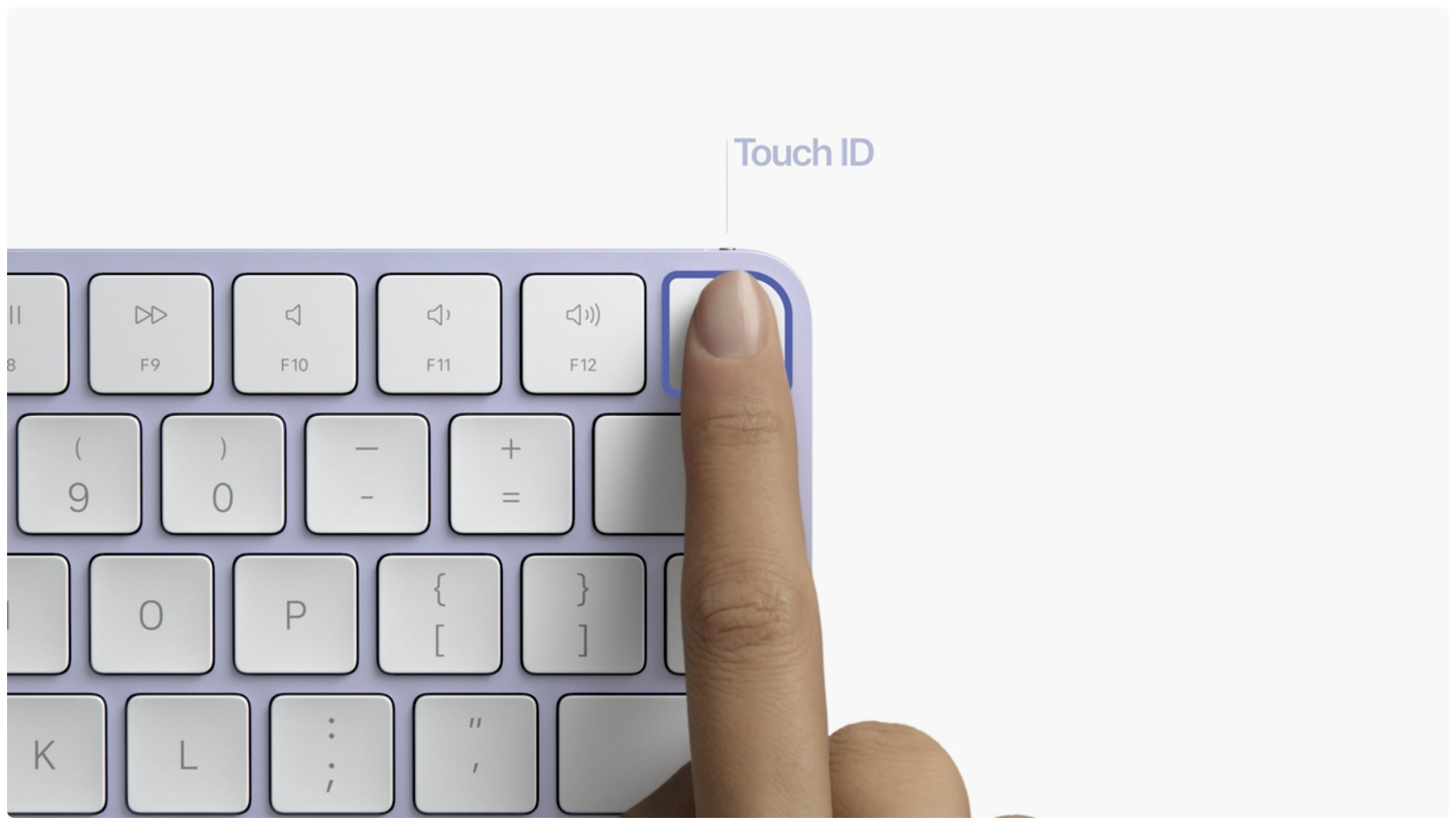
If Apple Pay Touch ID authentication isn't working on your Intel-based or Apple silicon Mac, this is by design. Here's what you need to know.
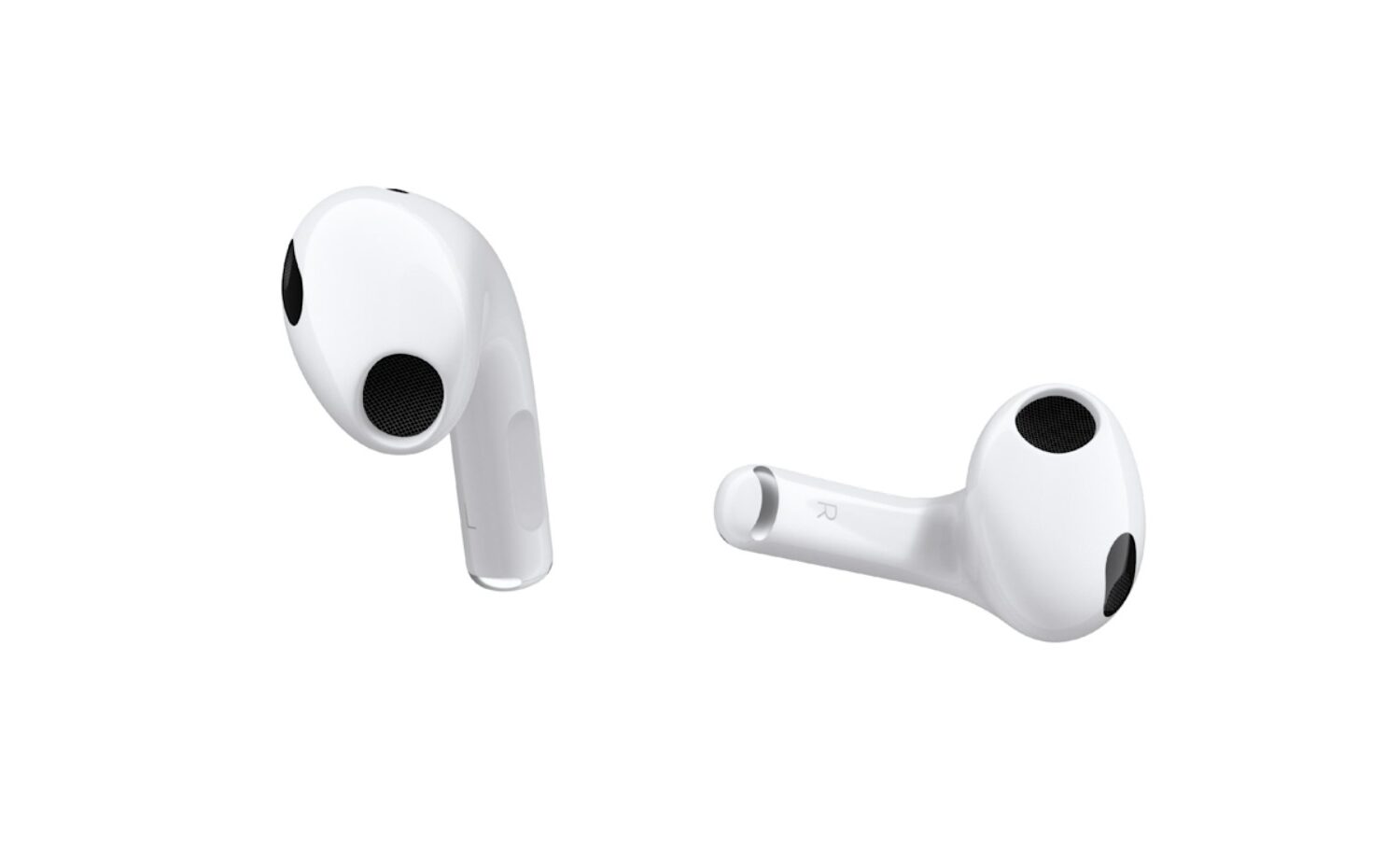
Watch this video going through some handy AirPods 3 tips and tricks recommended to set up, configure, use and get the most out of your third-generation Apple earbuds.

Learn how to use the X search feature to sift through all of the posts from a specific account and find the ones that match your search phrase.
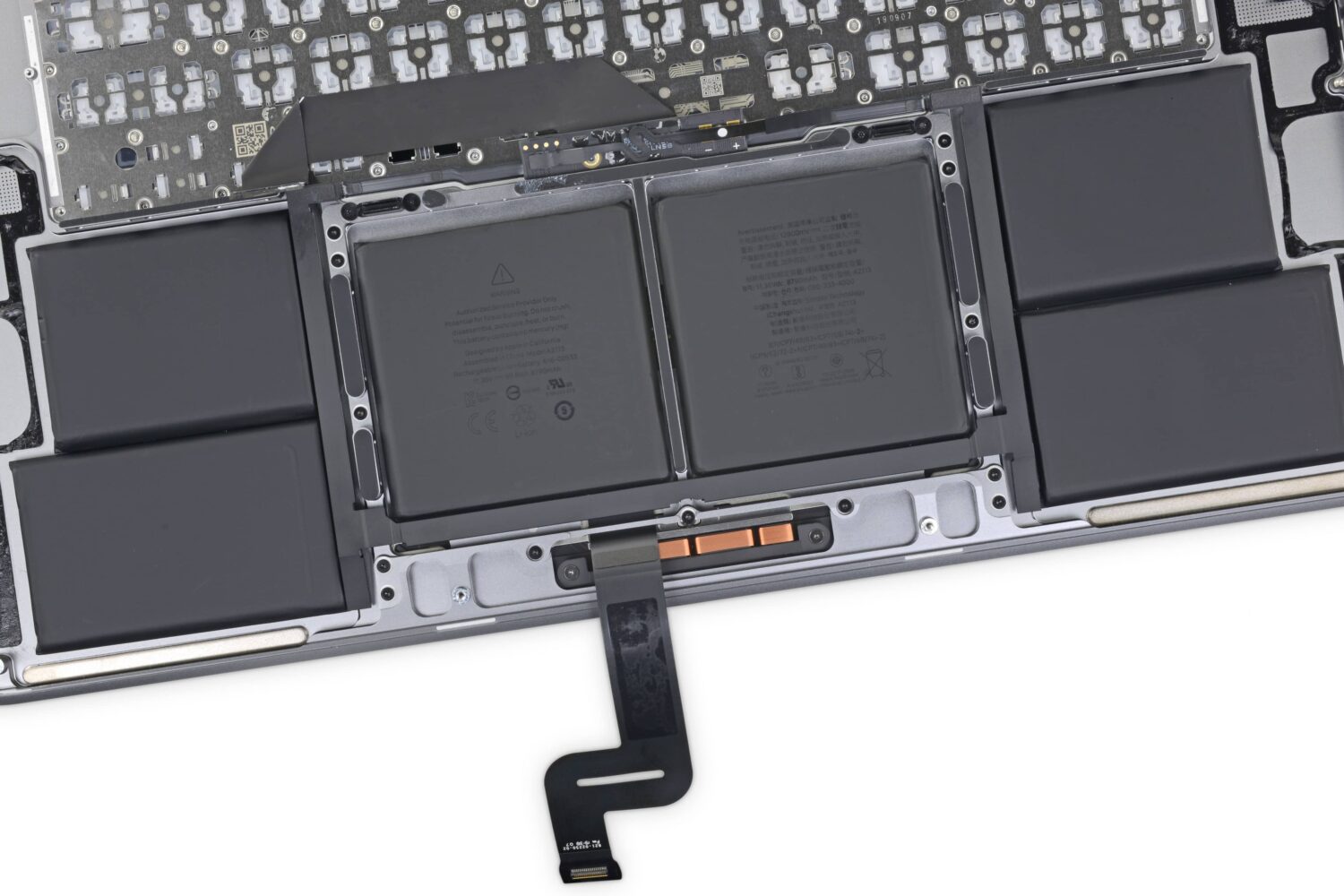
We show you how to fast-charge your brand spanking new 14-inch or 16-inch MacBook Pro from dead to fifty percent battery in about 30 minutes, and tell you about the caveats.