Learn how to use touch or force controls on your AirPods Pro to control music playback, switch between noise cancellation modes, adjust the volume, and more.
How to use touch sensing physical controls on AirPods Pro
Learn how to use touch or force controls on your AirPods Pro to control music playback, switch between noise cancellation modes, adjust the volume, and more.
Apple yesterday released the iOS 13.2 software update for iPhone, iPad and iPod touch. With it came a new computational photography feature for the latest iPhone 11 devices, dubbed Deep Fusion, in addition to Announce Messages With Siri that was originally supposed to arrive as part of the initial iOS 13.0 update, plus a whole bunch of other important changes.
Several weeks in, Cody and Sebastien share their favorite tips and features of iOS 13. From obvious ones to more obscure settings, there is something for everyone in here. And not to mention that the two co-hosts are full of jokes today...
Learn how to enable cellular downloads for iPhone and iPad apps exceeding 200 MB effortlessly with our step-by-step guide.
Find it hard to calculate tips or split bills quickly? Follow along as we show you how to use the Calculator app on your Apple Watch to split a cheque evenly among multiple people and determine an appropriate tip.
Learn how to stop your iPhone, iPad, or Mac from automatically joining nearby Personal Hotspots on iPhones and cellular iPads when there are no Wi-Fi networks.
Be aware of phishing scams and other nefarious schemes designed to compromise your credit card details. If you believe you’re a victim of a scam involving your Apple Card, here’s what you need to do in order to report Apple Card fraud, right from your iPhone.
Learn how to turn off Safari link previews on iPhone or iPad so you can see the destination URL of where the link will take you without opening the webpage.
Apple Watch Series 5 builds upon the major redesign and all the great features of its predecessor with such improvements as an always-on display, new sensors and a few other perks. To help you get the most out of your brand-new watch, we’ve put together a quick video tutorial highlighting some of the best tips, tricks and lesser-known features of Series 5.
Check out these handy tips for using the Search feature in Finder like a pro so you can save time and prevent frustration when looking for the right photos, videos, PDFs, and files on your Mac.
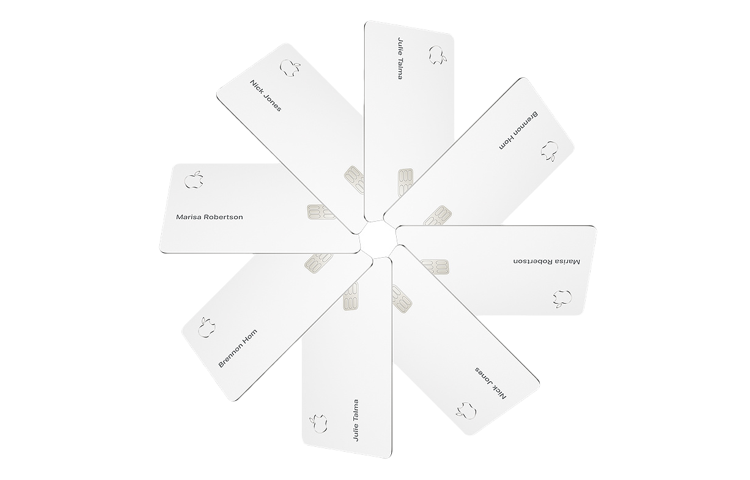
When you sign up for Apple Card, you can optionally order a physical card to make non-Apple Pay purchases on the web. Should your physical Apple Card get damaged, lost or stolen, you can request a replacement titanium Apple Card with just a few taps, and iDB shows you how.
Apple protects your security by allowing you to regenerate the primary 16-digit number of your Apple Card with just a few taps, providing you with a fresh new credit card number at any time.