Learn how to enter, use, and exit full-screen mode on Mac to use apps and windows on the entire screen for a distraction-free experience.
How to use apps in full-screen mode on Mac

Learn how to enter, use, and exit full-screen mode on Mac to use apps and windows on the entire screen for a distraction-free experience.
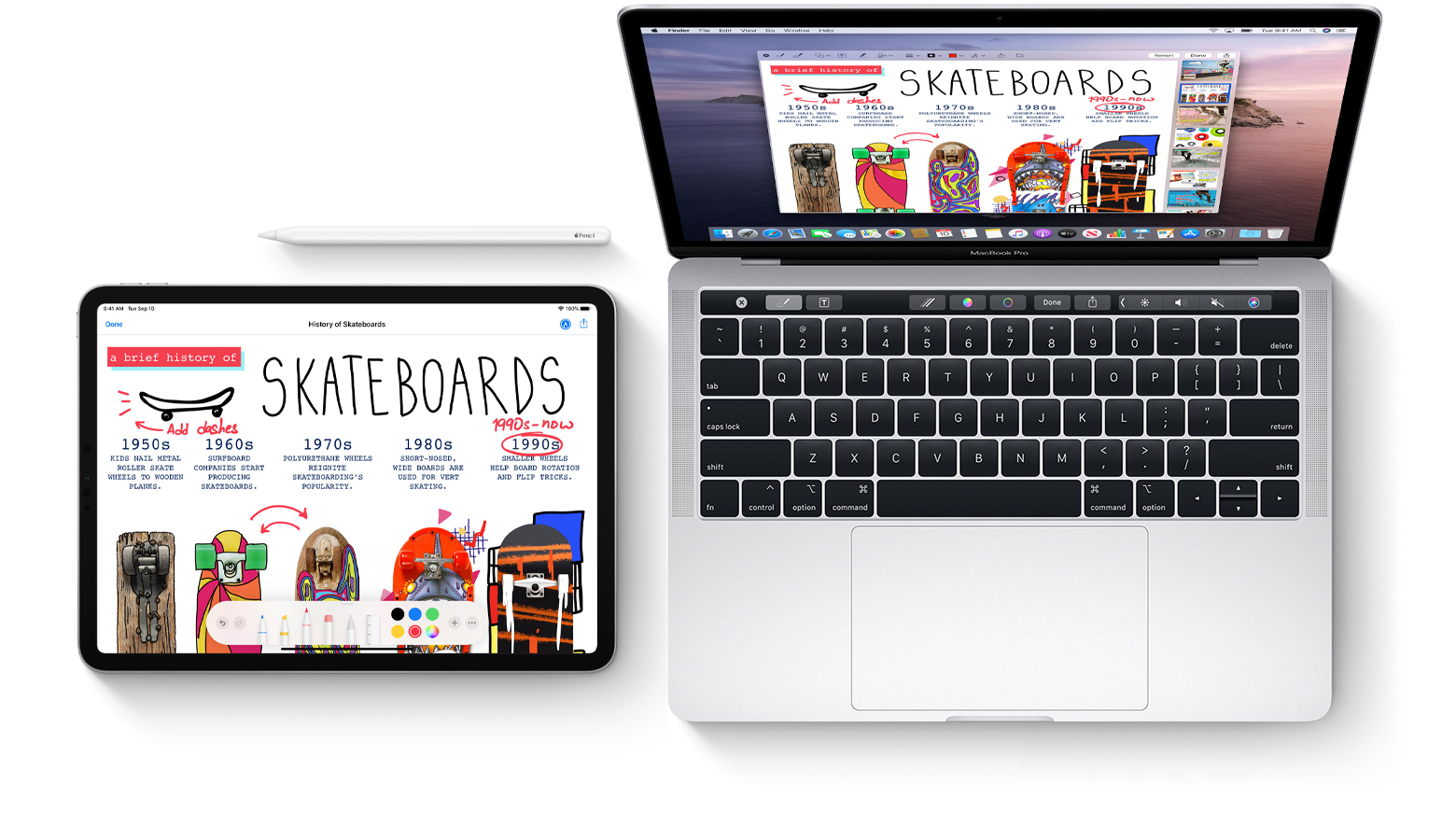
Learn how to sketch in Mac documents with Apple Pencil or your finger by using the Continuity Sketch feature on your iPad or iPhone.

Learn how to preview files and documents in the iOS Files app on your iPhone and iPad to streamline navigation and file management.
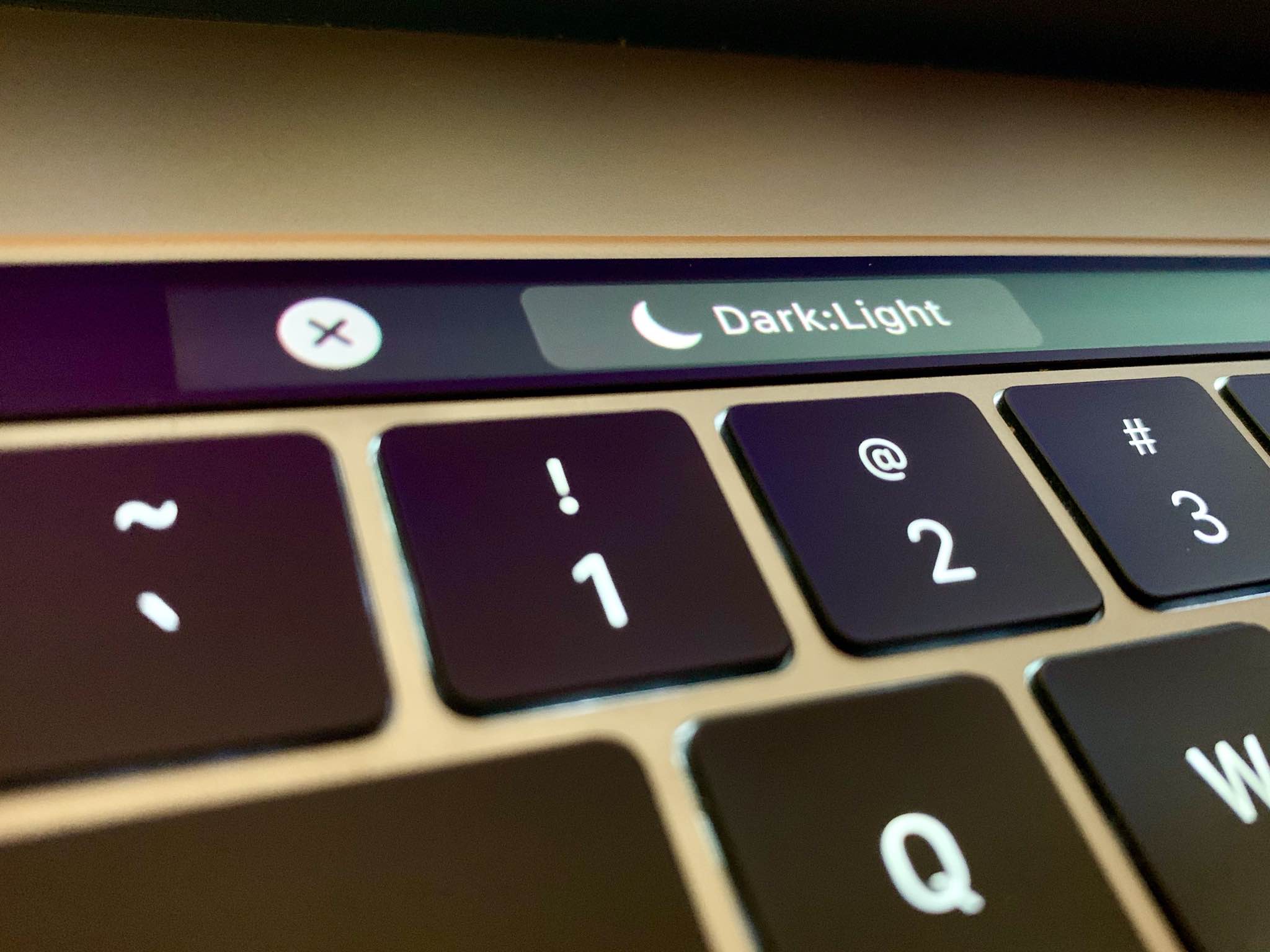
Follow this step-by-step tutorial to learn how to quickly switch between macOS's dark and light themes by adding a dedicated toggle for Dark Mode to the Touch Bar of your Mac.
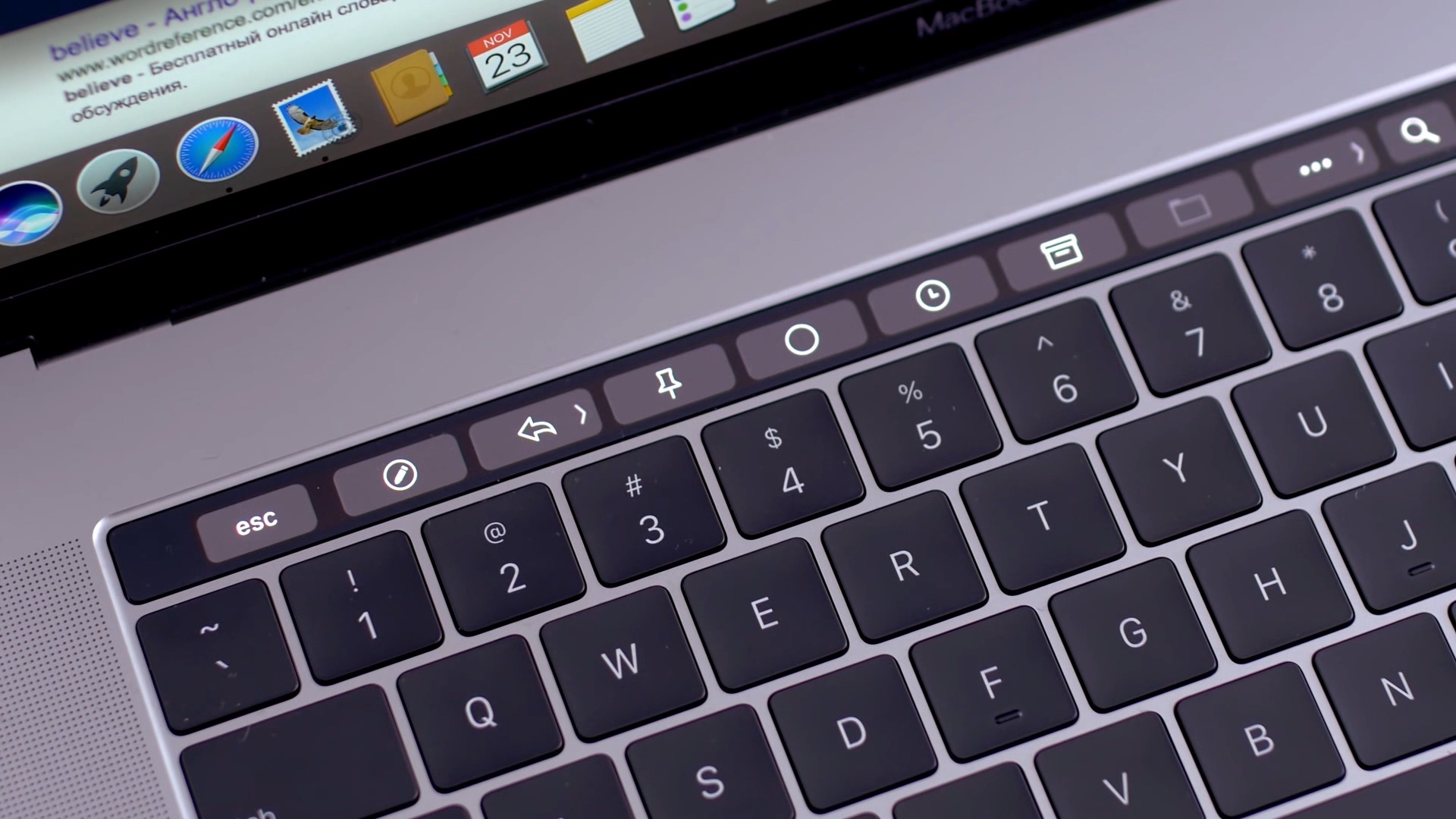
Learn how to add Automator workflows that are saved as Quick Actions to the Touch Bar of your Mac. Doing so will let you easily run your favorite macOS automation shortcuts at any time because they’ll be just two taps away.
The software that makes your Mac's Touch Bar work can also crash, become unresponsive, or misbehave to prevent you from using your favorite Touch Bar shortcuts. Should that ever happen, you can easily fix a frozen Touch Bar on your MacBook Pro, and we will show you how.

Discover some handy tips for using Safari Search on your Mac and find answers more efficiently with just a few clicks.

In this tutorial, we will show you how to share audio from your iPhone, iPad, or Apple TV to two pairs of AirPods or Beats headphones so both people can listen to the same media at the same time.

With HomePod multiuser support, Siri on your speaker can recognize different voices. This lets Siri on your HomePod use other people's personal information. Follow along with us as we lay out how to set up HomePod multiuser support with different voices.

If you're paying for your Apple Arcade subscription month to month, it might be a good idea to switch to the annual subscription and save money by getting twelve months of access for the price of ten, provided you pay upfront. Follow our quick tutorial to learn how you can switch from the $5 per month subscription to its $50 per year annual counterpart.

Websites that control how you scroll are a usability nightmare. Instead of scrolling as you normally would, those offenders take advantage of scrolljacking to alter the way your favorite web browser interprets scrolling commands just to run some fancy animation instead of scrolling down a page, which can be both disjointing and frustrating. On a brighter note, this unwanted behavior can easily be stopped. Follow along with iDownloadBlog's step-by-step tutorial to learn how to remove scrolljacking from Apple.com and other websites you frequent.
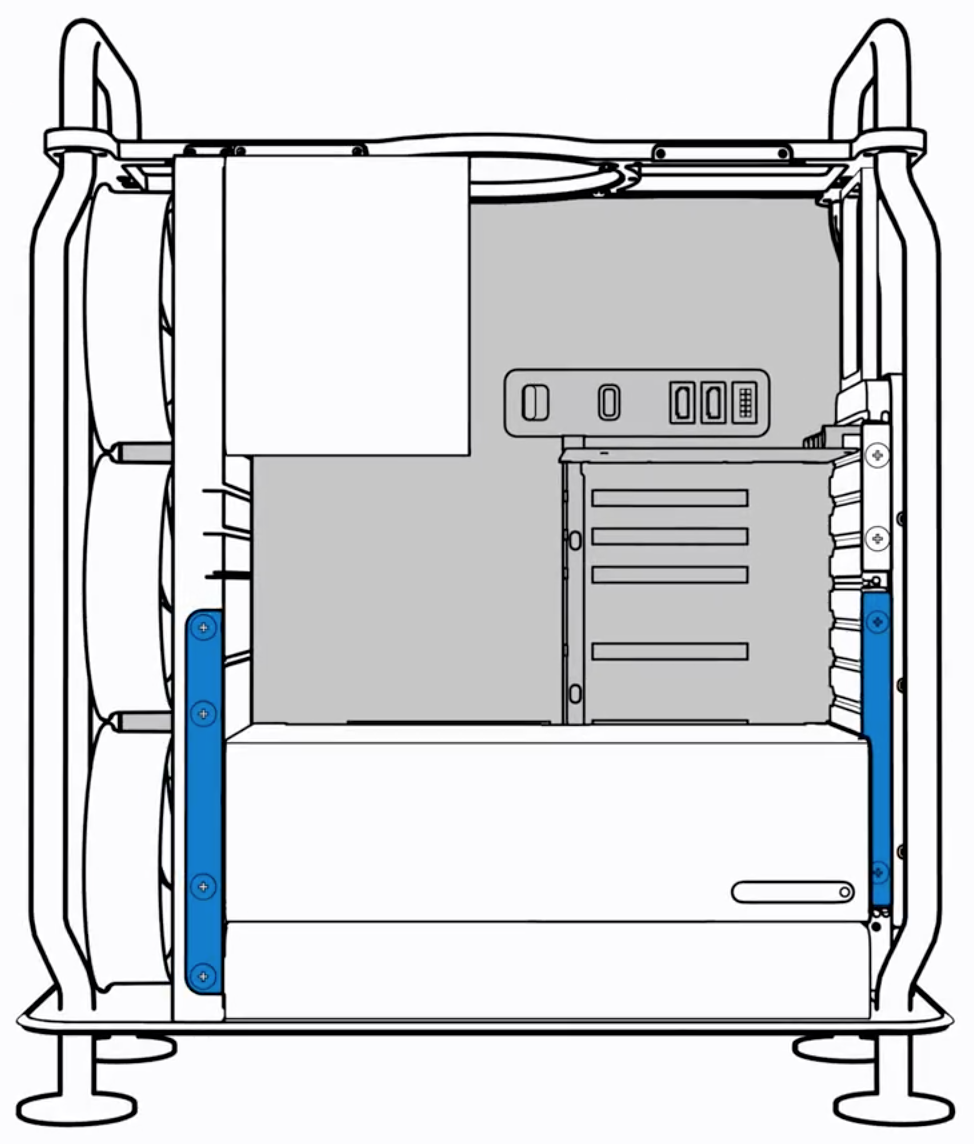
Apple yesterday released its new workstation — the $5,999 Mac Pro — and soon after the company's official support channel on YouTube published a pair of videos demonstrating how to add more memory to your computer and upgrade its graphics subsystem.