Lots of people like it when their Lock Screen interface is as simple as possible. Perhaps even simpler than Apple makes it right out of the box.
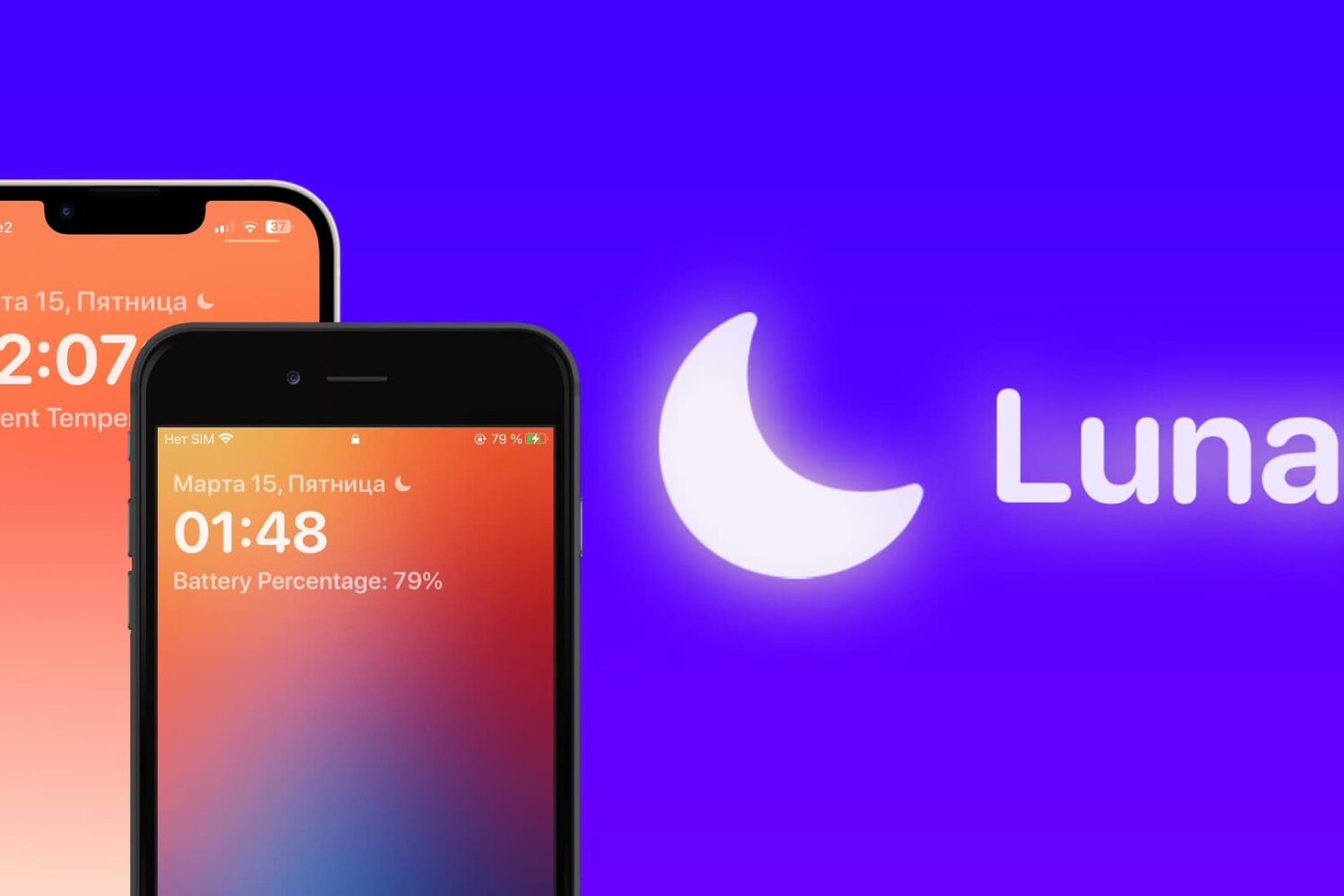
Lots of people like it when their Lock Screen interface is as simple as possible. Perhaps even simpler than Apple makes it right out of the box.
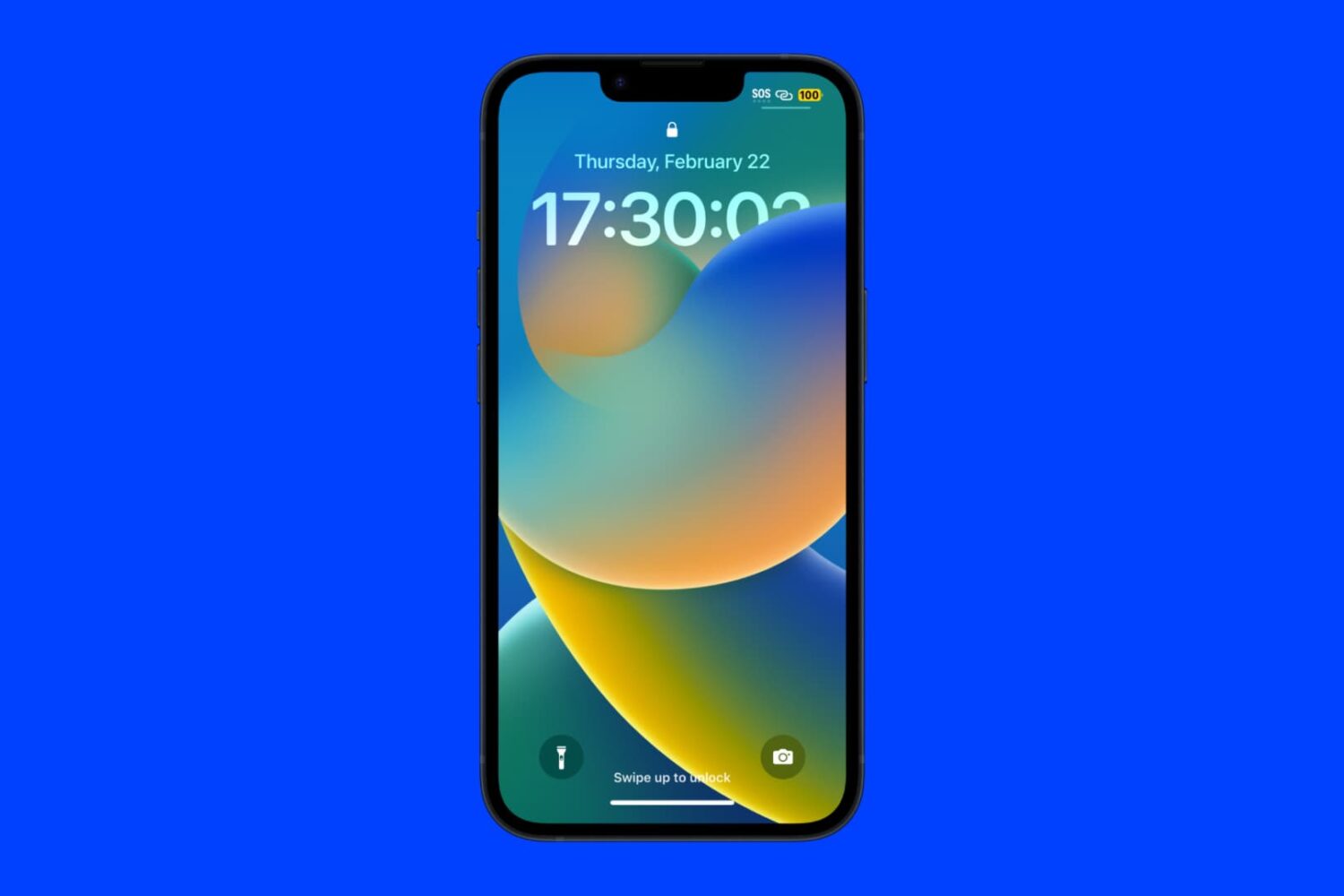
The iPhone can display the current time on the Lock Screen, but one thing that is noticeably missing from the interface is a seconds indicator.
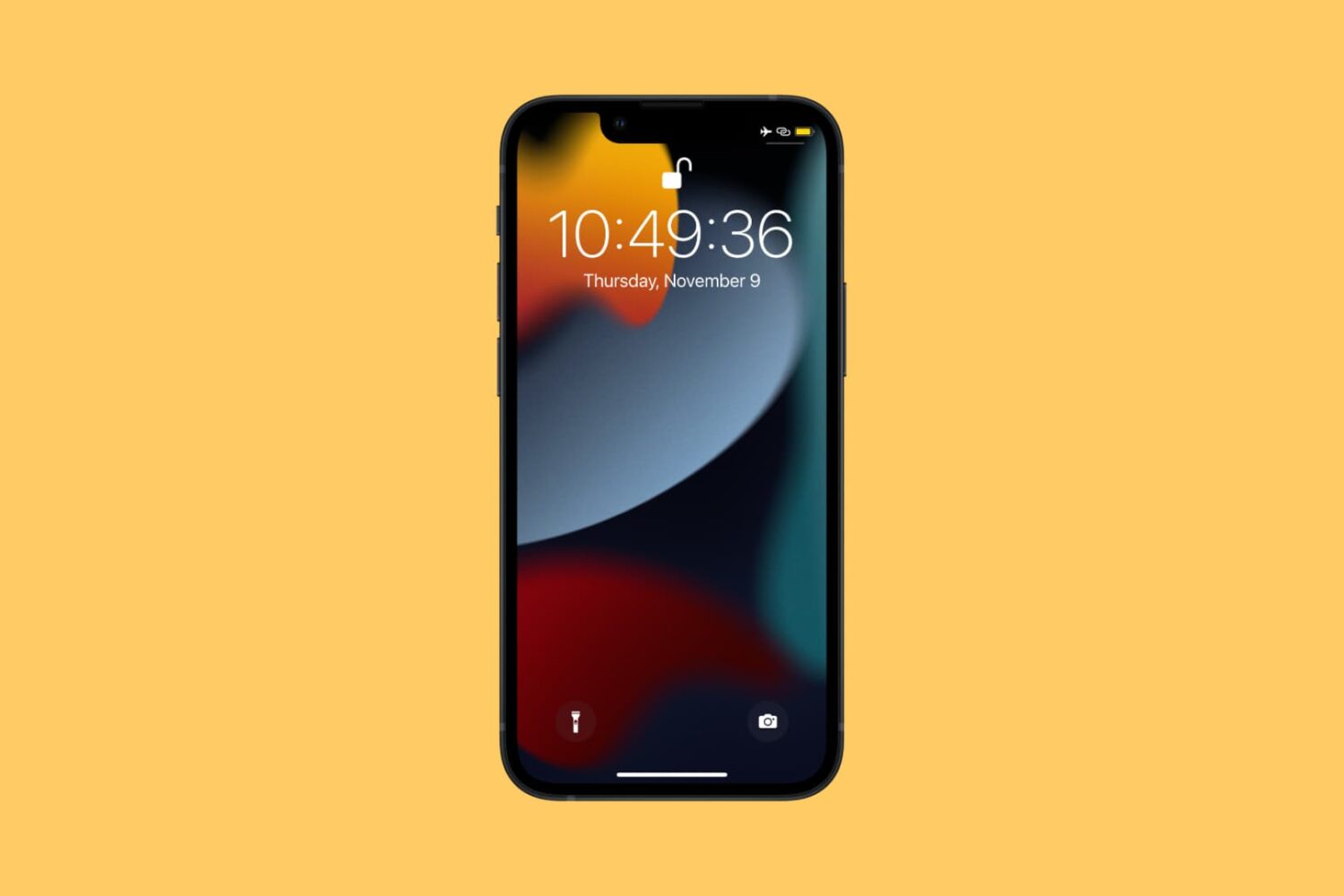
If you’d like for your Lock Screen’s clock to display not only the hours and minutes of the current time, but also the seconds, then we’ve got just the jailbreak tweak for you.
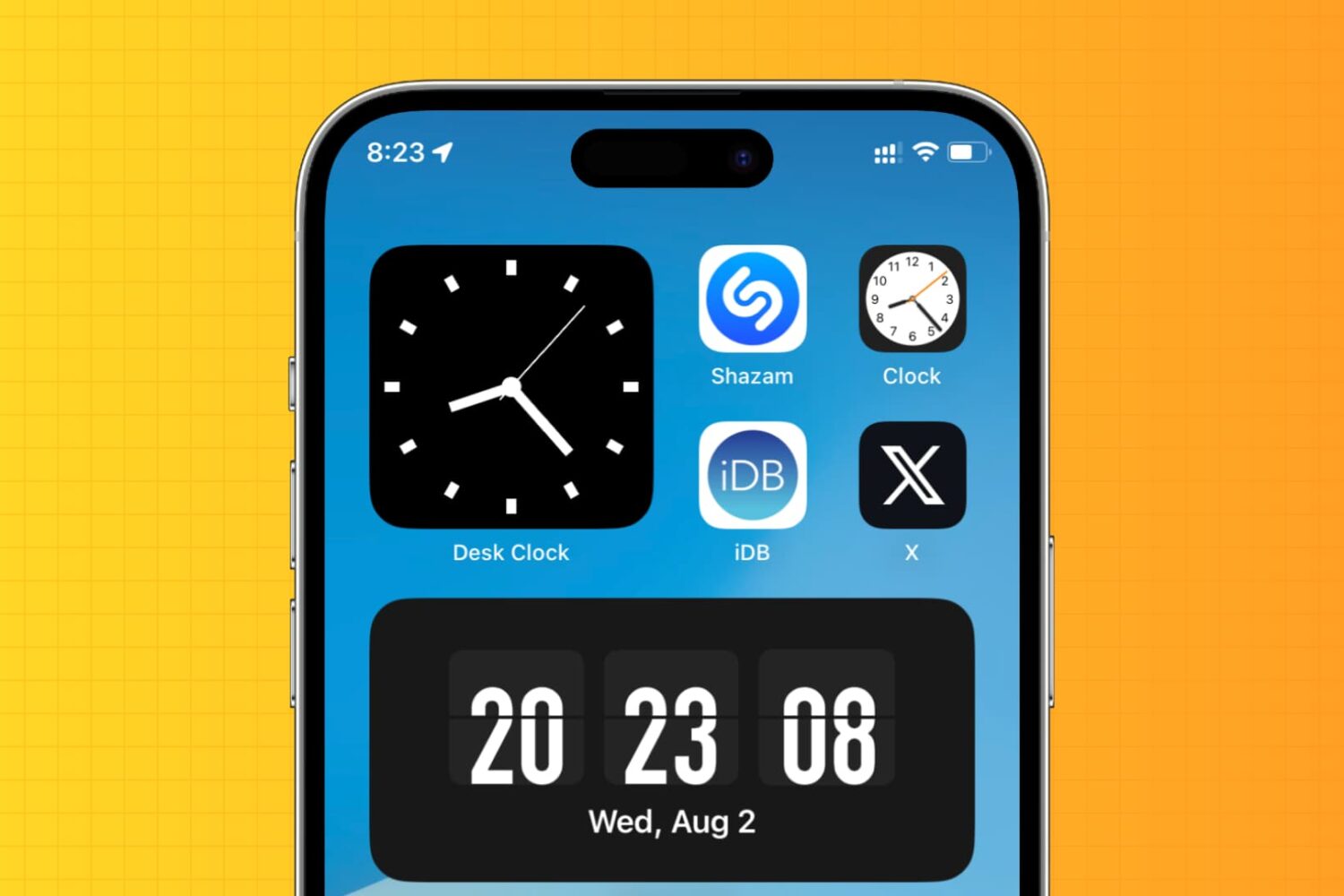
Learn how to display an analog clock on your iPhone or iPad with the hours, minutes, and seconds hands to keep track of the exact time down to the second.
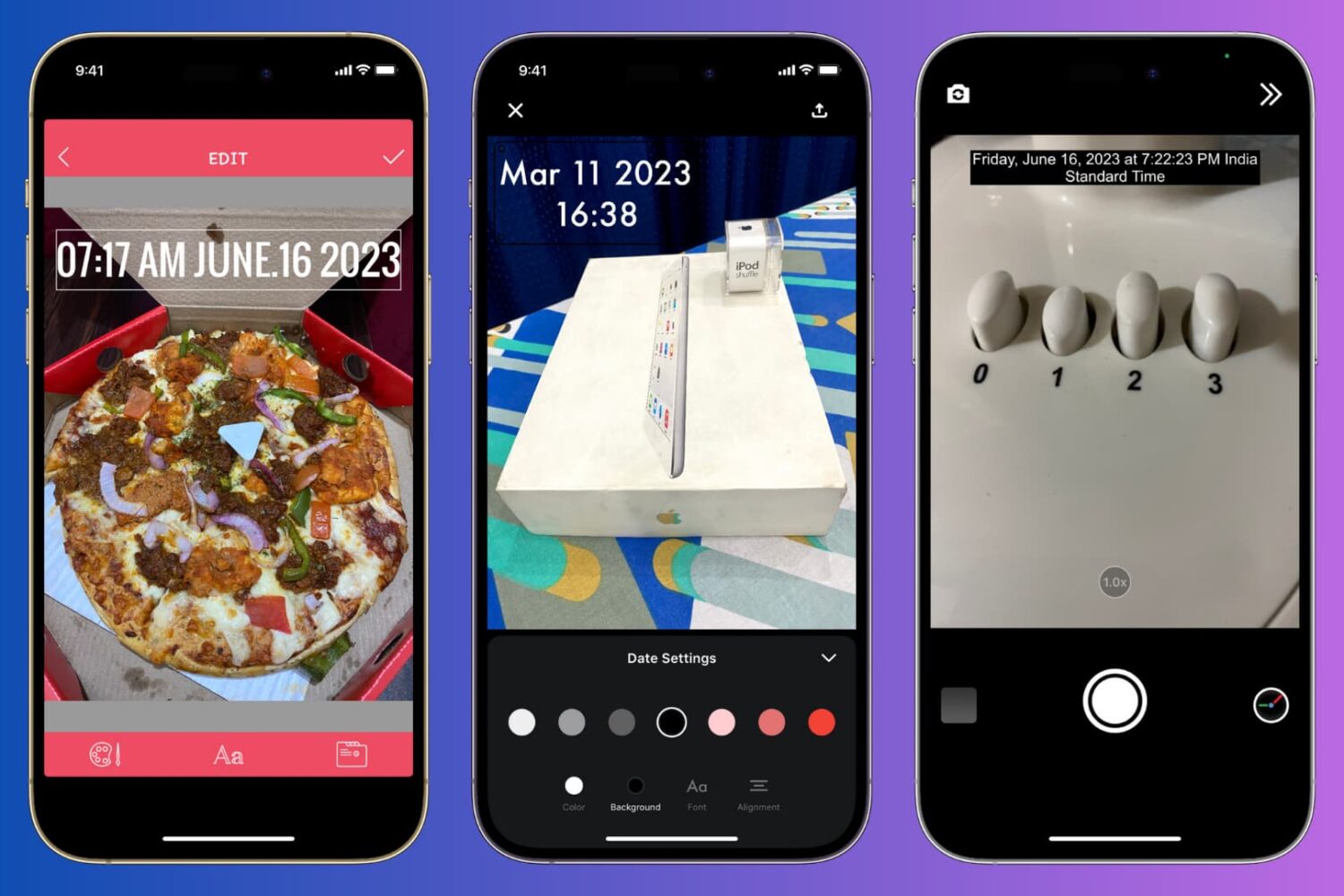
Learn how to manually add the current date and time to your iPhone photos or use a third-party app to automatically timestamp your snaps.
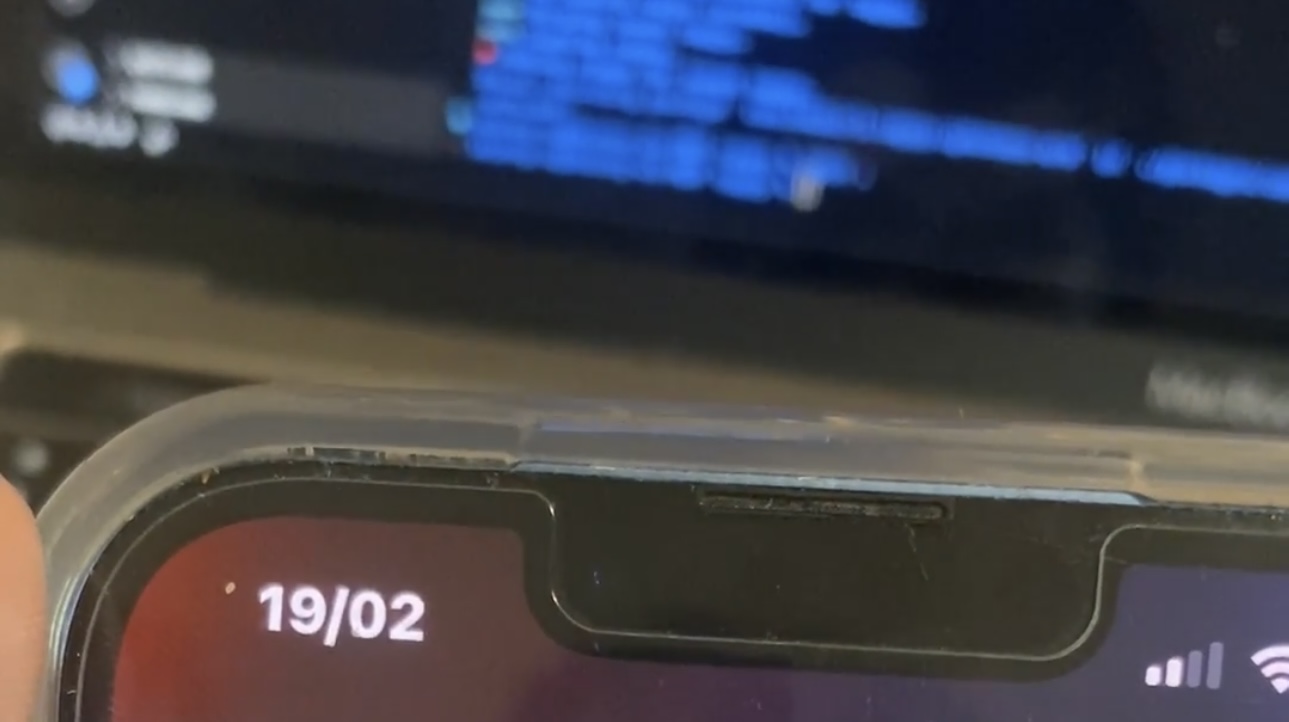
Around three months ago, we showed you a jailbreak tweak called Tappy by iOS developer b4db1r3 that would let you tap on the Status Bar’s time indicator to reveal a date display, and it was a hit.

TrollStore is a great way to enjoy hacks and UI enhancements on both jailbroken and non-jailbroken iOS 14.0-15.4.1 (and some 15.5 and 15.6 beta builds), and a new and free TrollStore-compatible add-on called SecondHand by iOS developer LeminLimez certainly grabbed our attention.
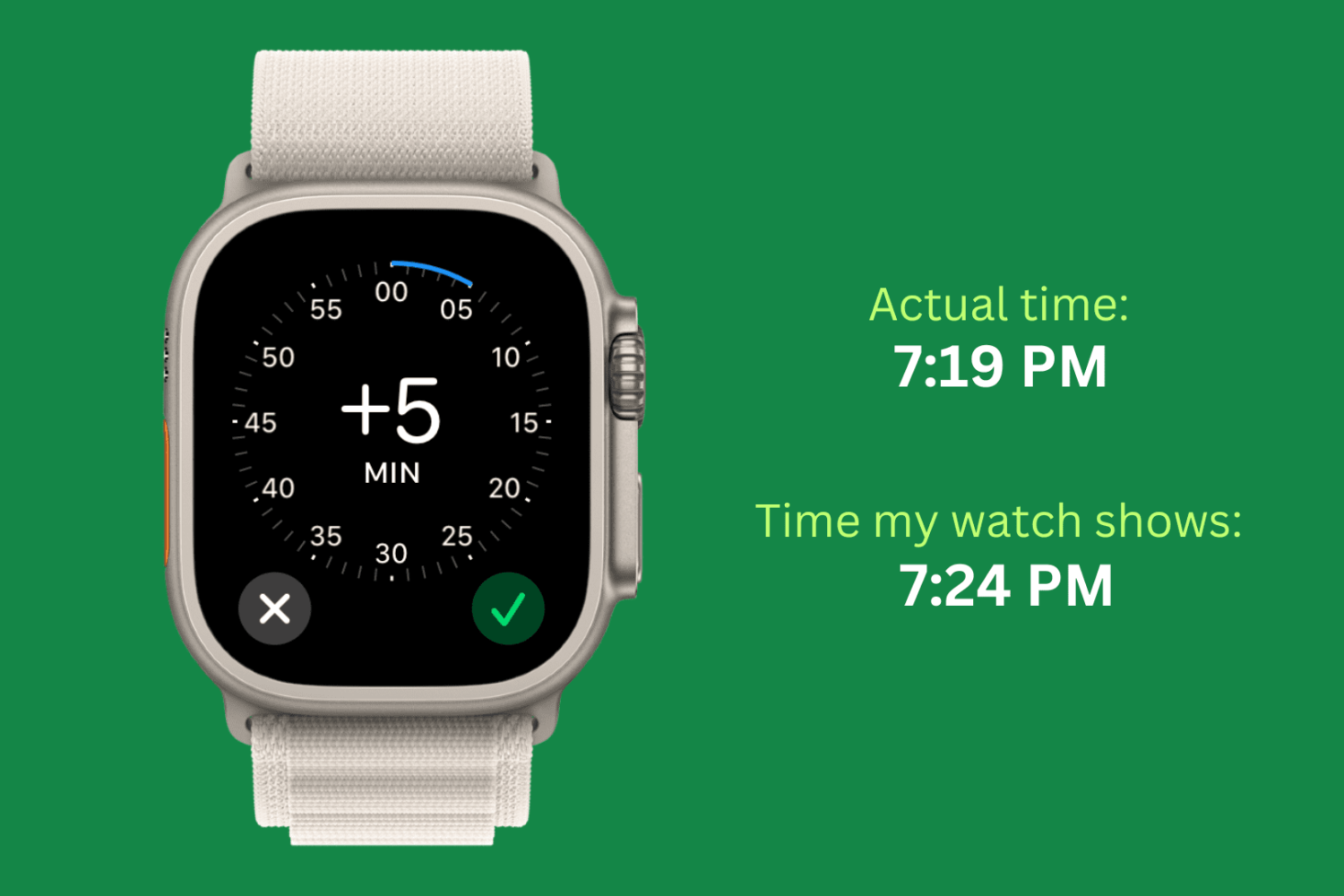
Check out this simple guide on setting the time ahead by a few minutes on your Apple Watch to always stay ahead of schedule!
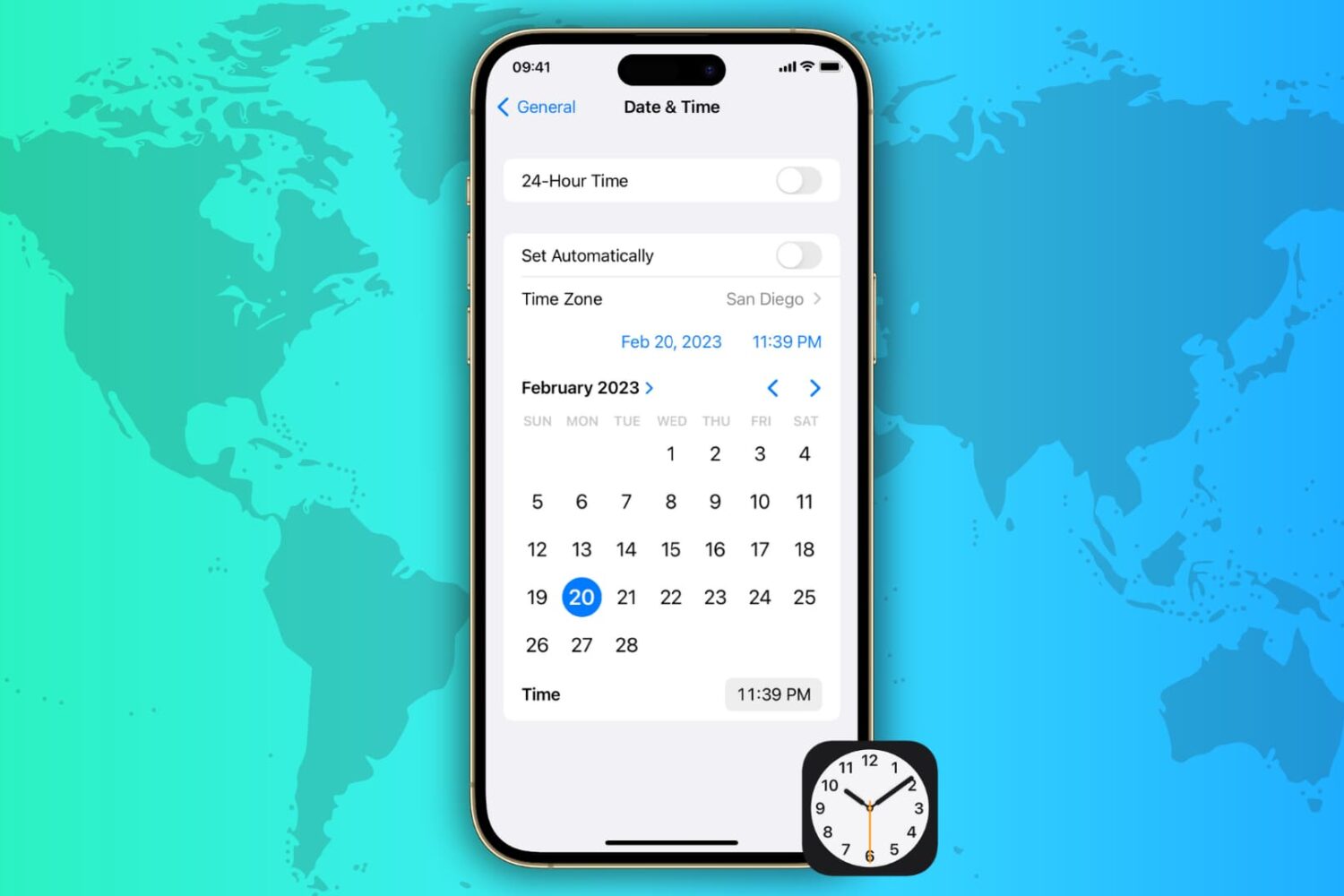
Learn how to automatically or manually change the date, time, and time zone on your iPhone, iPad, Mac, Apple Watch, and Apple TV and Vision Pro.
Sometimes you want to check the date really quick without leaving the app you’re in, and while you could to do that by swiping down to look at Notification Center, iOS developer b4db1r3 is out with a new and free jailbreak tweak called Tappy that just seems more convenient.
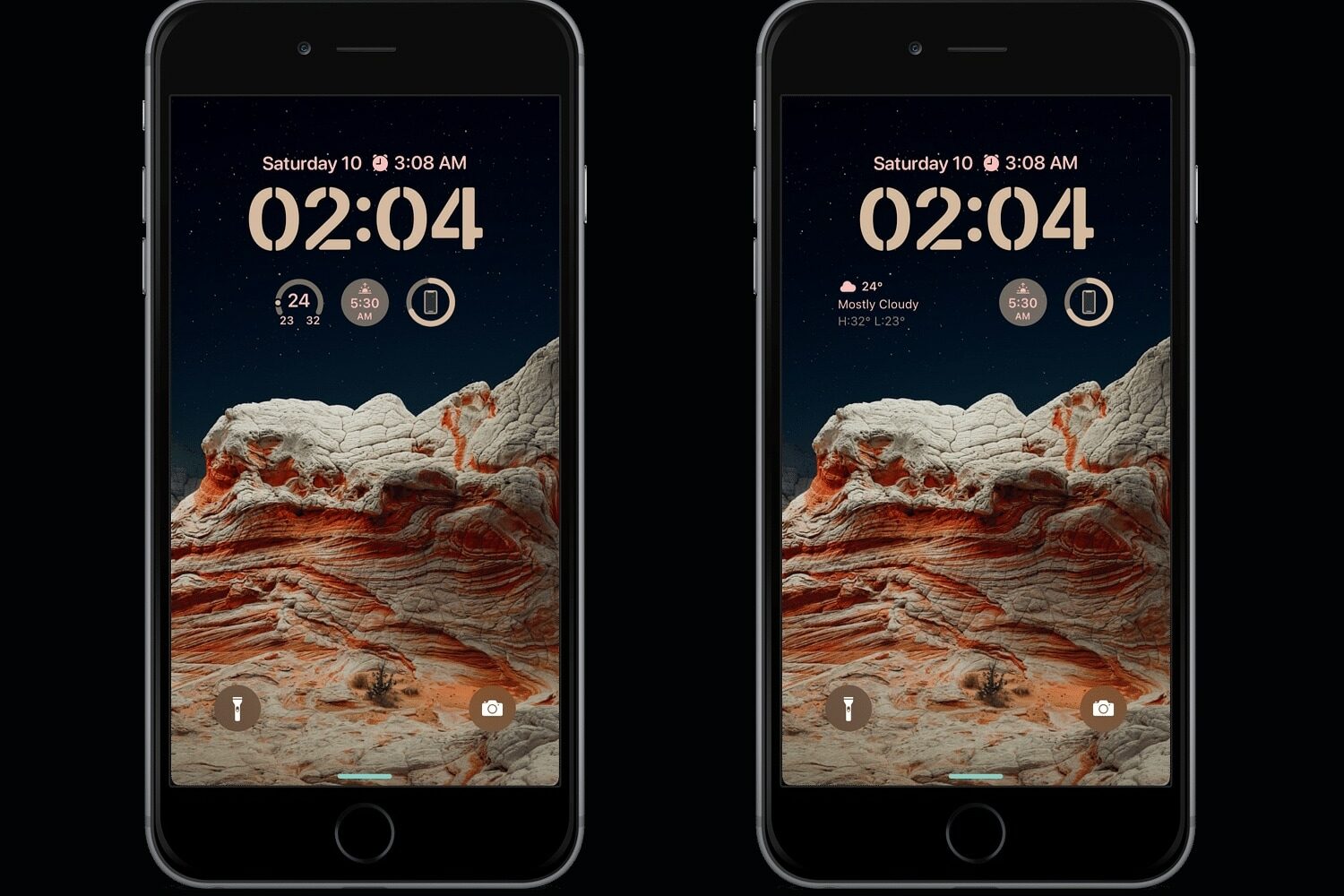
One of the things that makes iOS 16 stand out from previous iPhone updates is the sheer amount of personalization Apple provides for end users on the Lock Screen. Sadly, many jailbreakers don’t have the luxury of using these features as they’re still running iOS 14 or 15. But it doesn’t have to be that way.
Keeping track of the time on a busy schedule is important, and that’s why iDB used the fast-paced 2022 Thanksgiving holiday to reminisce on what we believe are some of the best jailbreak tweaks for time management on the iOS & iPadOS 14 platforms.