Subscriptions

How to upgrade, downgrade, or cancel your iCloud storage plan from iPhone, iPad, Mac, or PC

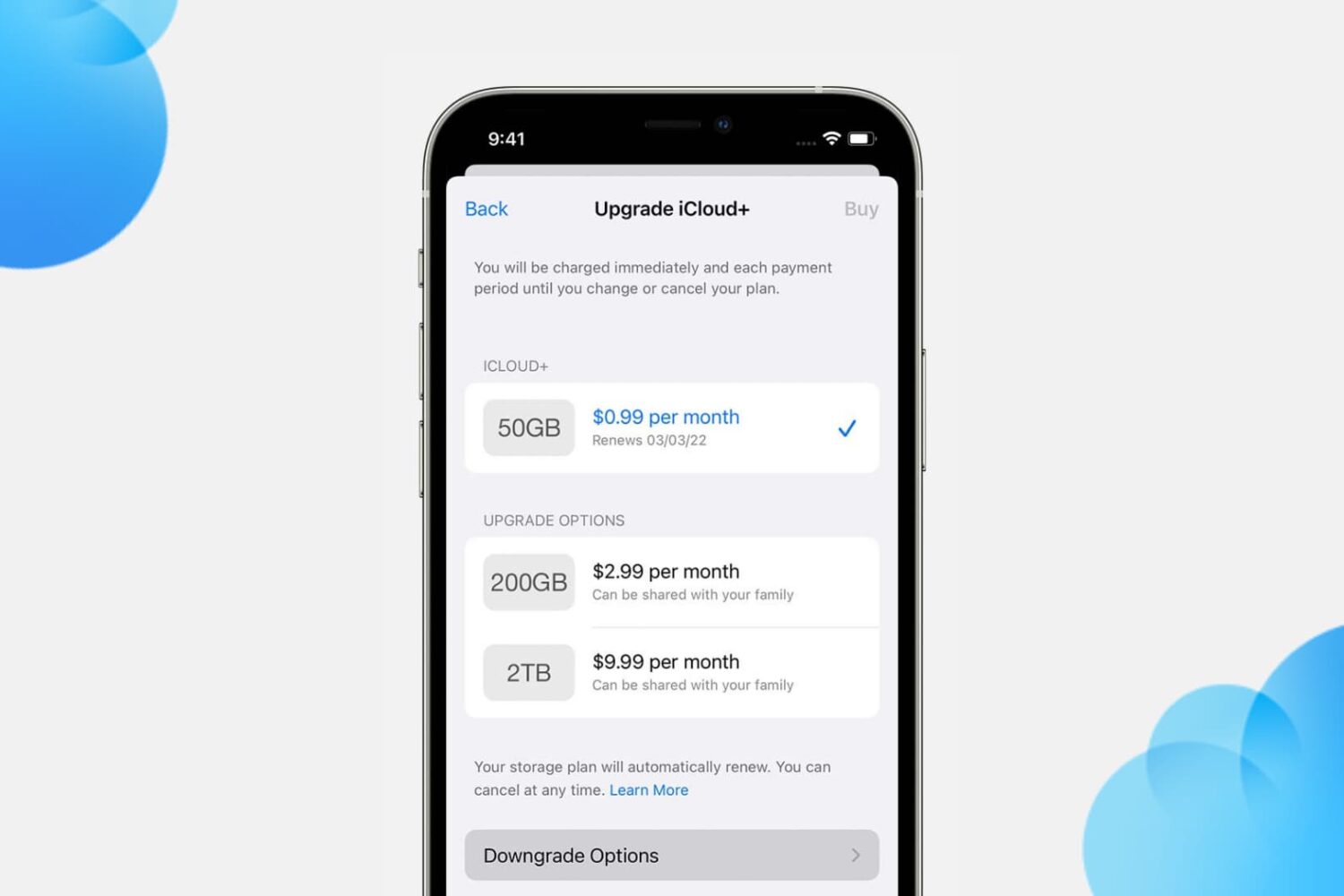
Upgrade to iCloud+ from your iPhone

You get 5 GB of free iCloud storage with your Apple ID. This free 5 GB of cloud storage remains the same even if you buy more Apple devices and add them to the same Apple ID. The only way to get more iCloud storage is by upgrading to a paid iCloud+ subscription.

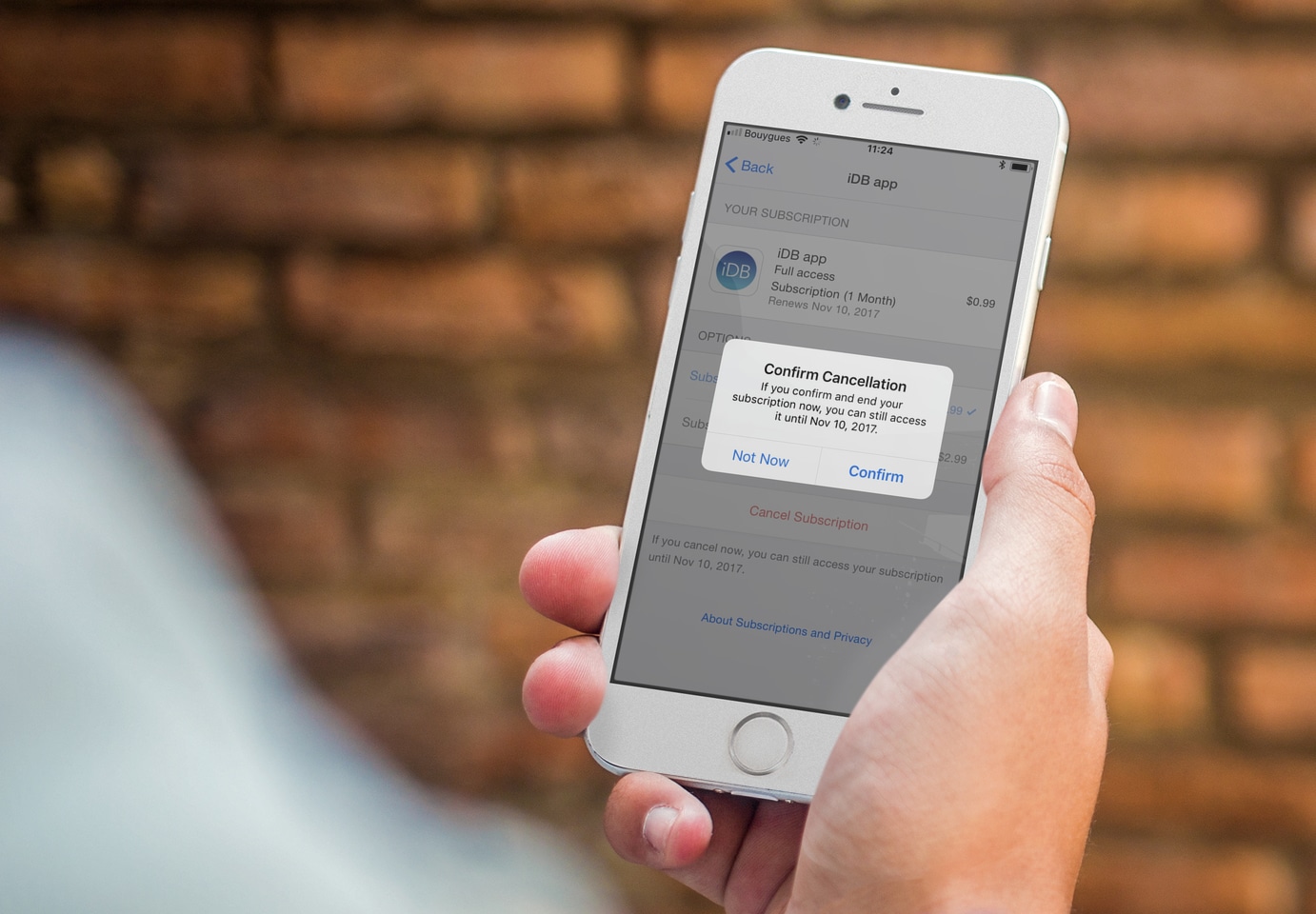
In this tutorial, we tell you how to upgrade, downgrade, or cancel your iCloud subscription.

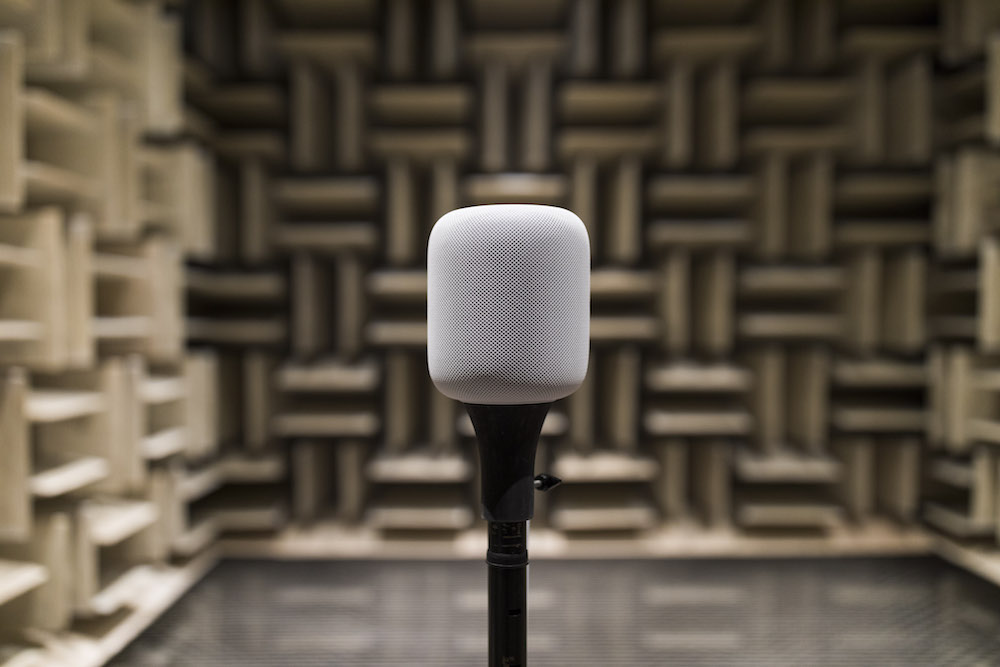
How to change the Apple Music account associated with your HomePod

You set up your new HomePod for the first time by bringing it near an iPhone or iPad, which prompts Apple's handy Automatic Setup feature to transfer settings such as saved Wi-Fi passwords and your Apple Music subscription information from your iOS device to your new HomePod.

If you would like to associate a different Apple Music account with your HomePod than the one you're currently using on your iPhone, iPad, or Mac, you can do that with just a few taps. We'll show you how to change the Apple Music account just for your HomePod.