Learn how to adjust the left and right earbud volume balance on your iPhone, iPad, Mac, and Apple Watch to listen to music, videos, and podcasts as per your preference.
How to adjust left & right volume balance on Apple devices
Learn how to adjust the left and right earbud volume balance on your iPhone, iPad, Mac, and Apple Watch to listen to music, videos, and podcasts as per your preference.
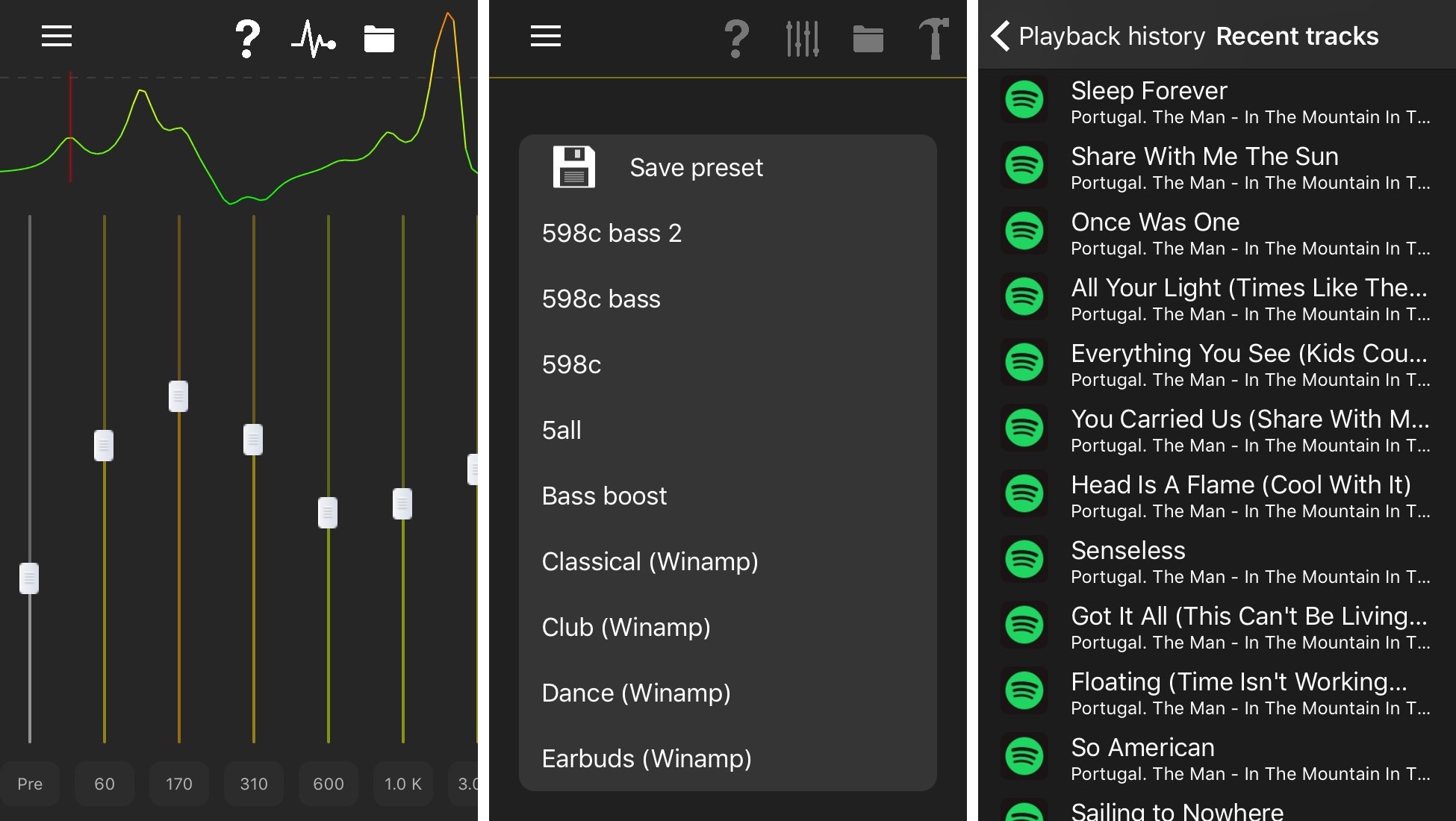
If you cherished the concept of EqualizerEverywhere back in the day, then we think you might like a new free jailbreak tweak called EQE by iOS developer r333d.
As the developer puts it, EQE is essentially EqualizerEverywhere’s successor. Acting as an entirely system-wide parametric equalizer, EQE lets you adjust the sound output of practically any app installed on your device.
In this week’s episode of “Let’s Talk iOS,” Sebastien and Cody shared frustration over the lack of granular audio control on iOS and macOS. While iOS remains a point of frustration, a simple Mac utility called Sound Control gives users exactly what the name implies.
Sound Control enables application-specific volume sliders on the Mac. In addition to Menu Bar controls, Sound Control can also be configured with user-defined keyboard shortcuts to adjust the level of a foreground app, or mute any background app.
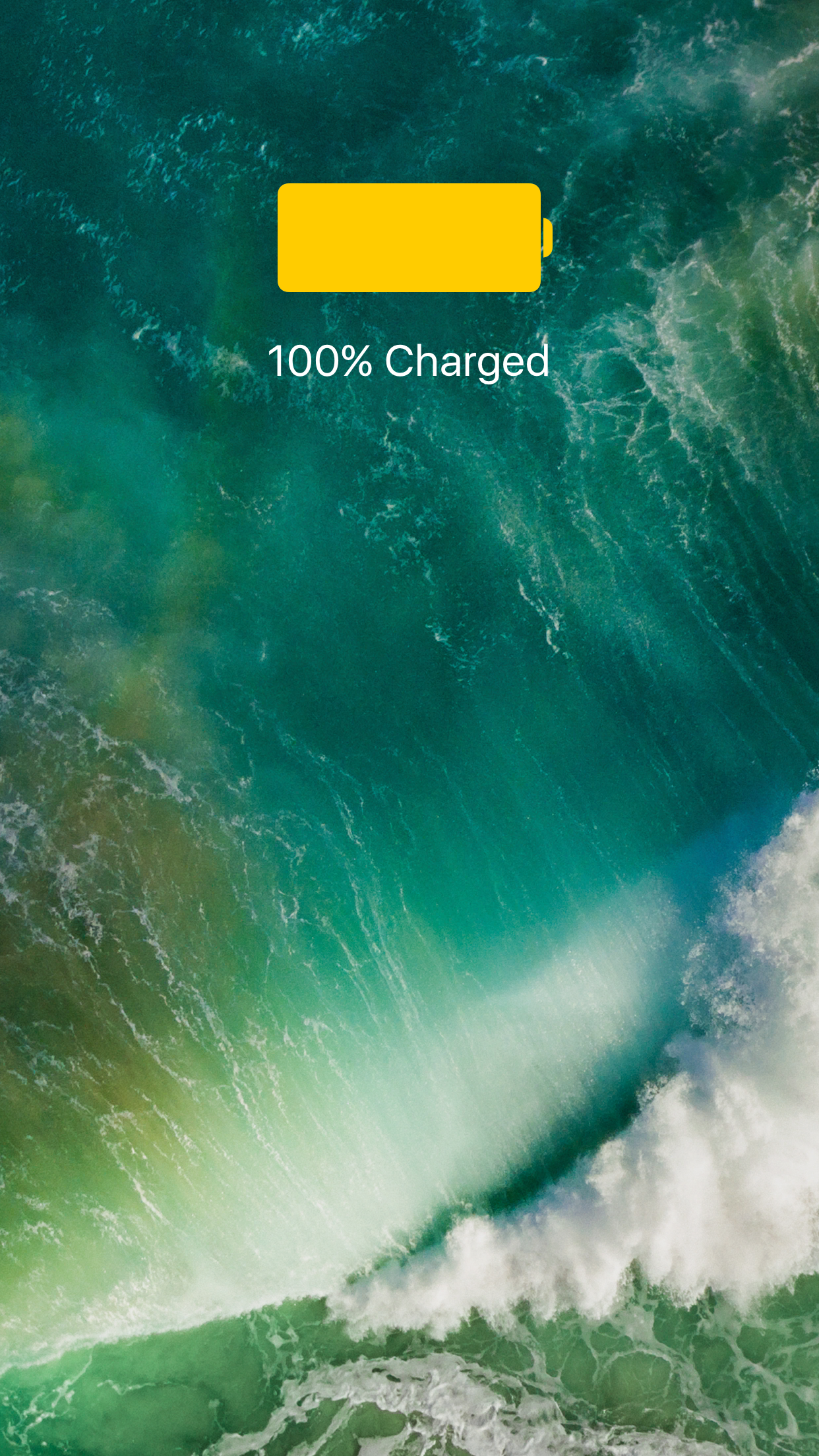
Whenever you attach an iOS device to a power source to charge your battery, you receive feedback letting you know that the power connection succeeded. iPads and iPod touches provide audible feedback, but iPhones can provide both audible and vibratory feedback.
While these types of feedback can be useful in several scenarios, everyone knows that two sides exist to every story. With that in mind, PowerLess is a new free jailbreak tweak by iOS developer CydiaGeek that disables all power connection feedback entirely.
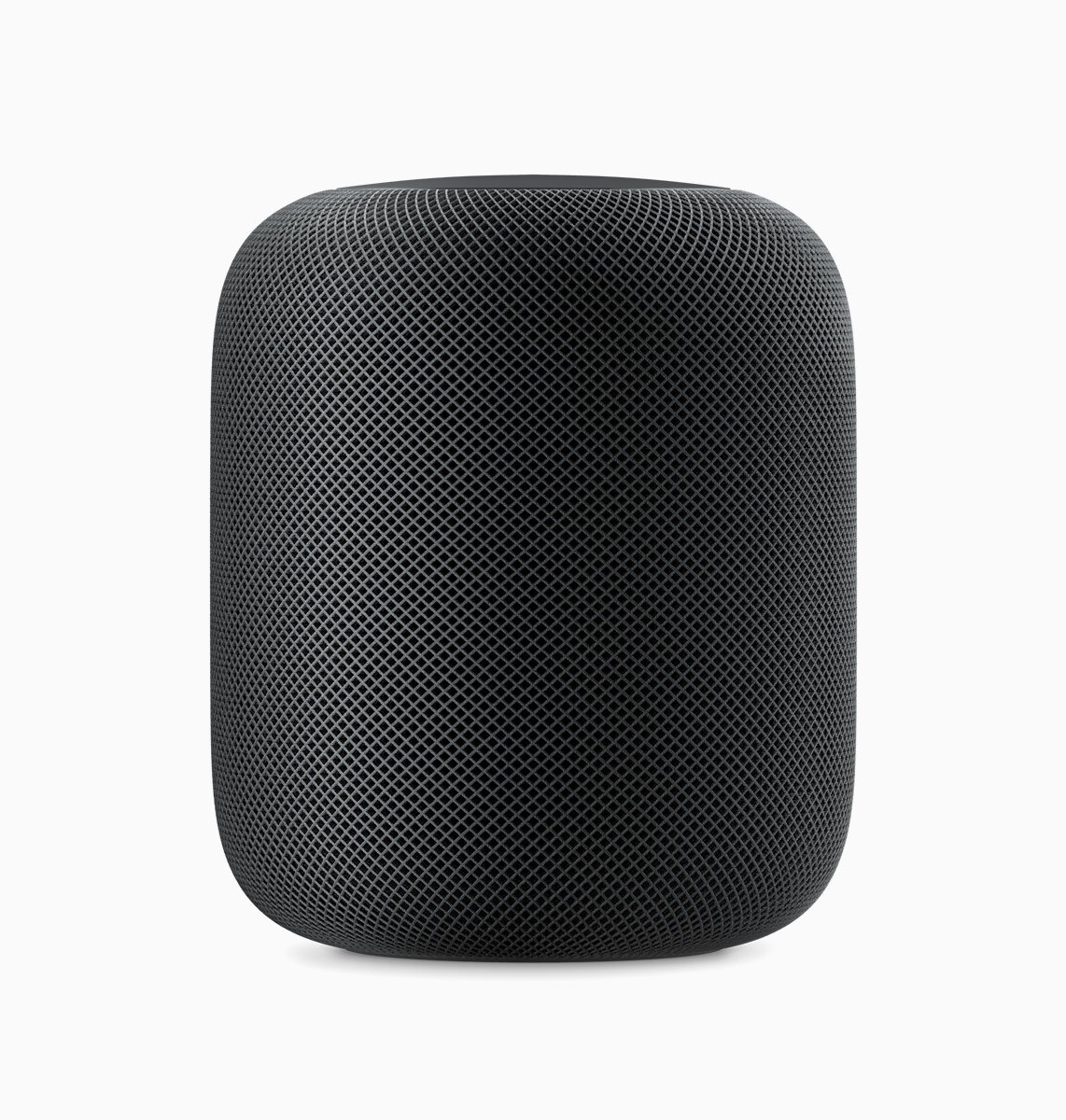
Back in August, we got our first glimpse of the absolutely delightful user interface sounds for HomePod, Apple's $349 Siri-powered wireless speaker launching this December.
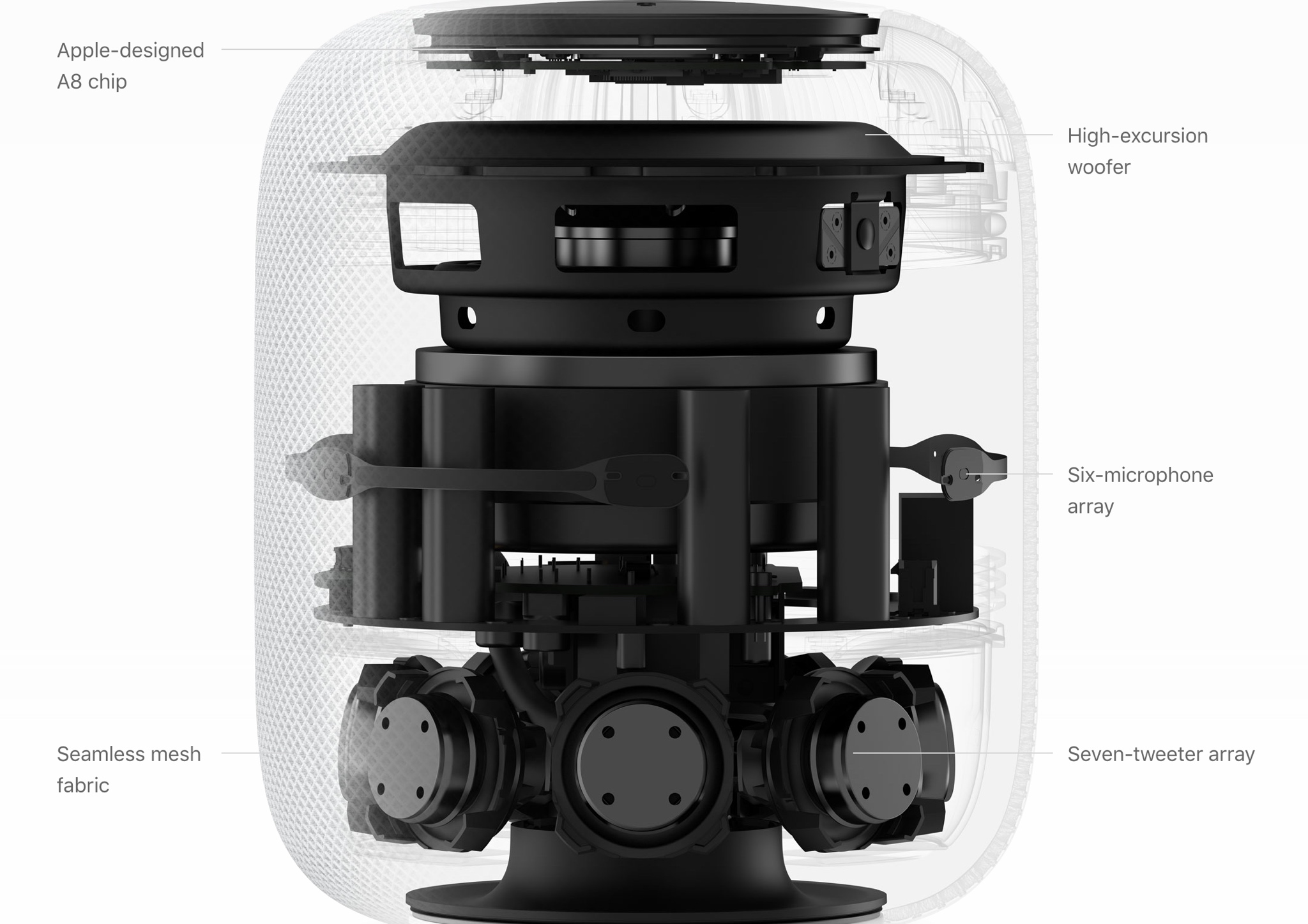
Aside from the “Hey Siri” response tone from the official video teaser for HomePod, we haven't heard any other sounds that Apple's wireless speaker will use when released this December.
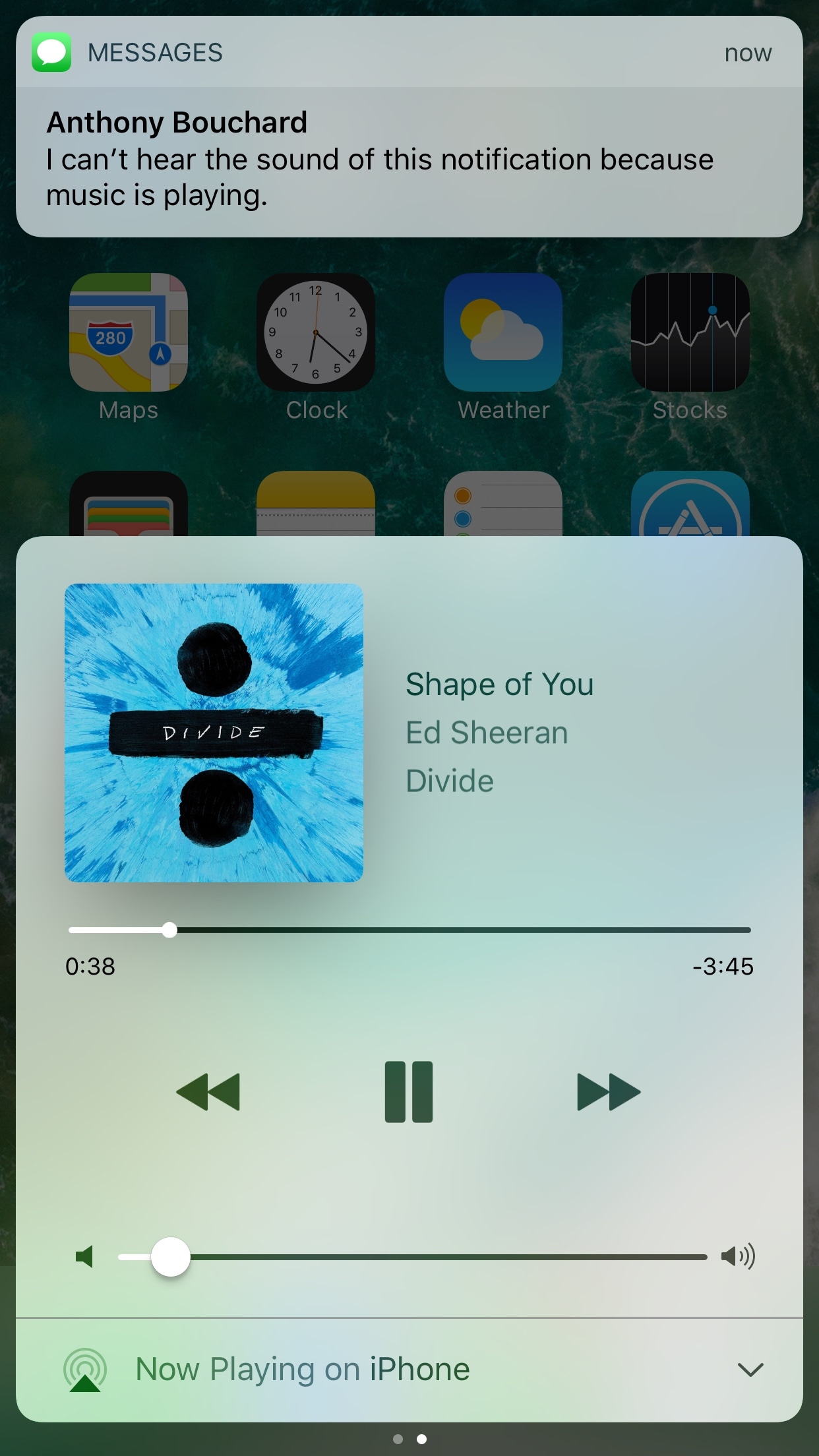
If you have a pet peeve for incoming notifications interrupting your music when you’re trying to sit back and enjoy a song, then installing a new free jailbreak tweak called QuietWhilePlaying (iOS 10) by iOS developer ijapija00 should be next on your to-do list.
This tweak silences the alert sounds and vibrations associated with incoming notifications, no matter which app they're coming from, whenever you’re actively listening to media.
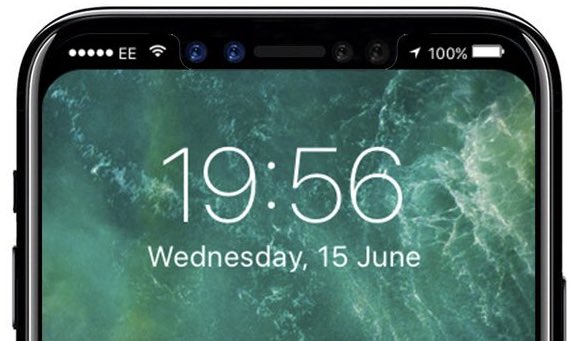
Unlike iPhone, iPad and iPod touch, your Apple Watch plays its own charging sound when placed on its magnetic charging disk. Going by same logic, iPhone 8 should play a distinctively unique charging chime when connected to its wireless charger.
Polish YouTube user “MAKS+” claims to have discovered a brand new charging sound file in the latest beta of iOS 11. To be sure, there's no way of telling if it signifies a new wireless charging chime for iPhone 8.
https://www.youtube.com/watch?v=xAgpgtgrh88
As you can clearly tell yourself by listening to both sounds in the video above, the new wireless charging chime in the file named “engage_power.caf” does sound distinctively different compared to the regular charging sound in the audio file named “connect_power.caf”.
Don't get your hops up high: as noted by MacRumors, there are several other sound files in iOS 10 and 11 that are unused and do not have a purpose.
Put simply, there's really no way to confirm if this particular sound has been added as the new audible indicator that an iPhone 8 has been placed on an inductive wireless charger.
Thoughts?
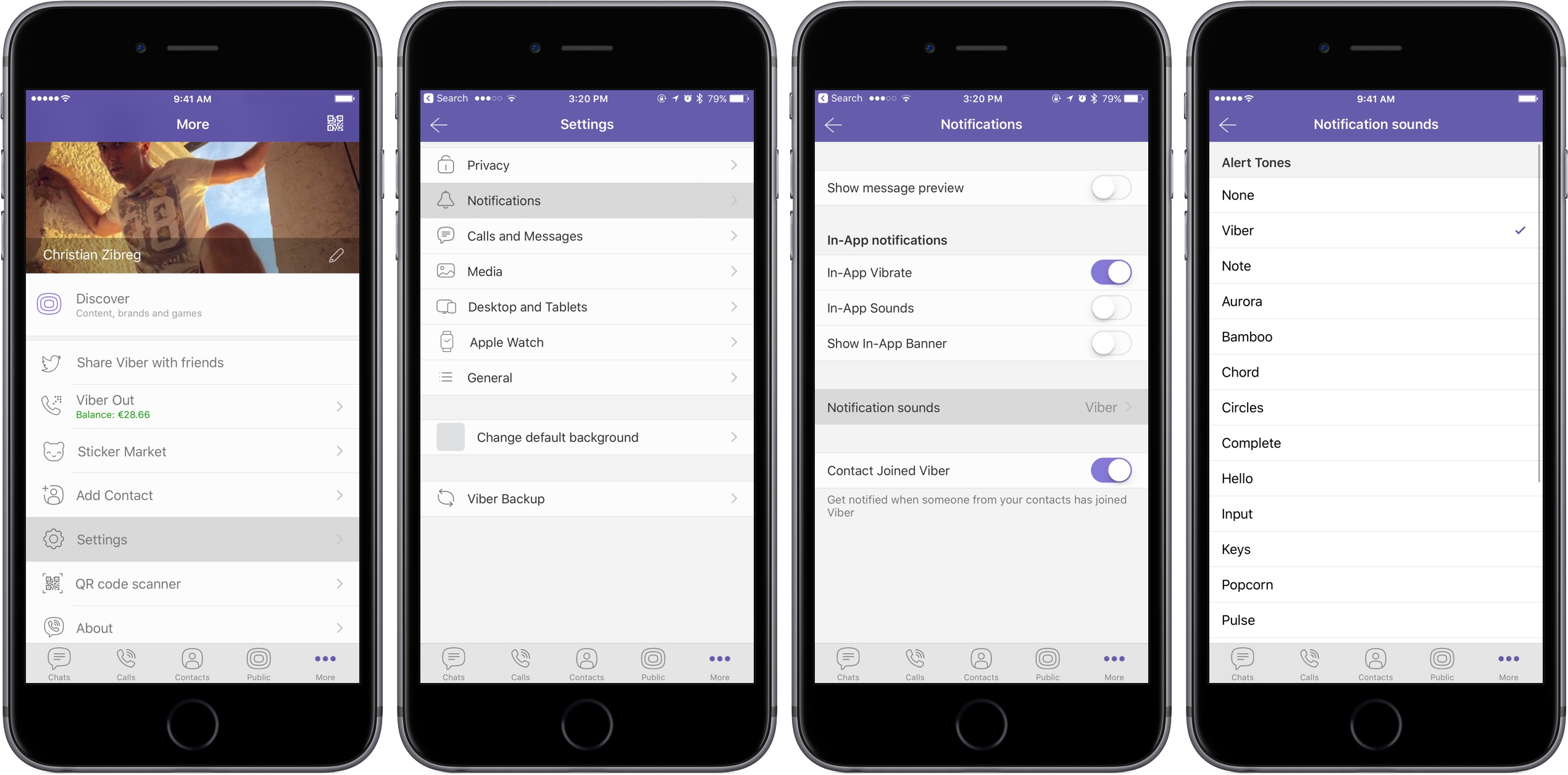
In this tutorial, we will show you how to change the default notification sound for all chats or choose different sounds for each of your chats in the Viber app on your iPhone or iPad.
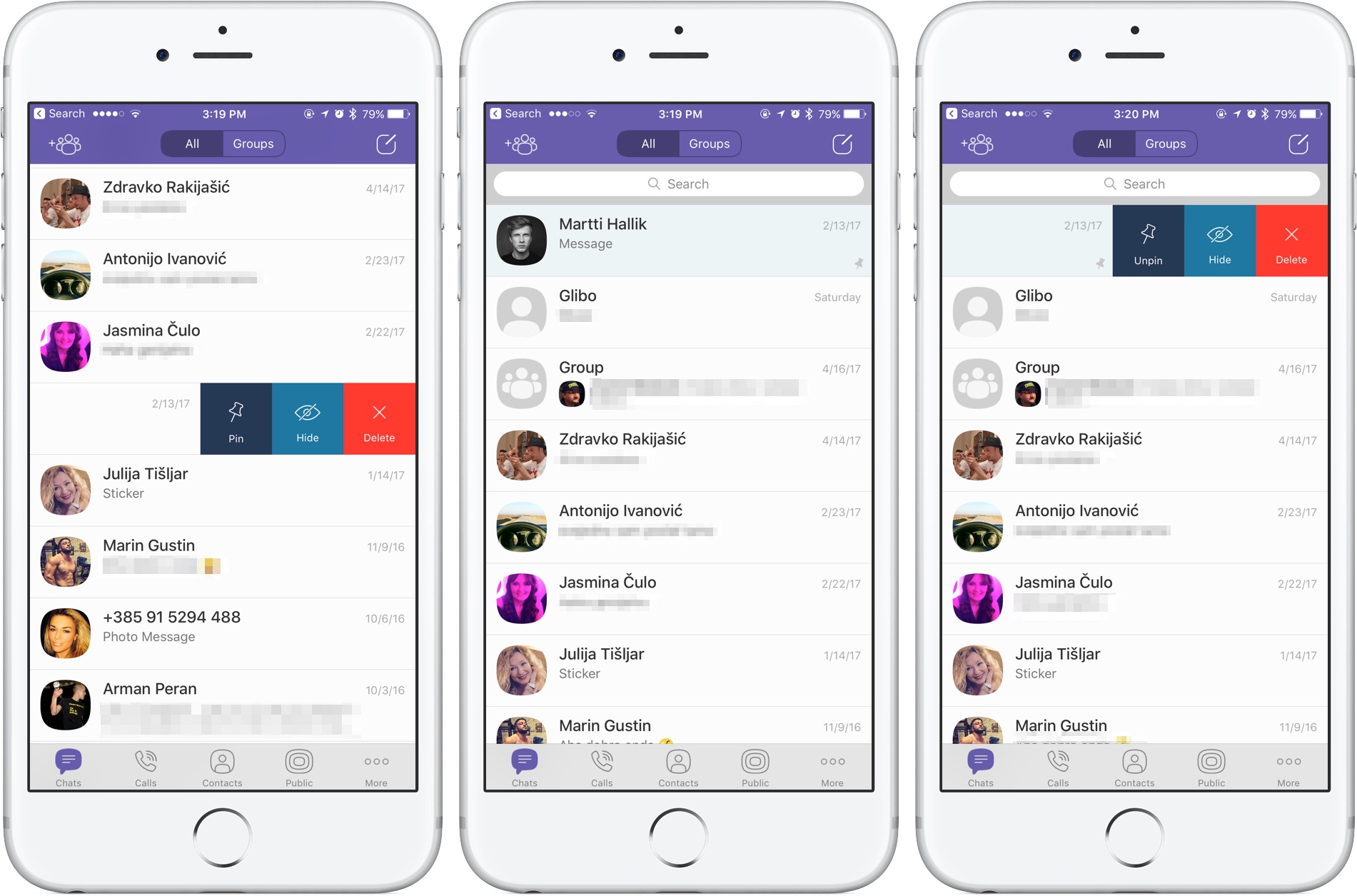
Rakuten-owned messaging app Viber is launching a pair of interesting enhancements in its mobile app for iPhone and iPad. The first improvement comes in the form of handy new options for adjusting Viber's default notification sound on a per-chat basis. The other enhancement lets you easily pin your favorite conversations to the top of the chat screen.
Aside from these improvements, Viber 6.8.8 for iPhone and iPad, a free download from App Store, includes unspecified bug fixes and performance improvements.
Chat pinningWith this feature, you can pin your favorite conversations to the top of the chat list where they're easier to spot. To pin a chat, swipe the conversations in the chat list, then select Pin to pin it to the top of the screen or Unpin if it's already pinned and you'd like to unpin it, as shown on the screenshots top of post.
Rival WhatsApp from Facebook is said to be working on chat pinning, too.
Custom notification soundsViber now allows you to override its default notification sound and replace it with the sounds listed in Settings → Sounds. You can choose a new default sound for all Viber notifications or select a different notification sound on a per-chat basis to make it easier to audibly distinguish between notifications for new messages from, say, your Mom and a co-worker.
Download Viber 6.8.8 for iOS via App Store.
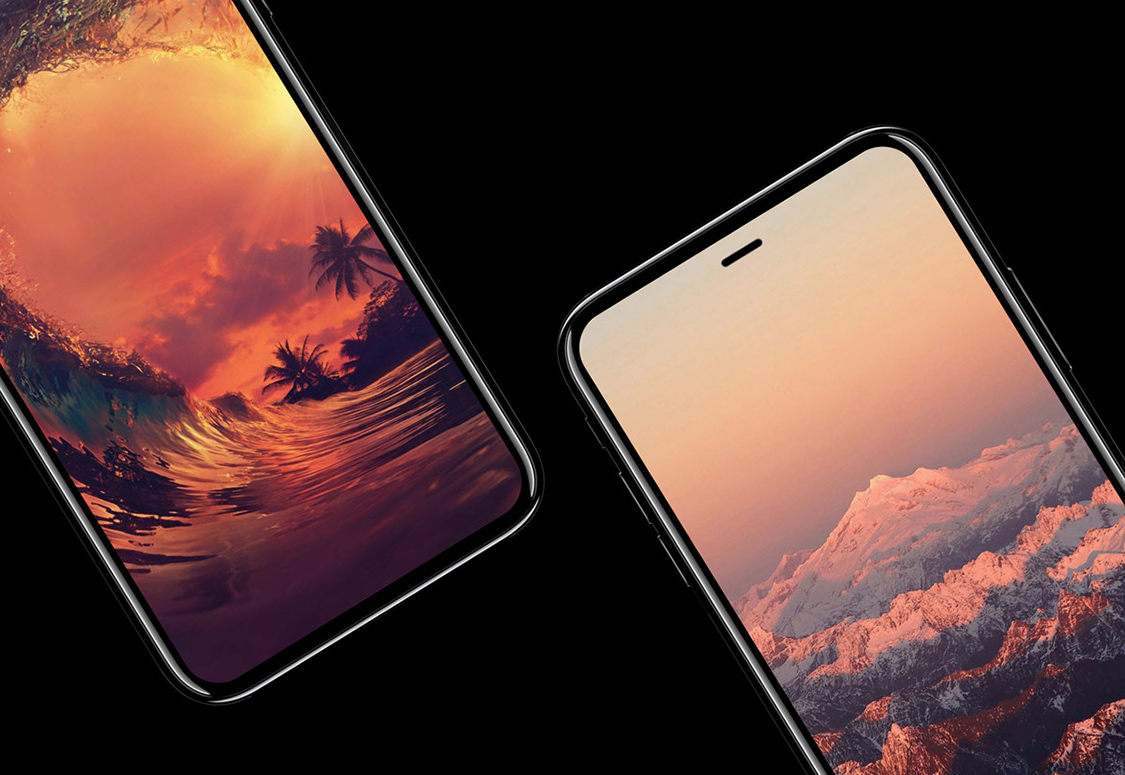
JPMorgan analysts who track Apple's supply chain in the Asia-Pacific region, including Gokul Hariharan, shared a new research note this week. In it, the they predicted that the company's upcoming iPhone 8 will come outfitted with an enhanced earpiece sporting “further improvements” to stereo sound and waterproofing.
The note, obtained by MacRumors, does not specify what acoustical improvements Apple could introduce to iPhone 8's earpiece.
JPMorgan also made the prediction that AirPods could come as a free accessory with iPhone 8. If true, Apple's $159 wireless earbuds could replace the firm's $29 wired EarPods with Lightning connector that come in the box with current iPhone models.
https://www.youtube.com/watch?v=R17WDY3BIfo
Subscribe to iDownloadBlog on YouTube
The research note mentions other previously rumored iPhone 8 features, like an OLED display, a stainless steel and glass design, a faster A11 processor, a larger battery, wireless charging and enhanced cameras with new sensors for 3D mapping, 3D selfies, facial recognition, augmented reality capabilities and more.
The analysts estimate that iPhone 8 will be $75 to $80 more expensive to manufacture.
iPhone 7 became the first iPhone to feature stereo sound.
Rather than use two separate speakers at the bottom of the device, Apple has opted to combine a speaker unit at the bottom with the earpiece at the top to create “immersive stereo sound” delivering two times the audio output of iPhone 6s and increased dynamic range.
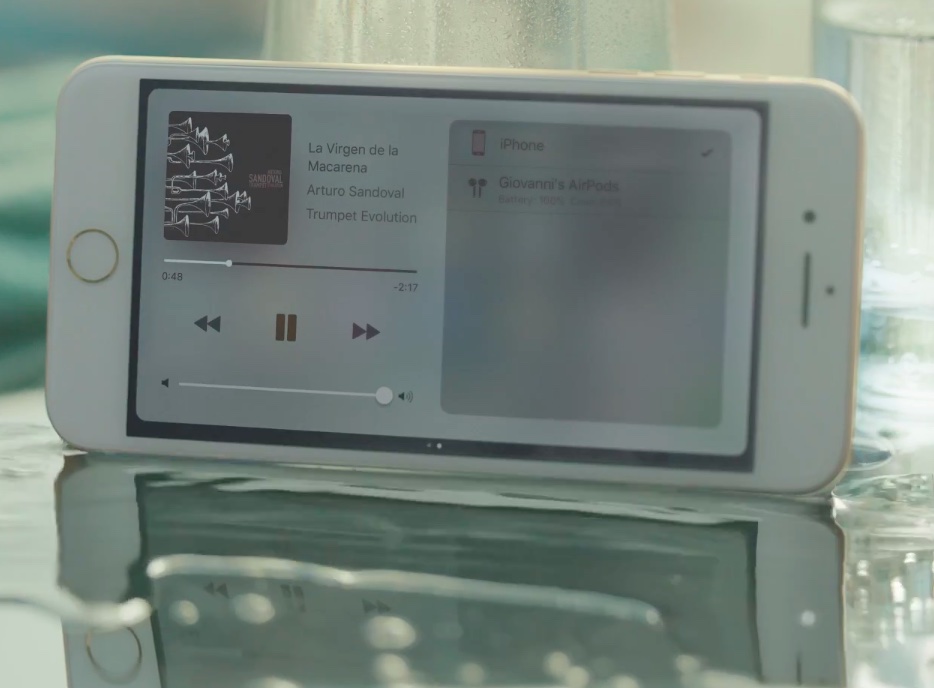
Apple today shared a new television commercial via its YouTube channel highlighting stereo speakers and the improved IP67 water resistance on the iPhone 7 series. Titled “Dive”, the 60-second video opens with a pool scene depicting an older guy who is soaking up sun rays whilst listening to “La Virgen de la Macarena” by Arturo Sandoval playing through the iPhone's stereo speakers.
He then turns up the volume and proceeds to climb the high dive as everyone else is watching with anticipation. As the song climaxes, he jumps off causing his device to get splashed with water poolside. The video closes with Apple's “practically magic” tagline used consistently in iPhone 7 advertisements.