Sound

How to bring back the classic boot chime on the new MacBook Pro

The new MacBook Pro has ditched the iconic boot chime that's been a signature part of the Mac startup process over the last 17 years. Pingie discovered that the sound is not gone entirely. Apple's just disabled it and it's possible to bring it back should you want. In this quick tutorial, we'll show you how to re-enable the boot chime on your late-2016 MacBook Pro with a simple Terminal command.

New MacBook Pro doesn’t play classic startup chime when turned on

As spotlighted by French blog MacGeneration.fr based on Pingie's discovery, Apple's latest MacBook Pro no longer plays the classic F-sharp major chime when the computer has been powered on (you can bring it back with a simple Terminal command).

The iconic boot sound's been part of the Mac since 1999, but Apple's apparently decided to break with the tradition beginning with the new MacBook Pro, perhaps because it turns on automatically as soon as you open the lid.

How to disable the fake clicking sound for MacBook trackpads

Pressing MacBook trackpad

MacBook equipped with a Force Touch trackpad produces an audible ‘click’ sound in order to simulate the sound you would hear on a Mac without a Force Touch trackpad. It has no down travel and all you’re hearing is an audible sound when you click it. In this tutorial, we’ll talk about how to disable that fake clicking sound.

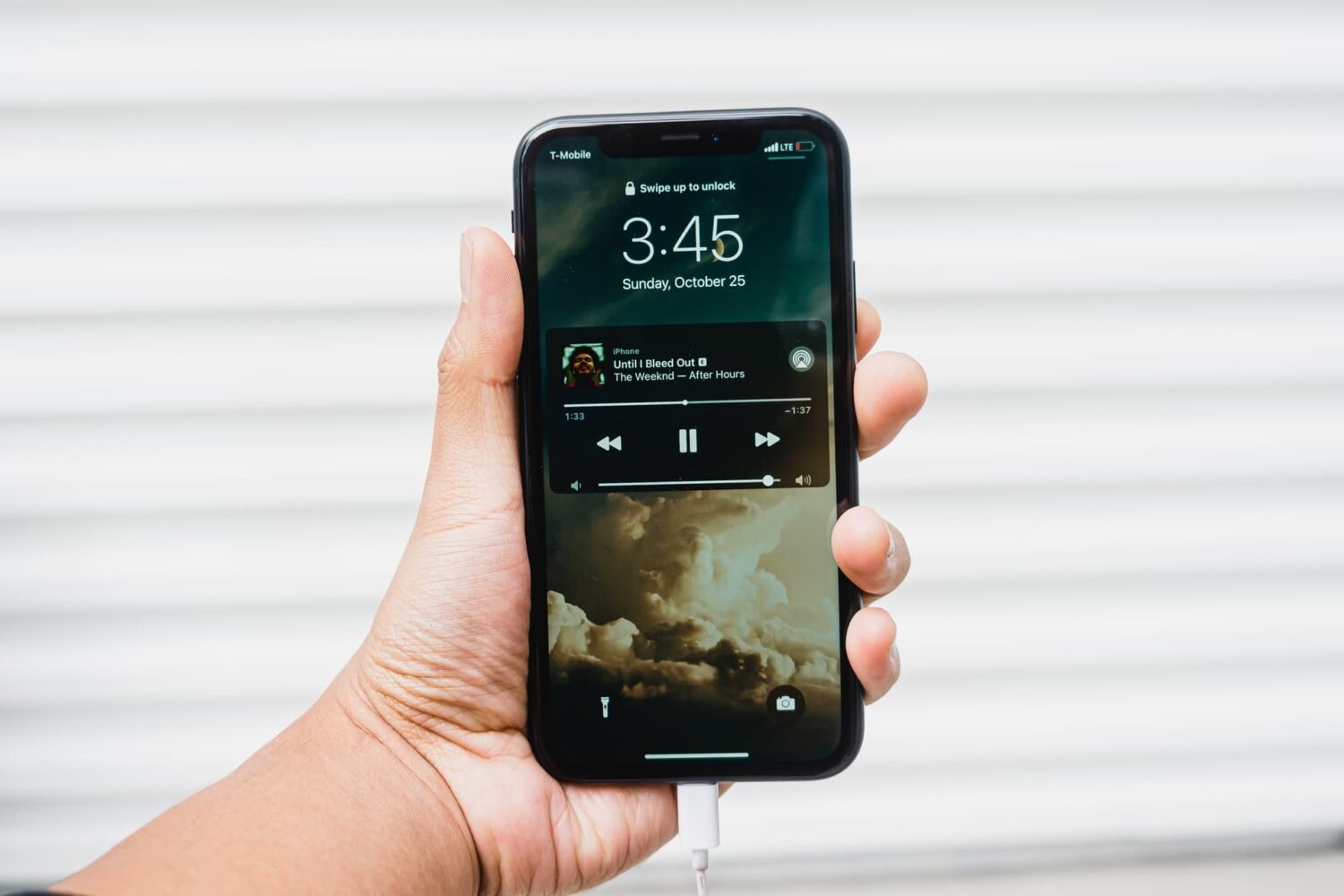
4 ways to listen to music while charging your iPhone 7

In case you haven't already figured it out, the iPhone 7 and iPhone 7 Plus both do completely away with the 3.5mm headphone jack. Instead, Apple is now pushing the industry to use Lightning-based and wireless Bluetooth headphones and speakers.

So with that in mind, how will you possibly use your existing headphones and speakers with your new iPhone while you're trying to charge it? Well we've got four solutions for you that will get your mind off of the missing headphone jack.

Amalthea: a video-friendly volume HUD for your iOS Status Bar

One of the biggest problems with the stock volume HUD in iOS is how it floats in the center of the display and gets in the way of everything you're doing. The problem is amplified when you're trying to watch a video and you can't see what's going on.

Amalthea is a new jailbreak tweak that relocates the volume indicator to the location of the Status Bar so that it's up and out of the way.

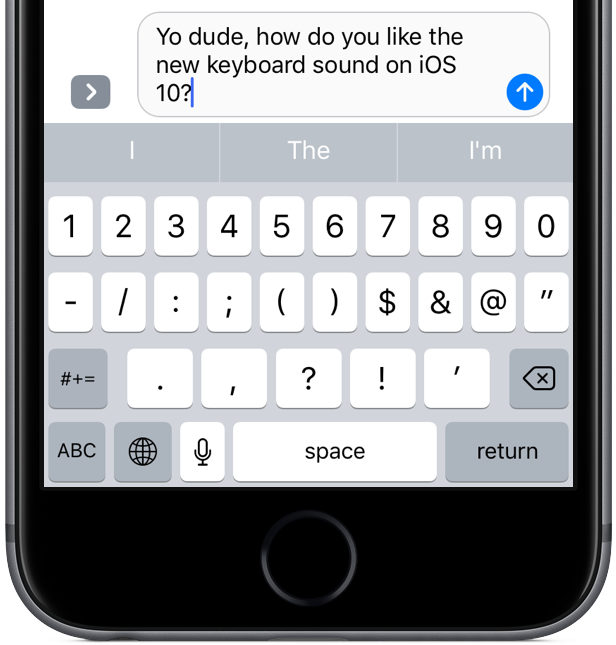
iOS 10 tidbit: keyboard has a new clicking sound

Aside from the headlining new features, including a revamped Lock screen, a vastly improved Messages, a lot smarter Maps and more, iOS 10 sports a bunch of refinements that make for a more pleasing experience overall.

One of those tidbits is an all-new tapping sound when using the stock keyboard on your iPhone, iPod touch and iPad. Here's what it sounds like.

VolumePanel lets you set individual volume levels for each app

If you've ever wanted to have more fine-grained control over the volume level across your iOS experience, and you're jailbroken, then you should really check out a new jailbreak tweak called VolumePanel.

With this tweak, you'll be able to set a custom volume level for each and every app installed on your device. In this review, we'll show you what makes the tweak tick and talk about how it can be useful.