Siri

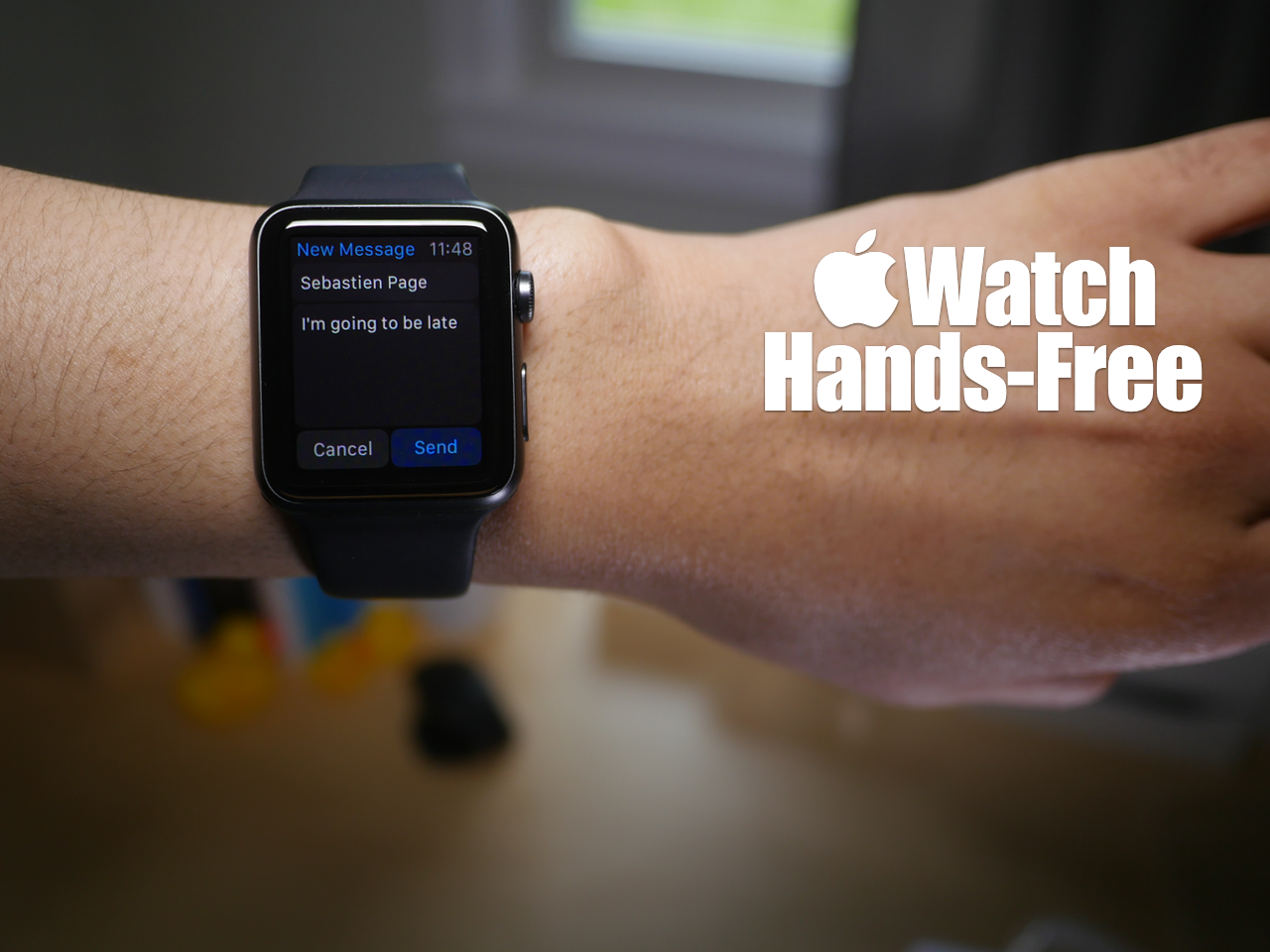
How to complete various actions hands-free on Apple Watch

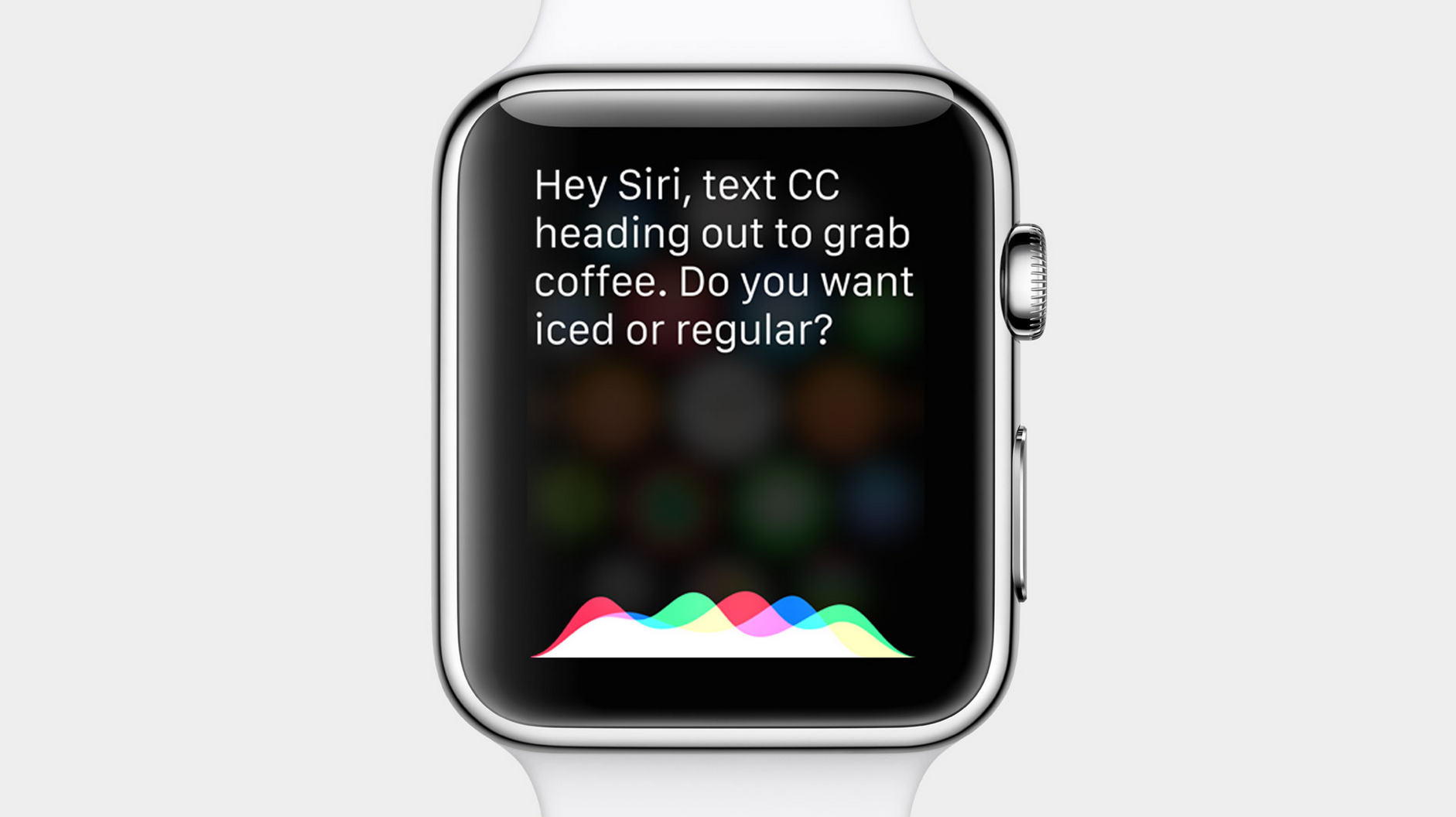
You may have noticed that while using Siri, the Apple Watch interface presents on screen buttons that you have to tap with your finger to confirm commands. While this is doable in a lot of circumstances, it takes away from the hands-free element that's necessary in many situations.

At times, it's simply impossible to physically tap a button on the Apple Watch to confirm a command, and that's where using the Hey Siri hands-free assistant to its full potential can come in handy. In fact, it's totally possible to send text messages, establish calendar events, set reminders, and more without touching your Apple Watch.

Yes, despite what the Apple Watch interface may lead you to think, you can use Siri completely hands-free in quite a few scenarios. Watch our hands-on video for the details.
How to control Spotify with Siri

As most of you guys know, I'm a huge Spotify fan. I've been using the service ever since it appeared on US shores, and it's by far the best music streaming service in my opinion.

One thing that I've always missed about Spotify when compared to the stock Music app, is the ability to control my tunes via Siri. With the stock Music app, you can use Siri to play any song in your library, or play a music station using iTunes Radio. Spotify? Not so much.

That all changed a few days ago when developer Zaid Elkurdi released Assistant+. With a little finagling, you can get Assistant+ to interface with Spotify on a limited basis. But with Zaid's new add-on called SpotifySiriControls, you can do a whole lot more.

Assistant+ lets Siri trigger Activator events

If you're a big fan of Siri, or even if you're a bit down on the virtual assistant, listen up. Assistant+ can significantly enhance Siri and its capabilities by allowing it to interface directly with Activator.

Activator, the jailbreak tweak that allows you to assign a variety of actions to assorted gestures, is incredibly deep on its own. But when given the ability to invoke the many Activator events with Siri, things really get interesting.

Imagine activating a car mode by saying "Siri engage car mode". All of the sudden, your Bluetooth connection comes on, Wi-Fi goes off, the volume is boosted, and Spotify is launched. That's just the tip of the iceberg when it comes to the things that you can do with Assistant+.

Siri website gets prettier and more helpful

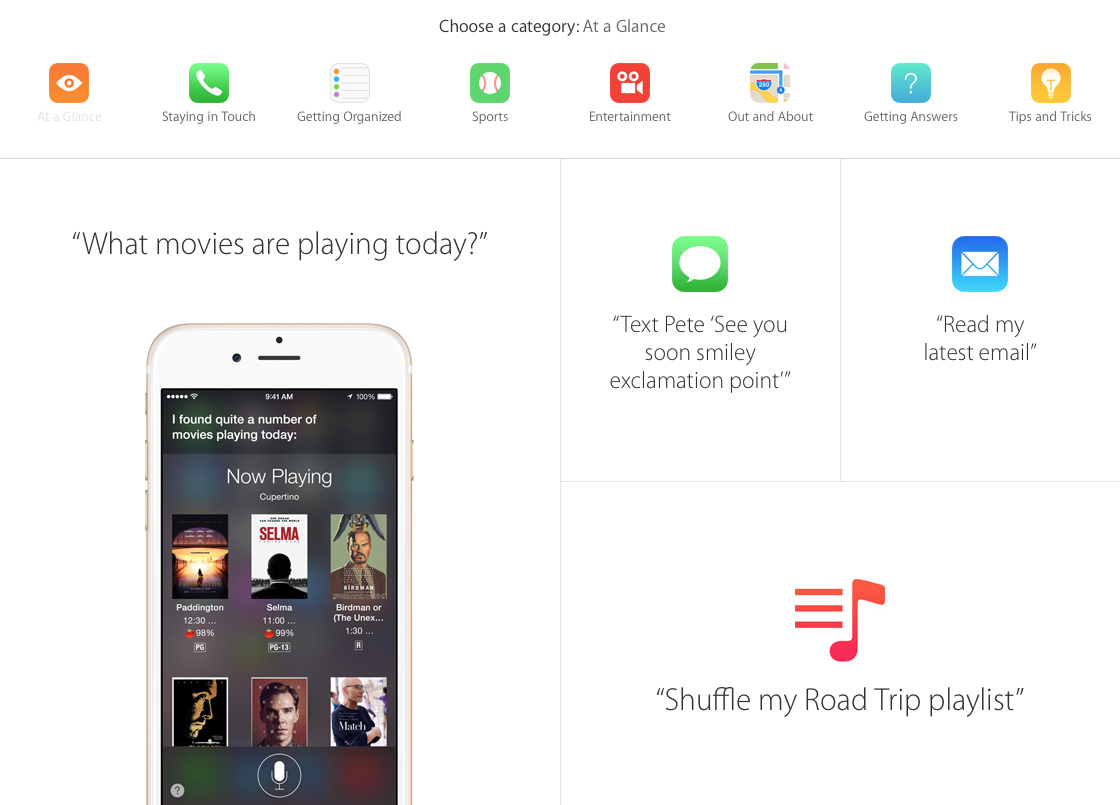
Apple on Wednesday launched a revamped Siri website with a slew of changes, including an all-new design and several other improvements. Atop the new page is a video of Siri in action, followed by a comprehensive page of information on the digital assistant's features.

Users can now sort Siri's abilities into categories, such as 'Staying in Touch, Getting organized, Sports, and Entertainment. There are also dedicated sections for how to get directions and how to find answers to commonly-asked questions, all by talking to your device.

Siri can’t wait for Apple Watch

Jokers as they are, Apple engineers have included Siri in the company's meticulous preparations for April's arrival of the Apple Watch, if the responses the voice assistant is giving to Watch related queries are anything to go by.

As first spotted Sunday by French enthusiast blog iGen.fr, asking Siri about the Watch's release date or simple stuff like what she's doing yields some funny responses and amusing remarks concerning the highly anticipated wearable gizmo.

New in iOS 8.3: placing phone calls through speakerphone via ‘Hey Siri’ command

Users who upgrade their iPhone to iOS 8.3 when it's released next month will be finally able to tell Siri to make a phone call through the device's speakerphone when the 'Hey Siri' option is enabled, reports 9to5Mac.

You can say, for example, 'Hey Siri, call my Mom on speaker' and the call will be automatically transferred to the iPhone's speaker, like it should have always been, may I add.

Again, provided the 'Allow Hey Siri' option is enabled in Settings > General > Siri and the phone is plugged into power.

Microsoft bringing Cortana personal assistant to iOS this fall

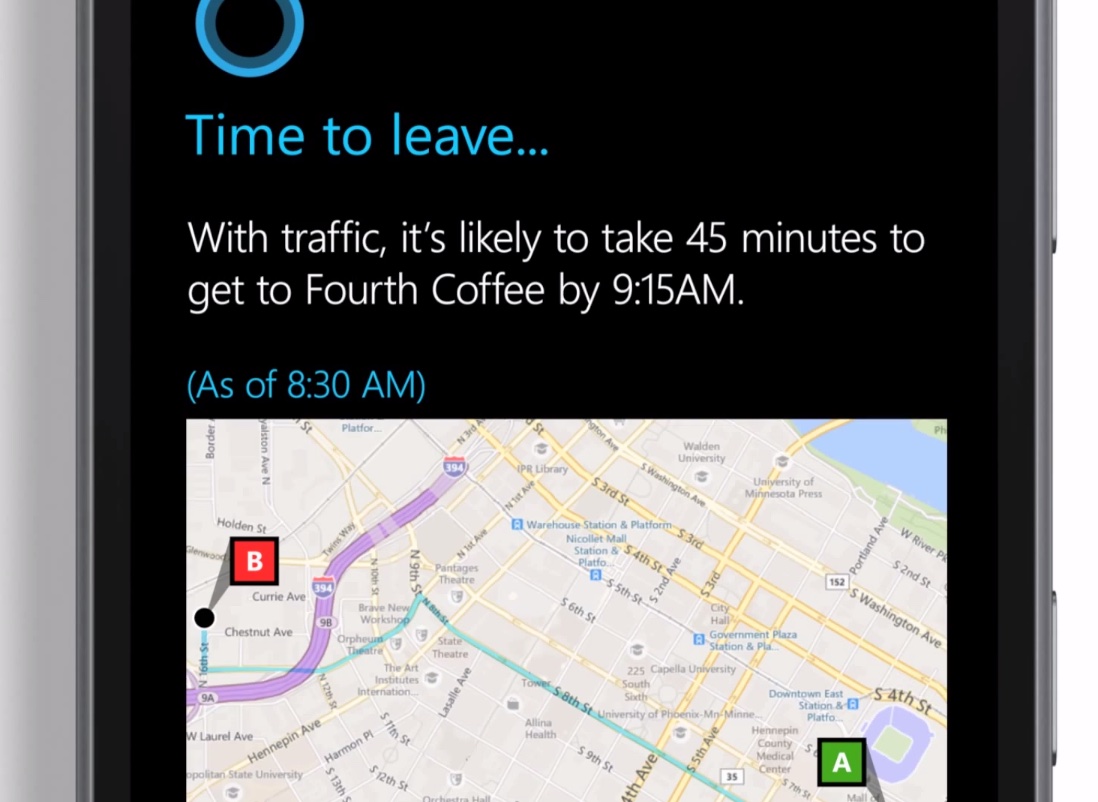
Microsoft has been hard at work developing an iOS and Android version of its Siri-like personal assistant, Cortana, which could hit the iPhone and iPad as a standalone application sometime in the fall 2014 timeframe, Reuters reported Friday.

The software giant currently provides Cortana on Windows phones and is set to launch it on desktop with the arrival of Windows 10 this fall.

Windows 10 integrates Cortana so users can perform queries and get various answers just by asking.

Siri learns eight new languages in iOS 8.3 beta 2

Apple today seeded new iOS 8.3 and OS X 10.10.3 betas to its registered developers and included in the former are more than half a dozen new Siri languages, 9to5Mac said.

When iOS 8.3 is released for public consumption this March, owners of the iPhone, iPad and iPod touch devices will be permitted to converse with the voice assistant in Danish, Dutch, English for India, Russian, Swedish, Thai and Turkish.

Can you tell the difference between Siri’s voice in iOS 8.1.1 and iOS 8.3?

Improved Siri voice is reportedly among the under-the-hood improvements in Apple's upcoming iOS 8.3 software update. Though a better-sounding Siri may not always be apparent to an untrained ear, Apple should be credited for consistently improving the voice assistant's speech synthesis capabilities.

Quick comparison of today's more natural-sounding Siri versus the original Siri from 2011 gives you a good indication of Apple's advances in this area.

And now with iOS 8.3 in tow, Apple's bound to boost Siri's speech synthesis further. Listen to the new and improved Siri voice in iOS 8.3 relative to iOS 8.1.1 and let us know what you think.