Browse for apps and games without lifting a finger by learning about this list of Mac App Store keyboard shortcuts that are easy to use and remember.
10+ useful keyboard shortcuts for App Store on Mac
Browse for apps and games without lifting a finger by learning about this list of Mac App Store keyboard shortcuts that are easy to use and remember.
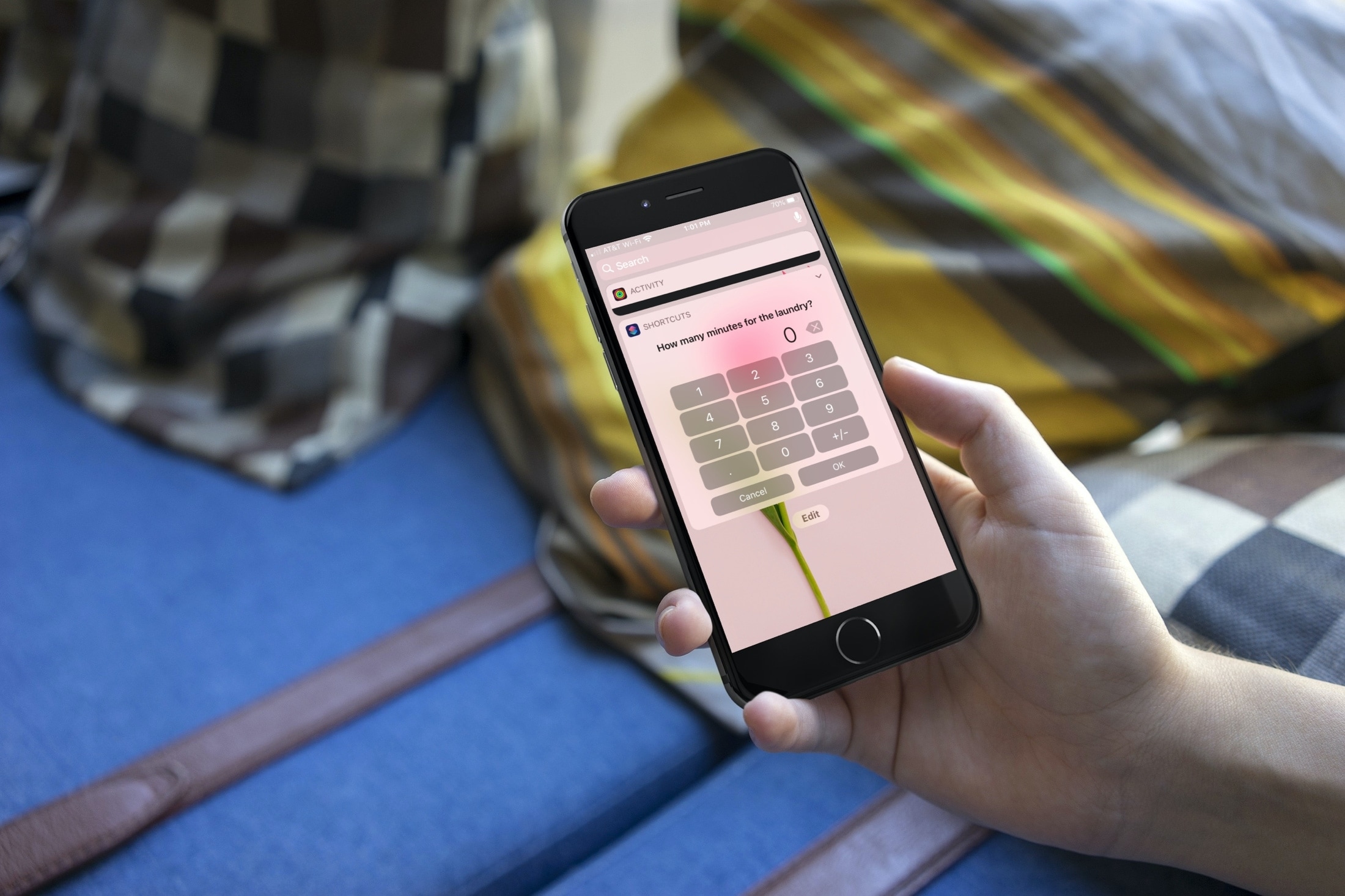
Interested in some shortcuts to help you around the house? This list gives you a helping hand for making sure that you get things done.

Whether you want to zip around the app window faster or adjust the playback of your show easier, check out these handy TV app keyboard shortcuts for Mac.

If you enjoy reading with the Books app on your Mac, then keyboard shortcuts and gestures are great tools. They let you move around the app easier or continue reading your books without trying to take action with the menu bar. For a simpler way to use Books on Mac, check out this list of keyboard shortcuts.
If you’re looking for a list of Mac Calendar keyboard shortcuts, we’ve got one. These shortcuts help you navigate the app and work with events quickly.
Use these handy keyboard shortcuts to move around Reminders for Mac, add new to-dos, create reminder lists, and more.
Check out this list of must-know keyboard shortcuts for Terminal on Mac to zip around it quicker and work faster with your command line.
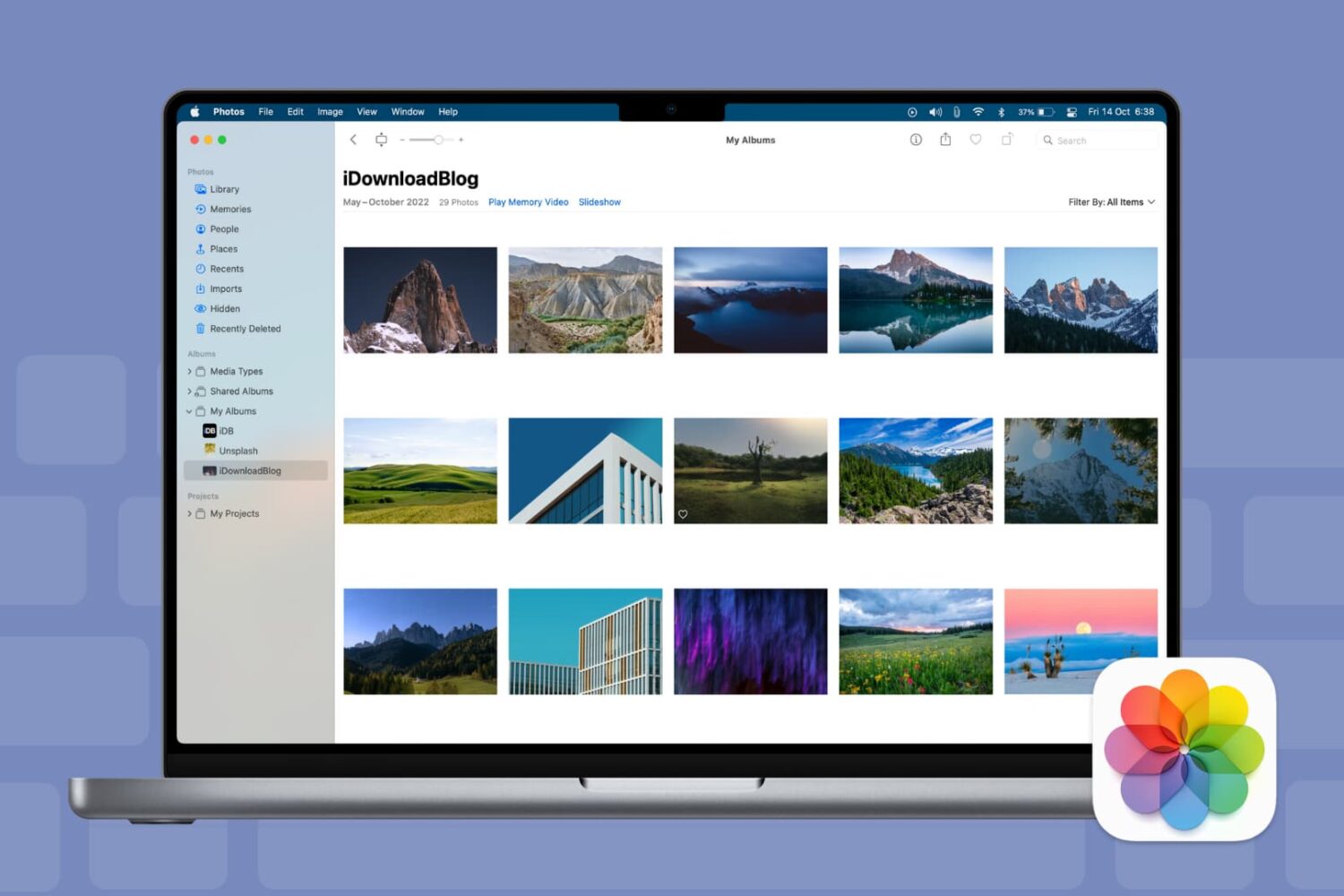
Keyboard shortcuts give you quick and easy ways to navigate your Mac and apps. And for those who use the Photos app on Mac, there are plenty of shortcuts that help you accomplish many tasks. From viewing photos and albums to cropping and rotating pictures, here are some helpful keyboard shortcuts for Photos on Mac.

For all of you note-takers, we’ve compiled a list of keyboard shortcuts for the built-in Notes app on your Mac so you can format text, use tables and more like a pro.
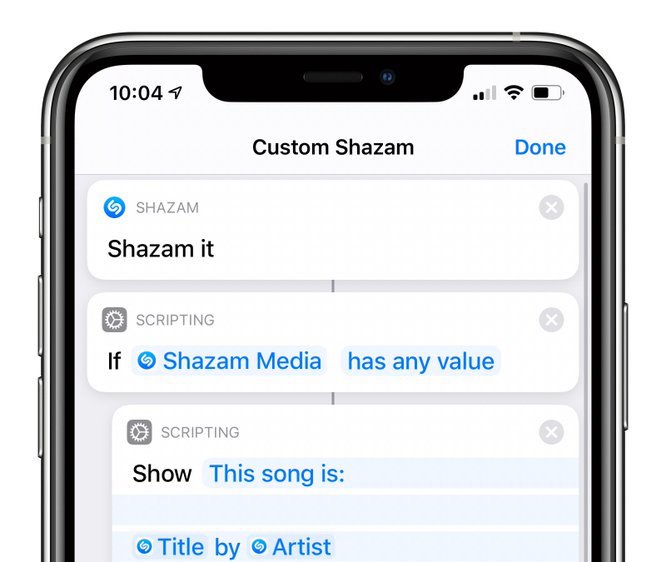
Aside from a bunch of other enhancements and new features, iOS and iPadOS 13.4 provide a new Shazam It action for the Shortcuts app which offers many creative possibilities.
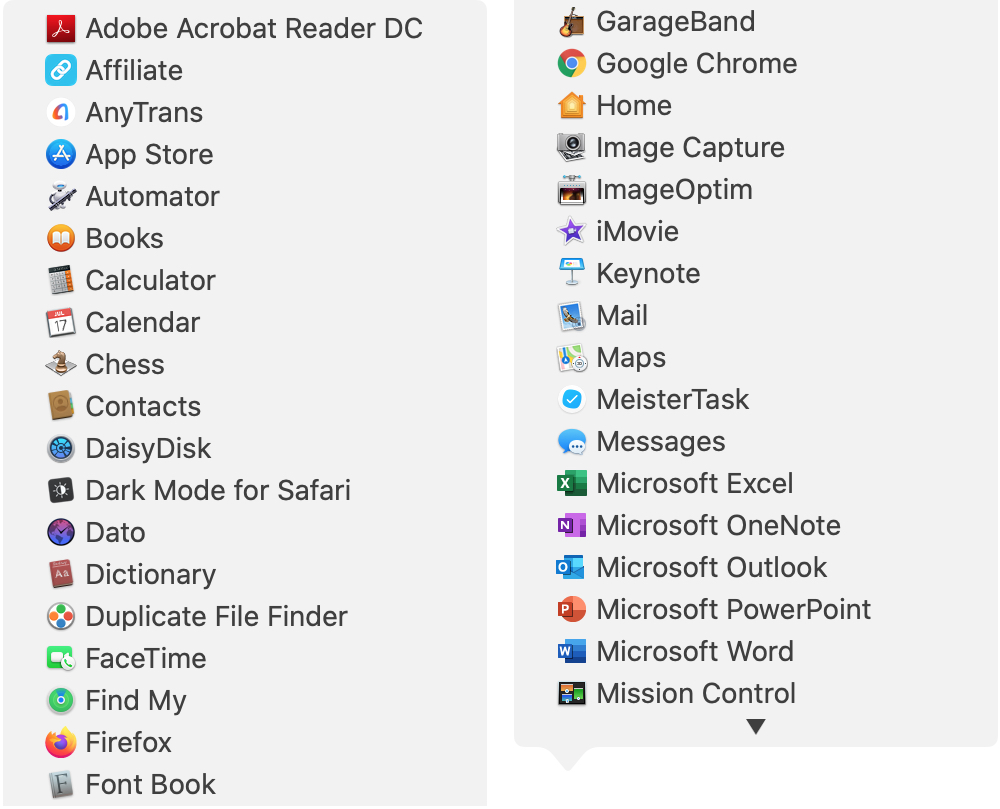
There are all sorts of ways to use shortcuts on your Mac. From tons of common keyboard shortcuts to those that help you navigate webpages faster; you have plenty of options.
Along with some useful keyboard shortcuts for your Dock are additional ways your Dock can help you do things faster. And especially for those new to macOS, you might not realize they exist. Here’s how you can navigate your Mac quicker with Dock icon shortcuts.