Shortcuts

How to use the new automation triggers in Shortcuts

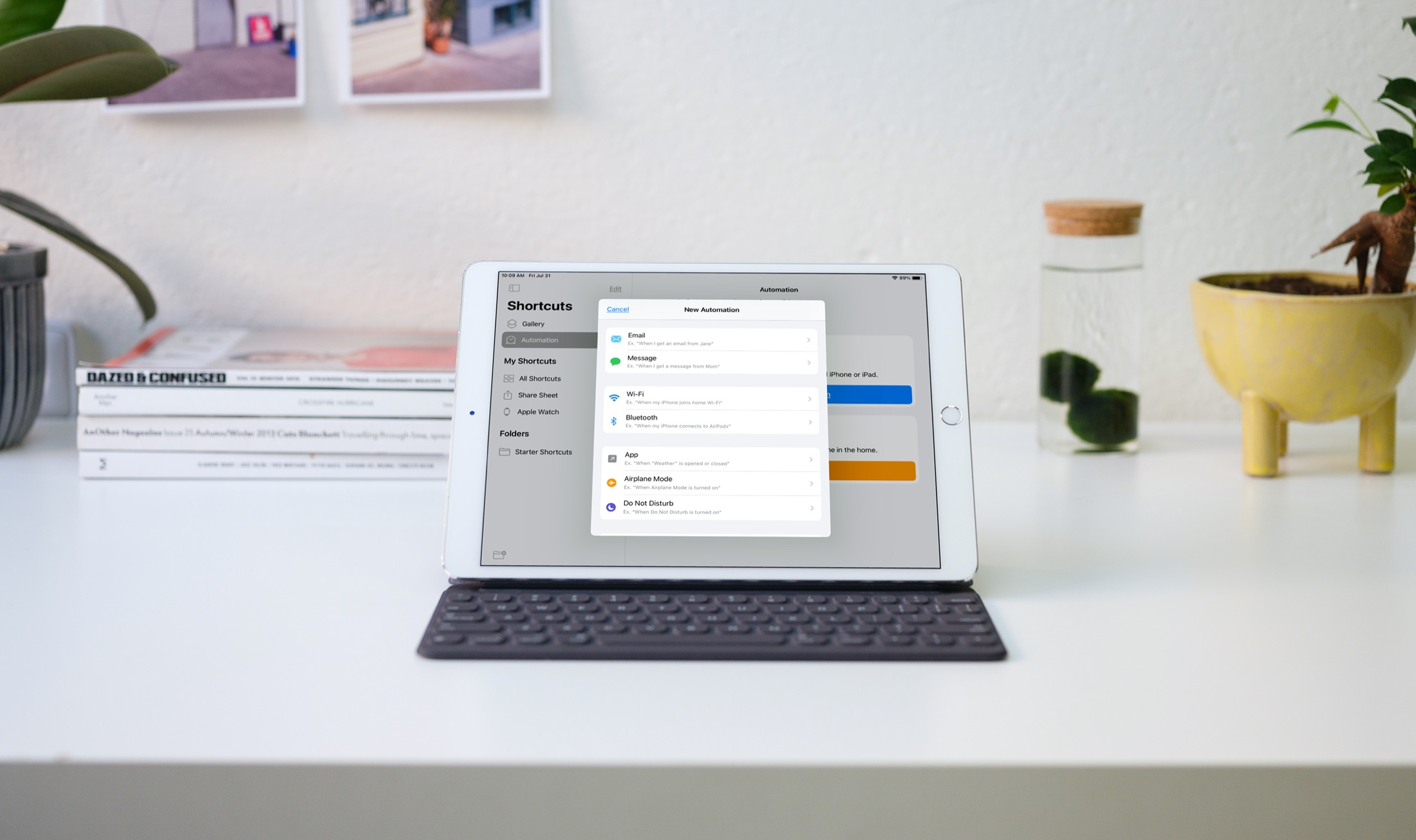
Updated Personal Automations in Shortcuts iPad

Automations in the Shortcuts app give you awesome ways to make tasks simpler. With automations, you can do things like open an app, play music, or make a phone call, all automatically based on triggers you set up.

The Shortcuts app offers both personal and home automations to make your life a little easier. And with iOS 14 and iPadOS 14, you have even more triggers available. Here, we’ll show you how to use some of these new personal automation triggers in Shortcuts.

65+ helpful keyboard shortcuts for the Numbers app on Mac

Numbers keyboard shortcuts for Mac

A lot of the keyboard shortcuts available for apps on Mac are the same across those applications. Things like cut, copy, paste, close, or quit are often the same, especially for Apple’s apps like Pages, Numbers, and Keynote.

So in this list of keyboard shortcuts for the Numbers app, we’ve included some that you would only use inside Numbers, like shortcuts for working with tables, basics for controlling the Numbers window, working in spreadsheets, and more.

30+ keyboard shortcuts for Automator on Mac

Mac's Automator keyboard shortcuts

Automator on Mac is a terrific tool for creating workflows, applications, and other automations that can speed up tasks and make life easier. In order for you to focus on the workflows you’re creating, take a look at this list of keyboard shortcuts for Automator on Mac.

List of keyboard shortcuts for QuickTime Player on Mac

MacBook keyboard movie media- QuickTime Player keyboard shortcuts

You might use QuickTime Player on your Mac to watch movies, edit videos, or record your screen. And for the various tasks you can perform in this handy tool comes a bunch of keyboard shortcuts.

For managing the app window, movie viewing and playback, and editing videos, here are the keyboard shortcuts for QuickTime Player on Mac you can use.