Learn how to stop your iPhone, iPad, or Mac from automatically changing time zones on its own and take back control of date and time into your own hands.
How to stop your iPhone or Mac from changing time zones
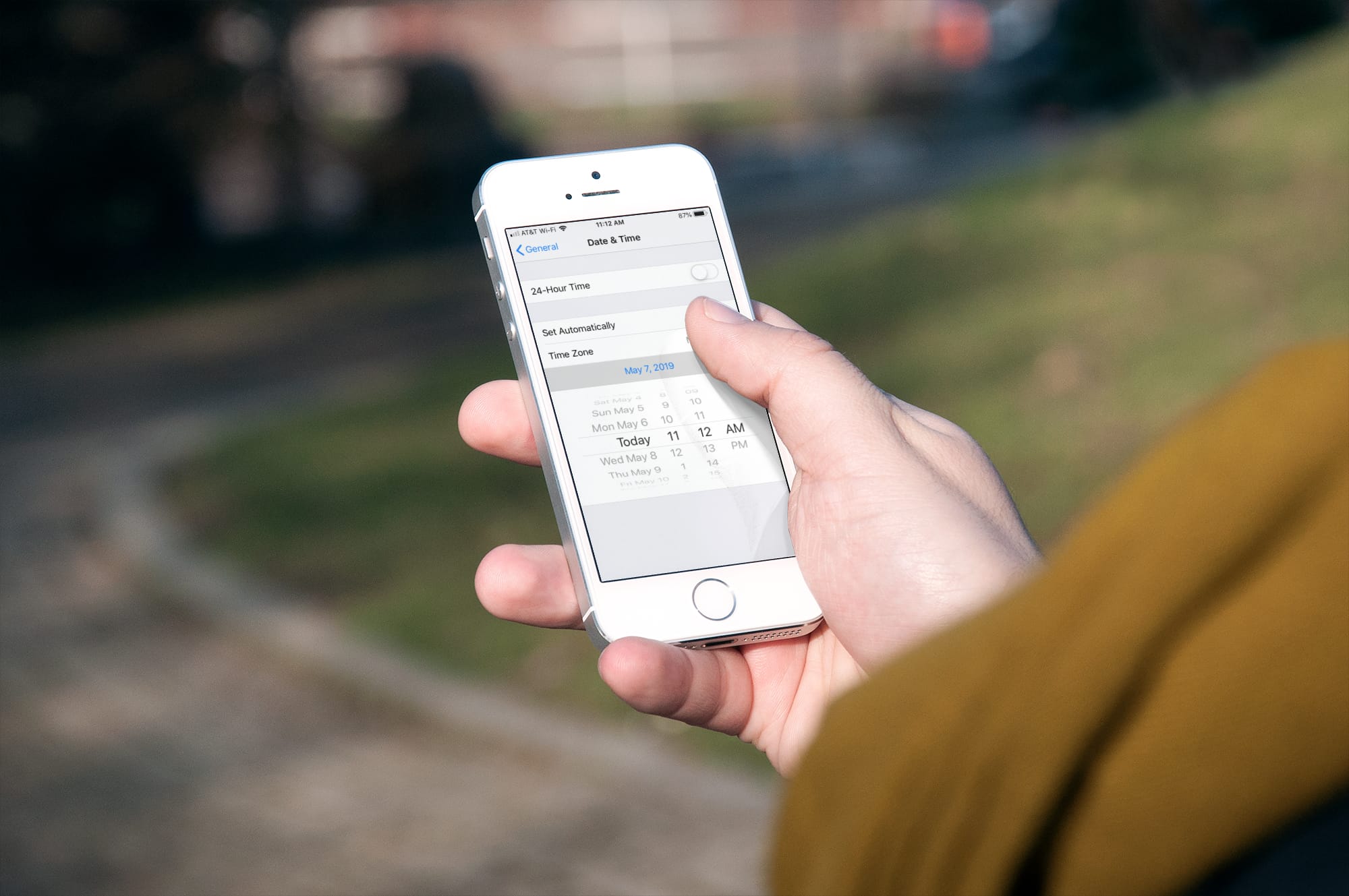
Learn how to stop your iPhone, iPad, or Mac from automatically changing time zones on its own and take back control of date and time into your own hands.

Are you new to iPhone or iPad? This short tutorial shows you how to change your phone call ringtone and text tone to something you like.
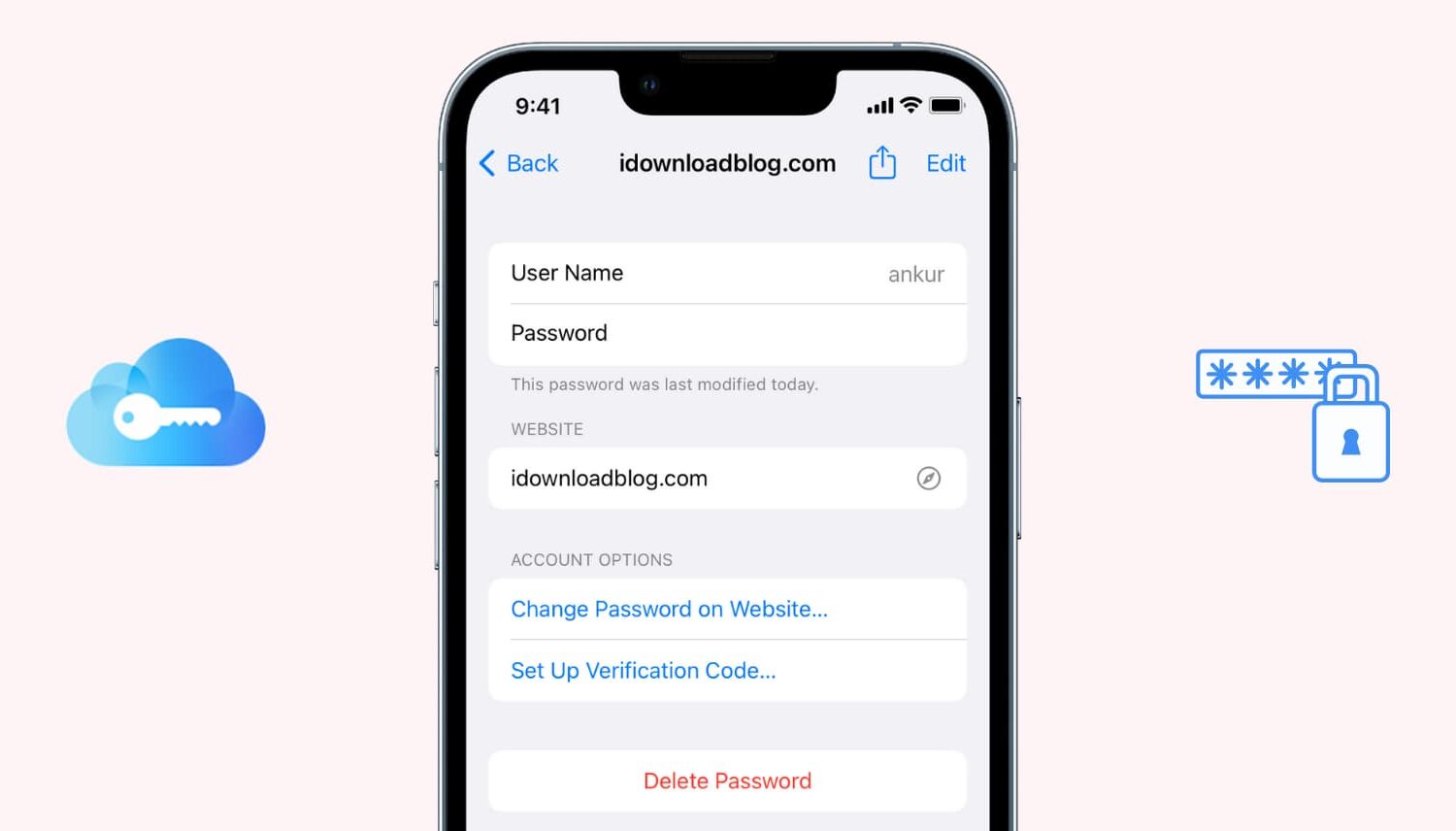
If you use iCloud Keychain to store and remember passwords, there may come a time when you want to view a particular password. Maybe you need it to log in on another device that doesn't have iCloud Keychain, or perhaps you are setting up a new password manager and need those details. Whatever the case, here's how to access iCloud Keychain passwords on iPhone, iPad, and Mac.
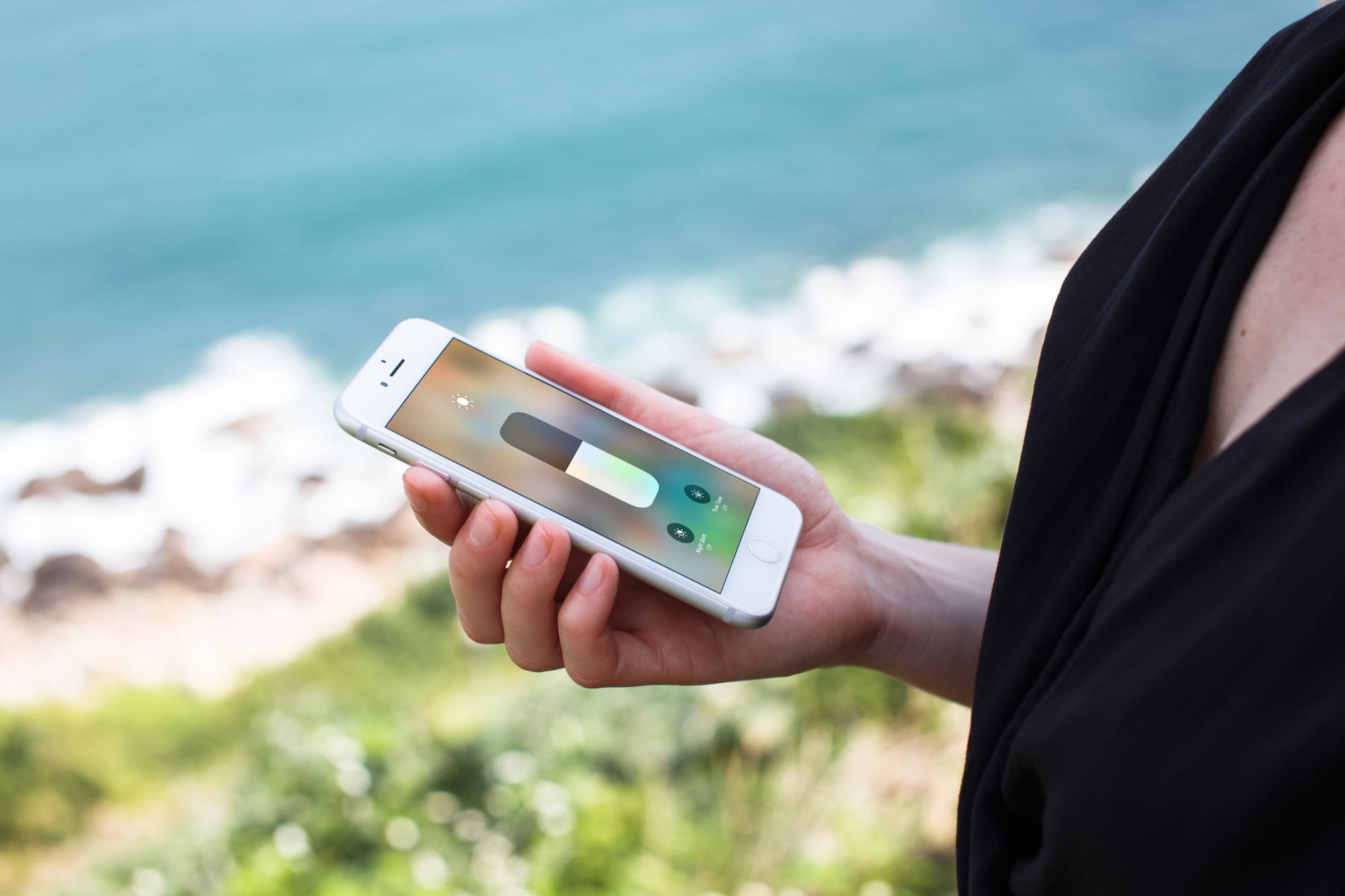
Learn how to prevent your iPhone from automatically changing display brightness so you can adjust it manually to maintain a consistent screen illumination.
Learn how to use the widow and orphan control to stop paragraphs from breaking in the wrong spot in Apple Pages and Microsoft Word apps on Mac.
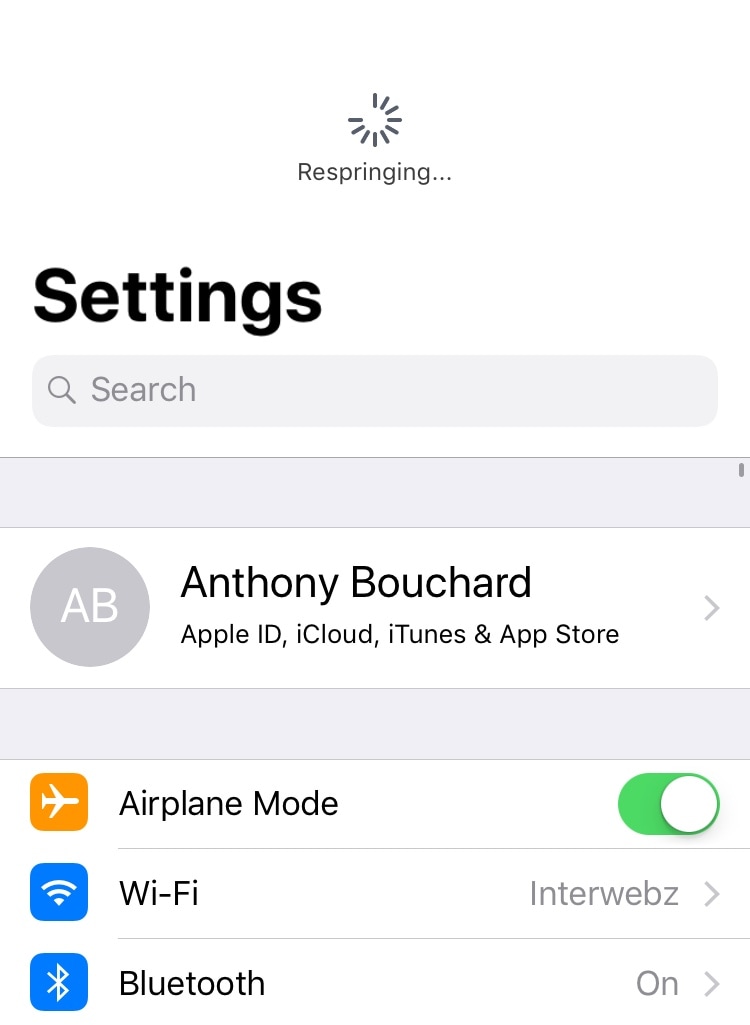
Albeit released a very long time ago, one of my favorite utilitarian jailbreak tweaks of all time was PullToRespring because it made it incredibly easy for me to respring my jailbroken handset on demand.
For a while there, it seemed like tweaks of this nature became a thing of the past, but iOS developer ConorTheDev has breathed new life into the concept with the release of a new free jailbreak tweak called Dragspring.
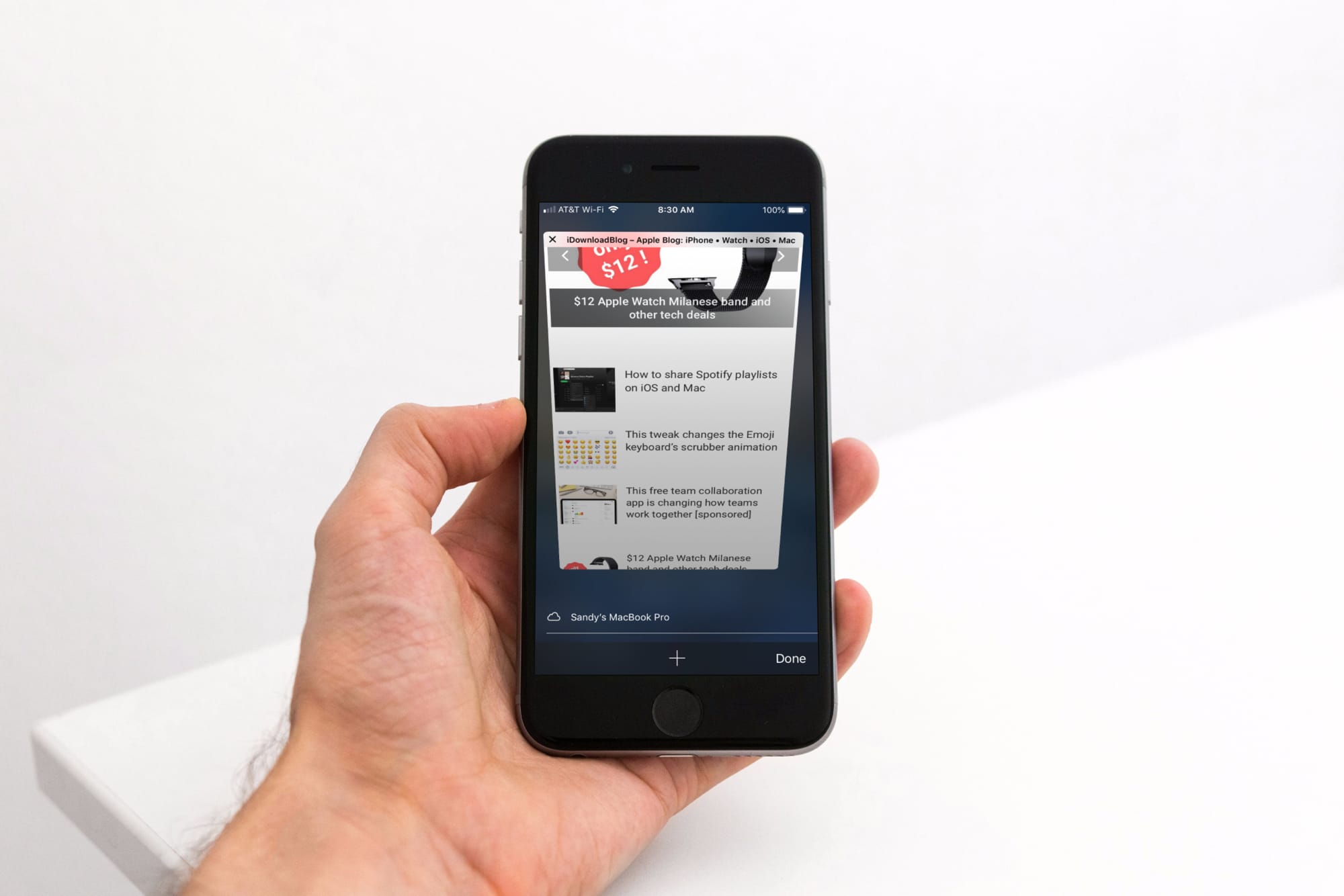
Learn how to enable unrestricted web browsing to retrieve the missing private tab button in Safari on your iPhone or iPad.

Whether the text of a webpage you’re visiting is too small to read or too big to handle, here’s how to use the Safari zoom feature on Mac to adjust it accordingly.
Learn how to prevent accidental trackpad touches by having your MacBook automatically disable it whenever a mouse or external trackpad is connected.
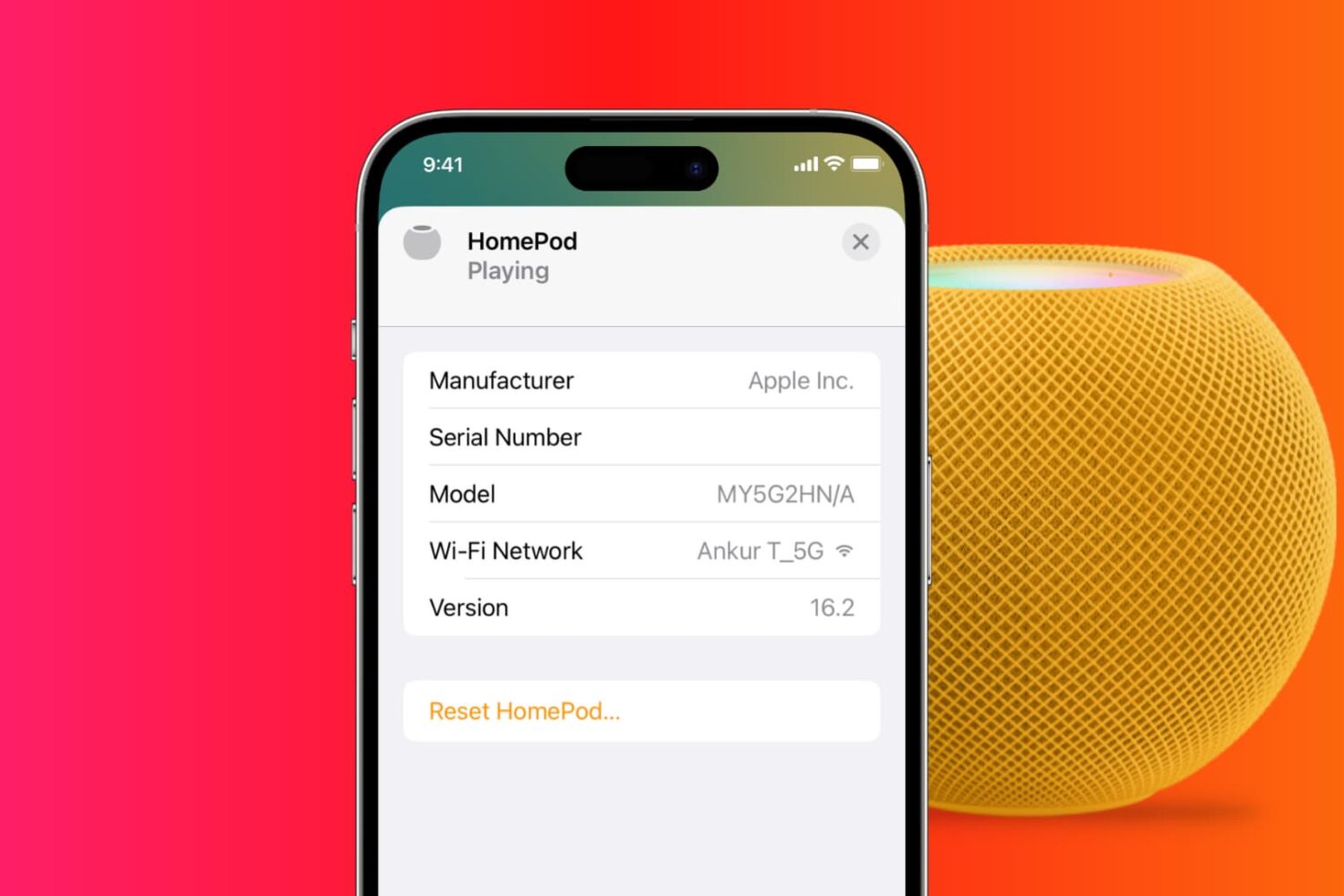
It's easy to factory reset HomePod or HomePod mini, and in this tutorial, we'll show you three ways to do that. You can use your iPhone or iPad, Mac or PC, or just the HomePod to perform a full reset.
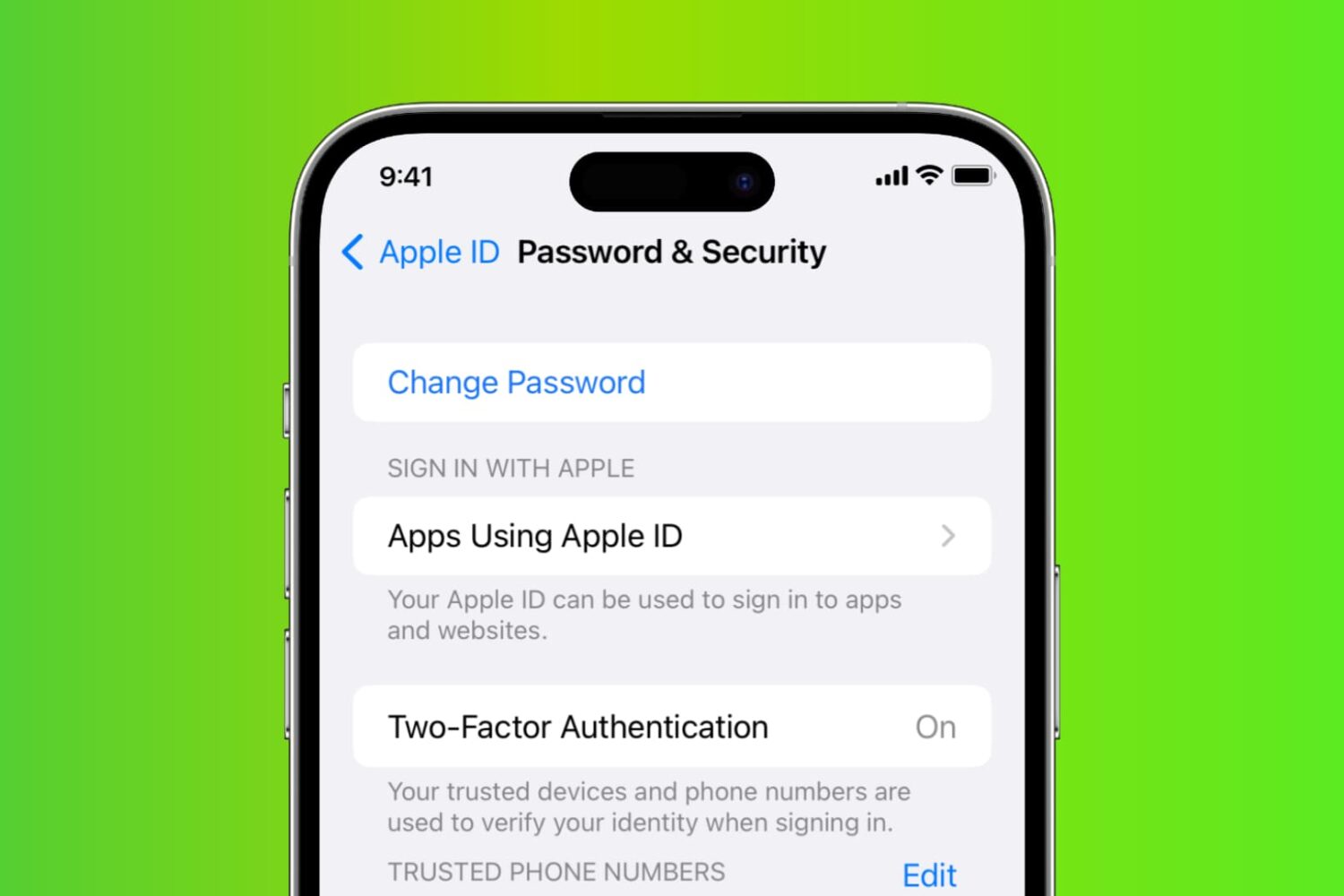
Learn how to reset your Apple account password if you forgot it to regain access to your account, along with your files in iCloud, Photos library, Messages chats, etc.