Learn how to disable call waiting on your iPhone to stay focused during important calls and avoid interruptions that break your focus with our step-by-step guide.
How to turn off Call Waiting on iPhone

Learn how to disable call waiting on your iPhone to stay focused during important calls and avoid interruptions that break your focus with our step-by-step guide.

Learn how to turn off keyboard click sounds on your iPhone's keyboard to type in silence and stop annoying others around you.
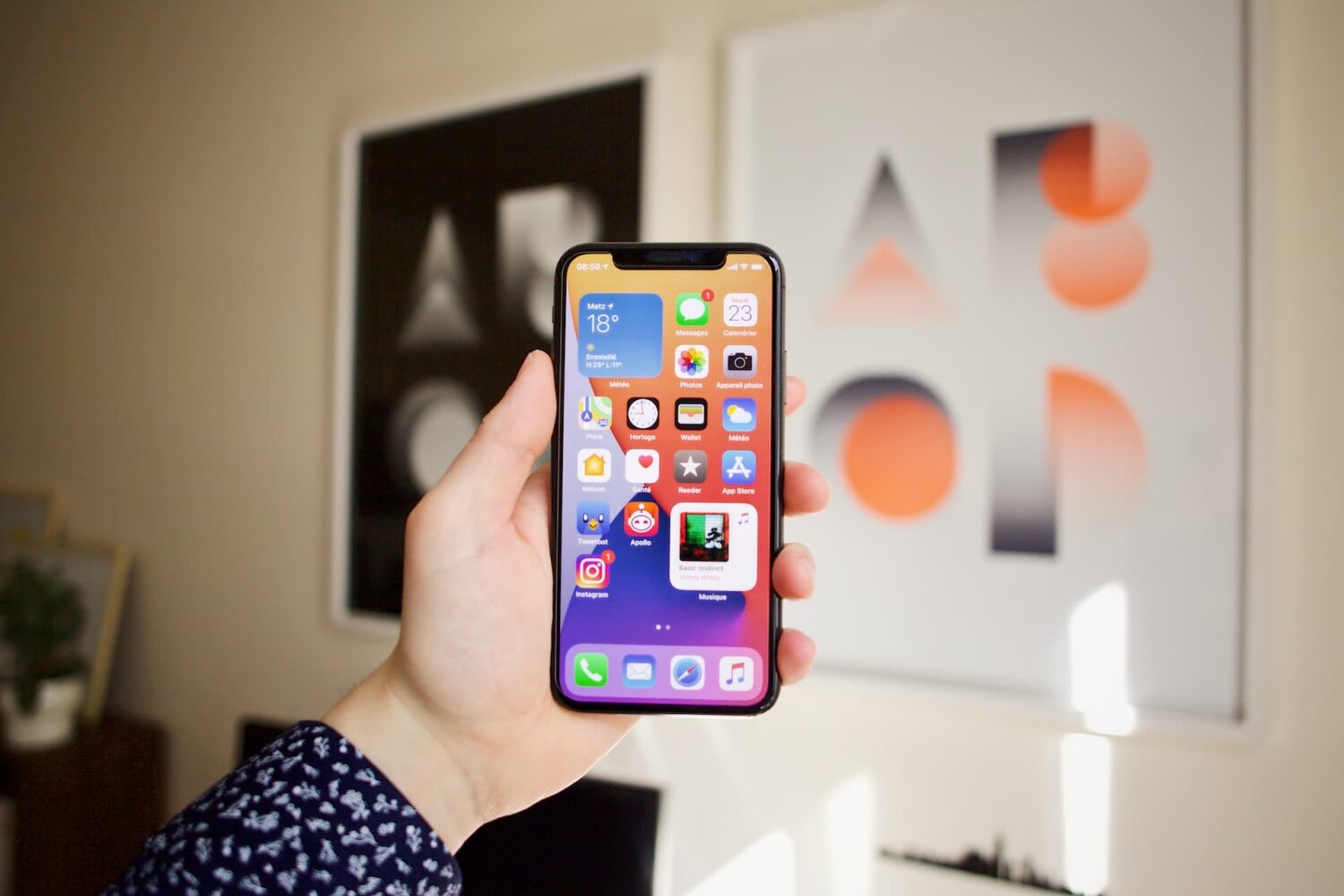
Learn how to turn off iPhone and iPad animations if you don’t like them or are sensitive to motion, which can cause sickness and headaches.
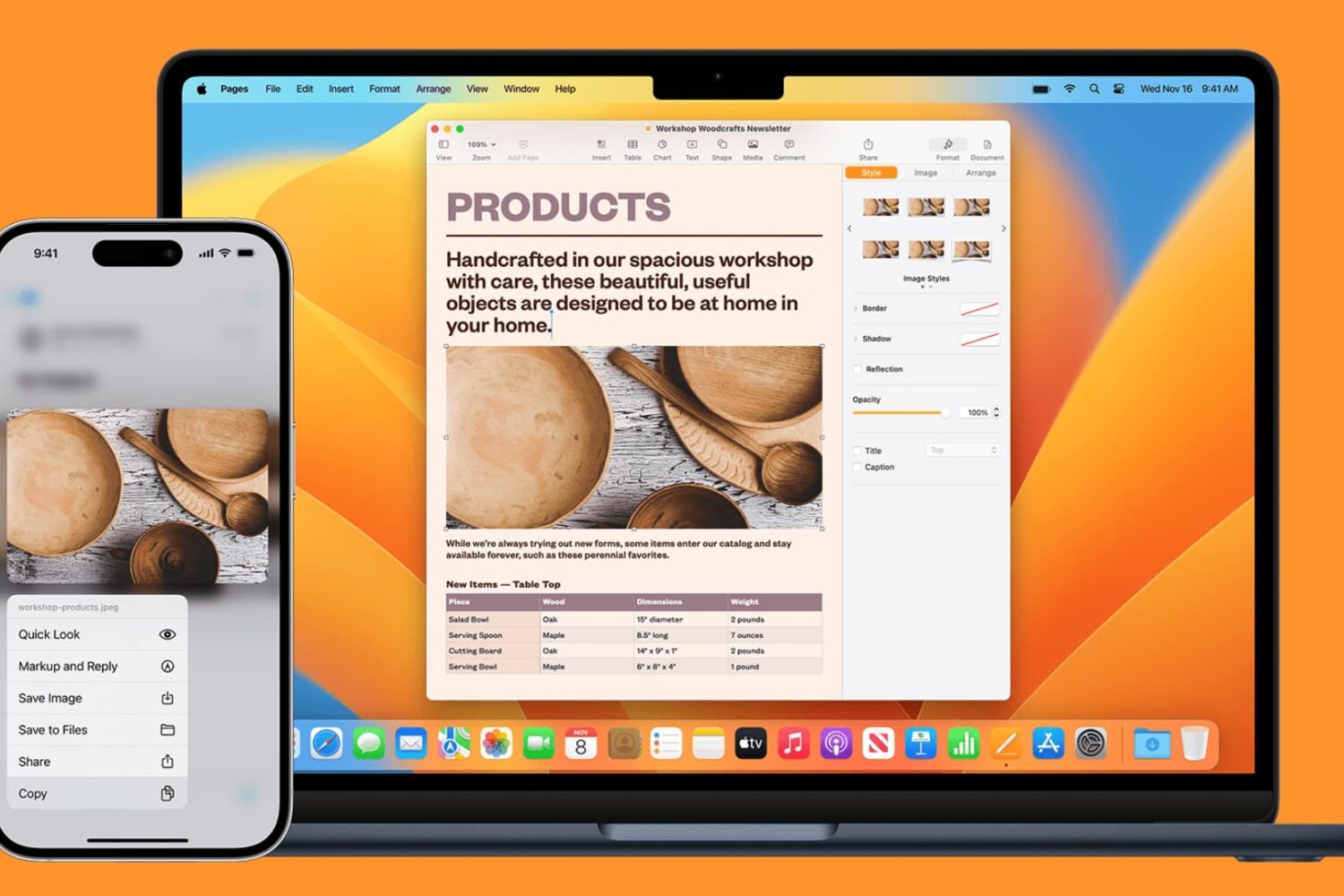
Learn how to seamlessly copy and paste text, images, links, and files across your iPhone, iPad, and Mac using Universal Clipboard.
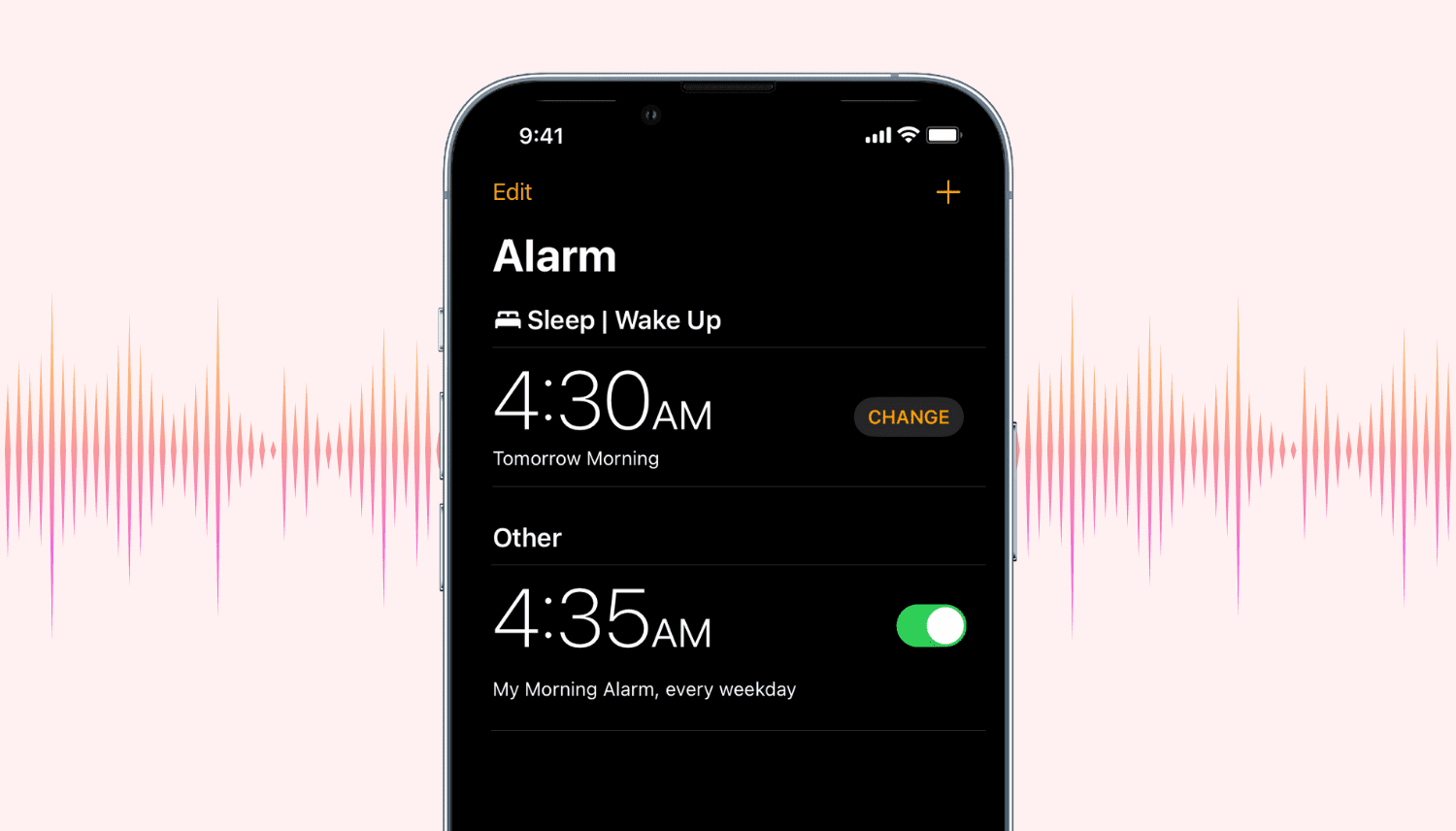
Find out how to quickly increase or decrease the alarm volume on your iPhone, iPad, or Mac to adjust it accordingly.

Learn how to pinpoint the exact dates and times you updated Mac apps or installed macOS updates to figure out when an issue first started occurring.

Learn how to switch your Mac keyboard layout from QWERTY to AZERTY or even Dvorak so you can type faster and more comfortably in a layout that you’re familiar with.
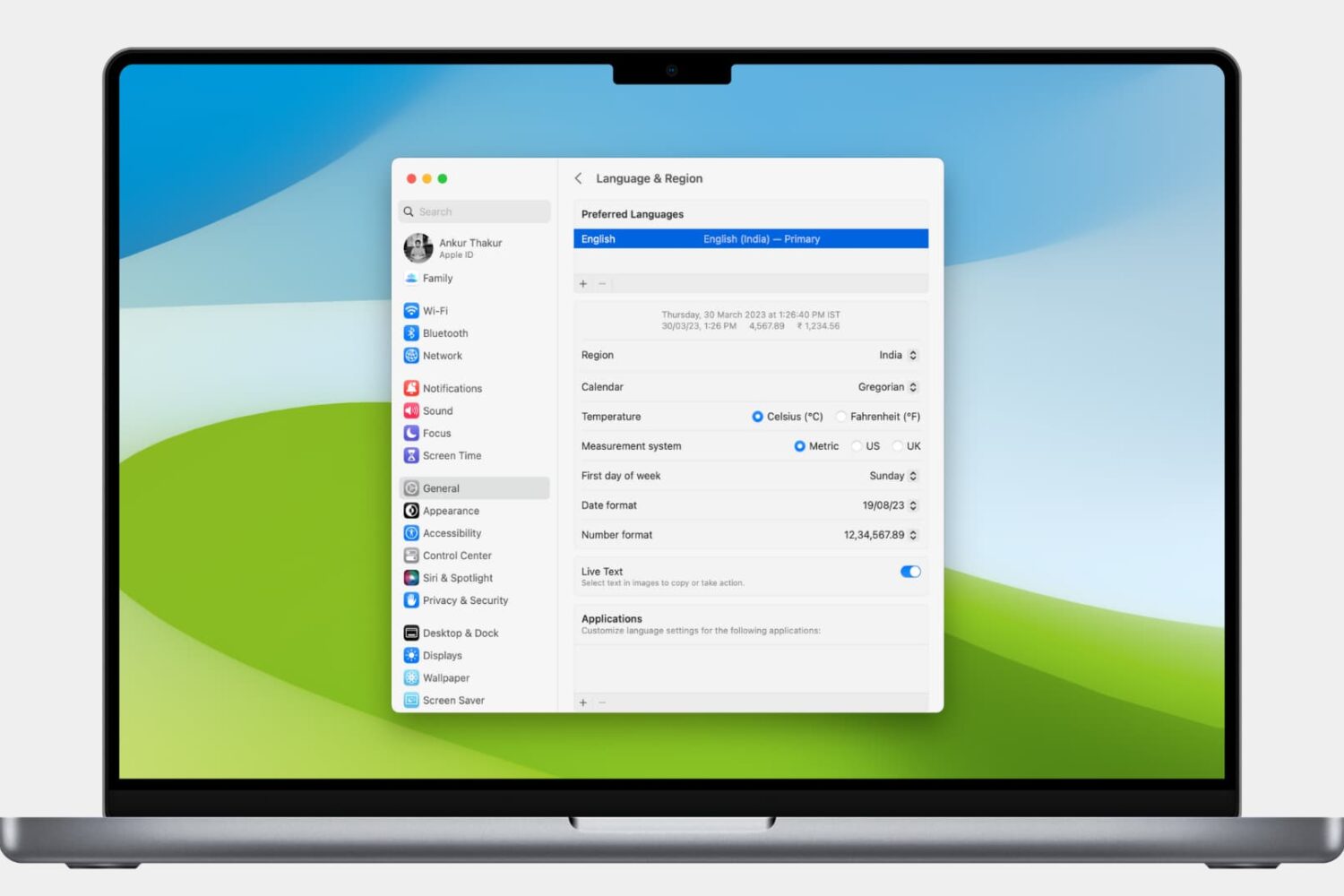
Learn how to customize the date and time formats on your Mac, and change the currency type or measurement units for a localized macOS experience.

Learn how to stop your iPhone or iPad from listening for the “Hey Siri” or “Siri” wake phrase to disable hands-free voice activation, either temporarily or permanently.
Learn how to view the Wi-Wi network your Apple HomePod or HomePod mini speaker is using for easier troubleshooting of internet connectivity issues.
Learn how to quickly change your current SIM or eSIM PIN on iPhone for added security and privacy.
Learn how to block the Split View and Slide Over multitasking features on your iPad if you never use them, and they accidentally get in the way, causing distraction and confusion.