Maximize your reading experience on Safari for iPhone and iPad by learning how to customize the Reader view and per-site settings.
How to customize the Reader view and per-site settings in Safari for iPhone and iPad

Maximize your reading experience on Safari for iPhone and iPad by learning how to customize the Reader view and per-site settings.
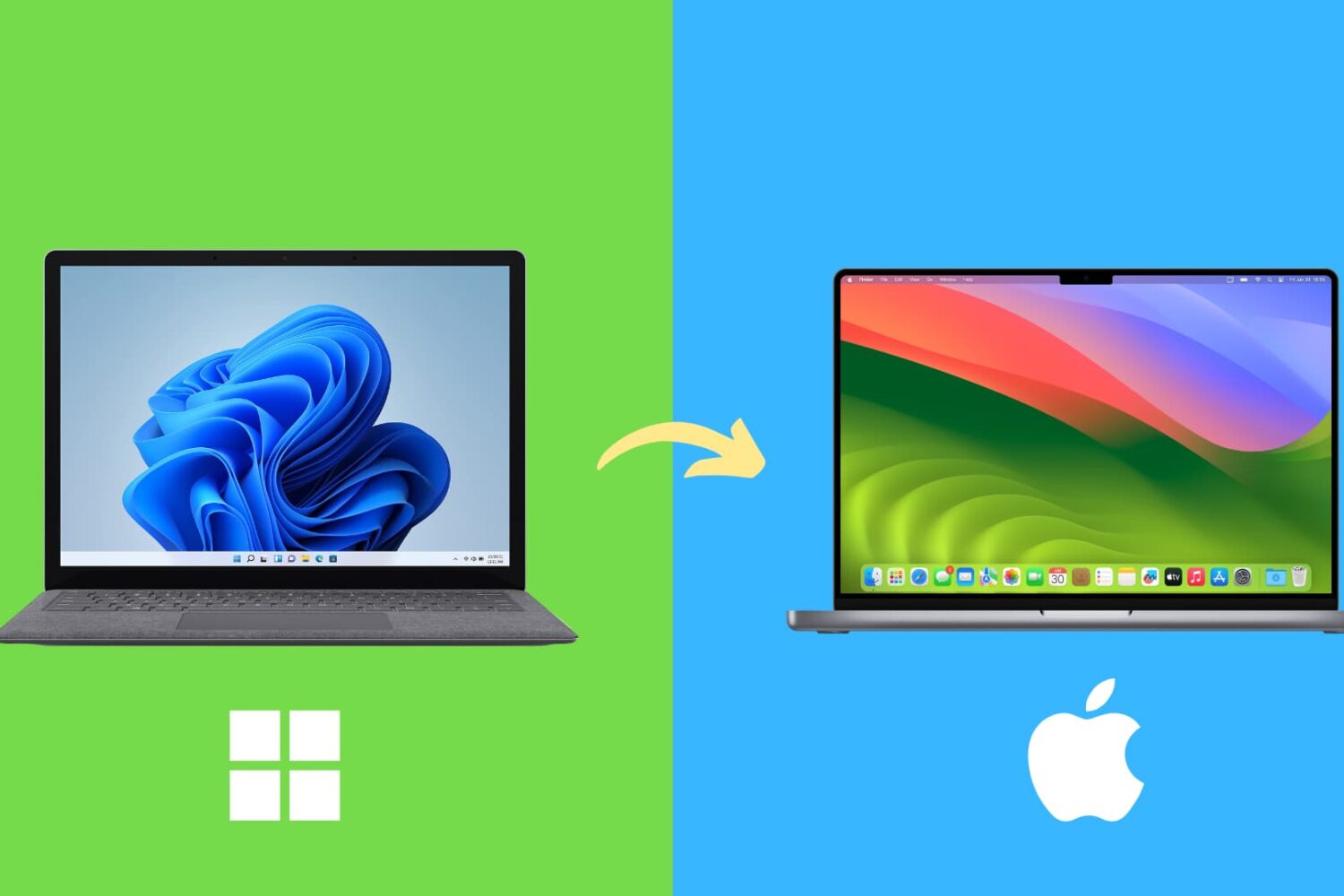
Here are several common differences you should be aware of and get used to if you’re switching from a Windows computer to a Mac.

If you just started using Apple Cash to send or receive money, you’re going to want to keep up with your activity. Check on money you’ve sent to others, see if someone sent money to you, and make sure your transactions look correct.
Here are a few ways to view your Apple Cash transactions on iPhone.

In this quick tutorial, we’ll show you how to stop apps from opening automatically after boot up.

Discover the easy ways to identify the model of your Apple TV using the device's physical characteristics or software information in this helpful guide

Learn how to easily identify your Apple Watch model and series numbers with this comprehensive guide, including images and step-by-step instructions.

Learn how to forget a Wi-Fi network on your iPhone, iPad, or Mac to remove saved network credentials, improve wireless security, and troubleshoot connection issues.
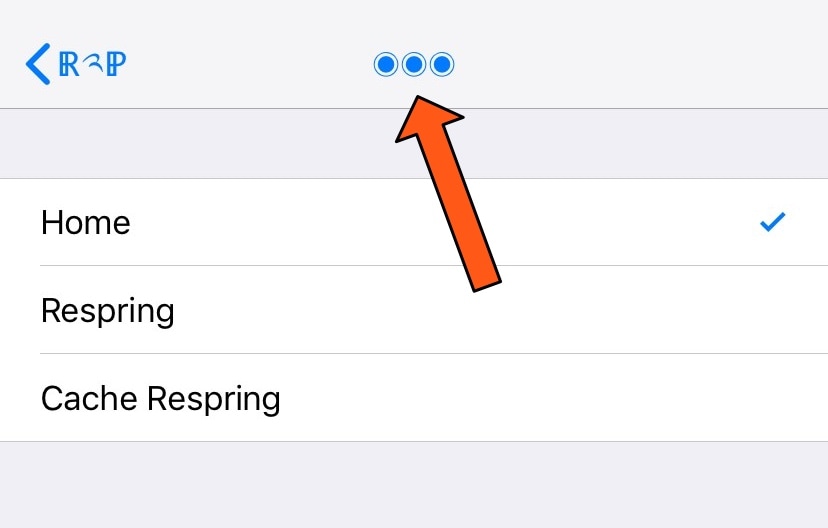
Diving deep into your Settings app can be an easy thing to do, especially if you venture into your handset’s Accessibility options. But jailbreakers often install jailbreak tweaks with extensive preference panes, which can sometimes make backing out to the primary Settings page a chore.
If you find yourself in the latter category more often than you’d like to admit, then you just might come to appreciate a newly-released free jailbreak tweak called Return2Prefs by iOS developer thazsar, as it puts a convenient shortcut in the Settings app’s Navigation Bar that makes returning to the original page a breeze.
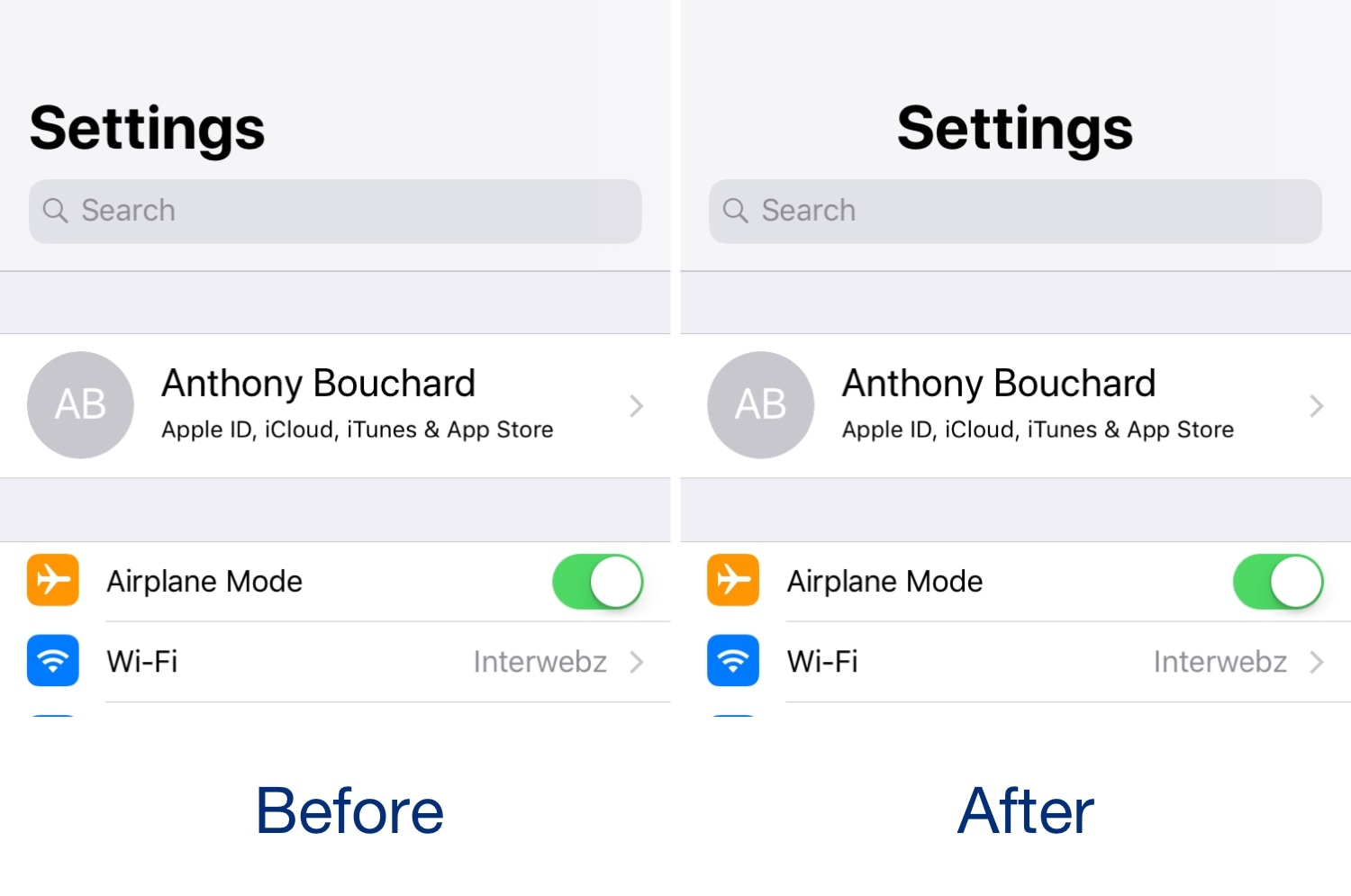
iOS 11 and 12 introduced a lot of changes over iOS 10, but in the aesthetics department, the large emboldened titles that appear in certain apps really tend to stick out.
The emboldened titles don’t look terribly horrendous, but one of the most common complaints that we see regarding them is Apple’s choice to left-align the text. Given the circumstances, iOS developer level3tjg came up with a free jailbreak tweak called CenteredLargeTitles to resolve this debacle for the picky ones.

Learn how to efficiently organize your emails by automatically color-coding them using the built-in rules feature in the Apple Mail app on Mac.
This tutorial shows you how to customize the sound quality in the Music app or iTunes so that your favorite songs sound spectacular when you play them on your Mac.

Learn how to set a default email account on iPhone, iPad, and Mac, and save yourself from sending emails from the wrong account.