Security

Watch Apple’s ‘Behind the Scenes of iOS Security’ Black Hat presentation

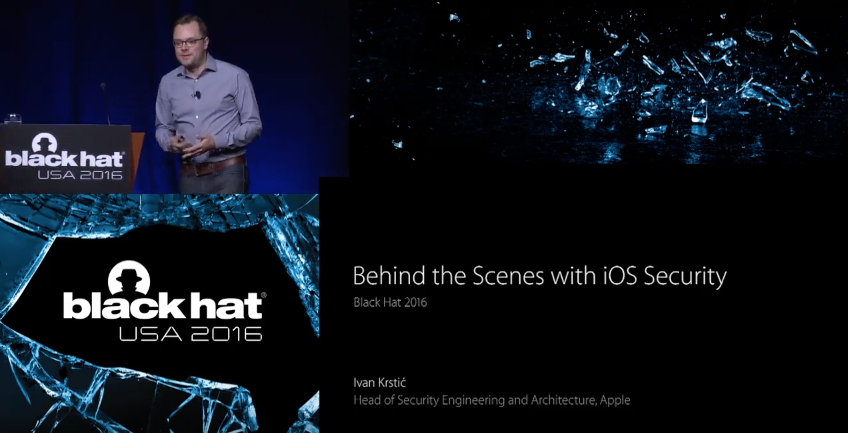
You can now watch Apple's 'Behind the Scenes of iOS Security' presentation from this year's Black Hat Conference in its entirety. A video of the talk, featuring the company's head of security engineering Ivan Krstic, has been posted to the official Black Hat YouTube page.

Apple's presence at the conference was a nice change of pace, as the firm typically skips the event. Krstic covered a wide range of topics, including the technologies his team uses in services like HomeKit and iCloud Keychain that handle exceptionally sensitive user data.

This tweak lets you unlock your iPhone with Touch ID even without a passcode

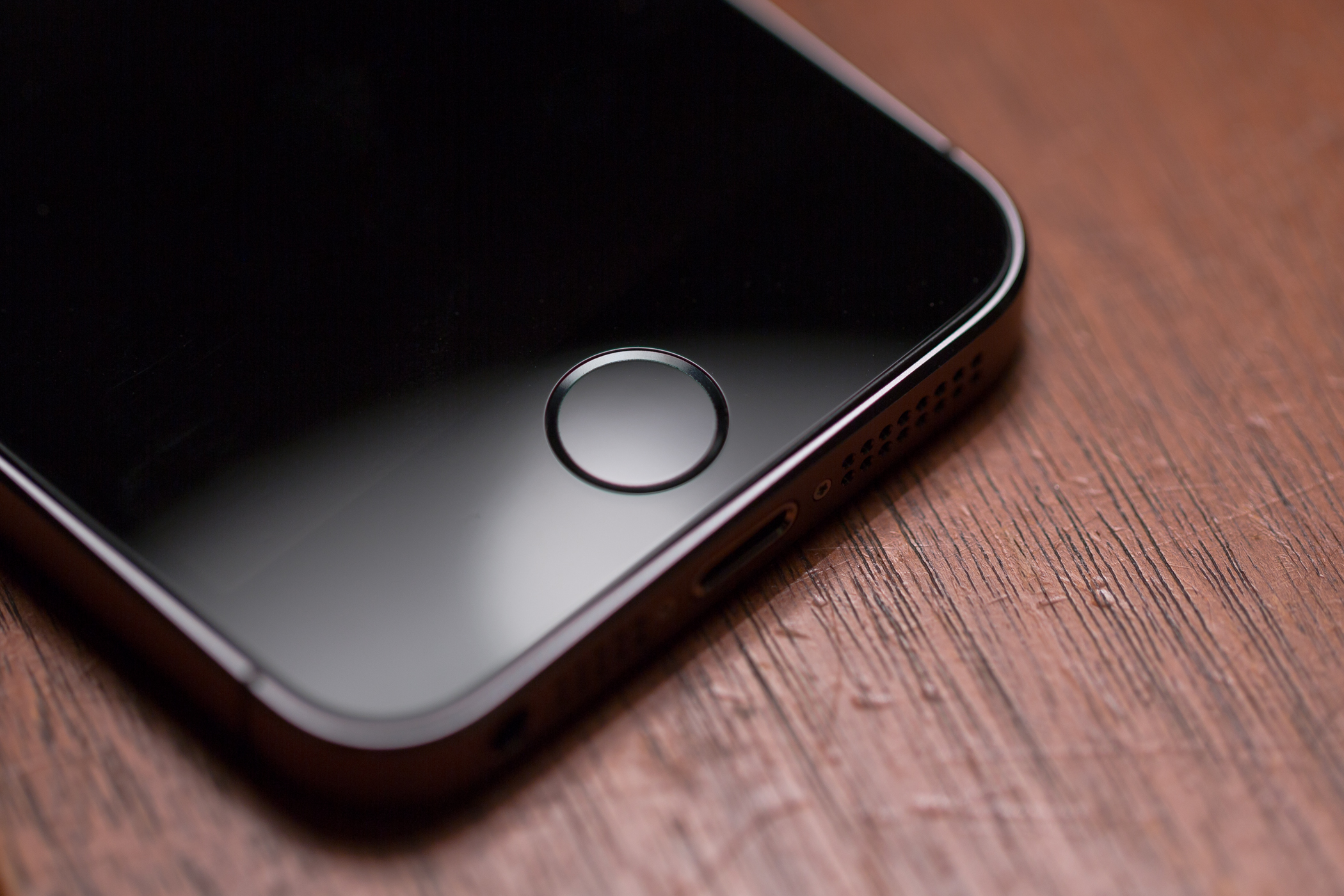
All of Apple's iPhones since the iPhone 5s, and even the latest iPad models, come with Touch ID fingerprint scanners that let you have access to your device almost immediately without the need to waste time entering a password or passcode at the Lock screen.

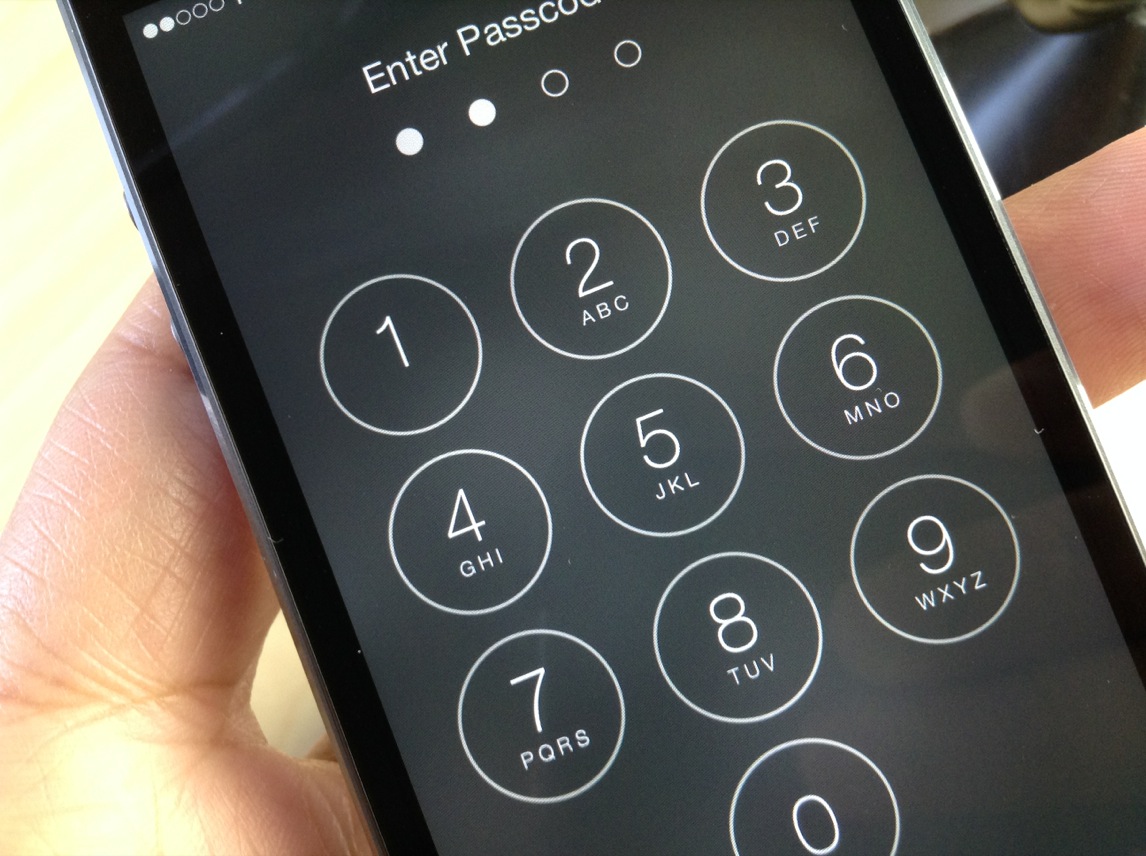
However, if you never use a passcode anyways, but you still enjoy the functionality of Touch ID, you can use a new jailbreak tweak called AlwaysTouch.

Unencrypted iOS 10 kernel poses no risk to platform security or user data

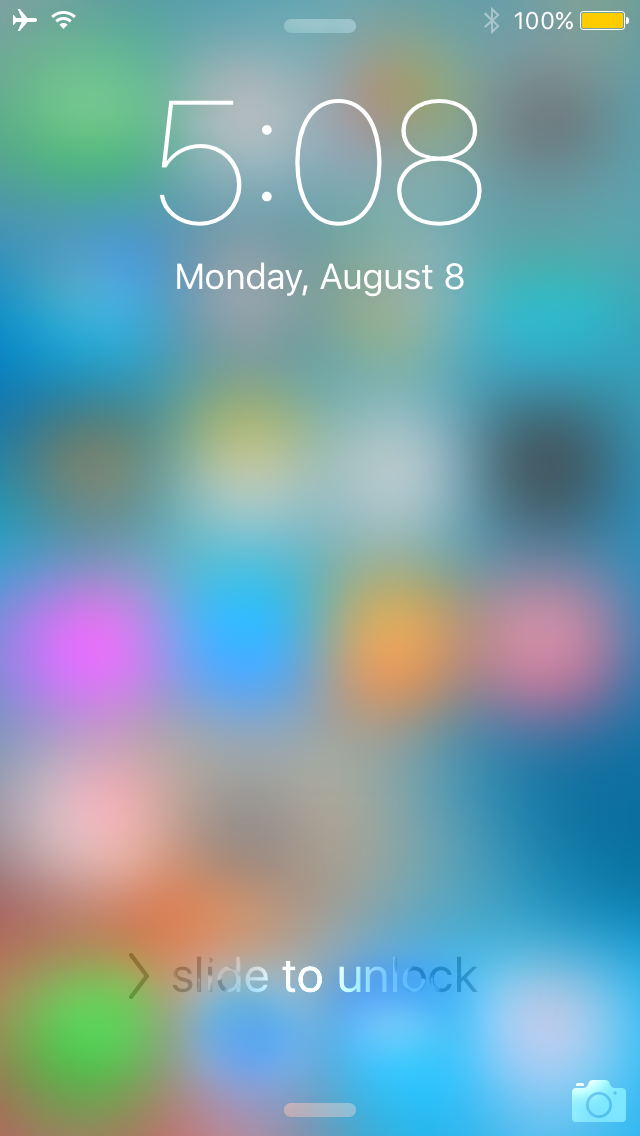
Apple's unexpected decision to leave certain parts of the iOS 10 kernel unencrypted didn't sit well with some privacy advocates over fears that the move could aid nefarious users to look for security weaknesses in the iOS software. But as it turns out, we now know that an unencrypted kernel allows iOS 10 to run faster: Ivan Krstić, Apple's head of Security Engineering and Architecture, explained at the Black Hat security conference that the unencrypted iOS 10 kernel has absolutely no impact on platform security nor does it decrease security of encrypted user data.

Cisco’s software that optimizes iOS devices and apps for enterprise due next month

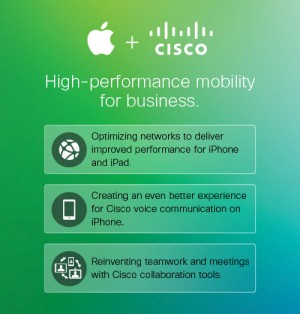
The New York Times article headlined “Once Taunted by Steve Jobs, Companies Are Now Big Customers of Apple” contains an interesting side-note which claims that network giant Cisco is currently testing an upcoming software “that gives priority to mobile devices or apps” ahead of its unveiling next month.

The forthcoming software solution is clearly born out of a partnership that Apple and Cisco struck last year to optimize iOS devices and apps for enterprise users.

Apple offering up to $200K for vulnerabilities in new bug bounty program

Apple on Thursday launched a new bug bounty program, in which it will pay researchers cash for discovering vulnerabilities in its products. The announcement was made at the annual Black Hat security conference by Apple's head of security engineering Ivan Krstic.

Several major technology companies, such as Microsoft and Google, have long offered similar programs, but Apple has remained a holdout until now. The iPhone-maker will pay anywhere between $25K and $200K for exploits, depending on where it is and what it does.

iOS 9.3.4 released with an “important security fix” that patches Pangu jailbreak

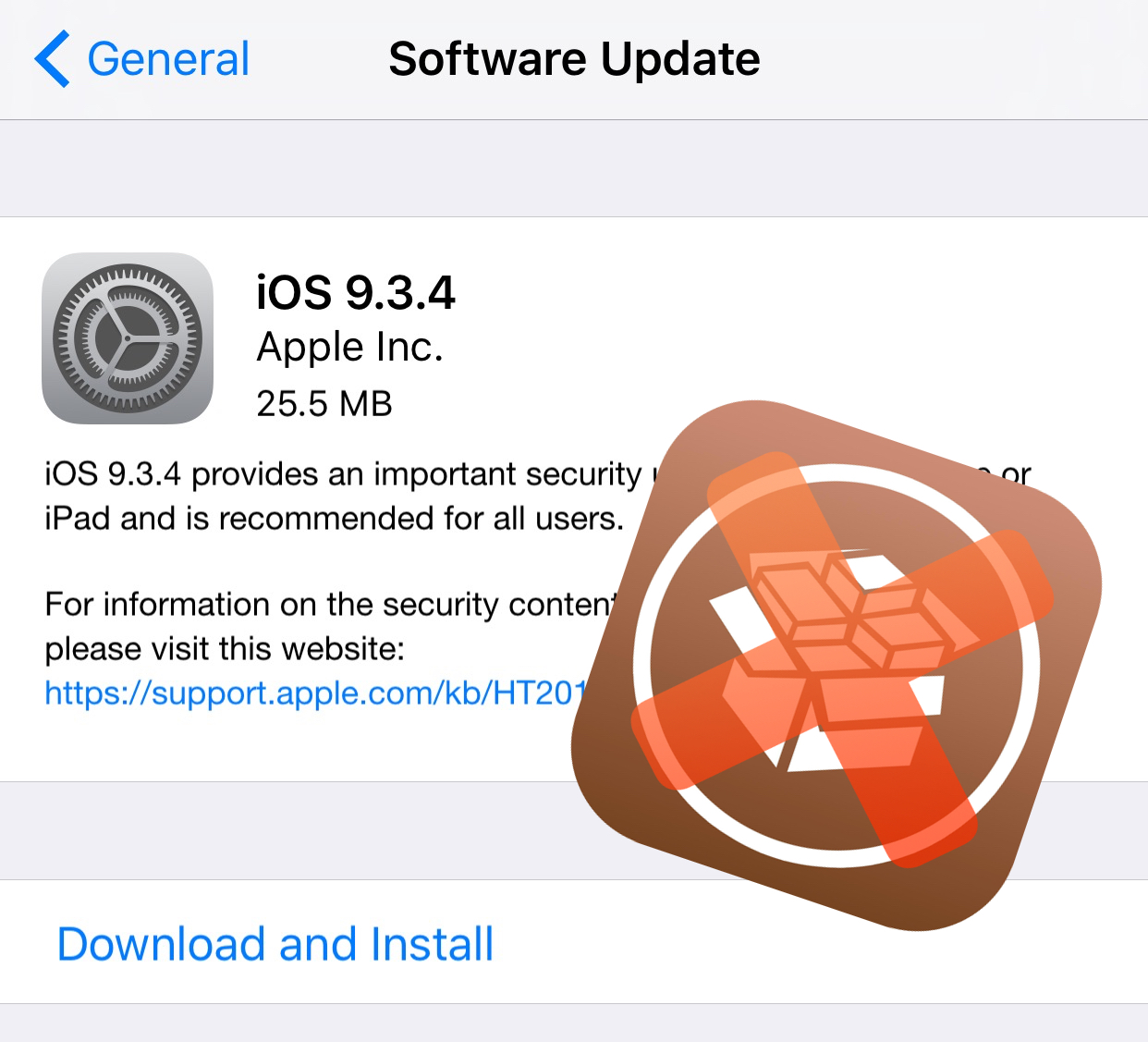
Apple on Thursday unexpectedly released iOS 9.3.4, a minor update to the mobile operating system powering the iPhone, iPad and iPod touch. Release notes accompanying the small download mention that iOS 9.3.4 provides “an important security update” and is recommended for all iOS 9 users. The update can be applied over-the-air on iOS 9 devices in Settings → General → Software Update and has been confirmed to patch the Pangu jailbreak.

Telegram for iOS gains personal storage, group previews and trending/archived stickers

Telegram, a secure instant messaging service that supports rich media attachments and optional end-to-end encryption, today refreshed its mobile app on the App Store with a few new features. Telegram for iOS, now bumped to version 3.11, offers some interesting new sticker packs and lets you archive those you no longer use.

You can now preview groups before joining them and store your messages and media in the new storage chat.

Telegram is available free on the App Store and Mac App Store.

How to copy the same parental controls from one user account to another on Mac

If you have one Mac, and multiple users, then you might use the built-in Parental Controls to manage what those users can and cannot do. Doing so can help the security of your system in many ways.

In this tutorial, we'll show you how to you can essentially copy the Parental Control settings from one of your Mac's users over to another user so they're managed in the same way.