Security

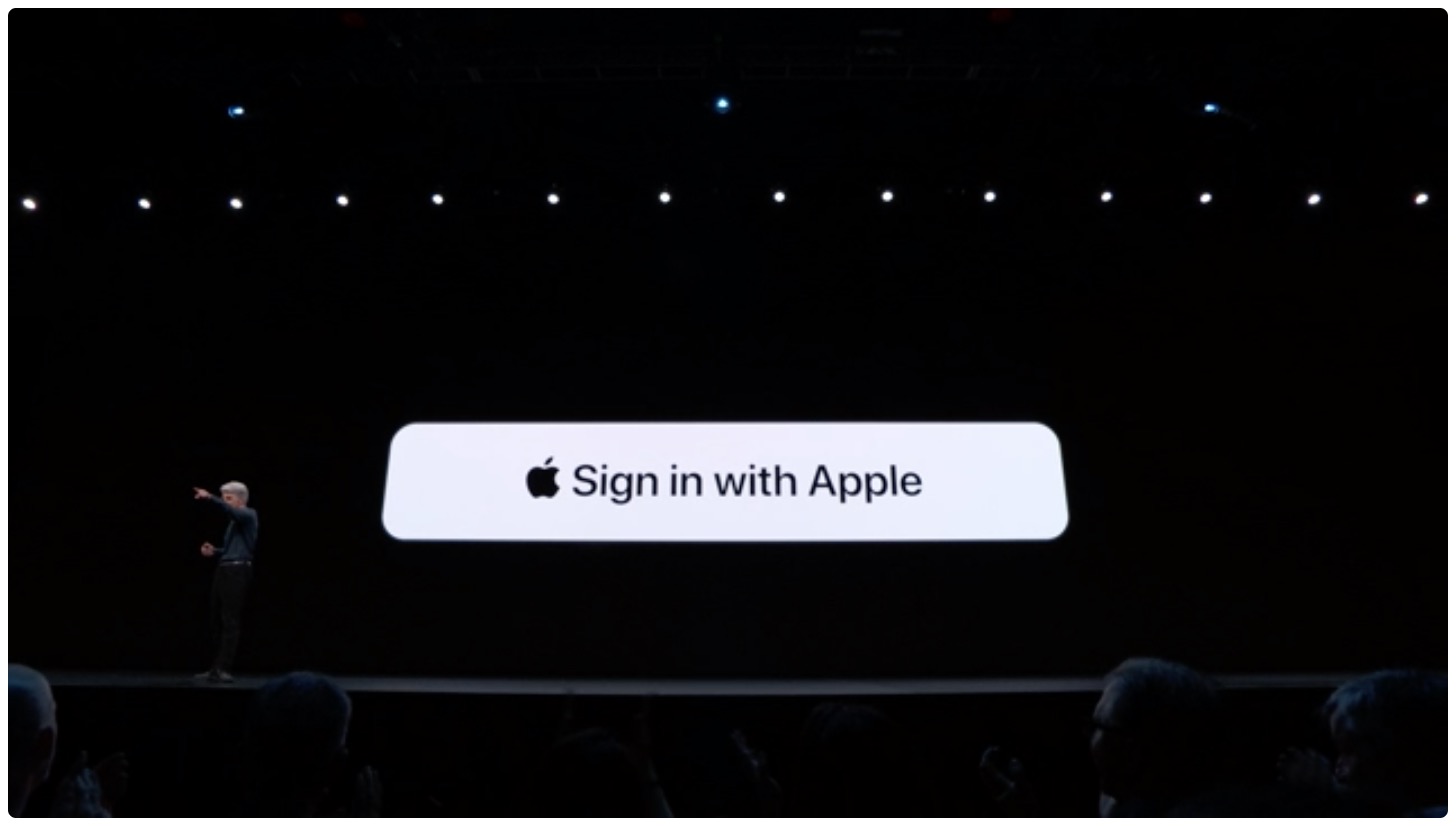
iOS 13 doubles down on location privacy; ‘Sign In with Apple’ secures logging into sites and apps

iOS 13 brings plenty of new features to the mobile operating system, which Apple officially announced at this year's WWDC keynote. The software will launch later this year, and Apple is bringing with it even more privacy and security aspects to the mobile OS. That includes doubling down on privacy security and a new way to log into apps and websites.

Apple details how ‘Find My’ in iOS 13 and macOS Catalina works

As is par for the course, Apple announced a ton of new features that will be coming along with brand new versions of its various operating systems. And while the company takes time on stage during the WWDC keynote to go over many details, not everything can be covered with the time allowed. But that's why Apple executives are more than willing to shed some details after the keynote.

iBSparkes demos 0day on brand-new iOS 13 beta 1 firmware

Matrix code hacked iPhone.

Apple launched the first developer beta of iOS 13 just this afternoon after the WWDC 2019 Keynote presentation came to an end, and despite how new this beta software is, talented security researchers are already findings ways to crack it.

In a Tweet shared just this evening, @iBSparkes flexed his l33t hacking skills by sharing what appears to be a demonstration of an undisclosed 0day vulnerability:

Hidden Cam snaps a selfie when someone enters your passcode incorrectly

If you’re like me, then you probably don’t appreciate it when someone grabs your iPhone and tries to guess your passcode. Fortunately, a free jailbreak tweak called Hidden Cam by iOS developer Baw Apple can help you determine who’s doing this when you aren’t looking.

Hidden Cam works by snapping a selfie every time your passcode gets entered incorrectly. This method is incredibly efficient because it won’t use any system resources if your passcode or biometric authentication succeeds.

BinaryPasscode replaces your passcode buttons with binary-centric dots

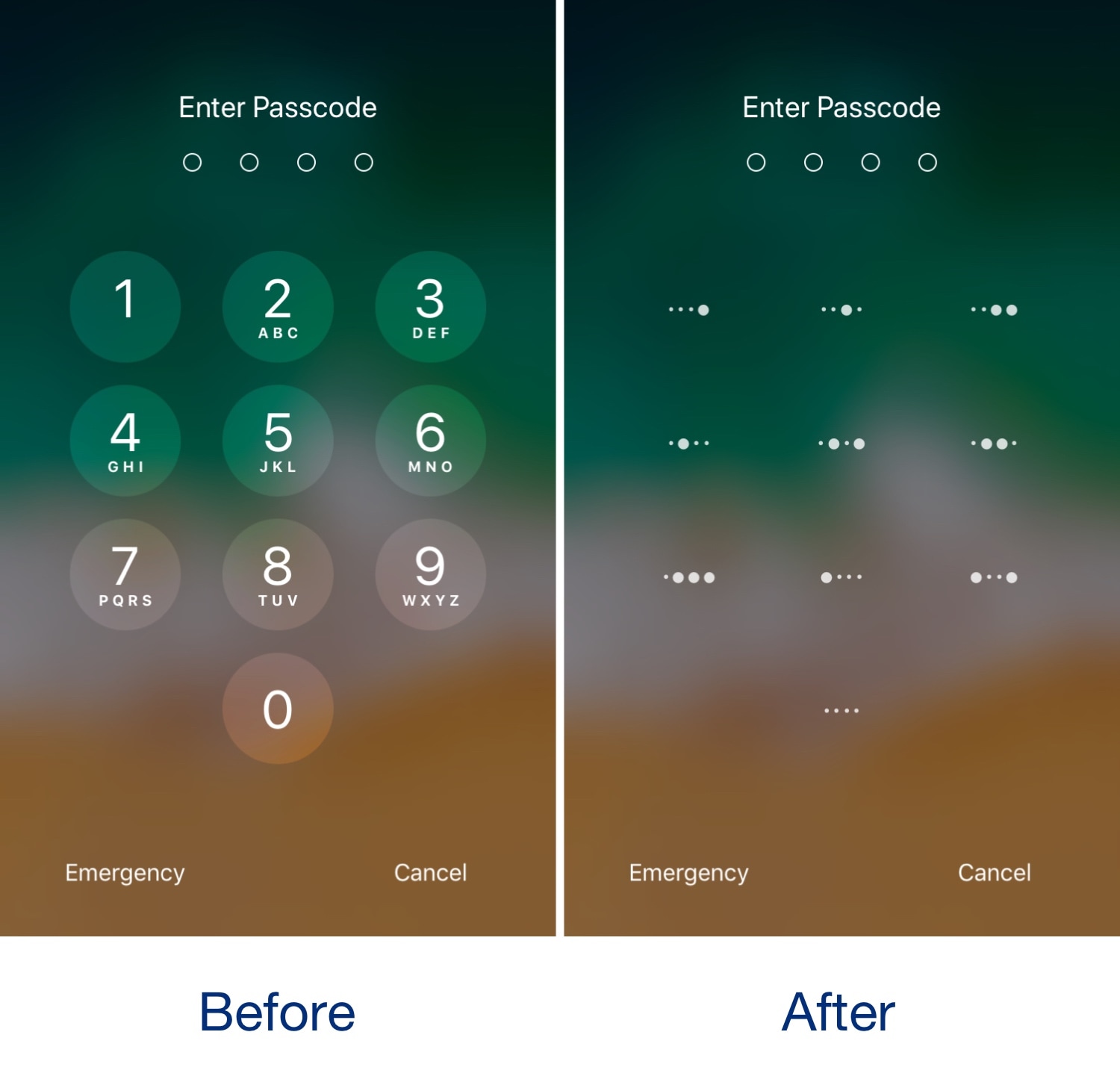
It was only yesterday that we showed you a free jailbreak tweak called CodeScrambler 12, which randomized the positions of the number keys on your Lock screen’s passcode entry screen. But while we’re on the topic of obfuscating the passcode entry screen, why not check out a new free release dubbed BinaryPasscode by iOS developer eskimo_dev?

As shown in the before and after screenshot examples above, BinaryPasscode replaces the typical numbers that appear inside each of the passcode entry buttons with binary-centric dot patterns. BinaryPasscode should look familiar if you’ve ever used a similar tweak such as BinaryKeypad before.

A unique look at how Apple is testing its own iPhone processors against hacking

Apple under Tim Cook's leadership has turned protecting user privacy into one of its missions. The company takes a holistic approach to security and privacy that starts at the semiconductor level. British publication Independent today published a rare insight into a secretive facility on Apple's campus in which expensive machines are abusing in-house designed chips to see whether they can withstand hacking and whatever other types of assault anyone might try on them when they make their way into new iPhones.

This tweak randomizes the position of your passcode buttons

As you interact with the Lock screen’s passcode entry interface, you’ll notice that the number keys are always in the same place. This makes entering passcodes easier, but it also makes it effortless for nosy folks to glance over your shoulder and watch the numbers you dial in to unlock your device.

Here to help with this problem is a free jailbreak tweak called CodeScramber 12 by iOS developer eskimo_dev. As you might’ve already deduced from the tweak’s name, CodeScrambler 12 randomizes the locations of the passcode’s numeric keys every time you try to unlock your handset, as shown above.

Some Snap employees in the past used Snapchat tools to spy on users

SnapLion icon from Snapchat

We use apps every single day, and the general hope is that most of them aren't tools to be used to spy on us. Even the ones that are built around a social networking platform. Snapchat, for instance, which is one of the biggest and most popular social networks out there. But it turns out Snap used to have tools accessible by employees to spy on users.