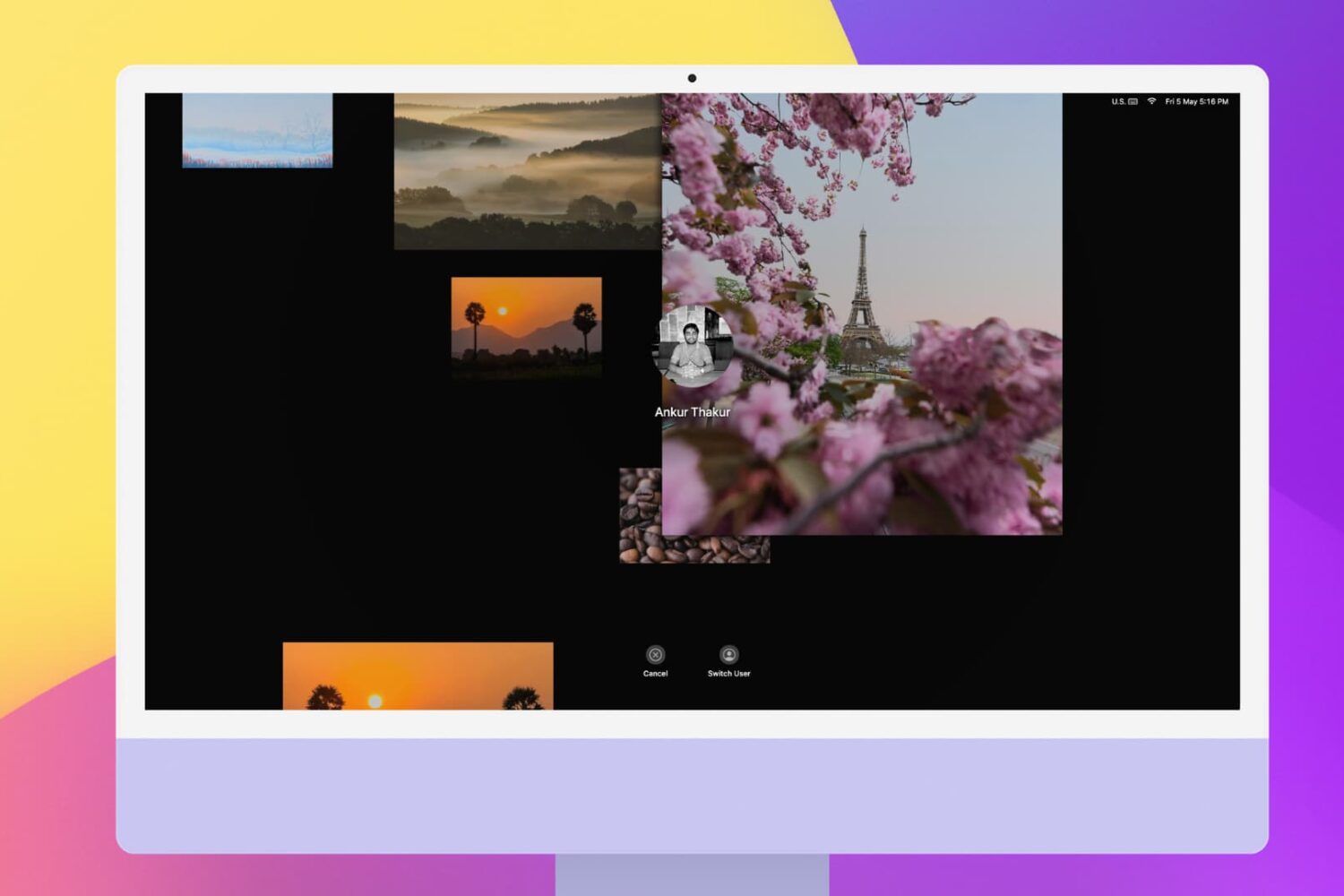
Screen Saver

SleepSaver brings screensavers to your jailbroken iPhone or iPad

Screensavers are a standard feature on most Macs and PCs that compel the display to loop a constant motion graphic to mitigate the effects of screen burn-in. The need for screensavers isn’t as great on mobile handsets like smartphones and tablets however, since the display typically turns off automatically when it isn’t in use to preserve battery life – a constraint that wired Macs and PCs don’t need to worry about.

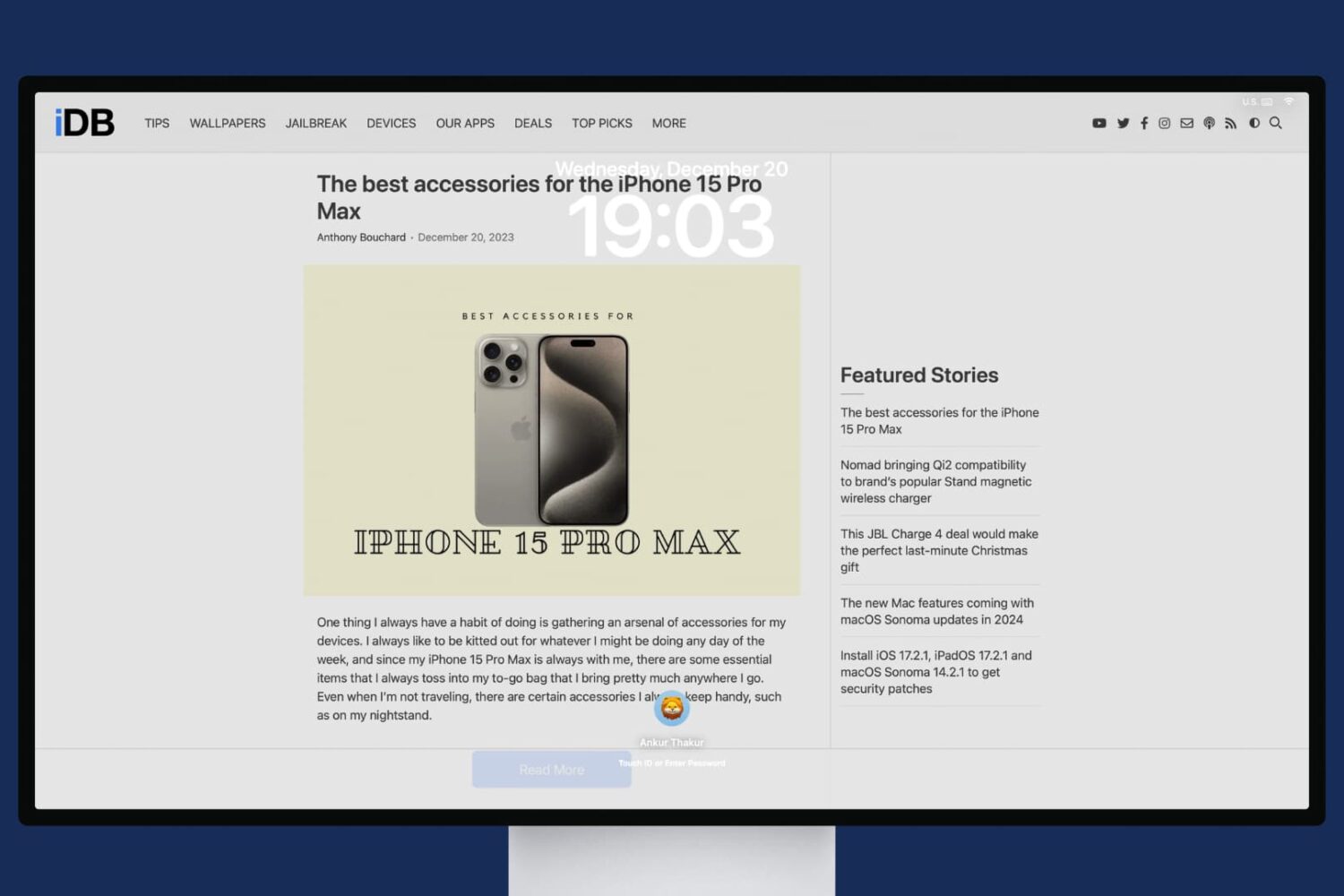
While you don’t really need a screensaver on your smartphone or tablet, that doesn’t mean you can’t have one regardless. Apple doesn’t allow this on their brand of mobile handsets out of the box, but if you’re jailbroken, then you can take advantage of a newly released jailbreak tweak dubbed SleepSaver by iOS developer iCraze to circumvent this restriction.

3 ways to create a screen saver shortcut on Mac

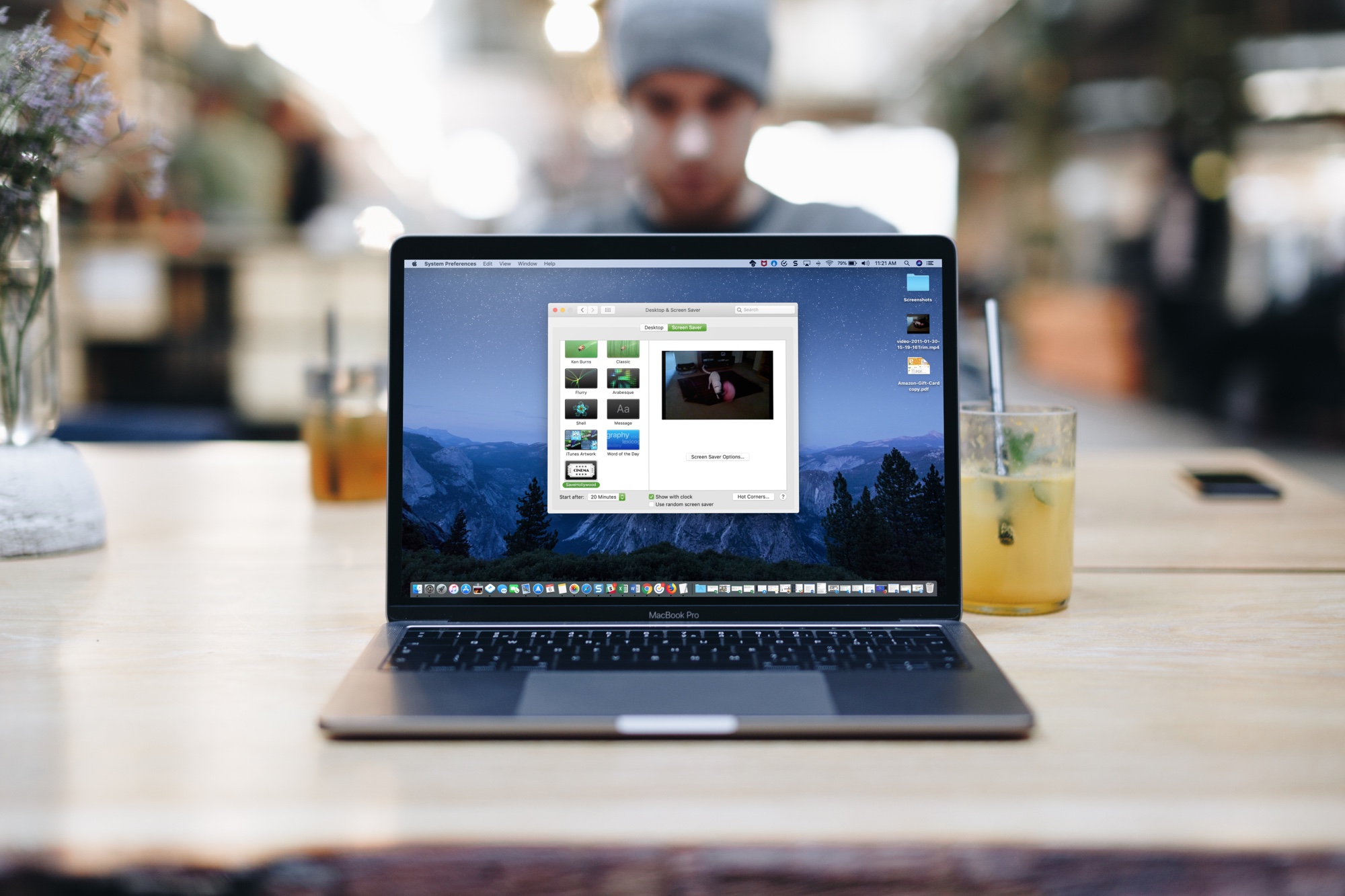
Mac Screen Saver Relfections Landscape

If you’re going to walk away from your Mac for a minute, you might want to start your screen saver. You may not want to lock your computer or put it to sleep but just display your screen saver instead.

There are three quick and easy ways to create a shortcut to start your screen saver, and we’ll walk you through each one.

How to change how often Apple TV downloads screen savers

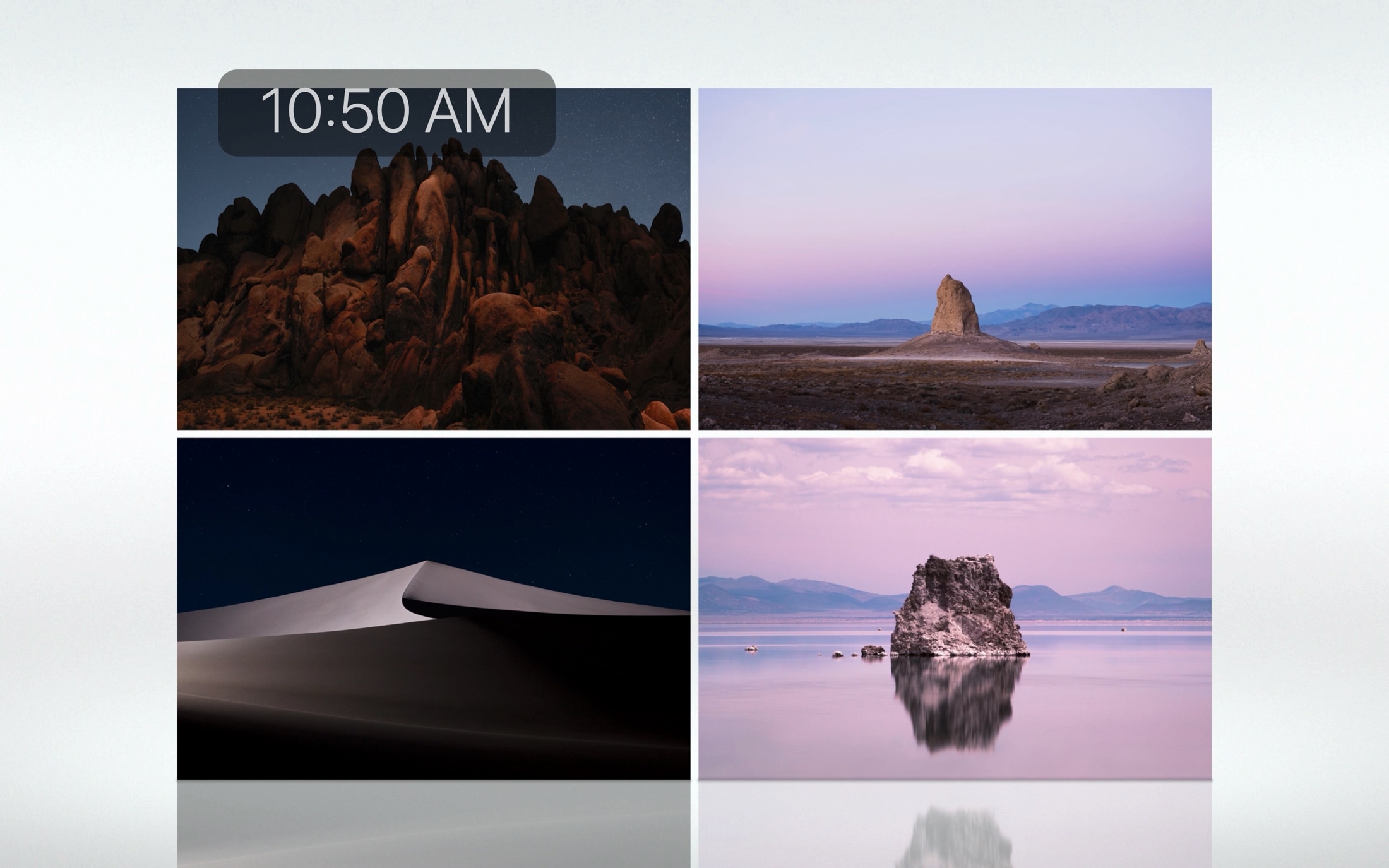
Apple TV showing its aerial screen saver

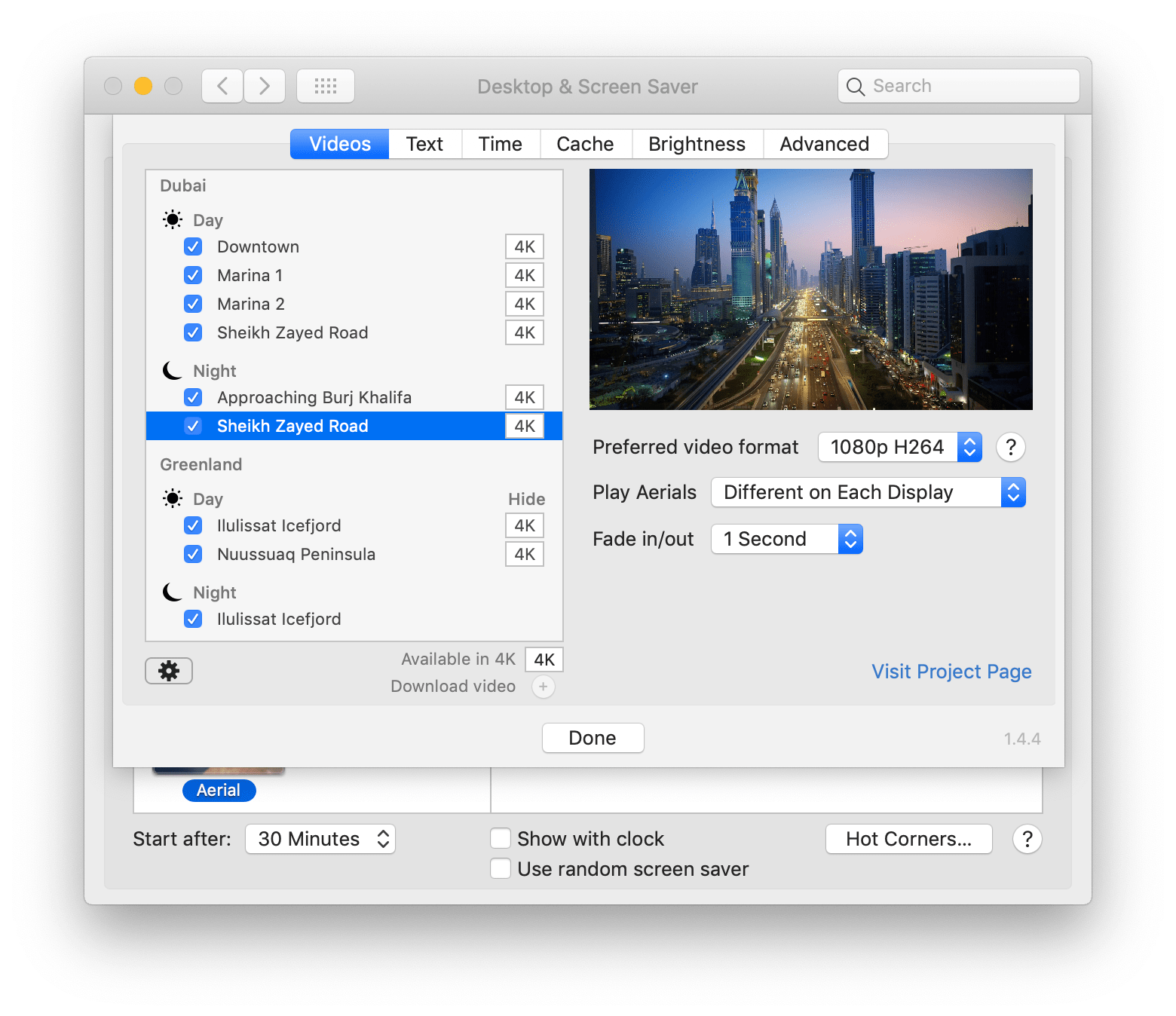
If you use a screen saver on your Apple TV that displays your own photos or those from Apple, then you don’t worry about getting new images on a regular basis. But if you use the Aerial screen savers that Apple offers, you can decide for yourself when to receive new ones.

You may only want new aerial screen savers every month due to their size, or perhaps you want them every day. Either way, here’s how to change how often your Apple TV checks for new screen savers to download.

DayView: A dashboard to start your day on Apple TV

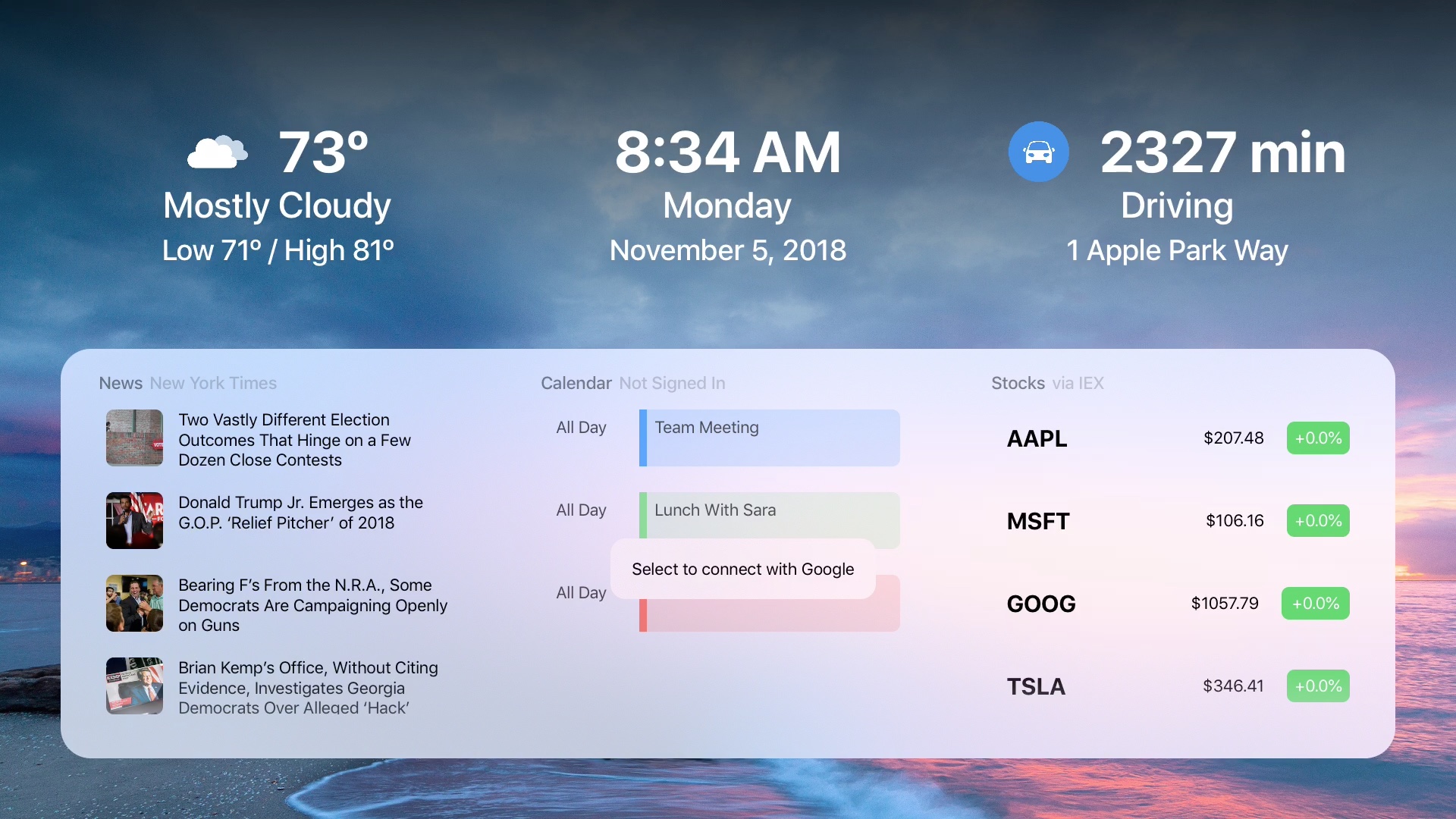
DayView on Apple TV

When you get up in the morning, you don’t have to flip through channels or apps to see what your day looks like. To see the weather, news, calendar events, stocks, and more, just pop on your Apple TV and the DayView app .

The DayView - Personal Dashboard gives you everything you need to start your day.