Safari

Apple to accelerate Safari’s JavaScript engine

Nitro, WebKit's JavaScript interpreter used in Apple's Safari, is about to get a lot speedier as Apple is seemingly looking to close a speed gap between its browser and both Google Chrome's V8 and Mozilla Firefox's SpiderMonkey engines.

The vast majority of today's web applications use JavaScript for interactivity and other purposes so any improvements in a browser's JavaScript performance would normally trickle down to the end-user level, resulting in snappier web browsing...

Mobile Safari creator on iPhone development and meeting Steve’s exacting standards

Francisco Tolmasky was only twenty years old back in 2006 when Apple hired him straight out of college. The whiz kid was immediately thrown into a big job at the famously secretive company that demands nothing but excellence from its employees.

Specifically, the young engineer was one of the early members of the team that created mobile Safari and Maps on the iPhone. The New York Times sat down with Tolmasky to discuss the challenges of developing desktop-class mobile software and meeting Steve's exacting standards when it comes to ease of use, here are the juiciest bits...

Apple pushes OS X security update with Safari 7.0.3

After pushing iOS 7.1.1 with additional Touch ID improvements and a pair of bug fixes for the iPhone, iPod touch, iPad and Apple TV devices, Apple has now released a minor software update containing security fixes for OS X systems and the Mac's Safari browser.

Officially titled 'Security Update 2014-002 1.0', the download comes in at eighty megabytes and includes patches for Safari vulnerabilities and bug fixes for the rest of OS X.

Apple wholeheartedly recommends this OS X update for all OS X Mavericks users because it improves compatibility, stability and security of your computer. A reboot is required after applying the software...

How to fix choppy video playback in Safari on OS X

Recently I ran into a problem that I found to be quite annoying. Flash video playback in Safari began suffering from major stuttering and choppiness. It was so bad that videos essentially became unwatchable while using Safari.

For someone who's constantly watching and editing video like me, this proved to be a big problem. I even pondered switching to Chrome for a bit, but quickly dismissed that thought and set out to find a solution to the problem.

Fortunately, the solution to fixing choppy video playback in Safari is an easy one. Have a look inside and we'll show you how.

Apple releases Safari 7.0.3 update for Mavericks

Apple has released a plethora updates on Tuesday. Earlier in the day, the company has revamped its web-based iWork for iCloud suite and then followed up by half a dozen matching updates to Pages, Keynote and Numbers for the iPhone, iPod touch and iPad devices and Mac computers.

Available now through your Mac's Software Update mechanism, the new Safari 7.0.3 update brings a bunch of bug fixes and a few noteworthy security-related enhancements like the strengthened Safari sandboxing, improved credit card autofill compatibility with websites and more...

How to play Game Boy games via mobile Safari, no jailbreak required

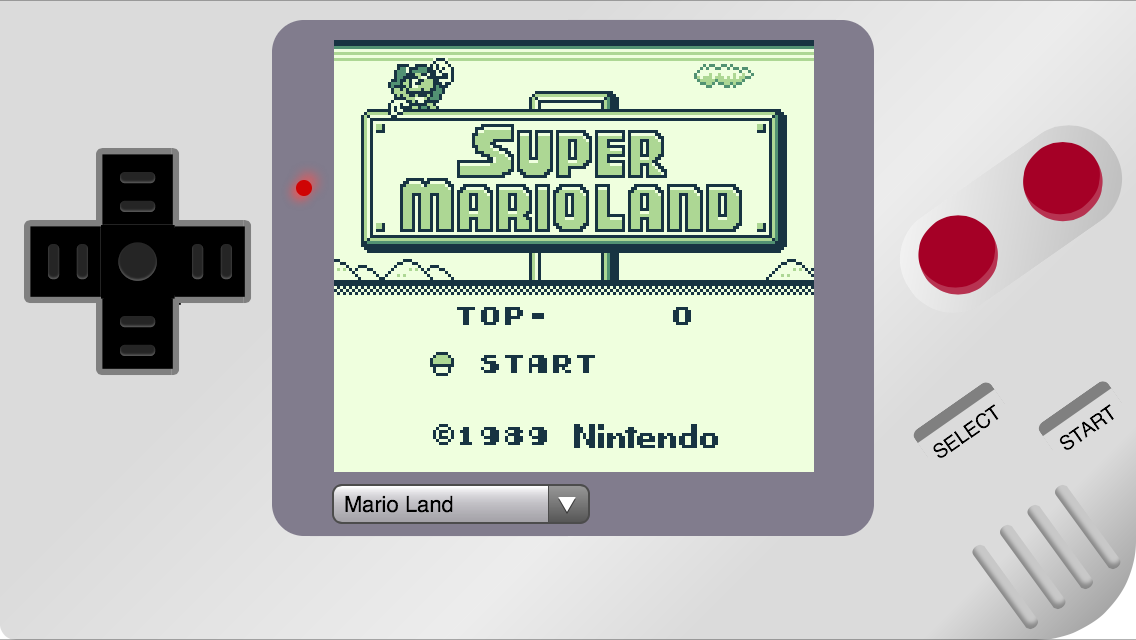
Following up last week's run of webNES comes a new mobile Safari-based emulator that allows you to play old school games on your iOS device without jailbreaking. The site is called Ben Midi’s Gameboy, and as the name suggests, it lets you play Game Boy games in-browser.

Unlike webNES, however, there's no way to add ROMs. This can be both a good and bad thing, depending on your preferences. It's good in that you can start playing one of 13 pre-loaded Game Boy games in seconds, but bad in that you can't add any games outside of those 13...

How to play Nintendo games via mobile Safari no jailbreak required

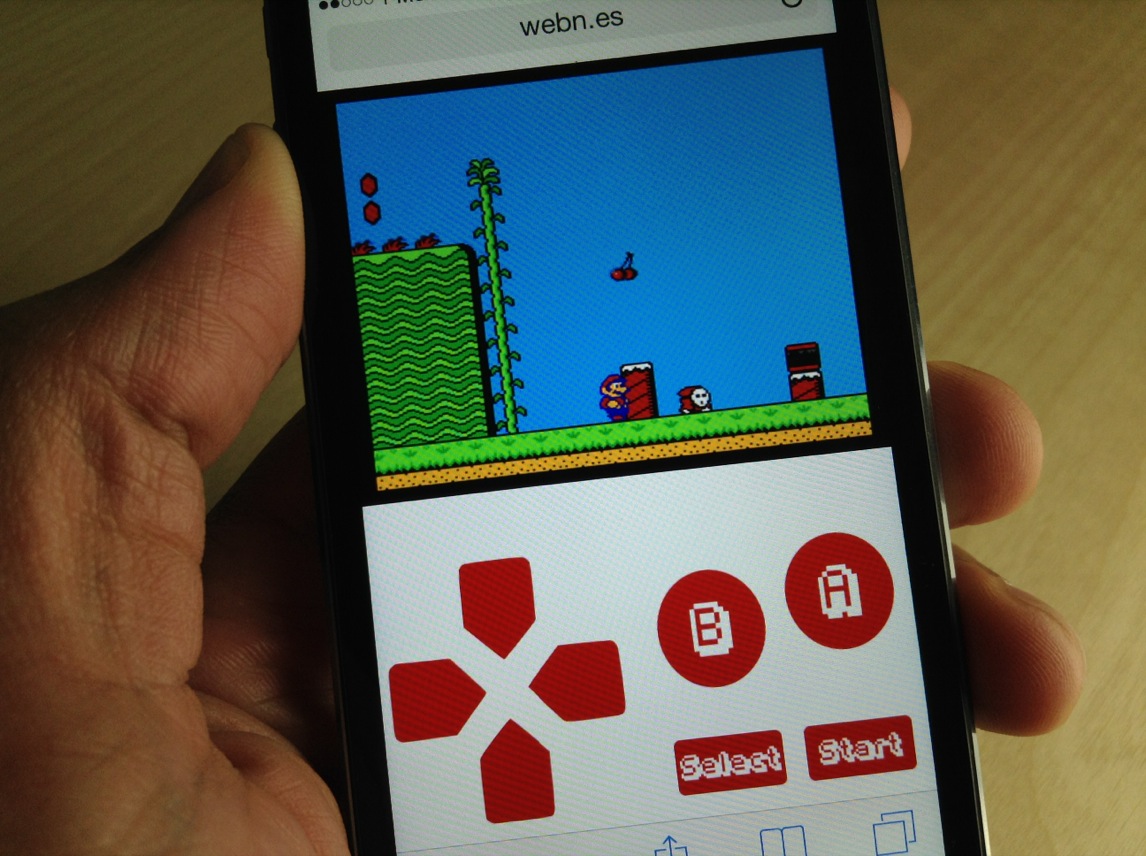
This is downright amazing. Somebody has put together a website that allows you to play NES ROMs directly from Mobile Safari, no jailbreak required. The website, which is called webNES, allows users to link a Dropbox account to load their favorite NES ROMs and play them right from the browser.

I've tested webNES with a handful of ROMs, and most of them play decently, but there is some definite choppiness and slowdown. The emulator features a built in soft-controller, and the games can be played in either portrait or landscape mode.

The great thing about webNES is that it runs totally in your browser. This means that there's really no way for Apple to shut it down, since it doesn't require any apps or downloads from a jailbreak source like Cydia. Check out our full video walkthrough inside as I show you how I play a few of my favorite NES games directly in Safari.

The Gloss bookmarklet helps you highlight and save text on the web

Sometimes the simple things are what make our lives a little better. Sure there are some very useful productivity tools for saving and sharing websites (Evernote being my preferred option). But sometimes, you just need something a little simpler.

Gloss is a Safari bookmarklet for OS X that lets you highlight and save one sentence at a time from any website. It may sound too simple, but read on to find out why it might be the right fit for you…

How to open App Store links without leaving the app you’re currently in

When you tap on an app link on your iPhone or iPad using Safari or otherwise, you are automatically redirected to the App Store to make a download or learn more details. The transition is rather cumbersome, however, as it is essentially a two-step process that requires you to return to the app you were originally using via the Home screen or multitasking menu.

QuickStore 2 is a brand new jailbreak tweak that aims to solve this minor inconvenience by allowing users to launch the App Store directly from the app they are using at the time. This is achieved through a pop-up window that loads when you tap on an app link anywhere on iOS, including websites like iDownloadBlog. Details inside… 

How to send iMessages from any web browser on any operating system

Following in the footsteps of successful cross-platform messaging services like BlackBerry Messenger and WhatsApp, iMessage was released in late 2011 as a way for iPhone, iPad and iPod touch users to send unlimited messages between each other. Apple then went on to release Messages for OS X Mountain Lion the following year, allowing Mac users to join the conversation.

But what if you're a Windows or Linux user, or you're away on travel without access to the Mac you normally use? Worry not, as Remote Messages has been updated with support for iOS 7 and 64-bit devices. The popular jailbreak tweak developed by Beast Soft is a browser-based front end for the Messages app on iOS devices. Find out what that means ahead… 

How to bring back the open tab count in mobile Safari

SafariTabCount is a just released jailbreak tweak that displays the current number of open tabs on the new tab button in Safari. This tweak is extremely useful, because without it, you have no idea how many tabs you have open in Safari without opening the list of tabs and counting by hand.

Not too long ago, we had iOS 6, and Safari for iOS 6 included the open tab count right on the new tab button. For some reason, Apple deemed this tab count disposable, and got rid of it in iOS 7.

SafariTabCount is one of those tweaks that I imagine many people will enjoy for its practicality. Check out of video walkthrough past the break for more details.

How to relocate the close button for tabs in Safari

RightX is a jailbreak tweak for Safari that allows you to reposition the close button for Safari tabs. Once installed, it moves the 'x' button used for closing tabs from the upper left-hand corner of the tab to the upper right-hand corner. RightX is handy if you're left handed and tend to use the iPhone single-handed with your dominant hand.

Of course, there may be other usage benefits to RightX depending on the way you hold your iPhone. Have a look at our full video walkthrough inside for further details on the tweak.