Safari

Microsoft updates Bing Search app with translation widget in Safari and Notification Center

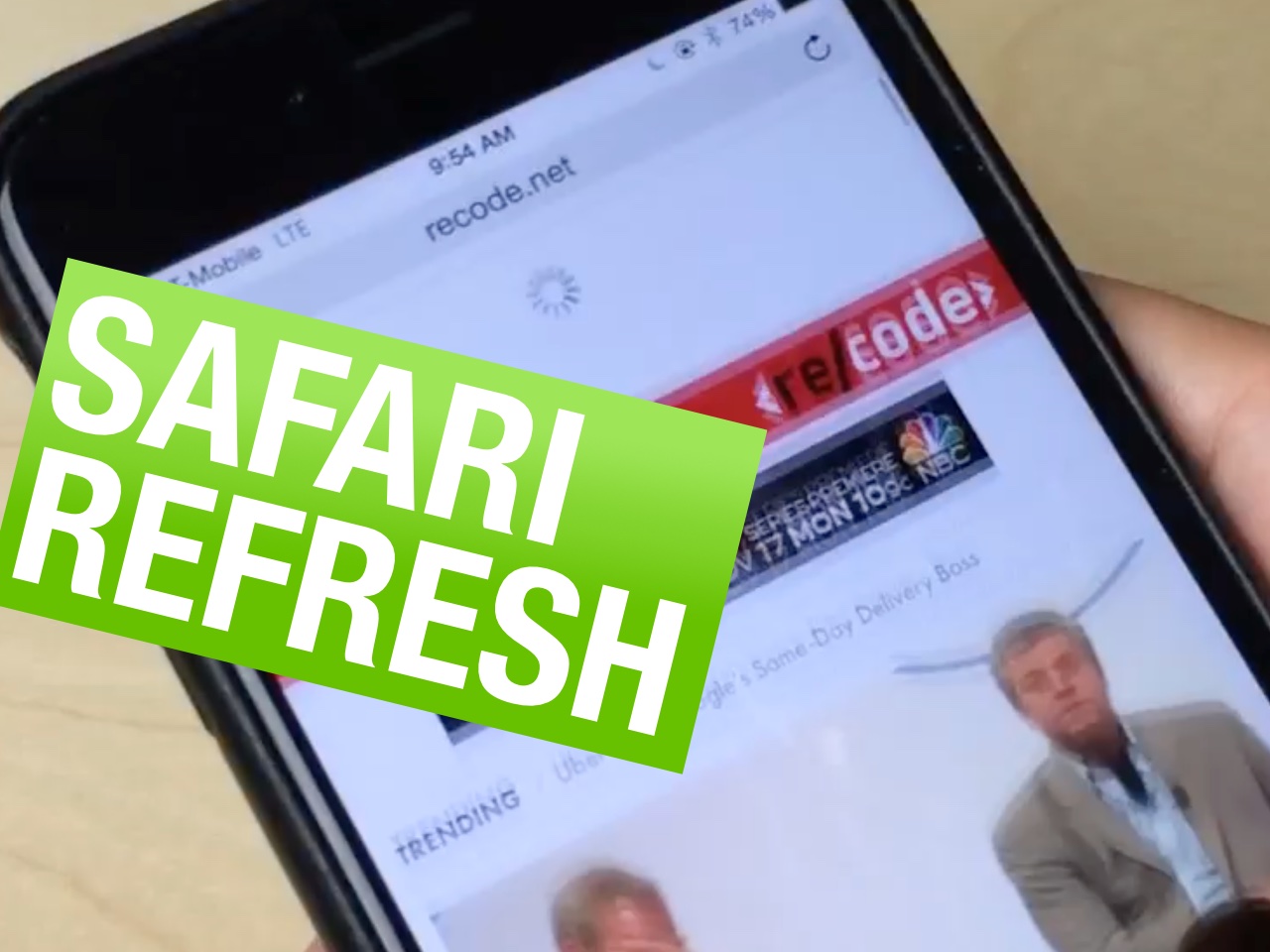
First demoed at WWDC 2014 back in June, Microsoft's Bing translation widget and custom actions for Safari and the Notification Center in iOS 8 is now available by way of an update to the free Bing Search app for the iPhone and iPod touch devices. Available free of charge in the App Store, the new Bing Search 5.0.1 also contains bug fixes.

As shown on the screenshots top of post, enabling the Bing Search Translation action in Safari requires that you bring up the Share sheet in Safari.

Awesome Screenshot now available as Safari extension on iOS 8

As our own Jeff told you before, Awesome Screenshot, a desktop web app for Google Chrome, Firefox and Safari, is arguably the best way to capture an entire web page as an image on OS X.

Thanks to the various extensibility features introduced in iOS 8, this nifty little utility is now available as a screenshot extension for Safari on the iPhone, iPod touch and iPad devices running iOS 8.

Upon downloading the free app from the App Store, Awesome Screenshot will allow you to capture a screenshot of any webpage simply by choosing it in Safari's Share menu.

Not only can you capture images of web pages on mobile devices with ease, but also annotate and share them with others using Apple's stock sharing choices or a number of third-party Share extensions available in the App Store.

Safari 7.1 for Mavericks is out with encrypted Yahoo searches, DuckGoGo and more

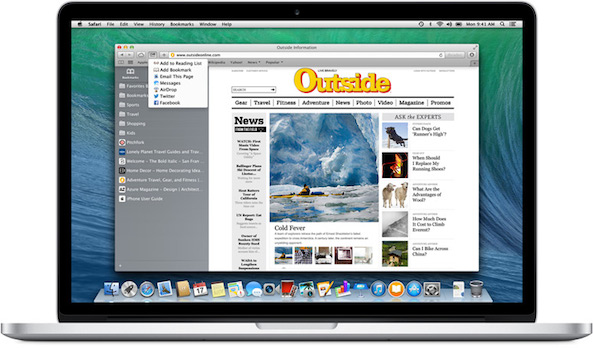
Apple on Thursday released an update to its desktop Safari browser for Macs running OS X Mavericks which contains improvements to compatibility and security while introducing a pair of new options for strengthening your privacy when searching.

The first such feature turns on SSL encryption for all Yahoo searches conducted from Safari's search field. As a result, no one can eavesdrop on what you're searching for online.

The other adds DuckGoGo, a search engine that does not track you (Google won't like this) as a built-in option in the search field. Note that Safari in iOS 8 and OS X 10.10 Yosemite already includes DuckGoGo as an option.

Safari 7.1 has arrived on the heels of yesterday's OS X Mavericks 10.9.5 update which contains Safari 7.0.6 and improves the stability, compatibility and security of your Mac.

Safari 7.0.6/6.1.6 with Mavericks/Mountain Lion security fixes now available

Late yesterday, Apple released Safari 7.0.6 for OS X Mavericks and Safari 6.1.6 for OS X Mountain Lion.

The releases contain improvements to security related to Apple's desktop browser and are both recommended for all OS X Mavericks and OS X Mountain Lion users.

These updates follow the release of a new version of OS X Mavericks 10.9.5 (build 13F14) that Apple released to developers yesterday...

The best jailbreak tweaks for Safari on iOS 7

Last week, we presented you a list of best jailbreak tweaks to enhance the stock Messages app on your jailbroken iOS 7 device. Today, we've decided to list the best jailbreak tweaks that will improve your web browsing experience on Safari.

Safari has been greatly improved on since it was first released along iPhoneOS 1. With iOS 7, it saw the addition of various new features such as iCloud Keychain, unified address and search bar, Private browsing mode and more. However, it still has some restrictions and lacks various features that prevent it from being an all-in-one web browser for iOS.

To enjoy more features and get rid of some of its limitations, read our complete list of best jailbreak tweaks for Safari on  iOS 7...

iOS 8 lets native apps tap into Safari’s AutoFill & Passwords for frictionless login experience

In addition to using your device’s iSight camera to scan in credit card information, Safari in iOS 8 makes it easy for third-party apps to tap into the browser's AutoFill & Passwords feature for hassle-free logins.

Provided a user has previously saved their username and password for a specific website using Safari's AutoFill & Passwords feature, a native iOS app is now permitted to retrieve this information and re-use it to authorize a user quickly and securely, bypassing the login screen altogether...

New in iOS 8 Safari: use your device’s camera to scan in credit card info

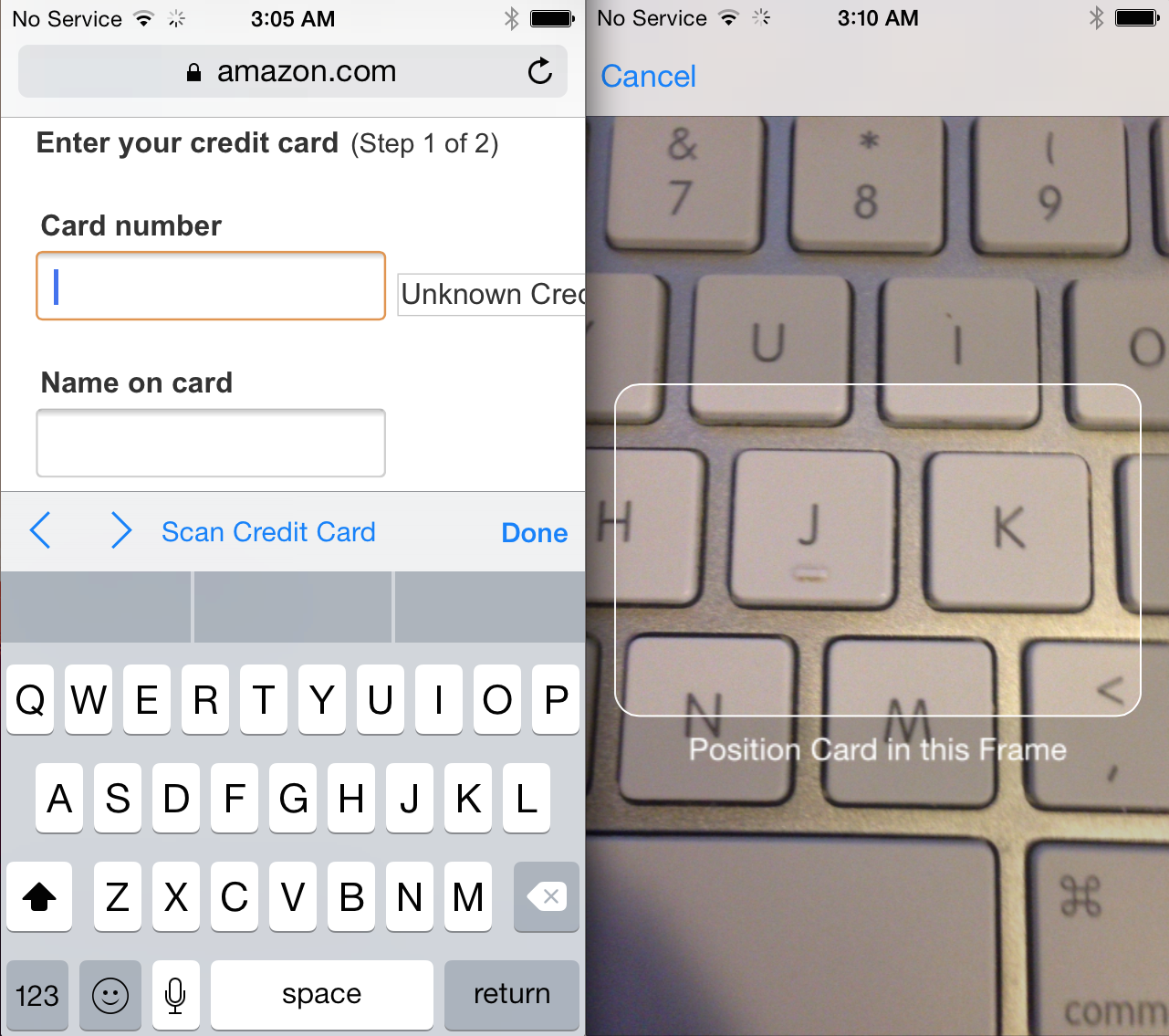
As folks continue to comb through the recently released iOS 8 beta, a new feature has been discovered in mobile Safari. When the updated browser detects a credit card field within a webpage, it offers to let the user scan their card with their device's camera.

Scanning your credit card automatically enters its information in the appropriate text fields, saving you from having to enter it manually. It takes just a moment, and it doesn't appear that websites will have to do anything special to enable the new feature...

Safari adds DuckDuckGo support in iOS 8 and OS X Yosemite

Safari just got a lot more private in iOS 8 and OS X Yosemite. The web browser on iPhone, iPad and Mac now includes the private search engine DuckDuckGo that users can set as default. For Mac users, this goes alongside an all-new private browsing option that functions like incognito mode on Chrome. DuckDuckGo is a search engine that doesn't track you, allowing you to browse the web knowing that your privacy is intact… 

Safari gains new features in OS X Yosemite

Apple executive Craig Federighi today announced several improvements to its Safari web browser that are coming in OS X Yosemite, including an all-new Private Mode, improved tab view, expanded sharing options, faster JavaScript performance and Spotlight suggestion search in the address bar. Read ahead for a full rundown of the new features… 

Apple posts Safari 7.0.4/6.1.4 with fixes for WebKit vulnerabilities

Following the release of OS X 10.9.3, iTunes 11.2 and the subsequent iTunes 11.2.1 update (which fixed the disappearing Users folder in OS X 10.9.3), Apple on Wednesday issued a pair of Safari updates for OS X Lion, Mountain Lion and Mavericks systems.

Both Safari 7.0.4 for OS X Mavericks 10.9.3 and Safari 6.1.4 for OS X Lion 10.7.5, OS X Lion Server 10.7.5 and OS X Mountain Lion 10.8.5 are now available with fixes for vulnerabilities found in WebKit, the browser's open-sourced rendering engine...

Supercharge Safari with Canopy for iOS 7

Where do I start? That's the first thing that you'll probably think to yourself after installing Canopy for iOS 7. The original Canopy succeeded in supercharging Safari, filling it with tons of practical new features, and this new version of Canopy for iOS 7 does likewise.

How does adding open in Chrome support sound? Or what about a quick paste and go option like Chrome for the desktop? How about adding quick translation features or accessing recently closed pages? You can do all of that with Canopy for iOS 7 and more.