Safari

Longstanding bug causes iOS devices to crash after playing a maliciously crafted video

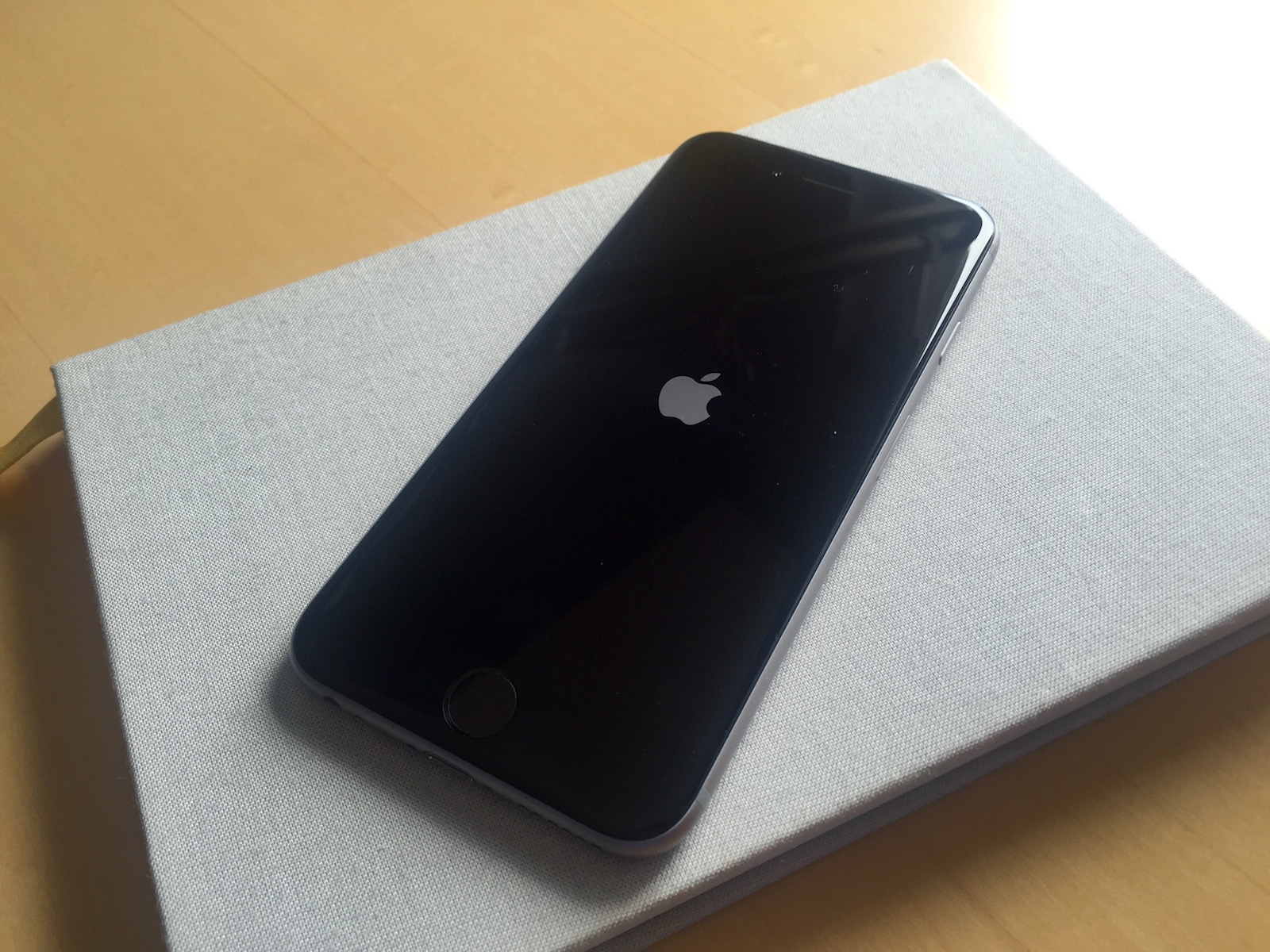
YouTuber EverythingApplePro has has been sharing a bug in iOS which causes any iPhone, iPad or iPod touch to glitch out after playing a malicious video link in Safari. The device will first slow to a crawl before freezing or crashing altogether, requiring a hard reset. This appears to be a longstanding bug because iPhones and other iOS devices running iOS 5 were found to be affected by the glitch.

As noted on Reddit, the top level domains that are currently hosting the glitchy video are vk.com and testtrial.site90.net.

Adobe pushes another critical security update for Flash Player

It's been a little more than two weeks since Photoshop maker Adobe released a security update for its Flash Player for macOS which fixed a bunch of critical vulnerabilities and now another critical security update for Flash Player got released this morning. According to Adobe, the vulnerabilities in the current version of Flash Player could allow an attacker to take control of Mac, Windows, Linux and Chrome OS machines.

Adobe pushes Flash Player security update fixing critical vulnerabilities

Adobe today released a new security-focused update for its Flash Player software in an effort to patch a series of vulnerabilities that could give attackers control of your computer. Although Safari on macOS Sierra disables web plugins like Flash by default, Mac owners who have a standalone Flash Player installed on their system are at risk, even if they're using Flash Player that's built into Google's Chrome browser.

MinimalisticUI adds transparency across iOS

MinimalisticUI is a new free jailbreak tweak that aims to make the UI throughout iOS a little less noticeable while you peruse through content in various apps.

The tweak can be used to adjust the transparency and more of tab bars and navigation bars so that they appear to ‘fade’ away as you scroll up and down.

How to play YouTube and other web videos inline in Safari on iPhone

With iOS 10, Safari didn't receive a major facelift like some other Apple apps did. That's not saying Safari didn't have a few tricks up its sleeve that make browsing the web a more pleasing experience for everyone. One of the little things about iOS 10 that I'm sure many folks appreciated was the ability for Safari to play videos inline on the iPhone and iPod touch, too.

This feature has been present on iPads for years.

Thankfully, you can watch most web videos inline on your iPhone and iPod touch, even while multitasking in Safari. Telling Safari to play a video inside the webpage isn't as obvious as it could have been, so here's a little tutorial to get you up to speed.