Safari

SafariFullScreenScrolling gives you a better full screen scrolling experience in Safari

Because your iPhone doesn't have as large and immersive of a display as your computer does, every single last pixel you can squeeze into a website as viewing space can make the web browsing experience better, depending on the circumstance.

A new free jailbreak tweak called SafariFullScreenScrolling cleans up the interface of Safari while you're scrolling around to give you a much nicer full-screen effect.

How to disable Direct Message read receipts on Twitter

Twitter has made some new changes to the Direct Message system that lets its users communicate with one another privately. Among those changes is the addition of sending and receiving read receipts.

In this tutorial, we'll show you how you can disable those read receipts so you're not letting everyone know when you see their Direct Messages.

How to live stream the iPhone 7 event

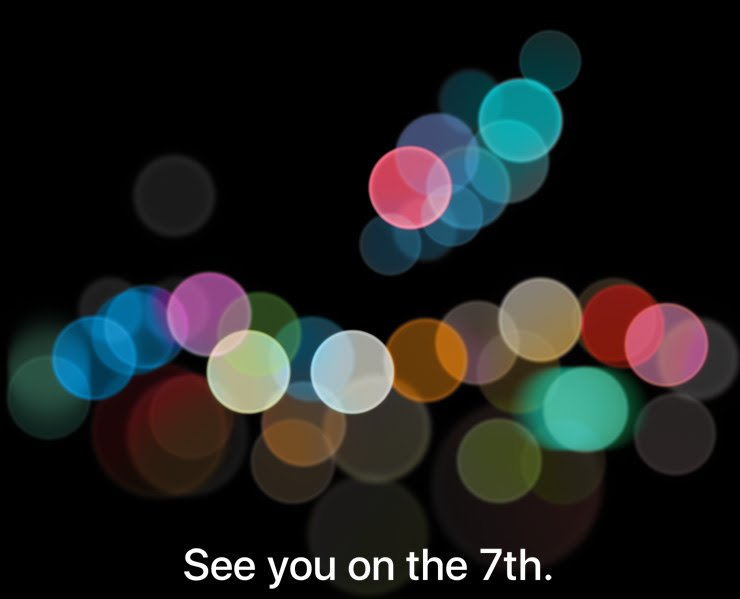
It's that time of the year again and Apple's September 7th keynote will be kicking off tomorrow in what is expected to bring the unveiling of the next-generation iPhone and some other exciting surprises.

If you're ready to tune in and see what Apple has to offer, we'll be showing you in this piece how you can live-stream the event on various devices.

How to delete a contact group from iCloud

Contact groups can be useful, but as your list of contacts changes over time, you may outgrow the need for some you already have, or develop a need to make more. In this tutorial, we'll show you how you can delete a contact group from iCloud.com.

Spring-cleaning your contact group list helps reduce clutter in the Contacts app and makes it easier to find the contacts you want right when you need them.

BookmarksIcons displays the actual website icons for your Safari bookmarks

One of the things I find very bland about the Safari web browser for the iOS platform is how all of the bookmarks show the same icon. Not only does this look repetitive and fatiguing for the eyes, but it isn't as friendly to interact with.

Most modern desktop web browsers show the actual website icon when you bookmark a web page, and the mobile Safari web browser should be no different. If you're jailbroken, you can install a new jailbreak tweak called BookmarksIcons to accomplish this.

Apple is reportedly revoking some certificates used to jailbreak iOS 9.3.3 from Safari

Over the weekend, Pangu and 25PP launched a jailbreak for iOS 9.2-9.3.3, and not long after, iOS developers found a way to make the jailbreak possible via the Safari web browser without the need to use a computer.

Unfortunately, however, Apple appears to be blocking the enterprise certificate that has been used in this process, so attempting jailbreaks from the device itself isn't currently working.

iOS 10’s Safari improves animated GIF experience, prevents spammy videos from autoplaying

Among other enhancements, Safari on iOS 10 boosts the animated GIF experience for iPhone, iPad and iPod touch users while preventing spammy autoplay videos from interrupting your browsing, according to the WebKit blog. On iOS 9, an animated GIF won't start playing until it's tapped.

With the new Safari, silent videos autoplay on webpages when they're visible because iOS 10 respects their “autoplay” attribute when source video tracks have no audio or have been muted.

But if a video gains an audio track without user interaction, like those spammy autoplay video ads on websites, playback automatically pauses.

How to jailbreak iOS 9.3.3 without a computer

For those who are unaware, Pangu launched a new jailbreak for iOS 9.2-9.3.3 over the weekend. Now, an iOS developer from the jailbreak scene has made it possible to jailbreak your iOS 9.3.3 device directly from your iOS device itself without the need for a computer.

It's officially JailbreakMe-style, and in this tutorial, we'll show you how to do it!

Dark Mode discovered in Safari and System Preferences on macOS Sierra

It looks like iOS 10 may not be the only Apple operating system to include dark interface assets as Mac developer Guilherme Rambo tweeted out a number of screenshots showing a dark interface theme in several stock applications on macOS Sierra, including Safari and System Preferences.

This mode is different in appearance than macOS's existing setting for enabling dark menu bar and the Dock in System Preferences → General.

Importing data to Safari from another web browser

Love it or hate it, Apple's Safari is a zippy web browser that performs well on the Mac, and it continues to get more and more competitive with other web browser platforms.

Since Apple wants you to use Safari on your Mac, it's a no-brainer they're going to make it easier to migrate your web data from one web browser to another.

In this tutorial, we're going to show you how to import bookmarks to Safari, along with your other web data, from a different web browser.

Apple Pay support code makes its first appearance in Safari Technology Preview 8

Safari Technology Preview, an experimental version of the Safari browser meant for testing upcoming new capabilities and web technologies, is a good place to look for clues regarding new features in development. Today, Apple released an eighth update to Safari Technology Preview, which debuted in March 2016, and the browser appears to include pieces of code to support the upcoming Apple Pay integration with websites.