Review

The new iPad review

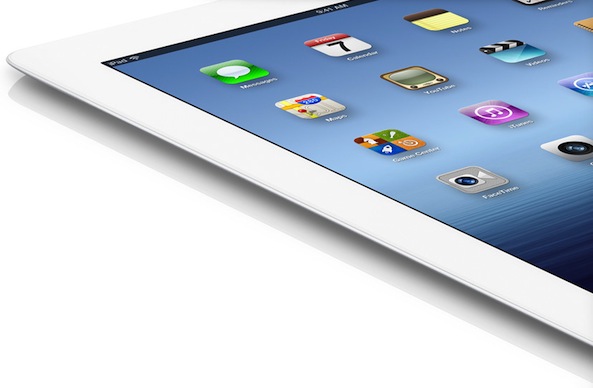
The new iPad. Two generations from the somewhat enigmatic, yet overwhelmingly successful debut, Apple’s latest tablet is firing on all cylinders.

No longer is there a question as to whether such a device has a place in people’s day to day lives, it’s now a question of how many such devices are necessary to have for one household.

Indeed, the iPad is about as mainstream as mainstream gets, only a few years removed from many pundits, including myself, questioning its viability.

The truth is that maybe only a handful of people knew how insanely successful Apple’s tablet would be, but now everyone but the most blinded of opposers is a believer. Even if you don’t own an Apple device, you’re compelled to give credit where credit is due...
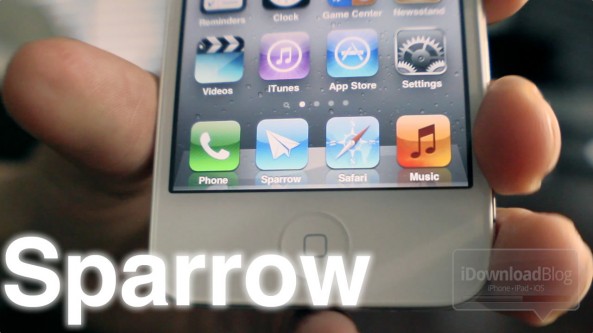
Sparrow video review

iOS' stock email app is lacking in the user experience area, and the folks behind Sparrow have successfully capitalized on the default app's shortcomings.

Unfortunately, while it succeeds with flying colors in a multitude of areas where the Mail app stumbles, it's still not quite ready for primetime due to a few essential issues.

Check out our full video review inside...

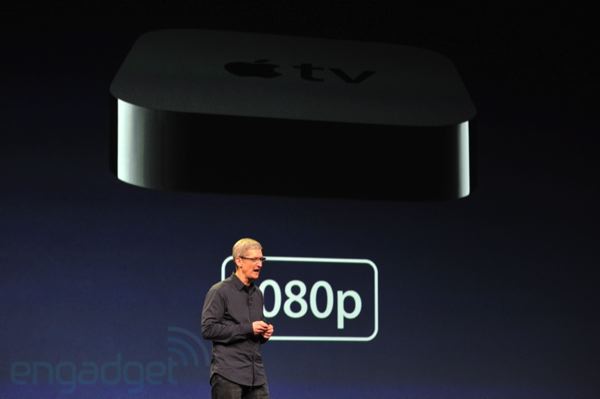
New 1080p Apple TV reviewed

The latest set-top box out of Cupertino is set to land in customers' households tomorrow, however, a few reviews of the new Apple TV are coming our way this evening. Publications have gotten the chance to review the new Apple TV, which features 1080p capabilities powered by a single-core A5 processor, and also features an updated UI.

Here's what people are saying:

First reviews of the new iPad hit the web

The new iPad is set to be delivered to customers some time Friday and will be available in store Friday at 8am. Some mainstream publications have gotten an early look at the new iPad and have just published their review of Apple's third-generation tablet and its Retina glory.

Here's what they're saying:

InvisibleSHIELD HD for iPhone 4S review

Most of you are probably familiar with the InvisibleSHIELD by Zagg. I've done several reviews of these products in the past, and while I don't like putting screen protectors on my iPhones, I have to admit that I am a huge fan of the InvisibleSHIELD for iPad (read my review for more details).

I do not put screen protectors or use cases on my iPhones. It's a matter of principle to me. If Apple went out of its way to design such a beautiful product, I see it is my duty to never alter the look and feel of the product in any way. You can call me crazy, that's fine.

This being said, my wife is the complete opposite. Not only she doesn't care much about the look and feel of her iPhone, but she badly needs a screen protector at all time because she's kinda careless about her stuff – you would not believe what can happen inside her purse!

So when the folks at Zagg sent me an InvisibleSHIELD HD for iPhone 4/4S for review, I decided to use it on my wife's iPhone as she'd be able to tell better than me how well it performs...

Stick Cricket Super Sixes app review and giveaway

One of the most famous online cricket games has been available for your iOS devices for a good few months now, and it's fair to say I have a rather large addiction to the game.

Unlike the original Stick Cricket - free in the App Store - where the aim was to slog bowlers out of the ground, Stick Cricket Super Sixes now makes you take on a machine, the Bowlomatic 3000, hell bent on wiping you out...

Add Calling and Messaging Shortcuts to Your Home Screen with QuickContact

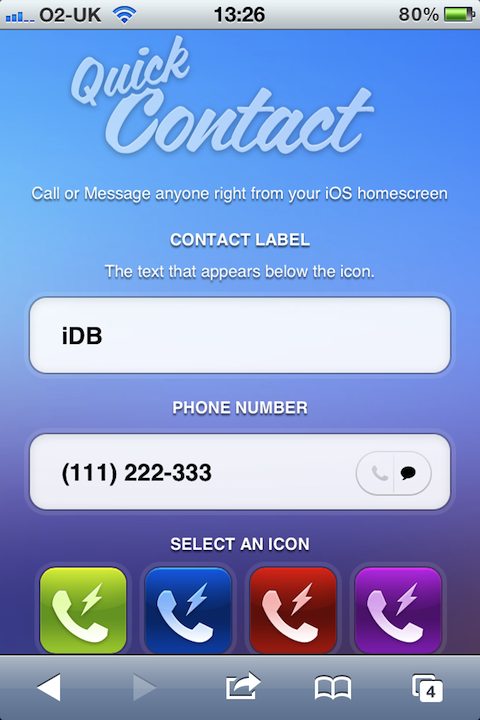
The current trend of finding ways to get icons on an iOS device's Home screen with the intent of creating shortcuts for actions is nothing new. It was originally one of the big jailbreak advantages, and now it's back. This time, you don't need to jailbreak anything.

QuickContact is the latest in a long line of apps that offer the user a way to create shortcuts on the Home screen, and now sending SMS messages and making phone calls are the order of the day.

The best part about this is the fact it's not actually an app at all, but rather a web app.

Whip Your Phone App Into Shape With StartDial

Do you ever get annoyed when you open your Phone app and it doesn't go to the section you were expecting?

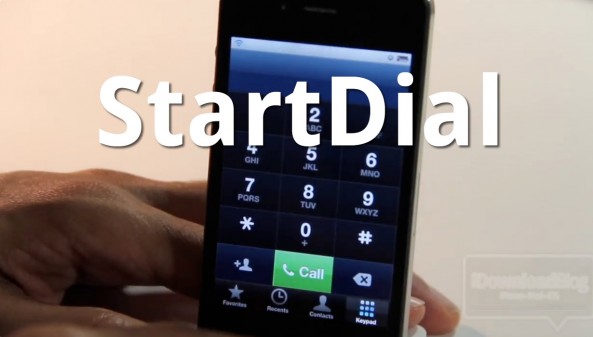
With StartDial, that problem is a thing of the past. StartDial allows you to always start at a specific section of your Phone app every time you open it by means of a predefined setting.

It's even smart enough to start at your recents whenever you have missed calls. If you make a lot of phone calls, and your iPhone is jailbroken, check out our hands-on experience with StartDial inside...

LockLauncher: Launch Up to 9 Apps From Your Lock Screen

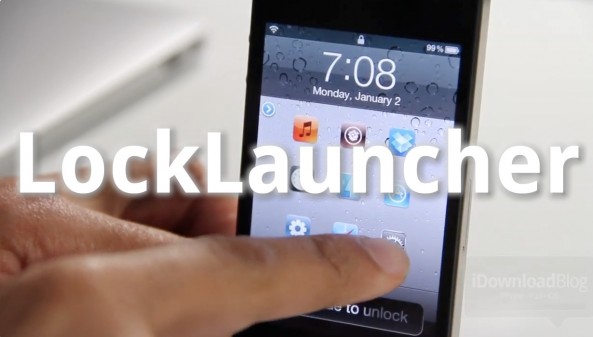
LockLauncher — not to be confused with, well, LockLauncher — is a jailbreak tweak that allows you to launch up to 9 different apps directly from your lock screen.

Despite its unoriginal name, LockLauncher differs from the previous LockLauncher we reviewed last summer. This version of LockLauncher is both free, and features the ability to launch more apps.

Be sure to check out our video walkthrough to see what it brings to the table...

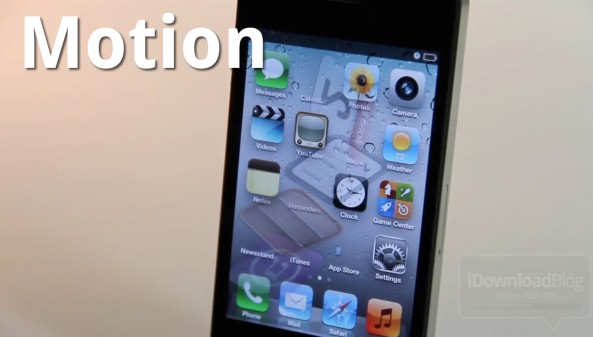
Motion Adds Visual Mayhem to Your iPhone’s Home Screen

Motion is a new jailbreak tweak that can seriously spice up your iPhone's Home screen, if you're into that sort of thing. The tweak does this by adding quite a few animation options to the app icons on your Home screen.

Best of all, Motion clocks in at a reasonable $1 on the Cydia Store. Should you try it out? Check out our hands-on video inside and judge for yourselves...

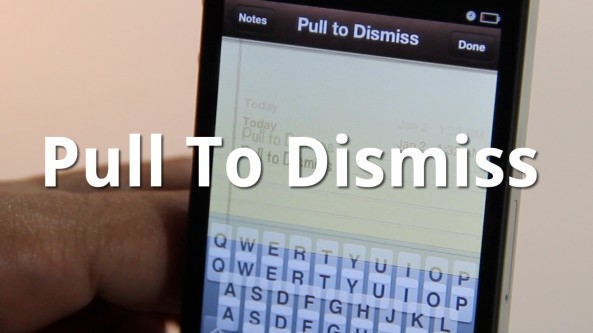
Easily Dismiss Your Keyboard With Pull To Dismiss

Is your iPhone's keyboard getting in the way? If so, then you may want to give Pull To Dismiss a try.

Pull To Dismiss is the latest jailbreak tweak from Ryan Petrich that allows you to easily dismiss your iPhone's keyboard with a simple pull. It works similar to pull to refresh, except instead of refreshing the content on the page, it dismisses your keyboard...

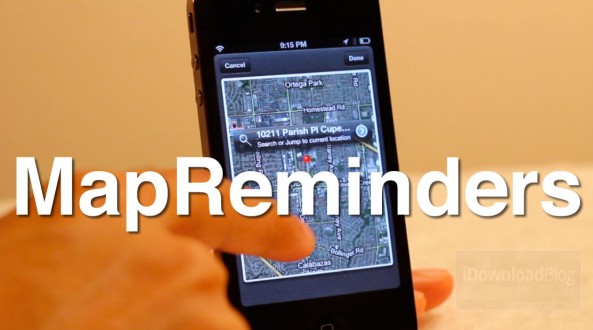
MapReminders: Setup Location Based Reminders Using Maps

The location-based aspect of the Reminders app is convenient but limited. As of now, all you can really do is setup reminders based on your current location or the contents of your Contacts app.

With MapReminders, you can peruse an entire map to setup reminders for certain locations easily. Check out our video walkthrough of this upcoming jailbreak tweak...