Review

MiniStats shows detailed iPhone stats directly on your Apple Watch

If you're looking for the next cool app to install on your Apple Watch, look no further than MiniStats, a useful utility and statistics app for the iOS platform that's usually $0.99, but is currently free in the App Store.

This app lets you see various statistics about your iPhone usage on your handset itself, and even right from your wrist on your Apple Watch.

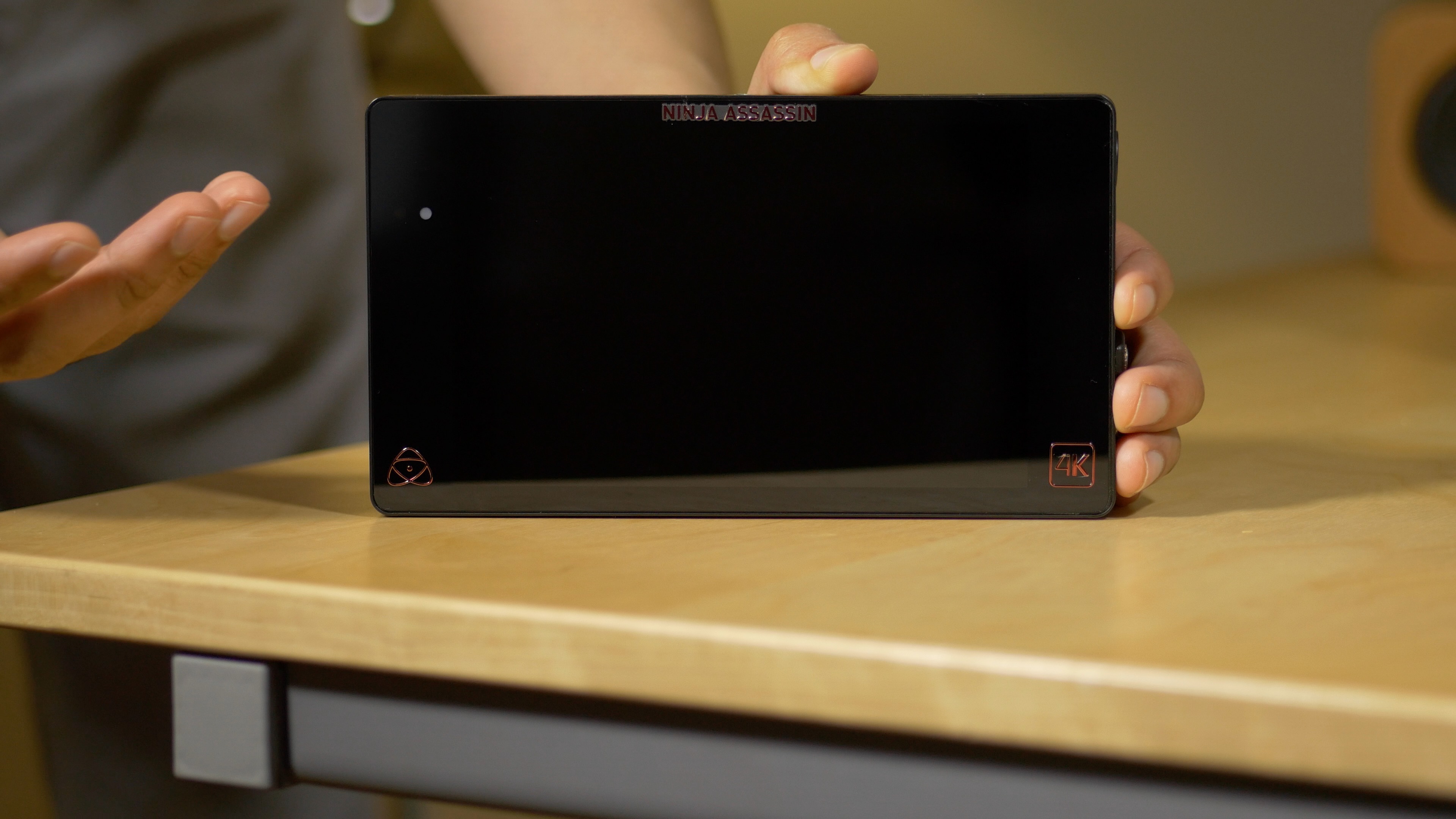
Atomos Ninja Assassin: A great way to improve Final Cut Pro X workflows

As most of you all know, I’m a huge fan of Final Cut Pro X. It’s my video editing app of choice, and has been since it launched back in 2011.

Recently, I’ve been looking for ways to be more efficient with my video workflow. Some of this can be done in post during the edit, but a large part of that is done before and during the actual shoot.

Just recently, I added a new piece of equipment to my workflow—the Atomos Ninja Assassin. After using it, I can say that it is by far one of the best investments that one who’s serious about video can make. It also pairs nicely with my Final Cut Pro workflow...

Flame lets you customize Cydia to your liking

Among all the things you can customize in iOS with a jailbreak, one of the things we've not seen a whole lot of support for is Cydia, which is now fully customizable thanks to Cydia Substrate 1.1.19 and later because it runs as mobile instead of root.

A new jailbreak tweak called Flame, which is available for free in Cydia as of today, fills this void by providing you with an array of new customization features for the entire Cydia app.

This jailbreak app for iOS shows all your Wi-Fi network passwords

Most of you probably use a Wi-Fi network on your iPhone, iPad, or iPod touch, and some of them may even require a password to gain access to.

Have you ever been in a predicament where you've needed to use someone's Wi-Fi network and they wouldn't tell you the password for it to your face, but they had no problem typing it in for you so you could use the network without knowing what the password was? Or, have you just plain forgotten the password to one of your most-used networks when you have a new machine or device you want to use to connect to it?

If you've been in either of these situations, then a new jailbreak app called Wifi Passwords List, which is a free download from Cydia's BigBoss repository, could be of use to you. It'll show you the password of any secured Wi-Fi network you've ever used on your iOS device.

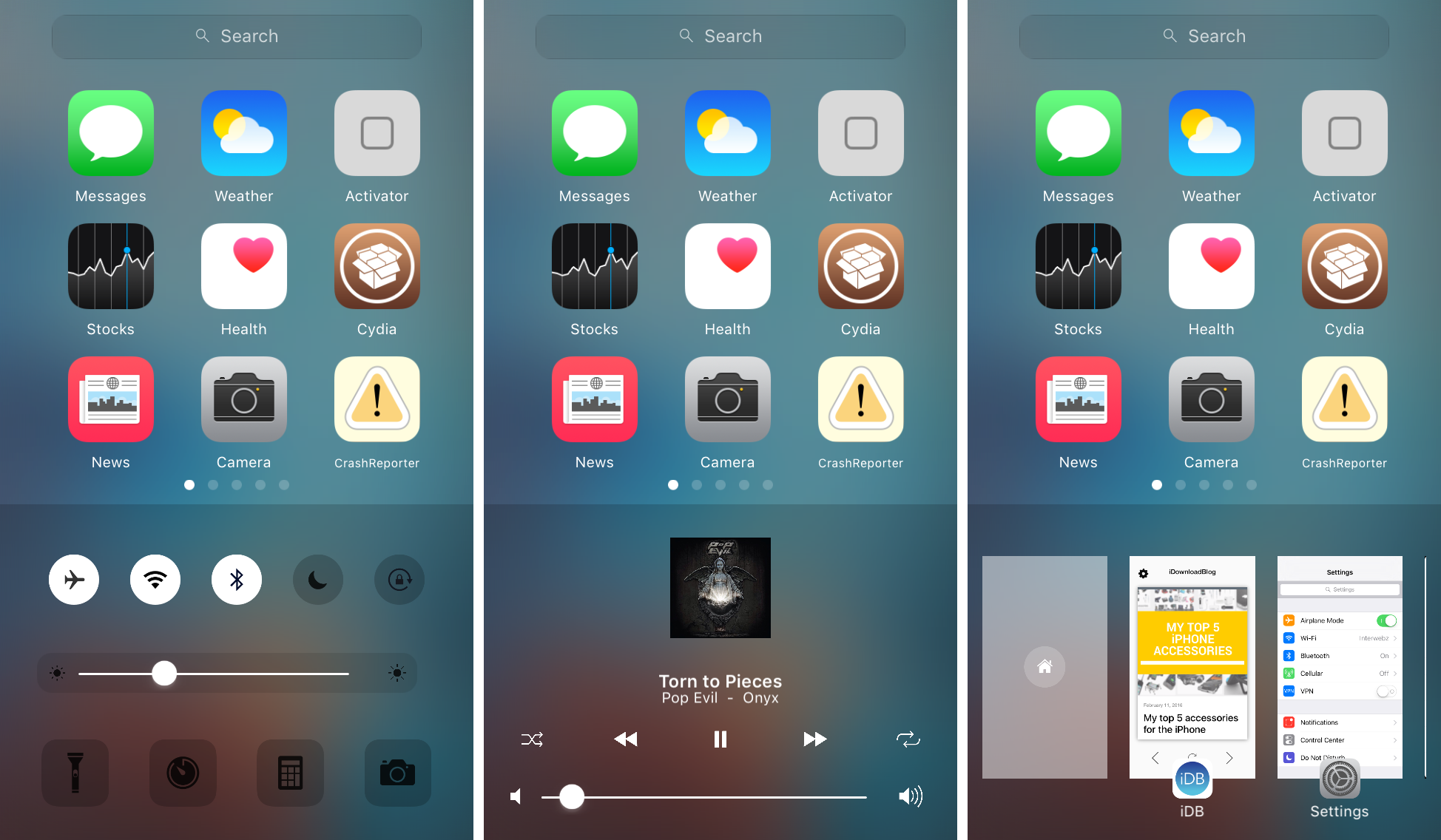
Zentrum offers an omni-interface for accessing multitasking, music controls, system toggles & shortcuts

In iOS, the Control Center and App Switcher interfaces are separate from one another and this means to get to one or another, you have to use a different gesture. It seems like some improvements could be made by merging the two interfaces into one, as we've seen with the popularity of previous jailbreak tweak releases such as Auxo 2 & 3.

A new jailbreak tweak called Zentrum is now available in Cydia's BigBoss repository for $1.99 and it introduces users to an all-new omni-interface for multitasking, viewing music controls, and accessing system toggles & shortcuts, but it even bakes into the mix a quick app launcher, which you can configure to your liking.

Review: boost your sleep analysis with much improved Sleep++ 2.0

David Smith’s excellent Sleep++ app is my killer app when it comes to sleep analysis, a glaring omission from the Apple Watch. It's become second nature for me to open Sleep++ as I tuck myself in bed for the evening.

This native watchOS 2 app collects data from watch sensors to measure sleep quality and duration, which can then be reviewed in greater detail in a companion iPhone app and synced with your Health database.

The updated Sleep++ 2.0, now available as a free download in the App Store, takes sleep analysis to the next level with major improvements to its sleep analysis engine and new features such as better Health integration, an improved Night Detail view, night trimming and timezone support.

OtterBox iPhone cases shootout: which one should you get?

OtterBox is one of the most renowned case-makers in the smartphone industry, having a reputation for making cases that can withstand even the greatest of abuse from various kinds of treatment.

Among two of their most popular cases on the market are the OtterBox Defender Series and the OtterBox Commuter Series, and in this piece, we'll talk about the ups and downs of each. As a bonus, we'll even give you a look at OtterBox's new Statement Series case.

My top 5 accessories for the iPhone

There are seemingly endless choices for iPhone accessories out there, and I've got to tell you, I go through iPhone accessories like candy. One day I like something I'm using, and another day I find it to be a nuisance and I end up leaving it at home and buying something completely different to suit my needs.

Regardless, there are still some accessories that I still use on a day-to-day basis, and in this piece, I'll show you my top 5 favorite iPhone accessories that I actually use on a daily basis and why.

Jailbreak tweaks of the week: Gravitation, Snakebite, & more…

This week, we've gone through a bit of a lull in new jailbreak tweak releases in Cydia. Despite the slowness, there are some releases worth taking a look at.

We'll show you our favorite jailbreak tweak releases this week first, and then outline all of the rest of the jailbreak tweaks launched in Cydia. Our favorites are the ones we thought were either the most fun to use, or made the biggest impact on how we use our devices.

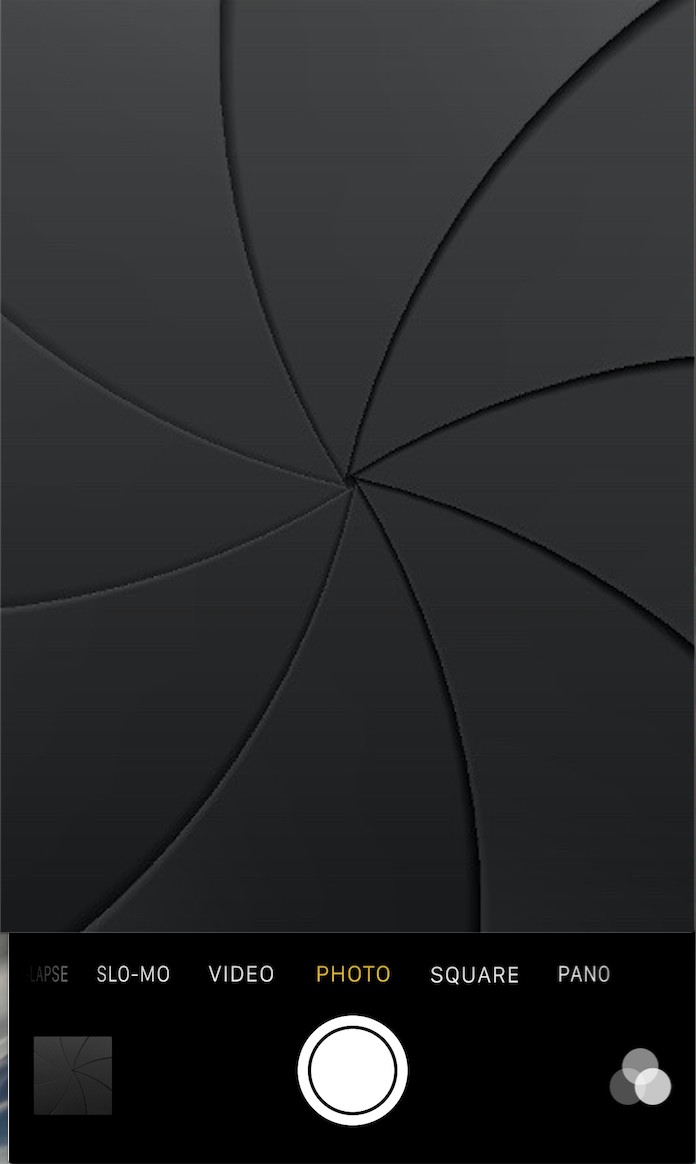
Get the classic iOS camera shutter animation back with this tweak

Starting with iOS 7, Apple redesigned the Camera app and it got an all-new shutter animation. Some would argue it's a little bit boring compared to the realistic camera shutter animation we had with iOS 6 and earlier.

Fortunately, anyone who's feeling a little nostalgic now have a way to get it back by way of a new free jailbreak tweak in Cydia's BigBoss repository called ClassicShutterAnimation.

12 great 3D Touch jailbreak tweaks you should try

3D Touch is the flagship new feature of Apple's iPhone 6s handset. It's a part of the display that is capable of capturing forceful touches and performing actions based on how firmly you're pressing, and Apple has done a great job creating a range of features throughout iOS that take advantage of this display technology.

But for those that feel iOS leaves a lot to be desired, the jailbreak community has come up with a variety of new uses for 3D Touch, whether your iPhone supports 3D Touch or not. And in this roundup, we're going to show you a number of tweaks that we think really help compliment the 3D Touch experience on a jailbroken iPhone.