Review

Draw your own typeface in minutes and use it in your favorite iOS apps with iFontMaker for iPad
Your iPad is a great consumption device, but you can also create all kinds of content on it. With iFontMaker for iPad, for example, anyone can create their own hand font in minutes and start using it on their iOS devices, Mac or Windows PCs, in creative apps like Adobe CreativeSuite, Microsoft Office or in any other app that renders fonts in the TTF file format. And to think that not that long time ago creating homemade fonts used to require a full-on desktop computer or laptop and apps that cost hundreds of bucks...

miniTime is a tweak that makes the Lock screen clock smaller

Looking for a new minimalist take on the Lock screen clock for your iOS device? If so, then a new jailbreak tweak called miniTime might be worth stopping to take a look at.

This tweak gives you various options for shrinking down the Lock screen clock to more comfortable viewing sizes, and even comes with some other customization goodies you can use to make the Lock screen more your own.

Jailbreak tweaks of the week: QuickCenter, & more…

It was a busy week for Apple; after releasing updates for all of its platforms and even unveiling the new iPhone SE and 9.7-inch iPad Pro, the company now has numerous new features in its operating systems and even more devices to choose from.

For the jailbreak community, the week has been pretty still, but nevertheless, the week did come with some Cydia gems that we're going to cover in this roundup. As usual, we'll start first with our favorites, and then go down the list with the rest of the jailbreak tweak releases that came out this week.

Review: Apple’s new Woven Nylon bands for Apple Watch

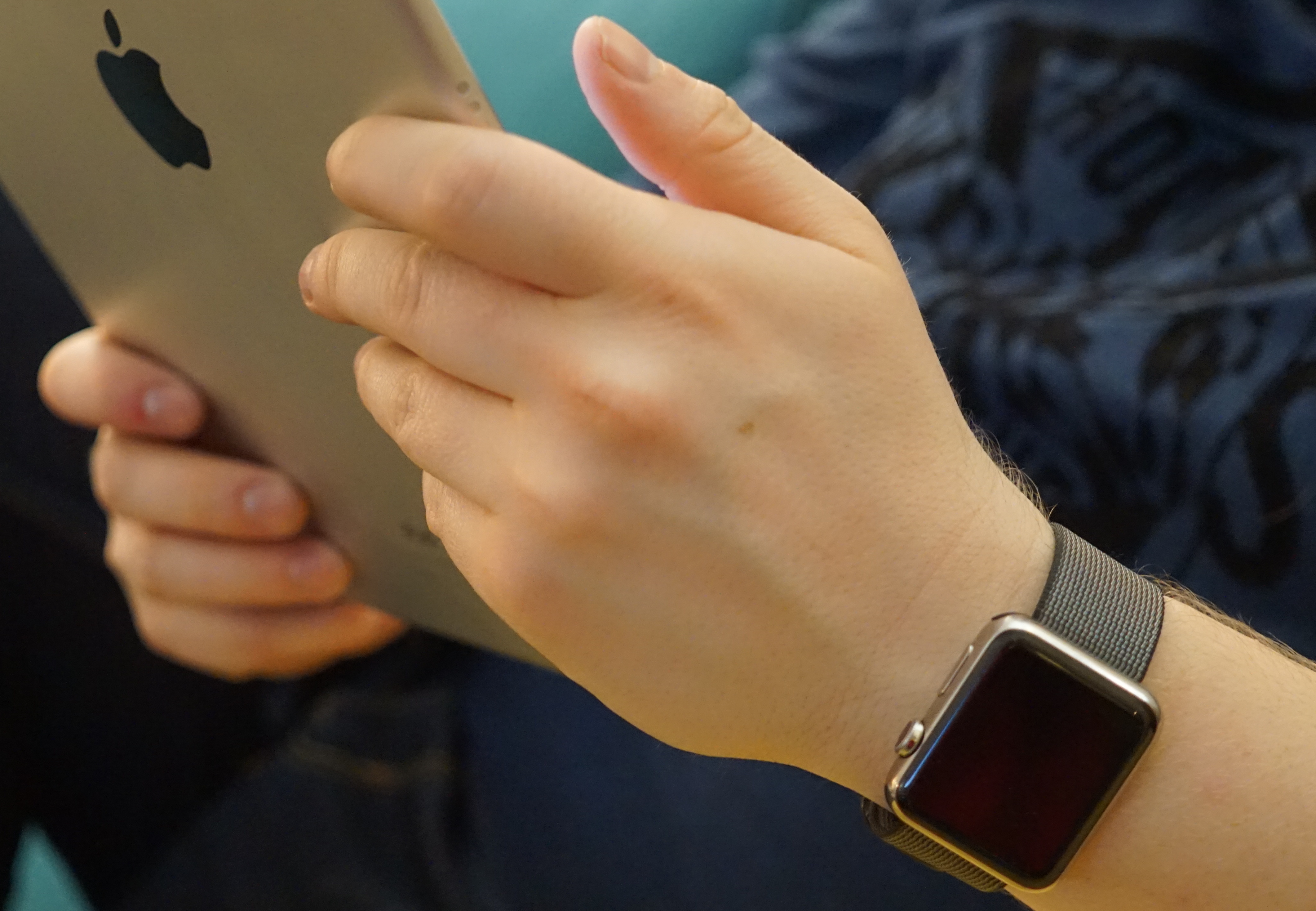
During Apple's March 21 event, among all the goodies released, were some new bands for Apple Watch. The most notable were the ones made from a completely new material than offered before. Those new $49 Woven Nylon bands come in a variety of colors for both the 38mm, and 42mm Apple Watches.

This tweak inverts the respring and reboot screen colors on your iPhone

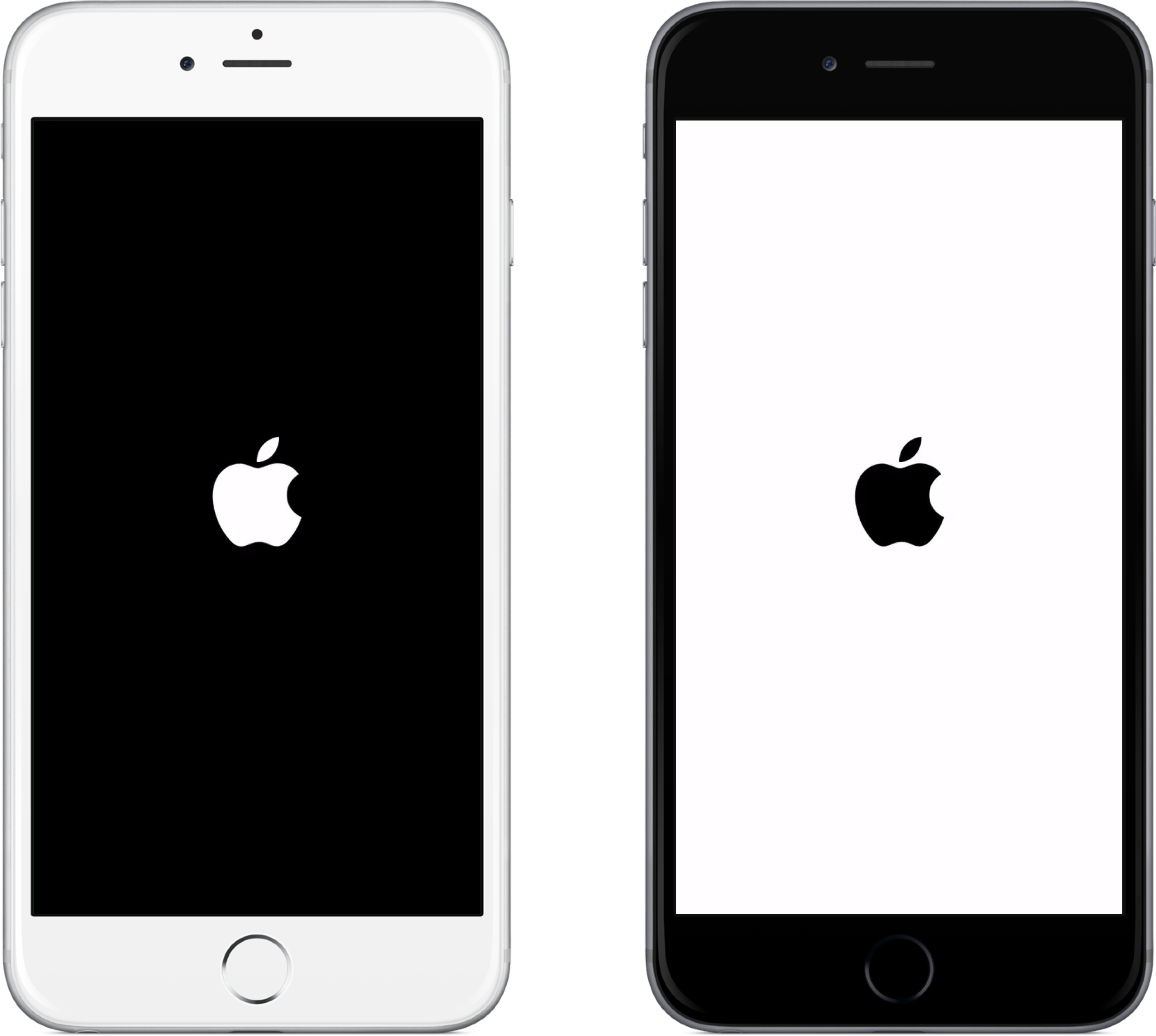
Typically, on any black-colored iOS device, the respring or reboot screen is going to be black with a white Apple logo; and conversely, any white-colored iOS device will have a white respring or reboot screen with a black Apple logo.

Although some people may like the small variance Apple has given their devices, others may like to have the option to switch it up for themselves.

For those people, a new jailbreak tweak called InvertRespring will invert the respring and reboot screen's background and Apple logo colors to their opposites, and is now available for free in Cydia.

QuickCenter brings 3D Touch features to Control Center

Control Center is one of the more useful parts of iOS where you can easily toggle on or off some of your most important features, and where you can access shortcuts to your device's most useful utilitarian apps.

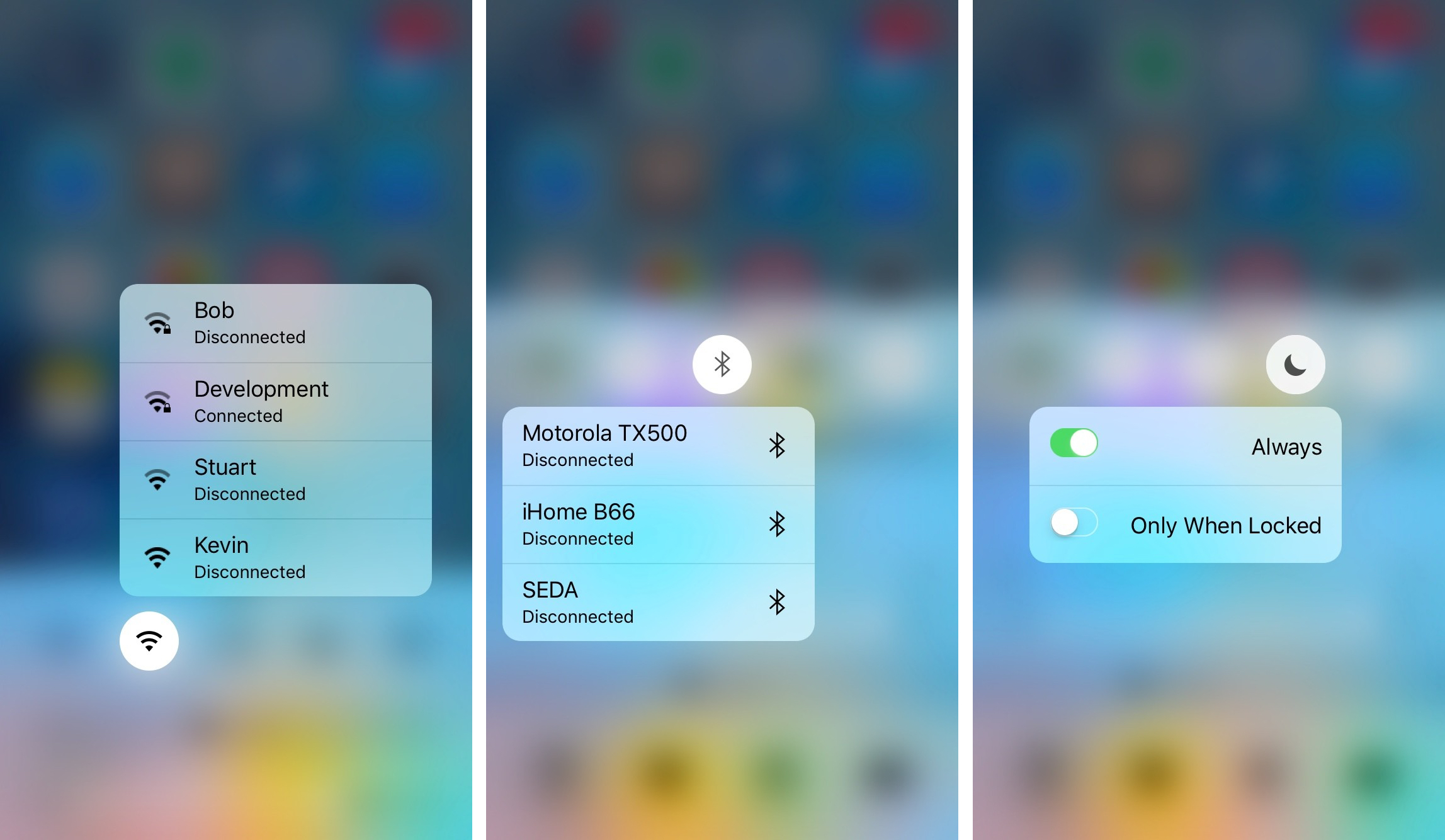
Unfortunately, Apple wasn't thinking three-dimensionally when they launched the iPhone 6s and iPhone 6s Plus, and as a result, Control Center doesn't take advantage of the 3D Touch display. That's where a new jailbreak tweak release called QuickCenter, which can be had from Cydia for $0.99, comes to the rescue.

Videos: hands-on with the iPhone SE

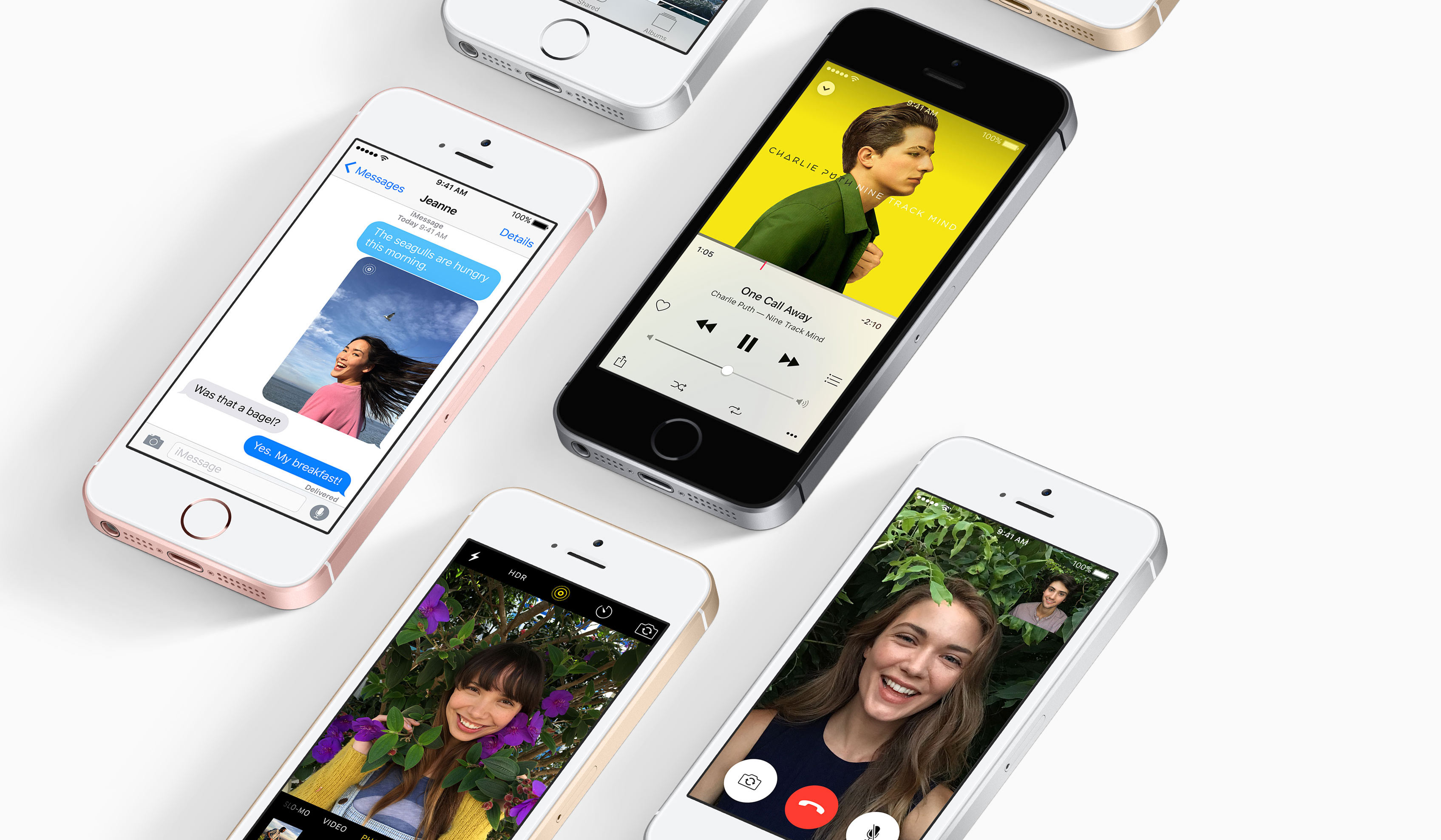
Although a good portion of Apple's customers have migrated over to the 4.7-inch and 5.5-inch iPhones, it's just too hard for some people to let go of the tried-and-true 4-inch handset because it fits in their hands so well. As a result of the demand, Apple has breathed new life into the 4-inch iPhone with the new iPhone SE that the company unveiled during Monday's 'Let us loop you in' event.

Because the iPhone SE won't be available for pre-order until Thursday, March 24th, no one actually has one yet. On the other hand, a few publications have already gone hands-on with the device on Apple's campus post-event, and we'll share some of the first reputable videos to hit the internet right here in this post.

Roundup: first impressions of Apple’s new 9.7-inch iPad Pro

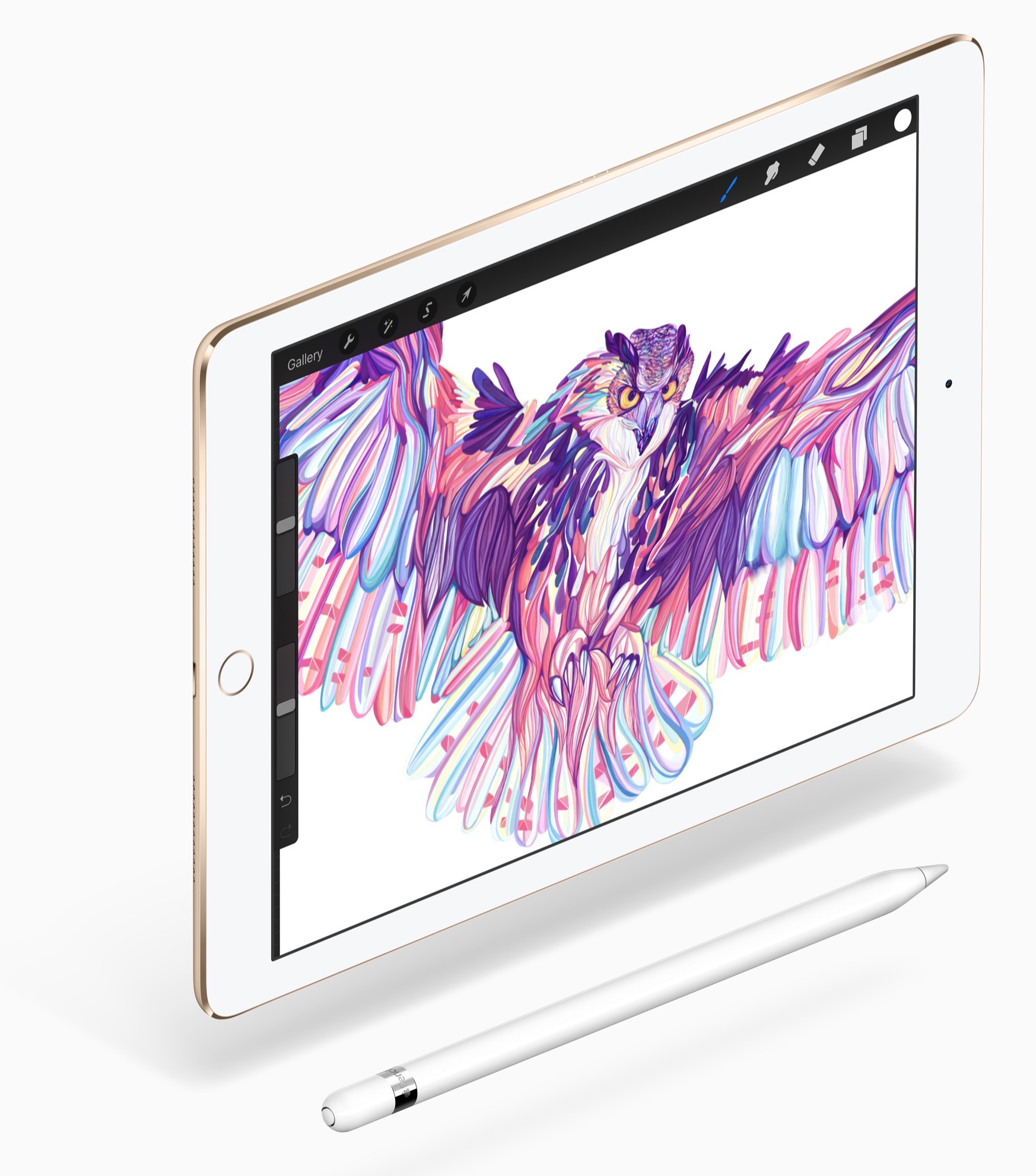
Apple announced its new 9.7-inch iPad Pro on Monday at the 'Let us loop you in' event, and although the tablet is already gaining a lot of hype for its on-par hardware and lower price from its bigger brother, you're still probably wondering just how powerful the little brother of the most powerful iPad ever made actually is.

In this post, we'll share some of the first reputable hands-on videos with Apple's new tablet to hit the internet since the announcement on Monday. With some insight, you'll have a clearer understanding of whether or not the smaller iPad Pro is the right one for you.

Jailbreak tweaks of the week: Rocket for Instagram, Chrome Handoff, & more…

After last week's launch of an untethered jailbreak for iOS 9.1 by the Pangu jailbreak team, which couldn't be extended to iOS 9.2 and later because the exploits were closed already, some more people have been given the chance to upgrade to a jailbroken device.

As a result, we're happy to make a roundup of all the jailbreak tweaks released this week so everyone can get up to speed with this week's releases in a simple-to-follow list. First, we'll show you our favorites this week, then we'll go into all the rest.

This tweak supercharges your Instagram app with new features

Instagram lovers, if you've also got a jailbreak at your fingertips, then you won't want to miss out on a chance to download a new free jailbreak tweak called Rocket for Instagram from Cydia's BigBoss repository.

Rocket for Instagram provides Instagram users with a slew of new features that Instagram themselves have failed to provide for years. In this piece, we'll briefly go over some of the new features with you.

Chrome Handoff: a new tweak that enables Handoff for Chrome

Google Chrome fans that enjoy using Handoff to create a seamless experience between their iOS device and their Mac have been long disappointed in the third-party web browser's inability to support such a feature.

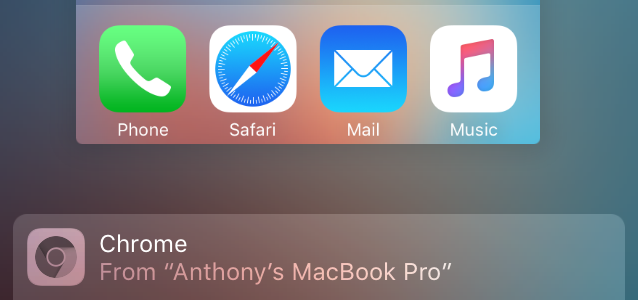
Fortunately, those sporting a device with a jailbreak can now take advantage of a new free jailbreak tweak called Chrome Handoff, which will enable Handoff for Chrome between your iOS device(s) and Mac. In this piece, we'll show you how it works!