Review

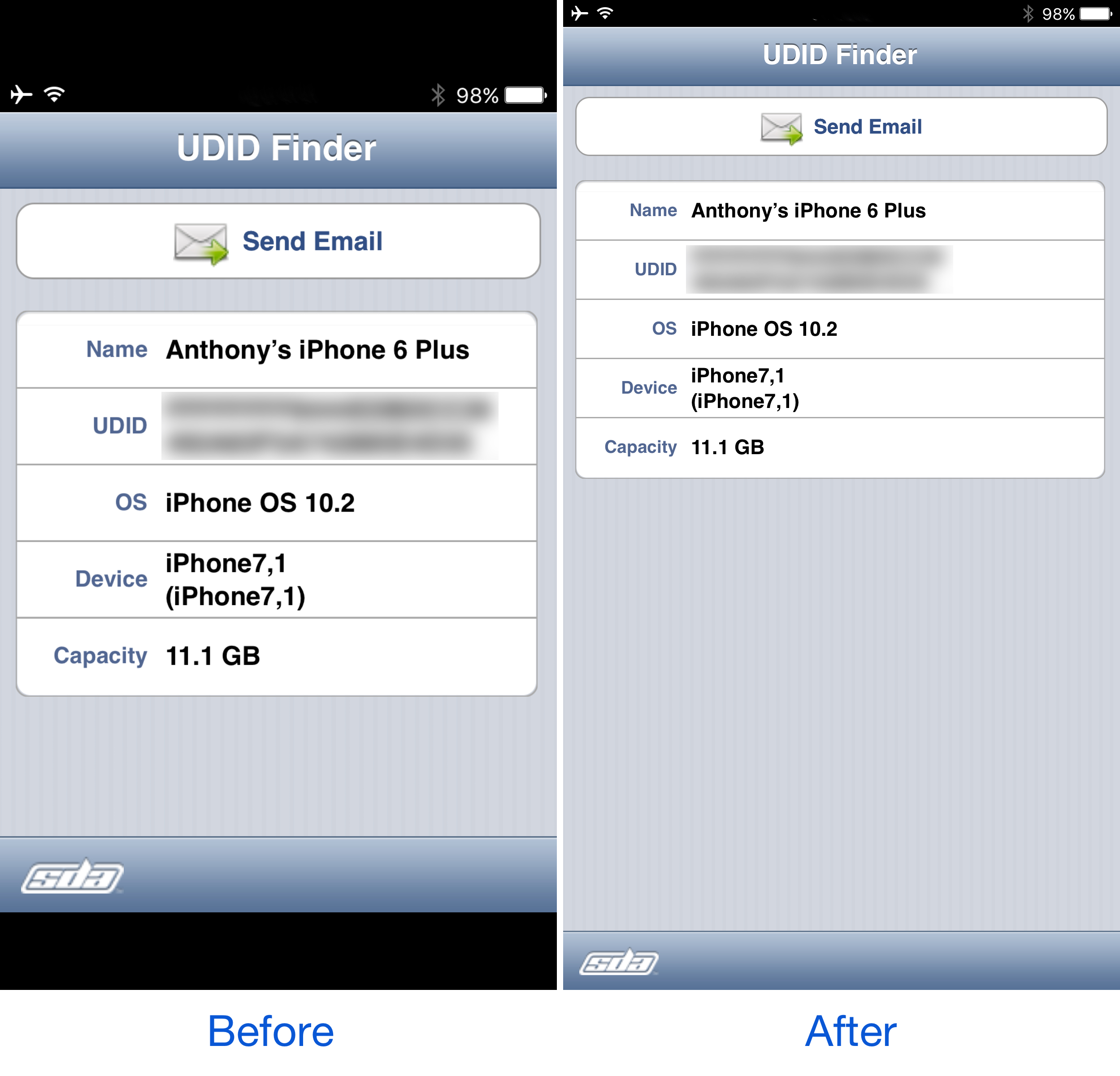
PerfectFit automatically resizes ‘outdated’ apps to support newer iPhone resolutions

Every so often you might come across an app you need from the App Store where the developer hasn’t even bothered to update the interface for the latest iPhone resolutions. In most cases, this means they’re still designed to work on the iPhone 4s resolution or earlier, and this leaves unsightly black bars at the top and bottom of the app.

As frustrating as this is, Apple still allows the apps to run (not for much longer), but they just won’t look as nice. A new free jailbreak tweak called PerfectFit by Tony Kraft can force these apps to run at a much more native-feeling resolution so they look better too.

Jailbreak tweaks of the week: AppCon, DoNotAnnoy, Unify, & more…

The iOS 10 jailbreak is nothing short of a hot commodity since it became stable enough to use, and jailbreak developers are taking advantage of it, left and right, to release smashing new jailbreak tweaks that let you change the way your jailbroken iPhone or iPad works.

In this roundup, we'll show you all of the jailbreak tweaks that were released this week, starting with our favorites and then wrapping up with the rest of them afterwards.

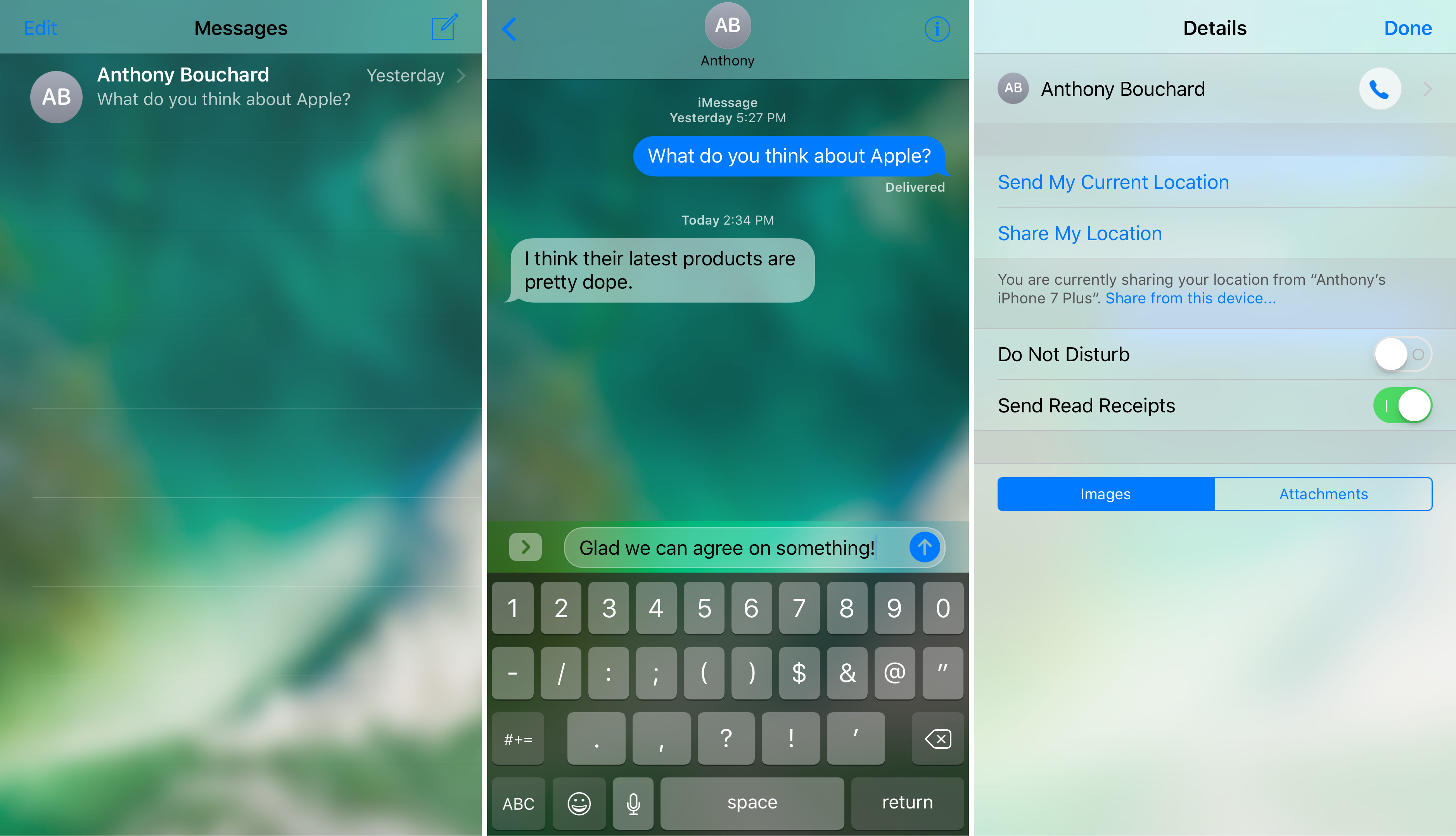
TranslucentMessages makes the iOS 10 Messages app translucent with stunning blur effects

Your iPhone is a tool of communication, so you might spend a lot of your time lurking in the Messages app. As you know, it's just as dull as almost every other stock app on your device; plain and white. Since you spend so much time in the app, why not give it a makeover that could make you enjoy using it even more?

That's where a new free jailbreak tweak called TranslucentMessages by Ayden Panhuyzen comes in handy, as it takes what is otherwise a boring UI and gives it some fancy translucent visuals.

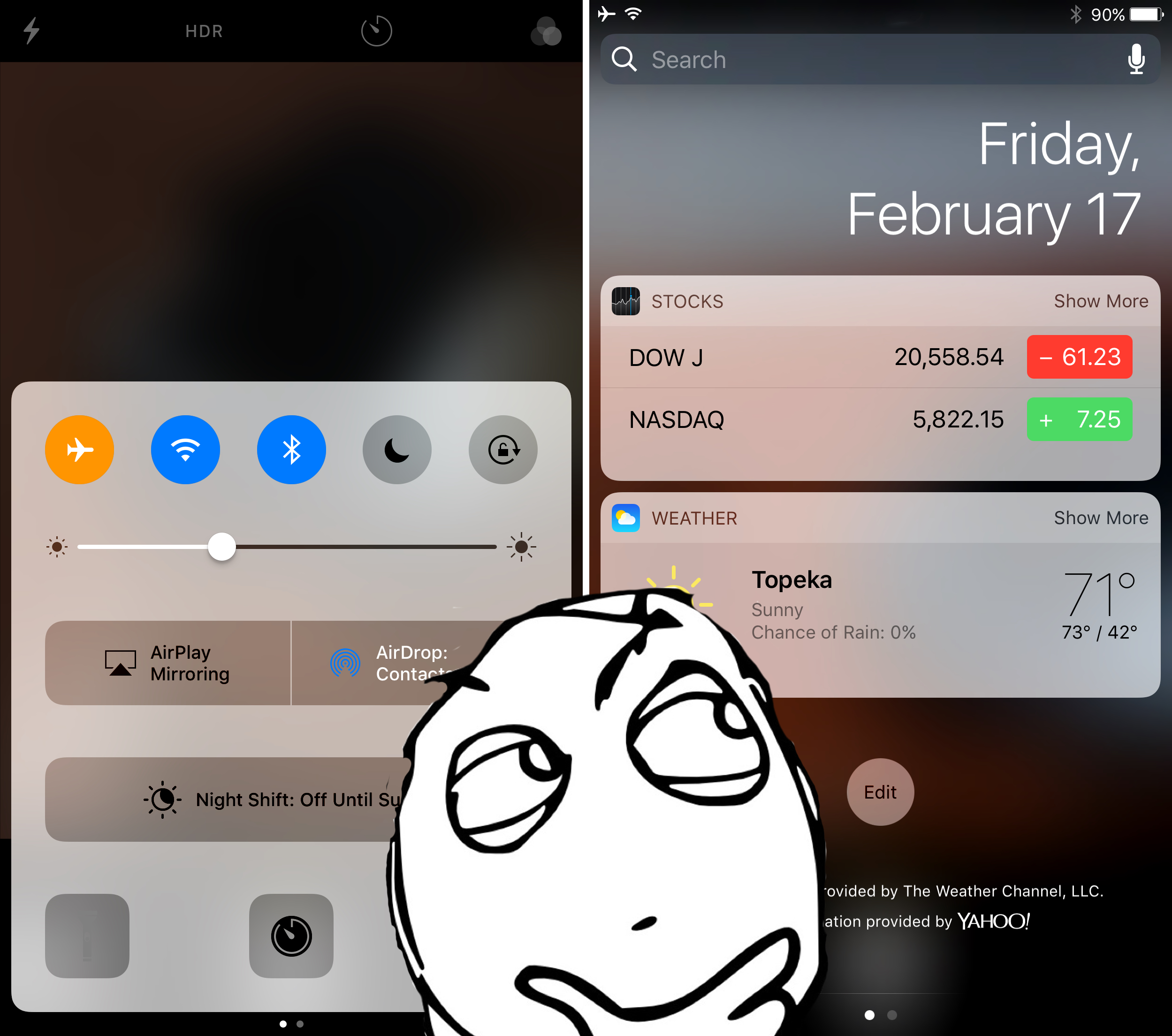
AccessWithinApps prevents launch of Control and Notification Centers in specific apps

Control Center and Notification Center each can be accessed from any mobile app by swiping up from the bottom of the screen or swiping down from the top of the screen. In some apps, this gesture conflicts with the those that already exist in the app.

While Apple helps to mitigate issues by providing users with the ‘second chance grabber’ in full-screen apps, some apps still don’t play nicely because the gesture is too close to other functions in the app. Giving you more control over this matter is a new free jailbreak tweak called AccessWithinApps by Cole Cabral.

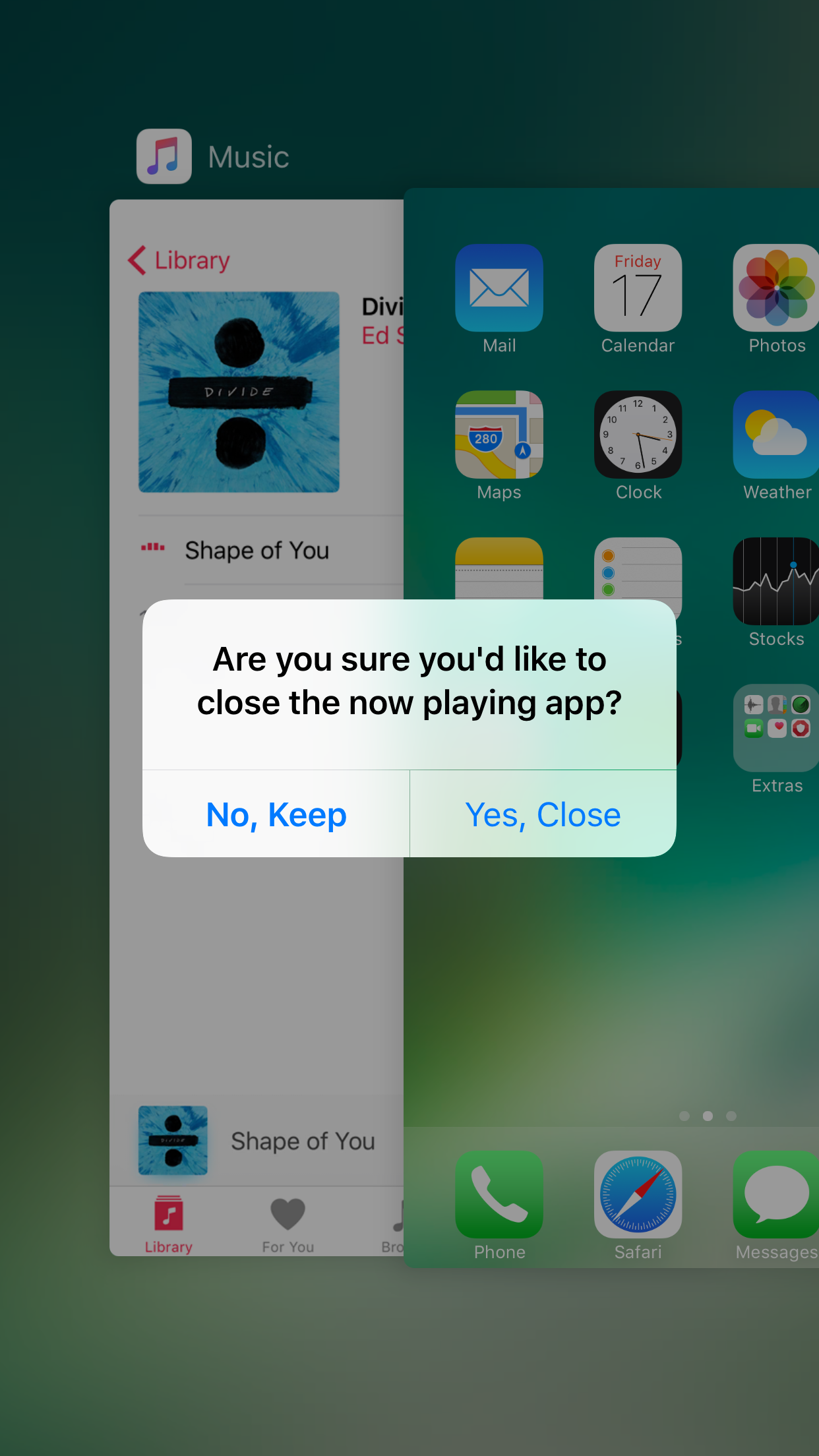
NoClose prevents you from accidentally force-quitting apps that are currently playing media

Sometimes when force-quitting apps from your App Switcher, you end up closing an app that’s playing media in the background by accident. This forces you to re-open the app and re-play the song you were just listening to from the beginning... all over again.

If you do this quite often, then you probably have App Switcher OCD and are clearing your App Switcher more often than you need to, but that’s beside the point; a new free jailbreak tweak called NoClose by Skylerk99 can help prevent you from accidentally force-quitting apps that are playing media in the background by prompting you beforehand.

Jailbroken on iOS 10 and miss the Apple logo respring screen? This tweak brings it back

You might have noticed after jailbreaking iOS 10 with Yalu that the Apple logo-based respring screen doesn't show up anymore, and it would seem that some jailbreak users are beginning to miss seeing it.

Coming to the rescue at just right time is a new free jailbreak tweak called MakeRespringsGreatAgain by wizages, which brings back the iconic Apple logo screen whenever you respring your device.

MessageFilter: blacklist and whitelist words for specific conversations

If you have all kinds of contacts on your iPhone or iPad, ranging from friends and family, to significant others, to business partners and bosses, then you have a responsibility to take extra care to ensure your messages never go to the wrong person.

Helping to prevent sending messages that are intended specifically for certain people to the wrong person is a new free jailbreak tweak called MessageFilter by Frozen Penguin. It works by allowing you to set up a special blacklist and whitelist system to manage where certain kinds of messages are allowed to be sent.

PassButtonStyle allows you customize your passcode buttons look

Most modern Apple mobile devices are Touch ID-enabled and rarely get any passcode button screen time at all; nevertheless, any time your Touch ID sensor decides not to work correctly, or when rebooting your device, you will be introduced to it from time to time.

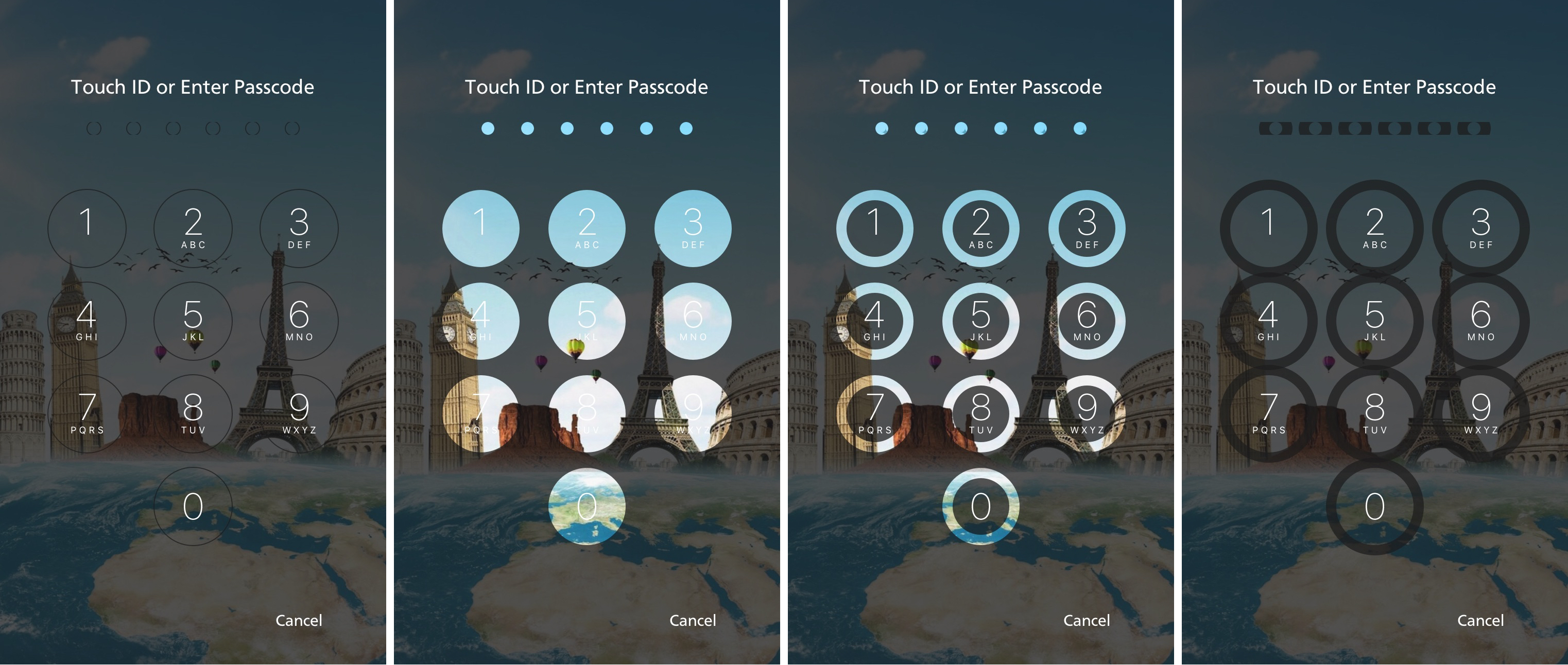
For those who see the passcode input screen more than others, a new free jailbreak tweak called PassButtonStyle by developer CydiaGeek will let you customize the appearance of your passcode buttons.

Mitsuha adds a wave animation to the Now Playing screen in the iOS 9 Music app

Although many people are using the Yalu iOS 10 jailbreak these days, some remained on iOS 9.3.3 with the Pangu jailbreak. If you’re one of these people, then you’ll be happy to know that developers are still making tweaks specifically for your firmware.

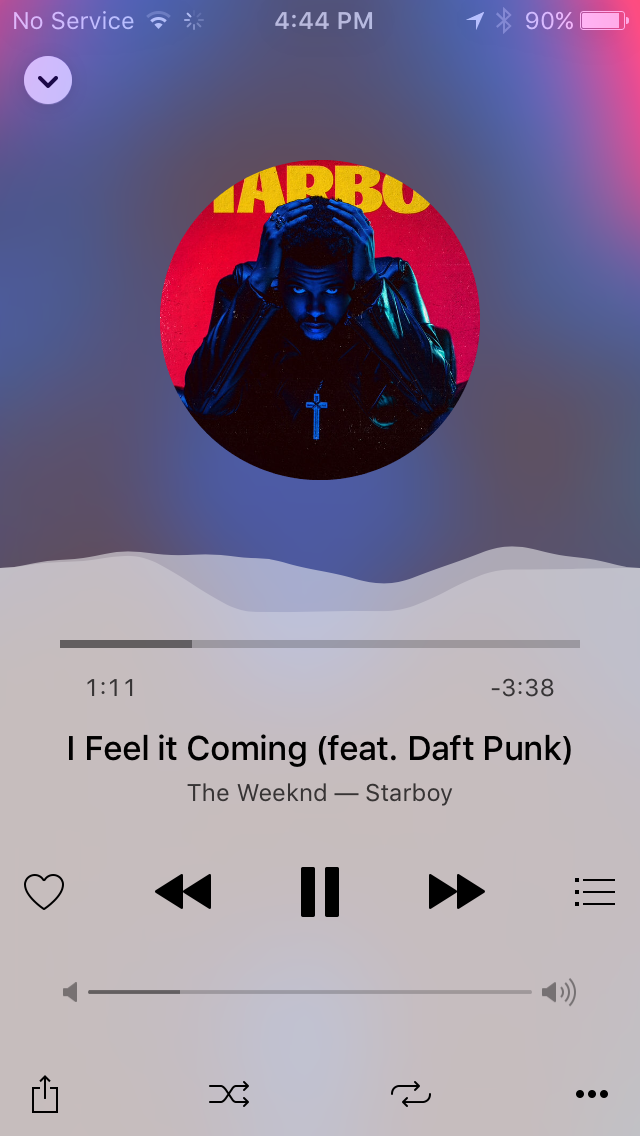
A new free jailbreak tweak called Mitsuha by c0ldra1n is just one example, and this tweak will improve the look and feel of your Music app by providing a sleek ‘Jell-O’ wave effect in the Now Playing interface any time music is playing.

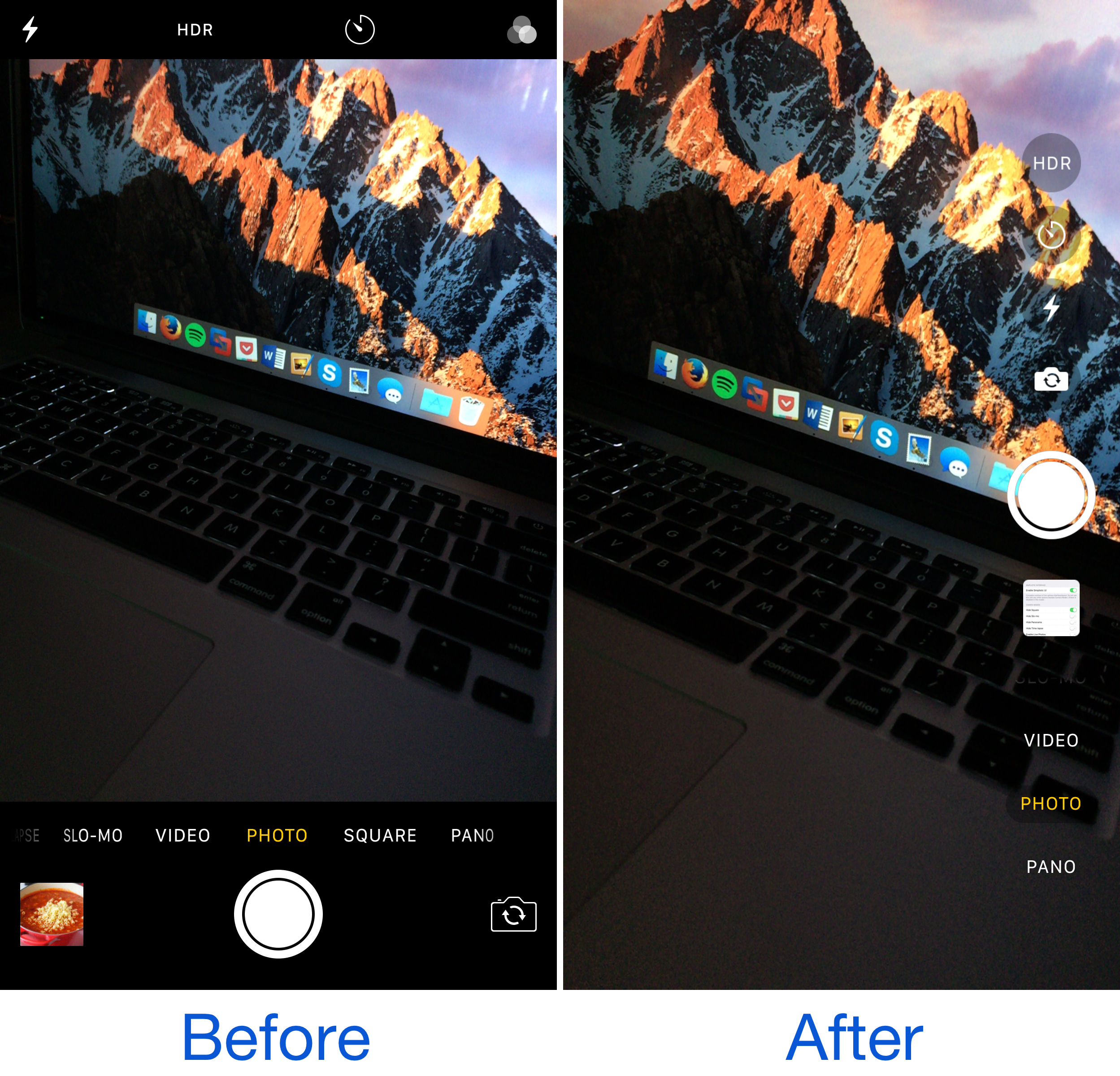
Camera Tools is an all-inclusive customization tweak for your iPhone’s Camera app

The Camera app is something that a lot of iPhone users will open and use every single day, sometimes multiple times per day. The convenience of a point-and-shoot camera app at your fingertips, anywhere you go, is nothing short of a technological miracle that comes standard on today's modern mobile devices.

On the other hand, as Apple introduces more features into the Camera app with each iOS release, the interface becomes more cluttered with features you may or may not use, and that’s why a new free jailbreak tweak called Camera Tools by developer Justin Petkovic has just been released in Cydia.

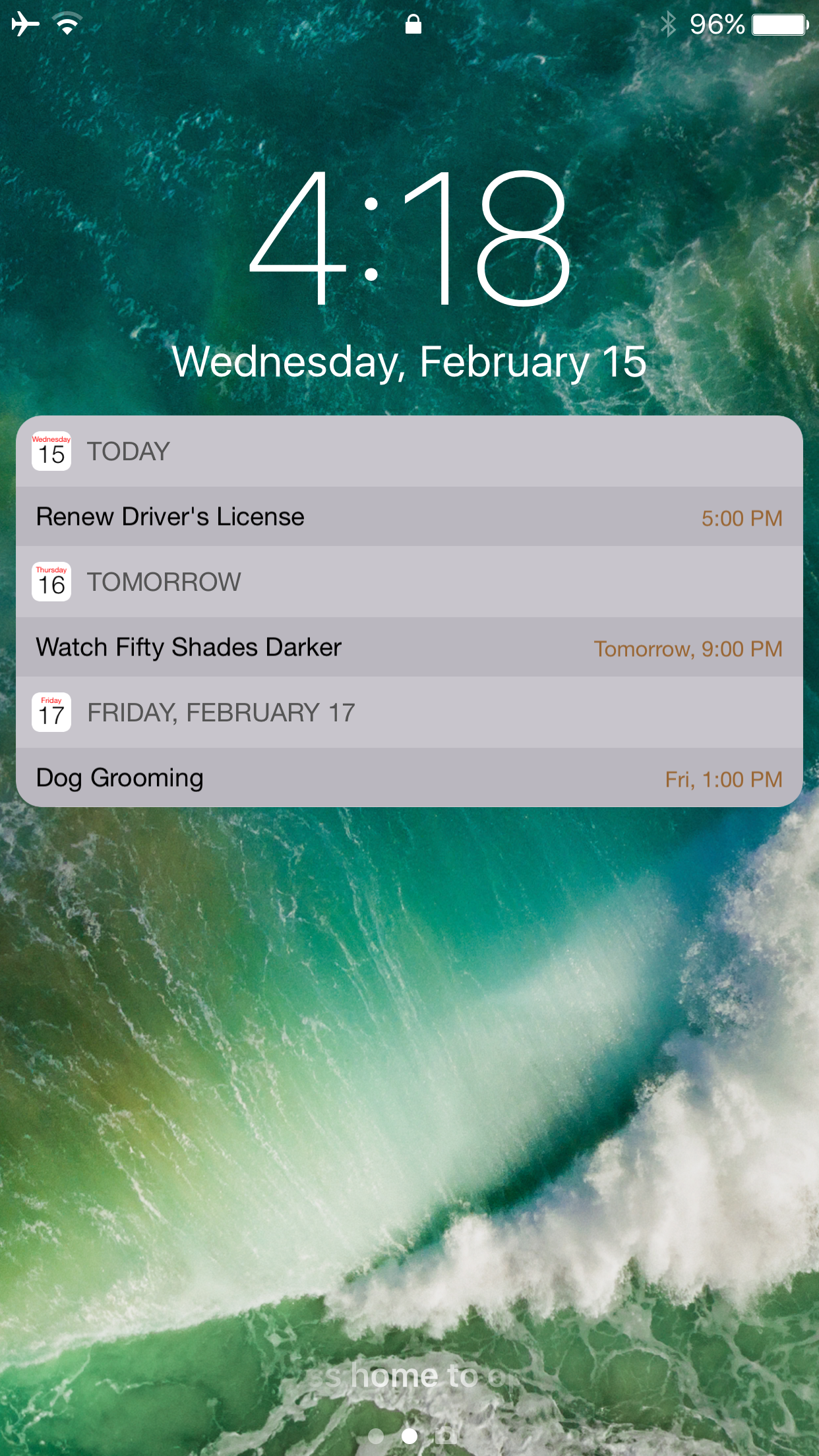
Calendar for Lockscreen 2 ensures you never forget an upcoming Calendar event again on iOS 10

People who have busy lives often need to have a way to organize their upcoming plans so they don’t forget them, and that’s where your iPhone’s Calendar app comes in handy.

Unfortunately, the Calendar app only lets you see upcoming events when they’re coming up very soon, and for some things, "soon" isn't enough time to get prepared, and that's why a jailbreak tweak called Calendar for Lockscreen 2 by VladMax Soft was developed, attempting to make everyday life easier.