Review

Choose the default email app on your iPhone with MailClientDefault10

Most iOS users utilize the Mail app on their device by default for any email-related activities because it's the stock app for doing so. Unfortunately, after deleting the Mail app (post-iOS 10), iOS won’t redirect mail:to links to your favorite third-party email app when you tap on them.

MailClientDefault10 is a new jailbreak tweak release by HiDan that fixes this problem by letting you configure a third-party email client as the default app for composing emails, which effectively solves the aforementioned problem.

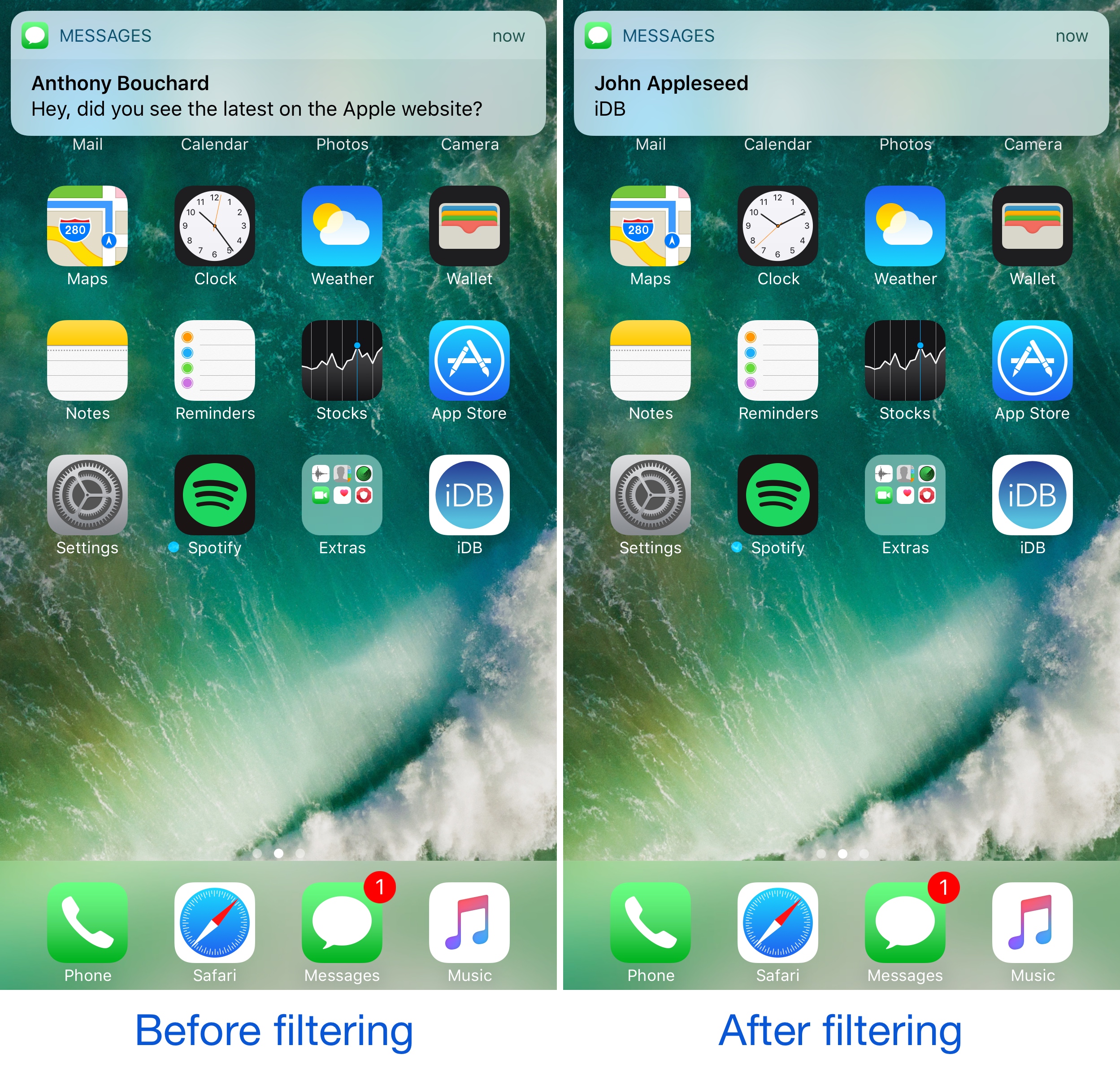
NotifyCensored lets you hide notification banner content on a per-app basis

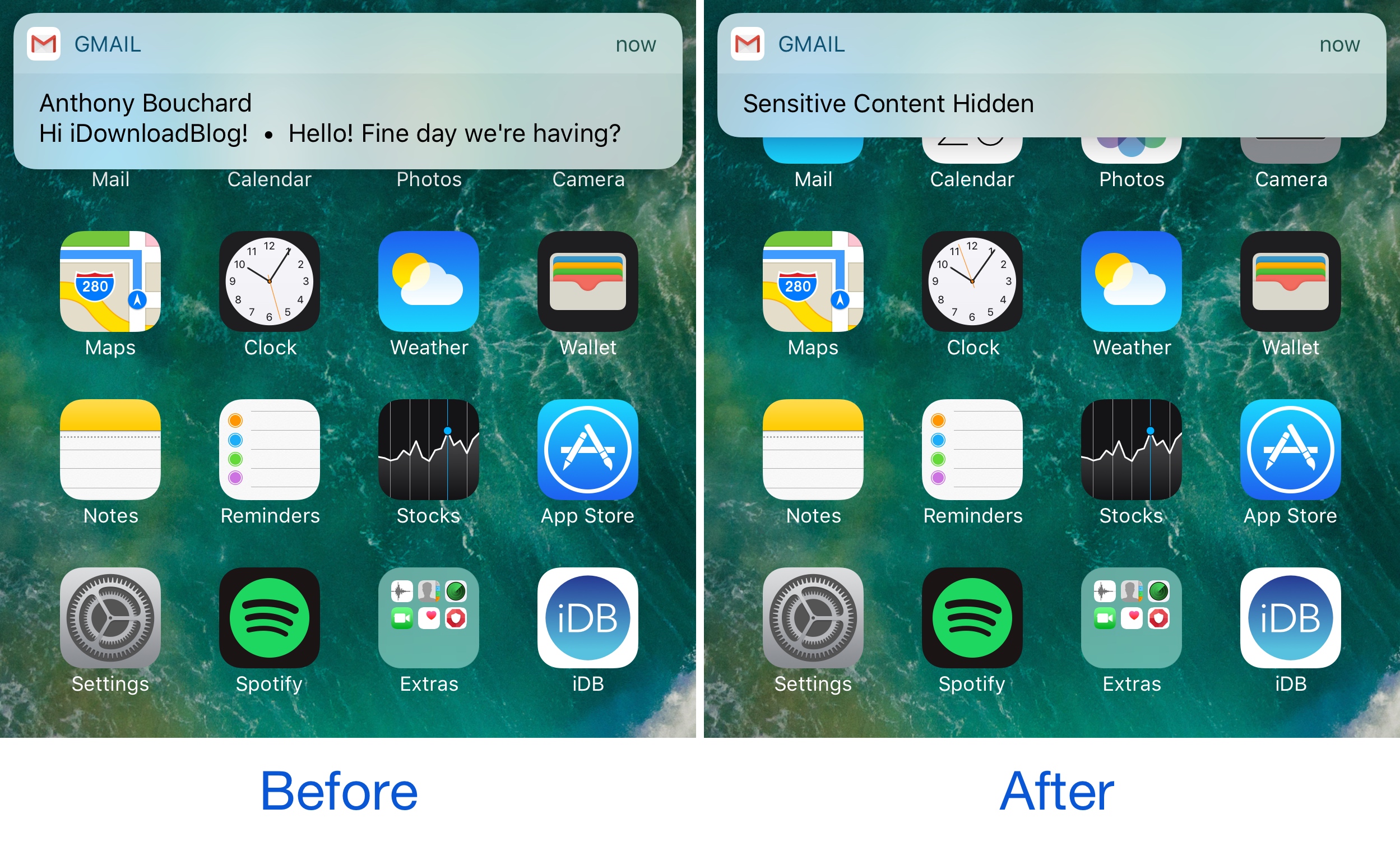
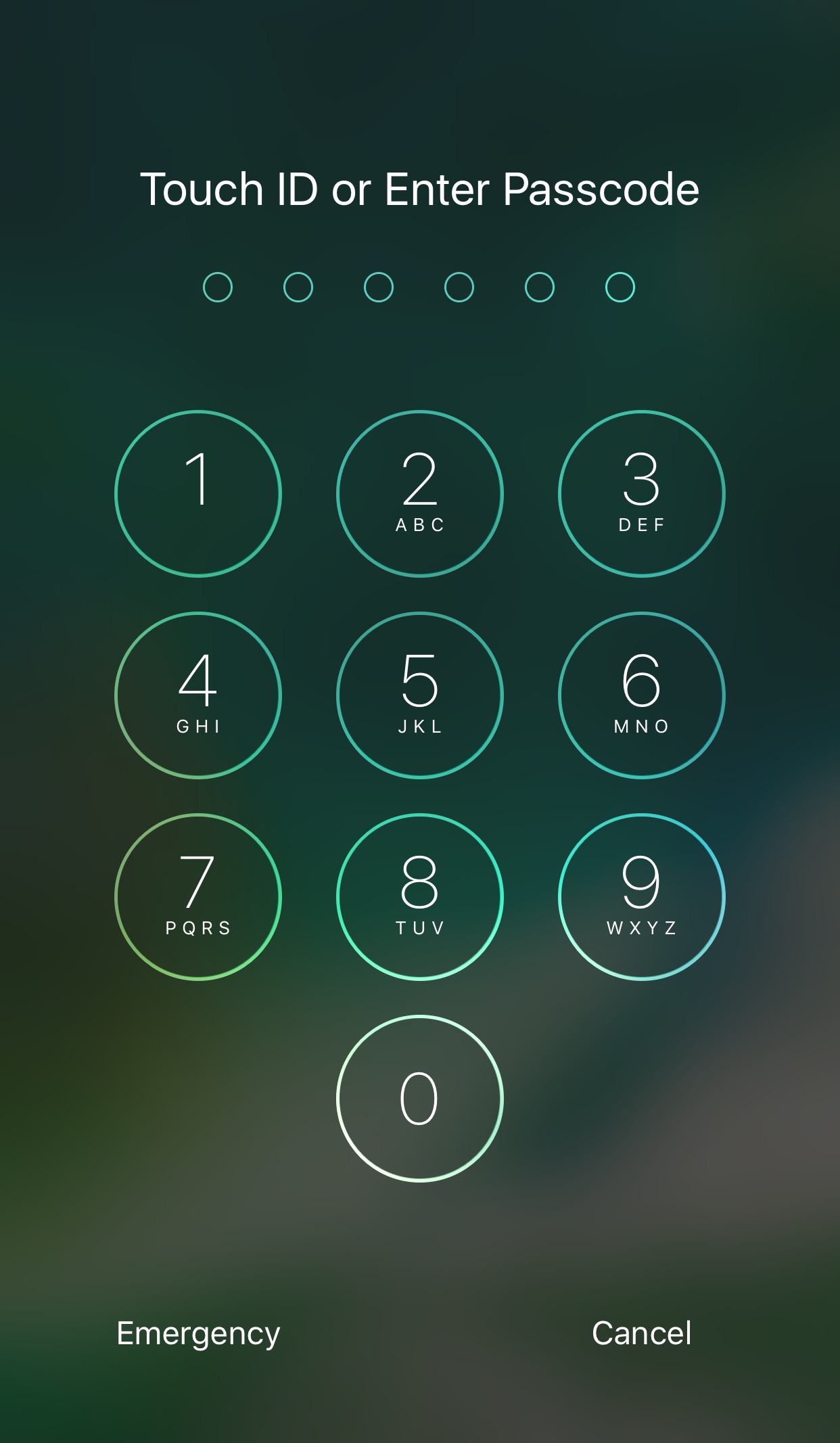
When privacy is a concern of yours, sometimes you need to be mindful of the notifications that pop up from apps, as they can easily make sensitive information readable by anyone who might be looking over your shoulder.

While some apps like Mail, Messages, and Facebook Messenger come with internal settings for hiding message content, not all messaging apps do, or do it as well. That’s where a new free jailbreak tweak called NotifyCensored by Pax Cex will come in handy.

WidgeficationX lets you tinker with the transparency of your banners and widgets

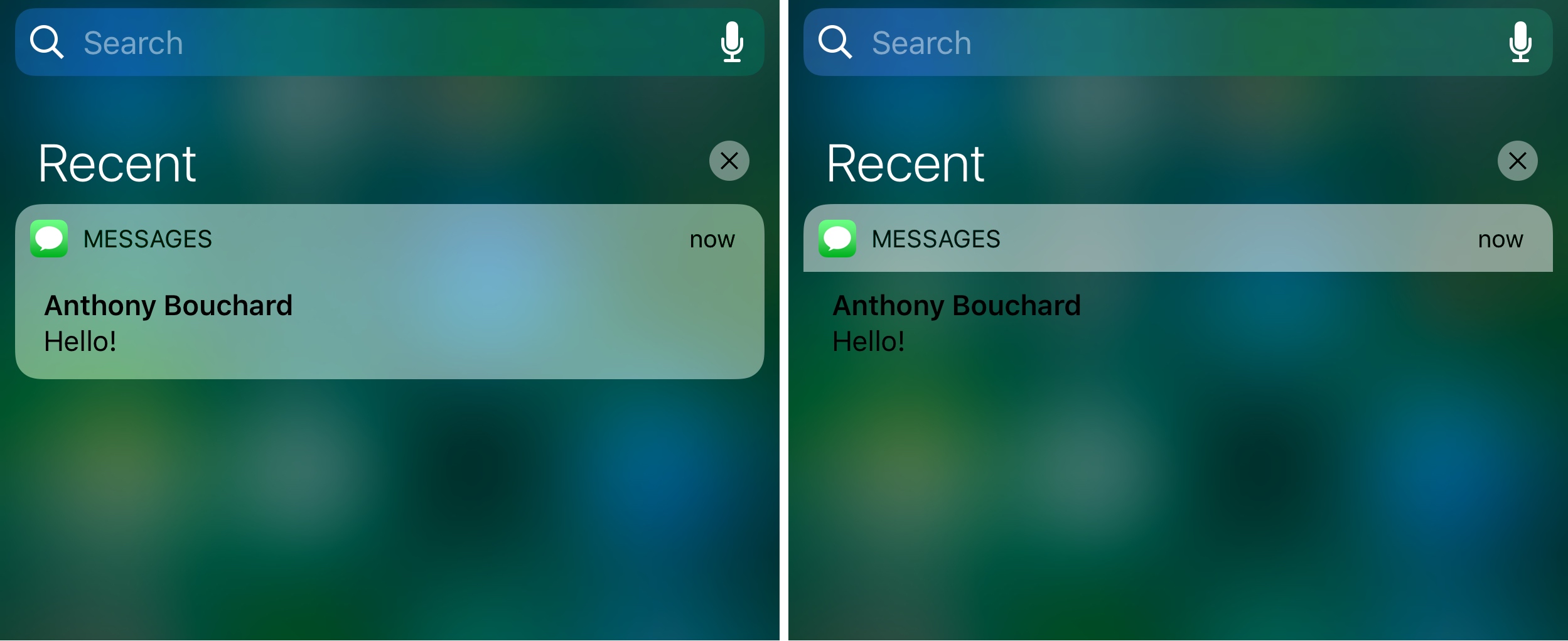
WidgeficationX is a new free jailbreak tweak by Justin Petkovic that lets you customize the look of your widgets and notification banners by modifying their transparency values.

The tweak has a system-wide effect on your device, so you’ll see the changes throughout your many iPhone or iPad interfaces, whether you’re on the Lock screen, Home screen, or viewing Notification Center.

Jailbreak tweaks of the week: Safe Alarm 3, Delay Read Receipts, QuickPowerMode, & more…

As the Yalu jailbreak for iOS 10 continues to fuel the release of more new incredible new jailbreak tweaks, we also continue to show you the most notable throughout the work week.

Of course, since it's that time of the week again, we go out with a bang with an all-inclusive roundup. In this piece, we'll show you our favorite releases of the week, along with all the rest afterwards.

Safe Alarm 3 adds powerful features to your iPhone alarm

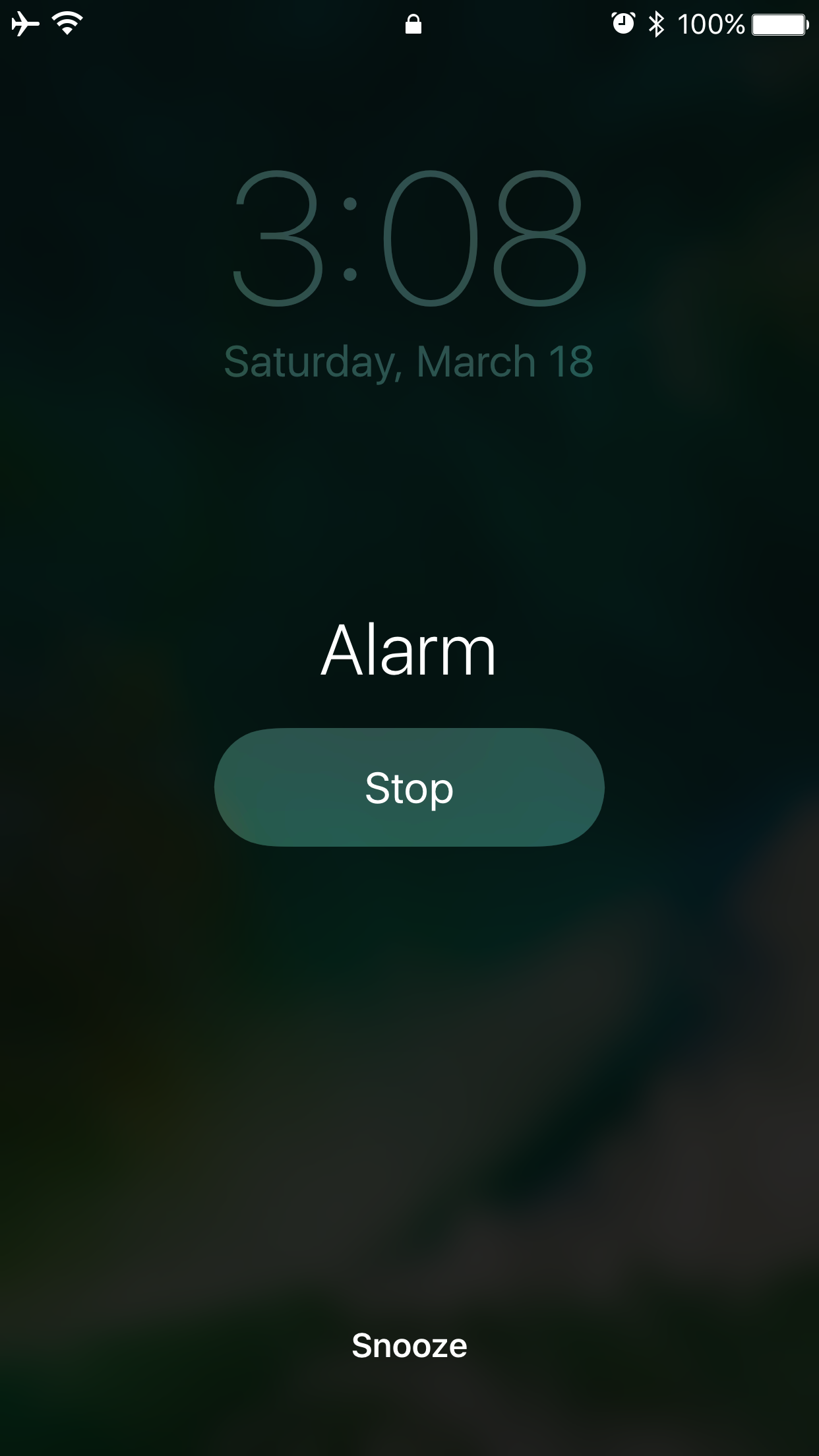
So many people rely on alarms from their smartphone to wake up in the morning that when a major new jailbreak tweak comes out that improves the stock alarm system on the iPhone, it’s a big deal.

Safe Alarm 3 by Douglas Soares is a noteworthy release in Cydia that expands upon the alarm system in iOS by giving you a trough of new options to configure, including new ways to be woken up.

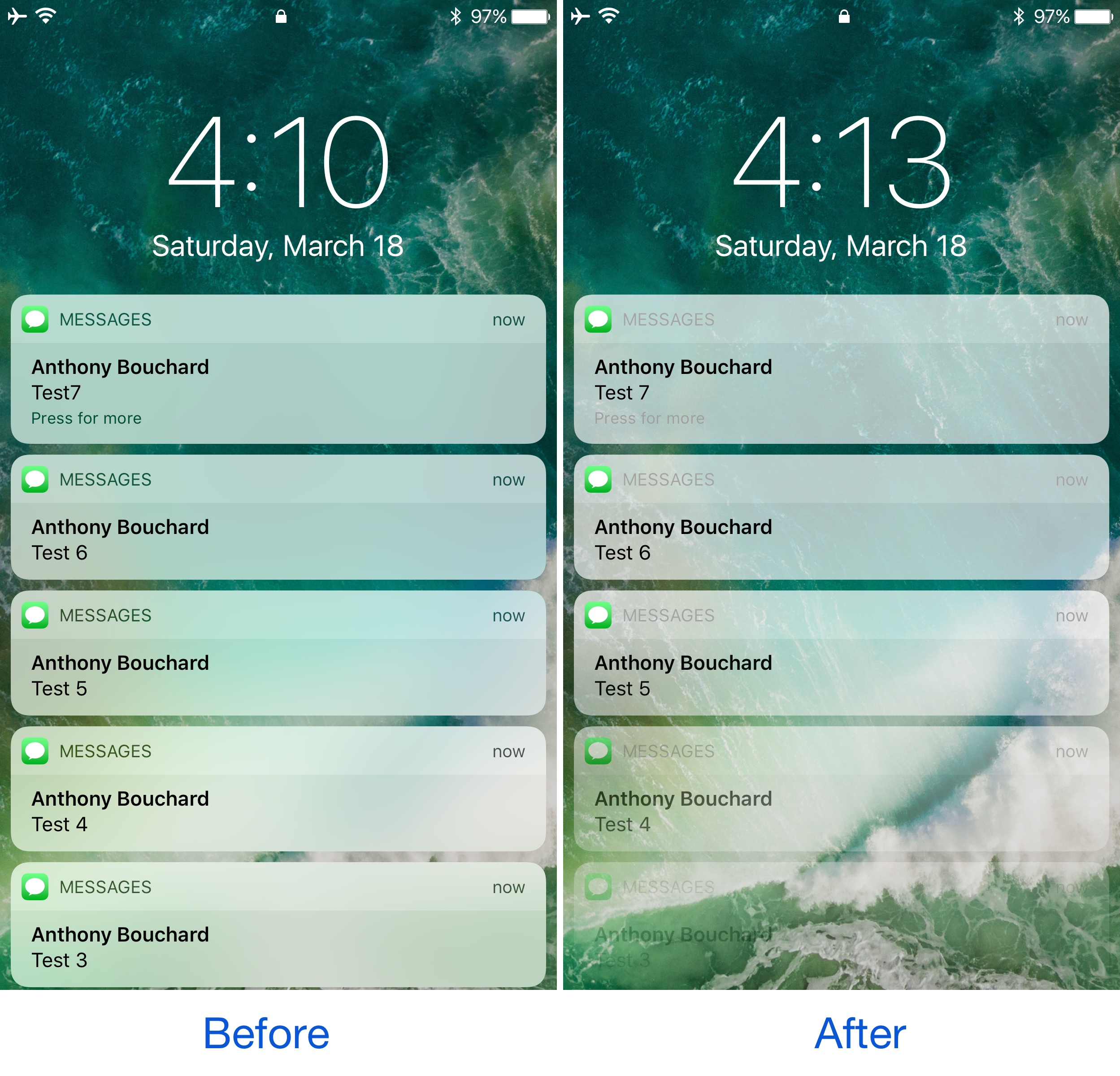
Defluxit applies a fade effect to your Lock screen notifications

One thing the jailbreak community does best is change the way iOS looks through the channels of jailbreak tweaks and themes, and one of the latest releases to do so is Defluxit, by c0ldra1n.

This tweak is intended to give your Lock screen’s incoming notifications a visually-appealing fade away effect that puts emphasis on your most recent notifications, as shown above.

Colorize your iPhone’s cursor and text selection tools with Moose

The last several weeks have seen the release of many jailbreak tweaks aimed at colorizing different elements of iOS, and it doesn’t seem like the trend will be dying down any time soon.

Yet another tweak to join the growing array of color customization tweaks is Moose by iOS developer Tom Effects. This tweak lets you tint the cursor and text highlighting tools you typically see when editing text in iOS.

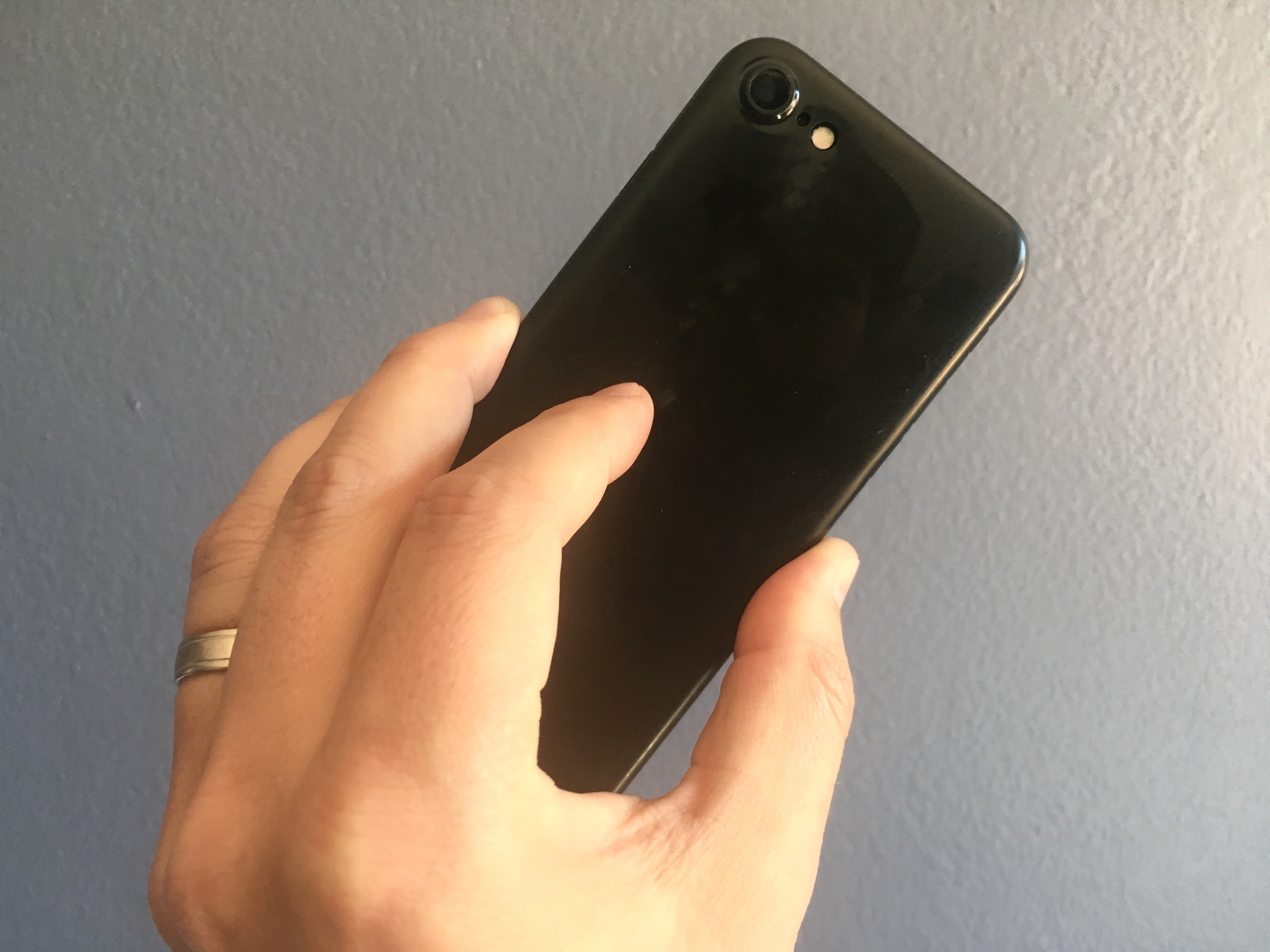
This minimalist case turns your iPhone jet black (or jet white)

Besides a redesigned camera bump, one of the main differentiator between the iPhone 7 and its predecessor was the new jet black colorway. It’s beautiful and sexy, but as Apple was quick to point out, it’s also incredibly prone to micro abrasions.

The solution offered is to put it in a case, which clearly defeats the purpose of having a jet black iPhone to begin with. And that's where the folks at Totallee come in with the Scarf, their incredibly light and thin case, now available in jet black and jet white.

This tweak withholds read receipts from your iMessage recipients until you’re ready

Admittedly, I have a love/hate relationship with read receipts. I like getting them, and I don’t particularly mind sending them to people, but sometimes I want to read someone’s message in peace without notifying them until I'm ready to deal with the consequences.

You could go into Settings and disable read receipts temporarily, but this becomes more of a nuisance than it’s worth. Fortunately, a free jailbreak tweak called Delay Read Receipts (iOS 10) by iOS developer HiDan helps by preventing read receipts from getting sent to your recipient until you’re ready.

WiFi Top Toggle moves the location of the Wi-Fi toggle switch in Settings

If you ever want to change Wi-Fi-related settings on your device, you typically go into the Wi-Fi section of the Settings app where you can then toggle the feature on or off on demand and/or pick the network you want to connect to.

A new free jailbreak tweak called WiFi Top Toggle by Mohamed Marbouh does a little bit of rearranging in your Settings → Wi-Fi preferences pane, yielding an end result that feels tidier.