Review

Customize various SpringBoard elements for free with Artemis

If you’re one to enjoy all-in-one jailbreak tweaks that incorporate a plethora of options for customizing your pwned handsets, then we genuinely believe you’re going to love a new and free release called Artemis by iOS developer Joey GM.

Artemis isn’t quite as thorough as some of the staple tweaks like Springtomize that we’ve all come to know and love, but the fact that it costs absolutely nothing and offers a substantial number of some attention-grabbing customization features is sure to help it stand out from the crowd, especially for those looking to enhance their iOS experience without breaking the bank.
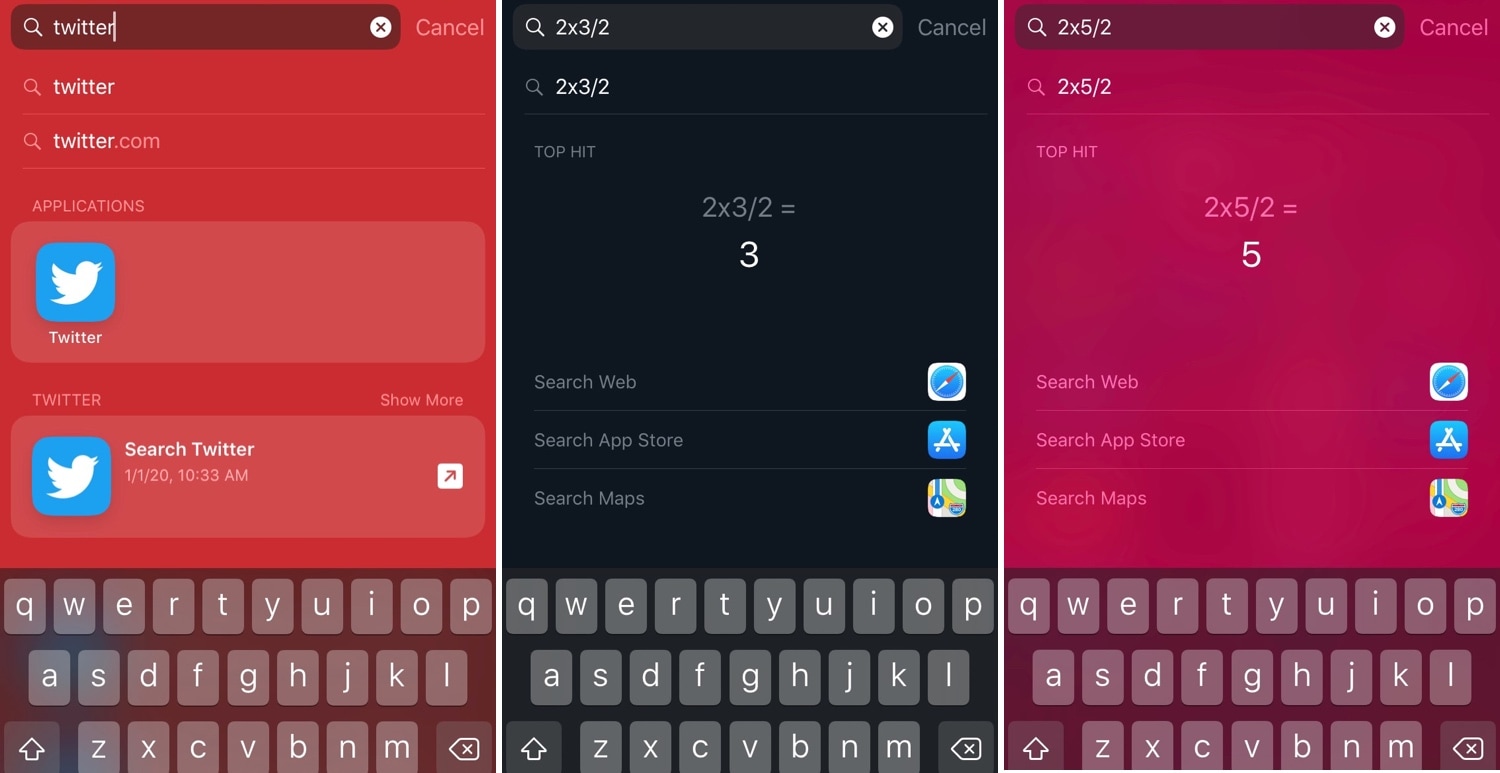
Spotlightizer lets you personalize iOS’ Spotlight interface

I very seldom use my iPhone’s Spotlight interface for anything now that I can just use Siri to command almost anything I need. Nevertheless, the former still comes in handy when you want to find an app or perform basic math without using your voice.

Niche uses aside, Apple doesn’t provide any way of customizing the Spotlight user interface on a stock device, but jailbreakers can now take advantage of a newly released jailbreak tweak dubbed Spotlightizer by iOS developer 1di4r to bypass this seemingly unnecessary restriction.

Get the iPhone X screenshot gesture on older iPhones with this tweak

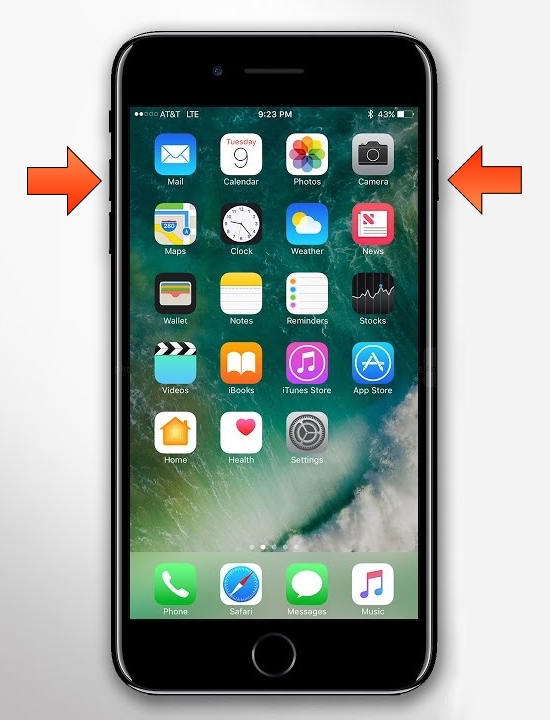
The removal of the Home button from Apple’s notched handset lineup compelled the company to adopt a new button sequence for snapping screenshots on those devices. I’ve gotten accustomed to the new button sequence since adopting notched iPhones as my daily drivers since the iPhone X debuted, and I’ve found it somewhat challenging to remember to use the old screenshot button sequence on Home button-equipped devices.

If you’re like me and wish Apple would simply update iOS to make the screenshot button sequence the same across all devices for consistency’s sake, then you might appreciate a newly released and free jailbreak tweak dubbed Shot Pro by iOS developer Arablag, as that’s exactly what this add-on does for older handsets.

My favorite accessories for the Apple Watch Series 5

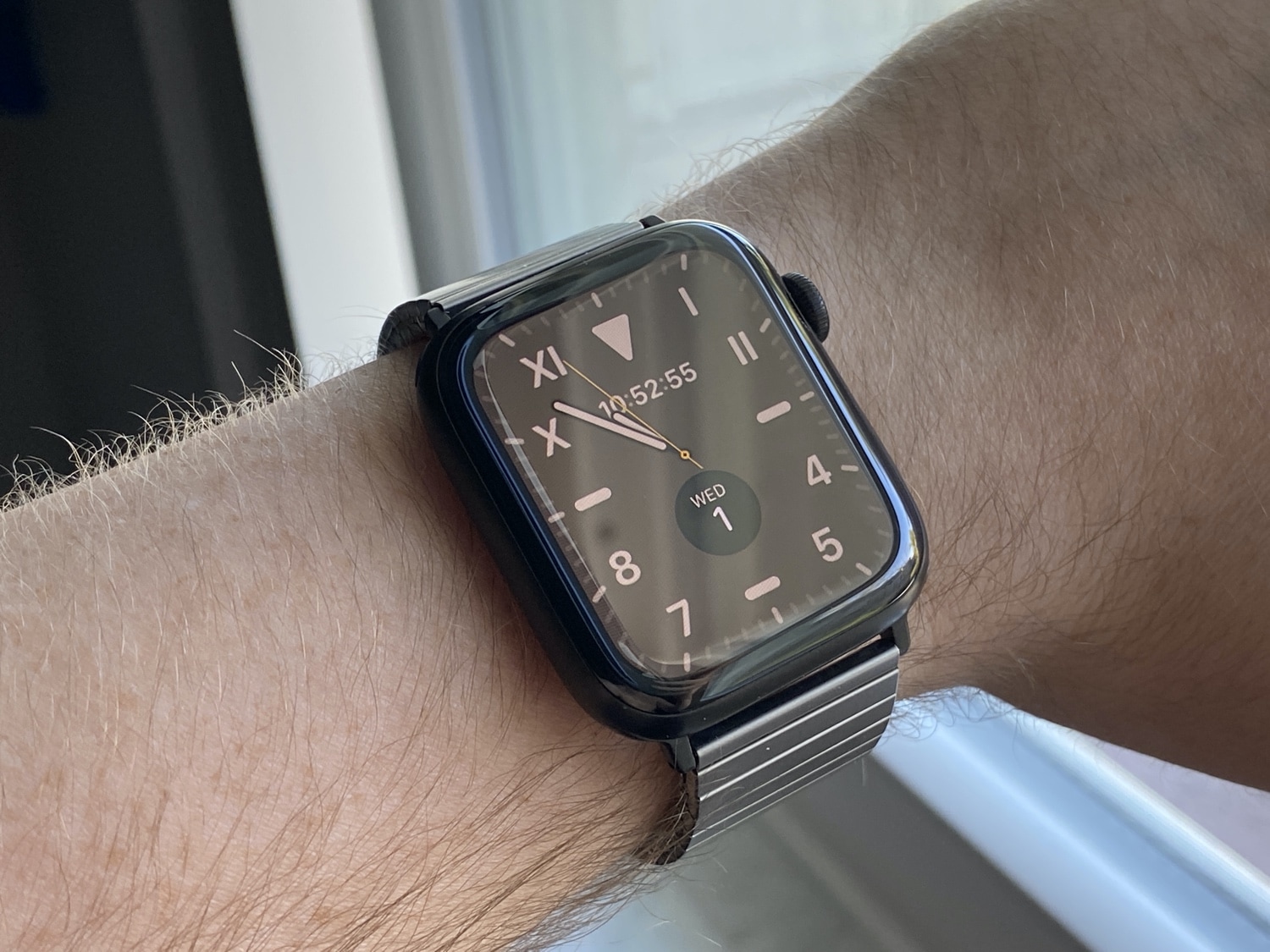
The Apple Watch Series 5 is as much an accessory to my iPhone as it is a personal health and fitness assistant, but despite being an iPhone peripheral by nature, I use a handful of accessories to augment my Apple Watch Series 5 experience. Indeed… insert the ‘we heard you liked accessories, so we put accessories on your accessories…yada, yada, yada’ meme here.

In this piece, I’ll be giving you all a first-hand look at my favorite accessories that I use with my personal Apple Watch Series 5 every day.

This tweak darkens the iPhone’s screenshot flash in dark environments

If you’ve ever wanted to show someone something from the display of your device without being in physical contact with them, then you might choose to capture a screenshot and send the resulting image to that person of choice. All iPhones and iPads support screenshot-taking, and if you’re familiar with the process, you should already know that iOS generates a bright white flash when the screenshot button sequence is invoked to simulate a camera flash.

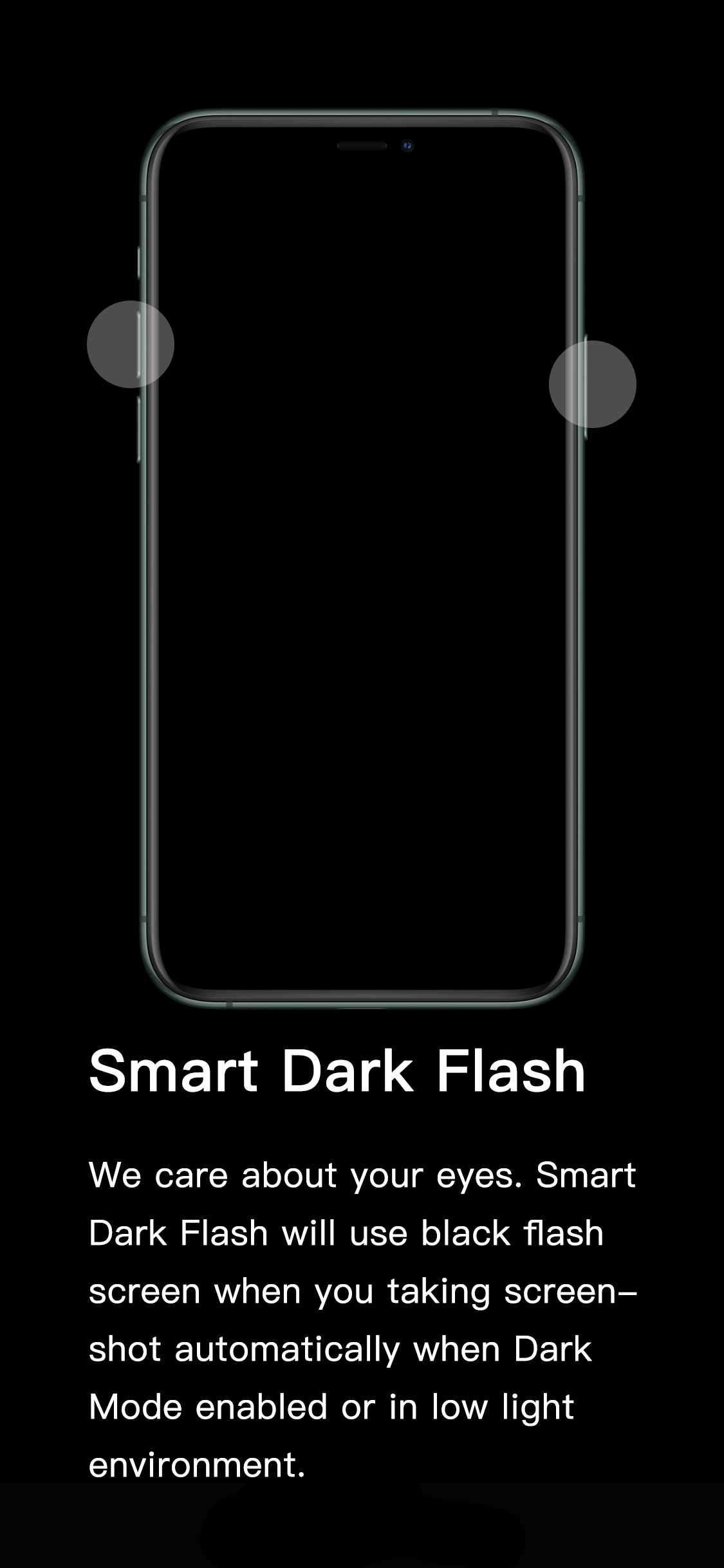
It’s a nice touch to make the screenshot experience seem more realistic, but if you’re ever in a dark environment, such as peering at your phone while in bed, the bright white flash can be tear-jerkingly blinding. That’s why iOS developer XCXiao has released a new jailbreak tweak dubbed Smart Dark Flash.

Tint various aspects of the iOS UI with Accent

One of the subtle treats Apple provides to macOS users is the ability to set a custom accent color. This is the color that appears when selecting options in Menus, be it from the Menu Bar or when alt-clicking on items in Finder.

It’s clear that users have taken a liking to this minuscule customization-centric olive branch extended by Apple. That said, wouldn’t it make sense to have similar options in iOS? If you agree with that notion, then you might take a liking to a newly released jailbreak tweak called Accent by iOS developer Ivan Cristina.

Customize Apple Watch’s notification sounds & vibrations with WatchSounds

The Apple Watch is quite frankly one of the best smartwatches, if not the best, on the market today. But one glaring downside to the popular wearable, even with the latest software update, is that users can’t customize the device’s notification sounds or vibration patterns out of the box like they can on the iPhone.

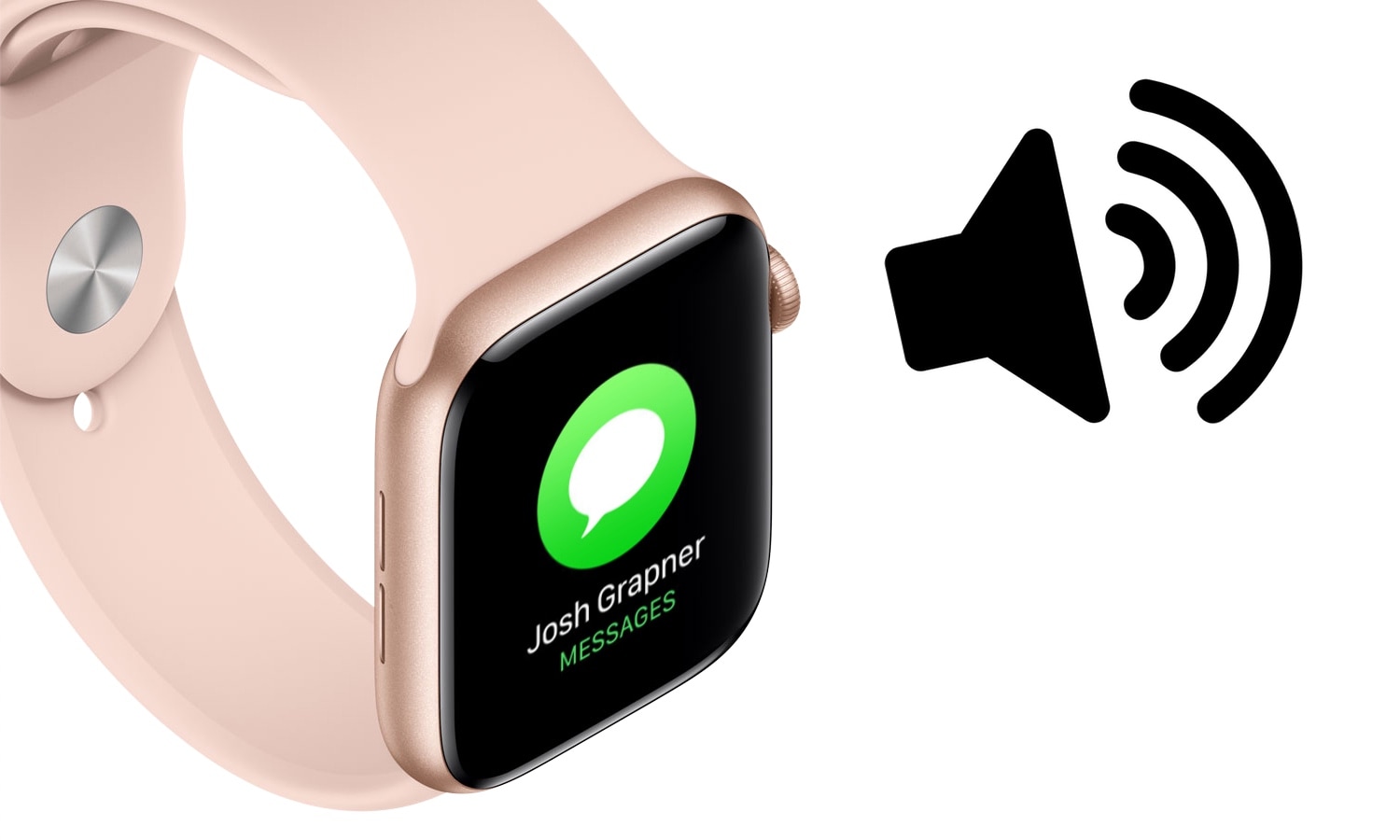
Fortunately for jailbreakers with Apple Watches, that’s changing with the help of a newly released jailbreak tweak called WatchSounds by iOS developer Gil Shahar. This add-on lets you change the behavior of your Apple Watch’s notification sound and vibration system directly from your jailbroken iPhone.

Pip brings Apple Watch’s Nightstand Mode to jailbroken iPhones

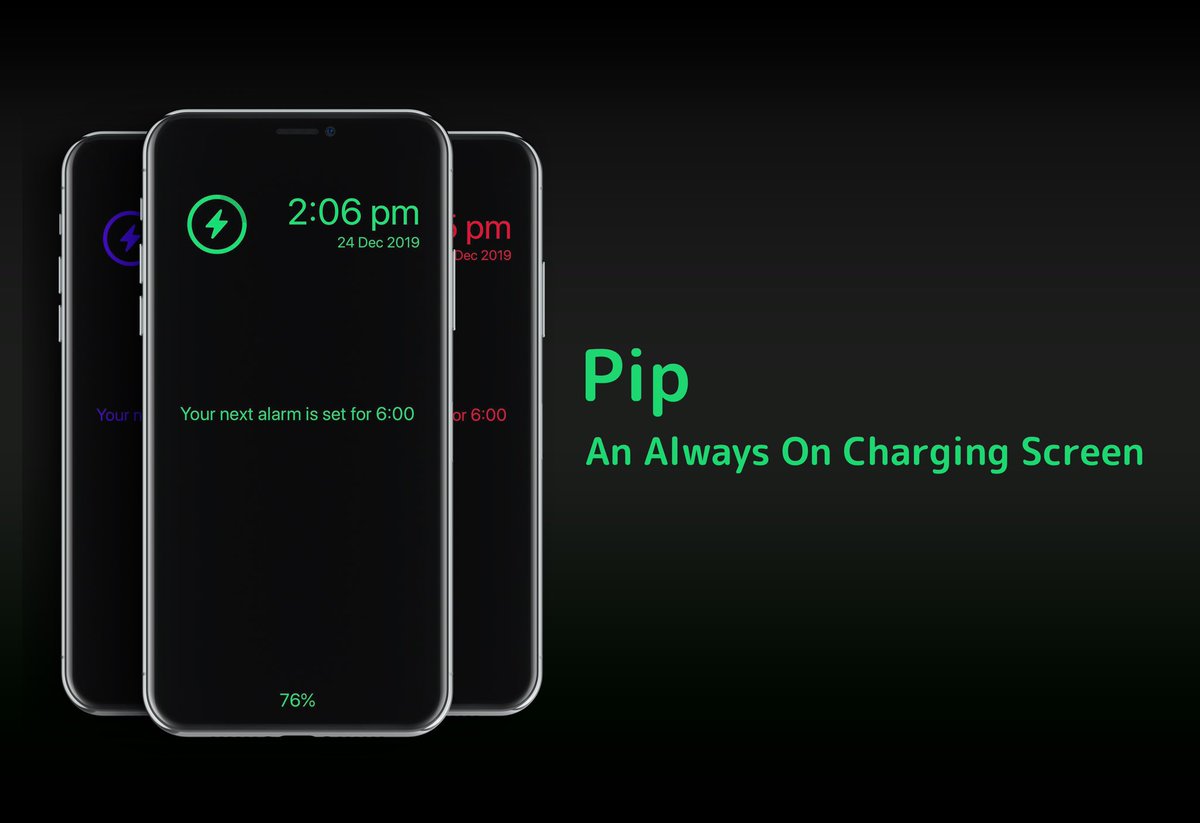
Anyone with an Apple Watch is likely to be familiar with watchOS’ native Nightstand Mode, a useful feature that displays the time, charge level, and a missed notification indicator (if there are any) in green font with a black background when the smartwatch is charging. But why doesn’t Apple give the iPhone have a similar charging experience?

If you’ve been asking yourself the aforementioned question since getting an Apple Watch, then we think you’ll come to appreciate a newly released jailbreak tweak called Pip by iOS developer Dylan Duff.

Sakal displays upcoming alarms on the Lock screen

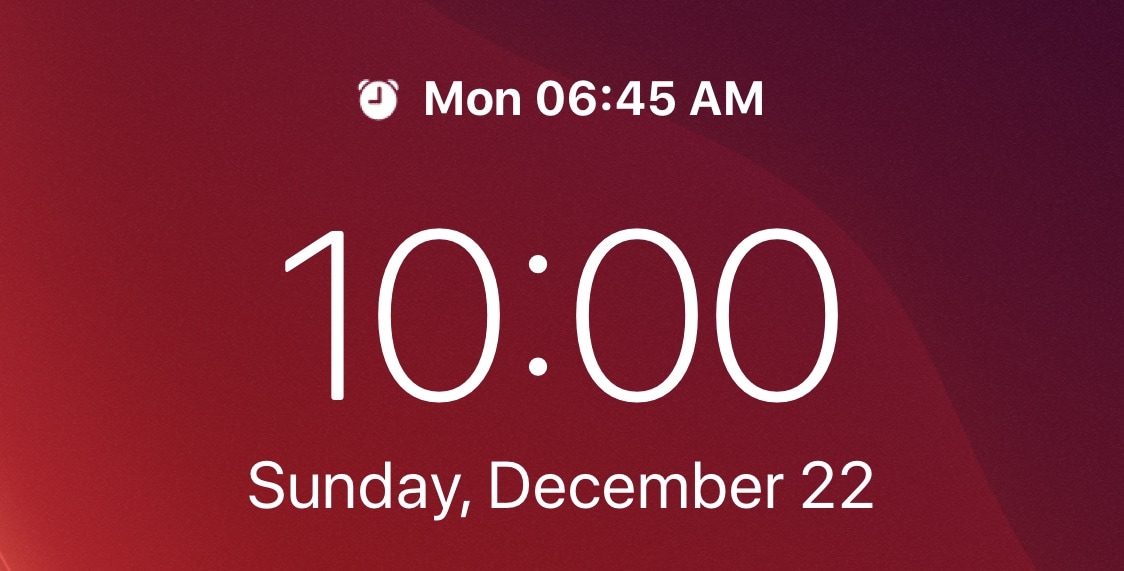
If you’re anything like me, then you probably set a morning alarm each day of the week to ensure you wake up at the proper time to prepare for work in the morning. But wouldn’t it be nice if iOS gave you somewhat of a heads-up when an alarm was set to go off the following day?

A newly released and free jailbreak tweak called Sakal by iOS developer P2KDev does exactly that, and it does this in a very aesthetically pleasing manner.

Jailbreak tweaks of the week: LetMeDecline, Tritium Beta, and more…

Welcome to this week’s jailbreak tweak roundup – your one-stop shop for finding all the latest tweak and add-on releases for the week starting on Monday, December 16th and ending on Sunday, December 22nd.

As always, we’ll kick things off by talking about our favorite releases this week first, and then we’ll wrap things up with an outline of the rest afterward.

Give iOS’ notifications a facelift with ColorMeNotifs

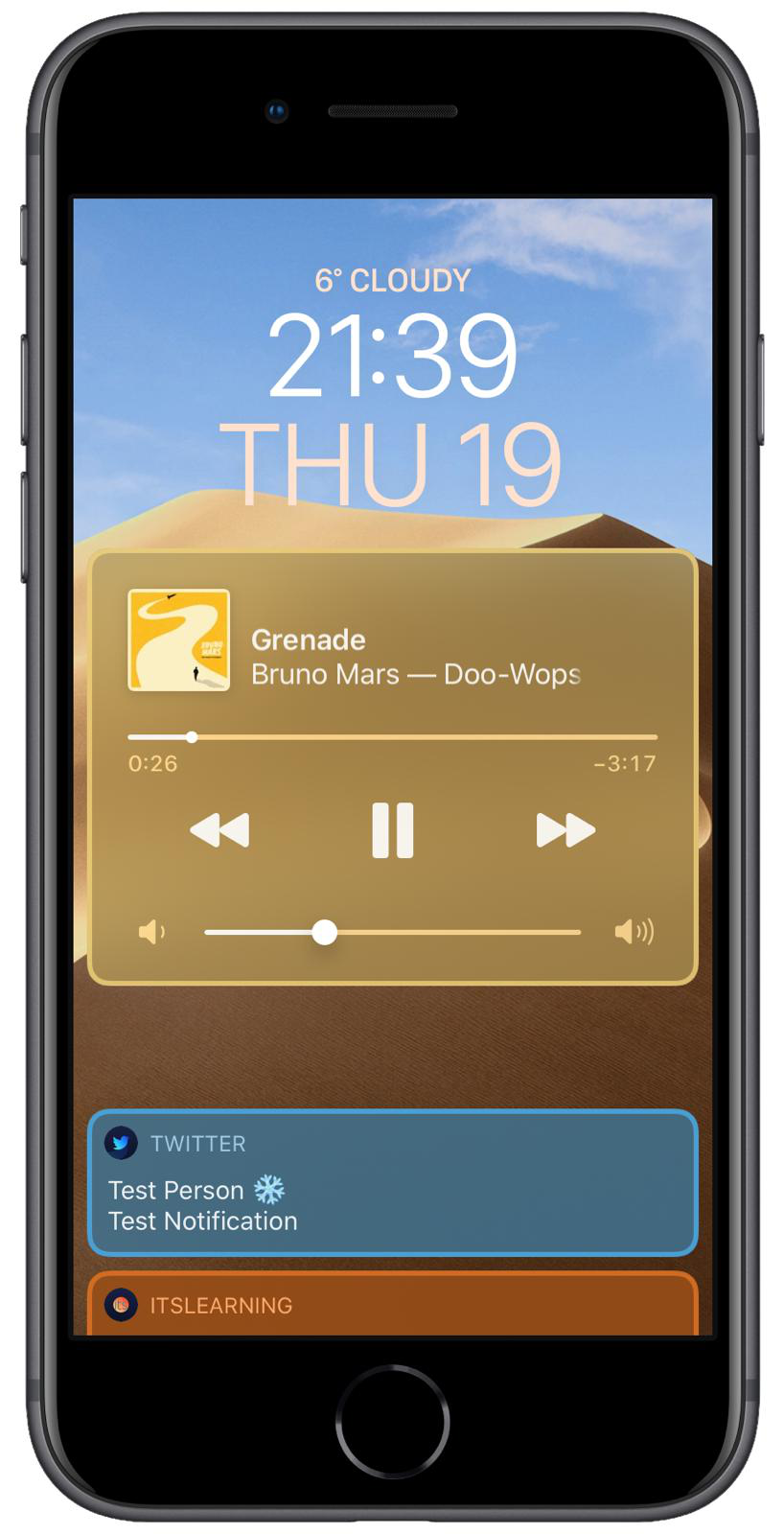
Jailbreakers in the market for customizing the appearance and behavior of their incoming notification system without breaking the bank just might take a liking to a newly released and free jailbreak tweak dubbed ColorMeNotifs by iOS developer MrGcGamer.

Just as the name implies, this tweak offers a plethora of settings for colorizing banners that appear on your Lock screen, including that of the notification variety, widgets, and the native Now Playing music player.