Review

LetMeDecline makes it easier to decline calls when your iPhone is locked

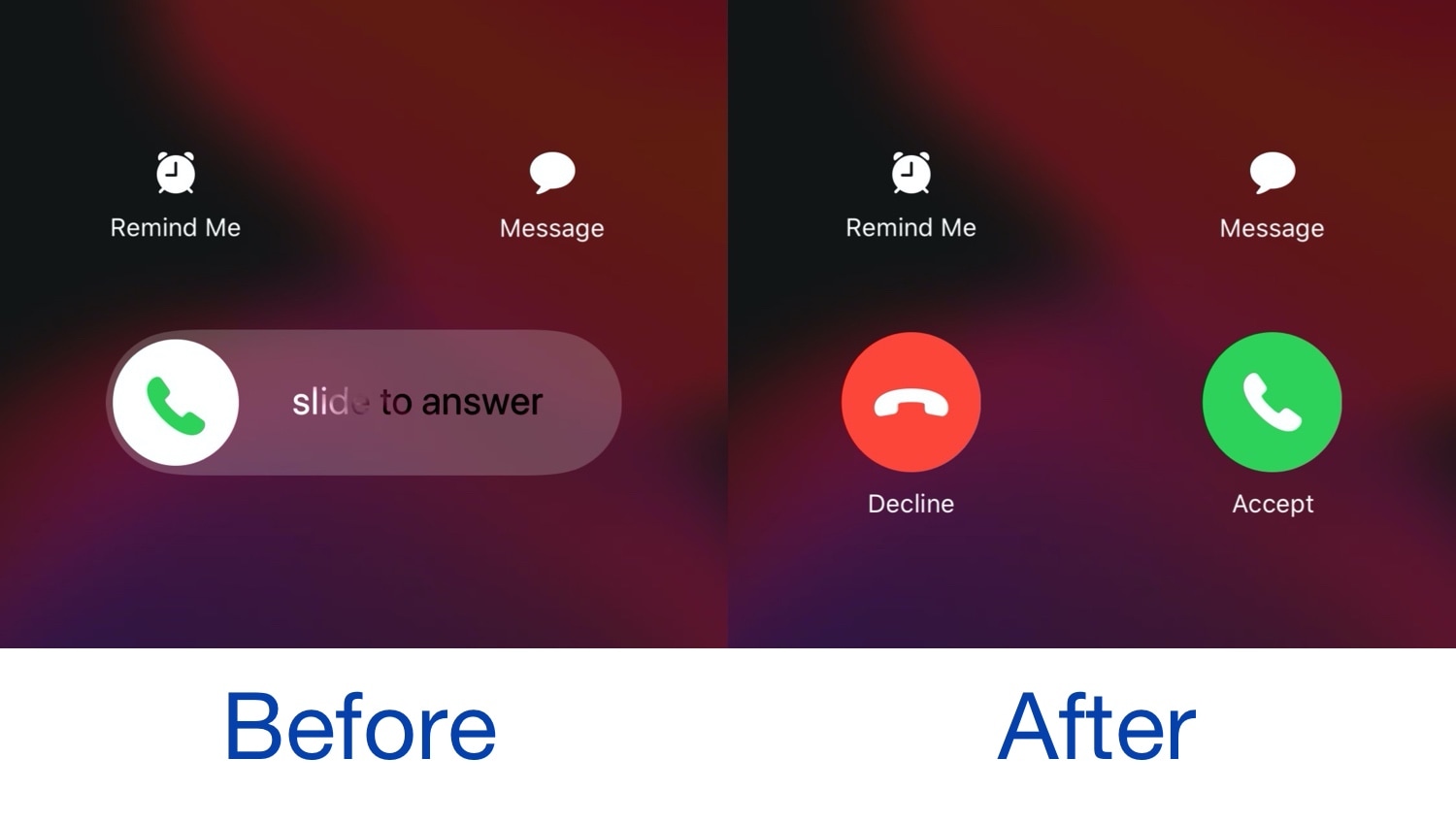
When you receive a phone call from your locked iPhone, iOS automatically directs you to a ‘slide to answer’ interface with no obvious way of dismissing the phone call. You can press the side button a couple of times to dismiss the call, but not everyone knows this, and it this seems like a user interface shortcoming on Apple’s part.

Given the circumstances described above, we’re especially pleased to see the release of a new jailbreak tweak called LetMeDecline by iOS developer P2Kdev. As depicted in the before and after screenshot examples above, this tweak replaces the ‘slide to answer’ bar with dedicated Decline and Answer buttons, making it easier to get the annoying full-screen incoming call interface out of your way.

Jailbreak tweaks of the week: Complications, Juice, Tune, and more…

Now that jailbreakers have access to the un-patchable checkra1n jailbreak on iOS devices as new as the iPhone X, it’s a great time to be a part of the pwned handset community.

In this roundup, we’ll talk about all the latest jailbreak tweak releases from Monday, December 9th to Sunday, December 15th. As usual, we’ll kick things off by talking about our favorites first and then wrap things up afterward.

Colorize your iPhone’s notification badges for free with Pastel

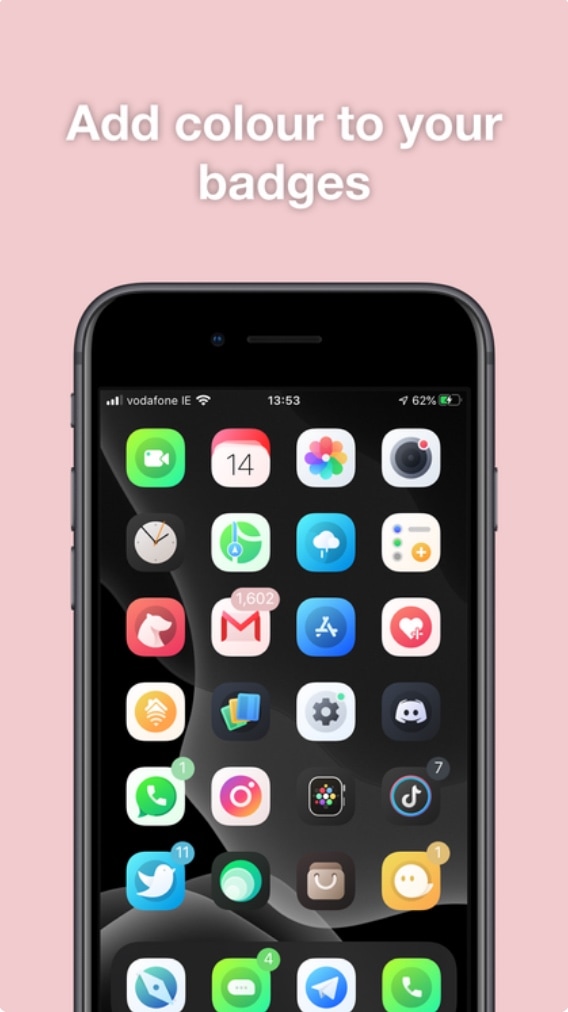
Albeit true that Apple’s native badge notification system leaves a lot to be desired in terms of color customization, the jailbreak community has long offered solutions to this communal grievance. Unfortunately for our wallets, many of those solutions cost the end user money in some way, shape, or form.

Here to shake things up a bit is a newly released jailbreak tweak called Pastel by iOS developer ConorTheDev, which lacks a price tag of any kind. With that in mind, you can now customize the color of your jailbroken iPhone’s notification badges without paying a cent out of pocket.

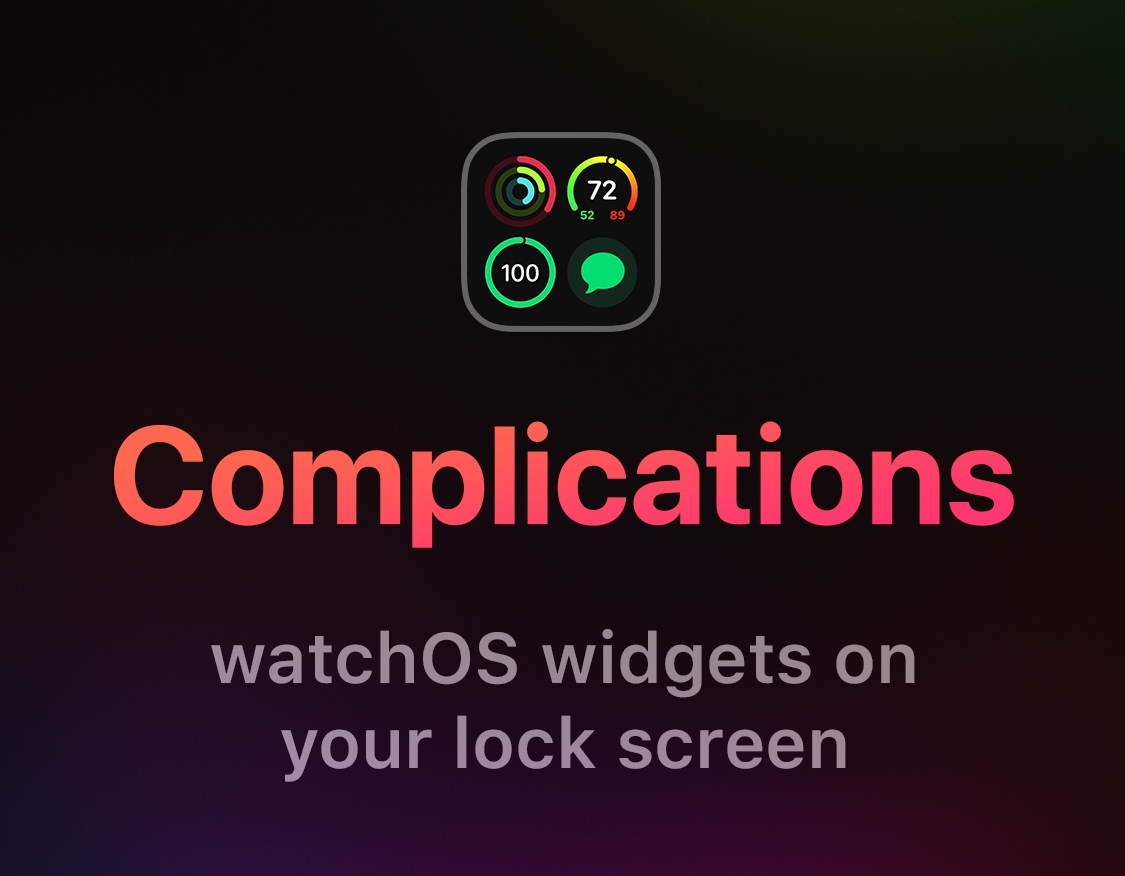
This tweak enables Apple Watch Complications on your iPhone’s Lock screen

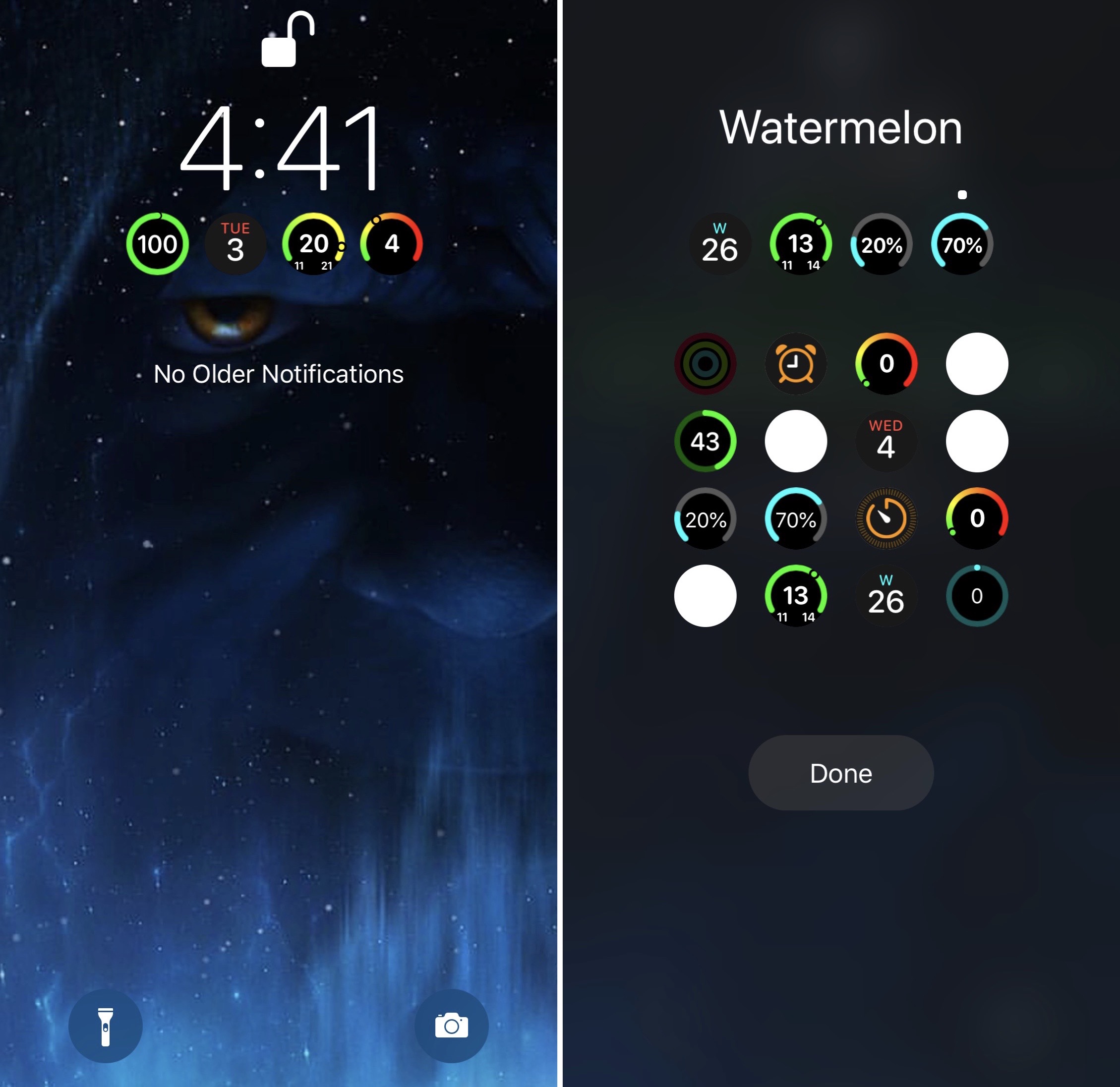
The Apple Watch incorporates a plethora of useful wrist widgets that Apple likes to call Complications, and they permit your smartwatch to display useful information from your favorite apps directly on the watch face of your choosing. Complications are both compact and concise, and for those who’d like their iPhone to display similar data on the Lock screen, there’s a jailbreak tweak for that.

Watermelon by iOS developer LaughingQuoll was the first tweak to bring this functionality to the iOS platform just over a week ago, but with a good idea comes competition, and that’s where a new release dubbed Complications by iOS developer Ben Giannis comes into play.

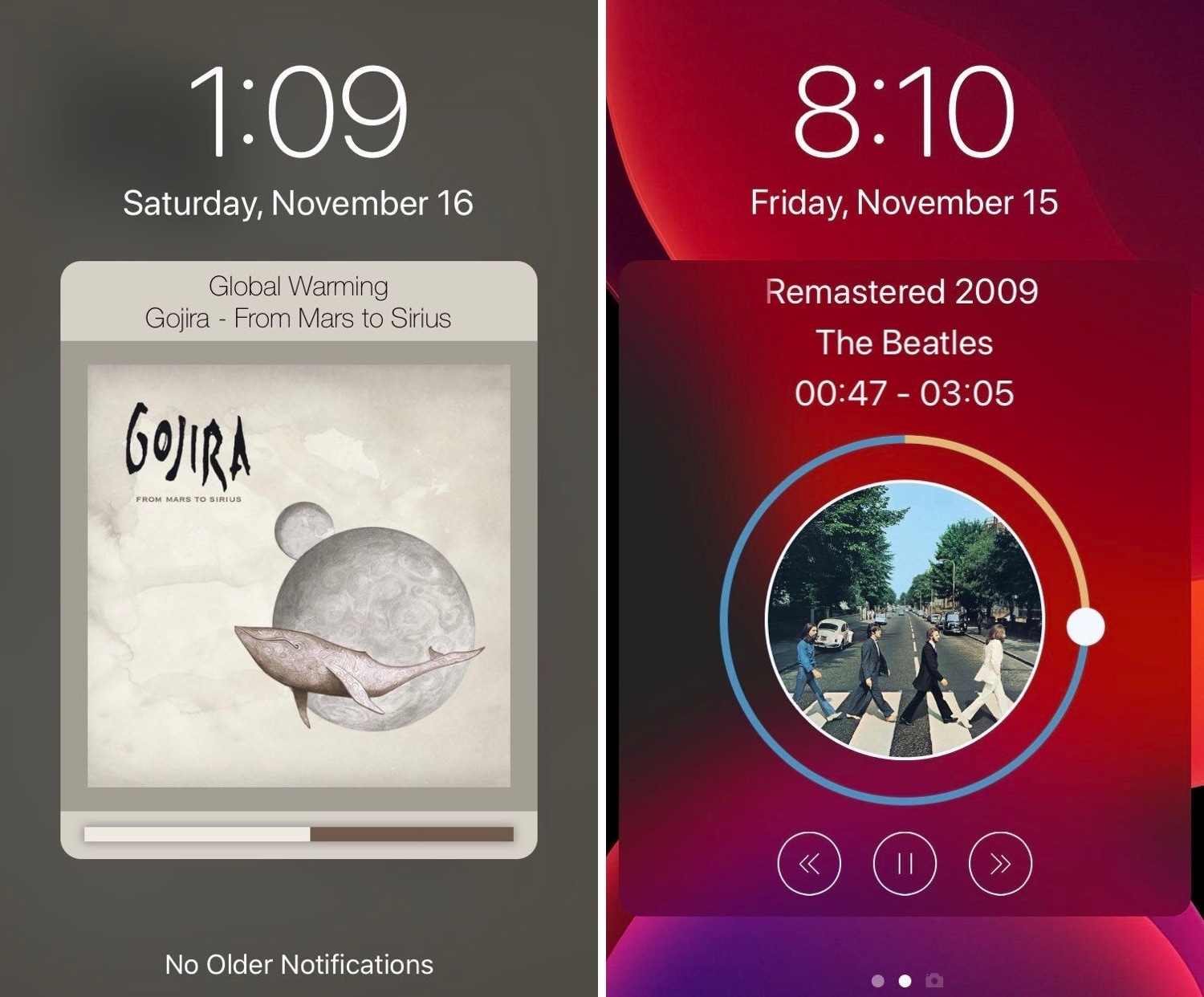
Tune provides a sexier Now Playing interface for pwned iPhones

Those who listen to a lot of music on their iPhones are probably accustomed to looking at what seems like the same Now Playing interface Apple has provided for years. But if you’re like me and you’re looking for something a bit more eccentric, then you might enjoy using a newly released jailbreak tweak called Tune by iOS developer s1ris.

As depicted in the screenshot examples above, Tune can replace the traditional Now Playing interface with something a lot more aesthetically pleasing. At this time, the tweak supports two different styles, including Helius (left) and Spin (right).

Juice introduces limitless battery icon customization to jailbroken iPhones

If you’re freshly jailbroken on iOS 13 by way of checkra1n, then you may want to do yourself a favor and follow a project called Juice, a new public beta jailbreak tweak by iOS developer SparkDev that permits users to customize the appearance of the Status Bar’s battery indicator in a satisfying way.

The concept of customizing iOS’ native battery indicator certainly isn’t new, but Juice is in a league of its own. An intuitive interface coupled with seemingly endless options spells out a user experience that seems unparalleled by anything else we’ve seen to date.

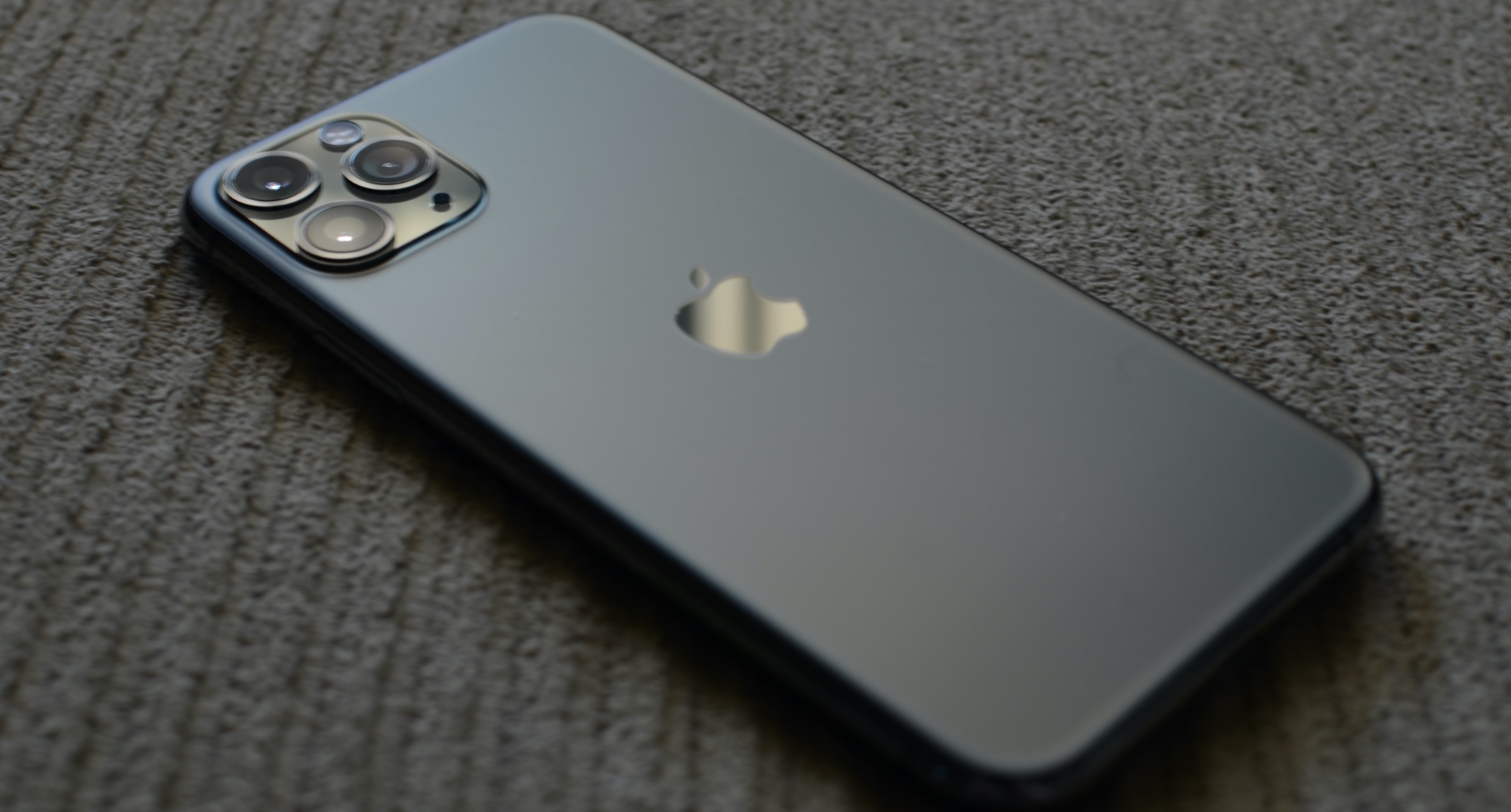
My favorite cases for the iPhone 11 Pro

iPhone 11 Pro

Apple’s brand-new iPhone 11, 11 Pro, and 11 Pro Max handsets are beautiful – both to the eyes and to the touch – but all it takes is one good drop to put an end to that seemingly short-lived appreciation. That’s why I always use a case.

Given just how many case options there are on the market today, both from no name manufacturers and from well recognized brands, it seemed like a wonderful opportunity to go over some of my favorite cases that I’ve enjoyed using since splurging on the smaller iPhone 11 Pro this Fall.

Jailbreak tweaks of the week: Maple 2, Watermelon, and more…

The checkra1n team is currently developing the first public jailbreak for iOS 13, and for those already taking advantage of the public beta during its initial public testing phases, we’d totally understand if you wanted to find some interesting jailbreak tweaks to trick out your newly liberated handset. The same goes for those who are already enjoying jailbreaks on Chimera, Electra, or unc0ver.

In this roundup, we’ll talk about all the latest jailbreak tweaks released from Monday, December 2nd to Sunday, December 8th. As usual, we’ll kick things off by talking about our favorites first and then wrap things up with an outline of the rest afterward.

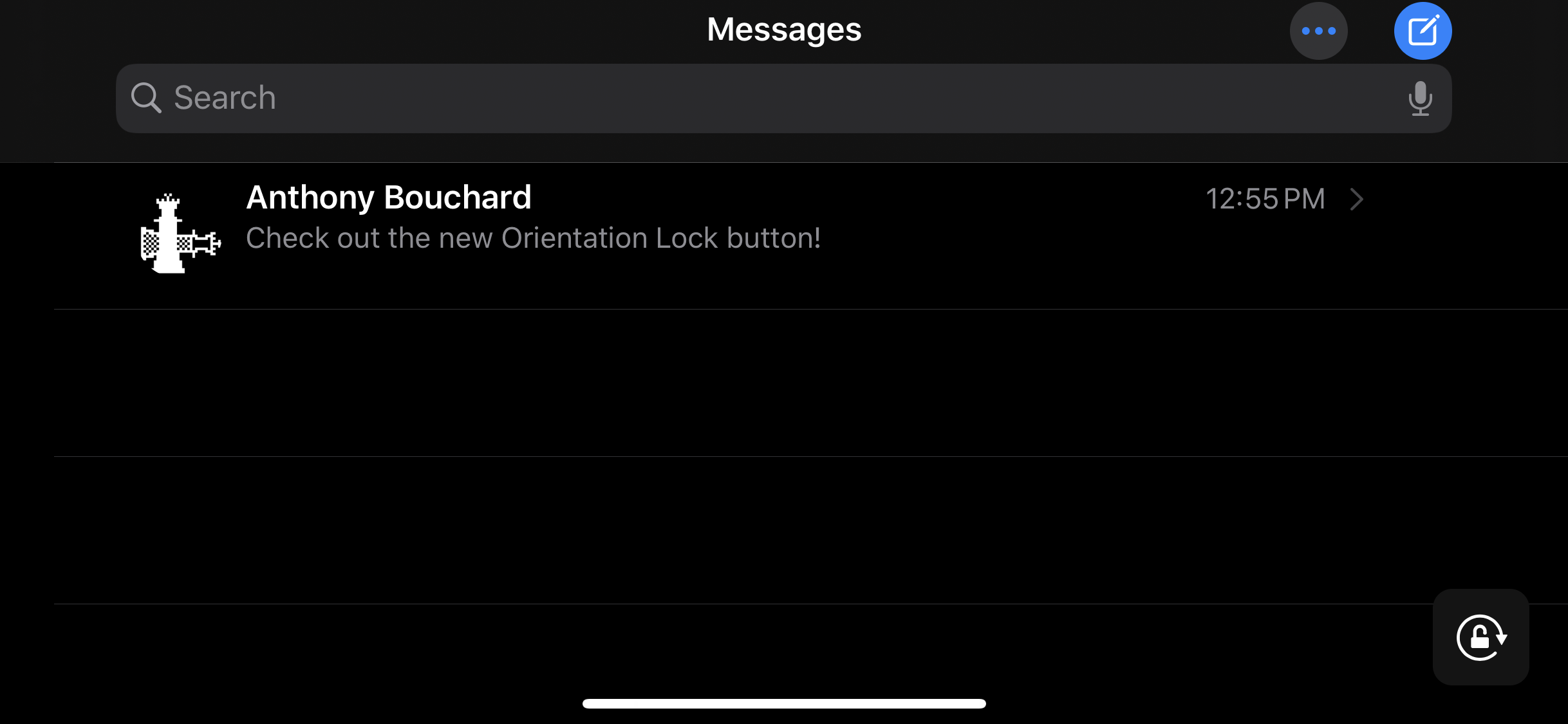
Make iOS’ Rotation Lock less cumbersome with Oriental

The ability to switch between landscape and portrait orientation on the iPhone can be godsend in certain situations, but in certain situations, it can be a real pain in the (redacted) — especially when in bed and your iPhone thinks laying on your side means that you want landscape orientation.

Apple combats this problem with iOS’ optional Rotation Lock feature, but this necessitates an additional step on the user’s part. For that reason, iOS developer Ubik has made a new and free jailbreak tweak called Oriental, which aims to make display rotation smarter for the iOS platform in general.

Blots brings a dot-based notification system to jailbroken iPhones

If you’re in search of a subtle way to augment iOS’ native notification system, then you might want to turn your attention to that of a newly released and free jailbreak tweak called Blots by iOS developer Antique.

As you accumulate missed notifications, Blots displays colored dots at the top of your display, just underneath the Status Bar. These dots are specifically colorized to match the dominant color of the app icon for which the notification represents.

Retro review: Temple Run

Nowadays, endless runners are a dime a dozen. But back in the day, when the App Store was just beginning, they weren't as popular. That was until Temple Run released in 2011. This game took the world by surprise with a repetitive, yet addictive gameplay.

Now, the game remains one of the most popular games on the App Store. Currently, it's number 11 in the list of action games. It's been downloaded billions of times, which led to a sequel that has been equally popular. But, is it worth playing the classic Temple Run? Or are you better off playing its sequel? Or should you move on to another one of the many endless games out there? Let's find out in today's Retro review.

Watermelon brings Apple Watch Complications to iOS

One of the reasons I love my Apple Watch so much is having the ability to glance at my wrist to see information from Complications. On the other hand, I spend most of my time using  my iPhone as opposed to my Apple Watch, and it’d be nice to have watchOS-like Complications present on my iOS devices.

If you’re thinking along the same lines I am, then you might be interested in a newly released jailbreak tweak called Watermelon by iOS developer LaughingQuoll.