Productivity

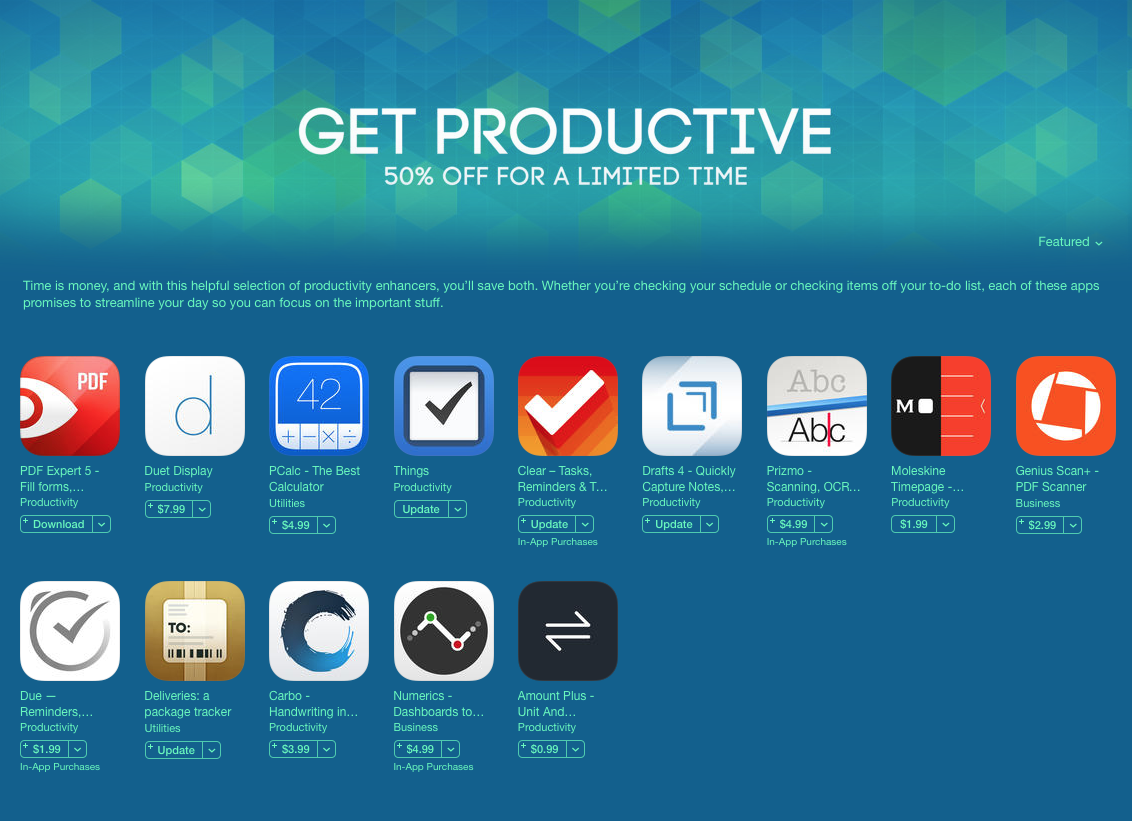
Duet Display, Things and other great productivity apps are 50% off right now

Folks in the market for a good productivity app will want to head over to the App Store as soon as possible. Apple kicked off a new "Get Productive" promotion on Thursday that takes 50% off some of the most popular titles in the category.

Among the apps included in the sale are Duet Display, which allows you to use an iPhone or iPad as an extra display, the highly respected PCalc calculator, Readdle's PDF Expert 5, and the celebrated task, reminder and to-do list app Clear.
Microsoft updates Office for iOS with 3D Touch features, Apple Pencil support and more

Microsoft today rolled out updates to its mobile Office suite in the App Store: Word, Excel, PowerPoint and OneNote. Across the board these apps have gained support for 3D Touch shortcuts on the iPhone 6s/Plus.

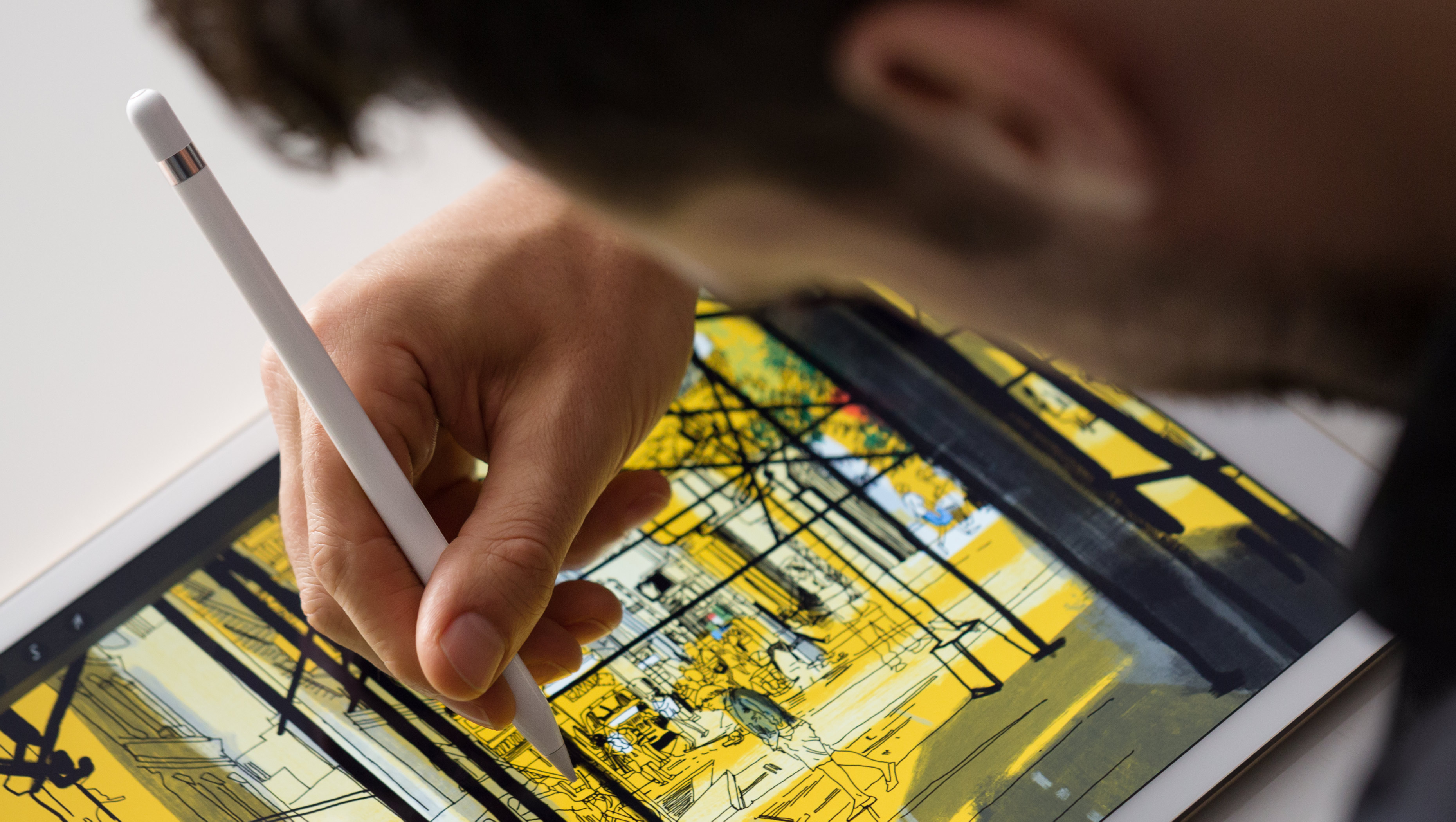
In addition, the new 'Annotate with Ink' feature puts a set of cool tools on the new Draw tab for drawing, writing and highlighting things using touch, pen or Apple Pencil on the iPad Pro.

Microsoft’s Word Flow keyboard is coming to iOS

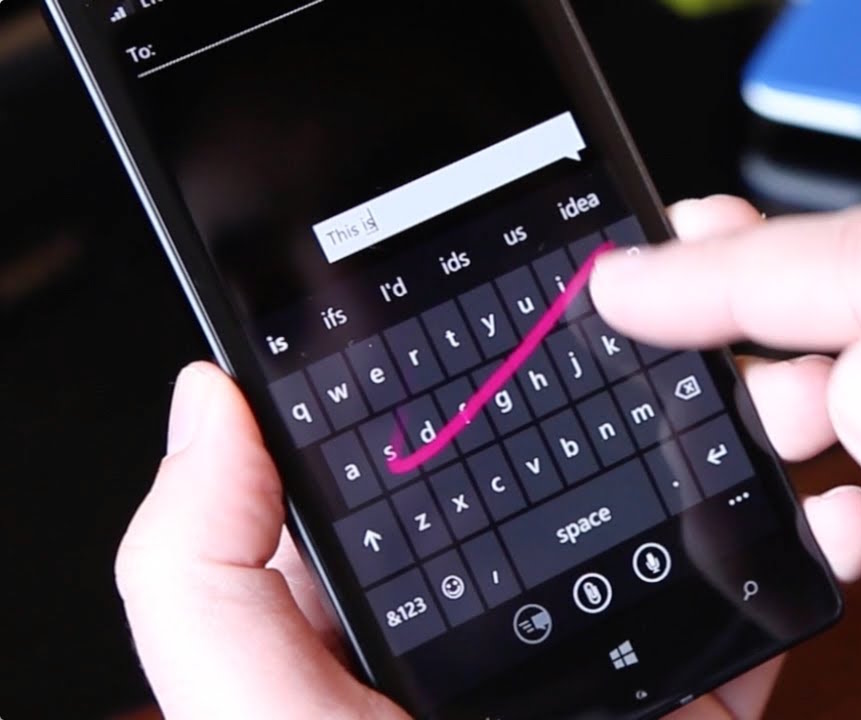
Windows giant Microsoft is porting its excellent predictive text keyboard for Windows Phone, dubbed Word Flow, over to the iPhone, iPod touch and iPad.

In an email to some Windows Insider testers, obtained by The Verge's Tom Warren, Microsoft invited iPhone users to participate in a trial of the Word Flow keyboard for iOS.

On Windows Phone, the Word Flow keyboard includes a number of advanced features such as autocorrect, suggestions, gestures, multi-language support, emoticons, the ability to swipe letters like in Swype's keyboard, and more.

Quadro puts shortcut actions for your computer on your iPhone

Sometimes, when you are working on a half dozen projects on your computer, the last thing you want to do perform a bunch of actions that take up precious minutes. Maybe you've forgotten what shortcut key works with which application, or can't recall where certain controls are in a program. All this eats up time.

Quadro is a workflow app that automates actions on your Mac or PC computer from your iPhone or iPad. All you have to do is tap on a button on your mobile device to trigger the action on your computer.

Outlook for iOS gains Skype integration, Mac app updated with Split View and full-screen support

Microsoft Outlook is an excellent email client, not just for mobile devices but on desktop platforms, too. And now, it's about to get a lot better. According to Microsoft, Outlook for Mac now now officially supports Full Screen view for OS X Yosemite and up and OS X's native full-screen view.

On the mobile front, Outlook for iOS has received a nice little update which brings Skype integration for calendar events so users can now make any meeting a Skype call that can be launched from the calendar event in Outlook.

Everlist review: as close as you can get to making a list with pen and paper

List, lists, lists. I've got lists coming out of my ears, at least metaphorically, since my lists are all on digital formats. My point is that I make a lot of lists. I don't think I could get anything done if I didn't have them. I'm always looking for ways to make my lists easier to understand and faster to access.

Everlist is about as close as you can get to making a list with pen and paper. However, it looks much better than a crumpled old note pad and does things that paper just can't do. We've got an app review of Everlist for your reading pleasure right now.

Spark for iPhone gains custom swipes in notifications, pinch-zooming and more

Readdle's Spark for iPhone is an awesome email client and I can't wait to use it on my iPad (coming soon) and the Mac (it's in the works). Today's update makes it even better.

In Spark 1.5 for iPhone and iPod touch, you can now customize which swipes are available in notification actions for new messages. You can also designate an email signature to be your default on a per-account basis, zoom in on HTML emails and more.

Apple Stores to offer iPhone photography and iPad illustration workshops next year

As part of a major retail streamlining under the watchful eye of Apple's head of online and brick-and-mortar stores, Angela Ahrendts, the company will be hosting a number of workshops next year at its stores that will take its existing and basic photography workshops to the next level.

The new workshops were designed to teach customers about the tips and tricks concerning iPhone photography, as well as drawing, painting and sketching on an iPad, with the promise of giving customers “at all skill levels” a chance to learn about more advanced image-capturing techniques, CNET said today.

5 famous productivity apps from Readdle go half price in Christmas sale

Ukrainian developer Readdle doesn't do sales for its productivity apps often so we thought you should definitely know about their latest promotion.

In celebration of the upcoming Christmas holiday, five of their most popular productivity apps for the iPhone, iPod touch and iPad are currently half price, or even less, for the next 48 hours.

The sale includes apps like Scanner Pro, PDF Expert 5, Calendars 5, Printer Pro and PDF Converter. The promotion starts today, Tuesday, December 22 and ends on  Friday, December 25.

Readdle’s Scanner Pro receives iPad Pro support and other enhancements in new update

Scanner Pro, a $0.99 document scanner for the iPhone and iPad by Ukrainian developer Readdle, was updated this morning in the App Store with several productivity-enhancing improvements and support for the iPad Pro.

You can now move and merge your scans, copy and paste pages within a document or between multiple documents, upload scanned documents to Box and much more.

A brand new Wunderlist for iPhone and iPad is here

Just in time for the holidays, Wunderlist, a to-do, lists and tasks application that was acquired by Microsoft this summer, released a brand new experience for the iPhone, iPod touch and iPad today.

The new Wunderlist 3.4 for iOS packs in full support for 3D Touch Home screen shortcuts and Peek and Pop gestures within the app. In addition, the app is simpler, more lightweight and intuitive than before and comes with iOS 9 productivity-boosting features.

Readdle’s PDF Expert 5 for Mac picks up new features for easier document manipulation

Ukrainian developer Readdle launched the Mac edition of PDF Expert, its popular PDF viewer app for iOS, in mid-November. Today marks the first major feature-focused refresh of the app in the Mac App Store.

The app now lets you mail a flattened copy of your PDF and rotate a page without entering the Pages mode. It will remember on what page you've left your document so that the next time you open the same file you can continue right where you left off.