Productivity

This Mac app tracks how often you slack off

A lot of us use our Macs not only for our daily lives, but also for our work. The problem is, with all of the internet at our fingertips, it can be hard to stay focused when the allure of social networking, like Facebook and Twitter, as well as other things you can do to slack off, are no more than just a click away.

That's the idea behind the creation of an awesome free app for your Mac called Escape by FocusList, which tracks how much you slack off each day and provides you with a daily report for your viewing pleasure.

In this piece, we'll give you a look at the software and how it works; you might even find interest in trying it out for yourself!
Draw your own typeface in minutes and use it in your favorite iOS apps with iFontMaker for iPad

Your iPad is a great consumption device, but you can also create all kinds of content on it. With iFontMaker for iPad, for example, anyone can create their own hand font in minutes and start using it on their iOS devices, Mac or Windows PCs, in creative apps like Adobe CreativeSuite, Microsoft Office or in any other app that renders fonts in the TTF file format. And to think that not that long time ago creating homemade fonts used to require a full-on desktop computer or laptop and apps that cost hundreds of bucks...

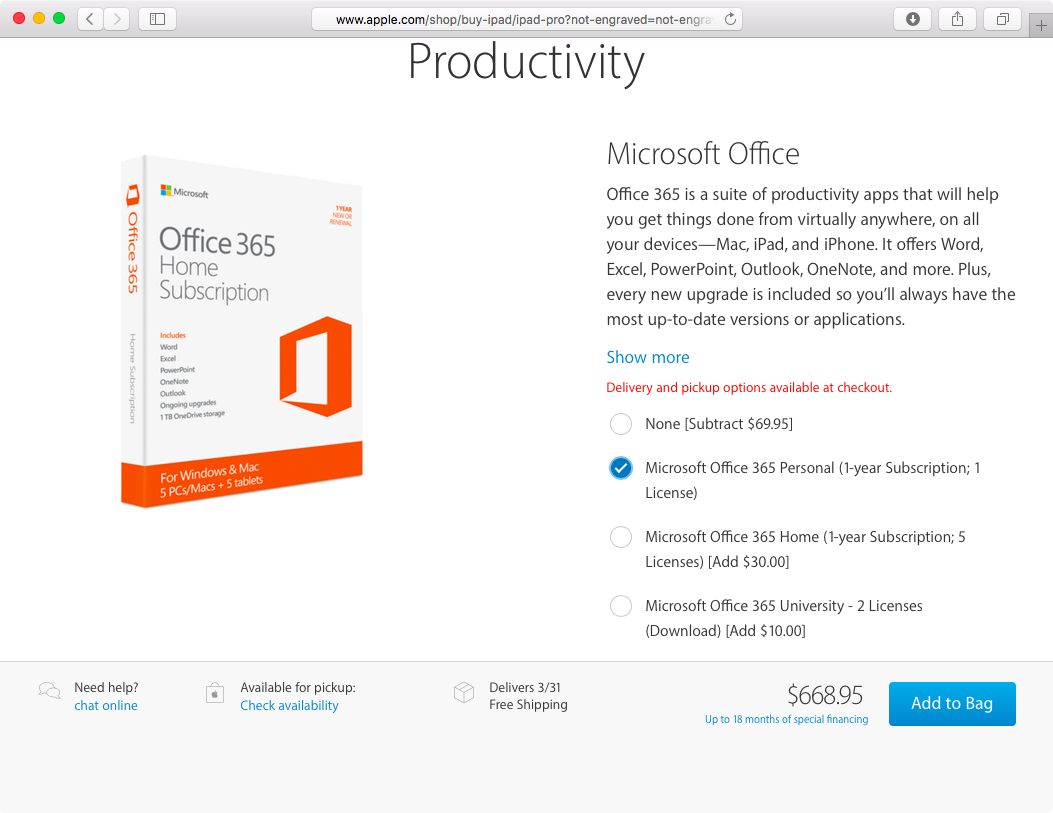
Apple’s recommended iPad Pro accessory: Microsoft Office 365 subscription

Apple this morning started accepting pre-orders for the new iPhone SE and 9.7-inch iPad Pro in thirteen territories total. Surprisingly enough, the Apple Online Store offers iPad Pro shoppers Microsoft Office 365 subscriptions as a recommended iPad accessory.

As first noted by The Verge, Microsoft Office 365 also appears as a recommended option when purchasing other iPad models, including the 12.9-inch iPad Pro, iPad Air 2, iPad mini 2 and iPad mini 4.

Scanner Pro 7 is here: OCR, workflows, distortion correction, revamped interface & more

Ukrainian developer Readdle today released Scanner Pro 7.0 for iPhone, iPod touch and iPad, a major new version of its award-winning document, QR code and receipt scanner that has a revamped user interface and packs in a plethora of new features.

Among other enhancements, the new version packs in advanced optical character recognition (OCR) technology which automatically extracts text from sentences, paragraphs or whole scans, making Scanner Pro 7 more competitive with Scanbot.

How to turn off auto-correct on Mac for one or all apps

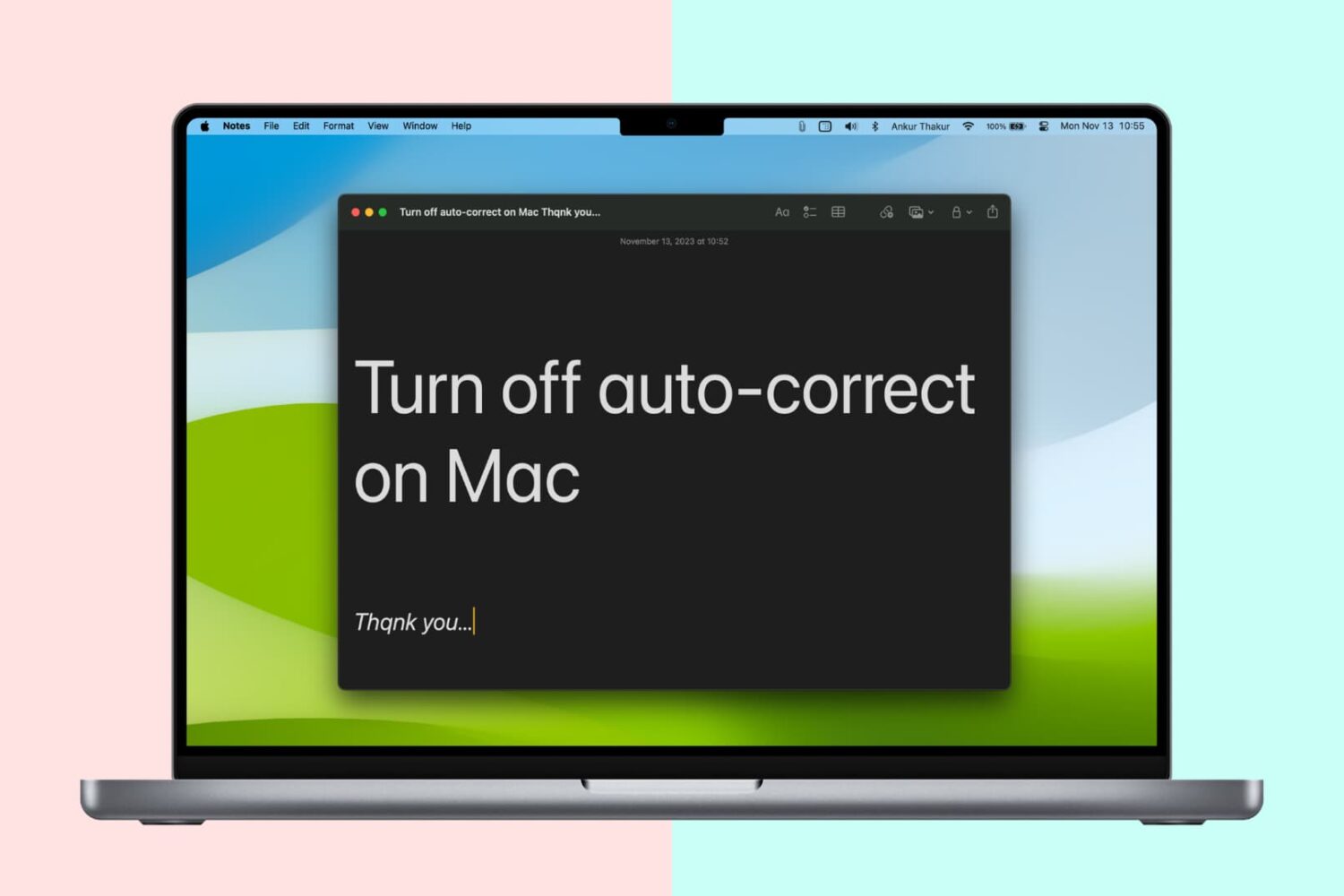
Turn off auto-correct on Mac

Like your iPhone or iPad, your Mac sports an auto-correction feature that automatically corrects any misspelled words in your chats, documents, emails, and other documents that work with the system-level auto-correction feature.

In many macOS apps, mistakes are automatically corrected as you type. Native speakers who know their way around the grammar and spelling rules may want to reverse this behavior, and we’ll show you how.

Readdle updates PDF Expert with Handoff support and other enhancements

Readdle, the Ukrainian developer of fine productivity software, has refreshed its PDF management and annotation app, PDF Expert for OS X and PDF Expert for iOS, with support for Apple's Handoff technology.

With Handoff, PDF Expert users can start editing a PDF document on their iPhone or iPad and then continue right where they left off on their Mac, and vice versa.

In addition, today's update includes half a dozen enhancements like the ability to select part of a document and crop or copy it.

Google Docs, Slides and Sheets gain native support for iPad Pro’s 12.9-inch screen

The Internet giant Google today refreshed its mobile productivity apps in the App Store—Google Docs, Google Sheets and Google Slides—adding support for the iPad Pro's 12.9-inch screen along with other minor improvements.

Although Google's word processor, spreadsheet and presentation apps now take full advantage of the iPad Pro's increased screen size and resolution, these apps are yet to support iOS 9's new iPad multitasking modes, like Split View and Slide Over.

Tip: use 3D Touch to export PDFs on your iPhone

iOS includes a Share sheet action for saving PDFs to iBooks. This is great for, say, turning a webpage or other document into a PDF form with one notable complaint—not everyone wants to read PDFs in the Books app.

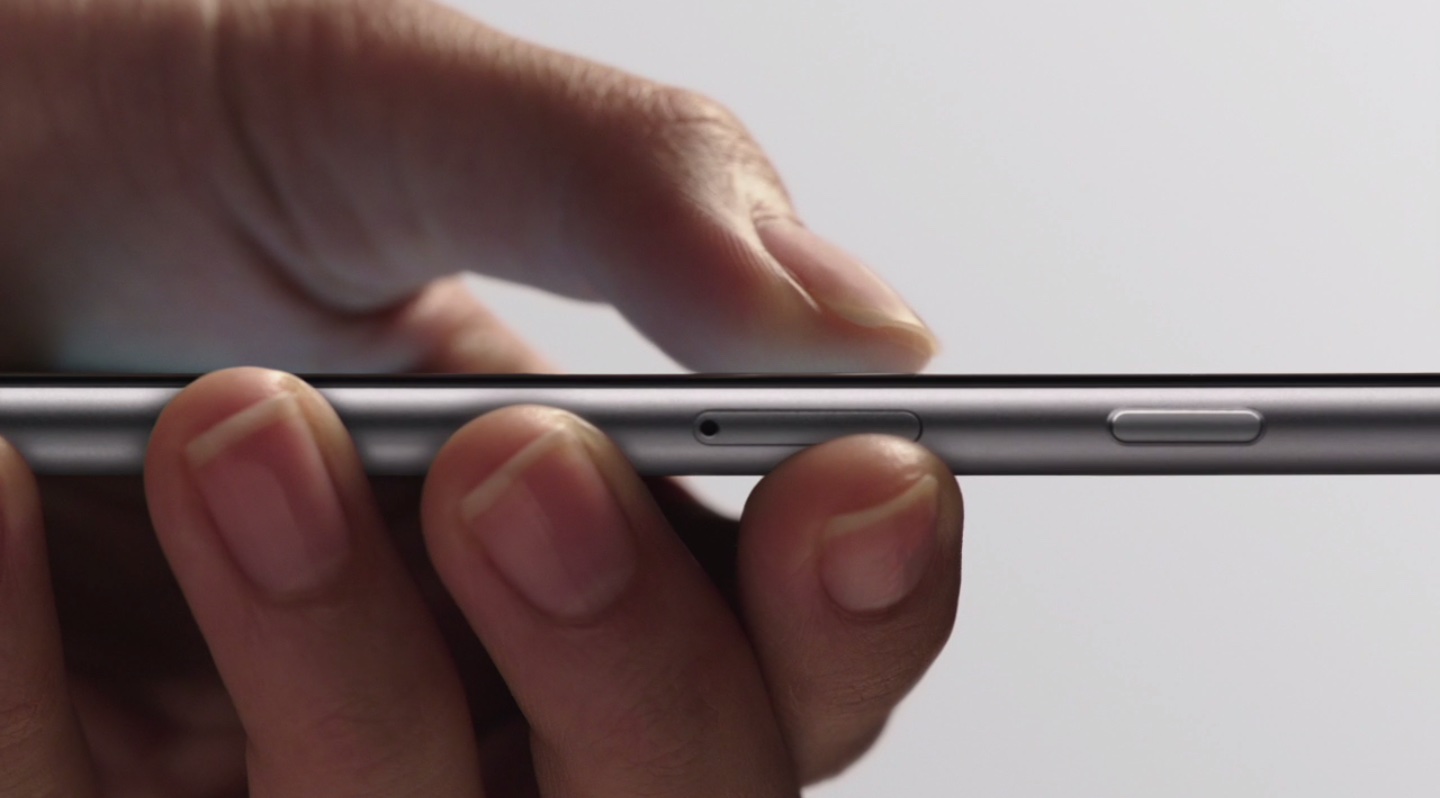
As it turns out, you can export a PDF to any app on your device with 3D Touch right from iOS's Print Preview screen. This is an extremely convenient feature, but it's unfortunate that it requires 3D Touch so owners of previous-generation and older iPhones cannot take advantage of it.

Reclaim your productivity from distractions with Focus for Mac

If you're like me, then you probably have a hard time focusing on what needs to be done and you often multitask with fun activities when you should be focusing on homework or work. For example, instead of writing those essays due for your next class or finishing work, you might be playing around on Facebook with your friends or watching YouTube videos.

If you're the unproductive or procrastinating type, then a useful OS X app called Focus could be just what you need to stop getting distracted by social media and other fun websites.

Focus will help ensure that you only stick to the task at hand when you need to work or complete homework, and in this piece, we'll show you how it works.

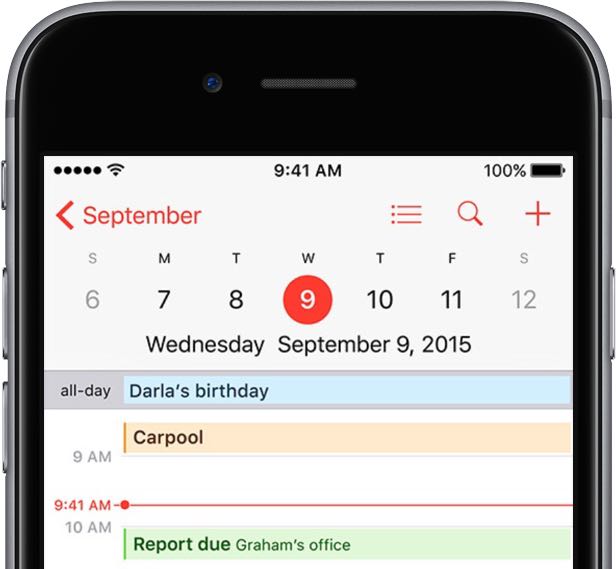
How to share iCloud calendars

Apple's Calendar application for the iPhone, iPod touch, iPad, Mac and iCloud.com makes it simple to share events and to-dos with select people, or let anyone with a link subscribe to a read-only calendar.

For example, you could share a “To Do” calendar with your significant other, create a calendar for your entire family so every member can put errands on it, invite your wife to a shared “Kids” calendar to keep parents in the loop about school activities and more.

Not only do shared calendars increase your productivity in the workplace, they help those who use them become more organized in everyday life. You can assign edit privileges to invitees, adjust how participants access the calendar and more.

Invitees have a myriad of options at their disposal to view shared calendars, including the iCloud Calendar web app, the stock Calendar app on the iPhone, iPad, iPod touch and Mac or Microsoft Outlook on a Windows computer.

In this tutorial, you will learn how to share a calendar privately or publicly on iPhone, iPad, Mac and iCloud.com. You will also learn how to manage calendar sharing by adding or removing participants, changing privileges, adjusting calendar notifications, and more.