Productivity

Facebook releases a version of Messenger that’s meant for the office

Facebook today launched a dedicated version of its mobile messaging software, Facebook Messenger, that's meant to be used at work.

As reported on by TechCrunch, the applications is called Work Chat and available now for Android smartphones over at Google's Play Store, while a version for iPhones is being worked on and scheduled to release soon.

The app is basically an expansion of Facebook at Work, the company's business platform which has been in private testing for months now.

Spark for iPhone adds Exchange support, iPad and Mac version in the works

Readdle's incredibly efficient (and free) email client, Spark for iPhone, has just gotten a whole lot more useful with full support for Microsoft Exchange accounts in the latest update in the App Store.

This was the main feature request from thousands of people who wanted to use Spark with Exchange in the workplace, developers tell me.

Even more exciting than that, the team has confirmed that they're hard at work putting finishing touches on Spark for iPad, which should be released “soon”. In addition, a spokesperson for the company tells me via email that their next step will be “creating the best email client for Mac.”

New Microsoft app, Forum for iPhone, lets employees speak their mind freely

Microsoft continues releasing mobile apps for the iPhone first before they eventually trickle down to the “other” operating systems. The latest example: Forum, a new iPhone application born out of Microsoft's Garage division responsible for skunkworks projects.

It was conceived to help employees within an organization speak their mind and state their opinion on any topic.

Fellow workers can then vote on your favorite posts (and optionally flag them) and find out what everyone else is really thinking about any given topic. Forum is a free download and available primarily to businesses.

Readdle launches PDF Expert for Mac

Ukrainian developer Readdle has released a Mac edition of its popular PDF management app for the iPhone, iPod touch and iPad, PDF Expert.

Available for $19.99 in the Mac App Store, this powerful app will empower your PDF workflow on the Mac and increase your productivity.

It includes such features as smooth scrolling and fast search, robust editing and annotation tools and more.

File exchange with other apps is much simplified through the Mac's multi-purpose Share sheet and the app supports Continuity and Handoff to allow seamless switching between PDF Expert on your iPhone, iPod touch, iPad and Mac, and much more.

Microsoft refreshes Office apps for iPad Pro, with an important caveat

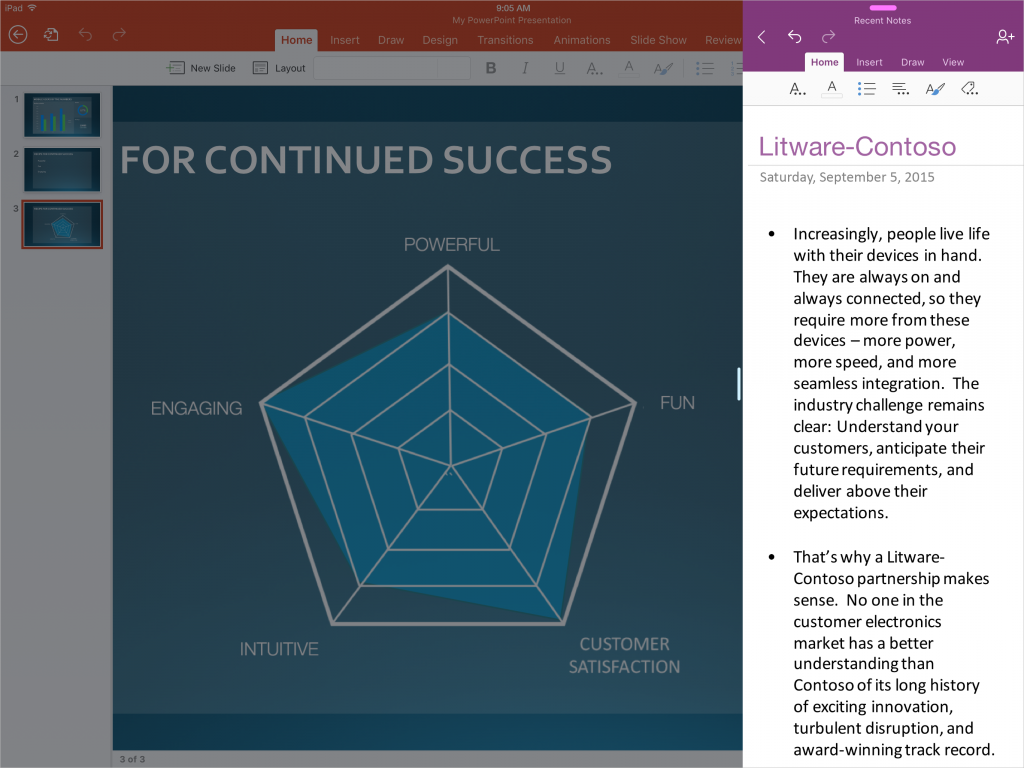
Windows giant Microsoft today released compatibility updates for its mobile Office app in the App Store—Word, Excel, PowerPoint, Outlook, OneNote and OneDrive—aimed at lucky iPad Pro owners.

Featuring full support for iOS 9's new Slide Over and Split View multitasking modes, these apps now take full advantage of the iPad Pro's massive 2,732-by-2,048 pixel resolution 12.9-canvas that in landscape mode basically runs two full-sized apps concurrently.

Microsoft folds Sunrise functionality into much-improved Outlook for iOS app

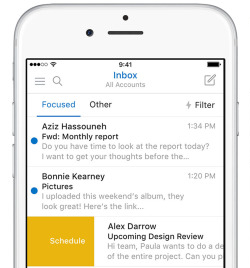
Developers of Microsoft-owned calendar app, called Sunrise, announced in a blog post that the app won't be receiving updates going forward as the team has worked hard on integrating Sunrise functionality into the Windows maker's much-improved mobile Outlook client for iPhone and iPad.

Sunrise Calendar was last updated in the App Store more than four months ago, adding integration with Office 365 events. Just yesterday, Outlook for iOS received a fresh new look alongside a brand native Apple Watch app built on watchOS 2.

At the same time, Microsoft announced that the mobile Outlook app has gone from a couple hundred downloads to more than thirty million installs on smartphones and tablets.

Scanbot picks up Magic color filter, improved edge detection and more in latest update

Scanbot, a comprehensive mobile scanner app for documents and QR codes, has been refreshed in the App Store today with several new features and refinements, including more accurate edge detection and a new color filter for text documents which produces scans that often look better than the original.

Scanbot is fully compliant with iOS 9, supports 3D Touch shortcuts on the Home screen and actions within the app and can recognize a wide variety of bar codes, including UPC-A, UPC-E, Code 39, Code 39 mod 43, Code 93, Code 128, EAN-8, EAN-13, ITF14, PDF417, Aztec and DataMatrix.

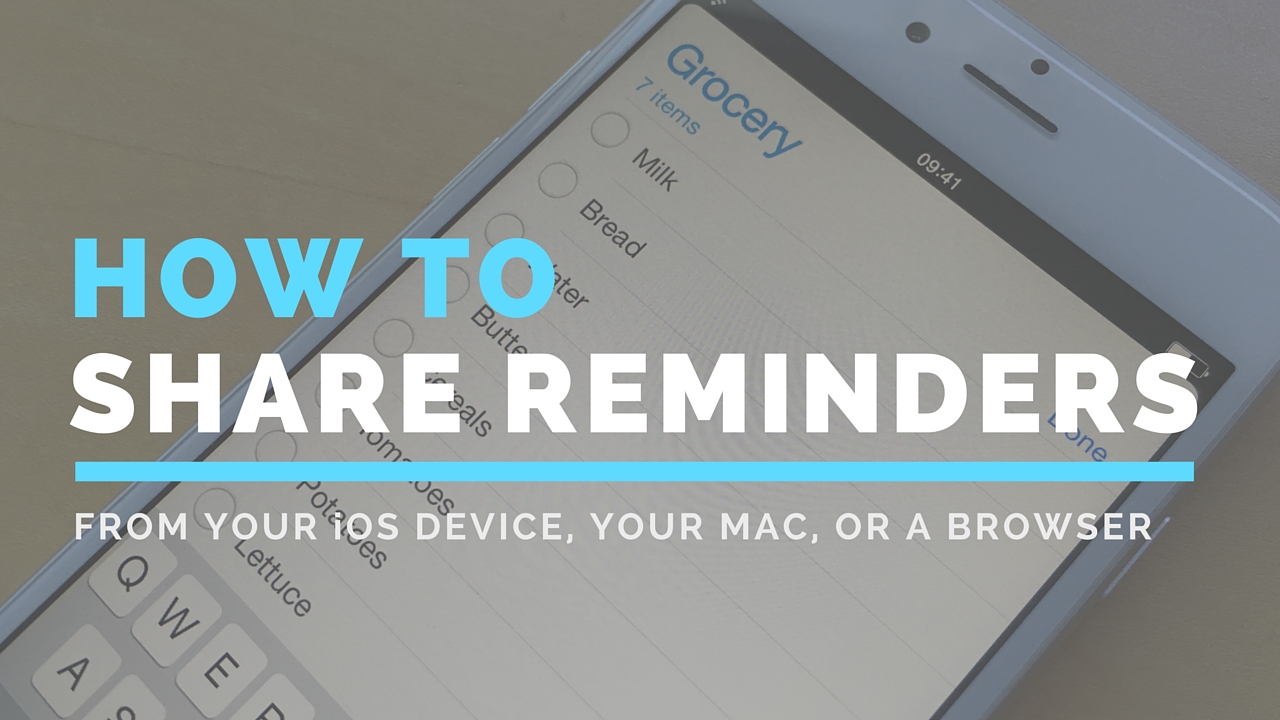
How to share Reminders lists

Although not apparently obvious, Apple's Reminders app on iPhone, iPod touch, iPad, Mac and iCloud.com lets you share to-dos and checklists with friends and family.

Sharing a reminder list with, say, your girlfriend (or wife) is particularly convenient as you’ll both be able to add, delete and check off items as completed, and all changes will instantly appearing on everyone's devices thanks to seamless iCloud syncing.

This isn't just great for grocery lists, shared to-dos and interactive lists among family members, but for business, too. For example, you could share a to-do list with team members to keep everyone apprised of what needs to be done on any particular day.

In this post, we're going to show how easy it is to create a list in Reminders and invite others to participate across iOS, macOS, and the web.

Word, Excel and PowerPoint for iOS gain comment editing, file renaming, fonts and much more

Microsoft on Monday issued a refresh to its mobile office programs on the App Store: Word, Excel and PowerPoint. These productivity applications now feature on-the-go comment editing, file renaming, quickly jumping to a page and much more.

Last month, the Windows giant has rolled out matching updates to Word, Excel and PowerPoint with full support for iOS 9's new Slide Over and Split View multitasking modes on the iPad Air 2 and iPad mini 4. In addition, the apps have gained useful shortcuts on iPads with wireless keyboards, Vietnamese localization and other perks.

OneDrive for iOS gains new command gestures and cool ways to work with PDF files

Microsoft today updated OneDrive for the iPhone and iPad, its cloud-storage client app, with several new features such as a simpler way to share things with an all-new radial contextual menu and cool new ways to work with and annotate PDF files.

For starters, you can now draw smiley faces or whatever your like on PDF files, sign documents and more. And thanks to OneDrive's newly gained Outlook integration, you can share OneDrive files as email attachments through Outlook, if it's installed.

OneDrive's Document Picker extension on devices with iOS 8 or later permits you to open your cloud files in third-party apps like Keynote and Pages. Oh, and you can now see folders shared with you, alongside your own OneDrive folders, and sync them on your computer.