Apple's launched a new iCloud Passwords app that lets Windows users view and manage any saved website passwords in Safari and use them in Chrome or Edge, right on their PC.
Apple launches a new iCloud Passwords app
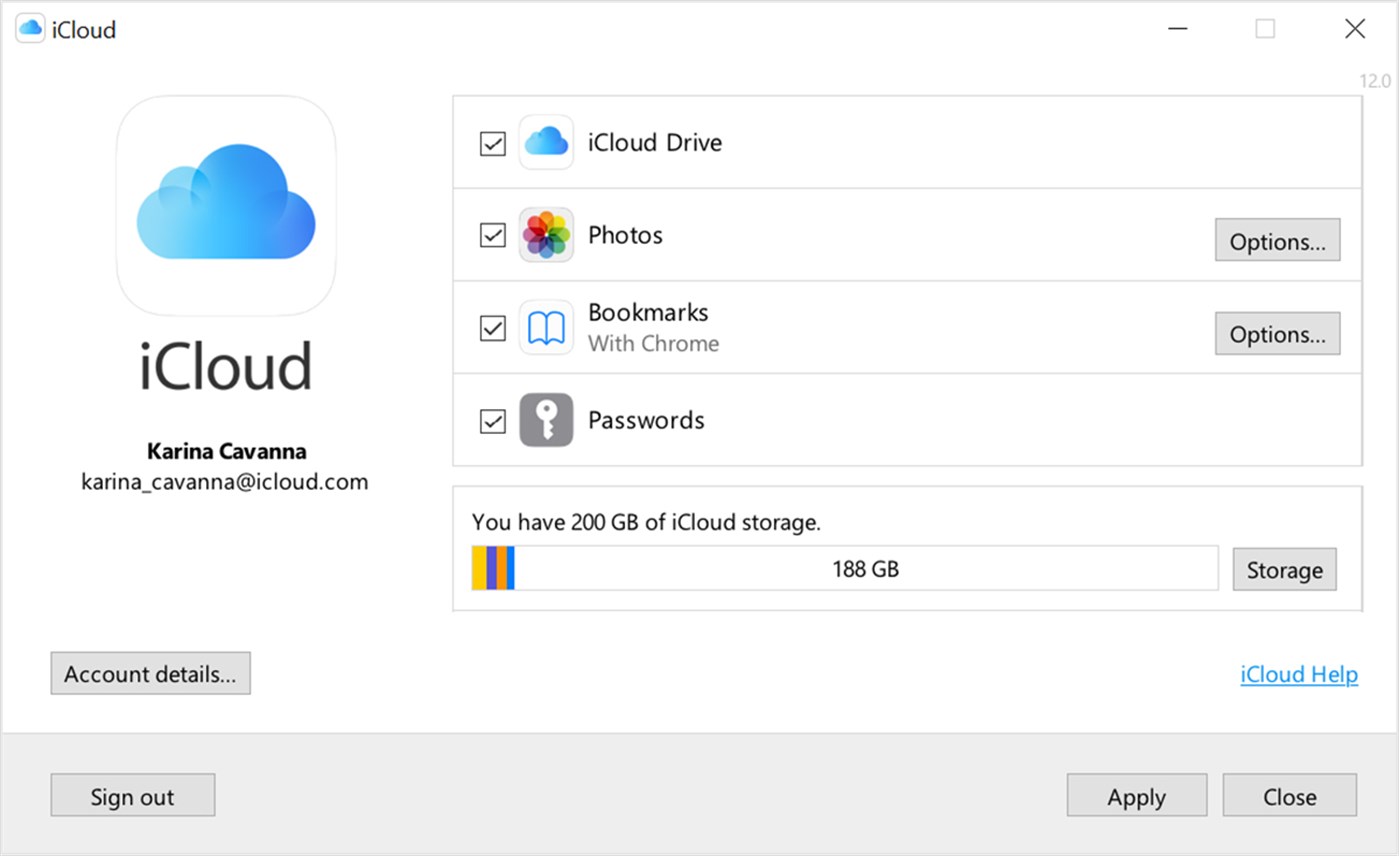
Apple's launched a new iCloud Passwords app that lets Windows users view and manage any saved website passwords in Safari and use them in Chrome or Edge, right on their PC.
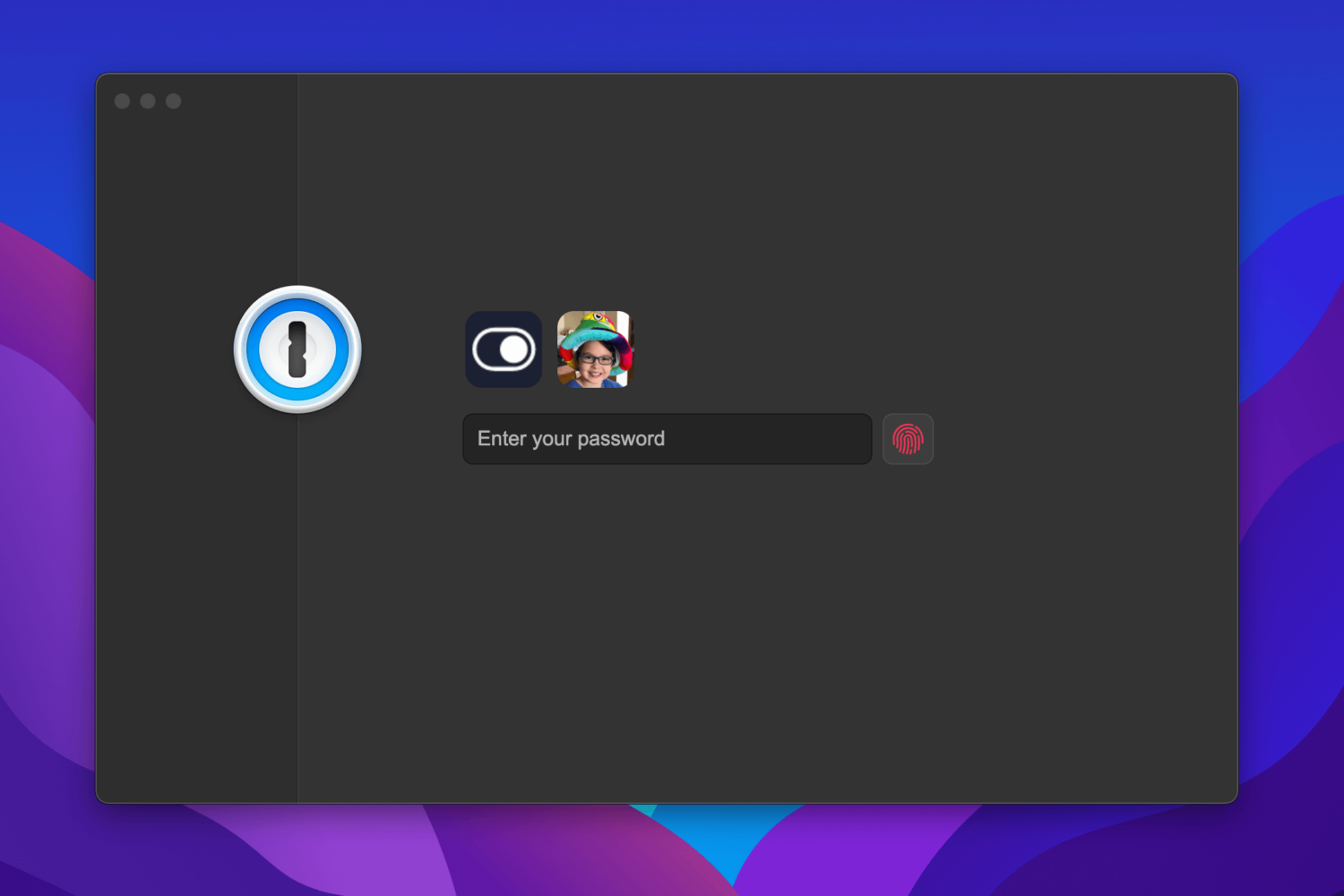
1Password 8, the next major iteration to the popular password manager, is now available for testing on macOS ahead of its public release on Mac and Windows later this year.
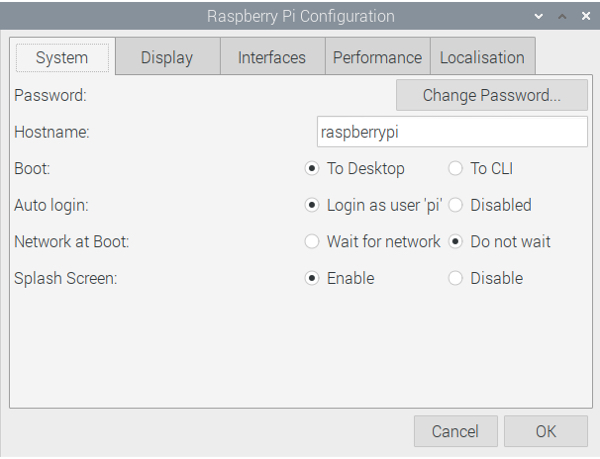
When you first set up your Raspberry Pi, you’re prompted to change the default password. But maybe you want to change it again down the road. As we all know, you’re supposed to do this regularly for security reasons.
So here, we’ll show you how to change your Raspberry Pi password. You can update your password using two methods, the Raspberry Pi Configuration interface or a Terminal command.

You may soon no longer be able to share your Netflix user name and password between separate households because Netflix may be cracking down on password sharing soon.
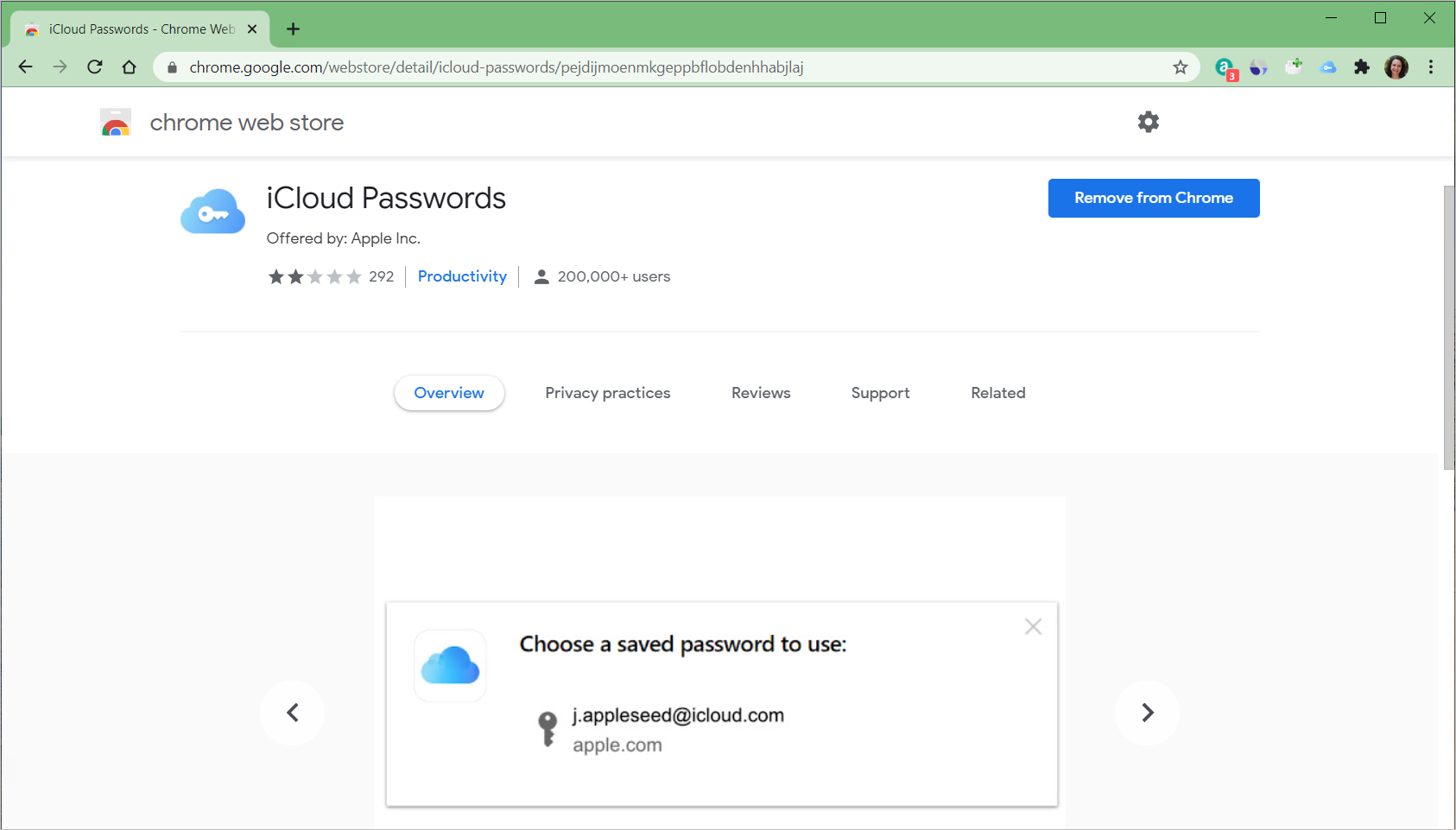
If you’ve been waiting for a way to use iCloud passwords on Windows, then you may have known a Chrome extension was on the way. While the Chrome add-on was released a while ago, you needed to have iCloud version 12.0 or later to use the feature.
So, if your iCloud is now up to date on Windows and you’re ready to use the Chrome extension, we’ll show you how to set it all up.

Learn how to require a password in the Keynote app on Mac, iPhone, and iPad to open a presentation or exit one.
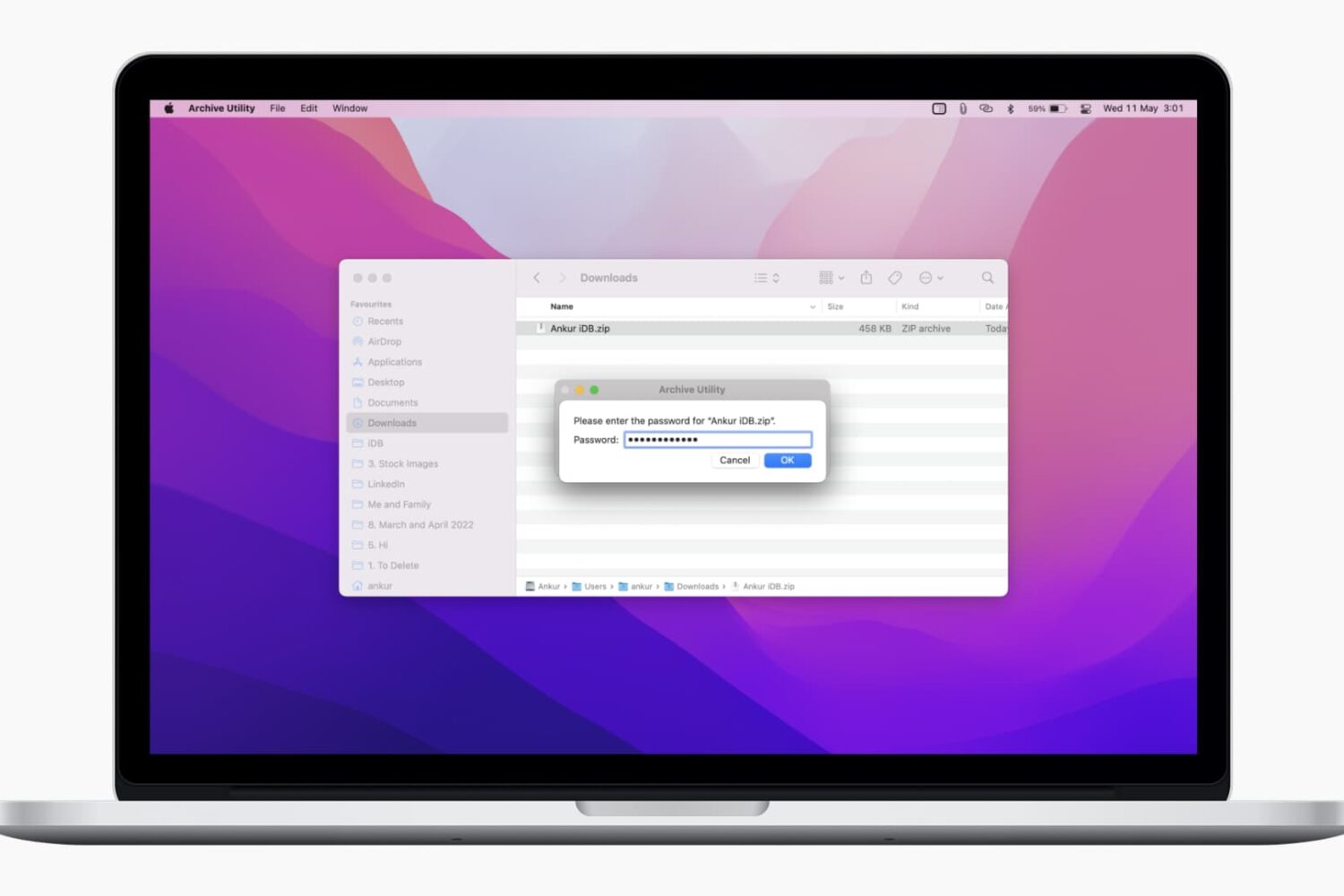
In this tutorial, we’ll show you two free and easy ways to secure your ZIP files on Mac with a password to prevent unauthorized use.
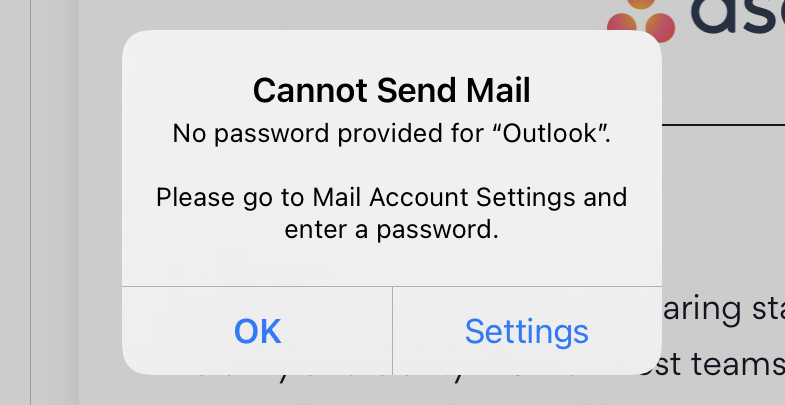
If you have a Hotmail or Outlook email account that’s set up in Mail on iPhone or iPad, then you may have been running into this issue since the releases of updates to iOS 14 and iPadOS 14. You repeatedly get a pop-up message asking you for your email account password. Guess what? You’re not alone.
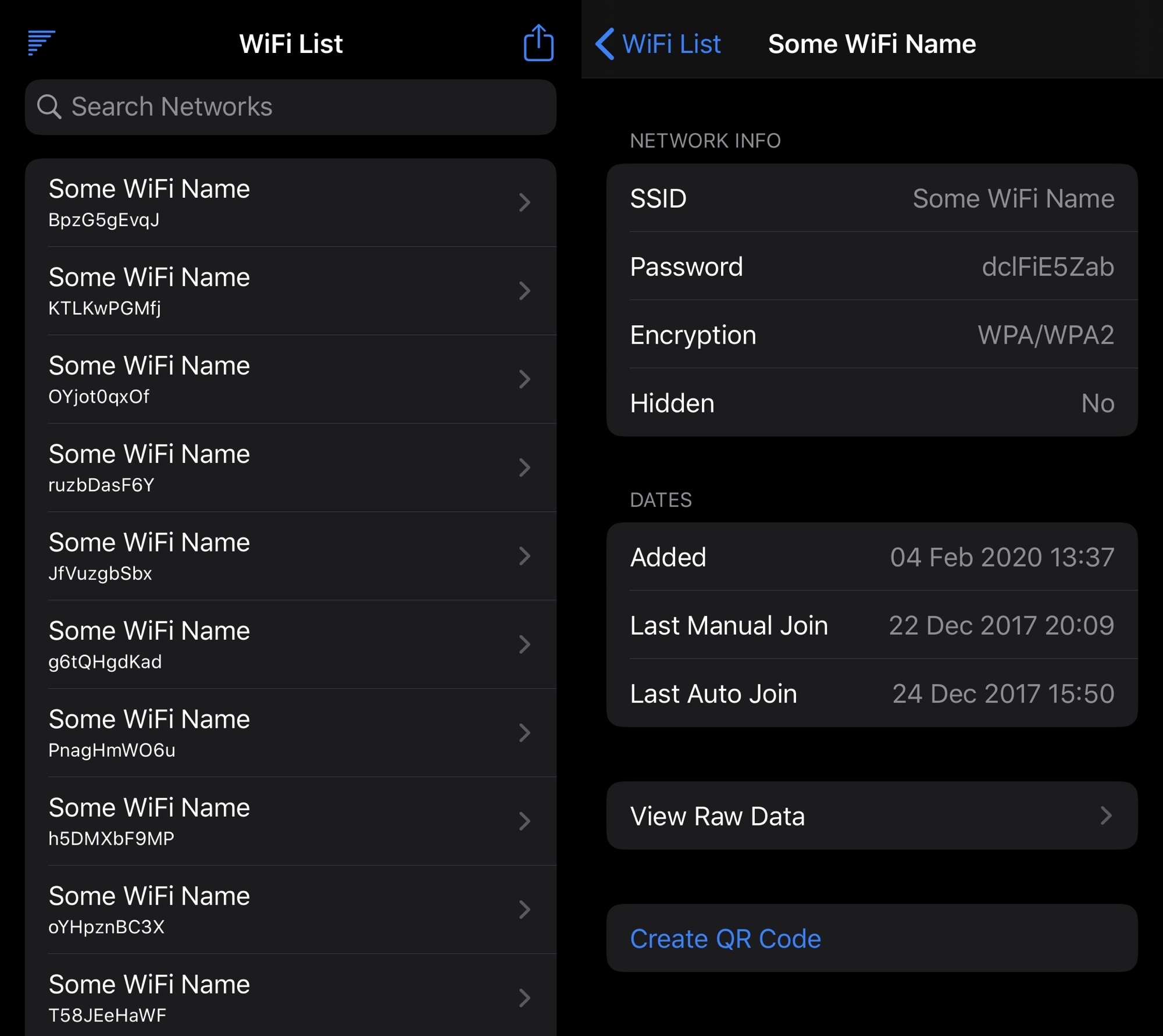
After you log into a Wi-Fi network on your iPhone, it will remember that network and connect to it automatically when in range. As you might come to expect, this means your handset keeps a database of previously used Wi-Fi networks. Unfortunately, Apple doesn’t allow users to access this information on their own devices out of the box.
If your iPhone is jailbroken, then you may be excited to learn that there’s a way around this frustrating quandary. A newly released and free jailbreak app dubbed WiFi List by iOS developer Itaybre consolidates all of your previously used Wi-Fi networks, their passwords, and more valuable information about them into one convenient place for future reference.
Learn how to open the built-in Keychain Access app on your Mac, manually add account passwords to it, and see them when needed.

Find out how to recover a forgotten password for a Pages, Numbers, or Keynote document and learn about tips to avoid losing it again.
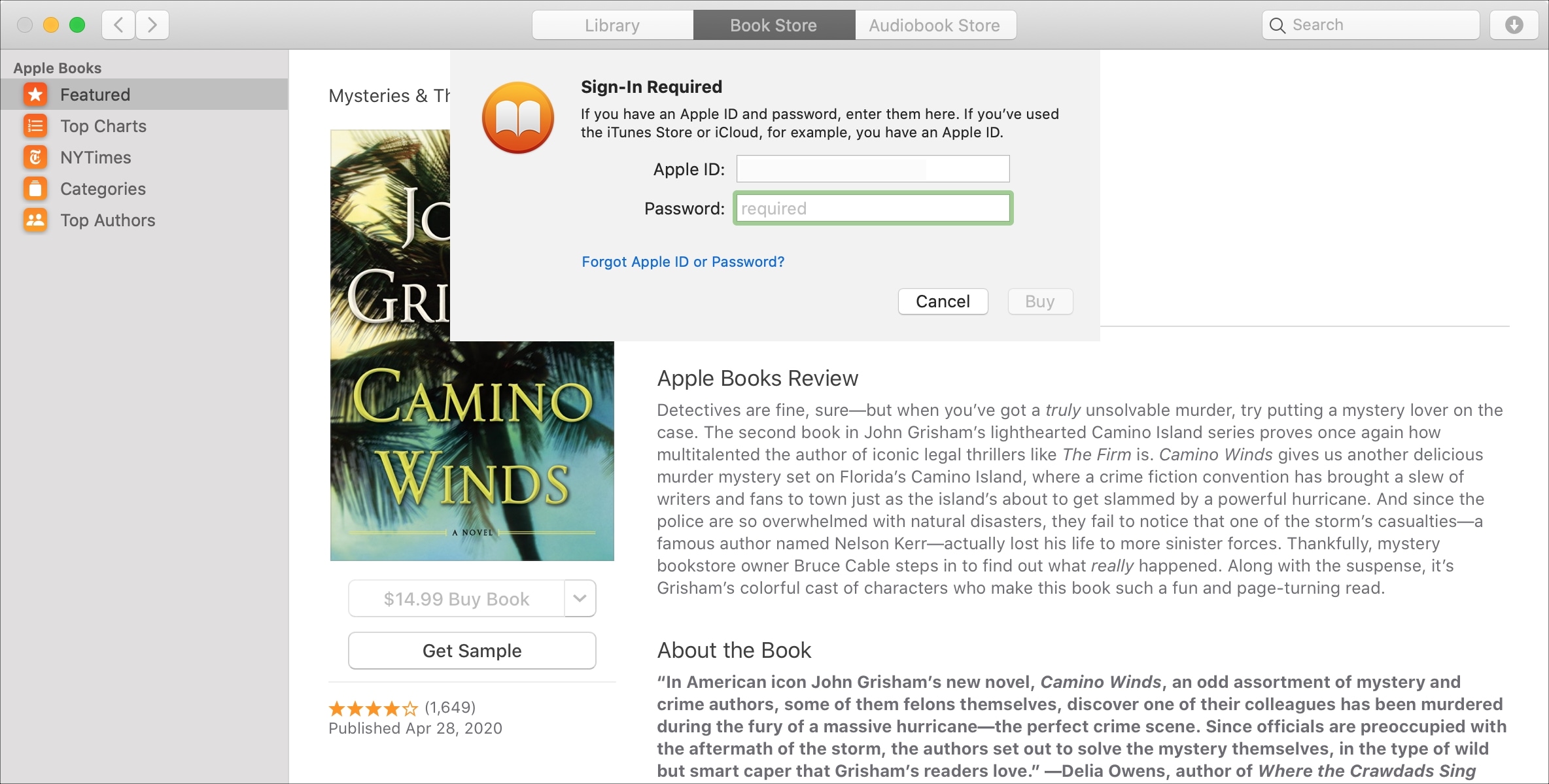
If you purchase books often in the Books app on your device, then it may get tiresome having to enter your password each time. This is especially true if you’re downloading several books in a short time that you’re saving to read later.
While entering your password for purchases is always the safest route, you can set your password to only be required after 15 minutes of the first purchase. That way, if you want to purchase a handful of books at one time, you don’t have to enter your password for each one.
In this tutorial, we’ll show you how to change your password settings for purchases in the Books app on Mac, iPhone, and iPad.