OS X

Apple Watch ‘San Francisco’ font reportedly making its way into iOS 9 and OS X 10.11

The San Francisco font used throughout the Apple Watch's operating system is expected to replace Helvetica Neue as the new default font in iOS 9 code-named “Monarch” and OS X 10.11 code-named “Gala,” according to sources with knowledge of the preparations who spoke to 9to5Mac.

In addition to achieving a consistent look across Mac, iPhone, iPod touch, iPad and Apple Watch devices, it should help alleviate much of the criticism leveled against Apple over its use of thin weights of Helvetica Neue in iOS 7, iOS 8 and OS X Yosemite.
How to fix a “referencing media on the camera” error in Final Cut Pro X

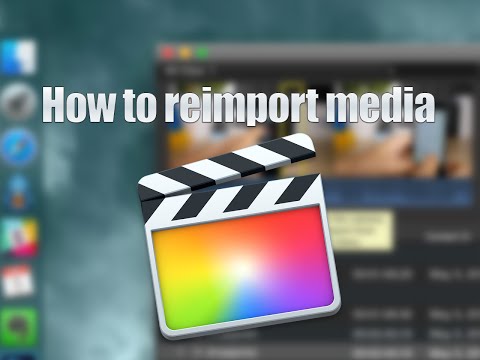
Every now and then, you may run into an issue with Final Cut Pro X where a file doesn't successfully import. Due to this, the media that you're working with in your project is still referencing the location where the file originally was (i.e. SD Card, Camera HDD, etc.).

When this happens, and you try to share/export a project, you'll receive an error message that says "This item cannot be shared while it is still referencing media on the camera."

To fix this problem, you'll need to reimport your footage from the original source using the File menu. It's fairly straightforward, but it's not exactly obvious as to what you should do when you first encounter this issue. Inside, we'll show you the error message and the quick fix in our brief video tutorial.

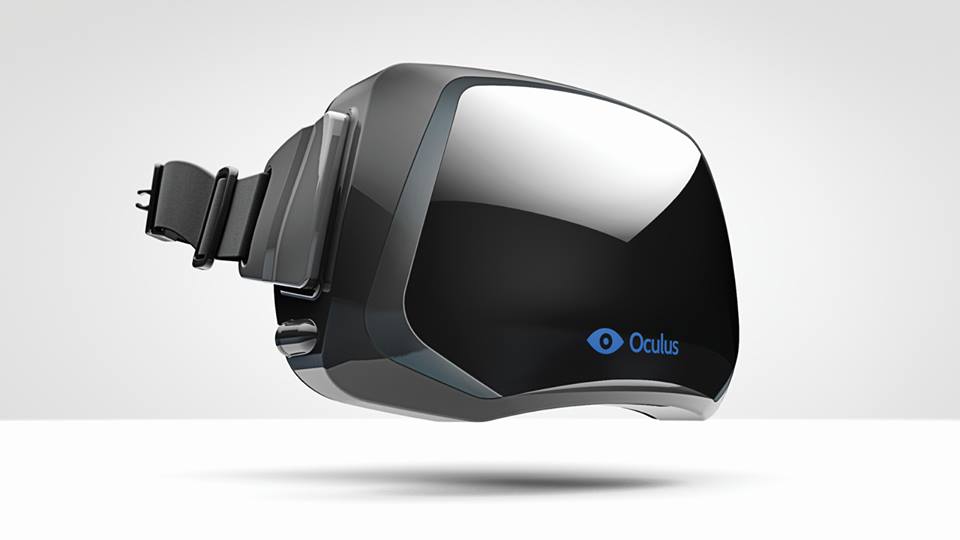
Oculus Rift’s Mac development ‘paused’ as team focuses on 2016 Windows launch

Both OS X and Linux development of the Oculus Rift virtual reality headset has been put on hold as the team focuses on a strong launch of the Windows version of the product, the company has confirmed in a blog post today.

While Oculus focuses its energies on a “high quality consumer-level VR experience at launch across hardware, software and content on Windows,” they want to “get back to development for OS X and Linux” but “don't have a timeline” yet, said Atman Binstock, Chief Architect at Oculus and technical director of the Rift.

How to filter iPhone and Apple Watch screenshots in the Photos app on Mac

As you might imagine, I take tons of screenshots on a weekly basis for work. Instead of connecting my iPhone to my Mac and importing screenshots manually, or instead of using AirDrop, I simply use Photo Stream to do the grunt work.

Photo Stream allows me to access any photo taken with my iPhone, including screenshots, directly from the Photos app on my Mac. Just a few seconds after taking a picture with my iPhone, the photo appears on my Mac. This is great for quickly grabbing iPhone screenshots, and it even allows you to easily access screenshots taken on the Apple Watch.

In this post, I'll show you how I set up a simple Smart Album to separate screenshots—Apple Watch screenshots included—from regular photos.

Apple releases Safari 8.0.6 with security fixes

Apple this afternoon released Safari updates for Yosemite (8.0.6), Mavericks (7.1.6), and Mountain Lion (6.2.6). The new versions include fixes for multiple memory corruption issues in WebKit, which Apple says could lead to arbitrary code execution or unexpected application termination when visiting a maliciously-crafted website.

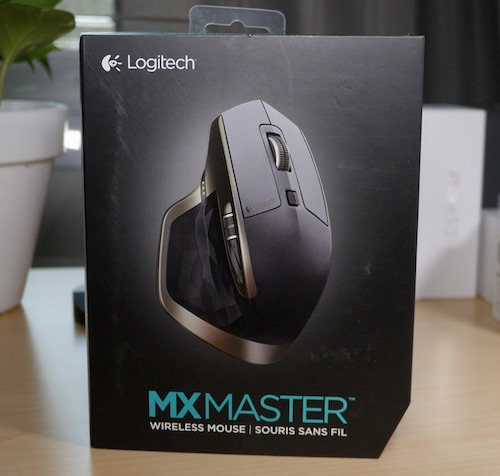
Review: Logitech MX Master – a good choice for OS X users?

The Logitech MX Master Wireless Mouse has been at the top of my must-try list ever since it came out. Debuting to glowing reviews, and statements of increased productivity, I had to try this mouse out to see if it would help my workflow on OS X. Does it live up to my high expectations? Check out our review for more details.

Twitter content and accounts coming soon to Spotlight search

According to Twitter CEO Dick Costolo, Twitter content such as tweets and accounts are coming to Apple's Spotlight search engine on Macs and iOS devices, allowing for an even tighter integration between the iPhone maker and the popular micro-blogging service, MacWorld reported Wednesday. Apple added Twitter to the iPhone, iPod touch and iPad as the inaugural third-party service integration in iOS 5 three years ago.

How to manage received AirDrop files with Hazel on Mac

Every waking day I send tons of screenshots from my iPhone to my Mac via AirDrop. And every day I wish that Apple allowed users to customize the AirDrop save location. Not only is the ~/Downloads folder the default save location, but it can't be modified, not even via undocumented methods.

As a workaround, I use Hazel ($29 w/ free trial) to automate the process of moving images sent via AirDrop to my Desktop. It's a great workaround that does the job. While it would be nice if Apple allowed you to specify an exact save location, this is probably the next best thing.

How to use the Pixelmator Repair Tool extension on Mac

One of the most under-the-radar new features to hit OS X Yosemite was the addition of extensions. Action extensions are particularly nice, because they allow apps to interface with other apps directly.

Some app developers, such as Pixelmator ($29.99 on the Mac App Store), have brought third-party extensions to the Mac, which demonstrates how beneficial extensions can be. Watch our video that showcases Pixelmator's Repair Tool extension to see what I mean.

Apple seeds OS X Yosemite 10.10.4 beta 1 to developers

Thursday, Apple seeded the first beta of the upcoming OS X Yosemite 10.10.4 software update to its Mac developers, as first reported by MacRumors. Registered Mac developers can grab the installer manually through Apple's portal for developers, or automatically, using the OS X Software Update Seed Configuration Utility.

We'll be reporting on any interesting new features, changes and enhancements in OS X Yosemite 10.10.4 beta 1 as we encounter them.