OS X

How to remove date and time from screenshot file names on Mac

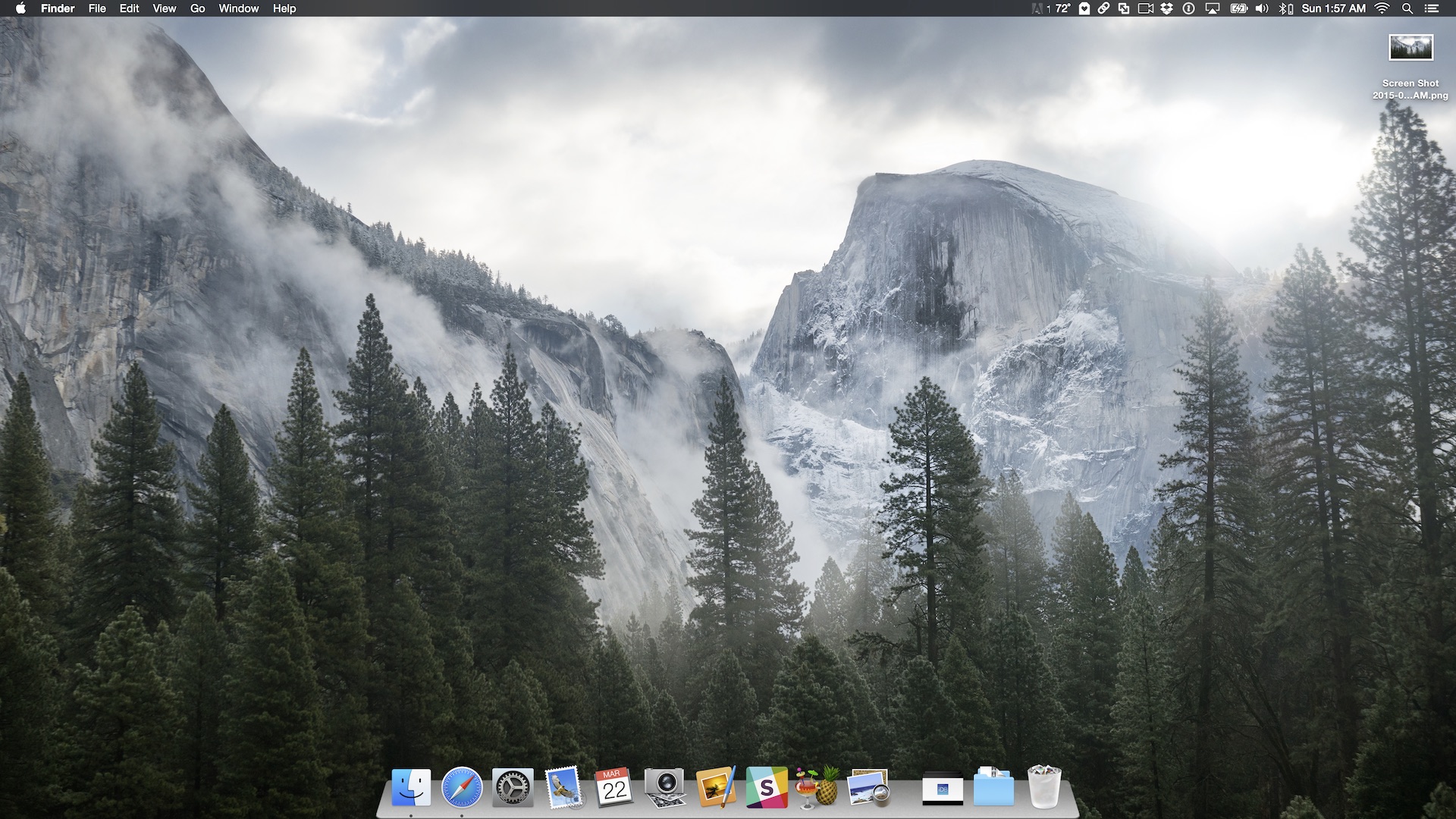
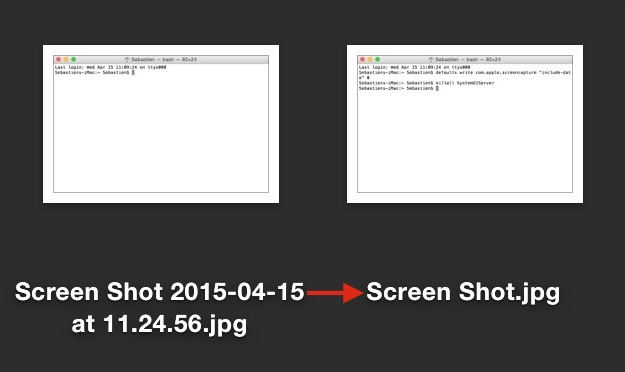
By default, every time you take a screenshot on macOS, the file generated will be named "Screen Shot date time" where "date" and "time" are replaced with the actual date and time the screenshot was taken. For most people, this is a useful feature as it allows to quickly sort screenshots depending on when they were taken. But for other people, it might be an annoyance.

In this post, we will show you how to remove the date and time from screenshots that were taken on Mac.
A look at five new Final Cut Pro X 10.2 features

As we told you earlier, Final Cut Pro X received a significant update today. It adds several new features—a redesigned splash screen, and updated app icon, and more. Along with Final Cut Pro X, both Motion and Compressor received updates as well.

As someone who uses FCP X on an almost daily basis, I wanted to talk about five new features that I really like about the new update. Watch our video inside, and see if you concur.

How to create a new library in the Photos app

Creating separate libraries. It's one of the best ways to go about organizing photos with the new Photos app in macOS. I find that using multiple libraries to separate things like work and personal life is a good strategy. Fortunately, it's extremely simple to create new libraries and to switch between those libraries on the fly.

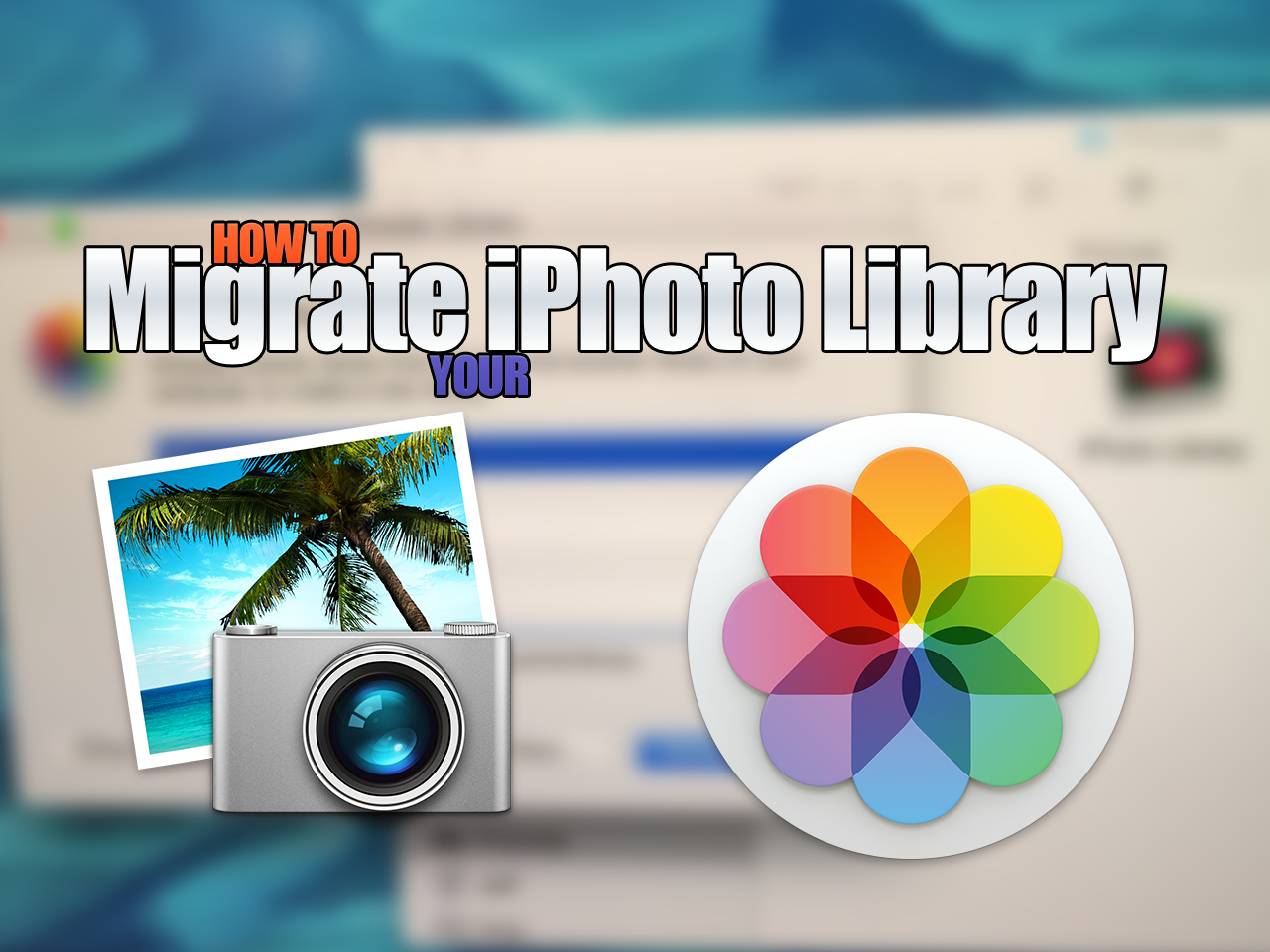
How to migrate your iPhoto Library to the new Photos app

Now that OS X Yosemite has been officially released, it's time to think about migrating your old iPhoto library to the new Photos app. Migrating over is extremely easy, as there are multiple ways to do so. In this post, we highlight one of the easiest and most straightforward ways to migrate an iPhoto Library over to a new Photos app install.

Business owners can now claim POIs as their own via Apple Maps on iOS 8.3 and OS X 10.10.3

One of the welcome changes in the iOS 8.3 and OS X Yosemite 10.10.3 software updates, which hit yesterday, includes the ability for business owners to claim any point of interest as their own using an updated Report a Problem tool in Apple Maps for the iPhone, iPad, iPod touch and Mac, as reported Thursday by AppleMapsMarketing.

The company began allowing local businesses to manage their listing in the service last October, but required them to use its Maps Connect web service.

At the same time, the iPhone maker appears to be removing some TripAdvisor hotel reviews which started showing up in its Maps service last week.

OS X 10.10.3 with Photos for Mac dropping today

Get your Macs ready for a major software refresh as Apple gears up to release the OS X Yosemite 10.10.3 software update with the long-awaited Photos for Mac app and other improvements.

Associated Press, which ran a review of Photos for Mac earlier this morning and first reported that the software update is due today, praised the software's professional-level and advanced fine-tuning tools such as granular color correction.

“Apple’s new Photos app for Mac computers, available Wednesday as a free software update, makes it easy to organize and edit your pictures,” the news organization wrote.

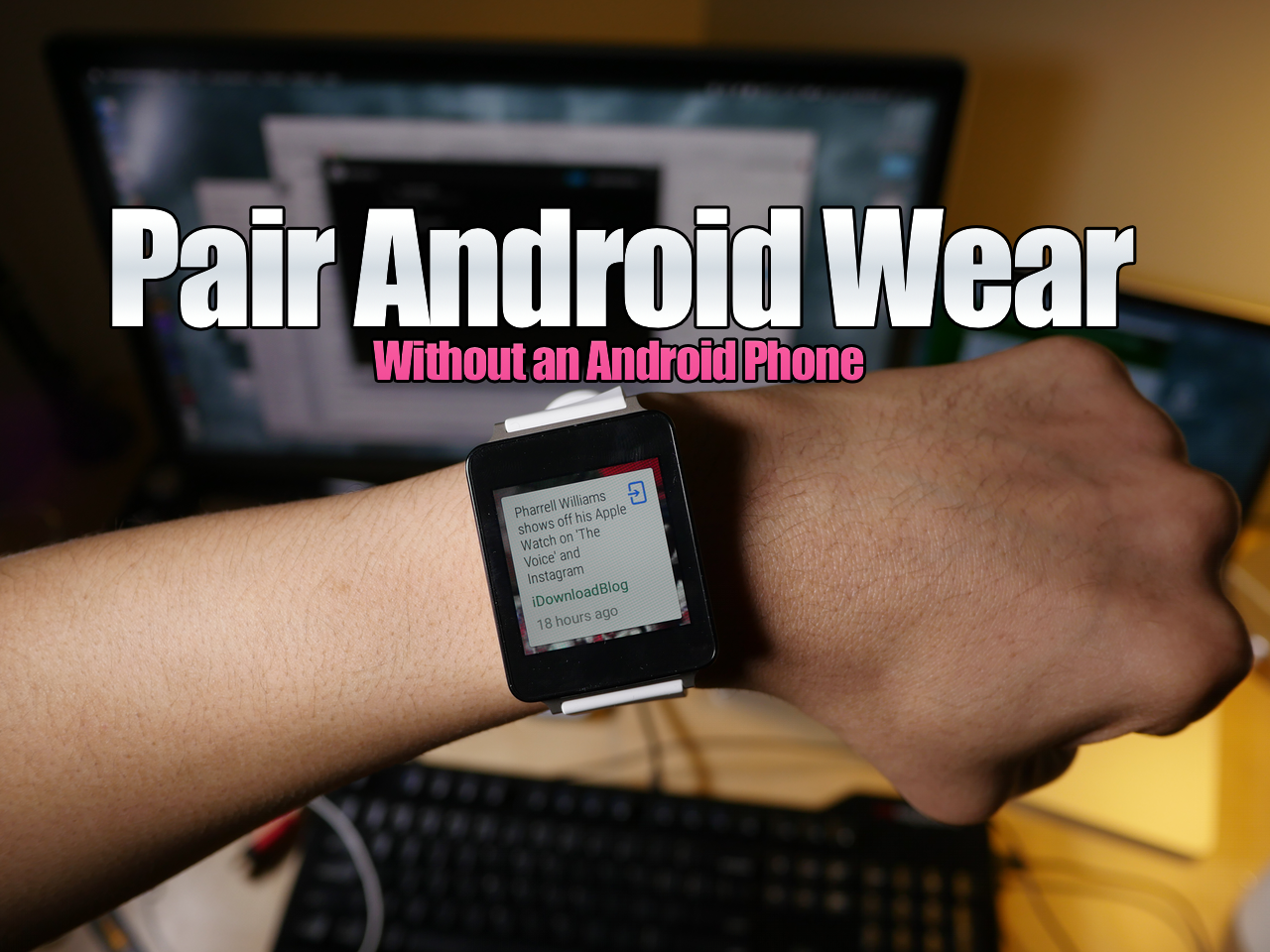
How to pair Android Wear without an Android Phone using a virtual machine on Mac

I know, it may sound fairly niche, but hear me out. Recently, there's been a lot of buzz about using Android Wear devices with the iPhone, and that's the reason why I started exploring this topic to begin with.

As it turns out, when you buy an Android Wear device, you need an Android device to "activate" the smartwatch (go figure). Since I don't currently own an Android phone, my LG G Watch was stuck at the pairing screen.

Yes, there are more "in-depth" ways to go about getting passed this screen, but not everyone is up to that task. With this in mind, I've created a video tutorial that shows you how to run an Android virtual machine on your Mac with Parallels, and how to then pair an Android Wear device with the virtual machine.

How to run Android apps like WhatsApp and Instagram on Mac

ARC, or App Runtime for Chrome, is a tool that allows you to run many Android apps right on a desktop machine. For the most part, the apps look and function like they do on an Android phone or tablet.

Why is this so cool? Well, it means that you can now have access to whole variety of new apps. Some apps, like WhatsApp, have no native desktop counterpart, so it's especially nice for apps like these.

While it isn't a perfect 1:1 solution, and some apps outright don't work, it's worth trying if there's an app that you want that isn't otherwise available on the desktop. In this post and video, we'll walk you through the steps of configuring Google's ARC Welder tool, and show you how to run multiple applications as well.

Apple seeds OS X 10.10.3 beta 6 to developers, public testers

Apple seeded another beta of OS X 10.10.3 on Monday for both members of the Mac Developer Center and public beta testers. The new build, available to download through the Mac App Store's Software Update mechanism, carries the build number 14D127 - compared to the previous build number of 14D113 that was released one week ago.

How to get a 3D dock on OS X Yosemite

Do you miss OS X's 3D dock? OS X Yosemite finally did away with the 3D dock that's been present since the release of OS X Leopard, but you can get it back by using a simple application called cDock.

cDock includes, among a host of other features, the ability to theme the dock with over a dozen built-in themes. There are night themes, fullscreen themes, pink themes, and, of course, 3D themes. If you've been reminiscing about the "good ol' days", then you can easily relive the past with this handy little application.