OS X

Dreaded Wi-Fi and networking issues are a thing of the past in iOS 9 and El Capitan

It's no secret Mac users are always more or less complaining about various Wi-Fi problems.

But if Apple's support forums and the Interwebs are an indication, the level of annoyance with the networking stack in Apple's desktop and mobile operating systems has seemingly skyrocketed following the release of iOS 8 and OS X Yosemite in the fall of last year.

Indeed, my MacBook Air running Yosemite drops Wi-Fi connection several times per day and takes about thirty seconds to re-connect to my home Wi-Fi after waking from sleep. Before Yosemite, I would be online literally as soon as I opened the lid.

Having installed El Capitan on my MacBook Air yesterday along with iOS 9 on my iPad Air, I'm happy to report that the vast majority of Wi-Fi problems plaguing users have become a thing of the past, here's why.
New El Capitan features Apple didn’t talk about during WWDC 2015 keynote

Monday's WWDC 2015 keynote talk was a jam-packed day of announcements that included iOS 9, OS X El Capitan, watchOS 2, Apple Music, the News app and updates to Apple Pay, so much so that Tim Cook had to immediately cut to the chase and skip his opening round of business updates (“Everything is going fine”, he joked).

There just wasn't enough time to talk about every little enhancement and nice-to-have so Apple execs focused on big ones that make for great headlines while relegating a bunch of platform updates, that mostly matter to developers anyway, to a single slide.

My colleague Cody already compiled an interesting list of nearly three-dozen features in iOS 9 that Apple didn't talk about during the keynote. If you've found his post compelling, you may be interested in my list of technological improvements in OS X El Capitan that Apple didn't show on stage.

WWDC 2015 keynote posted to iTunes as a downloadable high-definition video podcast

Following promotional footage for Apple Music that the Cupertino company posted to its YouTube channel along with the inspirational 'App Effect' video, the entire keynote presentation has now been uploaded to iTunes and made available to everyone in the form of a video podcast.

In case you haven't had a chance to sit through the whole keynote talk yesterday, you can now download the video to your Mac, iPhone, iPod touch or iPad and watch it on your own time.

OS X El Capitan enables custom filters and editing tools in Photos for Mac

Last fall, iOS 8 brought us App Extensions.

App Extensions have given developers the means to extend Apple's mobile operating system by infusing their app's functionality into the Notification Center's Today view, Share sheet options and actions, keyboards, cloud storage services and Photos.

App Extensions have been universally acclaimed and a lot ink has been spilled in writing about custom keyboards in iOS 8. As an iPhone photography fan, I was way more excited about App Extensions within the context of  Photos for iOS.

There was just one problem: OS X Yosemite doesn't support App Extensions in Photos for Mac. Thankfully, newly announced OS X 10.11 El Capitan saw to that, meaning now developers of photo-editing apps can provide their own filters and editing tools in Photos for Mac.

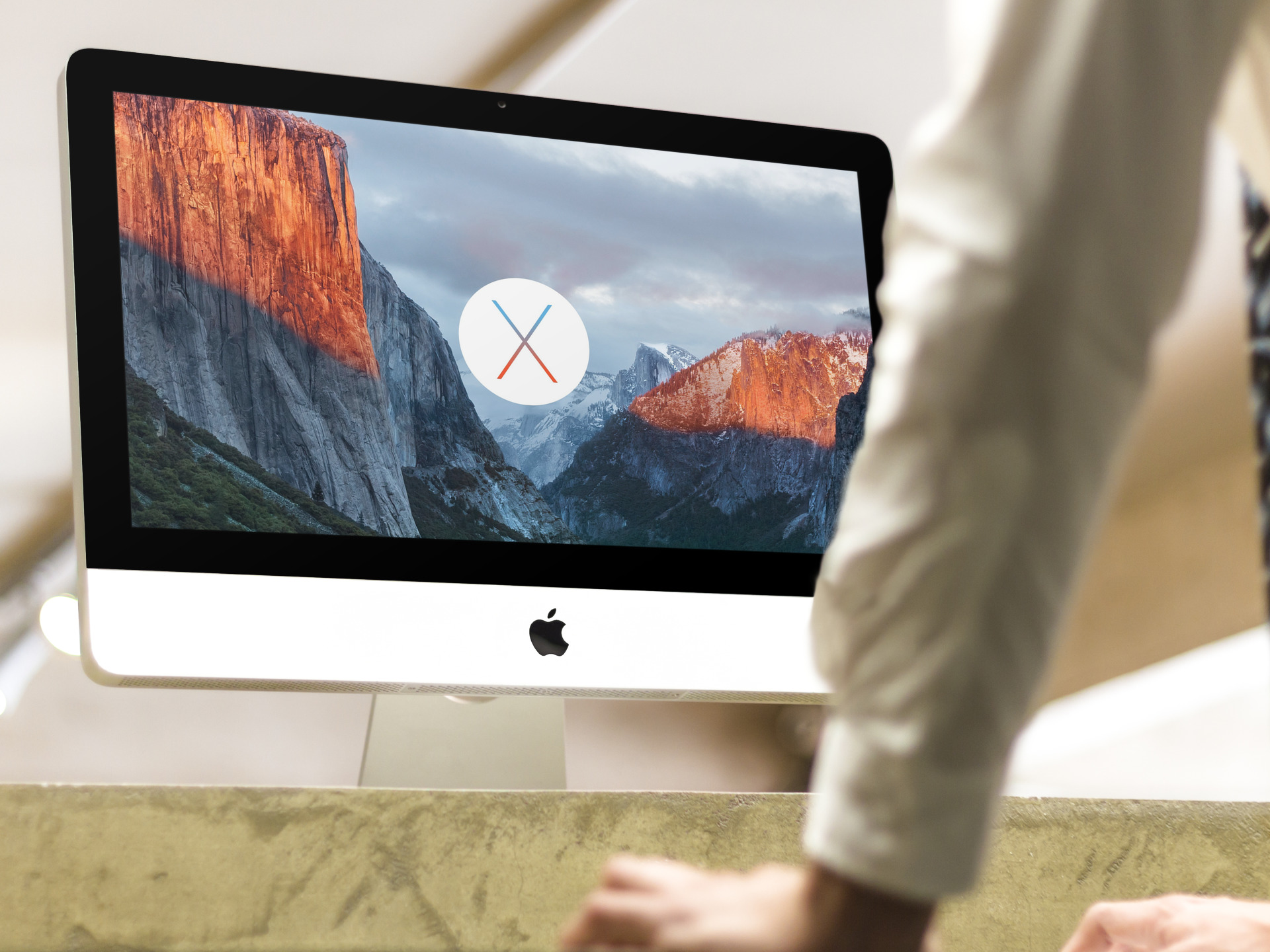
Official OS X El Capitan wallpaper for iPhone, iPad, desktop

Early today, along with iOS 9 and watchOS, Apple released an updated version of OS X to developers. Titled El Capitan, the new system has a flagship wallpaper.

Apple fans have come to expect these new flashy images on an annual basis and scramble to find copies. Thankfully, with a few connected and design-savvy friends, we strive to offer the images to everyone, regardless of having a developer account. Step inside for your goodies.

If your Mac can run Yosemite, it’ll run El Capitan just fine

Just like the rumors have predicted, OS X 10.11 El Capitan is short on major headline-grabbing features Apple fans have grown accustomed to.

Instead, the Snow Leopard-style update focuses on speeding up everyday computing with such enhancements as graphics acceleration through Metal, faster apps enabled by Swift 2, battery saving technologies, stronger security and much more.

That means you won't have to break the bank to buy the latest and greatest hardware from Apple in order to run El Capitan because it will run just fine on most recent Macs, according to the official OS X 10.11 release notes that Ars Technica unearthed today.

OS X El Capitan available to developers today, public beta in July, rolling out to everyone this fall

Apple has taken the stage this morning inside San Francisco's Moscone West to deliver the latest advancements to its three crucial platforms: iOS, OS X and watchOS.

According to Apple, registered Mac developers will have their chance to download the first beta of OS X 10.11 El Capitan later today, which just got officially announced, after the event has wrapped up (currently, Apple's portal for developers is down).

Apple announces OS X El Capitan

Apple's Worldwide Developers Conference has kicked off in San Francisco this morning with a keynote talk at 10am PST. Surprisingly, Apple has skipped the usual round of business updates and went right for the big news.

Following months of speculation and rumor mongering, the California firm has formally unveiled the next major version of the Mac operating system. It's called OS X 10.11 El Capitan.

Yup, you read that right.

Yahoo dropping support for native syncing of Mail and Contacts on older Mac and iOS hardware

If you set up a Yahoo account on your Mac, iPhone, iPod touch or iPad in order to sync data with Yahoo Contacts and access Yahoo Mail through Apple's stock Mail app, you should read this.

According to the Internet firm, Mail and Contacts syncing on older Mac and iOS devices will no longer be supported after June 15. In addition, a number of Yahoo properties will close in the coming weeks, including Yahoo Maps.

Review: HazeOver dims background apps on Mac to reduce distraction

There never seems to be a shortage of apps that promote focusing on a single task, especially writing apps. And then you have hardware like the iPad, which forces you to focus on a single app at a time.

With the Mac, focusing has never been that easy, because multitasking is at its core.

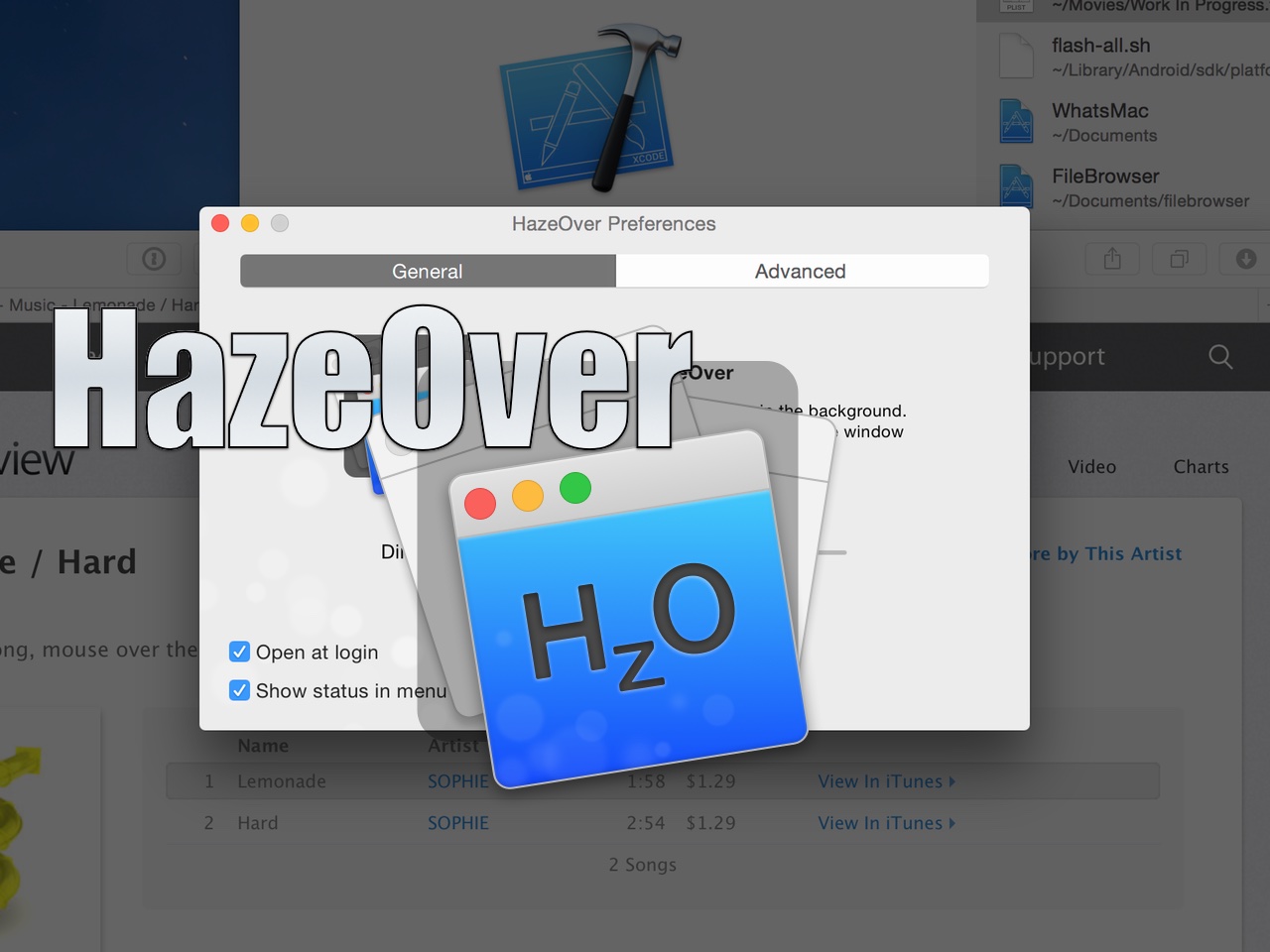
HazeOver is a new Mac App Store utility that seeks to change the way we work on the Mac. By dimming background apps, it aims to help users focus on one app at a time by reducing distractions from surrounding apps. You can still have other apps open, they’ll just be dimmed in such a way that they’re less noticeable.

Does the idea work? Check out our video walkthrough for all of the details.

Review: Magnet window manager for OS X

The ability to snap windows side-by-side has been one of my most missed features since switching from Microsoft Windows years ago. Fortunately, there have been quite a few apps over the years that have provided window snapping on the Mac.

One such app, HyperDock, has been my go-to app of sorts for managing windows on OS X. Another app, BetterSnapTool, is also popular among Mac users for window management.

But today, Sebastien made me aware of yet another window management tool. I have to admit that I was skeptical at first, because I've I didn't see how anything could be much better than HyperDoc for my needs, but I stand corrected.

Magnet ($1.99) is a really good Mac App Store release that focuses solely on window management, and does a very good job. It has several key features that have made me seriously contemplate switching over to it full time. Watch our video review to see what I mean.

New details surface of Apple’s quality and stability focus with iOS 9 and OS X 10.11

It's been said before that the next major version of Apple's mobile operating system will be a Snow Leopard style upgrade in that it won't focus as much on new features as it would on optimizing code base for stability, performance and quality.

In a new report, 9to5Mac details what lies ahead for both iOS 9 and OS X 10.11, not just in terms of speed and stability, but also regarding both operating systems' stronger security and a few new end-user facing features.