Opinion

iPod touch 6th generation review

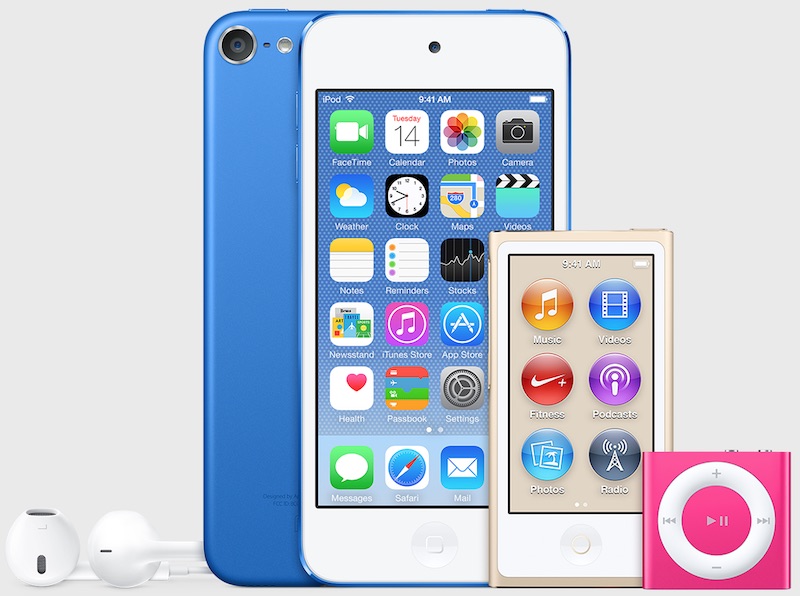
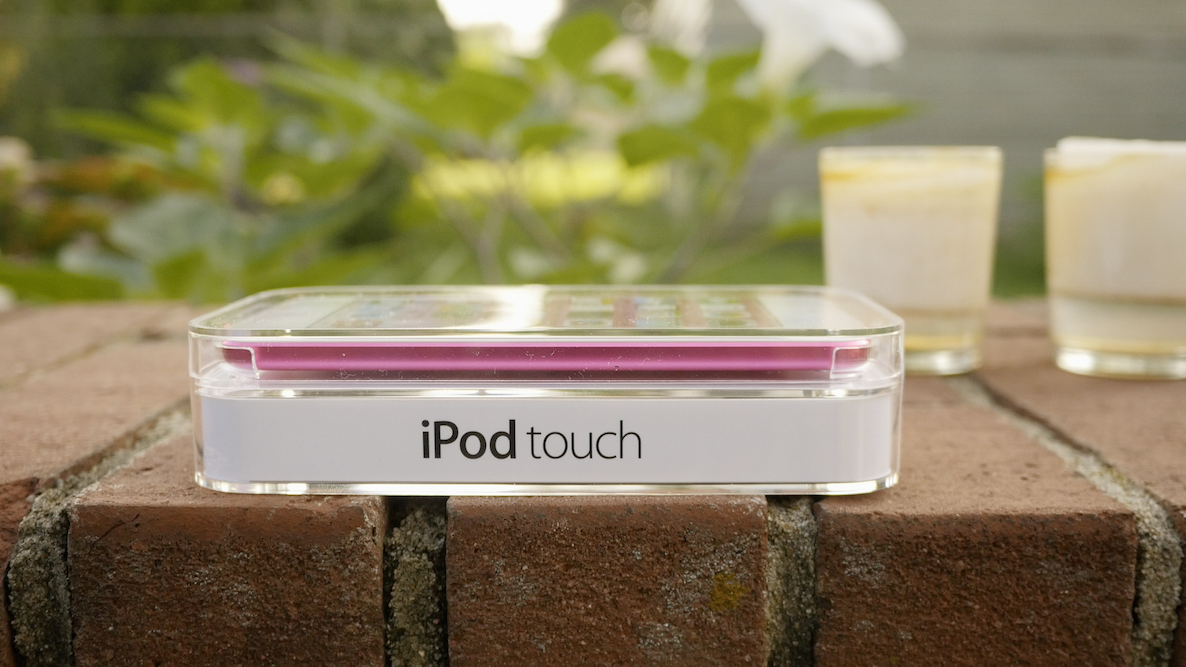
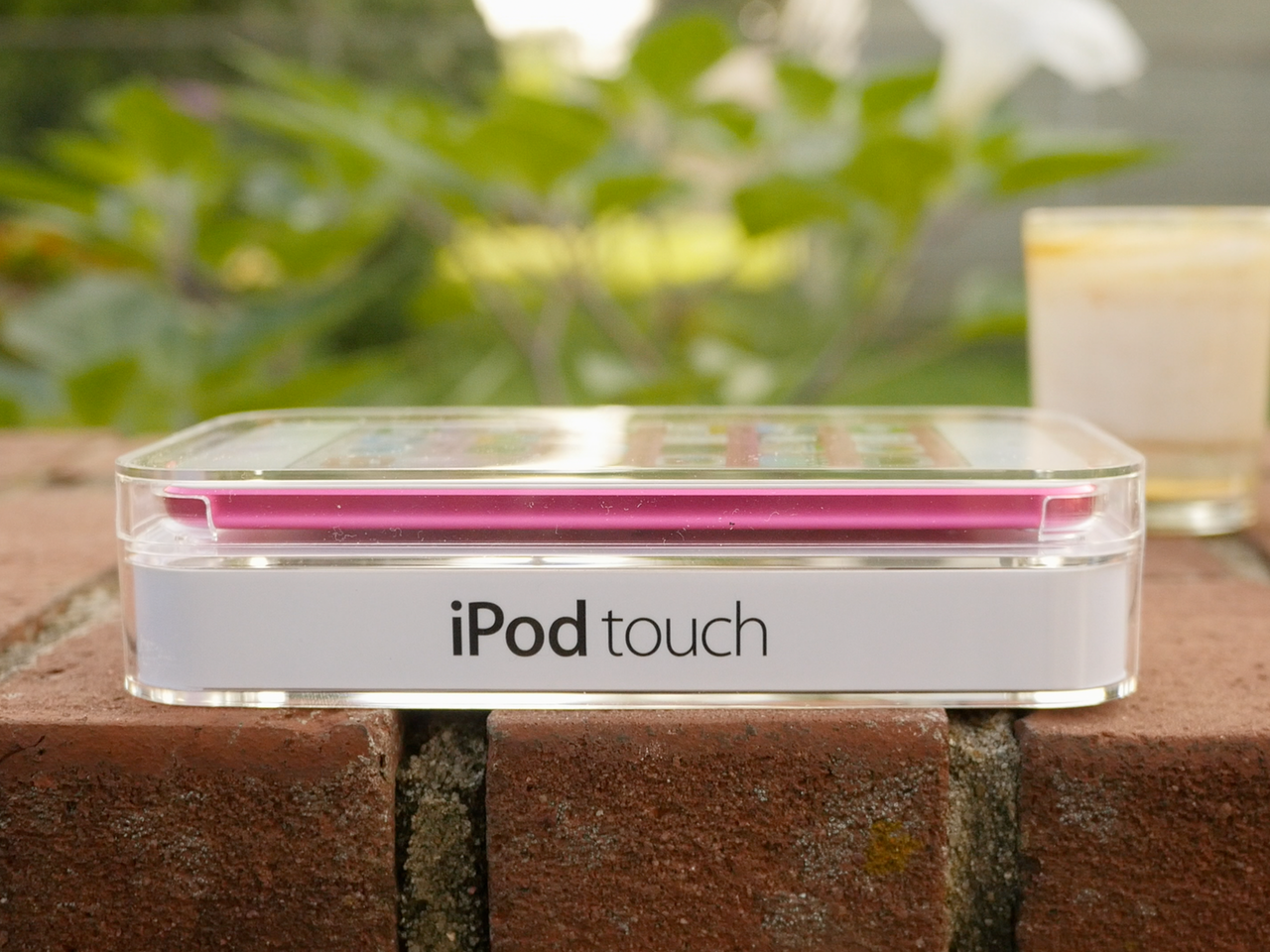
I debated over it for a while, but I just couldn't resist ordering a brand new 6th generation iPod touch after looking at the specs of the device. The new iPod touch, despite not changing much from a use-case standpoint, is quite the compelling device.

When you consider how underpowered the previous generation iPod touch was, this really is a major upgrade. You're essentially getting an iPhone 6/iPhone 6 Plus level 64-bit A8 system on a chip (SoC) with its M8 motion coprocessor, along with double the RAM at 1GB.

The SoC and RAM alone would be enough to blow the previous iPod touch, which is downright painful to use on iOS 8, out of the water, but Apple has included significant improvements to the iSight Camera—bumped up from 5 megapixels to 8 megapixels—there's faster 802.11ac Wi-Fi, an upgrade to Bluetooth 4.1, a 128GB storage capacity option, and more.

Make no mistake, the iPod touch 6th generation is more powerful than some of the lower tier phones hitting the market today. If you're serious about gaming, photos, and video, but don't need the capabilities of a phone, then the iPod touch 6th generation might be considered a bargain.

Watch our full video review for the unboxing, benchmarks, comparisons to the 5th-gen iPod touch and much more.
Poll: Does a Mac version of TaiG even matter at this point?

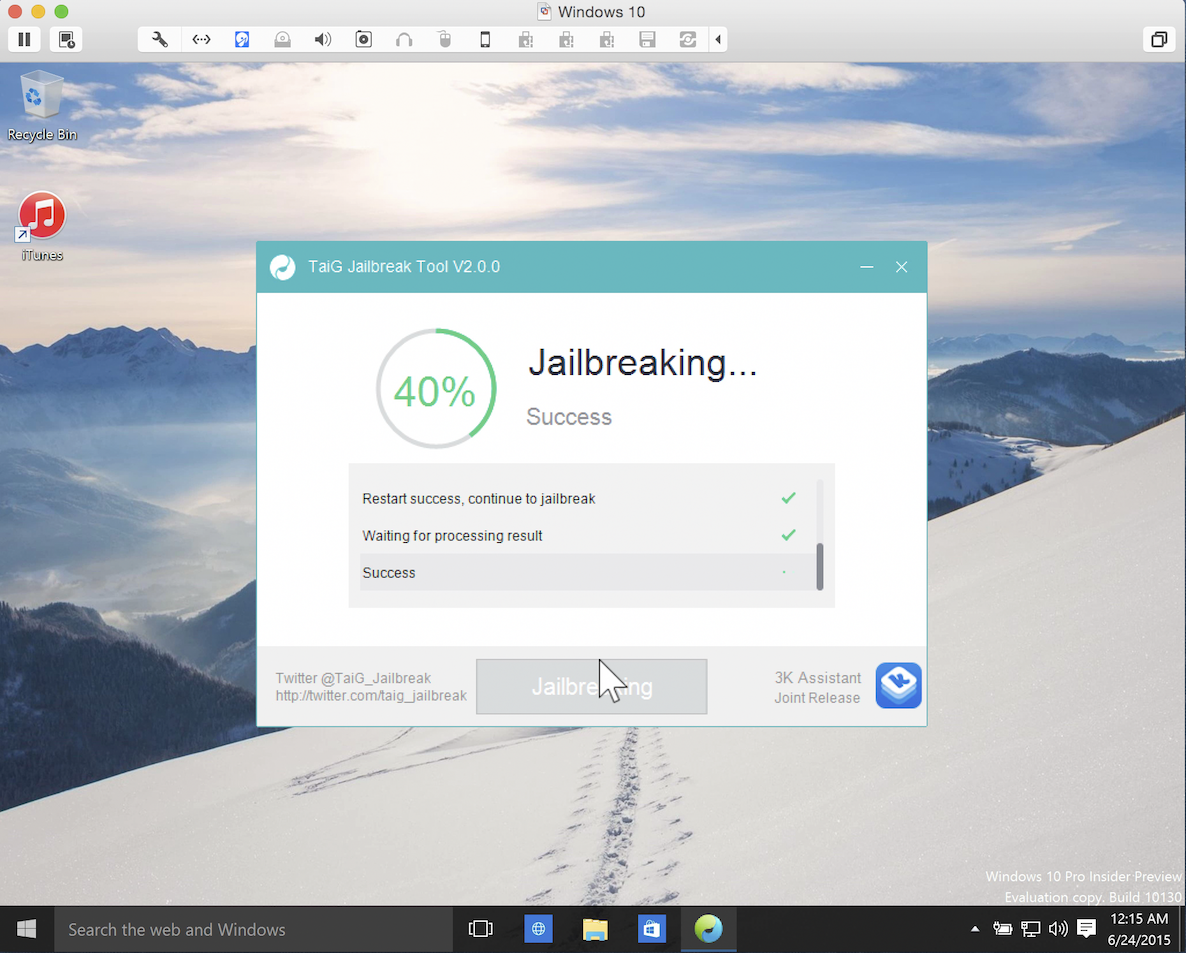
The TaiG jailbreak for either iOS 8.3 or iOS 8.4 has been out for over two and a half weeks. Many users have jailbroken their iPhone, iPads, and iPod touches as a result.

Even though the TaiG tool has been Windows-only this entire time, plenty of Mac-only jailbreakers have been able to use it by means of a Bootcamp partition, or a virtual machine—which is far and away the most popular way to jailbreak on a Mac.

So the question stands to be asked: do you even care about a Mac version of TaiG at this point? Rumors are swirling that a Mac tool is indeed in the works, but it's been so long, I imagine most who were starving for a jailbreak either used a friend's Windows computer, or took advantage of one of the above options.

Vote in our poll and let us know...

How Apple could reinvigorate the iPod line

It's no secret that iPod sales continue to decline year after year. Many of the people who were once targets for the iPod now opt for iPhones or iPads.

This isn't exactly a terrible problem for Apple to have. The company has never had qualms about cannibalizing its own products for the sake of the greater good.

But with Apple's historic, and now renewed, love of music, it just wouldn't seem right to let the iPod—at least its conceptual existence, and not so much the name—fade out into the sunset.

For that reason, I think that Apple should go back to the drawing board. Even if this year's rumored across-the-board iPod update is nothing more than just a meager spec bump and minor changes—I think that ultimately, the line is due for a complete overhaul.

How could Apple reinvigorate its flagship music player? By doing the following five things...

The perfect jailbroken iPhone: iOS 8 edition

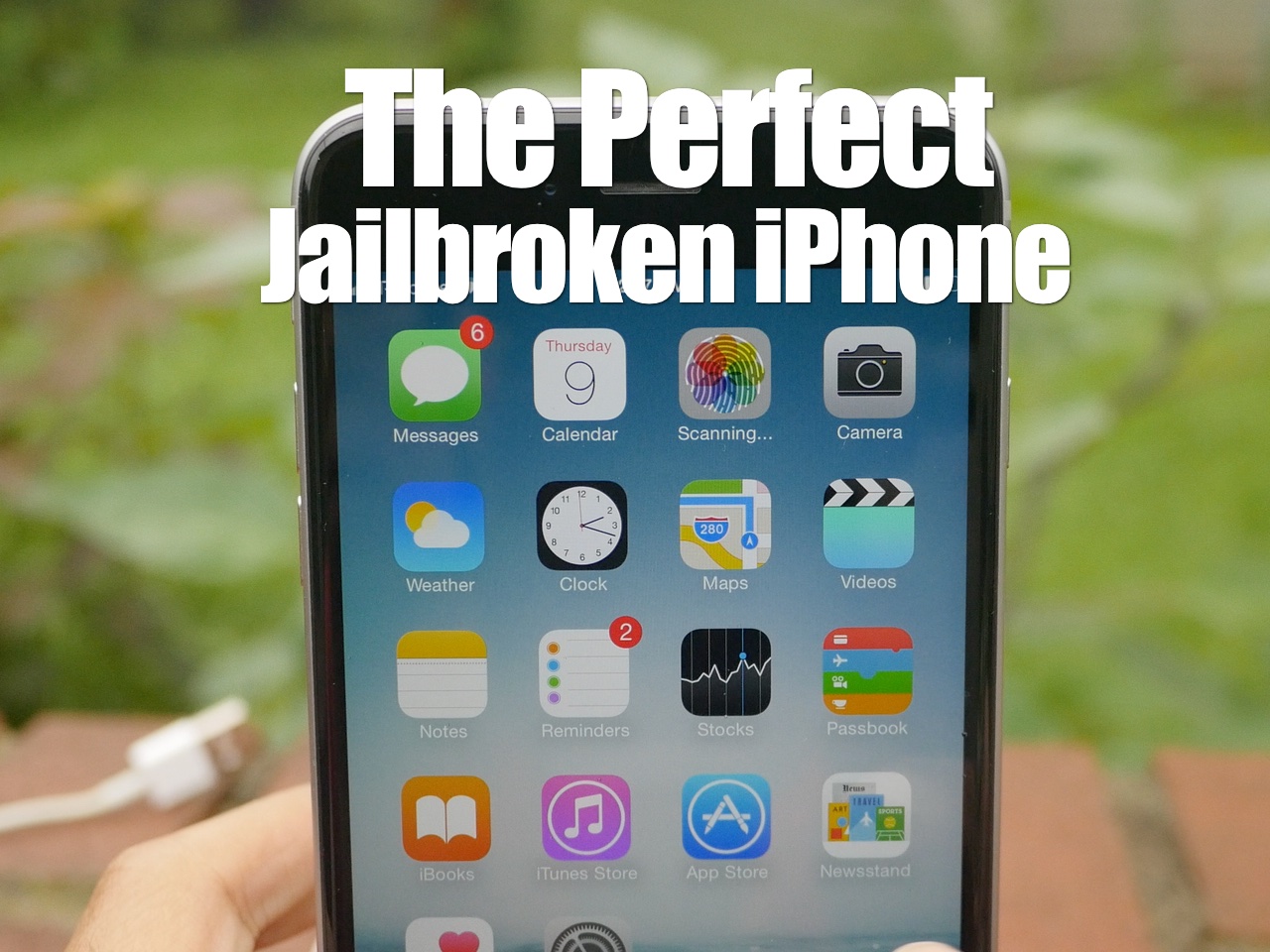
Now that the iOS 8.4 jailbreak is out, I thought I'd create a new "Perfect Jailbroken iPhone" post for you. If you can remember, I started this series a very long time ago, and it has remained popular until this day.

Lots of people want to know what makes a perfect jailbroken iPhone. Do you need the perfect jailbreak tweaks to make a perfect iPhone? Not necessarily.

And just because a tweak or app makes this list, doesn't means it's my absolute favorite, or that I even use it everyday. The perfect jailbroken iPhone does not equal my favorite jailbroken iPhone.

The name of the game here is practicality, usefulness, and improvement. With these tweaks + 1 theme for good measure, I put together an all star phone capable of doing very much.

What do you think? Do you agree or disagree? Watch the video and judge for yourselves.

5 Galaxy S6 features that iPhone users will like

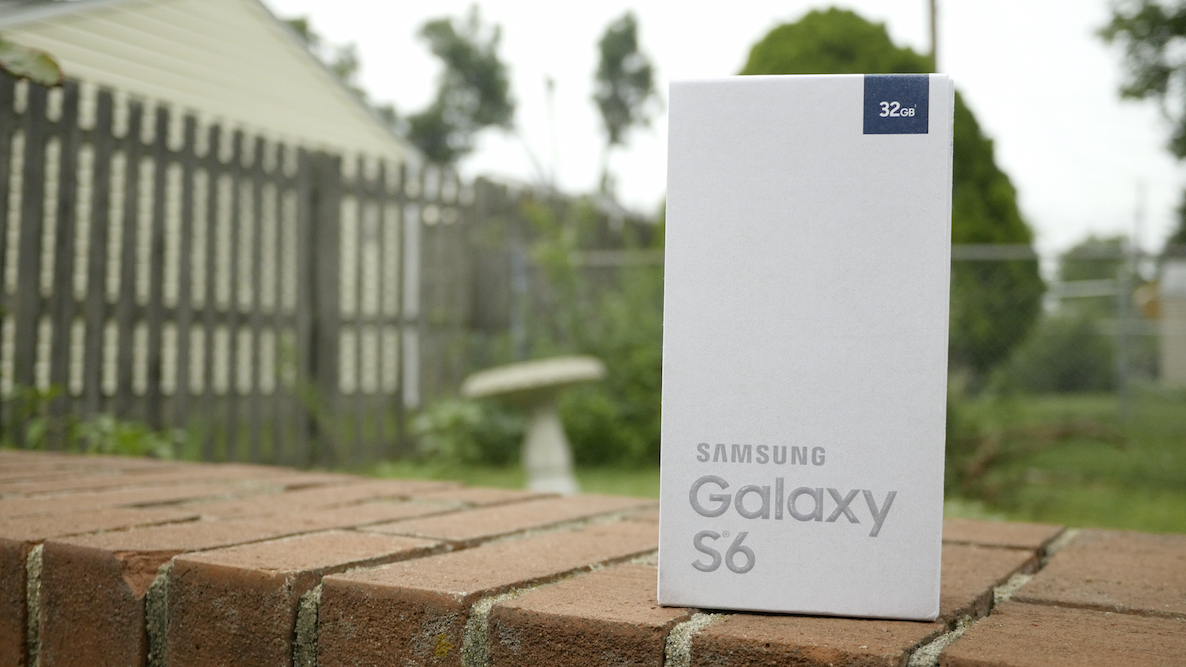
I've been testing out the Samsung Galaxy S6 for some time now, and I've used it for long enough to be able to confidently compile some of my thoughts on what is Apple's main iPhone competitor.

Obviously, the most stand-out feature with this device is the build quality. Samsung, after many Galaxy iterations, has finally stepped up its game when it comes to design materials. The Galaxy S6 is made out of metal instead of plastic, and it's a huge improvement over the cheap-feeling Galaxy phones of yesteryear.

But not only is build quality vastly improved, this phone packs quite a punch with regard to features. In fact, there are even some features that I, as someone who unequivocally prefers the iPhone, can't deny are pretty great. Inside, I'll cover 5 features from the Galaxy S6 that many iPhone users will enjoy.

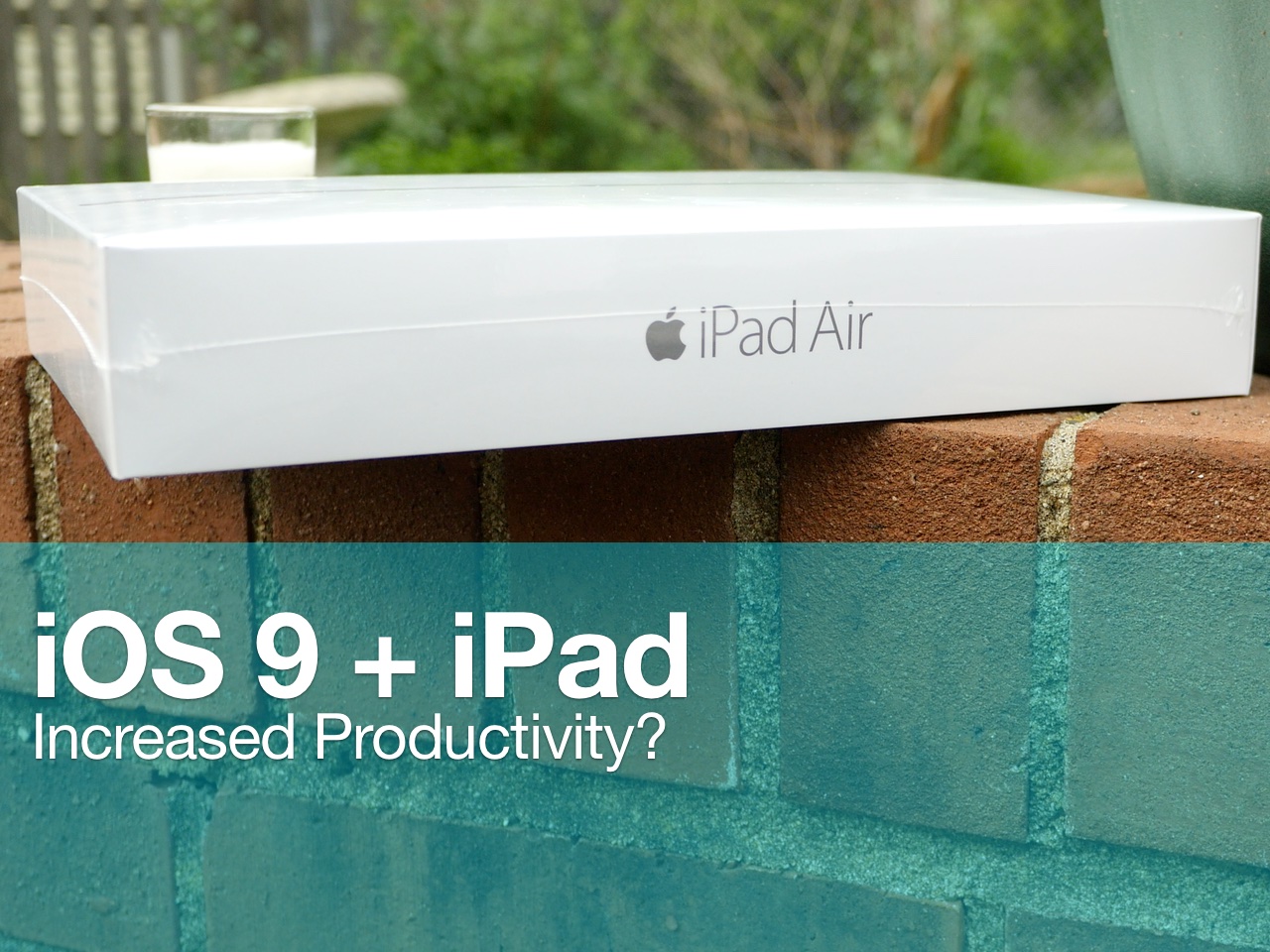
iOS 9 reinvigorates iPad power users

WWDC 2015 was filled with shock and awe, at least for me, a former iPad user. In the past, I've tried my best to use my iPad for productivity, namely writing blog posts and the like. While this can be achieved with relative success, the iPad as we currently know it still lacks from a productivity standpoint.

The iPad that we know today doesn't have the ability to truly multitask—i.e. run two apps at the same exact time, and interface with those two apps at the same exact time. Although some prominent bloggers, most notably Mac Stories' Frederico Viticci, are able to aptly make due with this limitation, it's always been something that's pushed me back to my MacBook.

No matter how hard I've tried, and trust me, I've tried dozens of times, I always end up abandoning my plans of creating an iPad workflow that genuinely works for me. With WWDC 2015, and the release of iOS 9, I finally feel like we're on the precipice of something great.

The iPad Air 2, in particular, heavily benefits from iOS 9, but all iPads will benefit in a major way. Here are 6 outstanding new productivity features that promise to supercharge the workflow of those of you who use the iPad as a work machine.

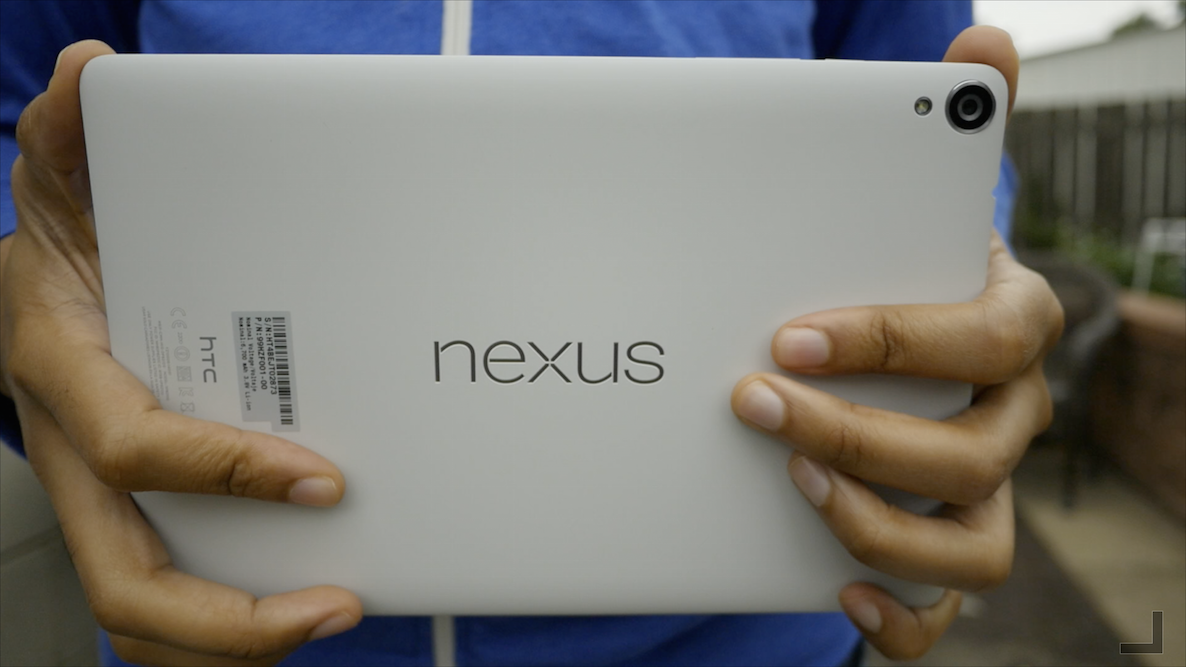
Review: the Nexus 9 from an iPad user’s perspective

As someone who no longer personally owns an iPad, it was great to finally get back into the tablet game with the adoption of a Nexus 9 from Google. I know some of you probably think I’ve lost it as of late, or I’m simply pulling a classic Jeff move, but hear me out.

After adopting the iPhone 6 Plus, I felt that there was simply too much overlap between it and my 7.9” iPad mini. The difference in screen size between those two devices, while still technically large, just wasn’t enough for me to justify carrying both of them around. I was, and still am convinced that my next tablet will have to be larger than 7.9 inches.

With the recent release of Android M, I wanted a tablet that I could use to test out Google’s latest OS update. Unfortunately, due to the massive fragmentation present in the Android universe, the hardware options were quite limited. Basically, I needed to get a Nexus device, and since I already own enough Android phones, I decided to go with a tablet—enter the Nexus 9.

I’ve been using the Nexus 9 for about a week, and I’ve been using it a lot. In this post, I want to talk about five things I like about the Nexus 9, versus five things I don’t like. I shot this video a few days ago, and my opinion is still evolving about the hardware and the software experience, but this is a good starting point for this discussion. Watch the full video walkthrough and tell me what you think.

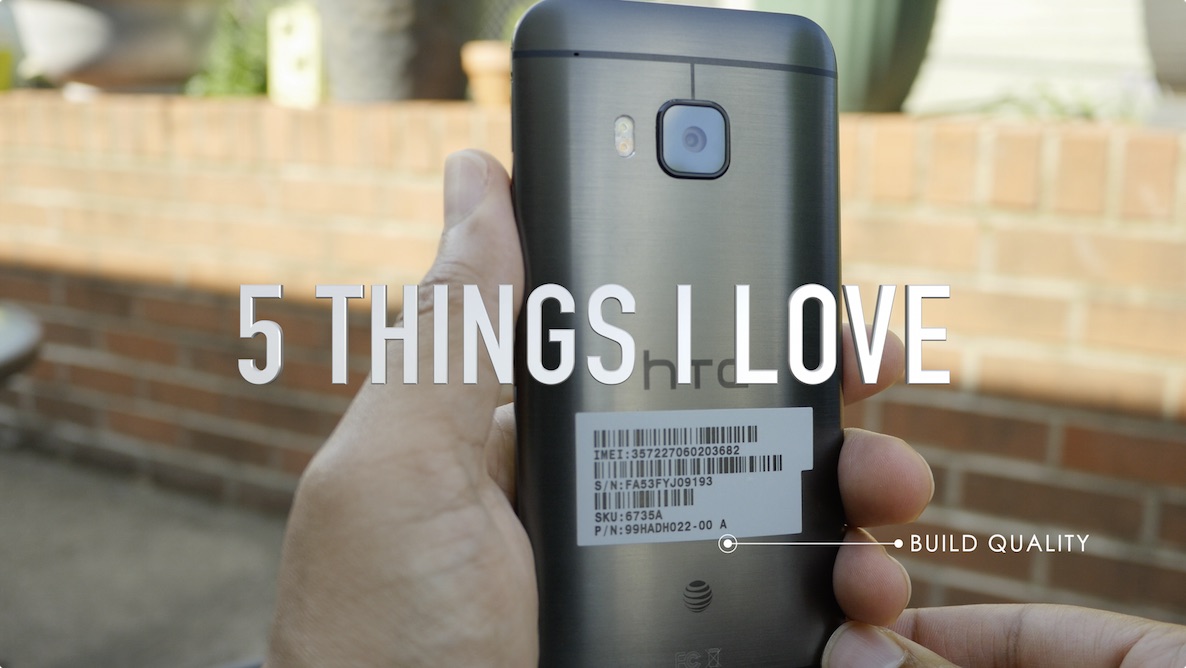
Review: HTC One M9 from an iPhone user’s perspective

The HTC One M9 is the latest flagship phone from HTC and it doesn't divert from what has made the HTC One line stand out among other releases from Android OEMs. If the all metal Galaxy S6 and S6 Edge didn't exist, then the HTC One would stand head and shoulders above the rest of the Android competition from a design standpoint. But even with Samsung's recent change in design taste, the HTC One M9 is one of the, if not the best looking Android smartphone that money can buy.

As a full time iPhone user, I feel like I have a unique perspective to lend to those of you who may be interested in the M9, or those of you who just want to know how other flagship phones are doing outside of the Apple ecosystem. In this post, I'll discuss 5 features that I love about the HTC One M9, and 5 features that aren't so hot. Be sure to tune in to our full video review as well.

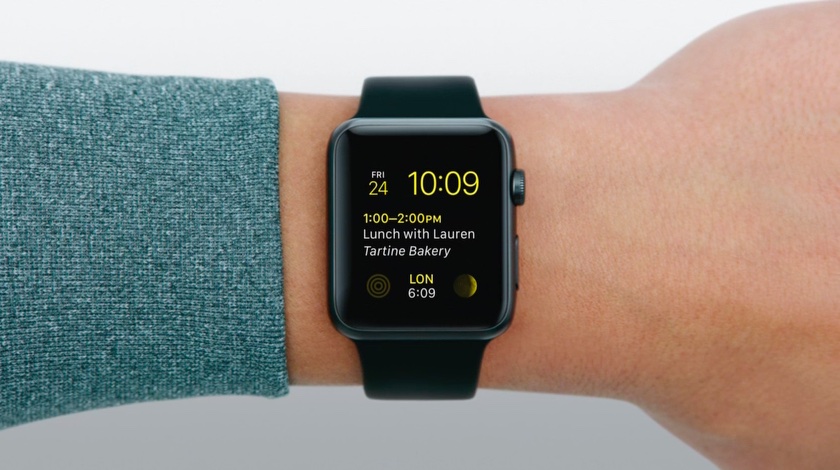
I survived my first day without my Apple Watch

Yesterday I did something I haven't done before. I forgot to put my Apple Watch on when I left the house for work. That meant being about 14 hours without my watch. over half a day with no wearable notifications, or fitness tracking, or quick replies to messages. For the first time since April 24th, I was Apple Watchless.

And I was kind of pleased.

iOS 9 security & jailbreaking: there’s no such thing as impossible

Recent reports are claiming that Apple's upcoming iOS update—iOS 9—will make it more difficult to jailbreak iPhones and iPads going forward. Some are even stating that it will be nearly impossible to jailbreak an iPhone running iOS 9.

The reason? Rootless—the kernel-level security feature that was discussed earlier today. This new feature is said to prevent malware, increase the safety of extensions and preserve the security of sensitive data.

When it's all said and done, Apple's security efforts in iOS 9 appear to be its most prolific since iOS 5. It could make it more of a challenge for jailbreakers and hackers.

But impossible? There's nothing that's impossible when it comes to security. More difficult? Perhaps. More challenging? Maybe. But impossible?

Hey Siri, will you please let me talk back to you?

Siri has come a long way since it was first introduced along the iPhone 4s and iOS 5 back in 2011. The assistant has gotten smarter, wittier, and all around more helpful, at least on the iPhone, because in my experience,  it's a completely different animal on Apple Watch.

To be fair, I'm not so much complaining about actual voice dictation on Apple Watch. Besides a few missteps that were most likely due to my strong French accent, dictation has been very reliable on Apple Watch. What hasn't though, is to getting Siri to activate, whether it is hands-free or by using the Digital Crown. And when I do get it to work, not being able to interact with Siri with interactive voice commands is also a source of frustration. Allow me to explain.