Opinion

Why you should be using a passcode on your Apple Watch

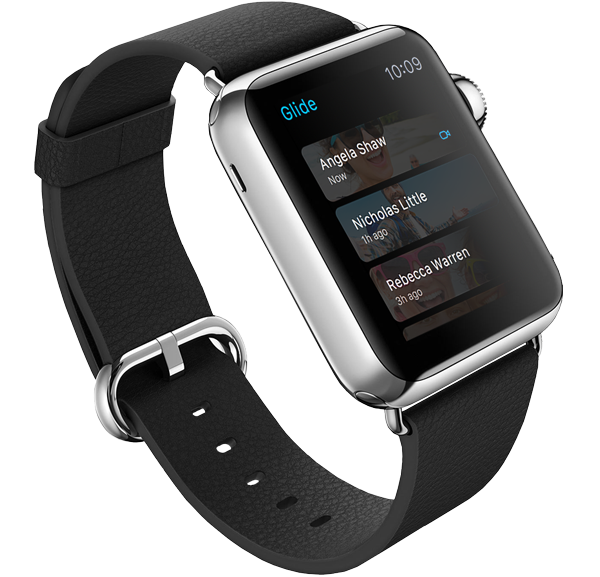
Passcode screen on Apple Watch

There seems to be a bit of misunderstanding when it comes to using a passcode on the Apple Watch. I've seen more than a few comments about how inconvenient it would be to have to "enter a passcode on that tiny screen every time I want to use the watch." Indeed, it would be inconvenient if that were a true statement; thankfully, it's not.

Apple Watch is delightfully liberating

In a post I published before Apple Watch was even released, I noted that the most important features Apple hadn’t emphasized about the device were its convenience, and immediacy. Convenient because it is right there on your wrist, and immediate because everything is one raise of the wrist away.

I stand behind what I wrote at the time, especially now that I’ve had time to actually use Apple Watch and confirm my early beliefs. Something I hadn’t envisaged though is how liberating Apple Watch can be.

The Apple Watch Home screen is a beautiful mess

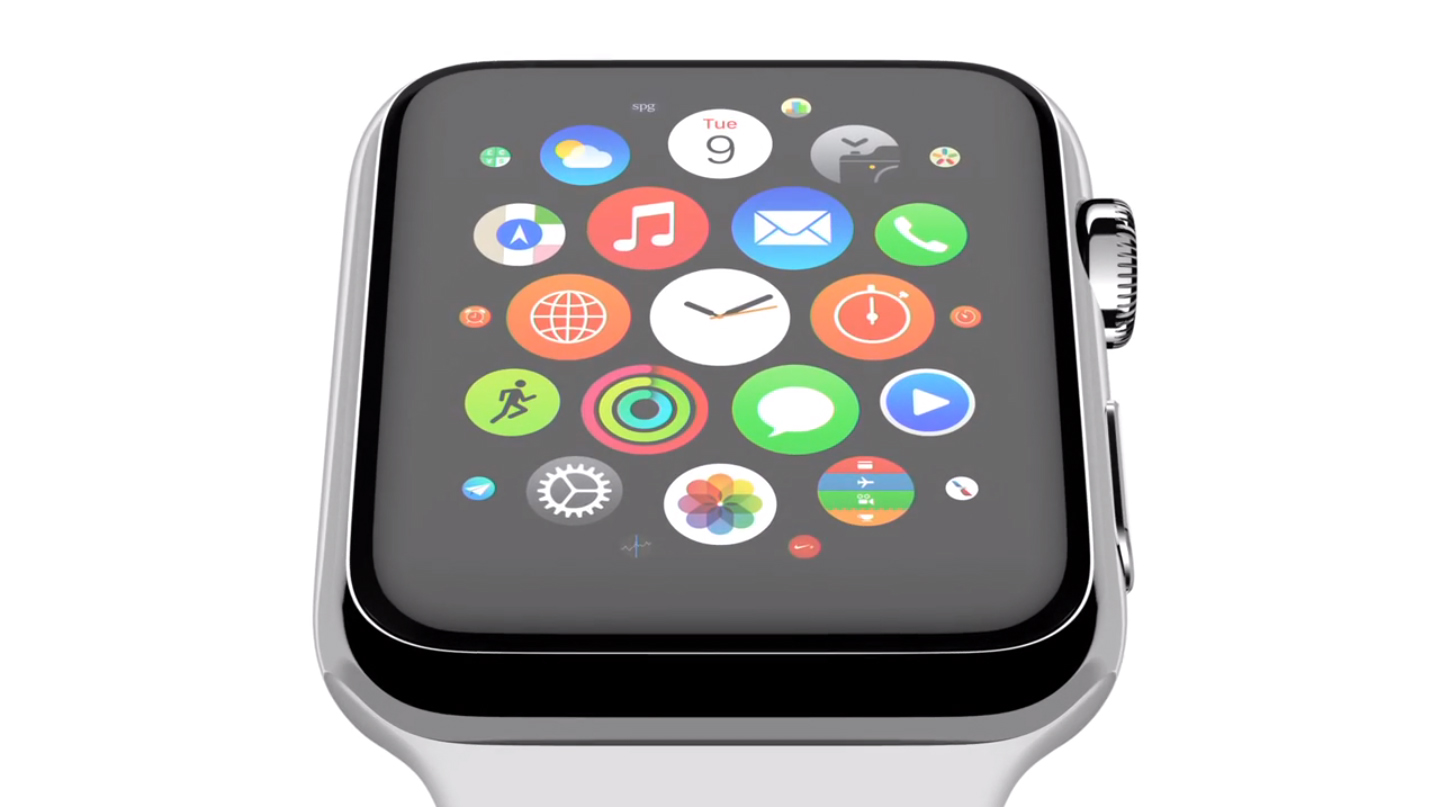
With the Apple Watch Home screen, Apple introduced a new layout and design that is a departure from what we have all been accustomed to with iPhone and iPad. Instead of favoring rows and columns of square-ish icons, Apple had to rethink the user interface and introduced us to an infinite and honeycomb-like fluid grid of apps devoid of pages, folders, or dock.

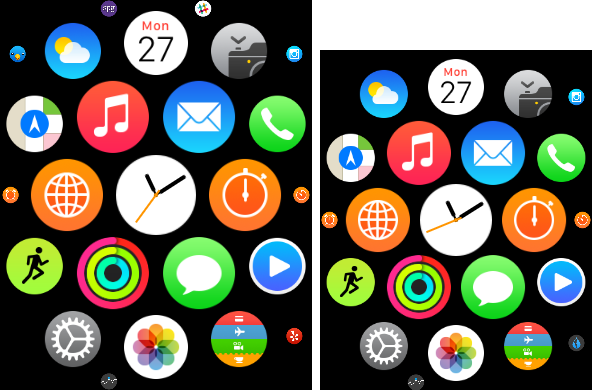
One could argue this design paradigm modernizes the Home screen as we know it, but beyond the new and refreshing look, I've had a hard time getting used to it and actually find it useful. As a matter of fact, I don't find it useful at all. It is absolutely gorgeous to look at, but it is also a terrible mess to use. Organizing apps, looking for apps, and being able to accurately tap on their icons is something that I have had a difficult time with.

I don’t open apps on my Apple Watch

As I spend more time with my Apple Watch, I am finding that we are starting to settle into something of a routine. The watch tells me when someone or something wants my attention, and I triage that notification based on its importance and the level of attention I can give it. It might not sound exciting, but the process of quick notification triage is something that the Apple Watch is proving most adept at.

But the Apple Watch is more than a way to read notifications. It has apps, and glances, and sensors. Some apps, just like on the iPhone and iPad, are more useful than others, and it's still very early days for the Apple Watch ecosystem as a whole. That said, after a week of using my Apple Watch, I have come to the conclusion that I don't launch apps by tapping their icon on the watch's Home screen. In fact, I don't really use that many apps at all.

Twelve thoughts on Apple Watch

I've had an Apple Watch for almost a full work week now, and I've formed a variety of opinions. What I can tell you up front is that I really like this device, and have no buyers remorse. The Apple Watch does a lot of things really well, and a few things not-so-well. Here are twelve personal observations about the Apple Watch that I'd like to share with you.

Why I recommend the 42mm Apple Watch over the 38mm version

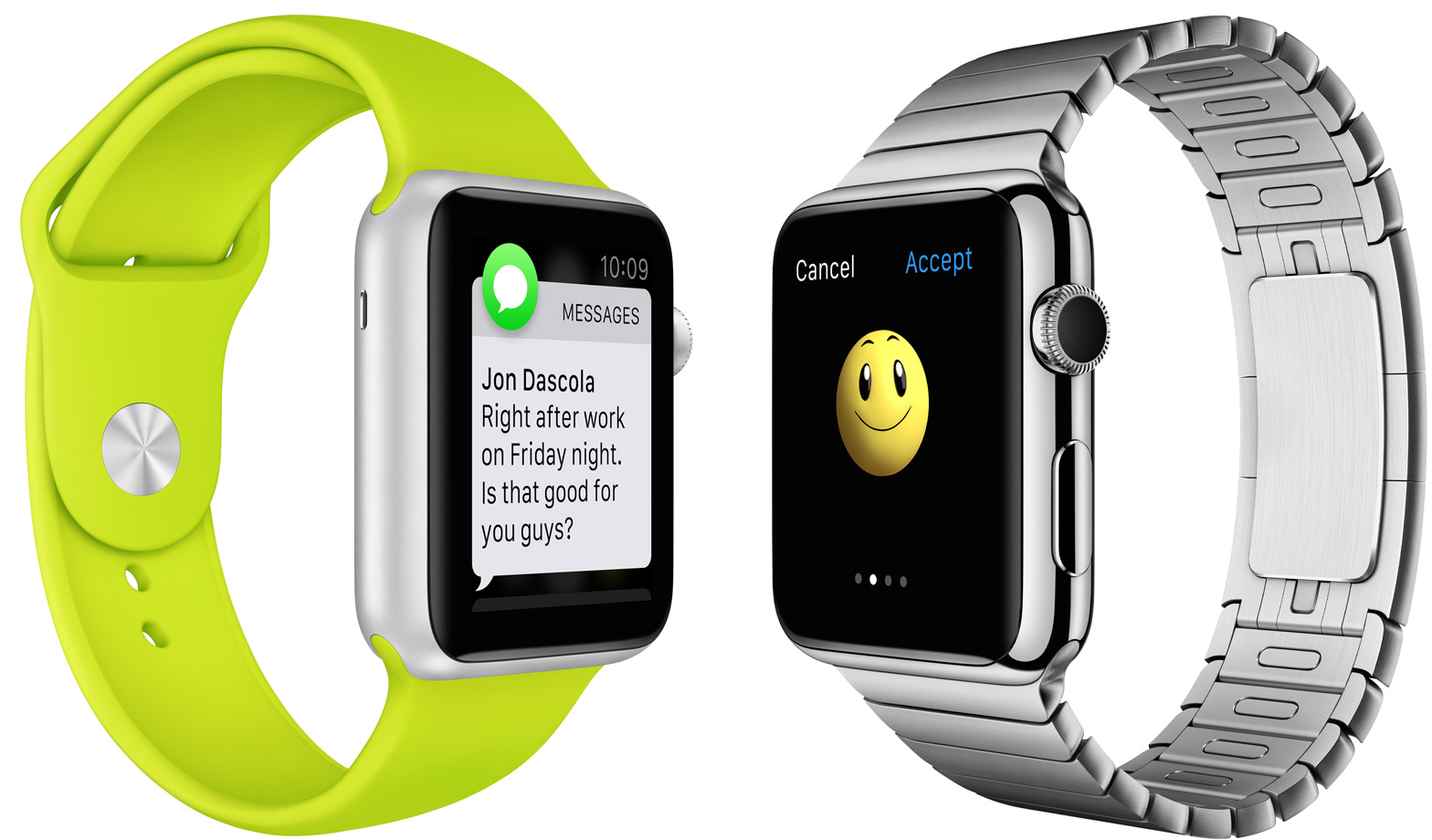
Apple Watch Sport collection vs Apple Watch Sport, Milanese Loop vs Leather loop. There are lots and lots of choices when it comes to configuring an Apple Watch. There are even two sizes to choose from—38mm and 42mm.

Choice is good, and there's certainly a lot of decisions to make when it comes to Apple Watch configuration. But when it comes to size, I would recommend the 42mm. Unless you have really small fingers, and a really small wrist, I think that you should at least try on the 42mm version to test it out.

Why am I so high on the 42mm Apple Watch? It's because I've tried them both. At first I didn't think that the difference would be that big of a deal, but after going hands on with both, I'm leaning more heavily towards recommending the larger version

24 hours with the Apple Watch

I told you last week that I had an Apple Watch on order and that to get to that point I had gone through a few different emotions before eventually landing on one that had me rather excited about Apple's first wearable and the future that it could have. As I write this I have had my Apple Watch on my wrist for a little over a full day, and I thought someone somewhere might be interested in how I feel about the purchase. I also wanted to share one or two things I have noticed after spending my first day with the Apple Watch, too.

The limits of Android Wear compatibility with iOS

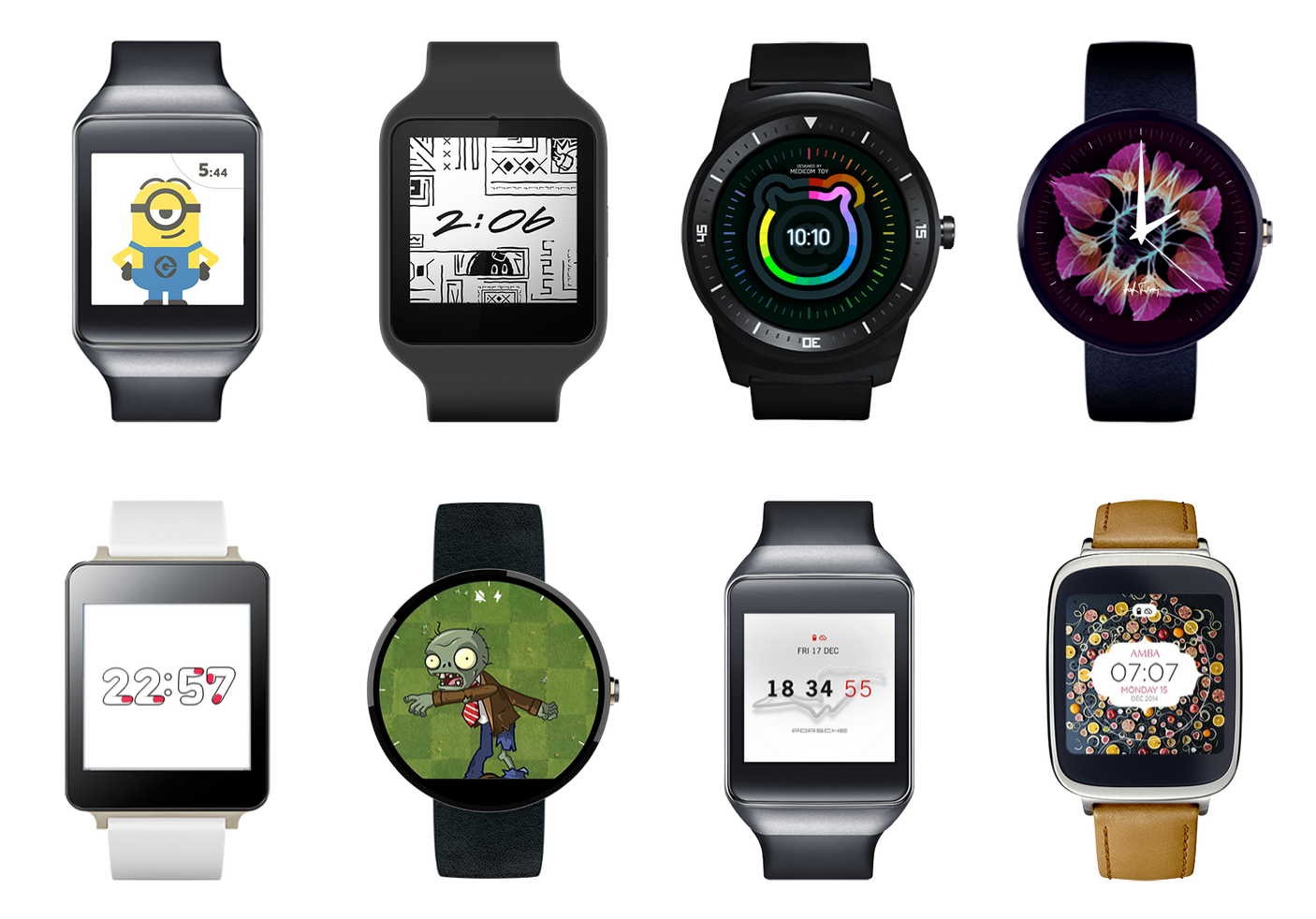
If you can’t beat them, join them. This could be the motto for Google, which is rumored to bring iOS compatibility to Android Wear. And if strings of code that were recently discovered are any indication, it seems the rumor actually holds a lot of truth to it.

Considering this probable move, there seems to be a lot of excitement about the potential possibilities, especially among people who don’t believe in Apple Watch, or want the convenience of a smartwatch without all the strings attached to the Apple ecosystem.

One thing people don’t seem to realize is that even with full iOS support, Android Wear will never be more than a shiny screen with a handful of limited features.

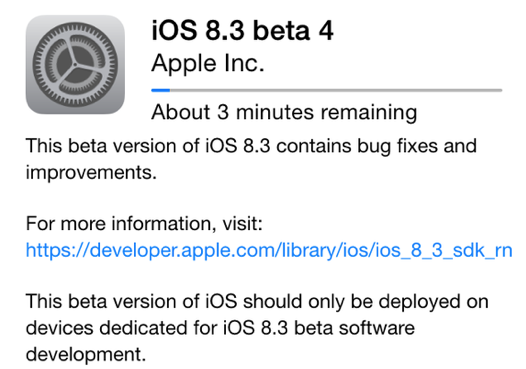
Using pre-release software? You beta be sure

So there I was, two days into my carrier's billing cycle looking at a text message saying I had used 80% of my 2GB data allowance. I'd used 1.6GB of 4G data in a couple of days, and I have Wi-Fi at home and at work. In fact, the only place I don't have Wi-Fi in my day-to-day life is my car.

I'd used 1.6GB of 4G data in my car. How?

The answer came after much toggling of iOS option switches, browsing of websites and general trial and error. It turned out the 'Documents and Sync' portion of the inner workings of iOS was eating data like there was no tomorrow, which, once it reached that 2GB cap, wasn't far from the truth. I had to buy more data just to give me wiggle room to do some more testing and once I knew where in iOS I could specifically track the usage that was causing me problems, I had somewhere to start.

Now believe it or not this post isn't about hunting for strange iOS bugs and squashing them with the contempt that they deserve. It's not even to point out that the culprit, after it was first thought to be iCloud Drive and in particular my favorite text editor, was actually iCloud Photo Library. It's to remind everyone that betas aren't as fun as you may think.

Not everyone understands Apple Watch, and that’s just fine

When Apple announced the Apple Watch, I knew I wanted one. In fact, when Motorola announced the Moto 360, I wanted one of those too. If it had been compatible with iOS without any tricks or hacks, then I might have even bought one. It's probably safe to say that the idea of a smartwatch appeals to me greatly.

But since the announcement of pricing for the Apple Watch I have found myself in conversation with more than a few people who just don't seem to get why the Apple Watch is so exciting to some of us. It's expensive, they say. It doesn't do anything that your iPhone doesn't do, they point out. You just don't need it.

Apple Watch: what the iDB team is buying

It's been a long time coming, but now that we know just what the Apple Watch will cost, how much we will need to pay for additional bands and when pre-orders will be open, the only thing left to do is choose which Apple Watch will order.

At least, that's how it seems to us here at iDB. After months of waiting for concrete information on availability and pricing, the decision on whether to actually pick up an Apple Watch was one that didn't need much thinking about. The argument over whether to plump for the Apple Watch Edition was taken out of our hands by its price, too, so really all it comes down to is whether the Apple Watch or Apple Watch Sport is the watch for you.

The iDB team got to discussing this very subject recently and we thought that discussion might be an interesting one to share with everyone. After all, if you guys are struggling to make a decision as much as we were, then every little bit of help is no doubt appreciated.

So, with that elongated preamble of the way, let's see what the iDB team will be ordering come April 10th.