Notifications

LockscreenXI brings iOS 11’s Lock screen interface to iOS 10

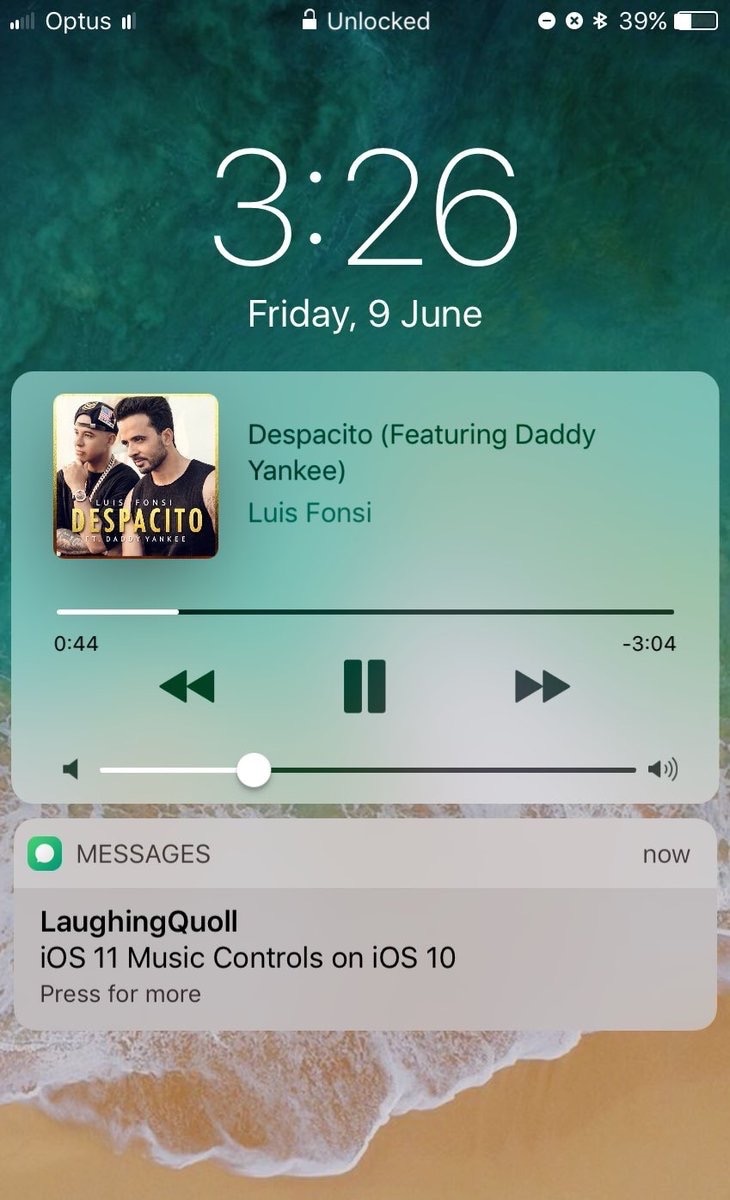
Some jailbreakers are already drooling over the host of interface changes that come with iOS 11, but we encourage these folks to hold onto their seats. A jailbreak tweak collection dubbed Eleven is nearing full release that will bring many of iOS 11's new interface experiences to jailbroken iOS 10 devices.

The first piece of Eleven, LockscreenXI, brings the Lock screen experience of iOS 11 to jailbroken iOS 10 devices. It was just released in Cydia by its creator LaughingQuoll ahead of all other pieces of Eleven, which are still a work in progress.

‘Modern’ brings a new look to notification banners & Today widgets

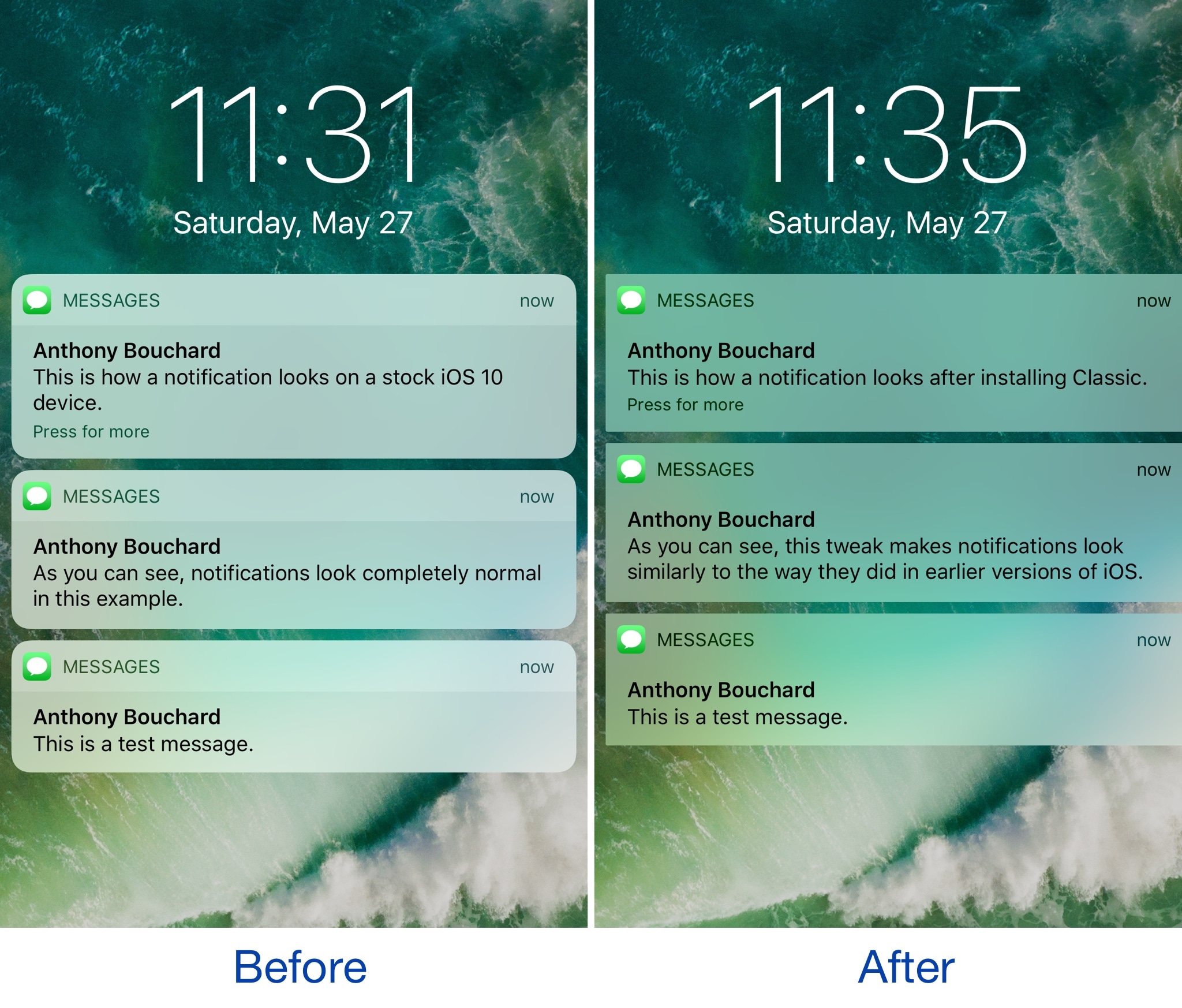
If you’re interested in a new and modernized look and feel for your iOS notifications, then a new jailbreak tweak called Modern by iOS developer FromDerik might be worth checking out.

This tweak replaces the horrendously-large stock banner notifications that appear throughout iOS, whether you’re in an app, on the Lock screen, or looking at Notification Center with something better.

Get notifications when your iPhone switches Wi-Fi networks with this tweak

As you leave your home to visit over places, you probably bounce from Wi-Fi network to Wi-Fi network to save your cellular data. In some cases, your device automatically connects to known or trusted Wi-Fi networks, whether you want it to or not.

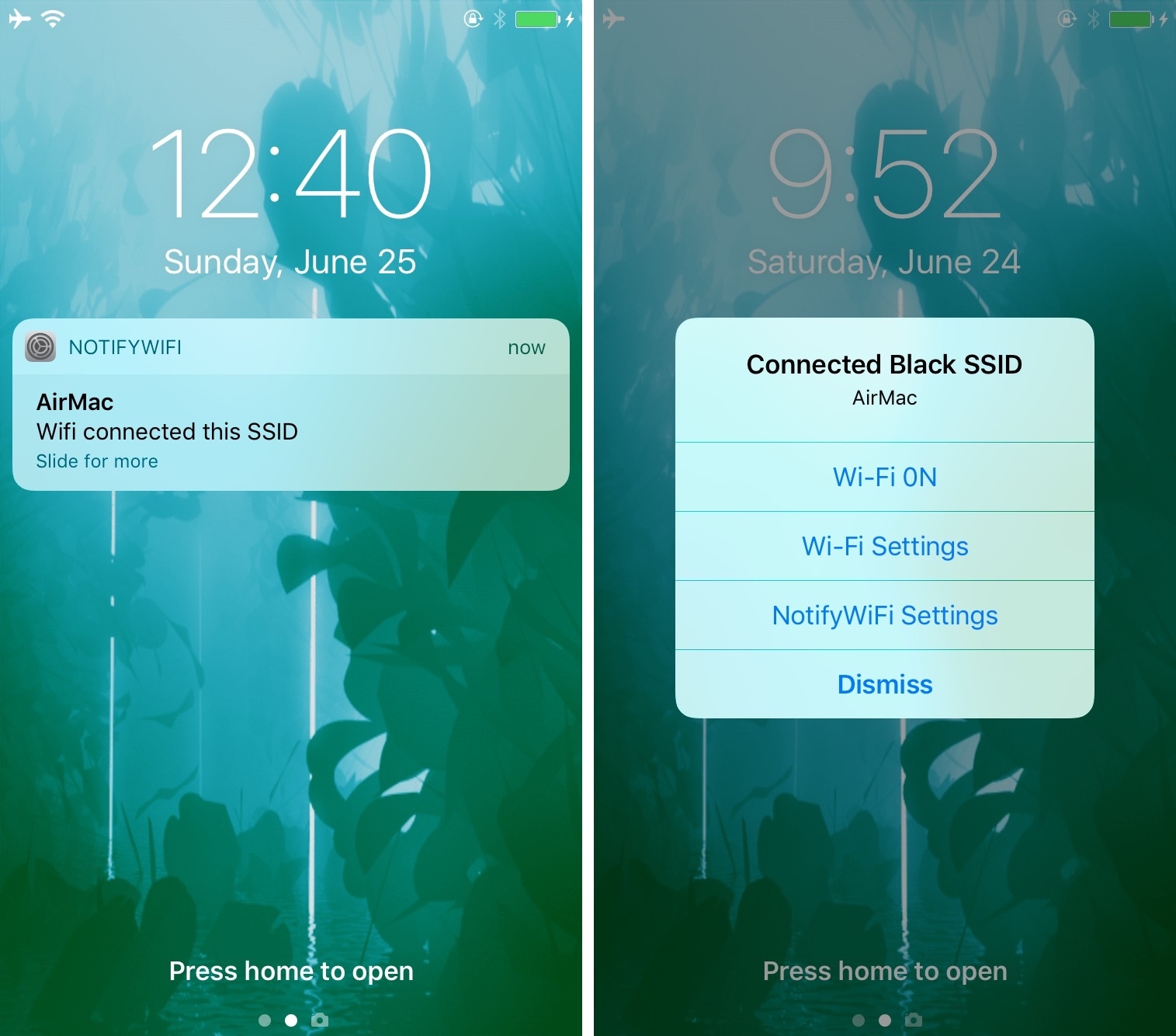
A new jailbreak tweak called NotifyWiFi10 by iOS developer ichitaso is a Wi-Fi notification management platform that alerts you every time your device connects to different Wi-Fi network. It comes with a slew of features for choosing what happens after connecting to certain ones.

QuietWhilePlaying prevents notifications from interrupting your music playback

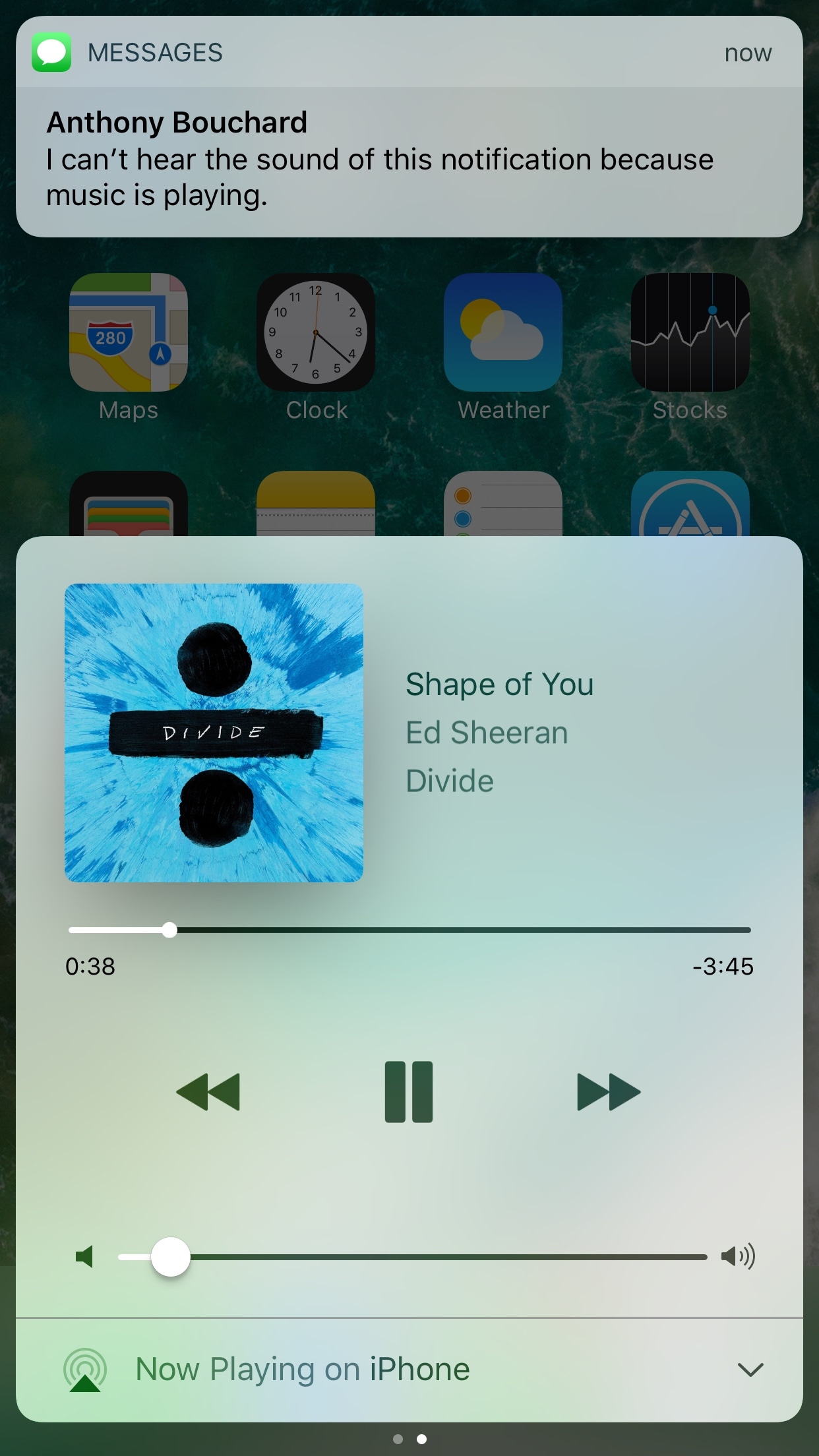
If you have a pet peeve for incoming notifications interrupting your music when you’re trying to sit back and enjoy a song, then installing a new free jailbreak tweak called QuietWhilePlaying (iOS 10) by iOS developer ijapija00 should be next on your to-do list.

This tweak silences the alert sounds and vibrations associated with incoming notifications, no matter which app they're coming from, whenever you’re actively listening to media.

Auto SilentMe silences your iPhone based on calendar events

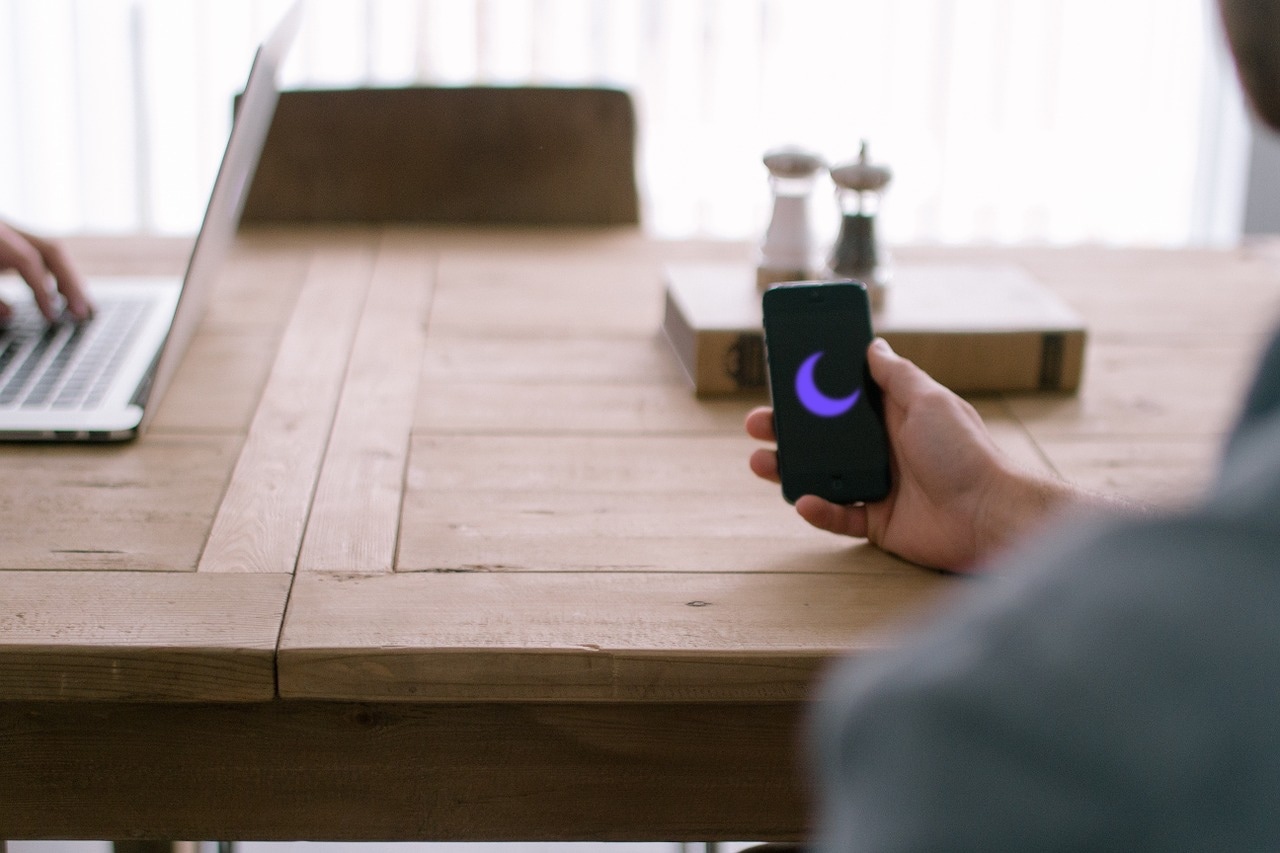
There are times when you can take notifications, and then there are times when you just can't. While Do Not Disturb is a great tool for this, it’s not the perfect solution to avoiding unwanted notifications because it relies on you to manually enable or schedule it, and sometimes we forget.

That’s a weak link that a new jailbreak tweak called Auto SilentMe by iOS developer IArrays hopes to strengthen, as it brings new notification-suppressing features to your device that will prevent embarrassing notifications from coming in when you don't want them knocking at the door.

QuietWhileUnlocked silences obtrusive notifications when your iPhone is unlocked

When you’re using your iPhone, sometimes the influx of notification sounds and vibrations can be enough to frustrate even the most tolerant of multitaskers who are trying to get things done.

Fortunately, a free jailbreak tweak called QuietWhileUnlocked by iOS developer The Holy Confluency of the Summer Triangle helps solve this problem by supressing notification sounds and vibrations whenever your device is unlocked.

Easily manage all your YouTube notifications via all-new Activity tab

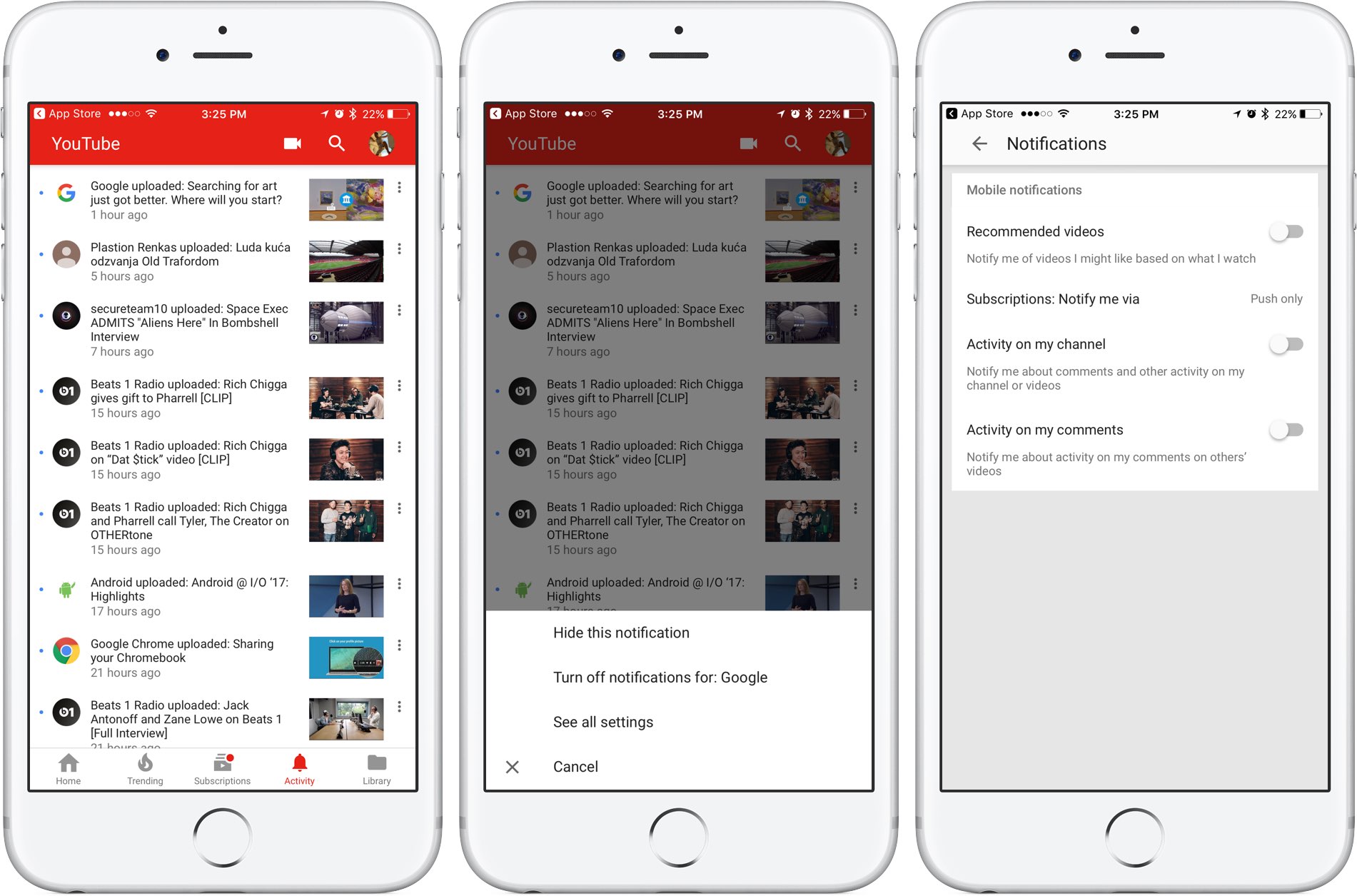
Google is rolling out a small update to its mobile YouTube app for iPhone and iPad, bringing out an all-new Activity tab where you can easily find and control all of your notifications.

Now you can see your notifications, opt-out of receiving alerts from specific accounts and more—all in one central place just a tap away no matter where you happen to be in the app.

The new tab joins the app's existing tabs: Home, Trending, Subscriptions and Library.

Before today, accessing notifications was a multi-tap affair: you were required to tap your profile picture in the app's top-right corner, then hit Notifications (see the screenshot below).

Functionally, nothing has changed drastically—the new Activity section still shows notifications from your favorite accounts in the order they were received.

The old way of managing your YouTube notifications was a multi-tap affair.

Tapping the three dots next to a notification allows you to hide that particular notification, just like before, as well as elect to turn off all future notifications for that account and more.

Tapping the option See All Settings takes you to settings where you can turn notifications on or off for any recommended videos, choose whether you'd like to be notified about activity on your comments or others' videos, select how you'd like to be notified and more.

The new Activity tab requires YouTube for iOS version 12.20 or later.

Grab YouTube for iOS for free form App Store.
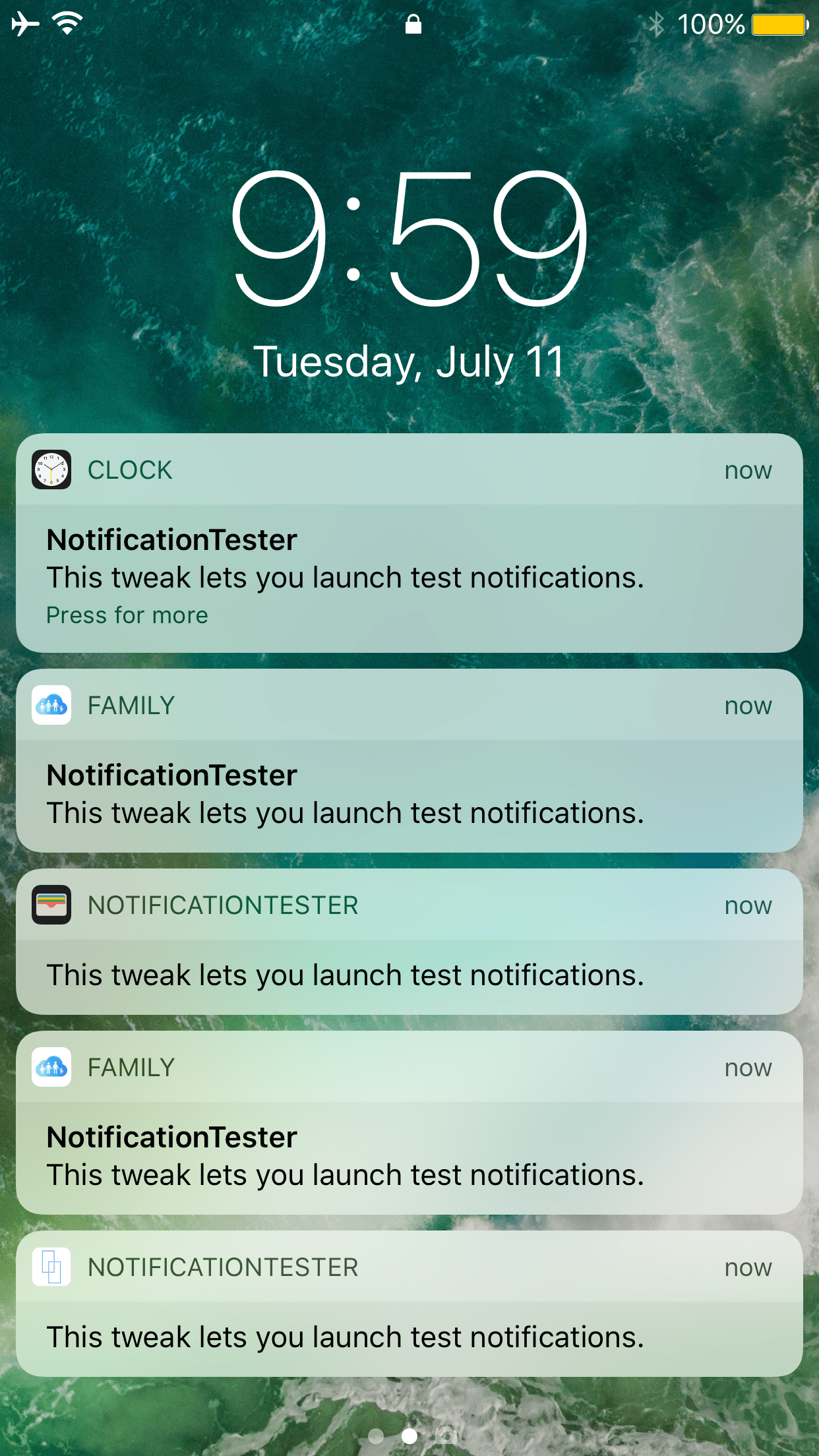
Toka replaces Home screen’s Today widgets with missed notifications

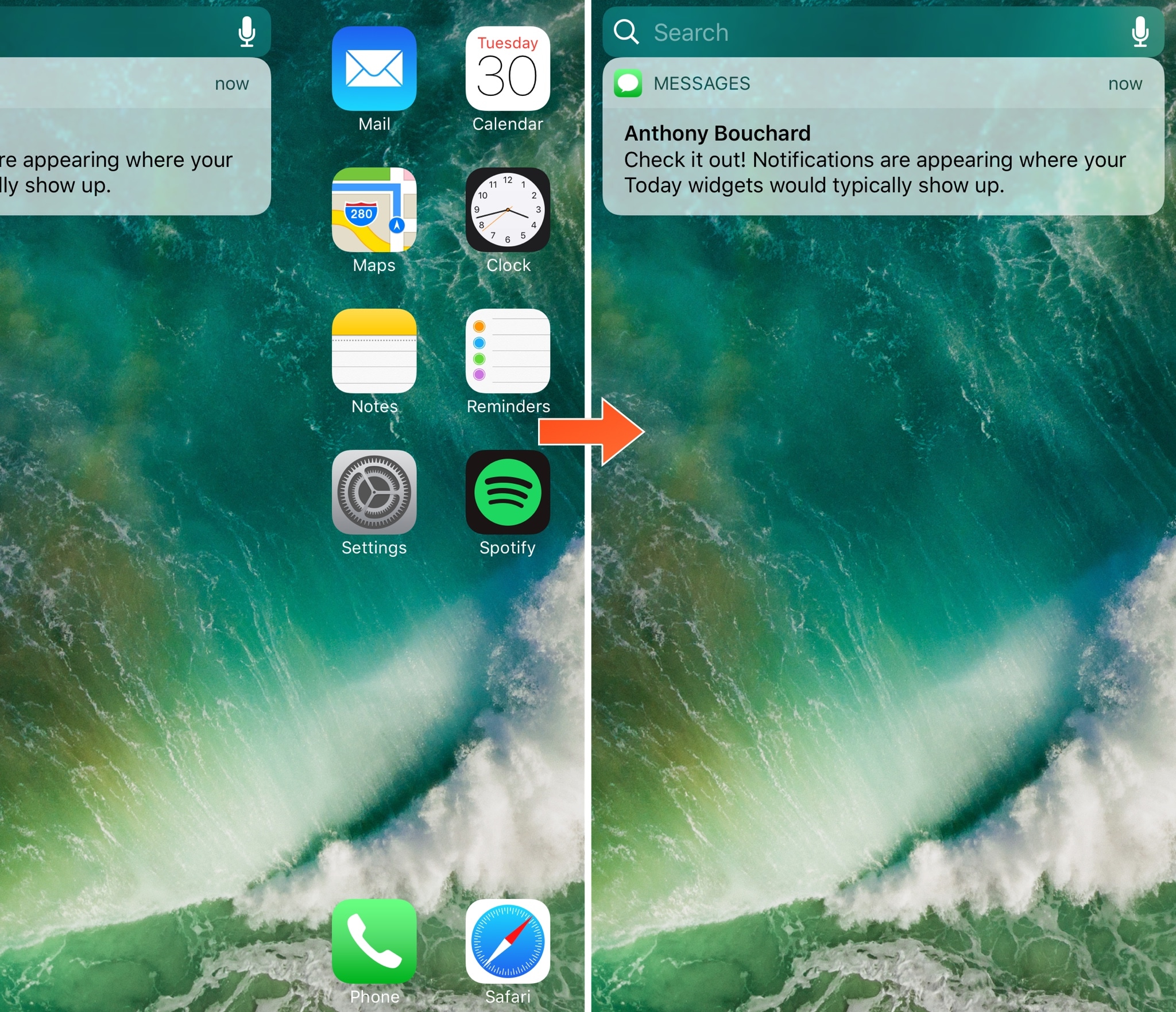
Today widgets appear on the Home screen when you swipe all the way to the left, beyond the first page of your app icons. For those who don't like to use the Today widgets, this page is a significant waste of space.

A new free jailbreak tweak release called Toka by iOS developer maximehip is now available for those who would prefer to see something other than Today widgets when swiping to the left, as it replaces them with your missed notifications instead.

This tweak also clears app icon badges when clearing notifications from Notification Center

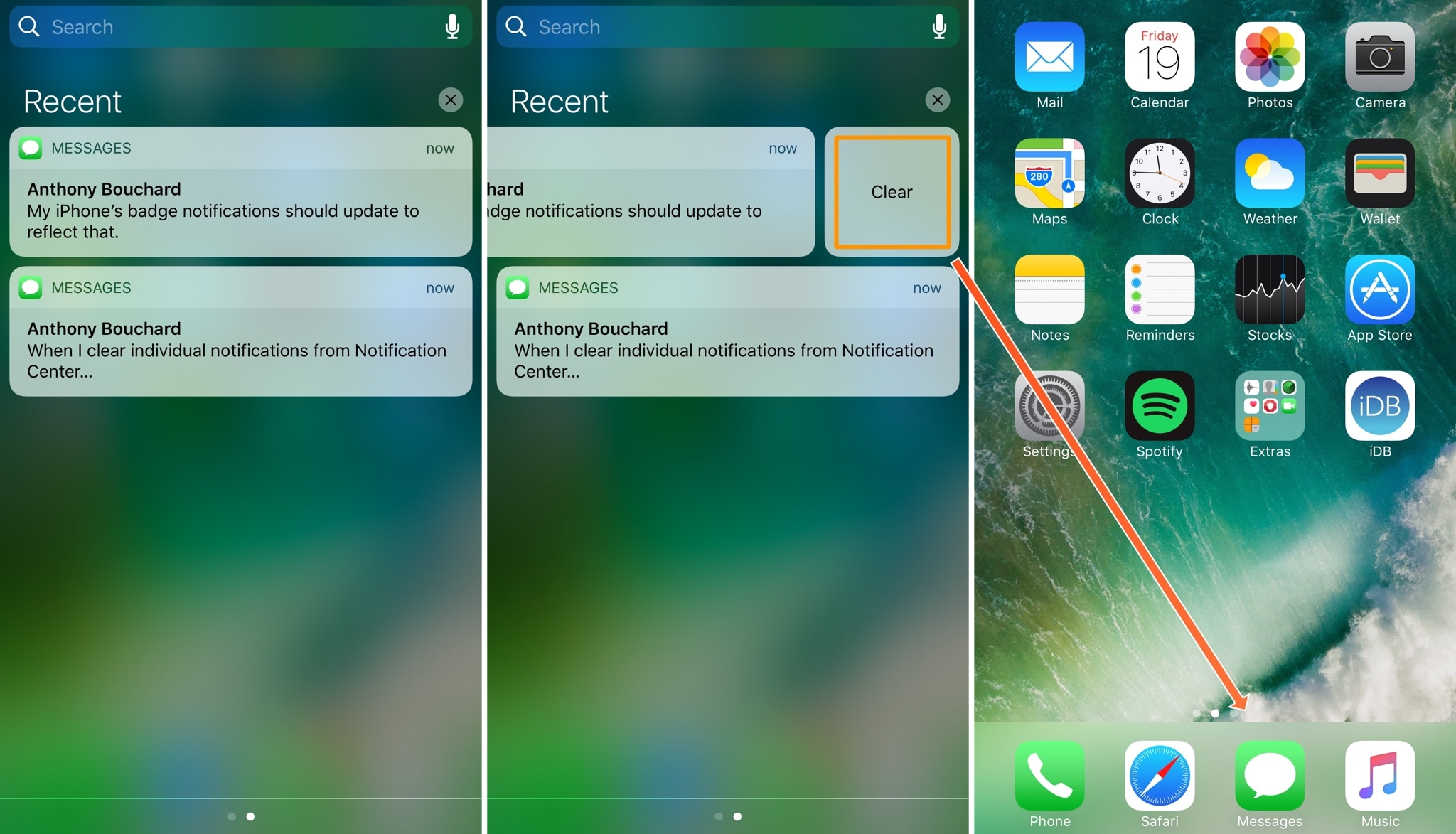
One of the pet peeves I’ve always had as an iOS user is that when I clear notifications from Notification Center, the badges remain on the Home screen app icons, requiring me to manually dismiss the badges after I already went through the process to dismiss the notification in Notification Center.

A new free jailbreak tweak dubbed Pigeon by iOS developer ridn eliminates this tedious problem by automatically updating the icon badge number after you cleared notifications via Notification Center.

Hypeman announces Now Playing changes by voice or banner notifications

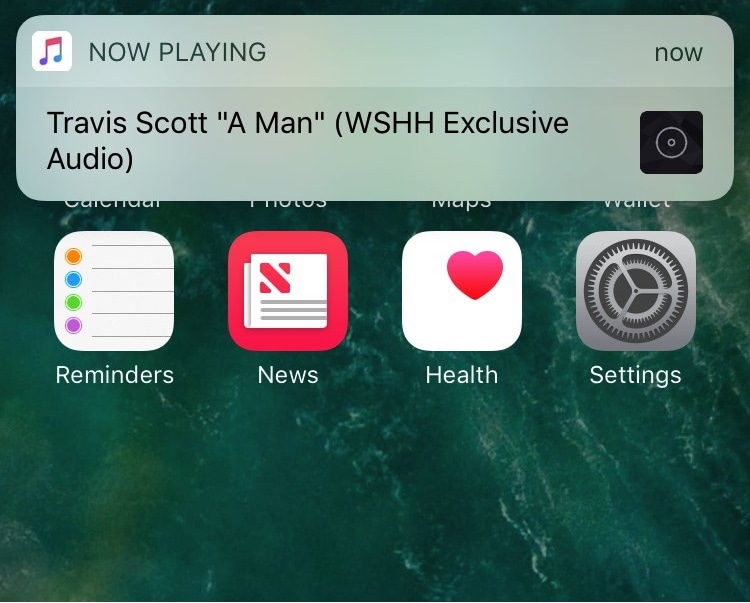
If you ever listen to radio apps or random playlists that you didn’t create, then you’re probably familiar with how it feels when you can’t quite figure out what’s playing; a real buzzkill when you like the beat and want to save the song for later.

A new free jailbreak tweak dubbed Hypeman by iOS developer ridn can help in this regard, as it keeps you in the loop with song information every time the Now Playing track changes.

Colorize your notification banners with Cheader

Banner notifications throughout iOS 10 are bland, lacking any visual appeal whatsoever. On the other hand, a new free jailbreak tweak dubbed Cheader by iOS developer ridn aims to fix that.

Once installed, Cheader automatically colorizes your notification banners based on the dominant color found in the icon of the app that delivered the notification.