Notifications

OLEDification emulates OLED-style notifications on your jailbroken iPhone

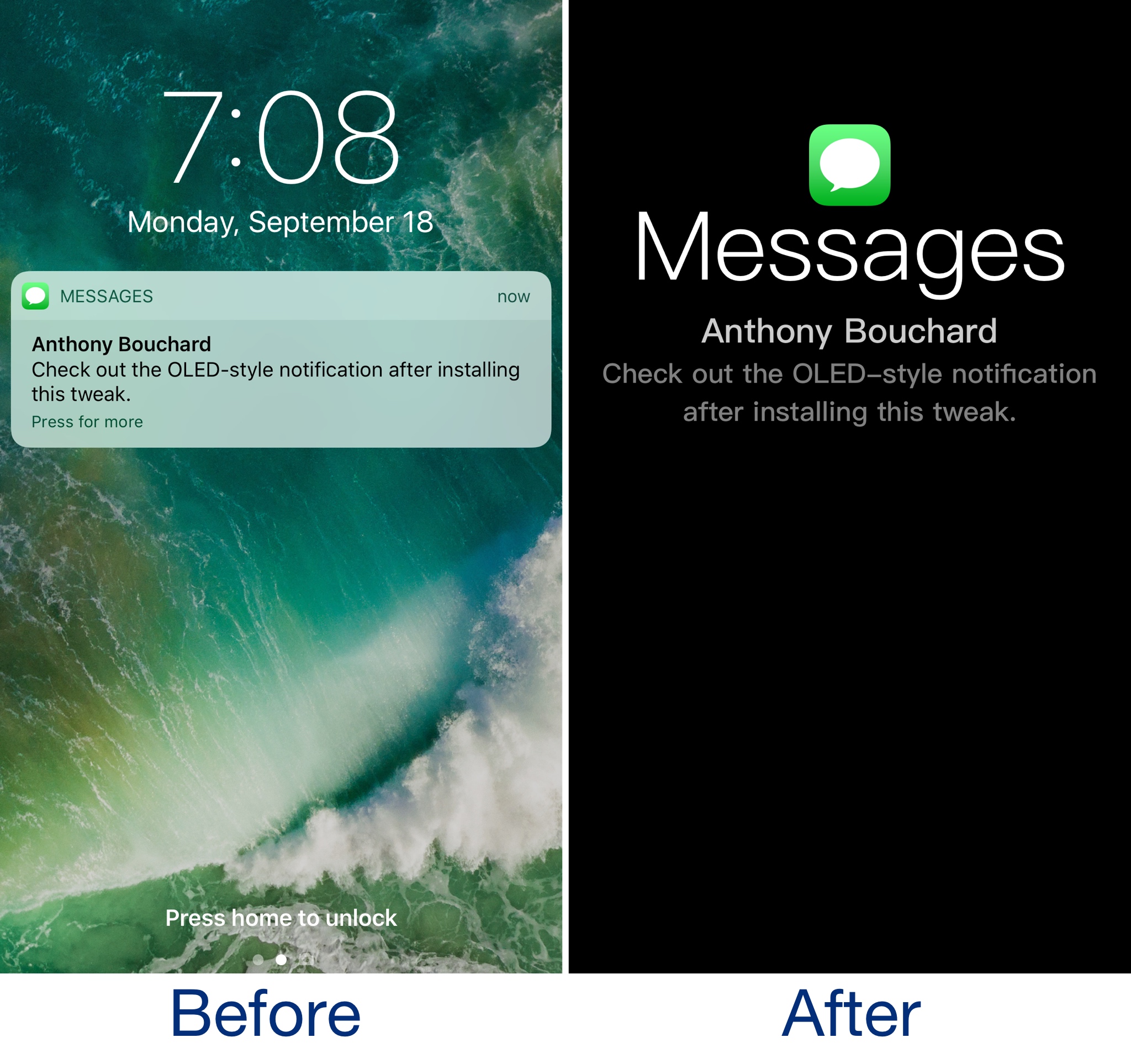
OLEDification is a new jailbreak tweak by iOS developer Shyam Lad that captures the notification experience of various devices with OLED displays and brings it to the Lock screen of your jailbroken iPhone.

Once installed, the Lock screen interface disappears when you receive notifications. Instead, you’re shown an immersive full-screen experience in which the background is dark, and the notification content itself makes up the only color you see on your display.

Edgify: another tweak that brings Galaxy S8-inspired notification animations to iOS

If you’re a fan of the way the notification system looks on Galaxy S8 devices, then you might want to pay attention to a new jailbreak tweak called Edgify by iOS developer NOPTeam.

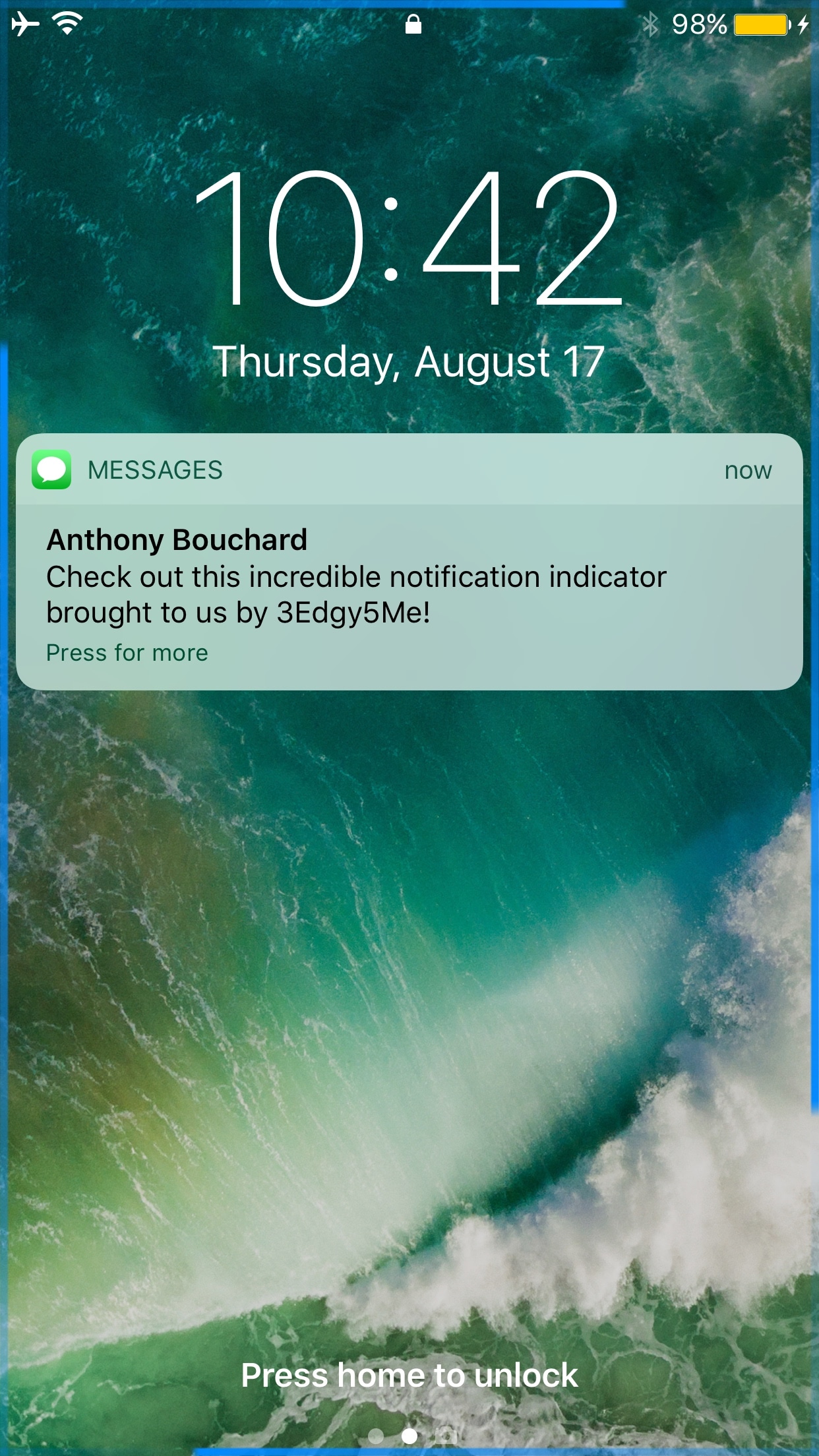
If the concept sounds familiar, that’s because a free tweak called 3Edgy5Me was just released last week that did the same thing. On the other hand, we'll show you what sets them apart in this piece.

3Edgy5Me brings Galaxy S8-inspired notification animations to the iPhone

Out of all the smartphone choices out there, it’s probably not wrong to say that iOS has one of the most uninteresting notification systems of them all. Fortunately, those who sport jailbreaks can spice up the notification system up a bit with add-ons.

One of the latest jailbreak tweaks to do just that is a new release called 3Edgy5Me by iOS developer Will Smillie, which brings customizable Galaxy S8-style notifications to iPhone and iPad.

Miss Priority Hub because you’re on iOS 10? Try Atmos

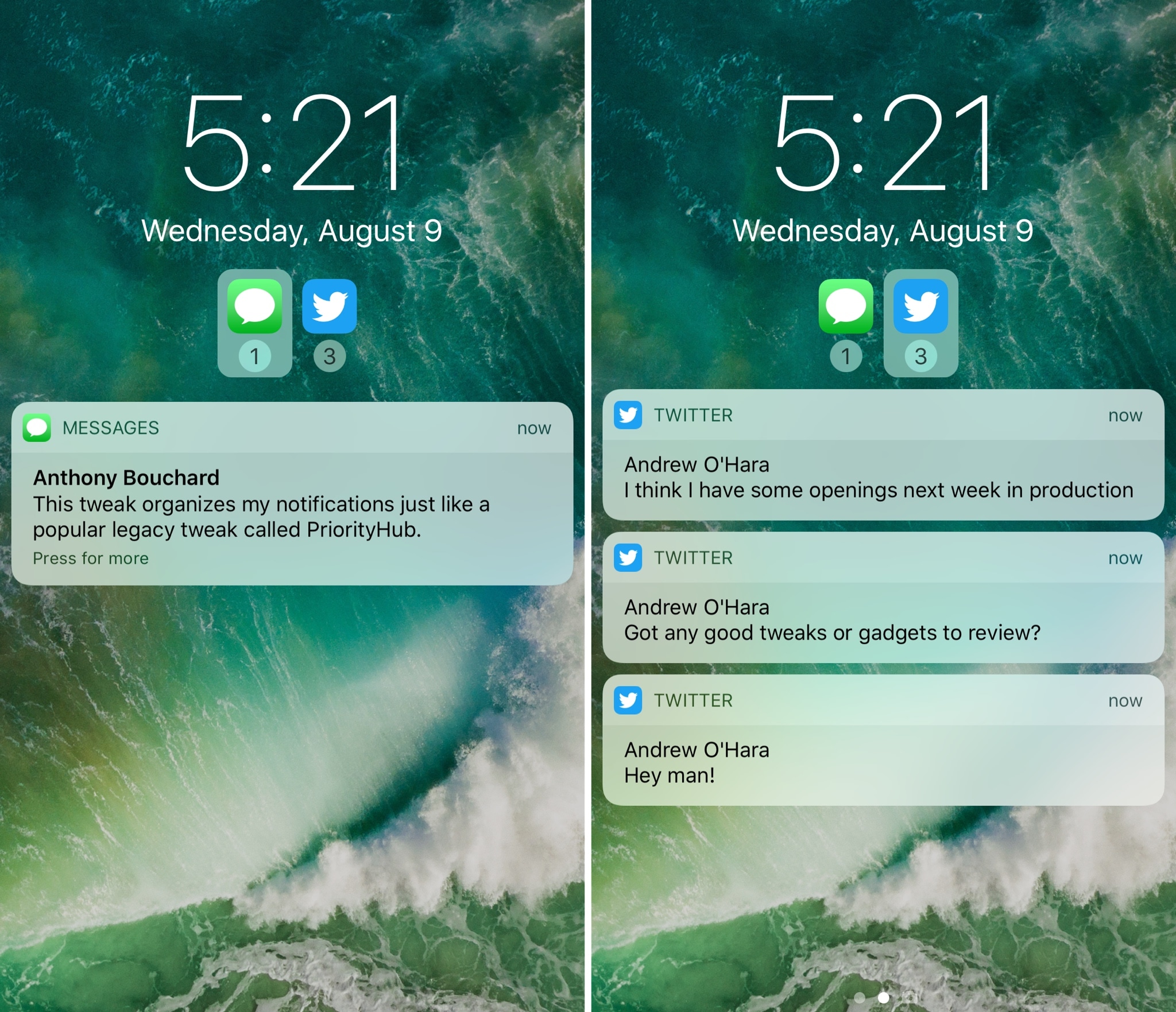
One of my long-time favorite jailbreak tweaks for organizing my incoming notifications is Priority Hub, but the tweak was never updated to support iOS 10. If you’re in the same boat and miss this classic tweak, then you might want to try a new release called Atmos by iOS developer Antique.

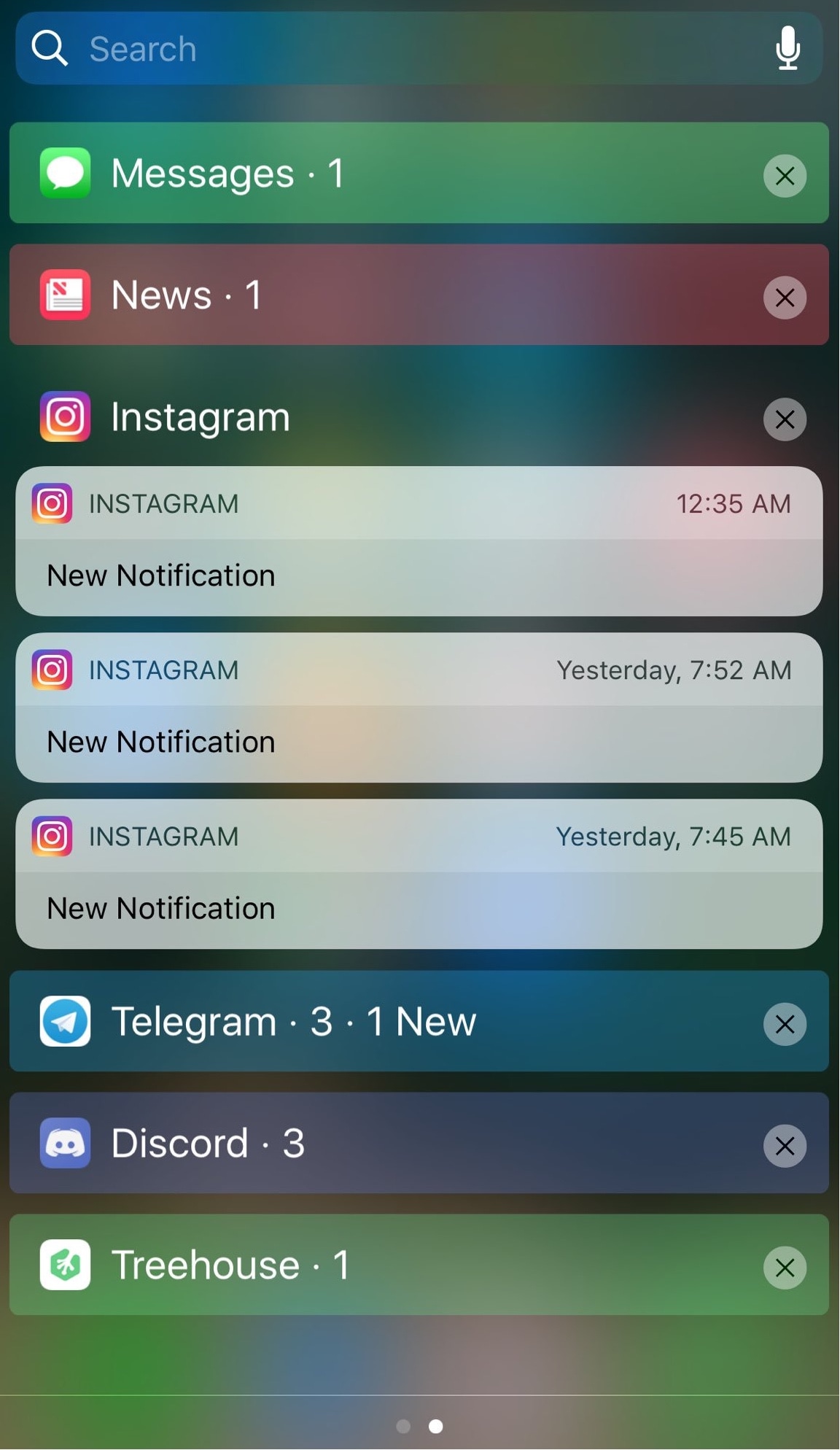
After you install Atmos, your notifications are grouped by app both on the Lock screen and in Notification Center. With this sort of organization, you can focus on what’s important rather than looking at a chaotic menagerie of mixed notifications.

Animate your notification badges with BlinkBadge

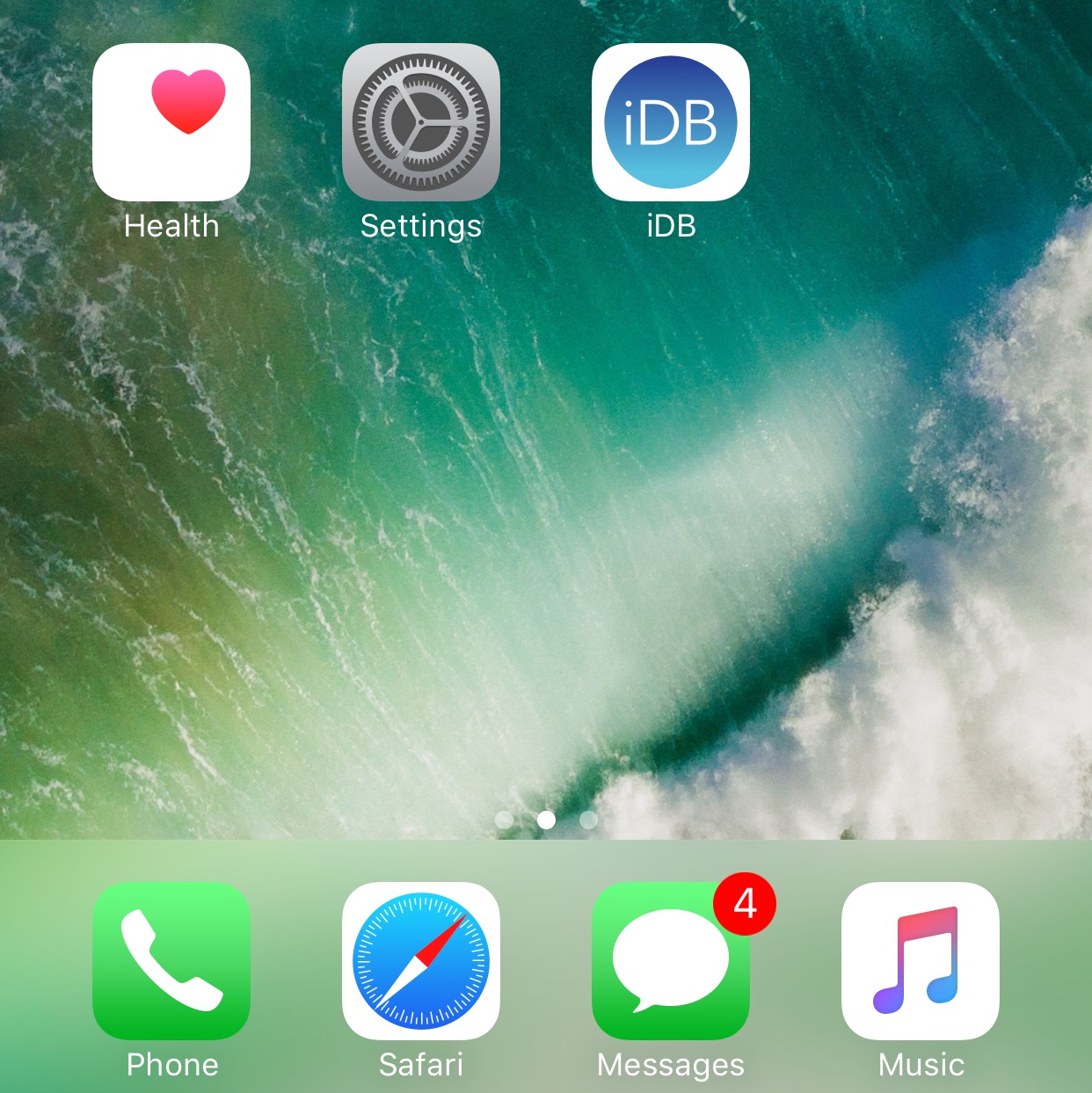
If you’re not gluing your eyes to your iPhone all day long, then chances are you unlock your device to a plethora of notification badges from time to time.

On a stock device, the badges sit there and do nothing until you open the app to ackowledge them, but with a new free jailbreak tweak called BlinkBadge by iOS developer NeinZedd9, you can animate them to make things more exciting.

Fuzzy blurs the Lock screen background when you have notifications

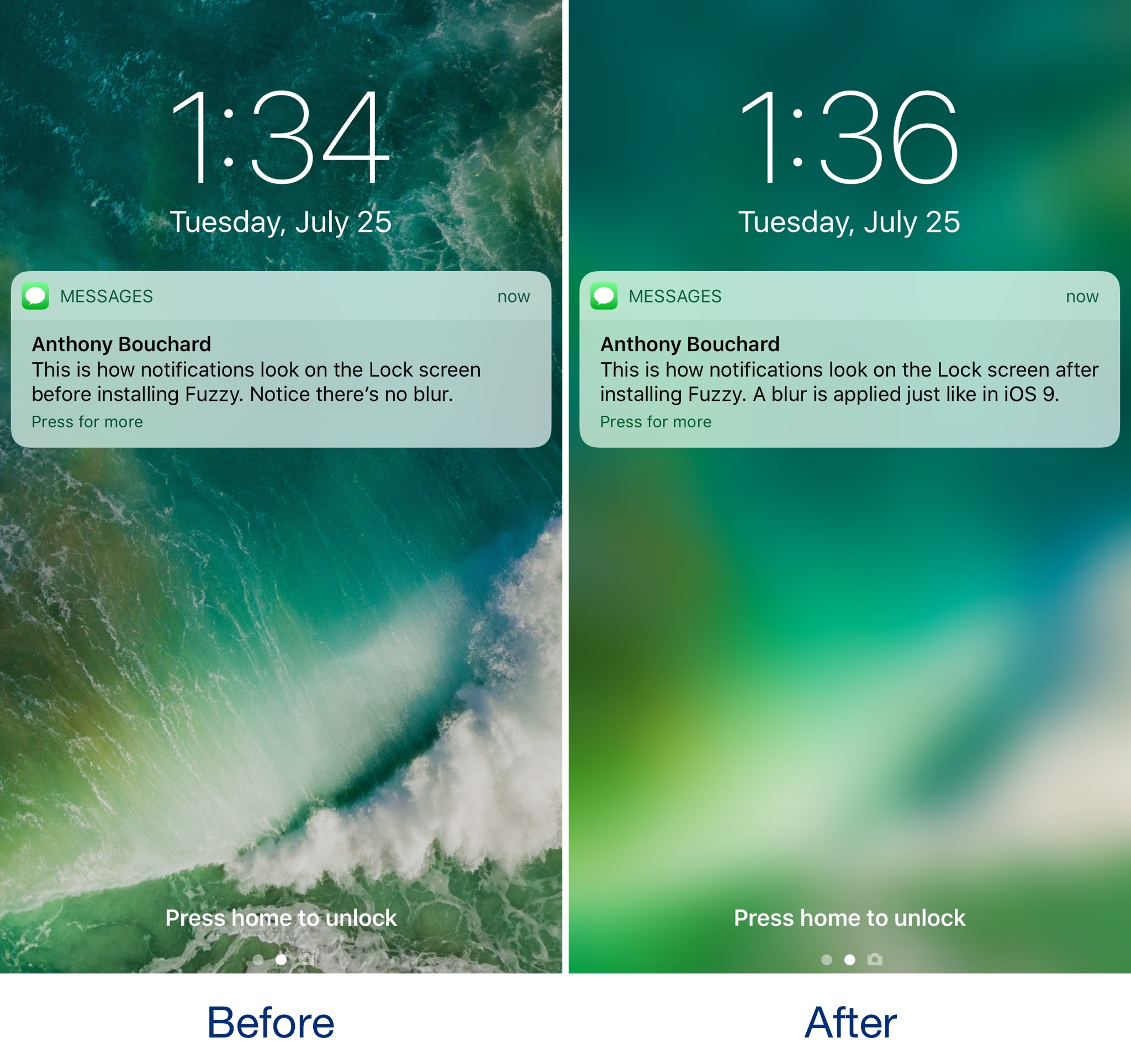
iOS 10 changed how incoming notifications looked on the Lock screen by doing away with the background blur that appeared behind banners and adding those polarizing banner backgrounds.

If you miss the way the Lock screen wallpaper would always become blurred when receiving notifications, then you might be interested in trying a new free jailbreak tweak called Fuzzy by iOS developer candoizo.

NCLink10 groups inbound notifications by app and lets you collapse them

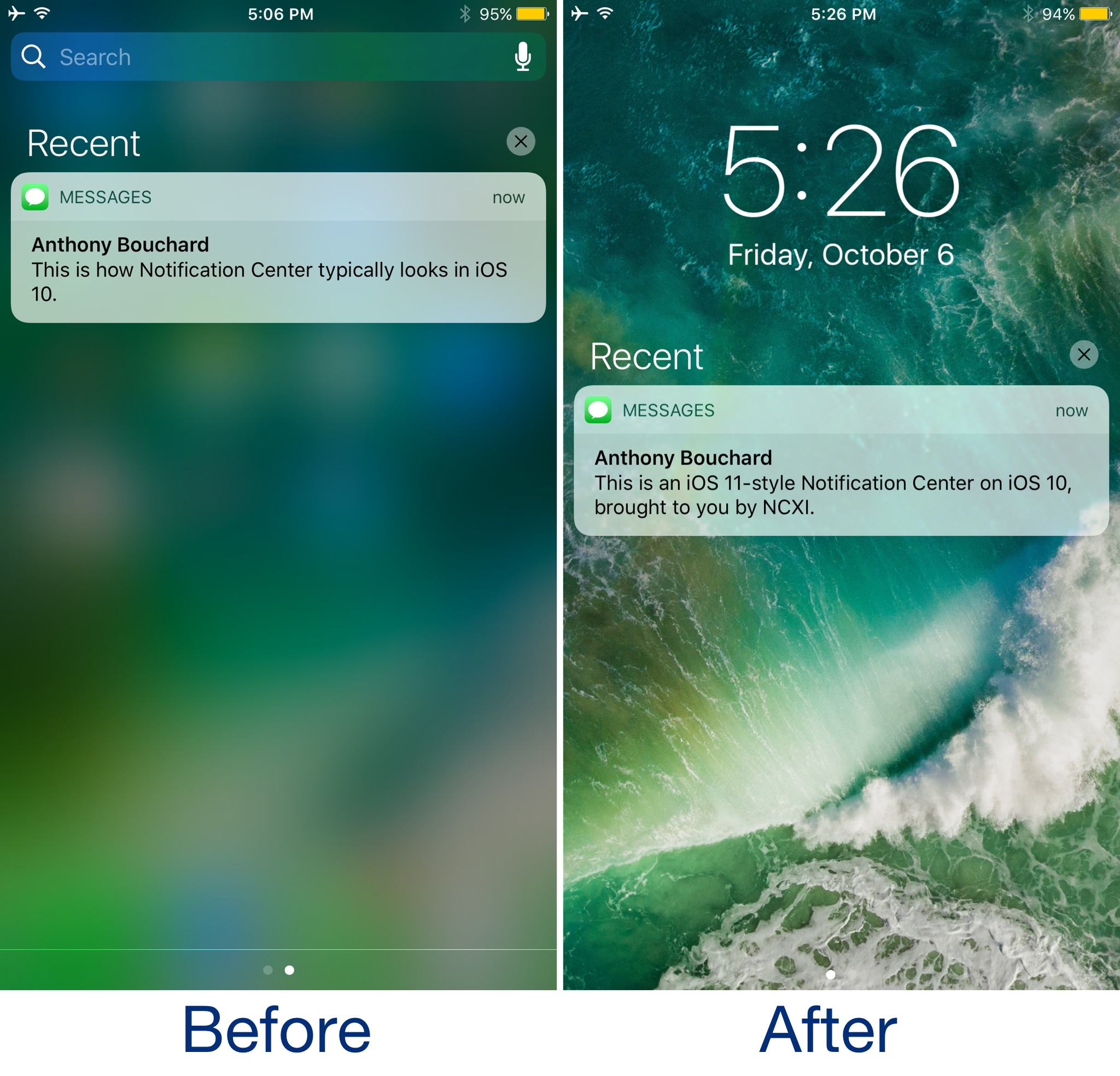
In the most recent iterations of iOS, inbound notifications on the Lock screen and in Notification Center aren't displayed as pleasantly as they once were in older versions. App-based notification groups and the ability to collapse certain groups have gone missing.

With a new jailbreak tweak called NCLink10 by iOS developer HiDaN, you can resurrect these feature on even the latest iterations of iOS.

Send yourself test notifications with this jailbreak tweak

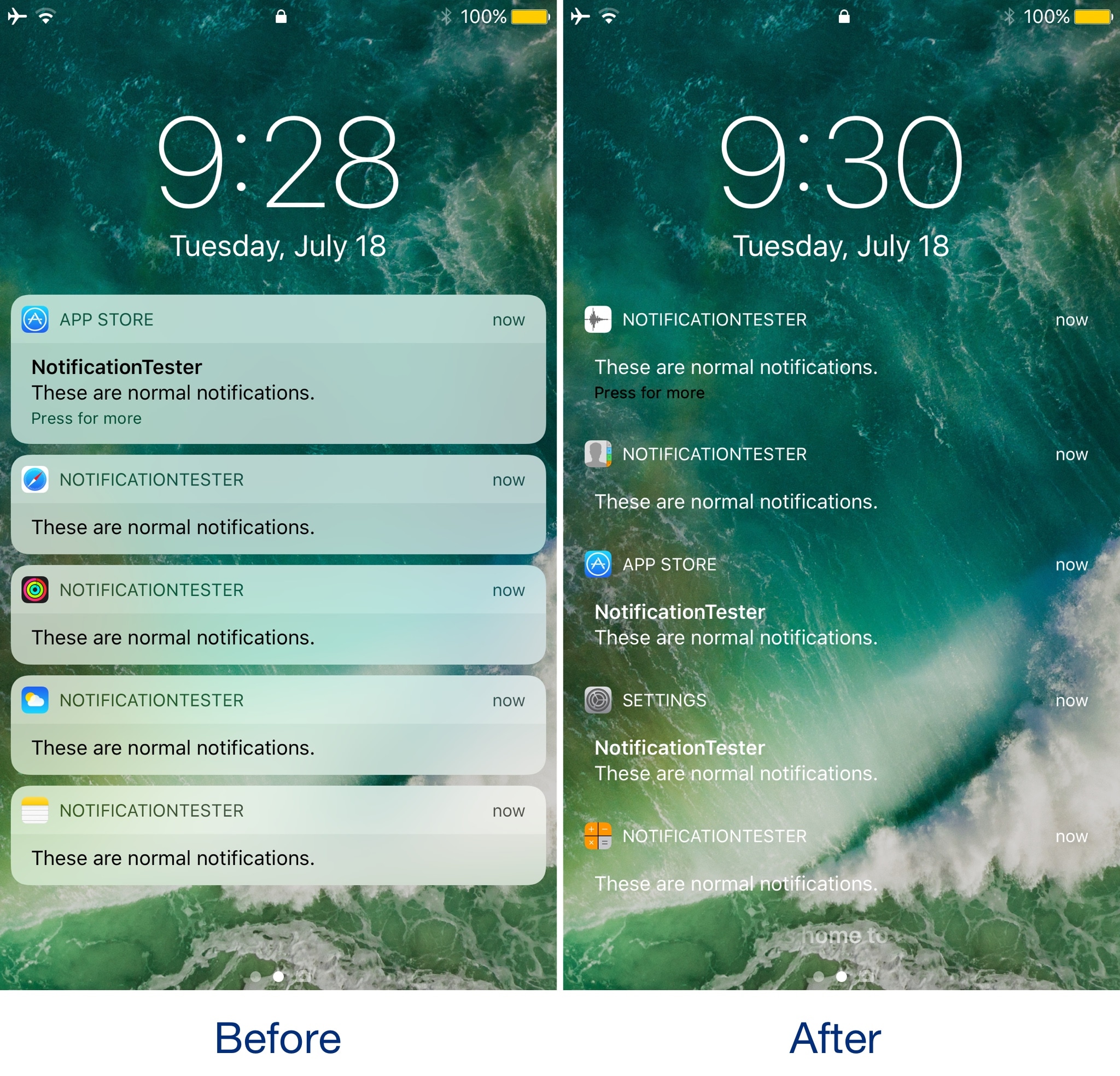
There are countless jailbreak tweaks in Cydia that let you change the look and feel of your notification banners, but not all of them come with an option to preview your changes after you apply new settings.

If you come across this issue often, then you're going to love a new free release dubbed NotificationTester by iOS developer D4ni.