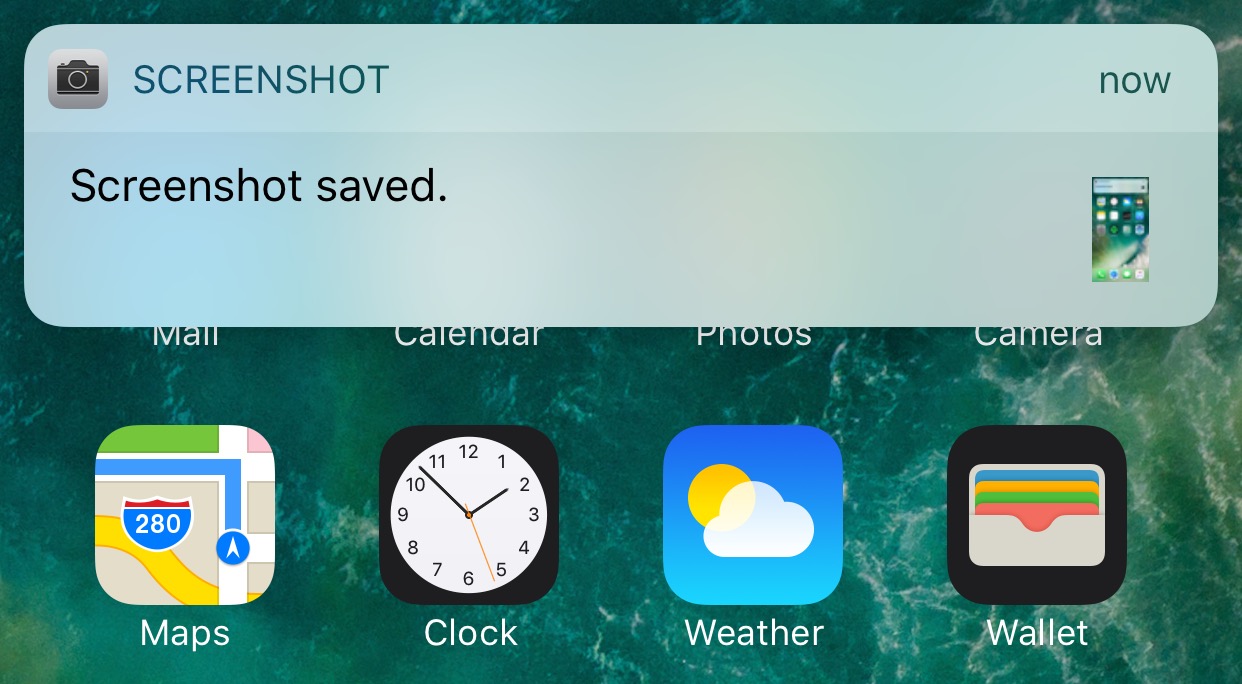
Notifications

Viber for iPhone gains chat pinning and adjustable notification sounds

Rakuten-owned messaging app Viber is launching a pair of interesting enhancements in its mobile app for iPhone and iPad. The first improvement comes in the form of handy new options for adjusting Viber's default notification sound on a per-chat basis. The other enhancement lets you easily pin your favorite conversations to the top of the chat screen.

Aside from these improvements, Viber 6.8.8 for iPhone and iPad, a free download from App Store, includes unspecified bug fixes and performance improvements.

Chat pinning

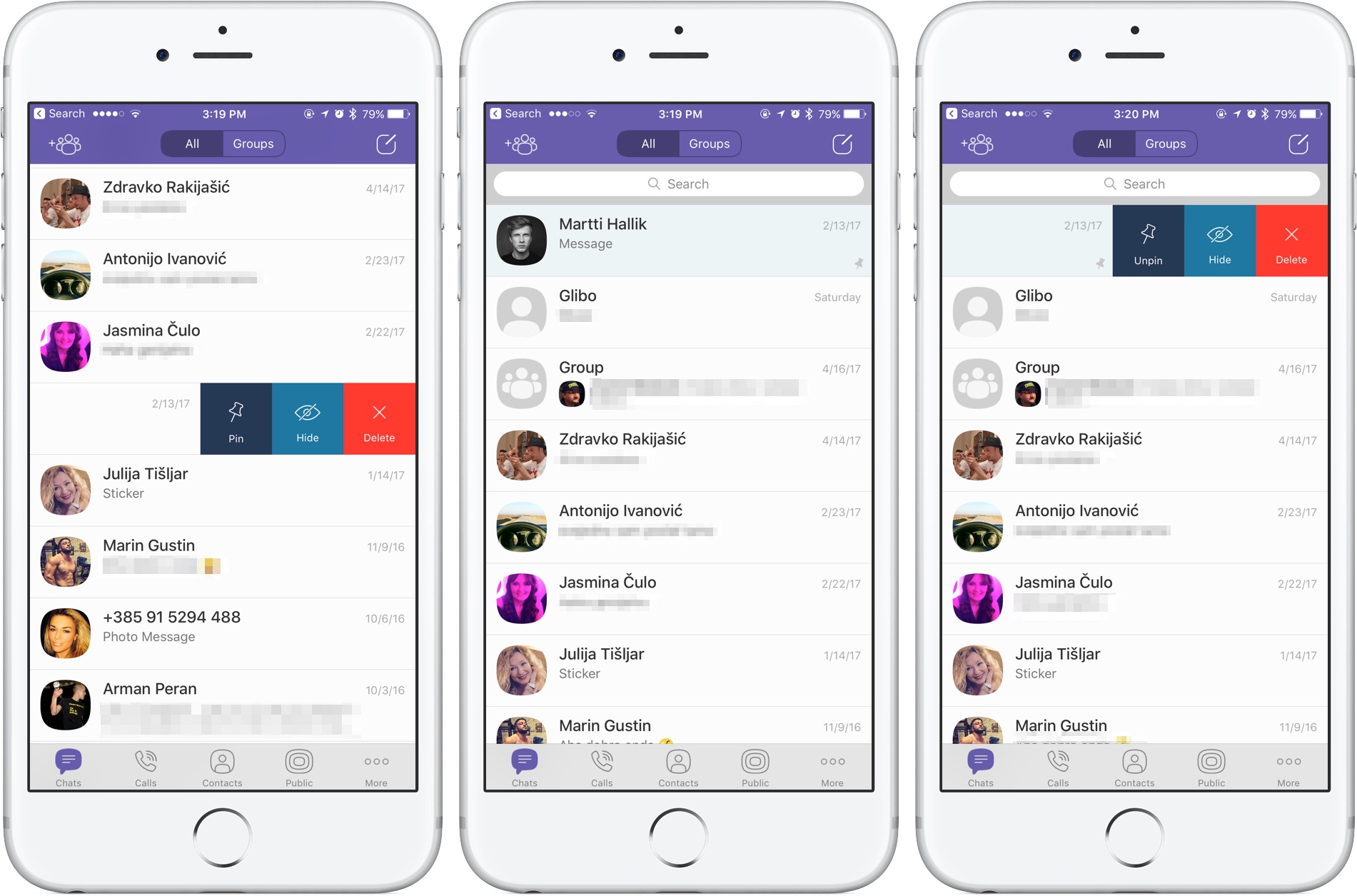
With this feature, you can pin your favorite conversations to the top of the chat list where they're easier to spot. To pin a chat, swipe the conversations in the chat list, then select Pin to pin it to the top of the screen or Unpin if it's already pinned and you'd like to unpin it, as shown on the screenshots top of post.

Rival WhatsApp from Facebook is said to be working on chat pinning, too.

Custom notification sounds

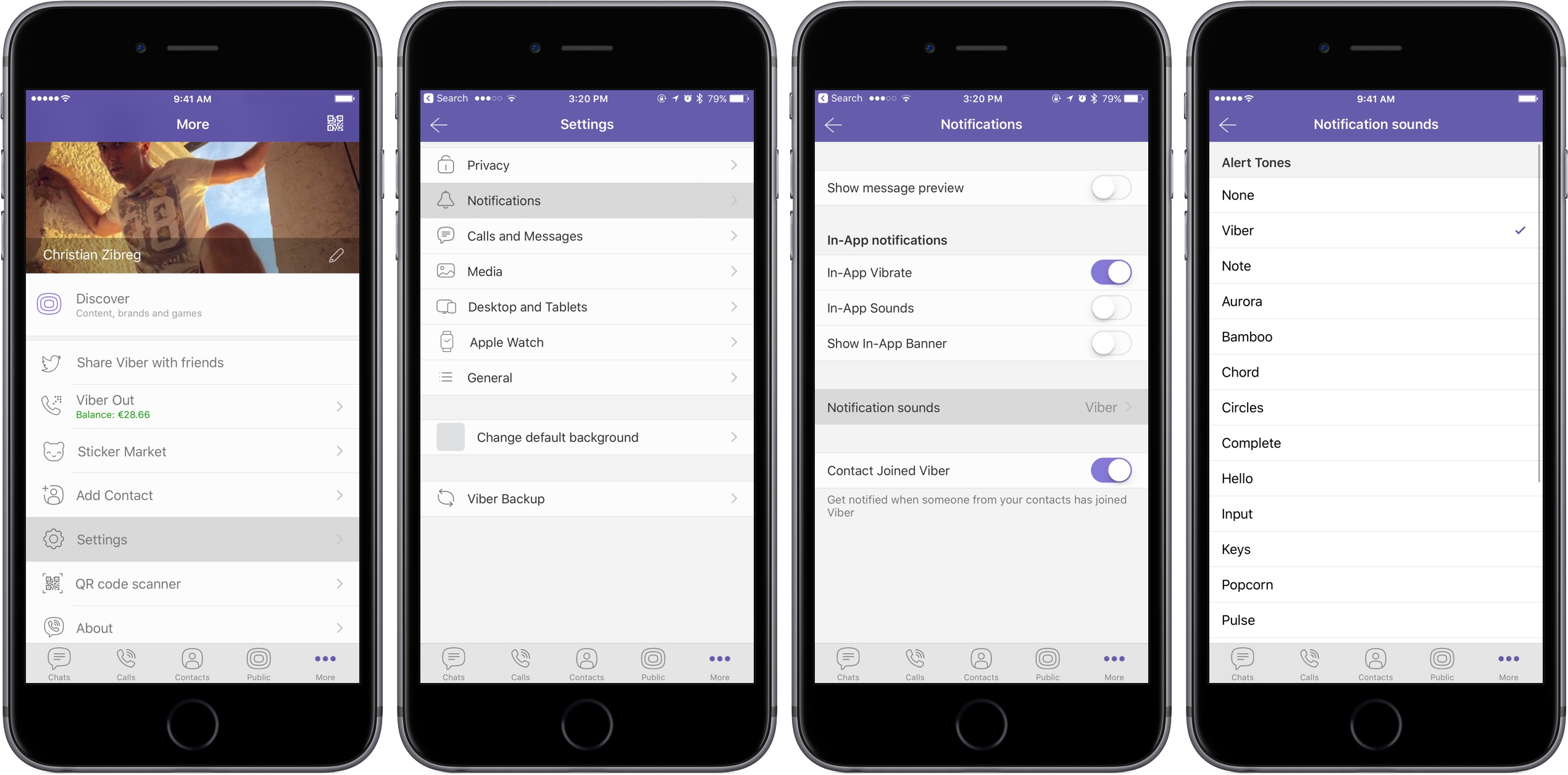
Viber now allows you to override its default notification sound and replace it with the sounds listed in Settings → Sounds. You can choose a new default sound for all Viber notifications or select a different notification sound on a per-chat basis to make it easier to audibly distinguish between notifications for new messages from, say, your Mom and a co-worker.

Download Viber 6.8.8 for iOS via App Store.
This tweak lets you summon banners with battery information

A new free jailbreak tweak called BatteryBanners by iOS developer Cole Cabral lets you summon a banner notification on demand via Activator that displays a numeric battery level percentage.

While the Status Bar already has a battery icon and iOS can be configured to display the numeric battery level percentage right beside it, this tweak lets you disable the feature while still letting you get to battery information when you need it.

TapToOpen lets you interact with your Lock screen notifications with a tap

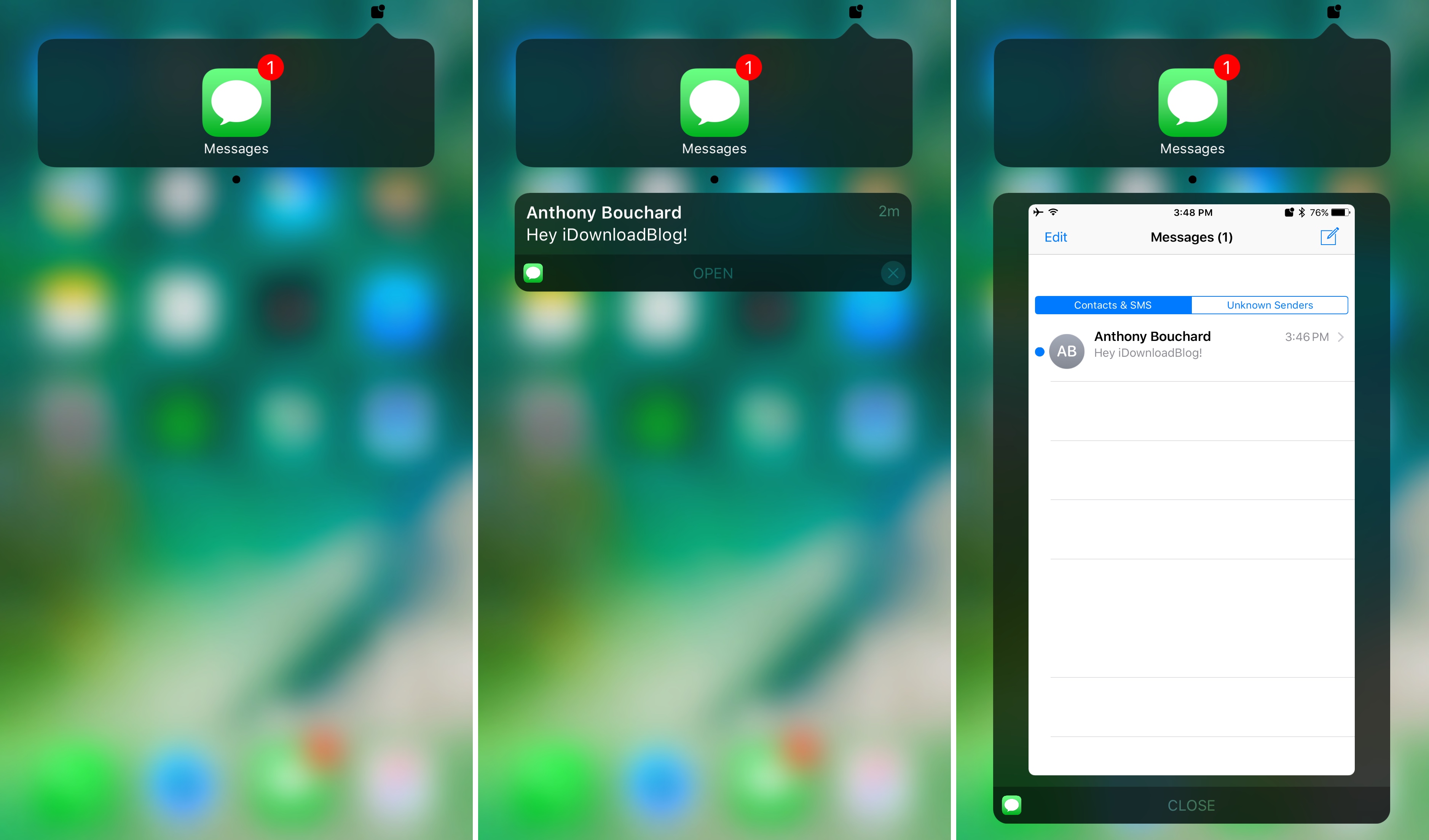
You can either swipe on or use a 3D touch gesture to interact with with notifications on your Lock screen. The swipe reveals options for clearing or replying to the notification, while the 3D Touch gesture opens a quick reply interface instead.

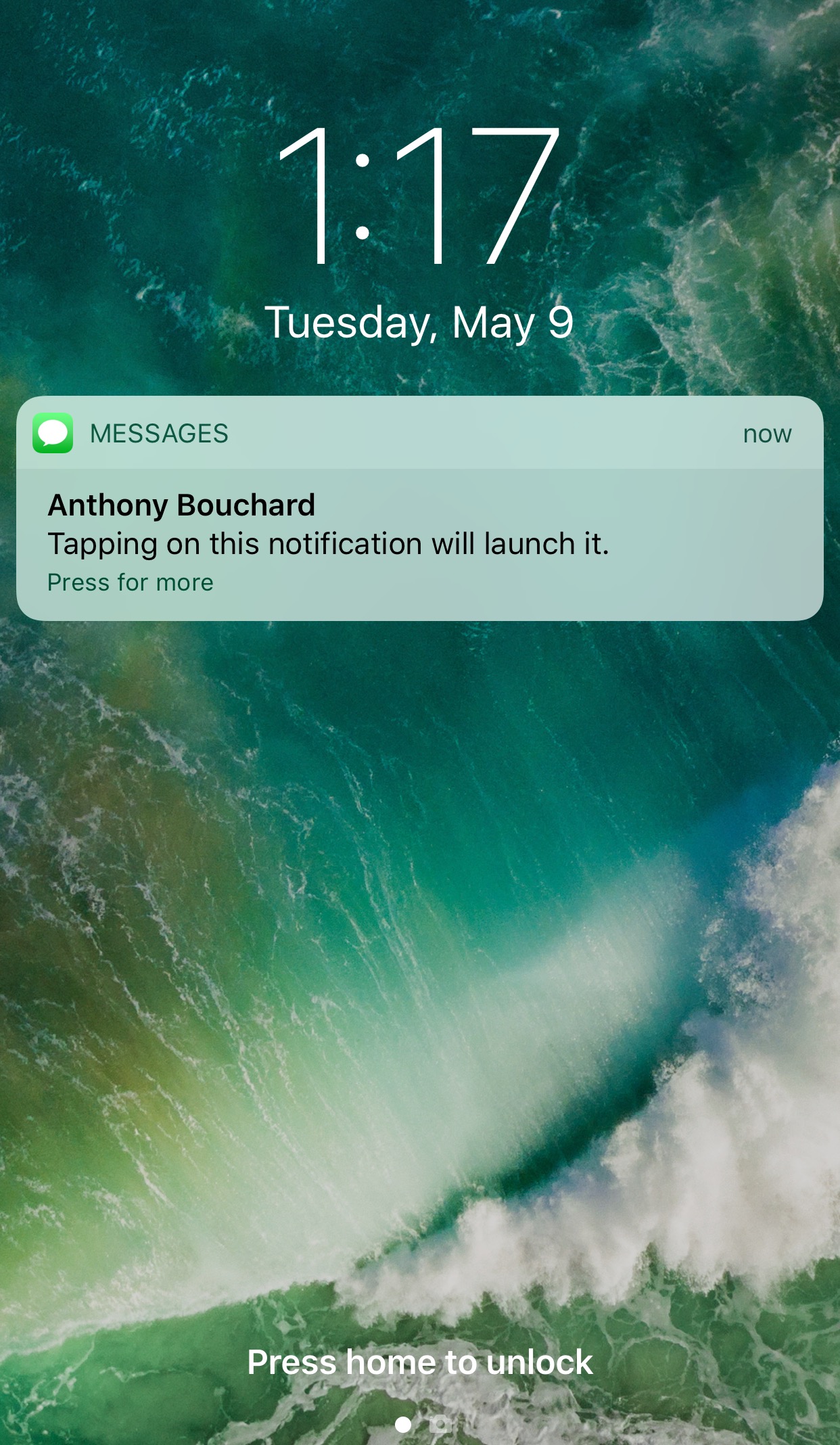
A new free jailbreak tweak called TapToOpen by iOS developer gilshahar7 adds a new way to interact with your notifications by letting you tap on them to interact with them.

FancyNC thins out your notification banners and widgets

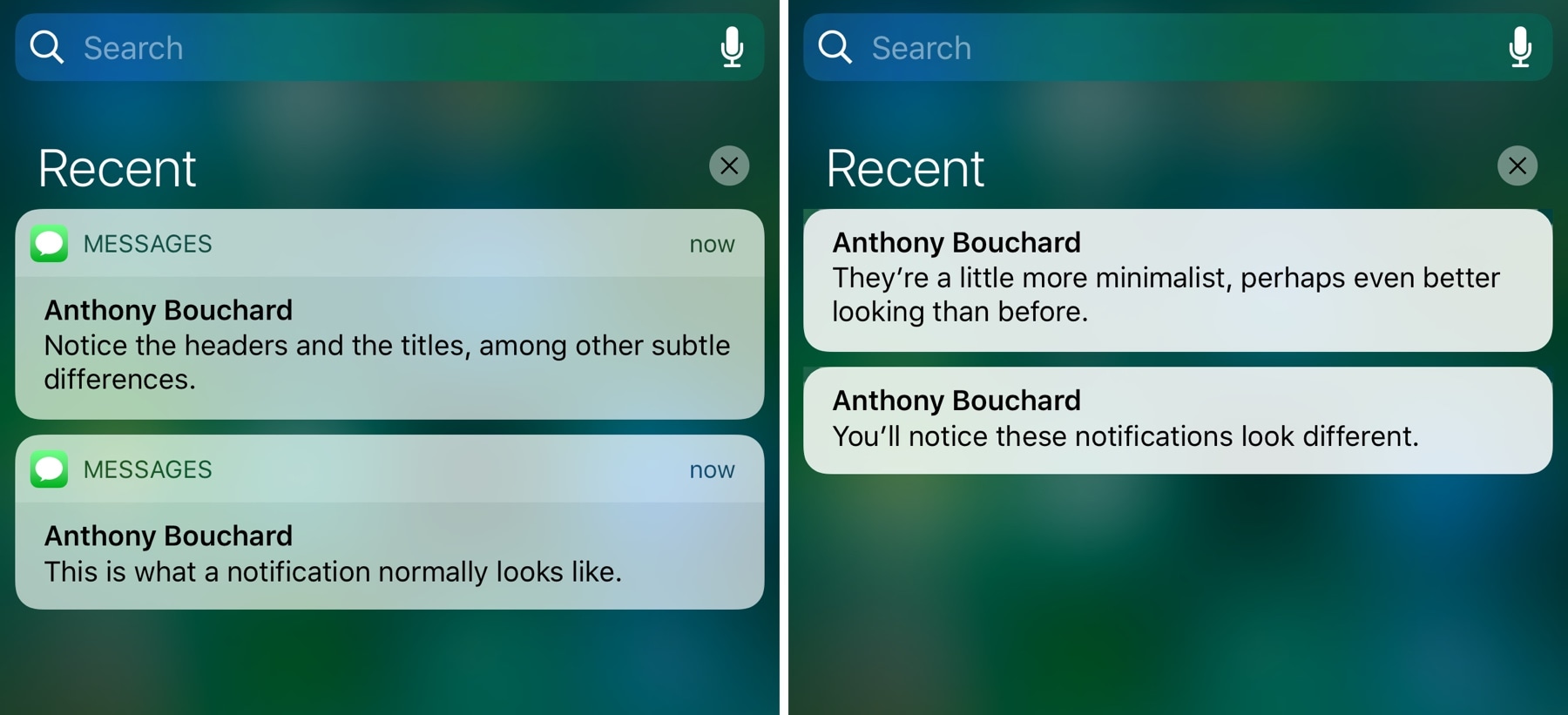
A new free jailbreak tweak dubbed FancyNC by iOS developer Demy Kromhof makes your iPhone's banner notifications and widgets thinner, decreasing their visual footprint and pleasing the average minimalist.

Among the things it does to achieve the end result is remove both the bulky headers and the unsightly separator lines that appear on elements on both the Lock screen and in Notification Center.

DismissAnywhere lets you tap anywhere outside of an alert to dismiss it

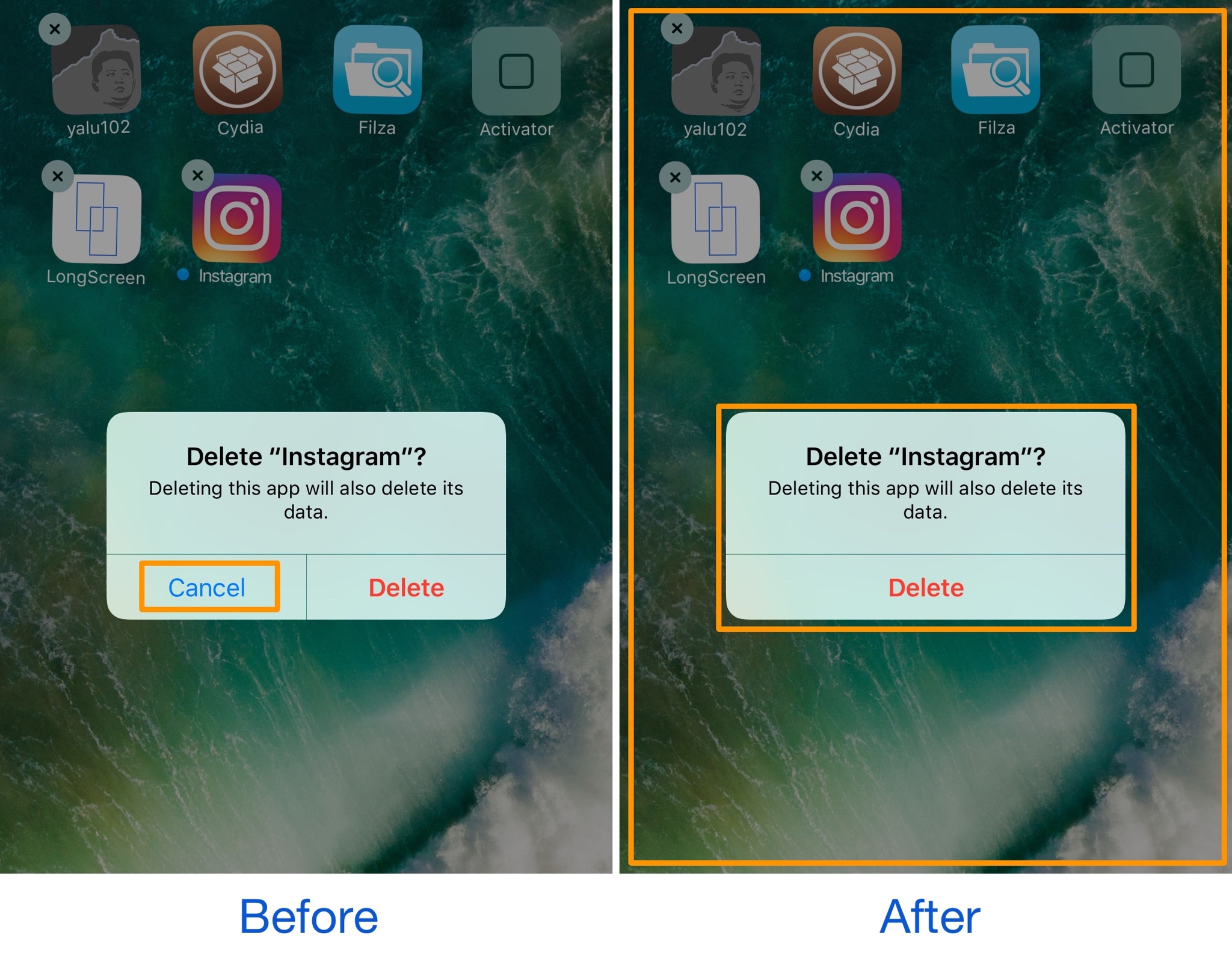
Different kinds of alert messages pop up in the middle of your screen throughout iOS. They can appear for a variety of reasons, including after an attempt to buy an in-app purchase or while you try to delete apps from your Home screen.

These alert pop-ups normally have both an actionable button and a cancel button, but a new free jailbreak tweak called DismissAnywhere by Demy Kromhof puts a new spin on things by eliminating the cancel button and letting you tap anywhere outside of the alert to dismiss it.

ExactTime shows exactly when your notifications were received

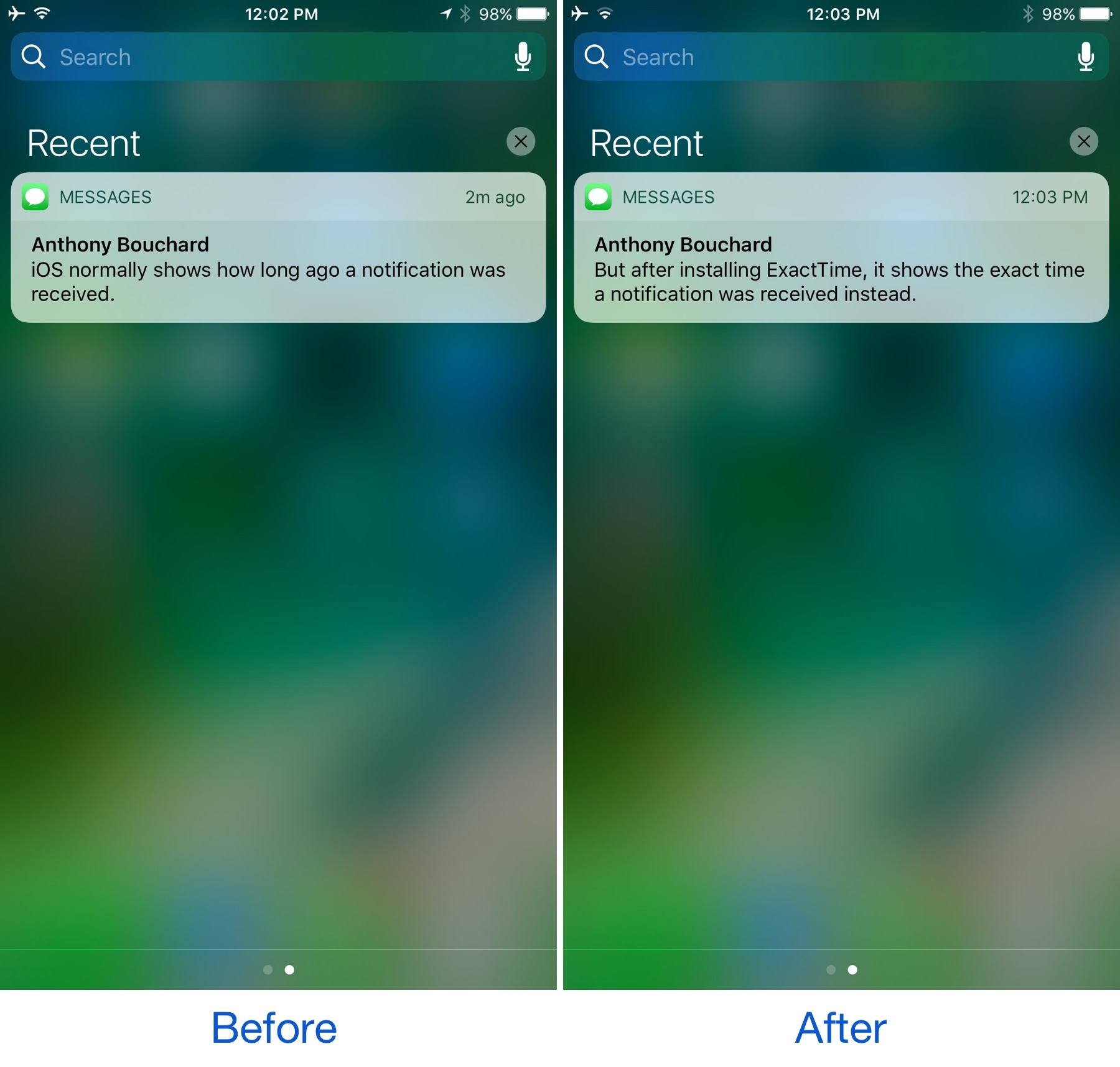
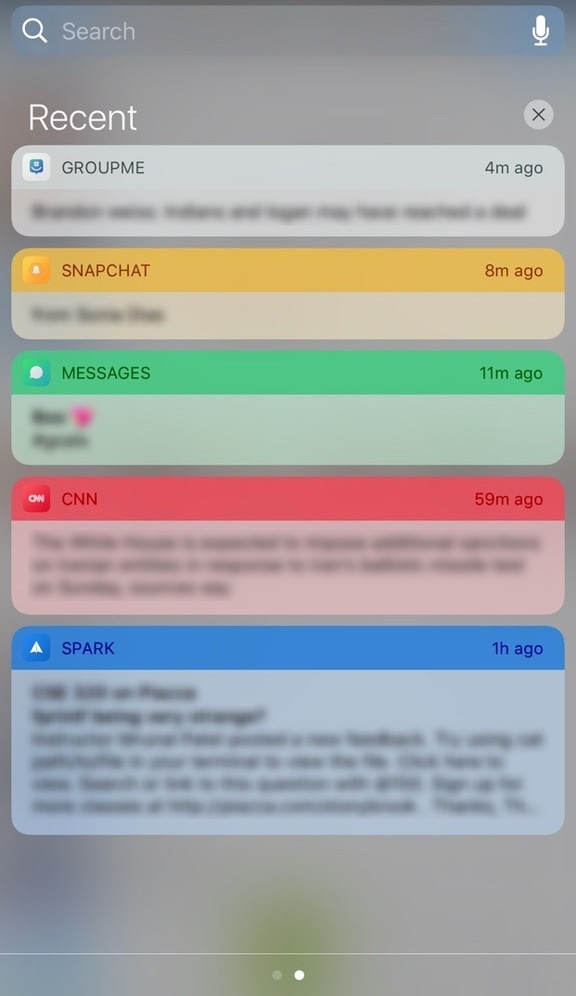
When there are missed notifications on your iPhone or iPad, a summary of what’s awaiting your attention is available in Notification Center. Each notification header displays an estimate of when it was received, but it’s not always as descriptive as you might want it to be.

A new free jailbreak tweak called ExactTime by gilshahar7 helps improve on this tiny frustration with iOS notifications by providing an exact time received in the notification header, rather than just an estimate.

Give Notification Center a makeover with betterNC10

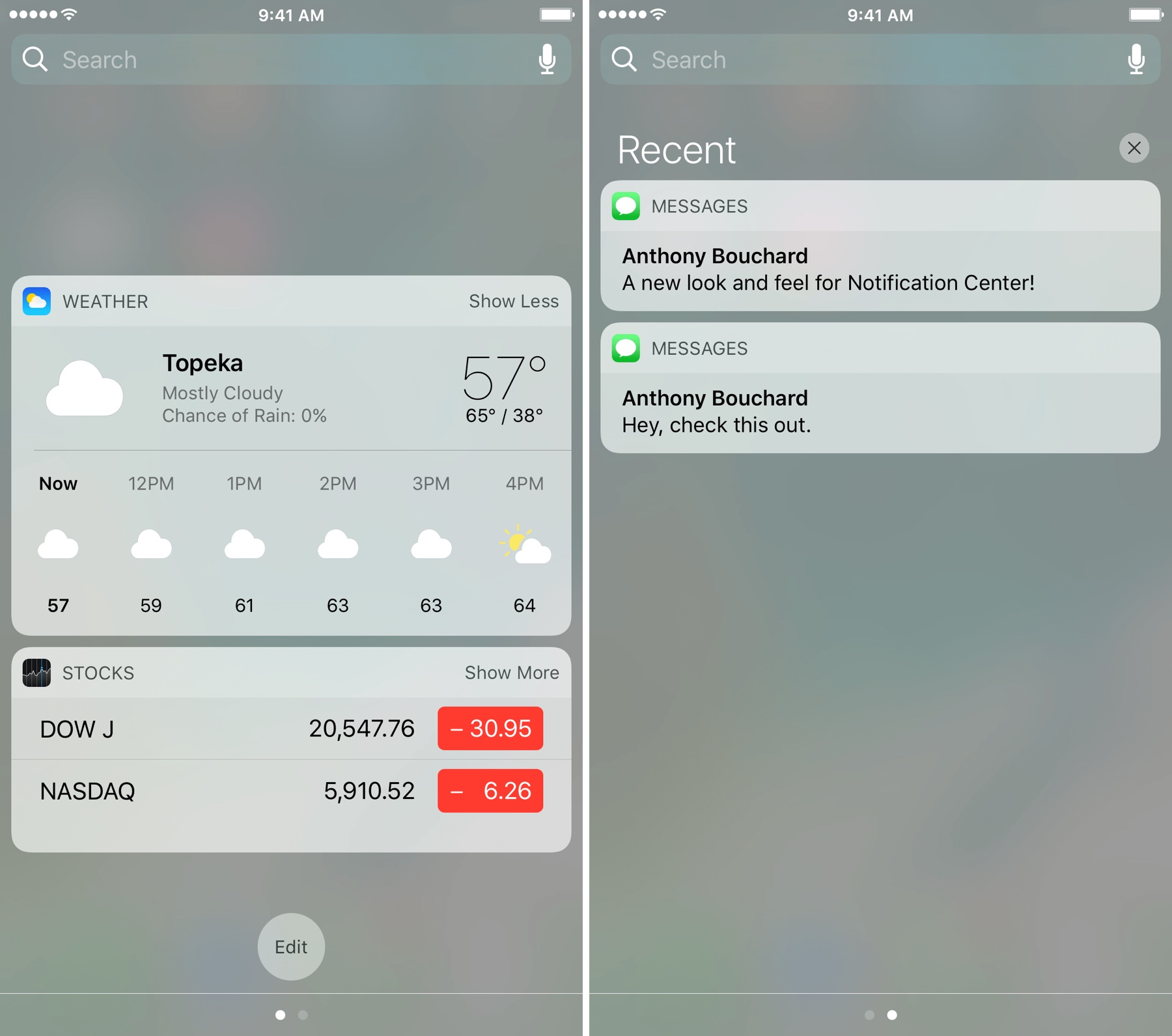
If you're looking for a new look and feel for Notification Center, then check out a new free jailbreak tweak dubbed betterNC10 by CydiaGeek.

This tweak lets you change up the aesthetics of Notification Center as well as change the way certain functions behave. The bevy of options that are baked into betterNC10 can reduce the time you spend clearing notifications and remove unwanted clutter among other things.

Confero 2 is a notification badge manager for your apps

If you have an iPhone, then you’re no stranger to notifications. In fact, if you have a lot of friends and use a lot of different kinds of apps, then you probably get flooded with notifications from day to day. These notifications clutter up your Home screen with badges, which aren't exactly the prettiest things in the world to see.

A jailbreak tweak dubbed Confero 2 by AtomDevTeam lets you clean things up by grouping all your apps with missed notification badges into a convenient little box that can be invoked from anywhere. It also provides new notification badge theming options that are much nicer to look at.

PowerCaller allows one contact to bypass your iPhone’s silent mode

You can put your iPhone into silent mode by using the switch on the side when you don’t want the ringtone to make a bunch of noise. On the other hand, we all have someone special in our lives we still want to hear notifications from, regardless of everyone else.

PowerCaller is a new free jailbreak tweak by iOS developer Joe Merlino that lets you override the mute switch and boost the ringtone volume for one specific contact, and it’s perfect for the aforementioned scenario.

Zeal is a battery management system for your jailbroken iPhone or iPad

Lots of people take their battery life seriously, and it goes without saying that Apple provides the bare minimum of battery health and information tools; it has often been up to jailbreak developers to fill in these gaps.

A new jailbreak tweak release called Zeal by iOS developers Rabih M. and Stijn aims to answer all the cries from battery sticklers that have yet to be answered by Apple. It provides both an informative battery management interface that you can invoke on demand to see more about how your battery is doing and conserve power.