Music

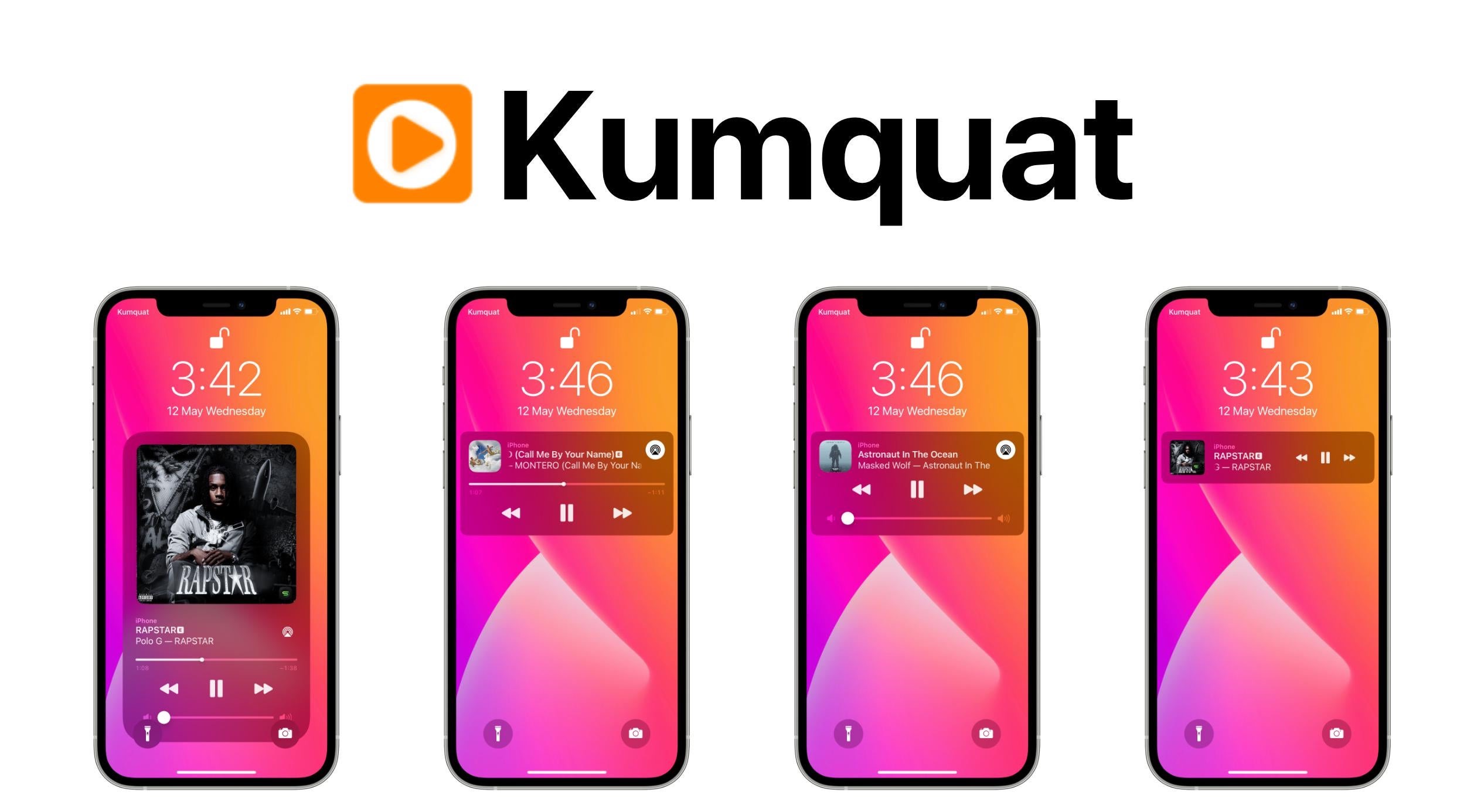
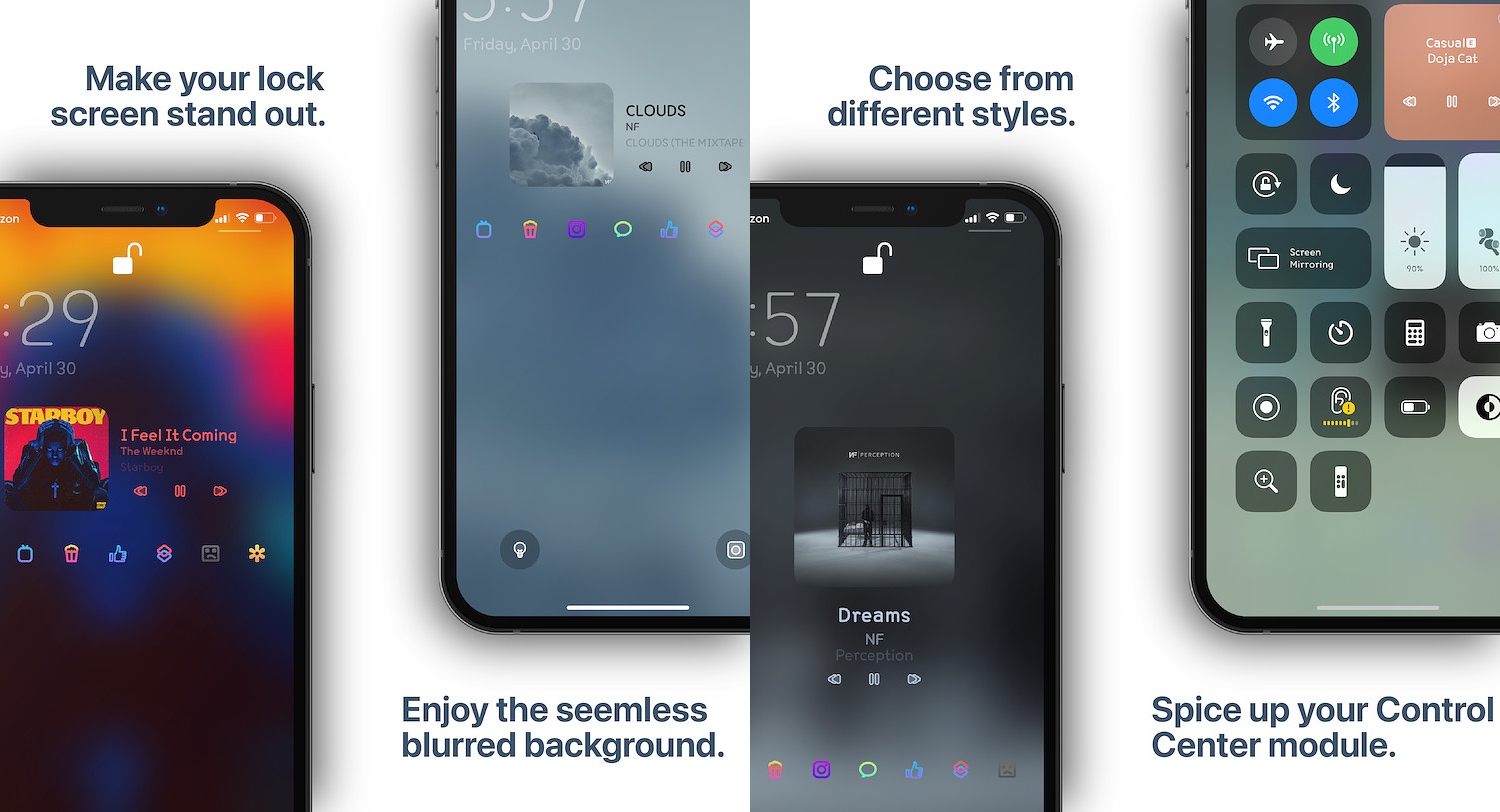
Give the Now Playing interface an attractive background effect with MusicBackground

Listening to music is a popular activity among iPhone owners, but regardless of what music streaming app you use to jam out to your favorite tunes, one thing is certain: the Now Playing interface can be downright boring.

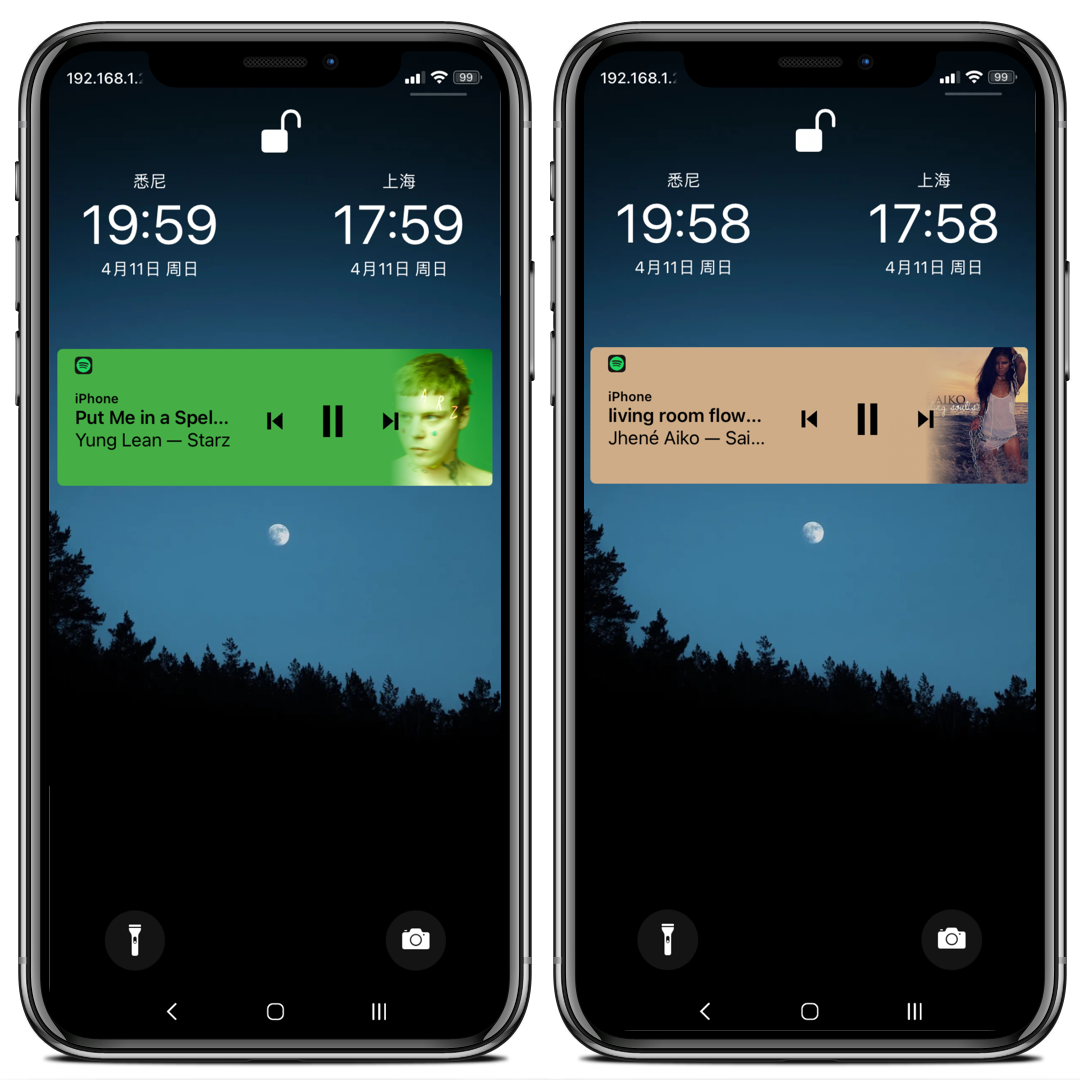
MusicBackground is a new jailbreak tweak by iOS developer Ethan Whited that hopes to solve this longstanding problem by incorporating eye-catching background effects, and it does this for the Now Playing interfaces in the Apple Music app, Spotify Music app, Tidal app, and even those found in Control Center and on the Lock Screen.

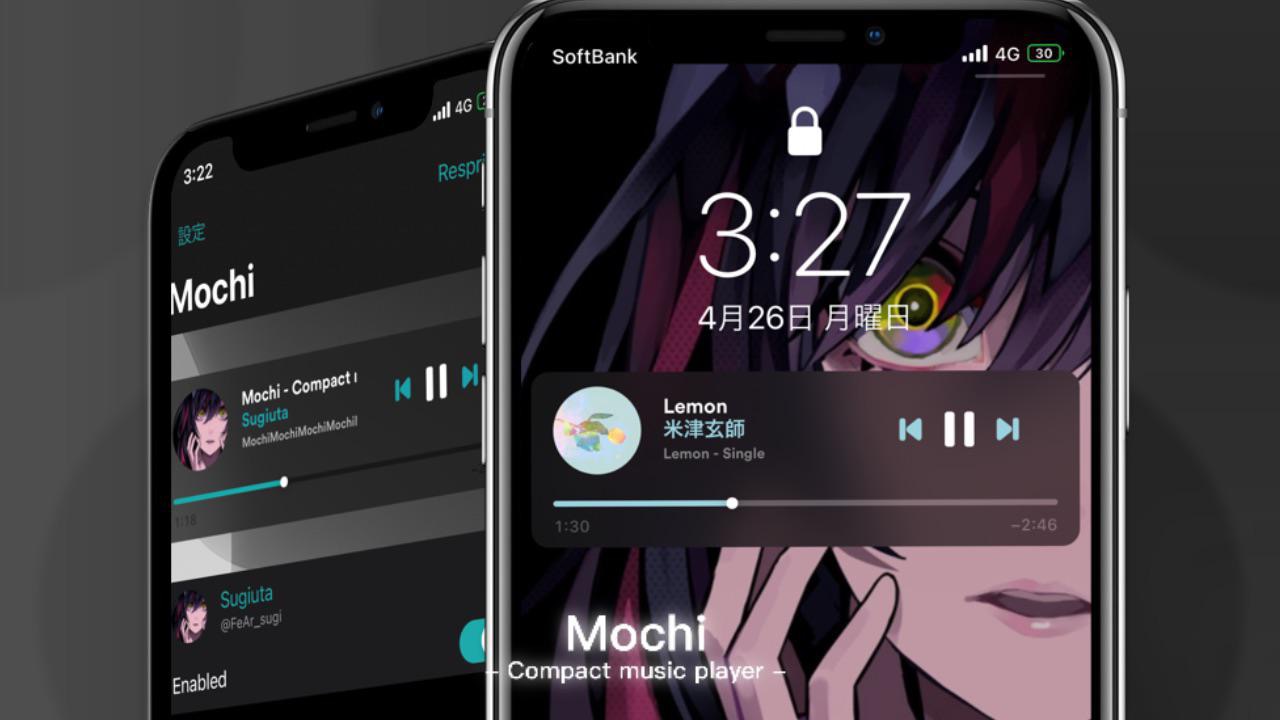
Mochi is a properly-sized Now Playing widget for jailbroken iPhones with tons of customization

After you begin listening to music on your iPhone, iOS automatically kicks the Now Playing widget into high gear by displaying it on the Lock Screen and in Notification Center.

There’s just one problem: it’s rather big any clunky, and such qualities don’t jibe well with an interface that’s also designed to show the user all of their missed notification banners.

YTMusicVolume adds the missing volume slider YouTube Music’s Now Playing interface

While Apple Music and Spotify are some of the go-to choices for online music streaming, another major contender in this space is YouTube Music, which provides a seemingly endless library of music sourced directly from YouTube.

After signing up for YouTube Premium, one of the first things I did was download the YouTube Music app so that I could enjoy ad-free music streaming without paying an additional fee for a music streaming service. But I noticed something was missing from the app’s Now Playing interface – namely, a volume slider.

Apple Music vs Spotify vs Pandora: Which music service is for you?

Girl Listening to Music-Pixabay

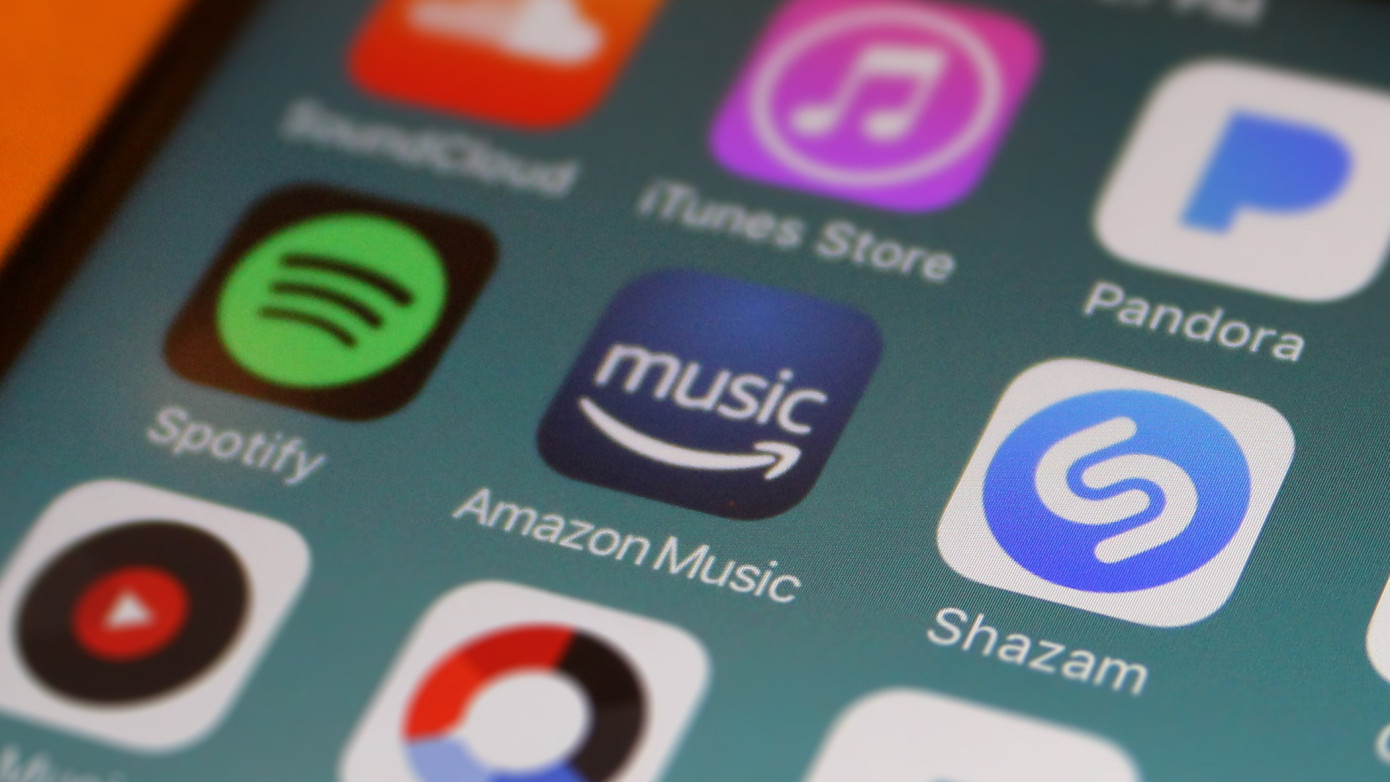
Are you trying to decide which music service to commit to? Apple Music, Spotify, and Pandora are at the top of the list of options. They each offer terrific features, are available across multiple platforms, and are comparable in price. So what makes each stand out may be your deciding factor. Let’s have a look!

As you probably already know, Apple Music, Spotify, and Pandora all provide similar features. You can create playlists, listen to stations, manage your music library, tune into podcasts, and much more. So rather than list the same features for each service, we’ll call out some special features and the differences.

This tweak stops iOS’ built-in hearing protection for people who don’t like the volume interruption

If you’re using any recent release of iOS or iPadOS, be it 13 or 14, then your handset automatically attempts to protect your hearing by reducing loud sounds when using headphones for extended periods of time.

The option to reduce loud sounds is adjustable in the Settings app, but as many users have pointed out on Apple’s support forums, the adjustment has its limits and may still negatively impact the media consumption experience in certain scenarios even when the user takes steps to mitigate interruptions.