RCS is coming to iPhones, with Apple rumored to introduce support for the messaging standard in an update to iOS 18 arriving by the end of 2024.
RCS should hit iPhone at the end of 2024 via an update to iOS 18
RCS is coming to iPhones, with Apple rumored to introduce support for the messaging standard in an update to iOS 18 arriving by the end of 2024.
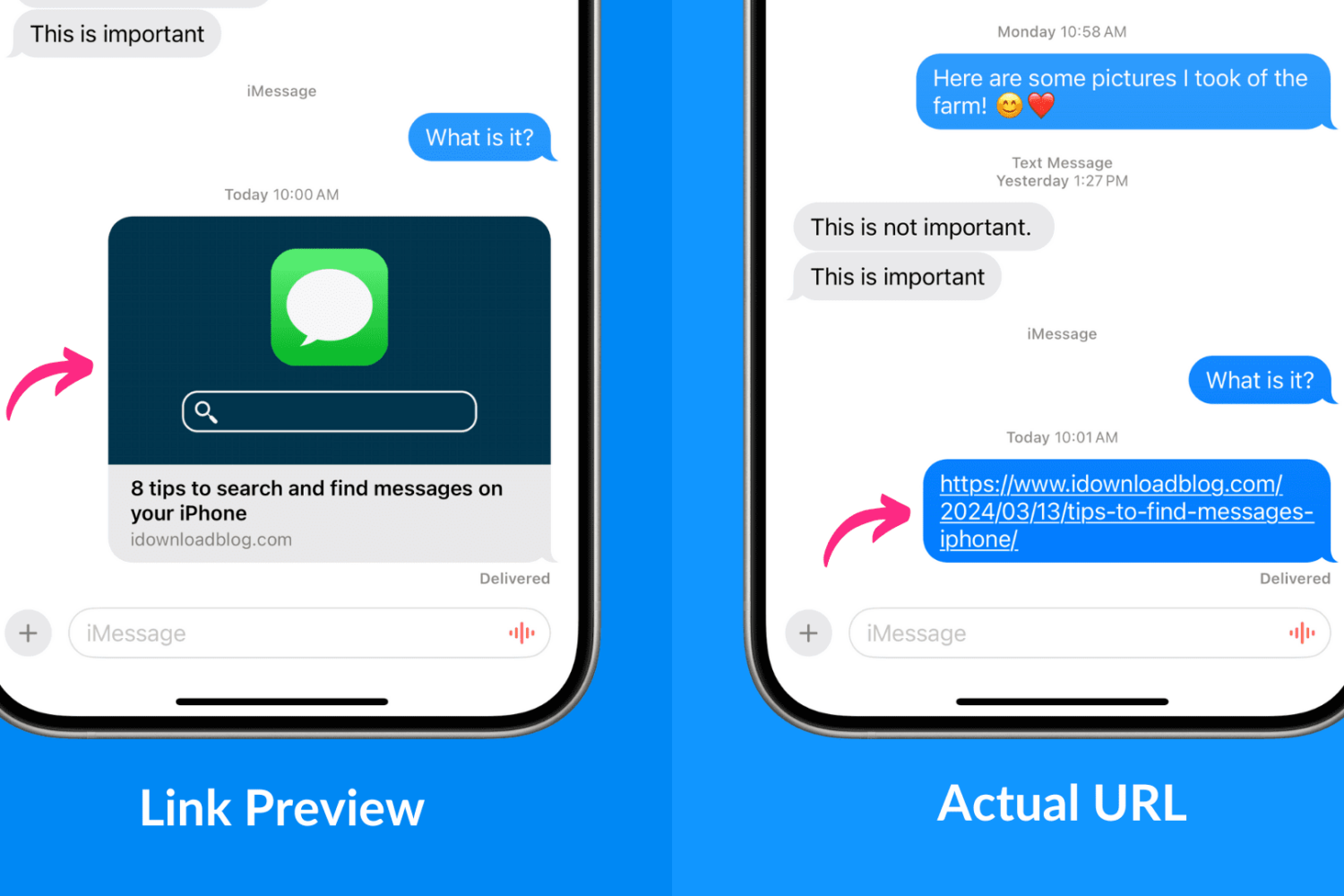
Learn how to send website links to other iMessage users on iPhone, iPad, and Mac without previews so they only see the full URL.
Check out these 9 quick tips to streamline your iPhone message searches and make it effortless to find important conversations.
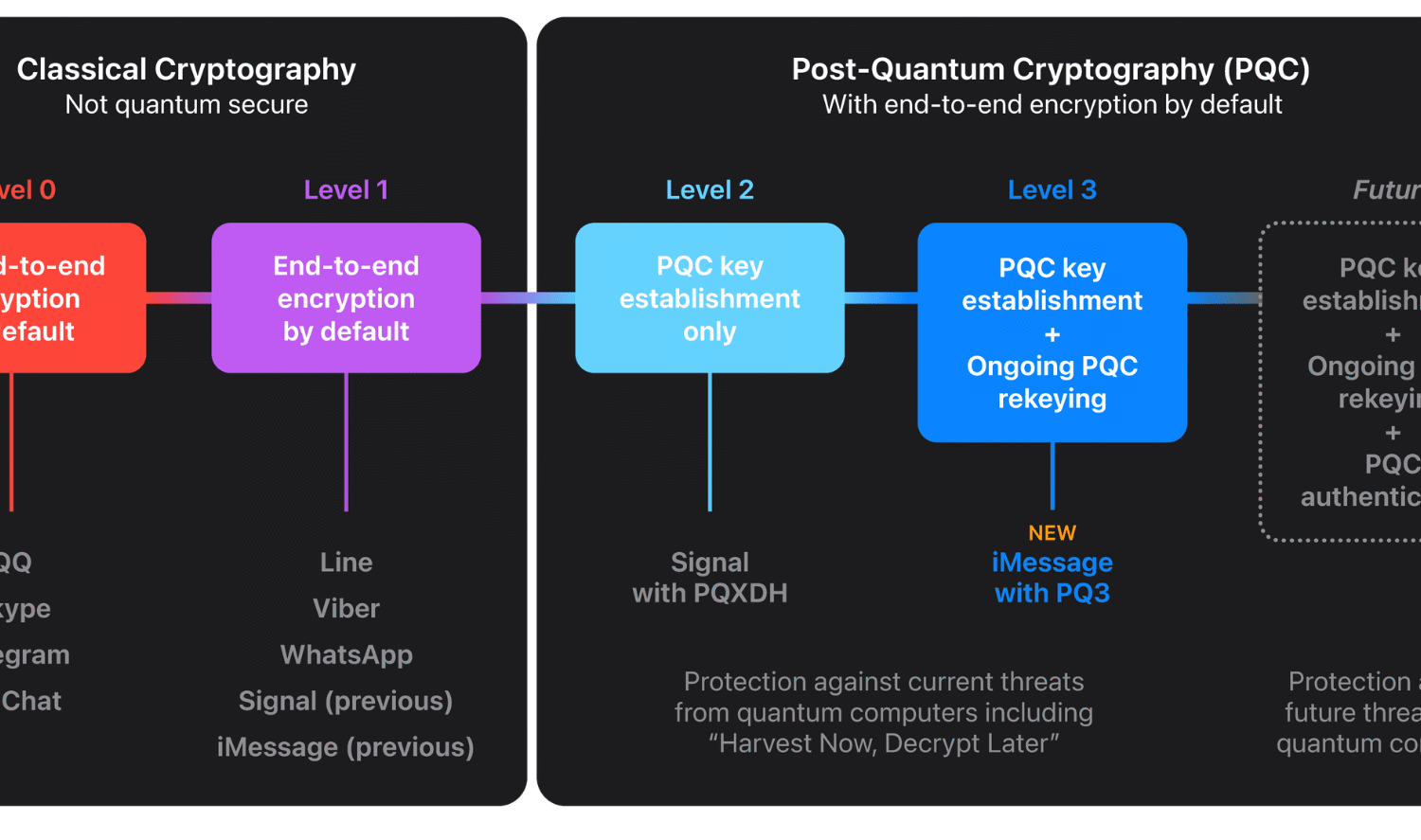
It’s the most significant cryptographic security upgrade in iMessage history, according to Apple, that will shield us from threats that don’t exist yet.
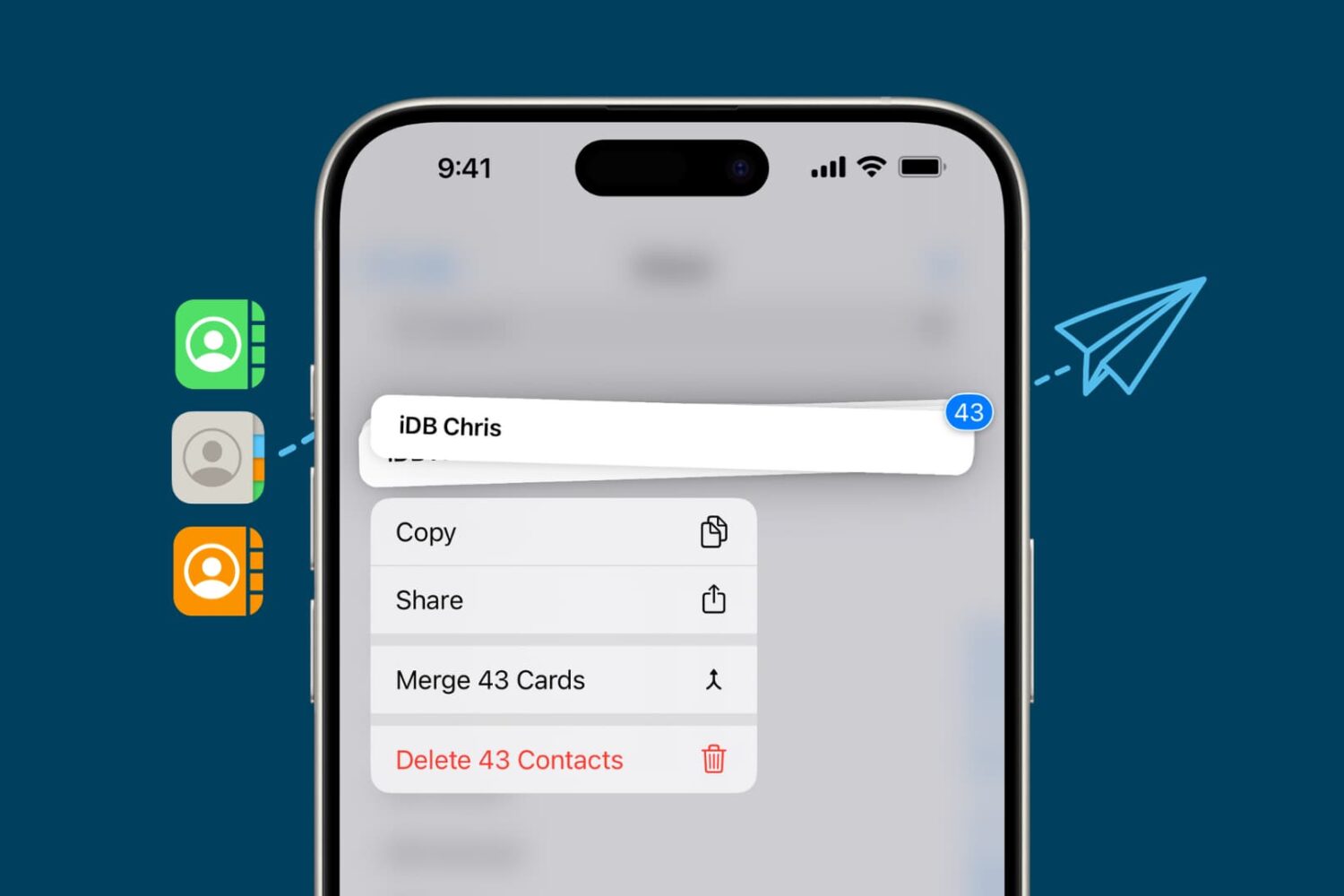
Check out these 7 easy methods to share contacts from your iPhone with another iPhone user.
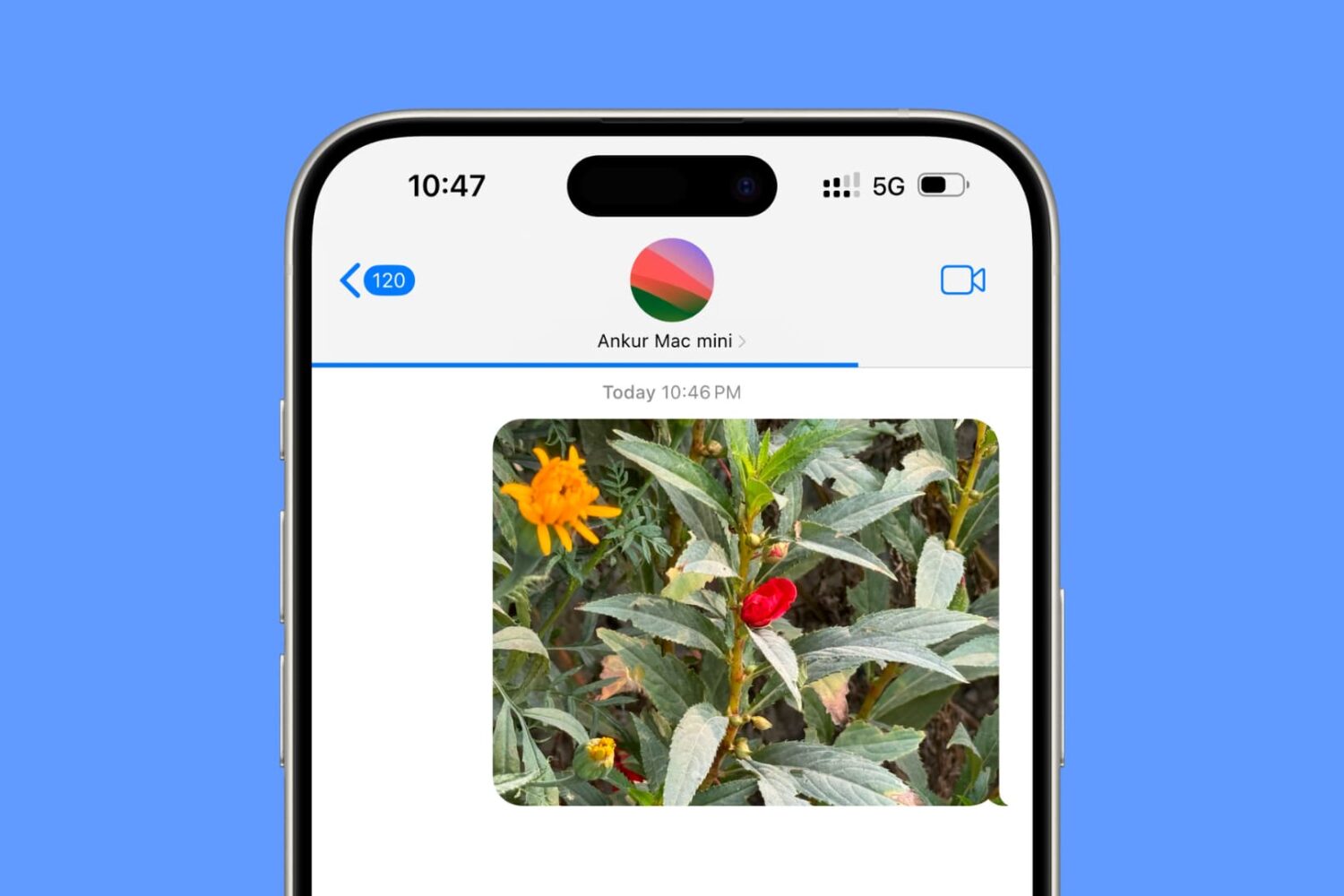
Check out these troubleshooting tips to fix photos and videos that fail to send via iMessage from your iPhone or iPad.
If you haven’t already heard, Apple announced plans to incorporate RCS (Rich Communication Services) to supplant SMS and MMS in a future iOS update. This is a major departure from Apple’s previous stance on this issue and was undoubtedly fueled by hard pushes from global governments and end users alike.

iOS 17.2 expands Apple's Sensitive Content Warning feature to detect nudity in two new places on your iPhone, including reaction stickers in the Messages app.
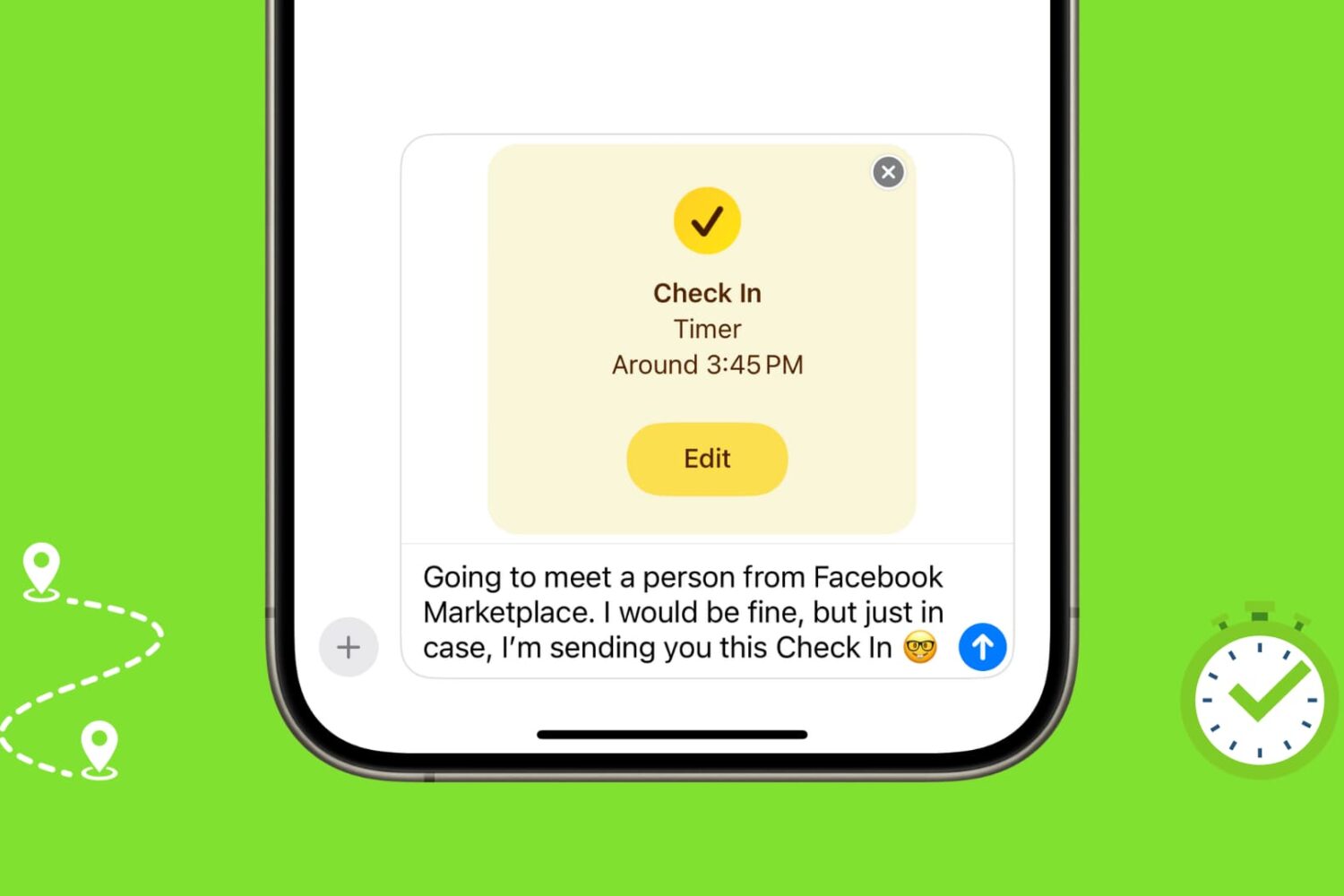
Learn how to use the Check In feature on your iPhone or Apple Watch to automatically let your friends and family know you've safely arrived at your location or completed a workout.
The Messages app isn’t just for sending texts; you can enhance your conversations with iMessage apps and extensions. For example, use the Giphy app to quickly add animated GIFs to your messages or the Shazam iMessage app to share a great song you recently discovered with a friend.
In this tutorial, we will show you how to take control of someone else's Mac while they are sharing their screen with you.
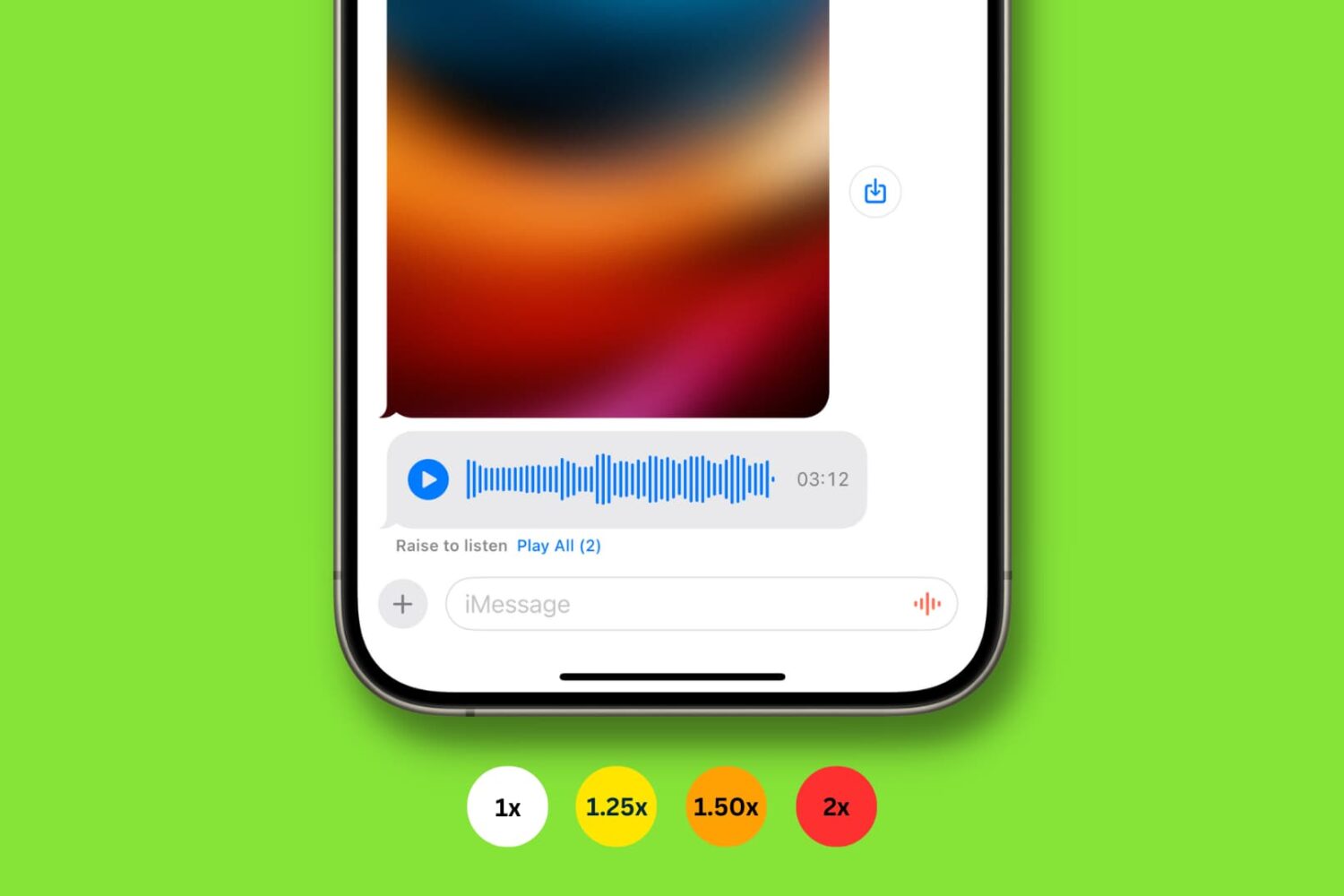
Learn how to play audio messages faster in WhatsApp, Telegram and the built-in Messages app on an iPhone, iPad, and Mac to save time listening to particularly long messages.