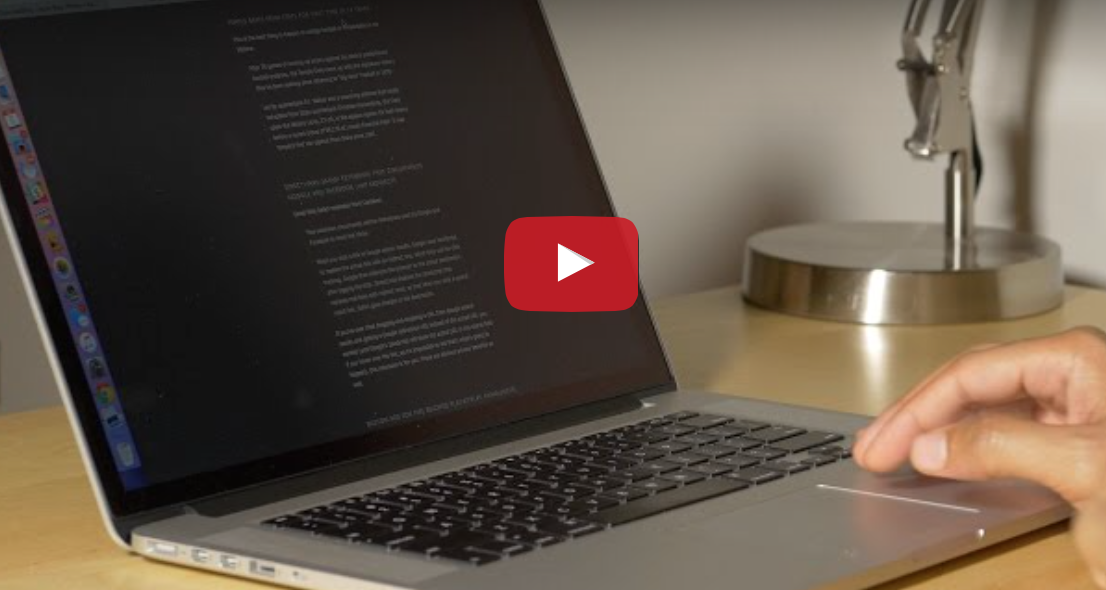
In this tutorial, we explain all the practical ways to right-click—also know as secondary click or Control-click on your Mac using a mouse, trackpad, or keyboard.
How to right-click on Mac (and what to do if you can’t)
In this tutorial, we explain all the practical ways to right-click—also know as secondary click or Control-click on your Mac using a mouse, trackpad, or keyboard.
Learn how to prevent accidental trackpad touches by having your MacBook automatically disable it whenever a mouse or external trackpad is connected.
Do you feel like your mouse is moving too slow, your trackpad is moving too fast, or something in between? This tutorial shows you how to increase or decrease the mouse and trackpad pointer speed on Mac for the perfect experience.
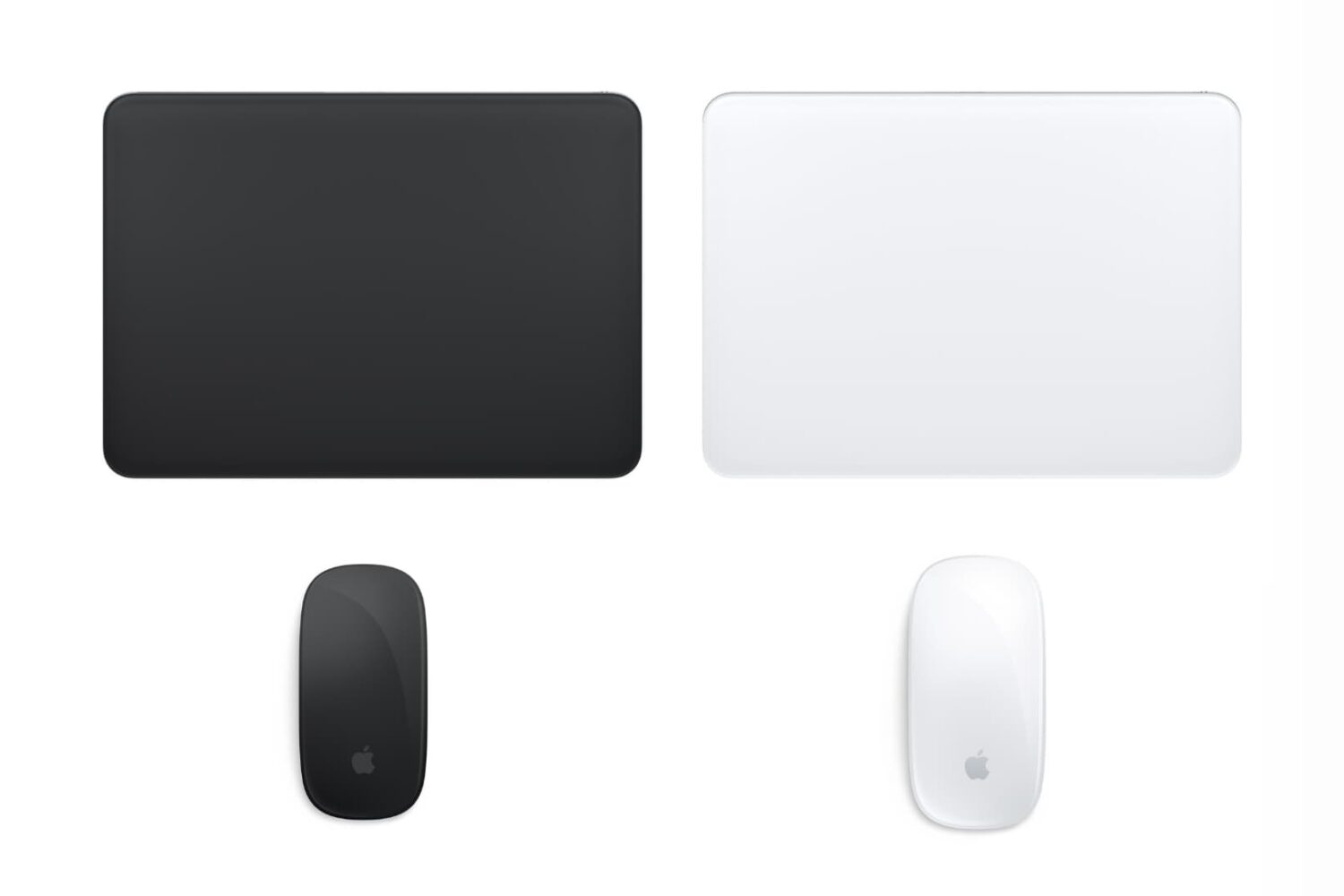
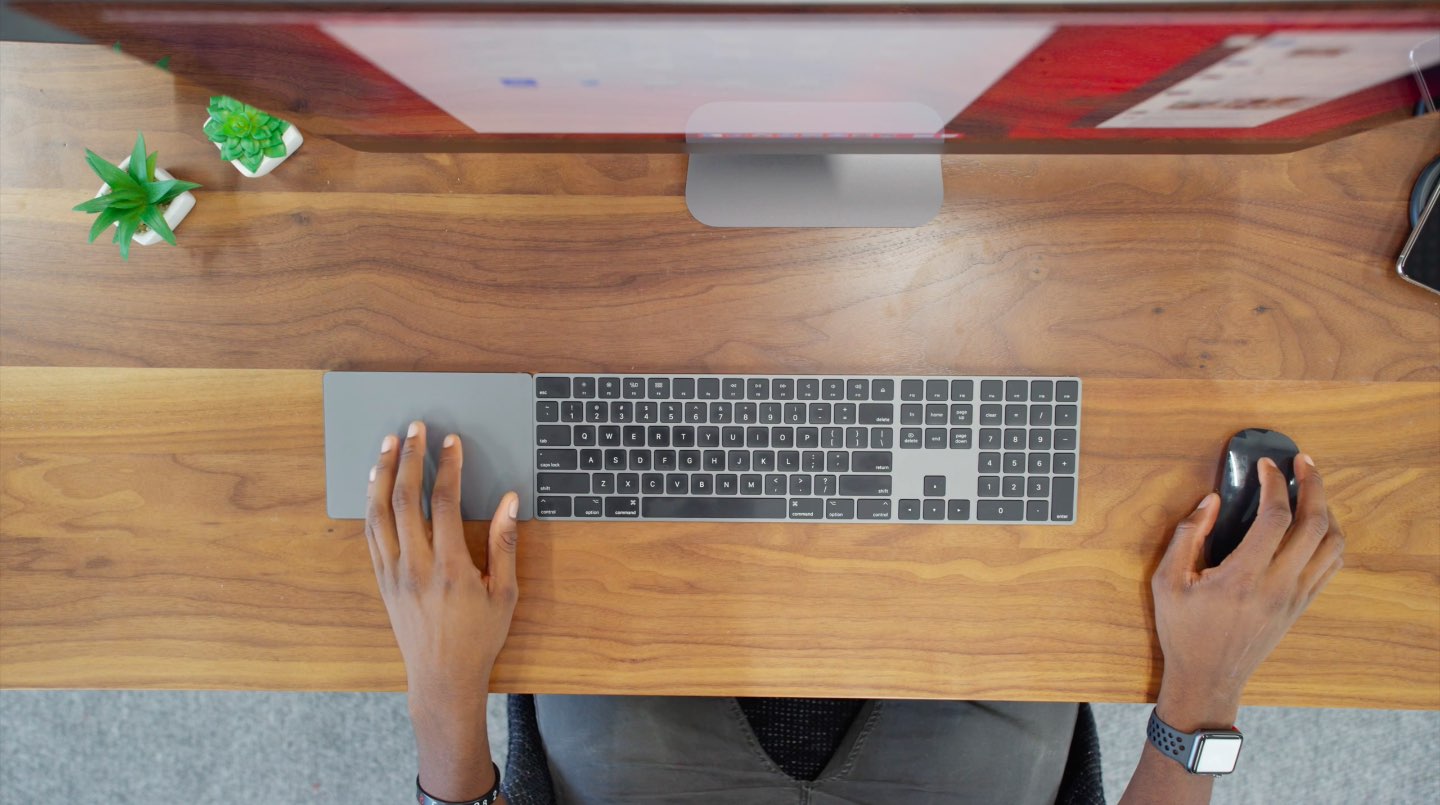
Apple's Magic trackpad, keyboard and mouse can now be had in Space Gray standalone.
If you fell in love with Apple's stunning new dark gray finish for its wireless mouse, keyboard and trackpad, you're definitely not alone as we think they're badass, too..
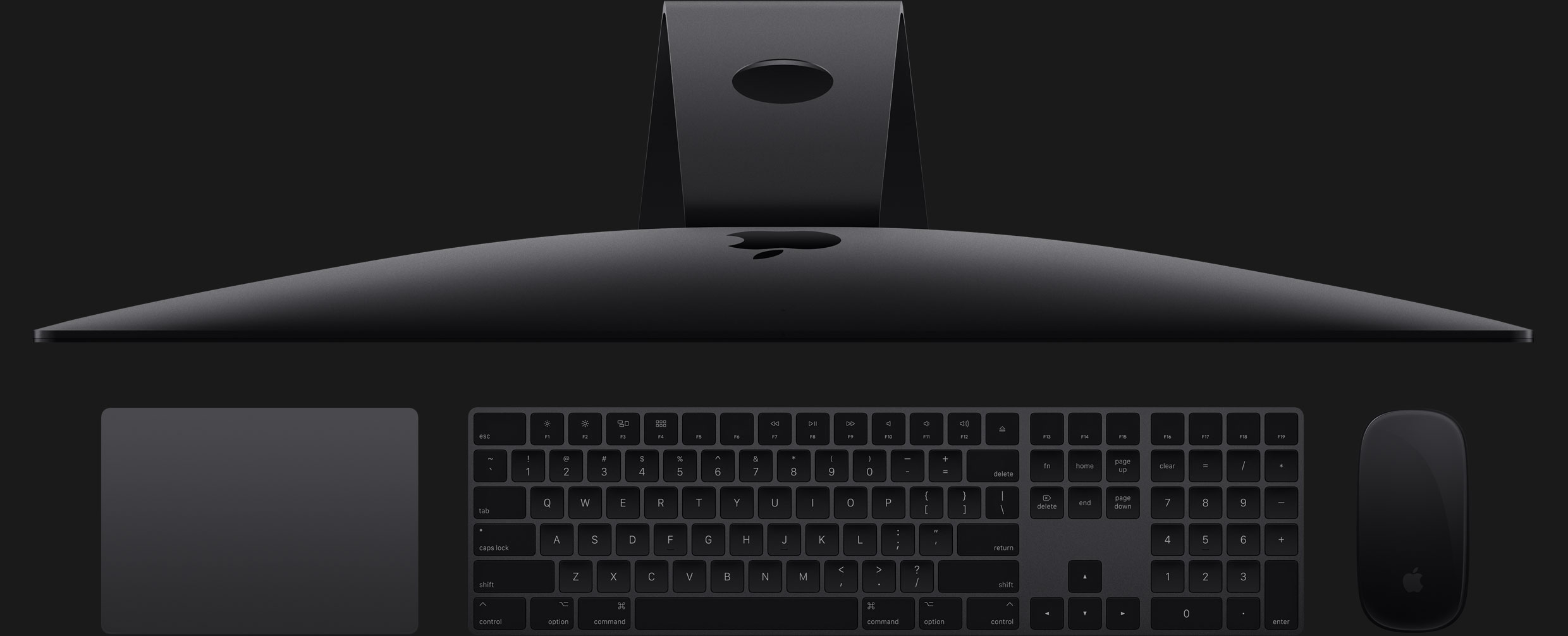
Apple's Magic Mouse 2 comes standard with your iMac Pro purchase, but you can instead choose a Magic Trackpad 2 if you'd like.
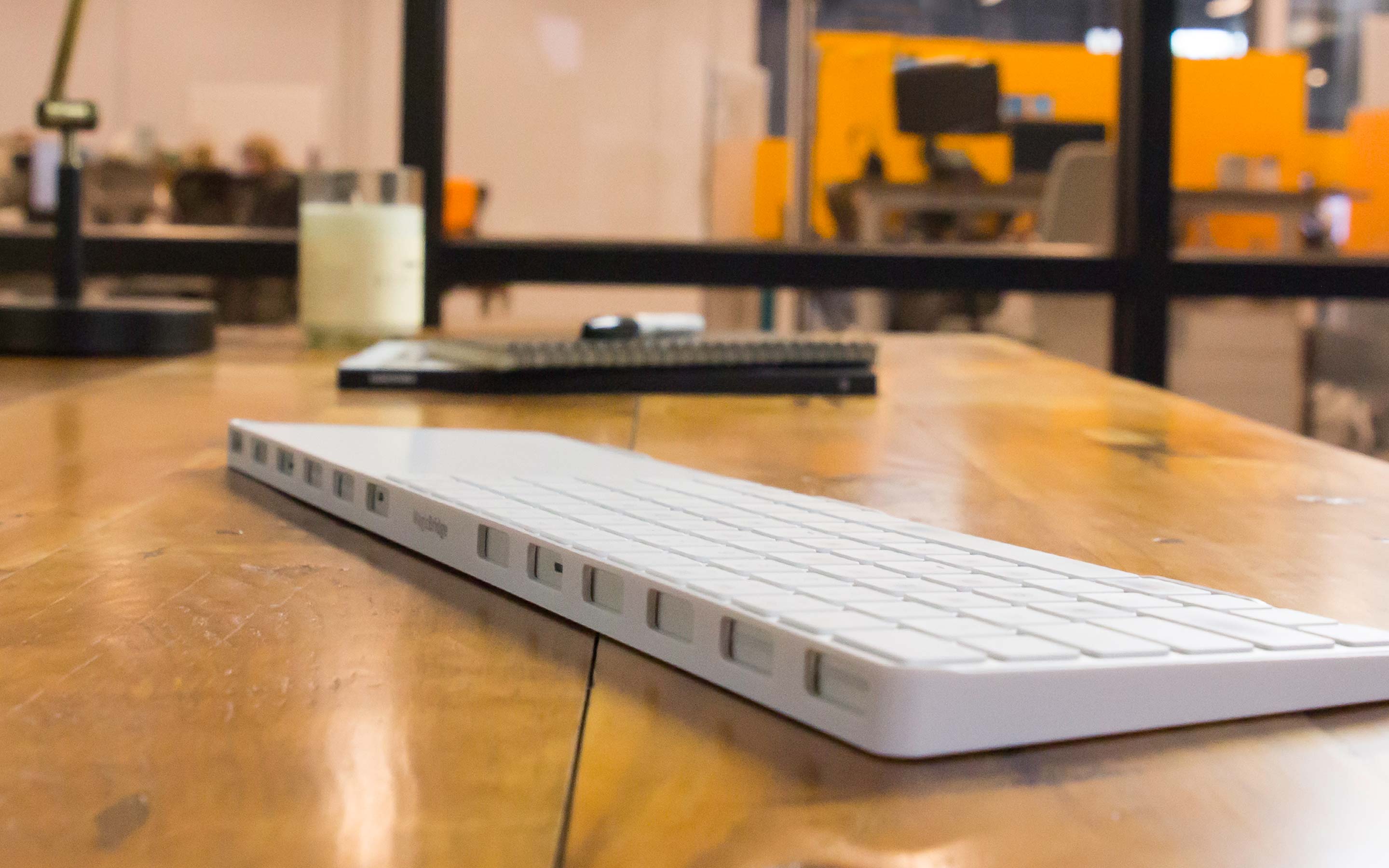
Premium accessory maker Twelve South has been on a roll lately. They kicked off 2017 in a style with an armband accessory for Apple Watch [review], which was quickly followed by their luxurious shell cases for iPhone 7 [review]. Today, the company launched its newest accessory, called MagicBridge.
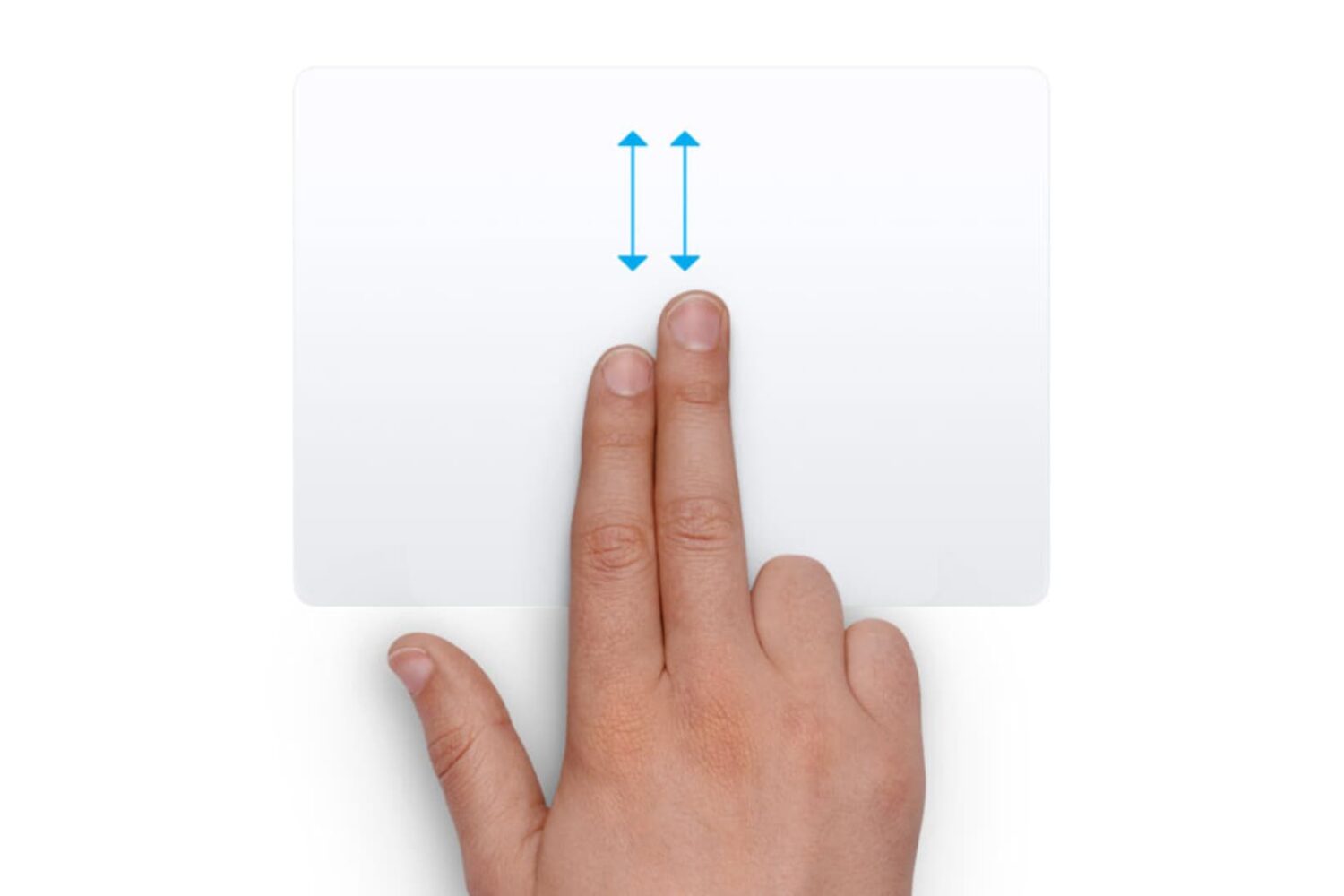
Did you recently switch from a Windows PC to a Mac and are annoyed with the scrolling direction? Learn how to turn off natural scrolling in macOS so your content scrolls in the same direction as your fingers when you use the trackpad or mouse.
Probably one of my most-used applications on my Mac is MacID, which I use on a daily basis to unlock my Mac without ever using the keyboard to enter a password. The application works in two ways – these include allowing you to use your iPhone or iPad's Touch ID sensor to log into your Mac, or using a secret 'Tap to Unlock' gesture on the multi-touch trackpad (or Magic Trackpad/Magic Trackpad 2) to log into your Mac.
Both ways can save a ton of time, and reduce wear and tear on your keyboard, but in this tutorial, we'll focus on how you can set up 'Tap to Unlock' in MacID on your Mac.
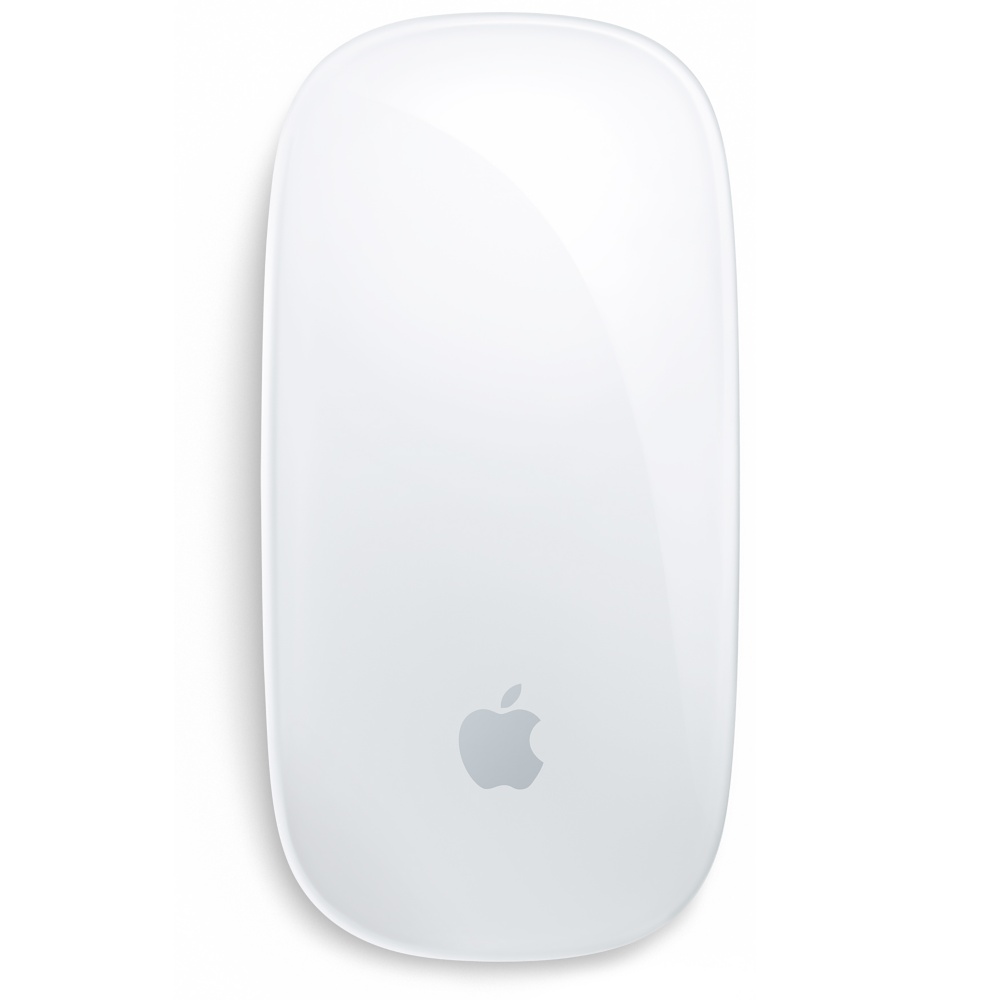
References to unreleased Apple-branded mouse, keyboard and trackpad accessories have been discovered in OS X code by French blog Consomac. Code strings discovered in the latest OS X 10.11.1 beta 3 point to the Magic Mouse 2 and Magic Trackpad 2, which are likely next-generation versions of Apple-branded mouse and trackpad. In addition, the strings hint at a brand new keyboard, dubbed the Magic Keyboard.
BetterTouchTool is a free Mac utility that allows you to supercharge your Mac's trackpad gestures. There are literally hundreds of uses for an app like this, but I'd like to share with you one particular use case scenario that I find extremely useful.
I've set up BetterTouchTool to allow my MacBook's trackpad to quickly cycle through all of my open tabs in Safari using a simple two-finger gesture. Have a look at our full demonstration video and tutorial for all of the details.
Apple's revisions to the MacBook Air and MacBook Pro notebooks, as well as next-generation versions of the wireless $69 Magic Mouse and the multi-touch enabled $69 Magic Trackpad, could soon gain an embedded Touch ID sensor for fingerprint identification, if a rumor posted Tuesday by Taiwanese blog Apple.club.tw is anything to go by. The site is alleging that Apple wants to bring its payment service from the confines of iOS-powered mobile devices to your desktop.