Learn how to listen to Apple Music songs in Dolby Atmos on your iPhone, iPad, Mac, Apple TV, HomePod, Vision Pro, and Android phone to enjoy an immersive, three-dimensional audio experience.
How to listen to Apple Music in Dolby Atmos

Learn how to listen to Apple Music songs in Dolby Atmos on your iPhone, iPad, Mac, Apple TV, HomePod, Vision Pro, and Android phone to enjoy an immersive, three-dimensional audio experience.
Apple has its sights set on the next major update to all of its popular platforms. Until that happens, though, the company has another minor update in the works. Namely, iOS 14.7.
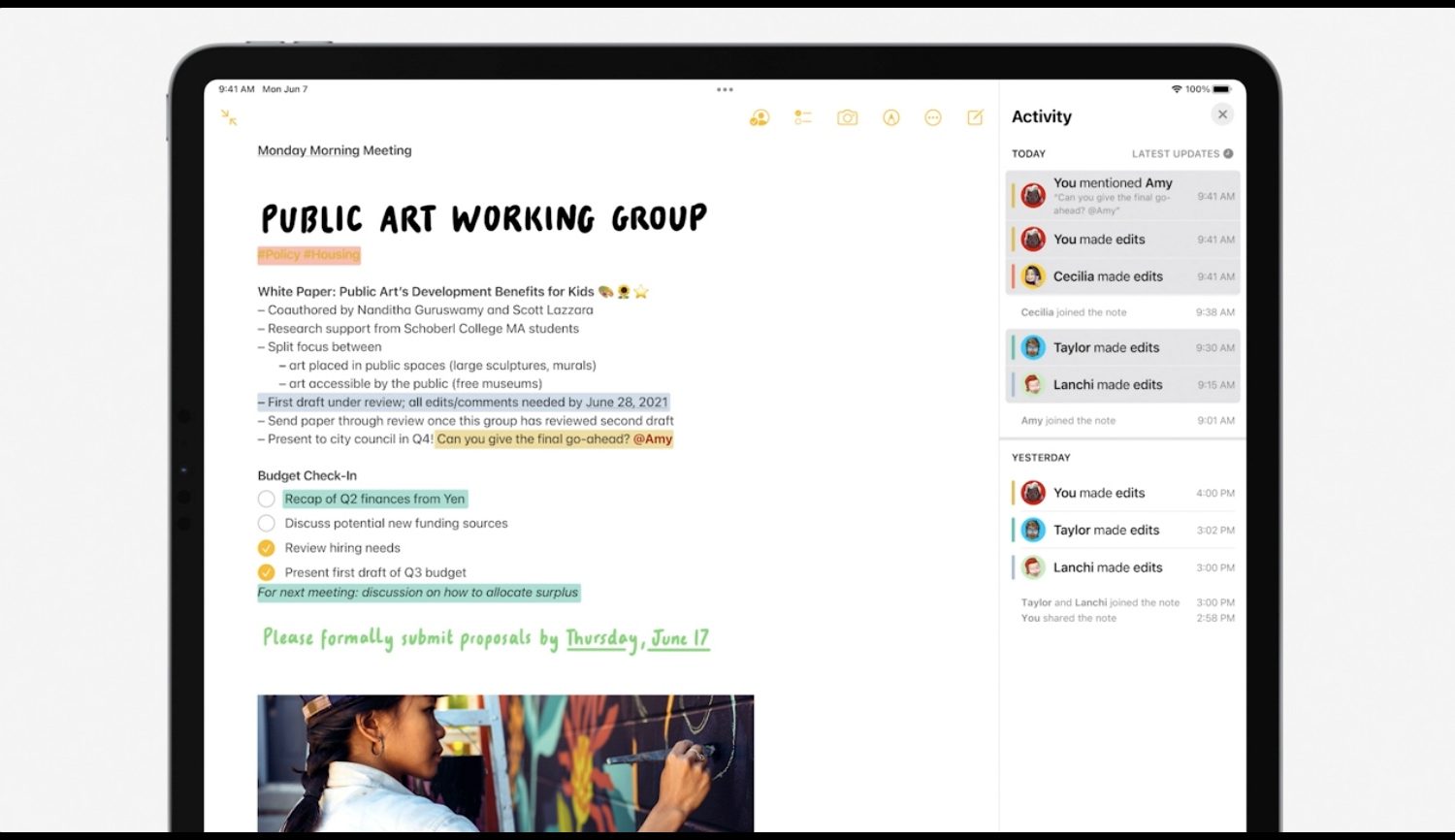
Content created in iOS 15 Notes, plus any new notes created with Apple Notes on iPadOS 15 and macOS 12 Monterey, may be unavailable in earlier iOS, iPadOS and macOS versions.
Earlier this week, Apple seeded the first public betas of iOS 15, iPadOS 15, watchOS 8, and tvOS 15 to the public beta testers out there in the wild. Unfortunately, macOS 12 Monterey did not make the initial cut. But now Apple's here to fix that issue.
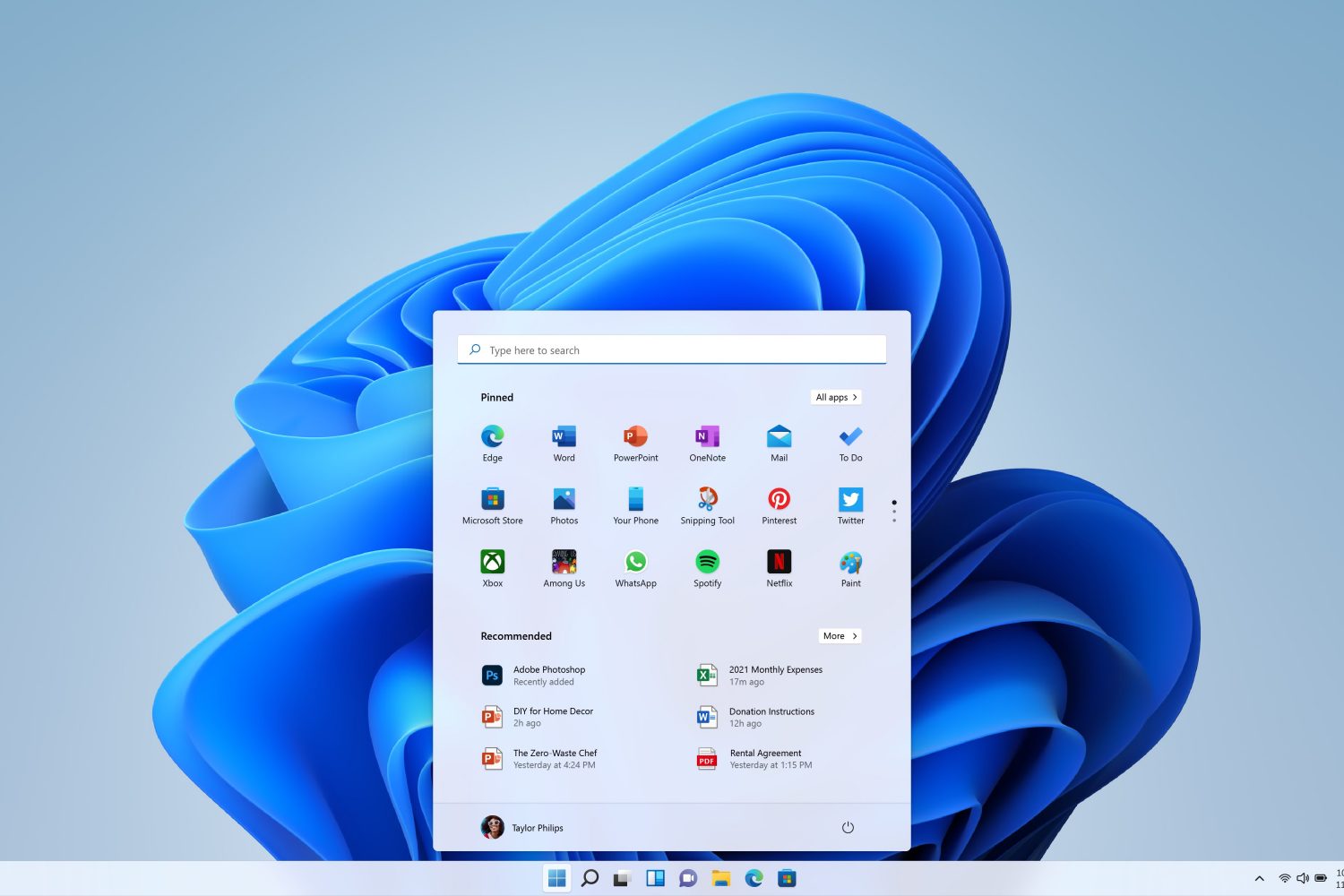
It hasn't been all that long since Microsoft officially announced the next major update to its wildly popular Windows desktop operating system. With Windows 11, the company is welcoming a lot of big changes to the mix, some major polish across the UI, and much more. And support is in the works for macOS, too.
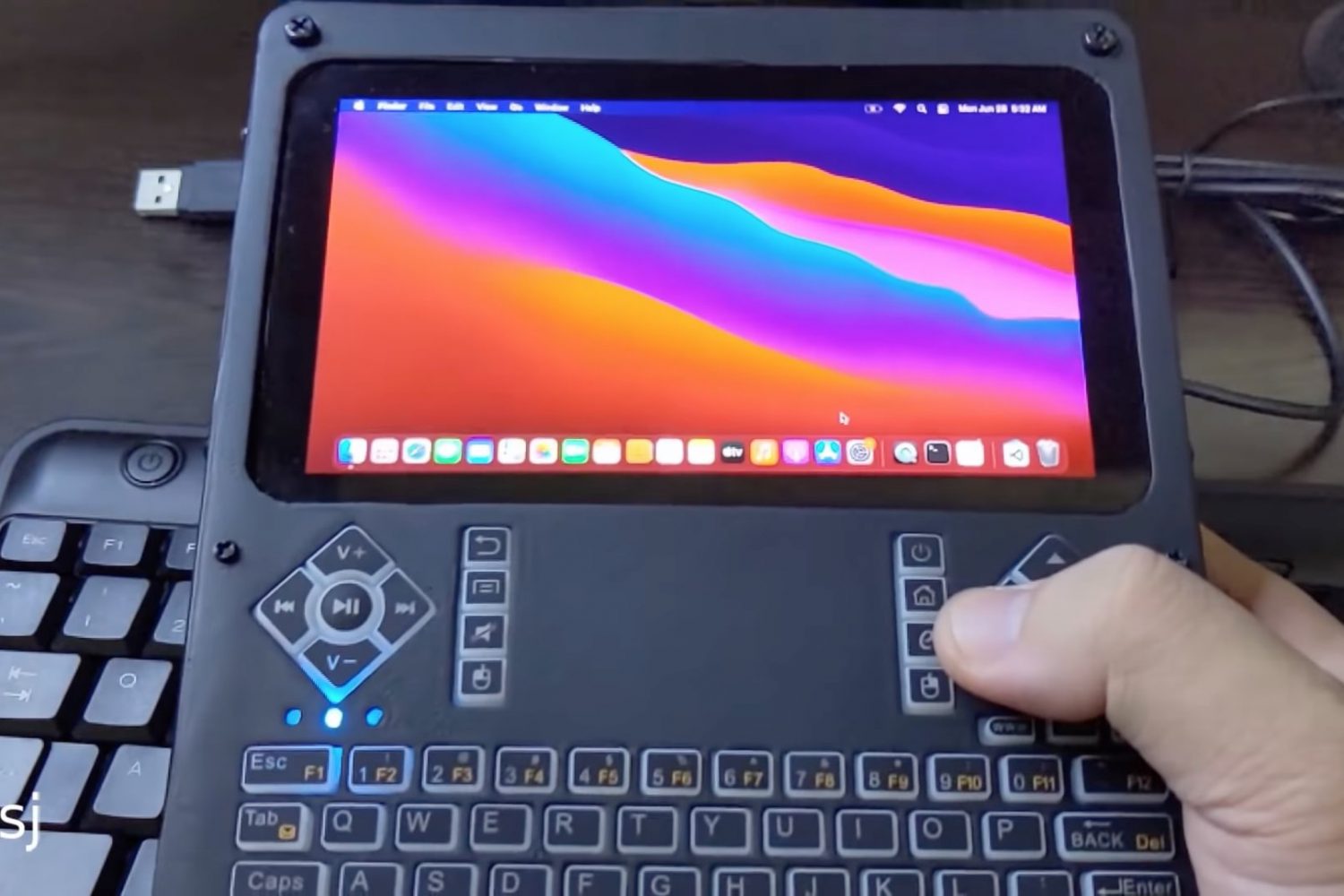
You can install macOS on ultra-mobile PCs, but one intrepid YouTuber has gone a step further by putting together a DIY handheld macOS machine that runs Apple's latest Big Sur software.
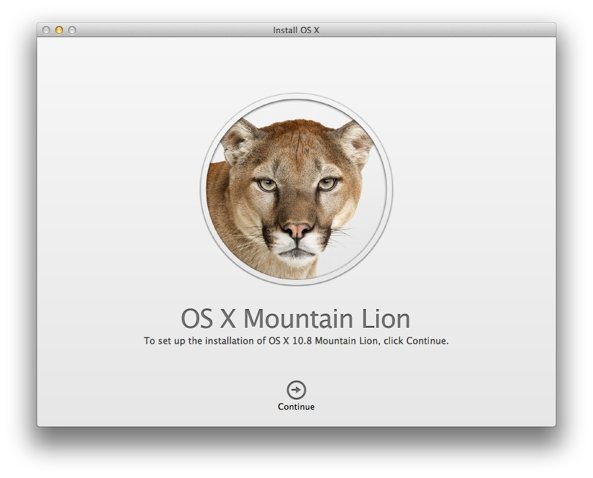
In today's age, Apple releases both minor and major software updates for all of its platforms as a free update. Which is good! But, there used to be a time when that was not the case. Now, Apple's making it possible to download older versions of Mac OS for free that used to not be.
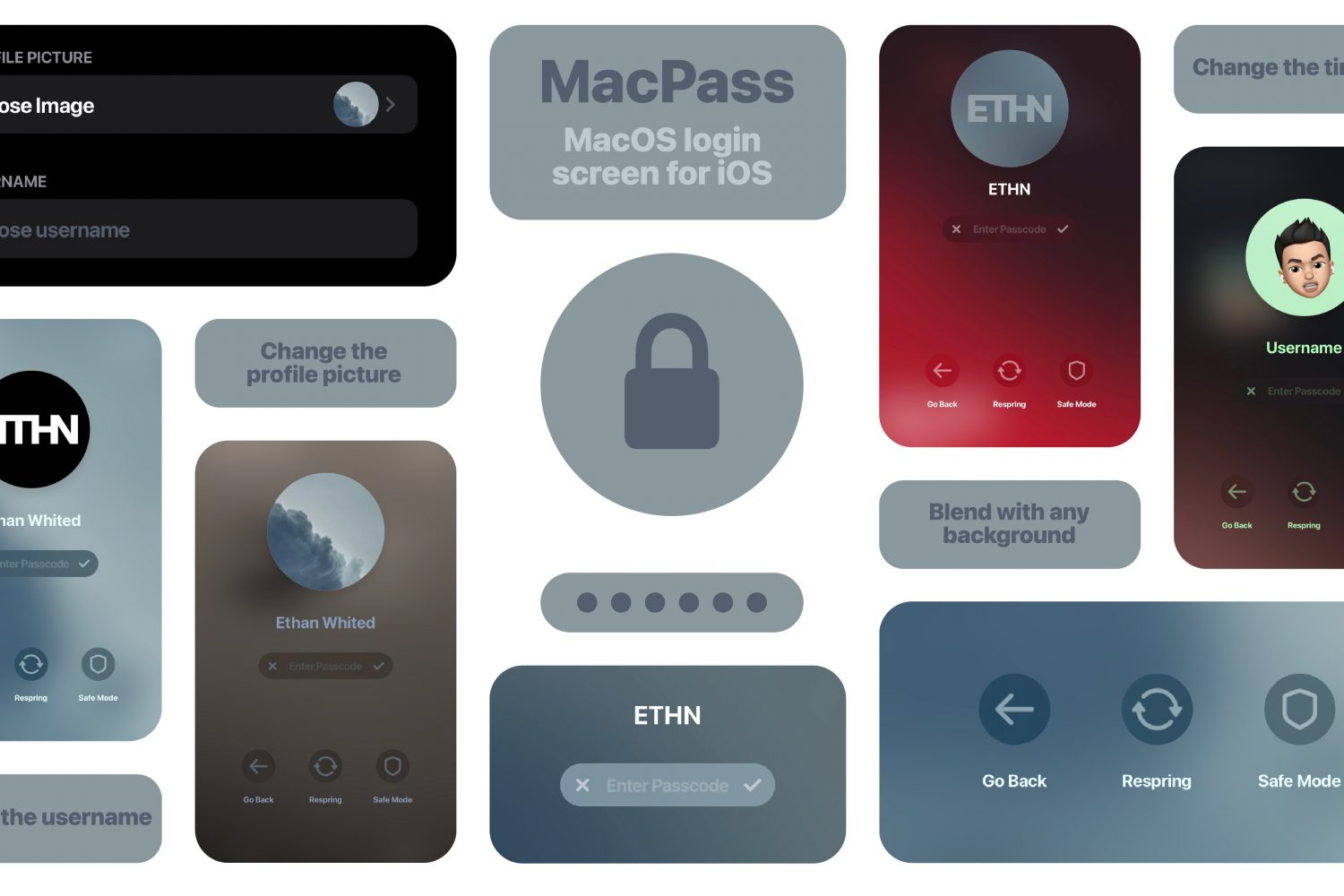
Mac users who’ve always secretly wished that their iPhone’s Lock Screen looked and felt more like their Mac’s Lock Screen, are in luck — especially if they’ve got a jailbroken iPhone at their disposal.
While Apple is moving towards the future release of iOS 15, the company isn't quite ready to give up on iOS 14 just yet. As a result, the company is still beta testing another minor update for that version of the mobile operating system. And today, there's a new beta.
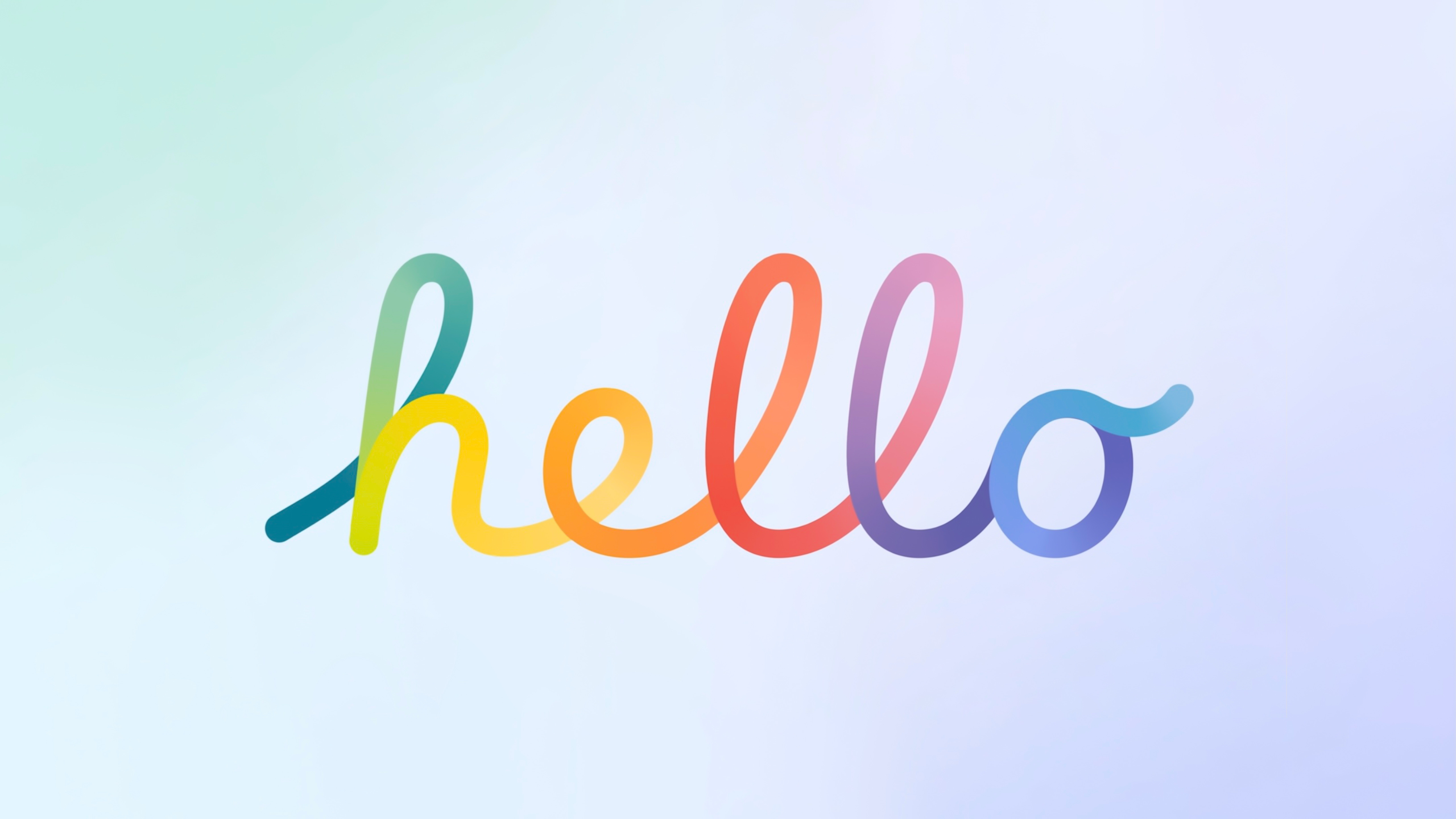
Alongside the new iMac 24-inch announcement in April this year, Apple also unveiled a new 'Hello' screensaver in macOS Big Sur. The new screensaver showed off the new colors of the M1 iMac lineup. In the screensaver, the greeting 'hello' appears in bright animation and different languages. The iMac 24-inch features an all new design, and is available in seven colours.
The Hello screensaver wasn't available to all macOS Big Sur users, unless you purchased the new 24-inch iMac. If you have one of those, then you could enable the screensaver from the Display options in Settings. However, Apple did include the screensaver in macOS Big Sur, but did not enable it. In this post, you will learn how to install the Hello screensaver on your Mac.
Last week, Apple seeded the latest developer betas for its other popular platforms. But it left macOS 12 Monterey out of the picture. The company is changing that today, though.
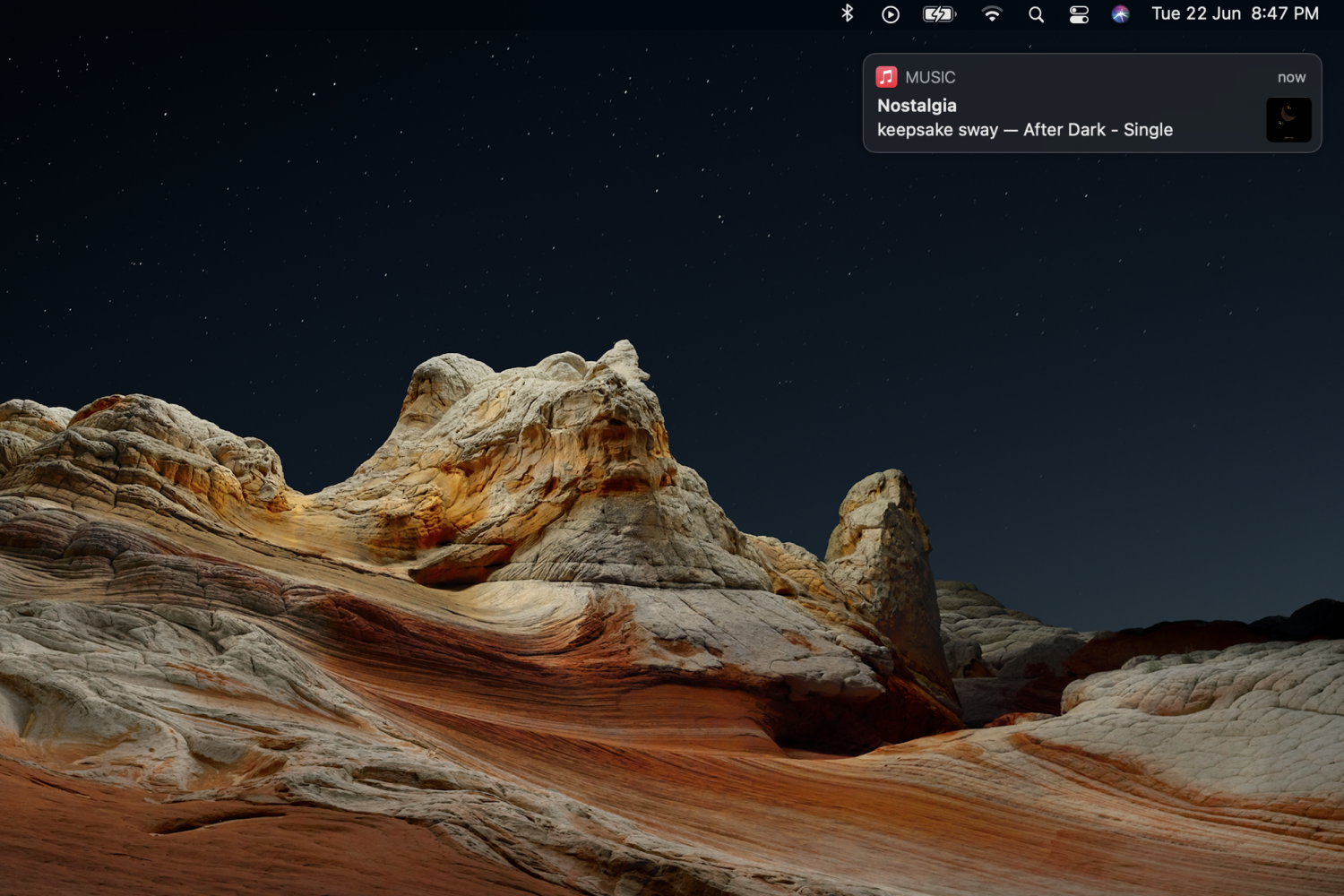
While notifications and alerts on macOS can be useful, they can easily become distracting if they aren't important. A notification that slides in and slides out while you're working, can make you lose your focus. Apple did make some changes to Notifications in the latest macOS Big Sur update, but they can still be annoying at times. Some notifications will slide in and stay on the screen, and will only go away if you click on the close button.